Application - Office
ARTIKEL1 - I-SENSYS MF463DW II
ARTIKEL2 - MFP 3IN1 S/W LASER 40 PPM
Brand - Canon
BrandPartCode - 7188C008
Breite - 0
Category - Multifunction Printers
Category - Root/Electronics/PC peripherals/Printers, 3D printers and plotters/Inkjet printer
Color - Black
Color - White
Color printing - No
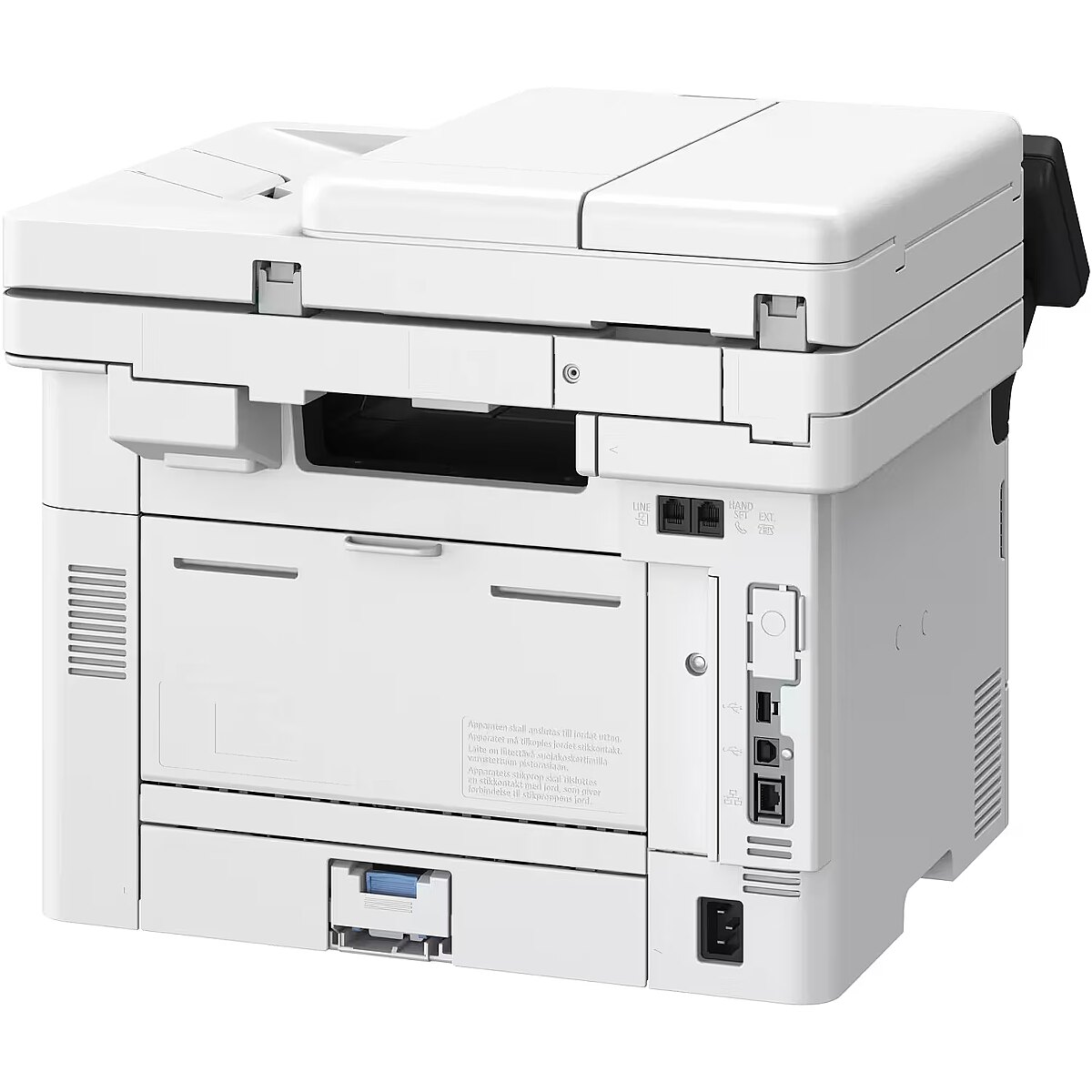
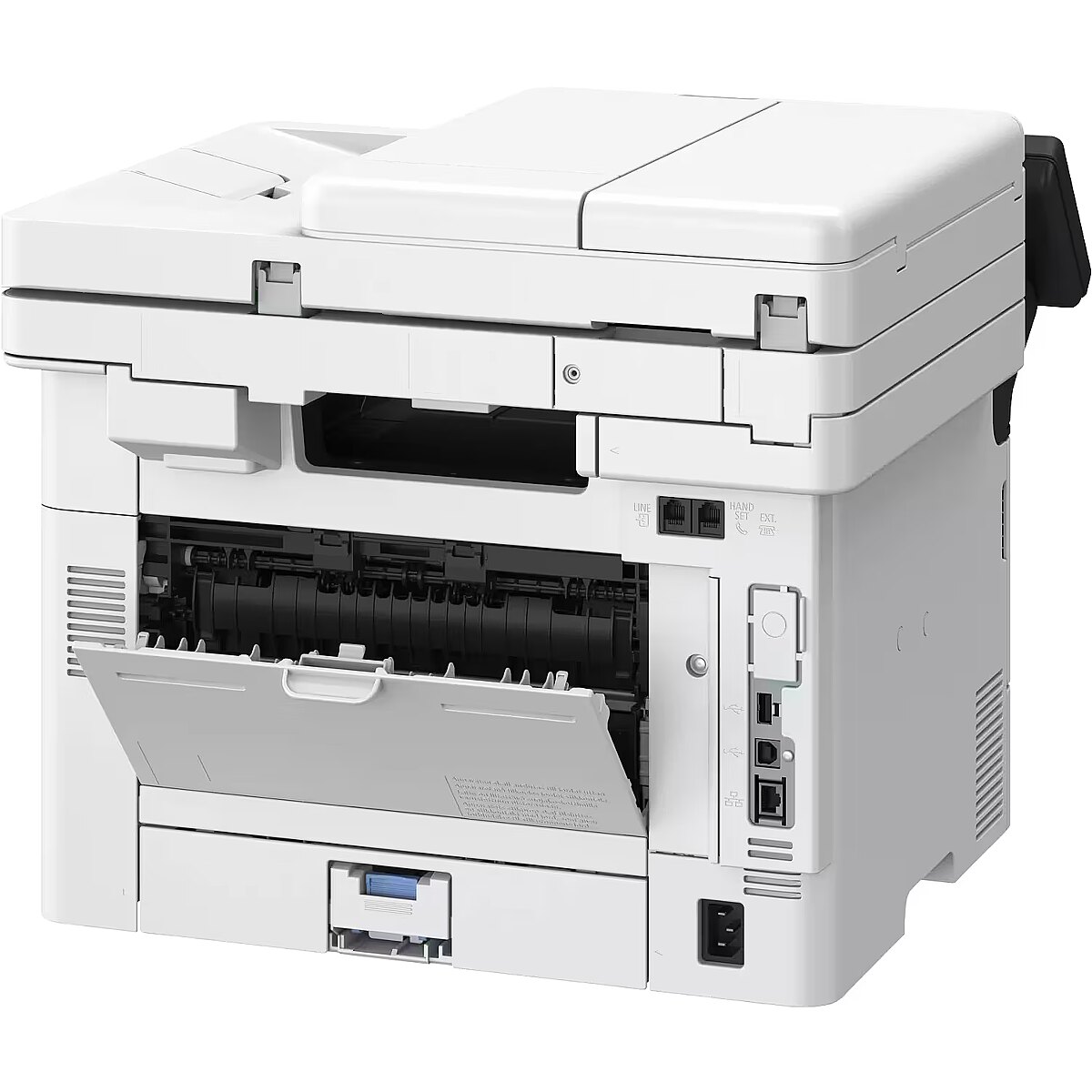
Connectors - 1 x USB
Copier specifications - Copy Speed
Single-Sided (A4): Up to 40 ppm Double-Sided (A4): Up to 33.6 ipm
First Copy Time
Approx. 6.1 seconds or less
Copy Resolution
Up to 600 x 600 dpi
Copy Modes
Text, Text/Photo (default), Text/Photo (High Quality), Photos
Double-Sided Copying
Double-Sided to Double-Sided (Automatic)
Multiple Copying
Up to 999 copies
Reduction/Enlargement
25400% in 1% increments
Other Features
Preset R/E Ratios by Area, Duplex Printing, Print Density Adjustment, Original Type Selection, Two-Sided Original, Collate, N on 1, Sharpness, Frame Erase, ID Card Copy, Passport Copy, Color Mode, Reserved Copy
Copying - Copier resize - 25 - 400%
Copying - Copying - Mono copying
Copying - Duplex copying - Yes
Copying - Duplex copying mode - Auto
Copying - ID-card copy function - Yes
Copying - Maximum copy resolution - 600 x 600 DPI
Copying - Maximum number of copies - 999 copies
Copying - N-in-1 copy function - Yes
Copying - N-in-1 copy function (N=) - 2, 4
Copying - Time to first copy (black, normal) - 6.1 s
Dane techniczne: Automat. druk dwustronny (dupleks) - tak
Dane techniczne: Funkcje - drukowanie
Dane techniczne: Funkcje - kopiowanie
Dane techniczne: Funkcje - skanowanie
Dane techniczne: Grupa produktowa - Drukarki Canon
Dane techniczne: Gwarancja - 1 rok w serwisie zewnętrznym
Dane techniczne: Interfejs - Ethernet 10/100/1000 Mbps
Dane techniczne: Interfejs - USB 2.0
Dane techniczne: Interfejs - Wi-Fi
Dane techniczne: Pojemność odbiornika papieru - 150 szt.
Dane techniczne: Pojemność podajnika papieru - 250 szt.
Dane techniczne: Producent - Canon
Dane techniczne: Rodzaj - monochromatyczna
Dane techniczne: Rodzaj produktu - urządzenie wielofunkcyjne
Dane techniczne: Rozmiar nośnika - A4
Dane techniczne: Technologia druku - laserowa
Data Act - Link
Depth - 460 mm
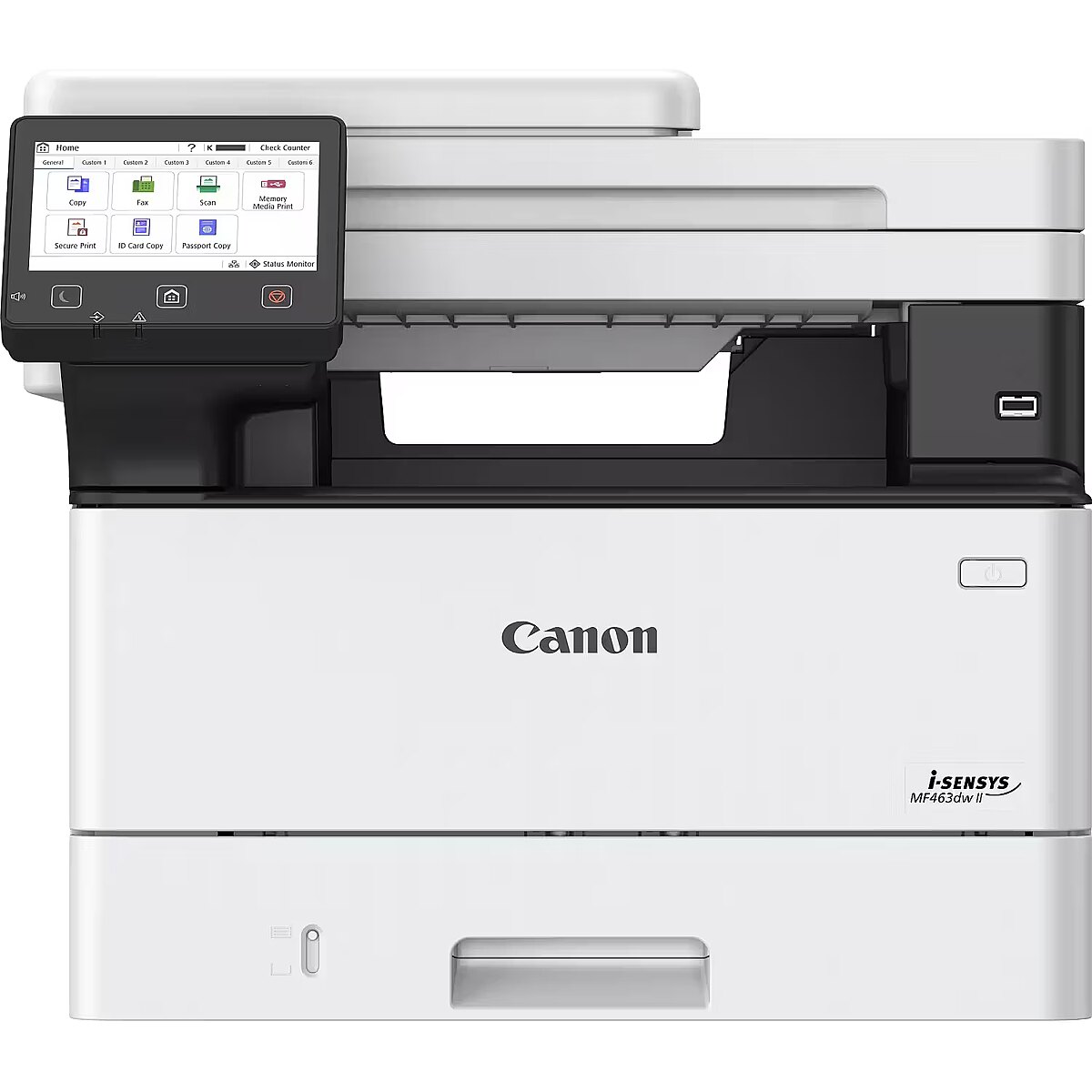
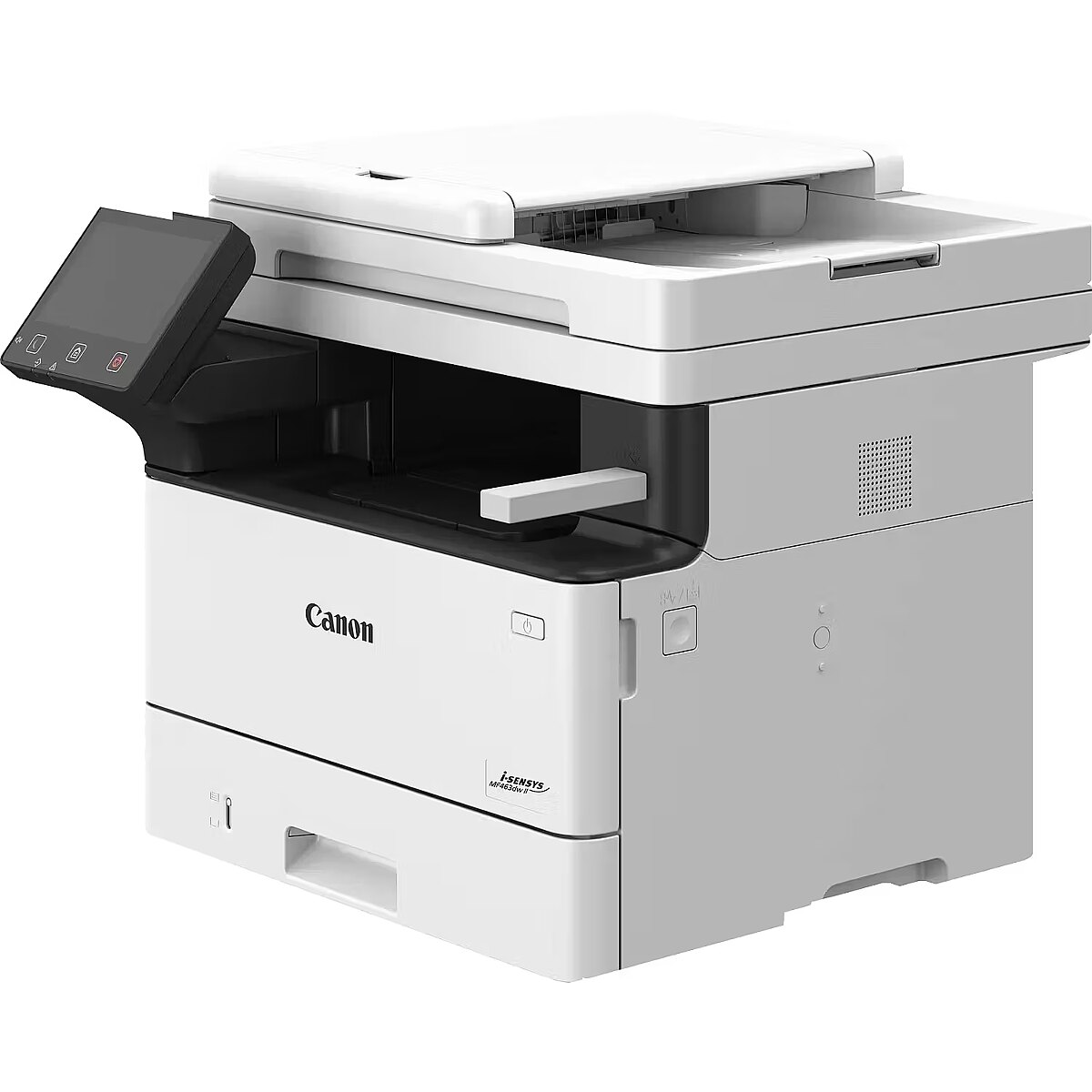
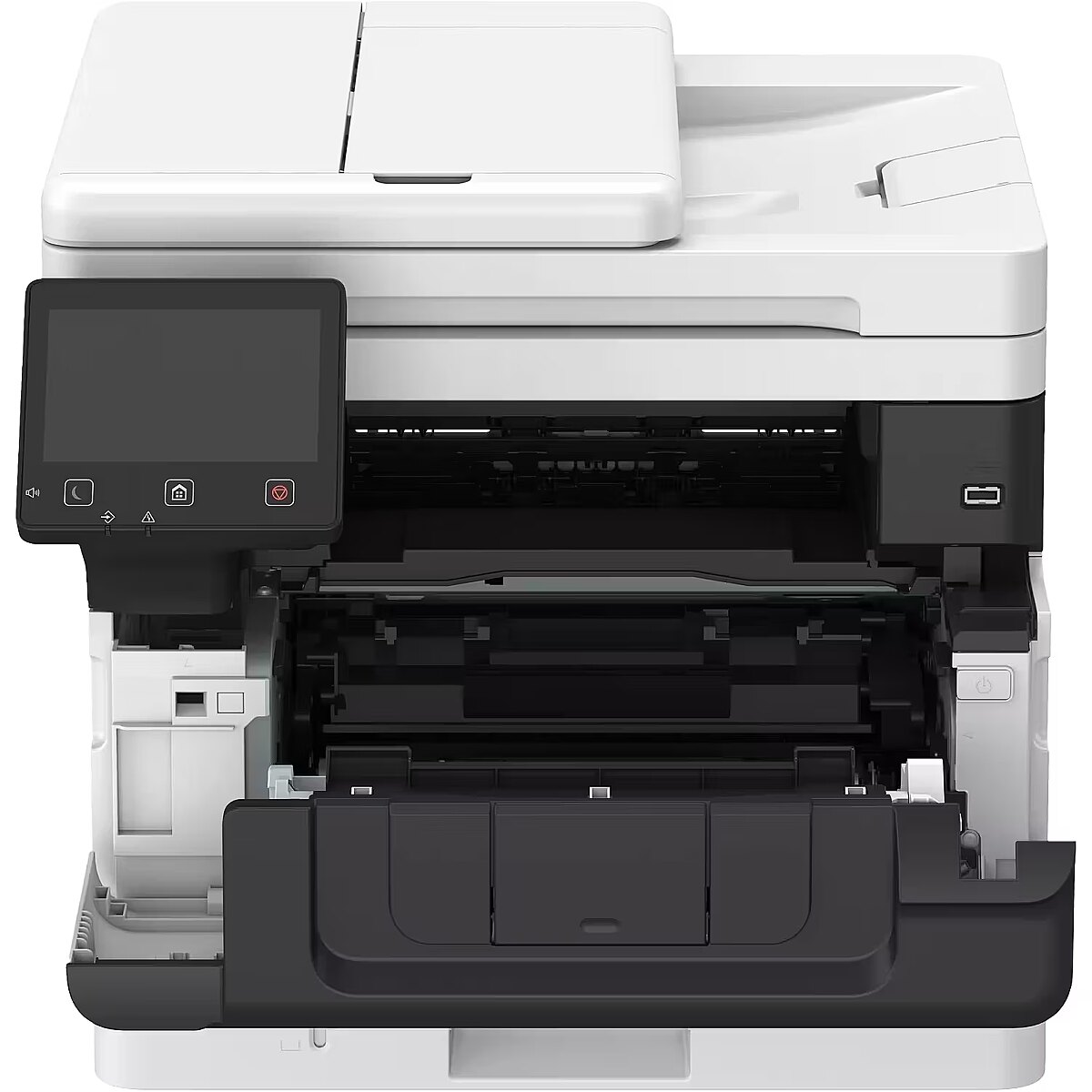
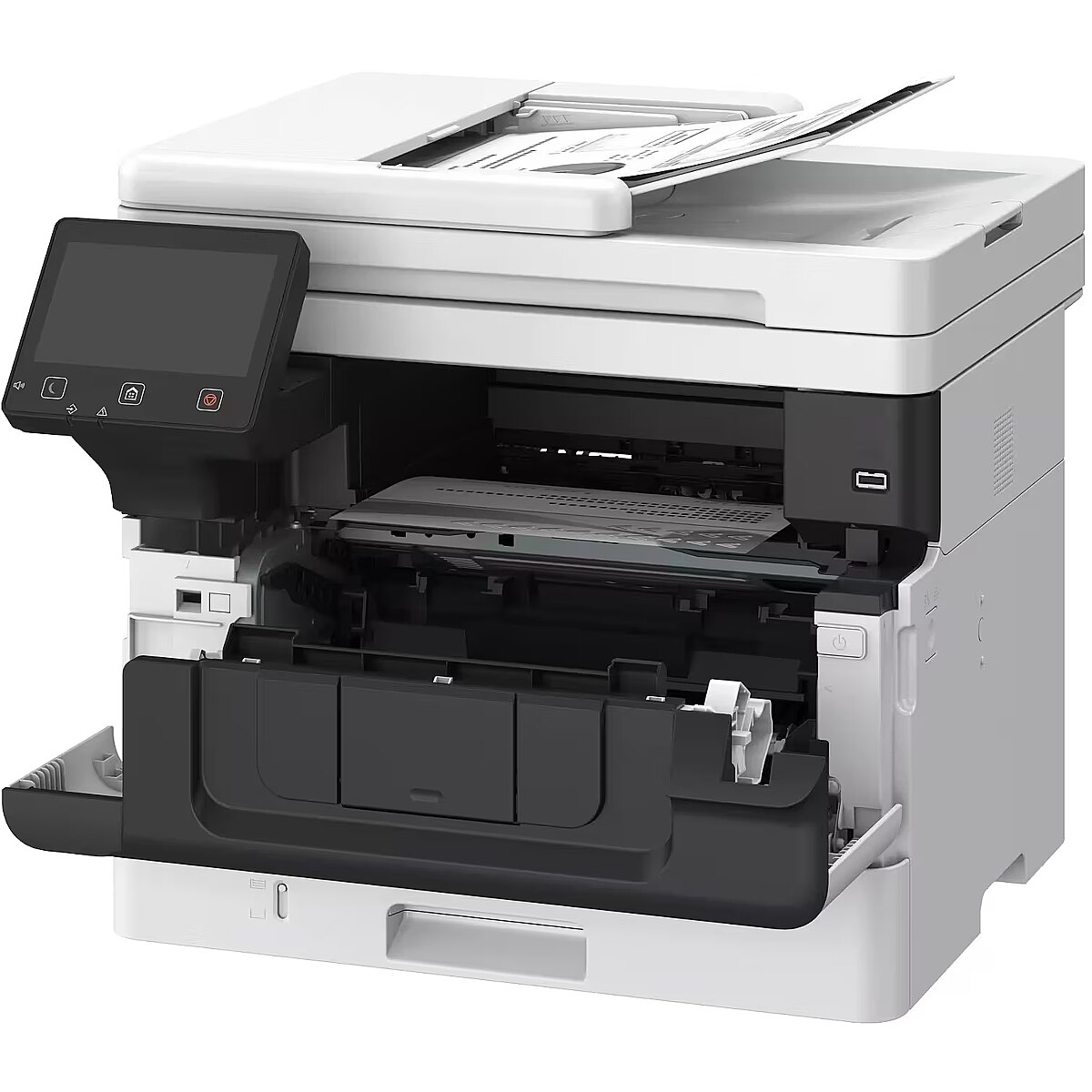
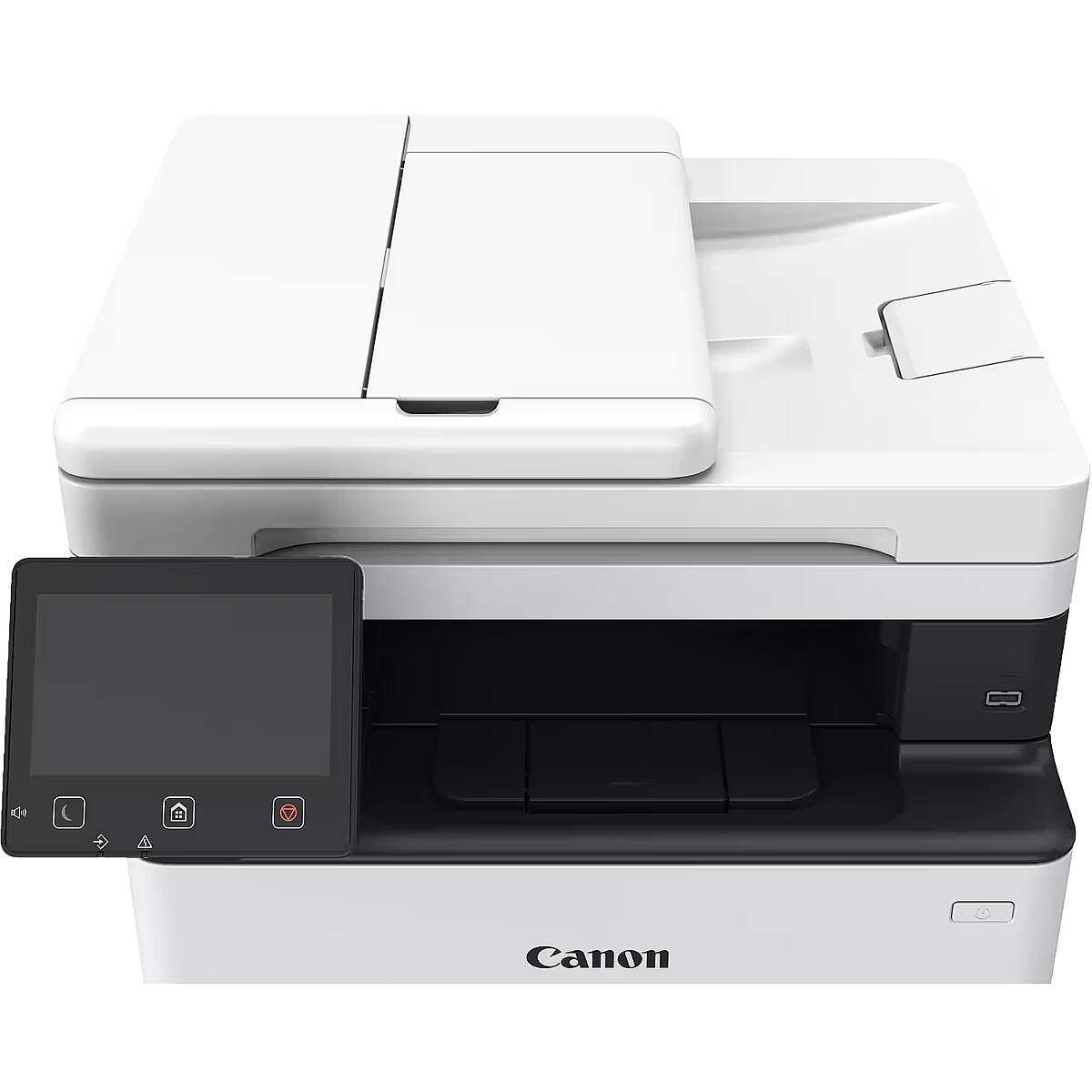
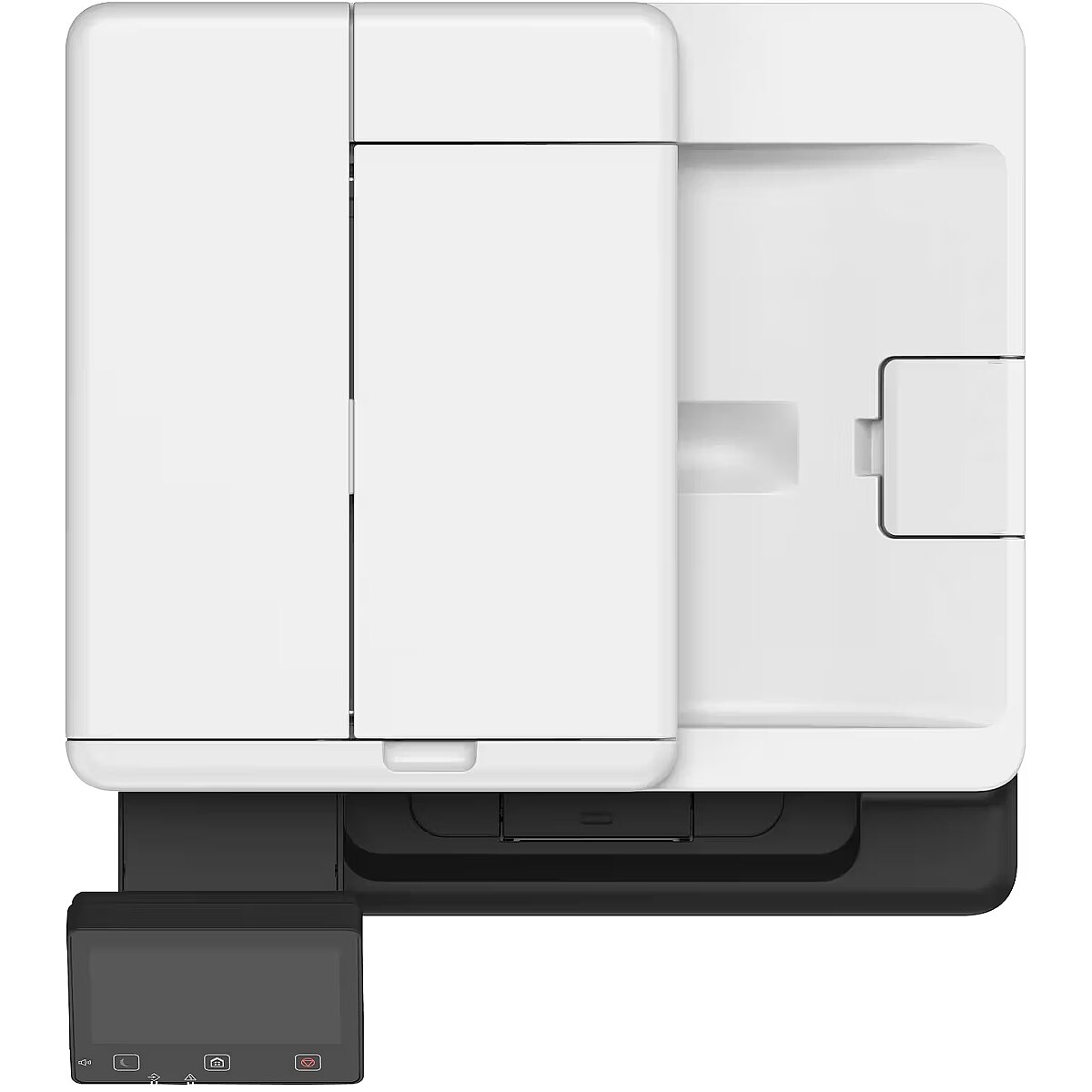
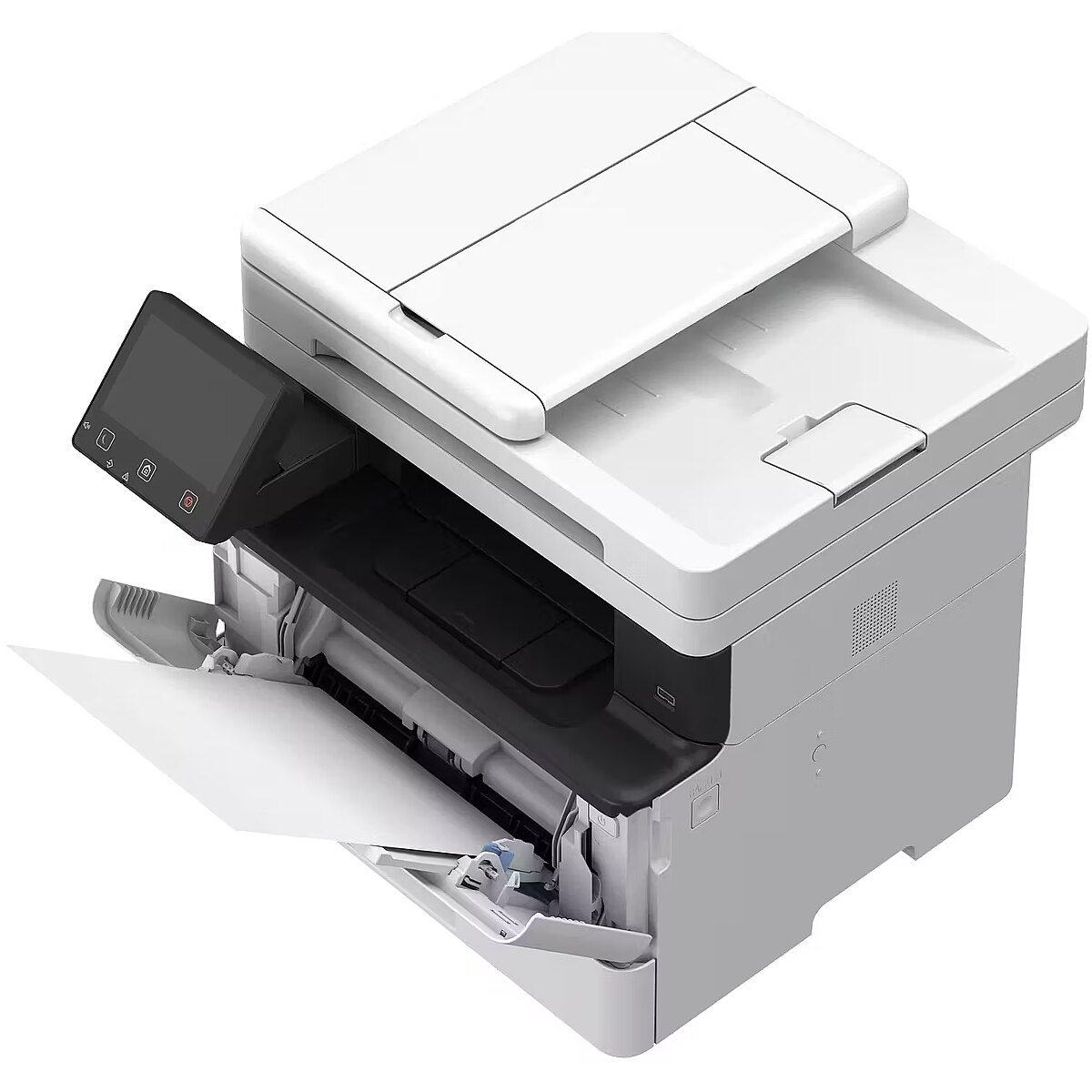
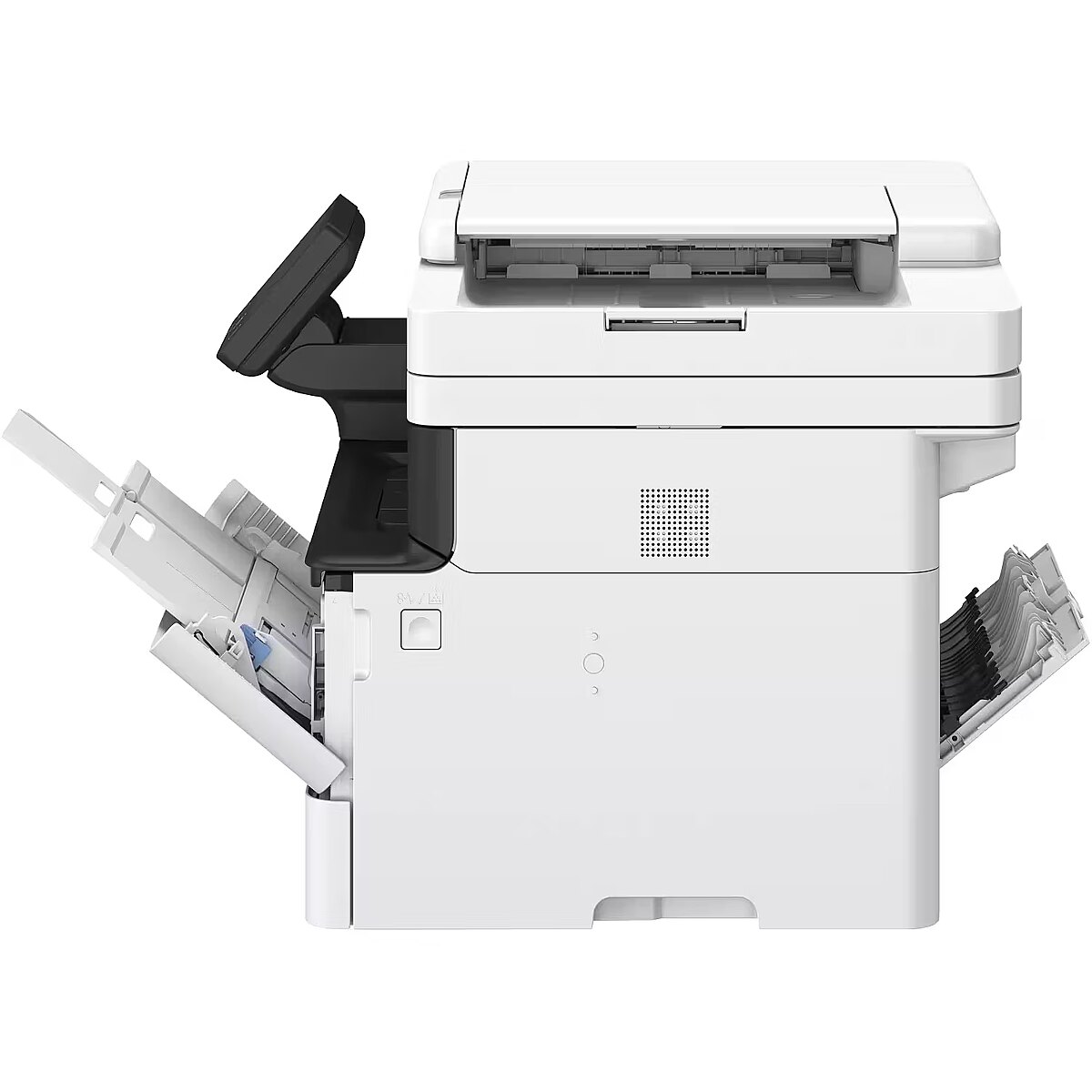
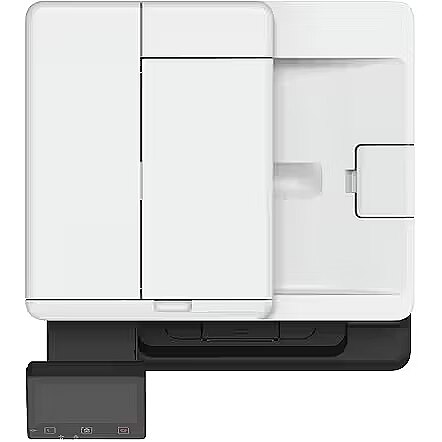
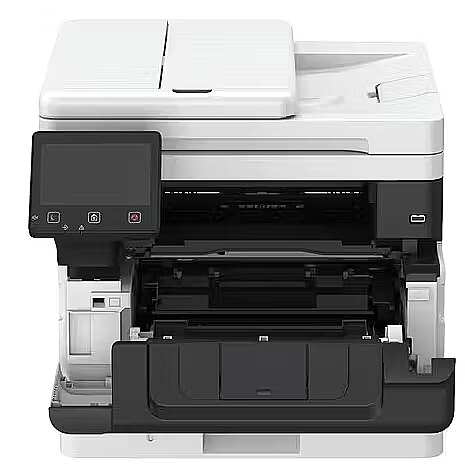
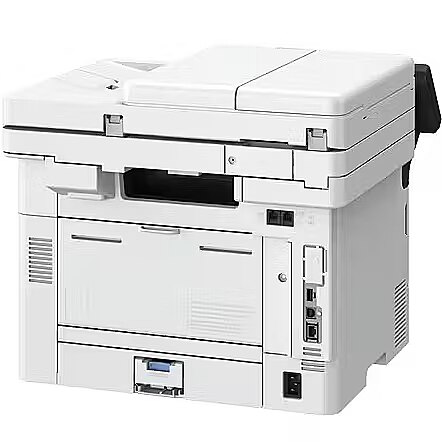
Description - Canon i-SENSYS MF460 II Series
Compact and fast multifunction monochrome printers for everyday printing and scanning.
Increased Productivity
Improve collaboration and increase productivity with fast printing and scanning. Easily scan small documents, including checks and receipts.
Ease of Use
The intuitive user interface makes it easy to perform various printing and scanning tasks and quickly access the relevant sections of the online manual via QR code. Save time with the device's main setup, which automatically downloads and installs software.
Comprehensive Security
Security Settings Navigator recommends appropriate security settings to protect against information leaks and cyber threats.
Improve Sustainability
Consciously protect the environment with devices that use recycled plastics. Low energy consumption also means reduced carbon emissions.
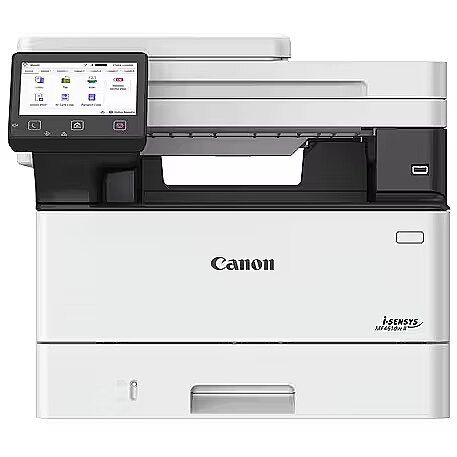
Design - Built-in display - Yes
Design - Control type - Touch
Design - Display - LCD
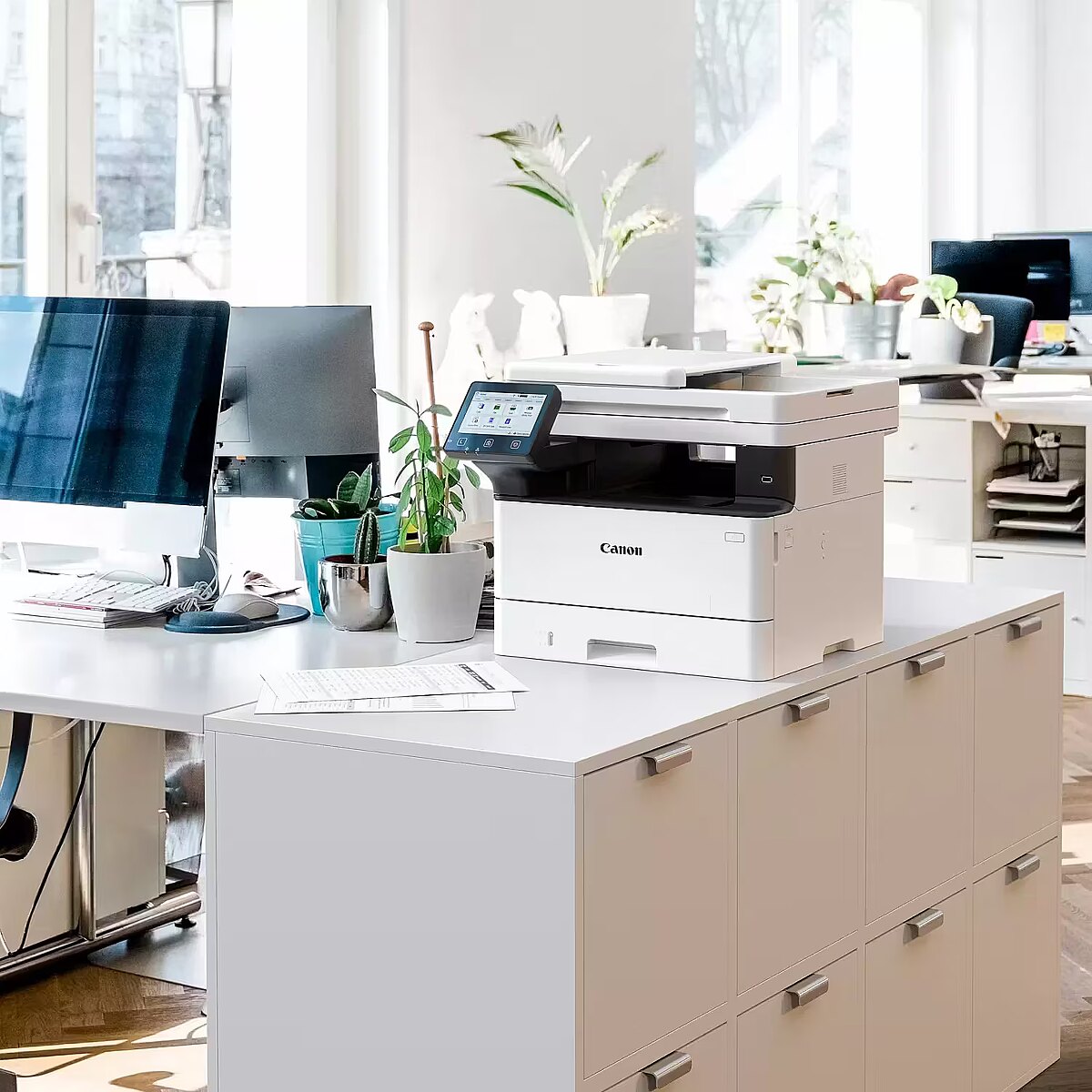
Design - Market positioning - Business
Design - Product colour - Black, White
Designation - CE+WEEE
dimension depth - 575 mm
dimension height - 525 mm
dimension weight - 25000 g
dimension width - 565 mm
Drukowanie: Czas do pierwszego druku monochromatycznego - 5 s
Drukowanie: Maks. szybkość druku mono - 40 str./min.
Drukowanie: Obsługiwane języki - HP PCL 5e
Drukowanie: Obsługiwane języki - HP PCL 6
Drukowanie: Obsługiwane języki - PostScript Level 3
Drukowanie: Obsługiwane języki - UFRII
Drukowanie: Rozdzielczość druku w czerni - 1200 x 1200 dpi
Drukowanie: Szybkość druku dwustronnego - 33.6 obr./min.
Duplex printing - Automatic
Duty cycle (monthly) - 80000 sheets/month
ean - 4549292248777
EANCode - 4549292248777
Eans - 4549292248777
Eksploatacja: Symbol tonera - Canon 070
Eksploatacja: Symbol tonera - Canon 070H
Ethernet - 10/100/1000 Mb/s
Fax - Faxing - No
Features - Duplex functions - Copy, Print, Scan
Features - Maximum duty cycle - 80000 pages per month
Features - Number of print cartridges - 1
Features - Page description languages - PCL 5e, PCL 6, PostScript 3, UFRII
Features - Printing colours - Black
Features - Recommended duty cycle - 750 - 4000 pages per month
Format - 16K
Format - 140 x 216 mm
Format - 216 x 279 mm
Format - 216 x 356 mm
Format - 267 x 184 mm
Format - A4
Format - A5
Format - A6
Format - B-Oficio
Format - B5
Format - Foolscap
Format - GLGL
Format - GLTR
Format - M-Oficio
Format - Oficio 216 x 340
Functions - Copier
Functions - Printer
Functions - Scanner
Gewicht - 21.34
GRUPPE1 - Printer/Copier/Fax
GRUPPE2 - Laser Aio/Mfp
GTIN - 4549292248777
guarantee - 24
guarantee_type - external
Height - 375 mm
HERSTELLER - CANON
Hoehe - 0
HSTNUMMER - 7188C008
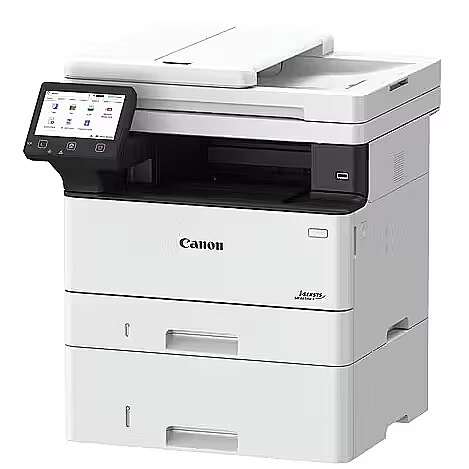
Input & output capacity - Maximum input capacity - 900 sheets
Input & output capacity - Multi-Purpose tray - Yes
Input & output capacity - Multi-Purpose tray input capacity - 100 sheets
Input & output capacity - Total input capacity - 250 sheets
Input & output capacity - Total number of input trays - 1
Input & output capacity - Total output capacity - 150 sheets
Installed memory - 1 GB
Komunikacja: Praca w sieci [serwer druku] - tak
Komunikacja: Wyświetlacz - tak
Kopiowanie: Funkcje specjalne kopiarki - zmiana rozmiaru: 25–400% (co 1%) | usuwanie ramki, sortowanie, 2 strony na arkuszu, 4 strony na arkuszu, kopiowanie dokumentów tożsamości
Kopiowanie: Maksymalne wielokrotne kopiowanie - 999 kopii
Kopiowanie: Rozdzielczość kopiarki - 600 x 600 dpi
Kopiowanie: Szybkość kopiarki w czerni - 40 str./min.
Laenge - 0
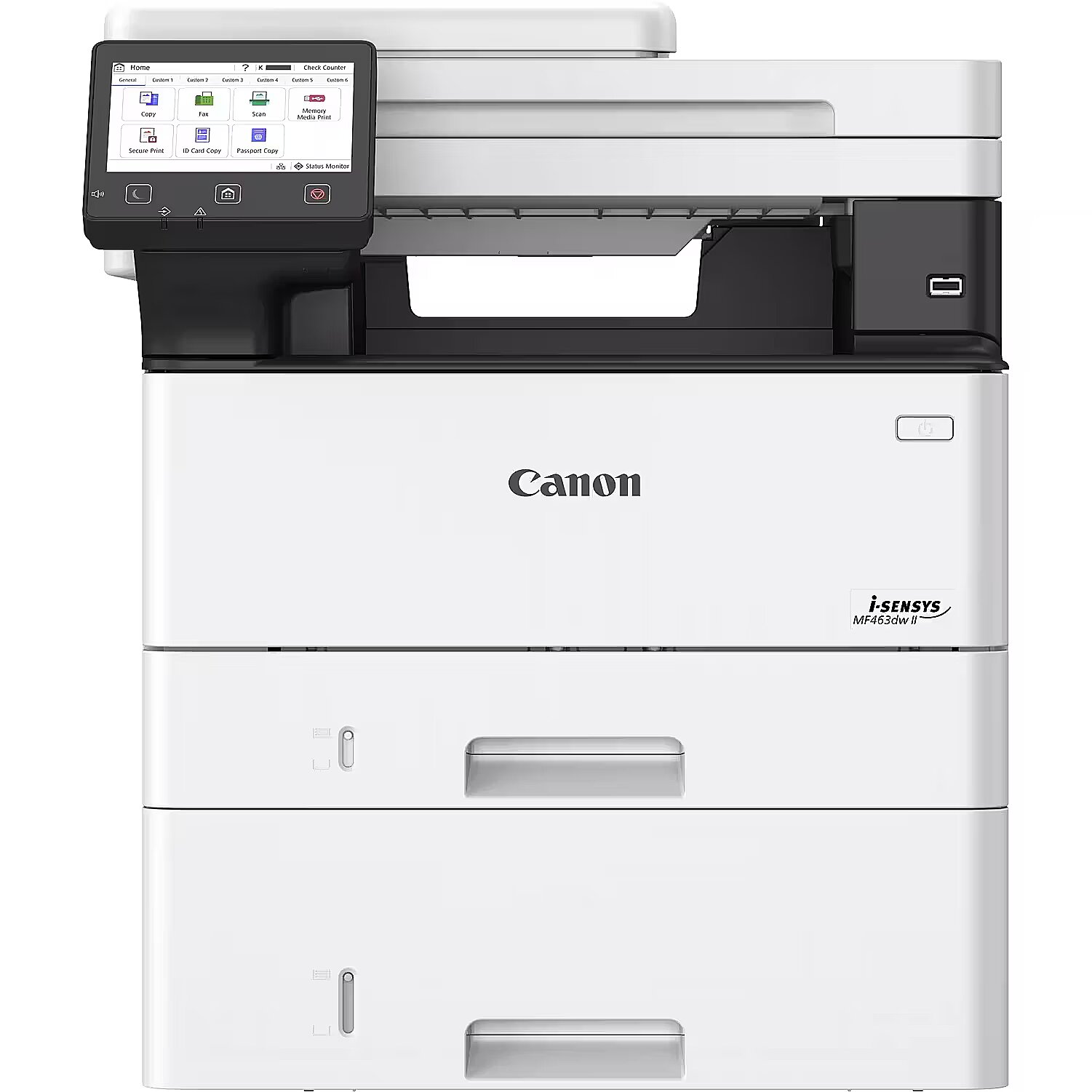
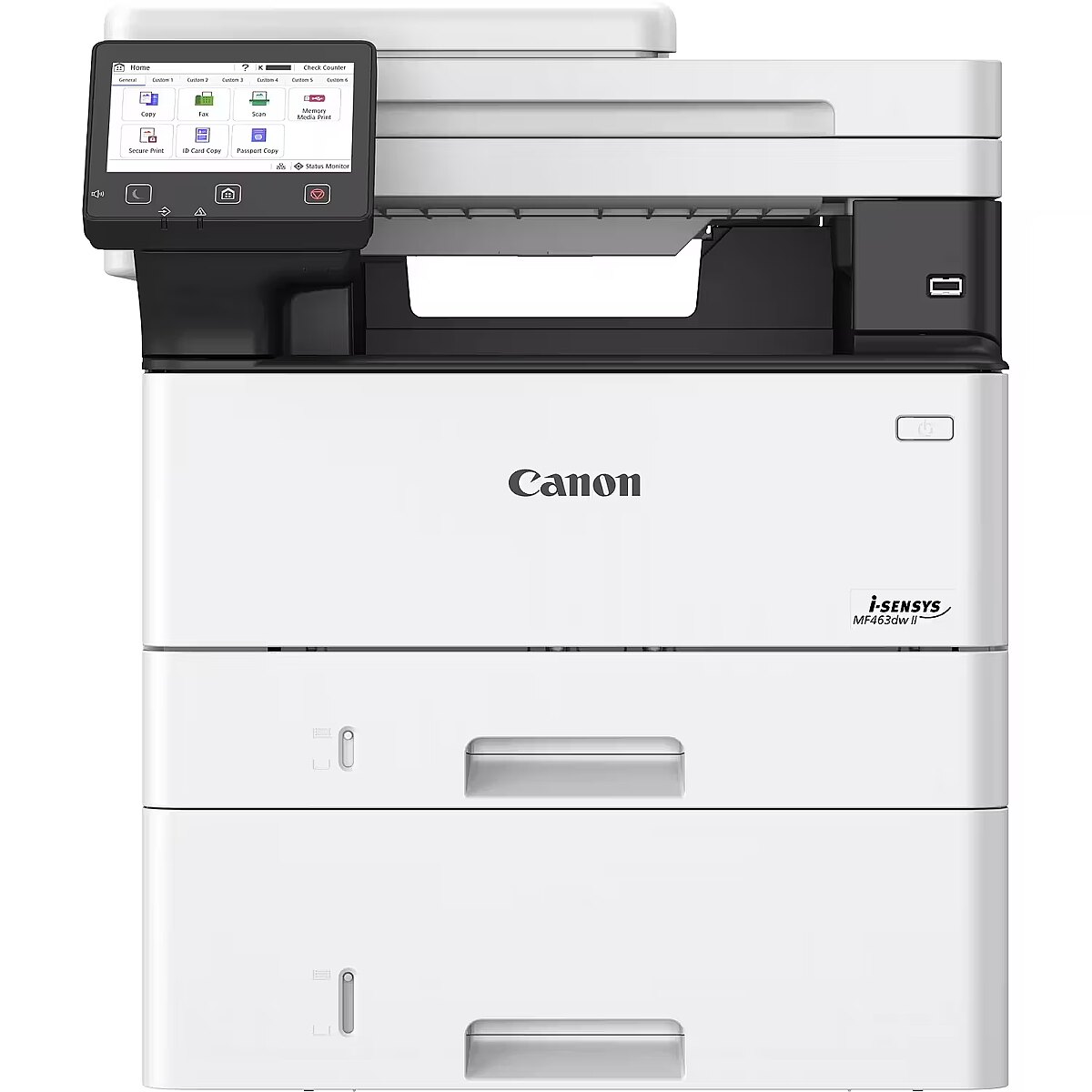
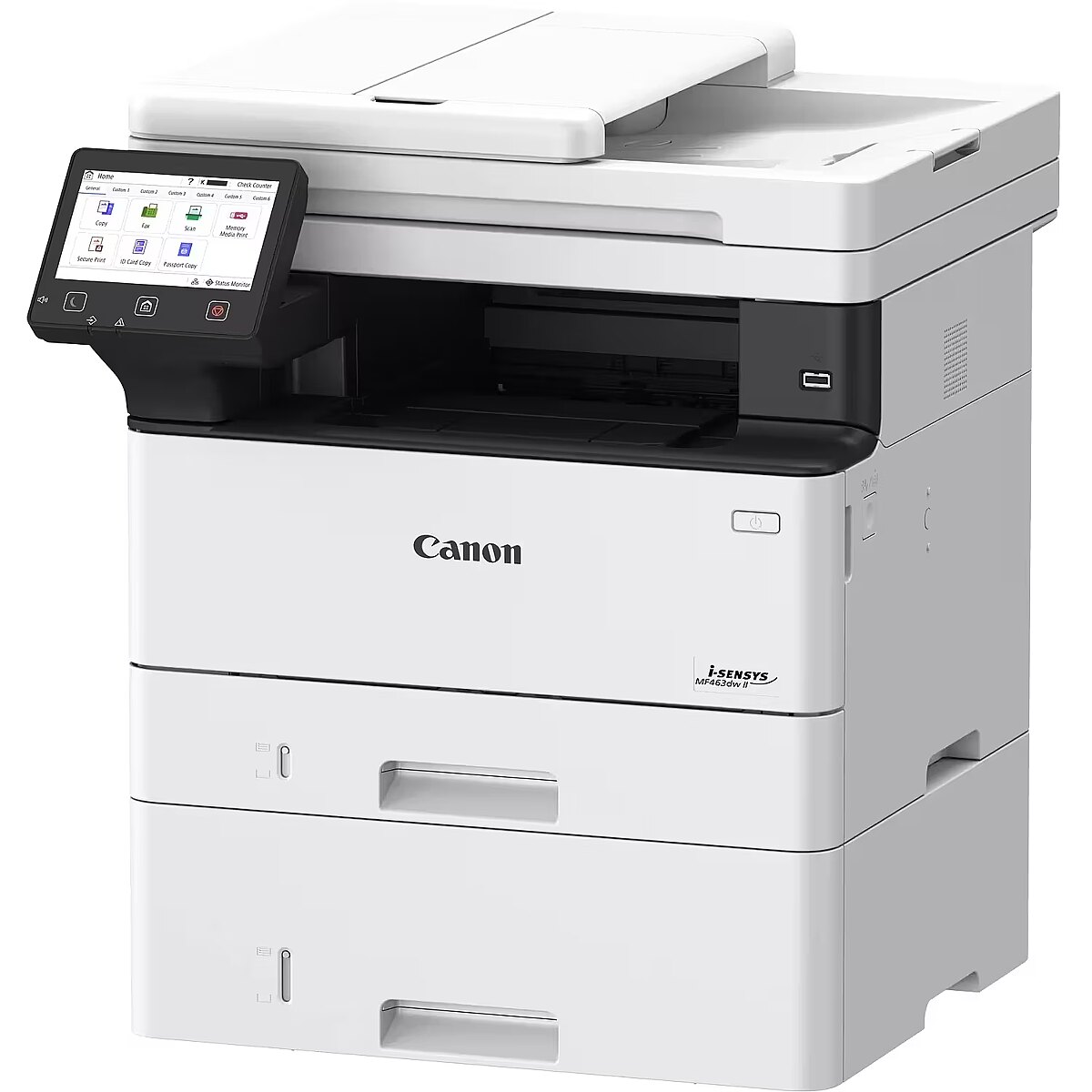
LongDesc - The Canon i-SENSYS MF463dw II is a compact black & white laser printer built for high-productivity offices. It offers fast duplex printing up to 40 ppm and high-speed scanning up to 100 ipm, delivering professional results. Advanced security ensures 360° data protection, while the 5-inch touchscreen provides intuitive control. With quick setup, smart scanning, workflow automation, QR code support, and eco-conscious design, it delivers efficient, reliable, and sustainable performance.
LongProductName - Canon i-SENSYS MF463dw II Multi-Function Mono Laser Printer
LongSummaryDescription - Canon i-SENSYS MF463dw II. Print technology: Laser, Printing: Mono printing, Maximum resolution: 1200 x 1200 DPI. Copying: Mono copying, Maximum copy resolution: 600 x 600 DPI. Scanning: Colour scanning, Optical scanning resolution: 600 x 600 DPI. Duplex functions: Copy, Print, Scan. Maximum ISO A-series paper size: A4. Wi-Fi. Direct printing. Product colour: Black, White
Max. printing speed (mono) - 40 p/min
Media kind - Envelopes
Media kind - Labels
Media kind - Paper
Media kind - Postcard
Media kind - Recycled paper
Media kind - Thick paper
Media kind - Thin paper
Model - MF463dw II
Name - Canon i-Sensys MF463dw II
name - MFP MF463dw II 7188C008
Network - Cabling technology - 10/100/1000Base-T(X)
Network - Ethernet LAN - Yes
Network - Ethernet LAN data rates - 10,100,1000 Mbit/s
Network - Management protocols - SNMPv1, SNMPv3
Network - Mobile printing technologies - Apple AirPrint, Canon PRINT Business, Mopria Print Service
Network - Security algorithms - WPA2-AES, WPA2-EAP, 64-bit WEP, WPA2-PSK, 128-bit WEP, WPA2-TKIP, WPA-AES, WPA-EAP, WPA-PSK, WPA-TKIP
Network - Wi-Fi - Yes
Network - Wi-Fi standards - 802.11b, 802.11g, Wi-Fi 4 (802.11n)
Operational conditions - Operating relative humidity (H-H) - 20 - 80%
Operational conditions - Operating temperature (T-T) - 10 - 30 °C
Original consumables - Cassette 070 Cassette 070H
Paper handling - Custom media length - 128 - 355.6 mm
Paper handling - Custom media width - 105 - 215.9 mm
Paper handling - Envelopes sizes - C5, Com-10, DL, Monarch
Paper handling - ISO A-series sizes (A0...A9) - A4, A5, A6
Paper handling - ISO B-series sizes (B0...B9) - B5
Paper handling - Maximum ISO A-series paper size - A4
Paper handling - Multi-Purpose Tray media weight - 60 - 199 g/m²
Paper handling - Non-ISO print media sizes - Executive, Legal, Letter, Oficio, Statement
Paper handling - Paper tray media types - Envelopes, Heavy paper, Labels, Plain paper, Postcard, Recycled paper, Thin paper
Paper handling - Paper tray media weight - 60 - 120 g/m²
Paper input tray - Paper Input (Standard)
250-Sheet Cassette 100-Sheet Multipurpose Tray 50-Sheet Automatic Document Feeder
Paper Input (Optional)
550-Sheet Cassette
Maximum Paper Capacity
900 Sheets
Paper output tray - Kaseta na 150 arkuszy
Paper weight (max) - 199 g/m²
Paper weight (min) - 60 g/m²
Performance - Built-in processor - Yes
Performance - Internal memory - 1024 MB
Performance - Internal storage capacity - 4 GB
Performance - Processor frequency - 1200 MHz
PictBridge - No
Ports & interfaces - Direct printing - Yes
Ports & interfaces - USB port - Yes
Power - AC input frequency - 50/60 Hz
Power - AC input voltage - 220 - 240 V
Power - Energy Star Typical Electricity Consumption (TEC) - 0.32 kWh/week
Power - Power consumption (max) - 1280 W
Power - Power consumption (printing) - 480 W
Power - Power consumption (sleep) - 0.9 W
Power - Power consumption (standby) - 8 W
Pozostałe cechy: Automatyczny podajnik dokumentów - tak
Pozostałe cechy: Pojemność automatycznego podajnika dokumentów - 50 szt.
Pozostałe cechy: Przewód do połączenia z komputerem w zestawie - brak
Pozostałe cechy: Prędkość procesora - 1200 MHz
Pozostałe cechy: Seria - Canon i-SENSYS
Pozostałe cechy: Wspierane technologie - AirPrint
Pozostałe cechy: Wspierane technologie - Mopria
Pozostałe cechy: Zainstalowana pamięć - 1024 MB
Pozostałe cechy: Zasilanie - sieciowe
Printer language - PCL 5e/5c/6
Printer language - PCL 6 (XL)
Printer language - UFR II
Printer processor - 1200 MHz
Printing - Duplex printing - Yes
Printing - Maximum resolution - 1200 x 1200 DPI
Printing - Printing - Mono printing
Printing - Print speed (black, normal quality, A4/US Letter) - 40 ppm
Printing - Print technology - Laser
Printing - Secure printing - Yes
Printing - Time to first page (black, normal) - 5 s
Printing - Warm-up time - 14 s
Printing supplies performance - Kaseta 070 (3000 stron) Kaseta 070H (10 200 stron)
Printing type - Laser
Print resolution - 1200 x 1200 dpi
Producent: Nazwa producenta / importera - CanonCanon EUROPA N.V.Bovenkerkerweg 591185XB AmstelveenThe NetherlandsEmail: https://www.canon-europe.com/
producer - Canon
Producer - Canon
ProducerCode - 7188C008AA
ProductName - MF463dw II
Scanner specifications - Standard Type
Color
Scan Resolution
Optical: Up to 600 x 600 dpi Interpolated: Up to 9600 x 9600 dpi
Scan Speed
Single-sided monochrome: 50 ipm (300 x 300 dpi) Single-sided color: 40 ipm (300 x 300 dpi) Double-sided monochrome: 100 ipm (300 x 300 dpi) Double-sided color: 80 ipm (300 x 300 dpi) Single-sided monochrome: 40 ipm (300 x 600 dpi) Single-sided color: 20 ipm (300 x 600 dpi) dpi) Double-sided monochrome: 80 ipm (300 x 600 dpi) Double-sided color: 40 ipm (300 x 600 dpi)
Scanning color depth
24-bit / 24-bit (input/output)
Grayscale
256 levels
Compatibility
TWAIN, WIA, ICA
Maximum scanning width
216 mm
Scan to email
TIFF / JPEG / PDF / Compact PDF / Searchable PDF / PDF/A-1b
Scan to cloud
TIFF/JPEG/PDF/PNG3
iFAX
ITU-T.37
Scanning - Duplex scanning - Yes
Scanning - Greyscale levels - 256
Scanning - Input colour depth - 24 bit
Scanning - Optical scanning resolution - 600 x 600 DPI
Scanning - Output colour depth - 24 bit
Scanning - Scan drivers - ICA, TWAIN, WIA
Scanning - Scanner type - ADF scanner
Scanning - Scanning - Colour scanning
Scanning - Scan to - Cloud, E-mail, FTP, PC, USB
ShortDescription -
ShortSummaryDescription - Canon i-SENSYS MF463dw II, Laser, Mono printing, 1200 x 1200 DPI, A4, Direct printing, Black, White
Skanowanie: Głębia koloru - 24 bit
Skanowanie: Maks. format skanu - A4
Skanowanie: Rozdzielczość interpolowana skanera - 9600 x 9600 dpi
Skanowanie: Rozdzielczość skanera - 600 x 600 dpi
Skanowanie: Typ skanera - CIS (dupleks | kolorowy)
Stck_Kart - 1
Stck_Pal - 8
Storno - Y
Supported operating systems - Linux
Supported operating systems - Mac OS
Supported operating systems - Windows 10
Supported operating systems - Windows 11
Supported operating systems - Windows Server 2016
Supported operating systems - Windows Server 2019
Supported operating systems - Windows Server 2022
Supported operating systems - Windows Server 2025
System requirements - Linux operating systems supported - Yes
System requirements - Mac operating systems supported - Mac OS X 10.15 Catalina, Mac OS X 10.7 Lion, Mac OS X 10.15.3 Catalina, Mac OS X 10.7.5 Lion, Mac OS X 10.2 Jaguar, Mac OS X 10.8 Mountain Lion, Mac OS X 10.3 Panther, Mac OS X 10.9 Mavericks, Mac OS X 10.4 Tiger, Mac OS X 11.0 Big Sur, Mac OS X 10.13 High Sierra, Mac OS X 10.5 Leopard, Mac OS X 12.0 Monterey, Mac OS X 10.14 Mojave, Mac OS X 10.6 Snow Leopard, Mac OS X 13.0 Ventura
System requirements - Server operating systems supported - Windows Server 2019, Windows Server 2012 R2, Windows Server 2022, Windows Server 2016, Windows Server 2012
System requirements - Windows operating systems supported - Windows 10, Windows 11
Title - Canon i-SENSYS MF463dw II Laser A4 1200 x 1200 DPI 40 ppm Wi-Fi
URL - https://www.canon.co.uk/store/canon-i-sensys-mf463dw-ii-multi-function-mono-laser-printer/7188C023/
vendpn - 7188C008
WarrantyInfo -
Weight - 16.3 kg
Weight & dimensions - Depth - 460 mm
Weight & dimensions - Height - 375 mm
Weight & dimensions - Weight - 16.3 kg
Weight & dimensions - Width - 420 mm
Width - 420 mm
Wireless communication - WiFi
Wymiary: Głębokość - 460 mm
Wymiary: Głębokość maksymalna - 1081 mm
Wymiary: Kolor - biało-czarny
Wymiary: Poziom hałasu - 53 dBA
Wymiary: Szerokość - 420 mm
Wymiary: Szerokość maksymalna - 689 mm
Wymiary: Waga - 16.3 kg
Wymiary: Wysokość - 375 mm
Wymiary: Wysokość maksymalna - 824 mm