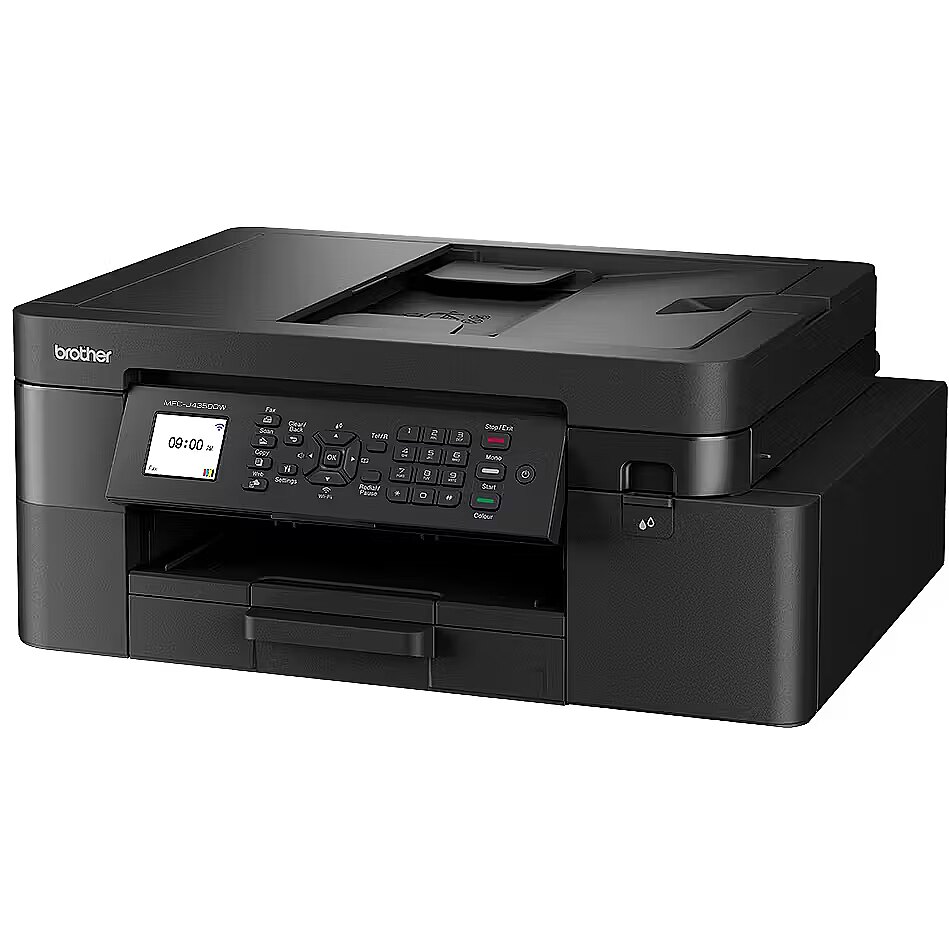
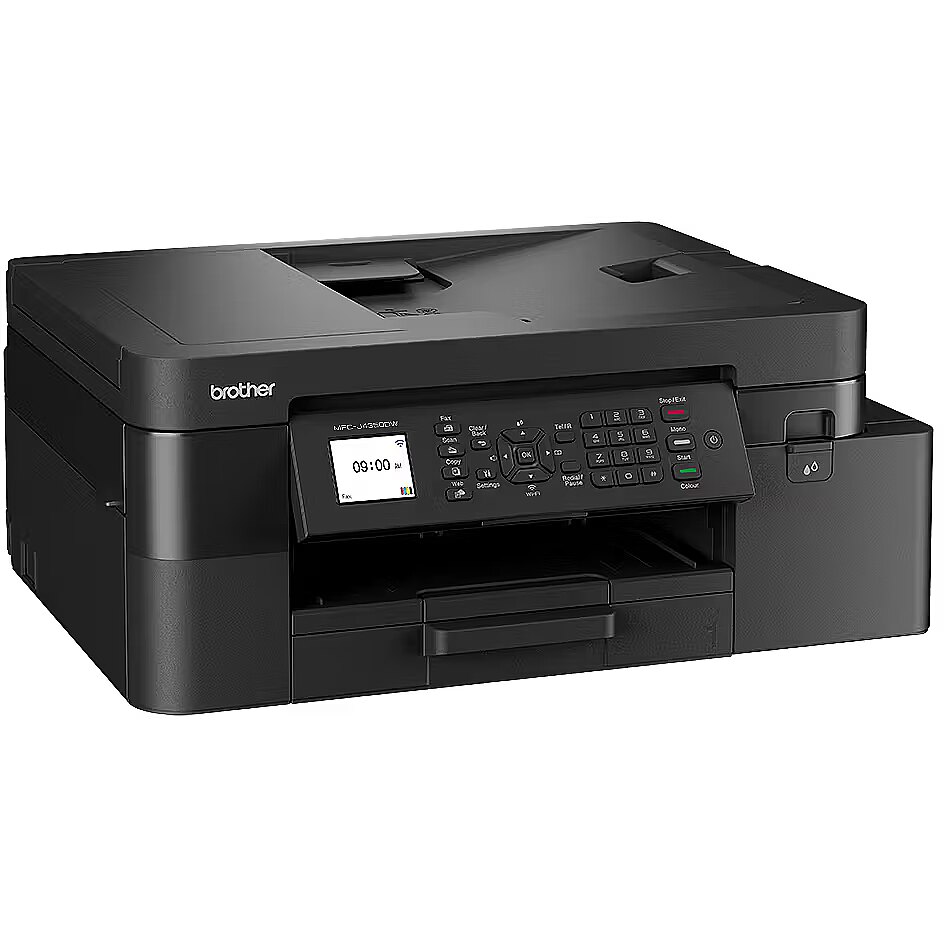
Tulostimen resoluutio määrittää pistemäärän, jonka tulostimen tulostuspää voi tulostaa vaaka- ja pystysuunnassa. Soveltamalla erilaisia lisämenetelmiä tulostin voi tulostaa korkeamman resoluution tuloksen. Tämä parametri ilmoittaa tulostimen luonnollisen resoluution ilman pakkauksen käyttöä. Korkeampi resoluutio tarkoittaa parempaa kuvanlaatua ja yksityiskohtaisuutta.
Brother MFC-J4350DW All-in-One Wireless Business Inkjet Printer |
-
Toimitus Posti-kuriirin postin välityksellä1-2 työpäivän kuluessa12,99 €
- Natiiviresoluutio: 4800 x 1200 dpi
- Suurin tulostuskoko: A4
- Tyyppi: Inkjet
- Patruunat: 4
Paperin koko, joka voidaan asettaa tulostimen syöttölaitteeseen ja tulostaa kyseisellä tulostimella. Jos tämä tulostimen indeksi on esimerkiksi A4, se tarkoittaa, että kyseinen tulostin voi varmasti tulostaa myös pienemmän kokoista paperia, esimerkiksi A5. Tähän mahdollisuuteen liittyy tiettyjä rajoituksia, jotka löytyvät tuetun tulostuskoon ja paperityypin yksityiskohtaisista määrittelyistä.
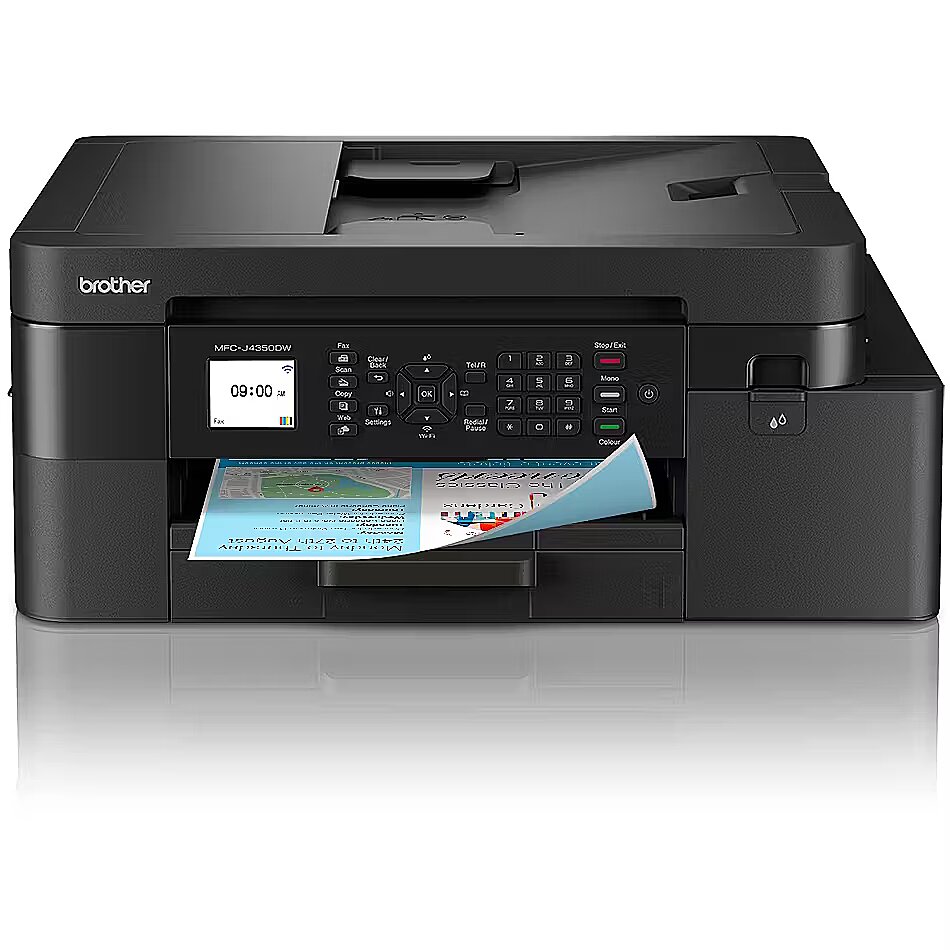
Tulostustyyppi on tärkein kriteeri tulostimen valinnassa, koska se määrittää tulostimen käyttökohteen.
Muste - tämä tekniikka sopii käyttäjille, jotka haluavat tulostaa värivalokuvia laadukkaasti. Tulostuskustannukset ovat melko korkeat, ja mustekasetit kuivuvat, kun tulostin on pitkään valmiustilassa.
Mustavalkolasertulostin - taloudellisesti paras tulostustyyppi, joka tuottaa hyvälaatuisia tulosteita mustavalkoisista asiakirjoista pienimmillä tulostuskustannuksilla. Paras ostos kodin ja toimiston tarpeisiin. Kalliimpien mallien tulostimissa on huomattavasti suuremmat värikasetit, jotka maksavat varmasti takaisin, jos tulostetaan yli kymmenen sivua päivässä.
Värilaser - tämän tekniikan avulla voidaan tulostaa mustavalkoisia lasertulosteita samoilla kustannuksilla sivua kohti kuin mustavalkoisella lasertulostimella ja tuottaa väritulosteita verrattain alhaisilla kustannuksilla tulostetta kohti.
Tämän tekniikan väritulostuksen laatu on paljon heikompi kuin mustetulostuksen, joten tämä laite kannattaa hankkia vain, jos värigrafiikkaa, malleja, tuotenäytekuvia ja värillisiä logoja on tulostettava päivittäin kymmeniä kappaleita. Tämä tekniikka ei tällä hetkellä sovellu valokuvien tulostamiseen.
Paperin koko, joka voidaan asettaa tulostimen syöttölaitteeseen ja tulostaa kyseisellä tulostimella. Jos tämä tulostimen indeksi on esimerkiksi A4, se tarkoittaa, että kyseinen tulostin voi varmasti tulostaa myös pienemmän kokoista paperia, esimerkiksi A5. Tähän mahdollisuuteen liittyy tiettyjä rajoituksia, jotka löytyvät tuetun tulostuskoon ja paperityypin yksityiskohtaisista määrittelyistä.
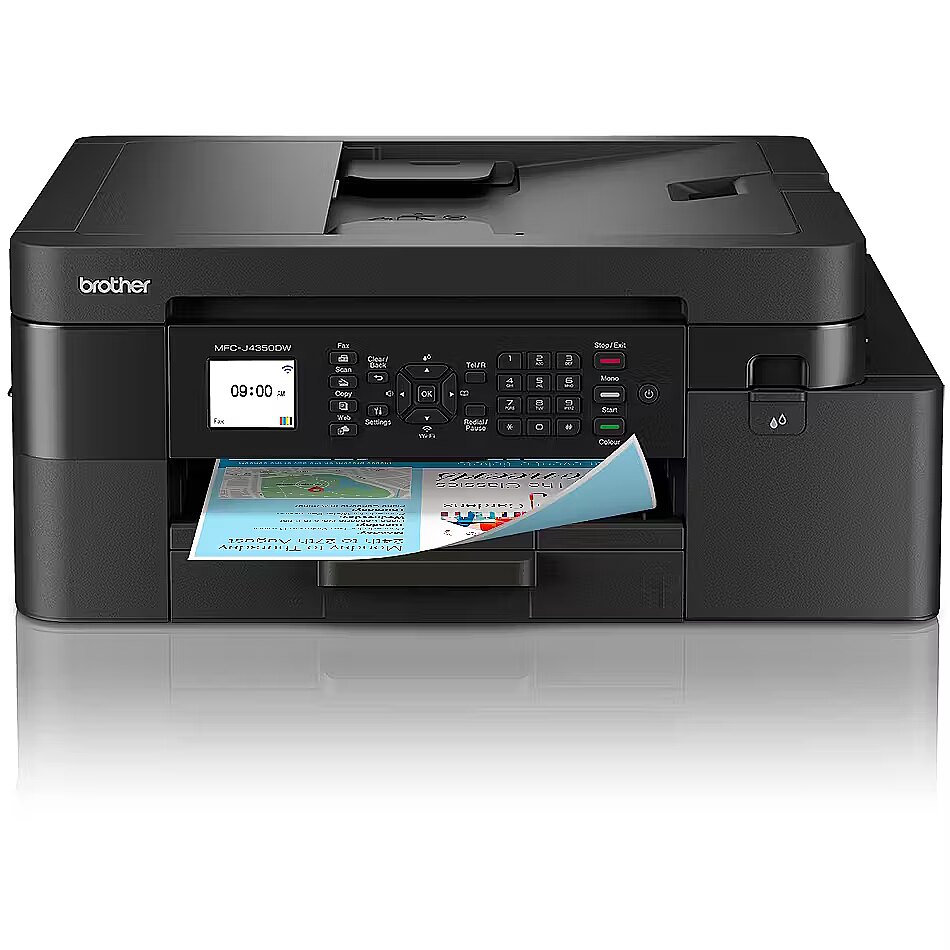
ADF tarkoittaa automaattista asiakirjojen syöttöä. Se on toteutettu erityisellä skannerin kannella, johon on mahdollista asettaa useita sivuja kerralla, esimerkiksi kopioituja tai skannattuja asiakirjoja.
Kaksipuolinen tulostus, joka on melko usein toteutettu puoliautomaattisena toimintona, mikä tarkoittaa, että tulostin tulostaa sivun toisen puolen, minkä jälkeen käyttäjän on laitettava kaikki tulostuspaketit syöttölaitteeseen manuaalisesti.
Voidaan myös käyttää Duplex-tulostimia, jotka pystyvät kääntämään sivua tulostuksen aikana. Ennen tulostimen ostamista kannattaa lukea yksityiskohtaiset tiedot siitä, miten Duplex-toiminto on toteutettu.
Mahdollisuus liittää laite puhelinlinjaan ja puhelimeen faksiviestien lähettämistä ja vastaanottamista varten.
Tulostimessa olevien väriaineiden tai värikasettien määrä. Mustetulostuksessa suurempi määrä kasetteja tarkoittaa parempaa tulostuslaatua ja edullisempaa kasettien vaihtoa.
Mahdollisuus asettaa tulostettu paperi syöttölaitteeseen ja vastaanottaa skannattu asiakirja tietokoneeseen tiedostona.
Erittäin hyödyllinen toiminto, jos tulostinta käytetään useista verkkoon liitetyistä tietokoneista. Jos käytössä on lähiverkkoyhteys, tulostin voidaan sijoittaa mihin tahansa paikkaan, jossa verkko- ja virtayhteys on käytettävissä, ja tulostaa tulosteita miltä tahansa tietokoneelta ilman, että tulostin on kytkettävä johonkin tiettyyn tietokoneeseen ja että tätä tietokonetta on pidettävä päällä.
Tulostimen vakain, kätevin ja nopein liitäntä, jos tulostin sijaitsee lähellä tietokonetta ja sitä käytetään tulostamiseen yhdestä tietokoneesta. USB-liitäntäpaikka on saatavilla lähes kaikissa kannettavissa tietokoneissa ja pöytätietokoneissa.
Mahdollisuus liittää tämä tulostin tietokoneeseen langattoman Bluetooth-yhteyden kautta. Yleensä tämäntyyppinen yhteys on käytettävissä keskihintaisiin tai kalliisiin kannettaviin tietokoneisiin. Pöytätietokoneissa ei yleensä ole Bluetooth-yhteyttä, joten on tarpeen ostaa edullinen USB-Bluetooth-lähetin, jotta tätä toimintoa voidaan käyttää.
Erinomainen tapa liittää tietokone langattomaan verkkoon, jos käytät yksinomaan langatonta verkkoyhteyttä kotona tai toimistossa tai jos tulostin on sijoitettu paikkaan, johon ei ole mahdollista liittää LAN-kaapelia.
All-in-one functions - Fax
All-in-one functions - Scan
ARTIKEL1 - MFCJ4350DWRE1
ARTIKEL2 - MULTIFUNCTION PRINTER WITH HIGH-
Brand - Brother
BrandPartCode - MFC-J4350DW
Breite - 0
Category - Multifunction Printers
Code - MFCJ4350DWRE1
Colour printing - Yes
Copying - Copier resize - 25 - 400%
Copying - Copying - Colour copying
Copying - Duplex copying - Yes
Copying - Duplex copying mode - Auto
Copying - ID-card copy function - Yes
Copying - Maximum copy resolution - 1200 x 2400 DPI
Copying - Maximum copy size - A4
Copying - Maximum number of copies - 99 copies
Copying - N-in-1 copy function - Yes
Copying - N-in-1 copy function (N=) - 2, 4
Copying - Time to first copy (black, normal) - 10.5 s
Copying - Time to first copy (colour, normal) - 13 s
Description - BROTHER MFC-J4350DW INKJET 4-IN-1, ADF, DULEX, WIFI, 20IPM
Design - Built-in display - Yes
Design - Colour display - Yes
Design - Display - LCD
Design - Market positioning - Home & office
Design - Product colour - Black
Dimensions W x D x H, mm - 435 x 355 x 250
Display - 1.8" colour display
Duplex printing - Yes
EAN - 4977766841924
EANCode - 4977766841924
Fax - Faxing - Colour faxing
Fax - Modem speed - 14.4 Kbit/s
Features - Duplex functions - Copy, Print
Features - Number of print cartridges - 4
Features - Printing colours - Black, Cyan, Magenta, Yellow
Features - Recommended duty cycle - 0 - 2000 pages per month
Features - Replacement cartridges - LC527BK, LC527XLBK, LC527CMY, LC527XLCMY
First page out (b&w, A4, ready), s - 5.8
First page out (colour, A4, ready), s - 5.9
GRUPPE1 - Printer/Copier/Fax
GRUPPE2 - Inkjet All In One
GTIN - 4977766841115
GTIN - 4977766841924
Height - 460.000000
HERSTELLER - BROTHER
Hoehe - 0
HSTNUMMER - MFCJ4350DWRE1
Input & output capacity - Auto document feeder (ADF) - Yes
Input & output capacity - Auto document feeder (ADF) input capacity - 20 sheets
Input & output capacity - Manual feeder - Yes
Input & output capacity - Total input capacity - 150 sheets
Input & output capacity - Total number of input trays - 1
Input & output capacity - Total output capacity - 100 sheets
Internal memory, MB - 256
Laenge - 0
Length - 510.000000
Link - https://store.brother.ee/catalogs/brotherestonia/devices/inkjet/mfcj/mfcj4350dw
Logistics data - Export Control Classification Number (ECCN) - na
LongDesc - Your Smart Office Partner All-in-One Wireless Inkjet Printer Print with confidence with the smart MFC-J4350DW. Experience fast print speeds, vibrant colour quality and efficient paper handling. This all-in-one device is the perfect partner, combining printing, scanning, copying, and faxing capabilities. With high yield supplies available, reduce your printing costs and extend your printing capabilities.
LongProductName - MFC-J4350DW Your Smart Office Partner All-in-One Wireless Inkjet Printer
LongSummaryDescription - Brother MFC-J4350DW. Print technology: Inkjet, Printing: Colour printing, Maximum resolution: 1200 x 4800 DPI. Copying: Colour copying, Maximum copy resolution: 1200 x 2400 DPI. Scanning: Colour scanning, Optical scanning resolution: 1200 x 2400 DPI. Faxing: Colour faxing. Duplex functions: Copy, Print. Maximum ISO A-series paper size: A4. Wi-Fi. Product colour: Black
Manufacturer - Brother
ManufacturerPartNumber - MFCJ4350DWRE1
Mobile and cloud printing services - Mobile Connect, Brother Print Service Plugin, AirPrint, Mopria, Web Connect
Monthly duty cycle (max), pages - 20000
Name - Brother MFC-J4350DW | Inkjet | Colour | A4 | Wi-Fi
Network - Bluetooth - No
Network - Ethernet LAN - No
Network - IP address filtering - Yes
Network - Mobile printing technologies - Apple AirPrint, Brother Mobile Connect, Mopria Print Service
Network - Near Field Communication (NFC) - No
Network - Security algorithms - 64-bit WEP, 128-bit WEP, 802.1x RADIUS, EAP-FAST, EAP-TLS, EAP-TTLS, PEAP, SSL/TLS, WPA-PSK, WPA2-PSK, WPA3-SAE
Network - Supported network protocols (IPv4) - ARP, RARP, BOOTP, DHCP, APIPA (AutoIP), WINS/NetBIOS name resolution, DNS Resolver, LLMNR Receiver, LPR/LPD, Custom Raw Port/Port9100, SNMPv1/v2c/v4, TFTP Server, Web Services (Print), Web Services (Scan), mDNS, IPP, HTTP Server, SNTPClient, ICMP
Network - Supported network protocols (IPv6) - NDP, RA, mDNS, LLMNR Receiver, LPR/LPD, Custom Raw Port / Port9101, SNMPv1/v2c/v4, TFTP Server, ICMPv7, SNTP Client, Web Services (Print), Web Services (Scan), HTTP Server, IPP, IPP/IPPS, IMAP5, DNS Resolver
Network - Wi-Fi - Yes
Network - Wi-Fi Direct - Yes
Network - Wi-Fi standards - 802.11a, 802.11b, 802.11g, Wi-Fi 4 (802.11n)
Networking > Wi-Fi - Yes
Operational conditions - Operating relative humidity (H-H) - 20 - 80%
Operational conditions - Operating temperature (T-T) - 10 - 35 °C
Operational conditions - Storage relative humidity (H-H) - 20 - 80%
Operational conditions - Storage temperature (T-T) - 0 - 40 °C
Package features > Embeeded battery - No
Package features > Gross depth (mm) - 252.00 mm
Package features > Gross height (mm) - 464.00 mm
Package features > Gross width (mm) - 507.00 mm
Package features > Packing quantity - 1.00 pc(s)
Package features > Palette Qty - 15 pc(s)
Package features > Paper/Pasteboard - 1600.00 g
Package features > Plastic (No PET) - 400.00 g
Package features > Tare weight (kg) - 2.00 kg
Package features > Volume (m3) - 0.06 m³
Package features > WEE classification - CL109:4:2017-04-01
Package features > WEEE tax - Yes
Packaging content - Cables included - AC
Packaging content - Cartridge(s) included - Yes
Packaging content - Included cartridge capacity (black) - 350 pages
Packaging content - Included cartridge capacity (CMY) - 350 pages
Packaging content - Quick installation guide - Yes
Packaging content - Warranty card - Yes
Packaging data - Package depth - 252 mm
Packaging data - Package height - 464 mm
Packaging data - Package volume - 59282 cm³
Packaging data - Package weight - 10.9 kg
Packaging data - Package width - 507 mm
Paper handling - Auto Document Feeder (ADF) media weight - 64 - 90 g/m²
Paper handling - Custom media length - 148 - 355.6 mm
Paper handling - Custom media width - 139.7 - 215.9 mm
Paper handling - Envelopes sizes - C5, DL, Monarch
Paper handling - ISO A-series sizes (A0...A9) - A4, A5, A6
Paper handling - ISO C-series sizes (C0...C9) - C5
Paper handling - Maximum ISO A-series paper size - A4
Paper handling - Maximum print size - 215 x 355 mm
Paper handling - Multi-Purpose Tray media weight - 64 - 300 g/m²
Paper handling - Non-ISO print media sizes - Executive, Folio, Index card, Legal
Paper handling - Paper tray media types - Envelopes, Glossy paper, Plain paper, Recycled paper
Paper handling - Paper tray media weight - 64 - 220 g/m²
Paper handling - Photo paper sizes - 10x15 cm
Paper handling > Maximum print size - A4
Performance - Card reader integrated - No
Performance - Internal memory - 256 MB
Performance - Sound power level (printing) - 6.66 dB
Performance - Sound pressure level (printing) - 54 dB
Performance > Duplex functions - Yes
Performance > Faxing - Yes
Performance > Printing - Colour
Performance > Print technology - Inkjet
Performance > Scanning - Colour
PeriodofWarranty - 24 M
Ports & interfaces - USB port - Yes
Power - AC input frequency - 50/60 Hz
Power - AC input voltage - 220 - 240 V
Power - Power consumption (average operating) - 1.3 W
Power - Power consumption (copying) - 21 W
Power - Power consumption (off) - 0.1 W
Power consumption (off), W - 0.1
Power consumption (sleep mode), W - 0.8
Power consumption (standby), W - 3.5
Power consumption, W - 21
Printing - Booklet printing function - Yes
Printing - Duplex printing - Yes
Printing - Duplex printing mode - Auto
Printing - Duplex print speed (ISO/IEC 24734) colour - 10 ipm
Printing - Duplex print speed (ISO/IEC 24734) mono - 11 ipm
Printing - Maximum resolution - 1200 x 4800 DPI
Printing - N-in-1 print function - Yes
Printing - Poster printing function - Yes
Printing - Printing - Colour printing
Printing - Print speed (ISO/IEC 24734) colour - 19 ipm
Printing - Print speed (ISO/IEC 24734) mono - 20 ipm
Printing - Print technology - Inkjet
Printing - Time to first page (black, normal) - 5.8 s
Printing - Time to first page (colour, normal) - 5.9 s
Printing - Watermark printing - Yes
Print speed (black, normal quality, A4), ppm - 20
Print speed (colour, normal quality, A4), ppm - 19
Print technology - Inkjet color
Print technology resolution, DPI - 1200 x 4800
ProductName - MFC-J4350DW
Scanning - Document formats supported - PDF
Scanning - Image formats supported - JPEG, TIFF
Scanning - Input colour depth - 30 bit
Scanning - Input greyscale depth - 10 bit
Scanning - Maximum scan resolution - 19200 x 19200 DPI
Scanning - Optical scanning resolution - 1200 x 2400 DPI
Scanning - Optical scanning resolution (ADF) - 1200 x 600 DPI
Scanning - Output colour depth - 24 bit
Scanning - Output greyscale depth - 8 bit
Scanning - Scanner type - Flatbed & ADF scanner
Scanning - Scanning - Colour scanning
Scanning - Scan technology - CIS
Scanning - Scan to - E-mail, File, Image
ShortSummaryDescription - Brother MFC-J4350DW, Inkjet, Colour printing, 1200 x 4800 DPI, Colour copying, A4, Black
Standard input capacity, sheets - 150
Standard interfaces - IEEE 802.11 A/B/G/N
Standard interfaces - USB 2.0
Stck_Kart - 1
Stck_Pal - 24
Storno - Y
System requirements - Linux operating systems supported - Yes
System requirements - Mac operating systems supported - Mac OS X 11.0 Big Sur, Mac OS X 12.0 Monterey, Mac OS X 13.0 Ventura, Mac OS X 14.0 Sonoma, Mac OS X 15.0 Sequoia
System requirements - Other operating systems supported - ChromeOS
System requirements - Windows operating systems supported - Windows 11, Windows 11 Enterprise, Windows 11 Enterprise x64, Windows 11 Home, Windows 11 Pro, Windows 11 x64
Technical details - Paper packaging weight - 1.24 kg
Technical details - Plastic packaging weight - 75 g
Technical details > Gross weight - 10.90 kg
Technical details > Net weight - 8.90 kg
Technical details > Producer - Brother
Technical details > Producer product name - MFC-J4350DW
Title - Brother MFC-J4350DW
URL - https://www.brother.eu
Warranty - 36
Warranty - 36 month(s)
WarrantyInfo -
Weight - 10.400000
Weight & dimensions - Depth - 357 mm
Weight & dimensions - Height - 180 mm
Weight & dimensions - Weight - 8.9 kg
Weight & dimensions - Width - 440 mm
Weight, g - 8900
Wi-Fi - Yes
Width - 255.000000