Accessories included - QSG Warranty Card Calibration Report Connector Cover Anti-Glare Shield (Horizontal) Hotkey Puck G3 Controller DP1.4 Cable HDMI 2.0 Cable USB-C Cable
Aspect ratio - 16:9
Auto Pivot - Yes
Bluetooth - No
Brand - BenQ
BrandPartCode - 9H.Y0DLB.QBE
Brightness - 300 cd/m²
Category - Computer Monitors
Color - Black
Data Act - Link
Depth - 270.6 mm
Depth with stand - 364.8 mm
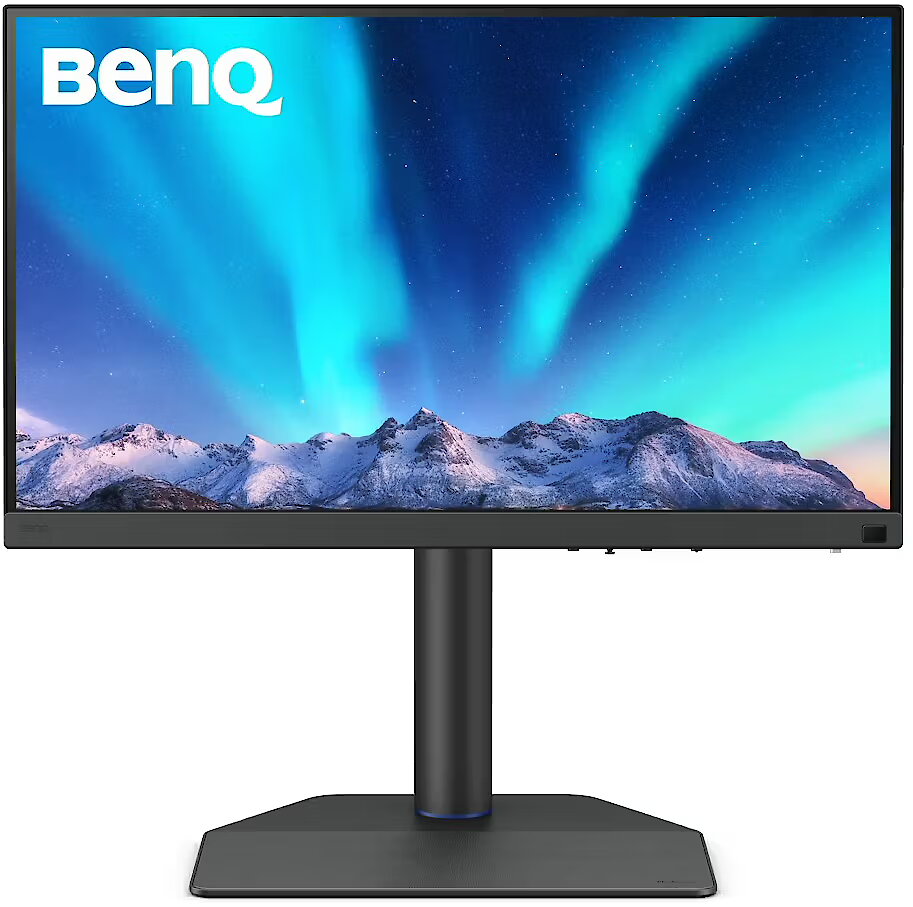
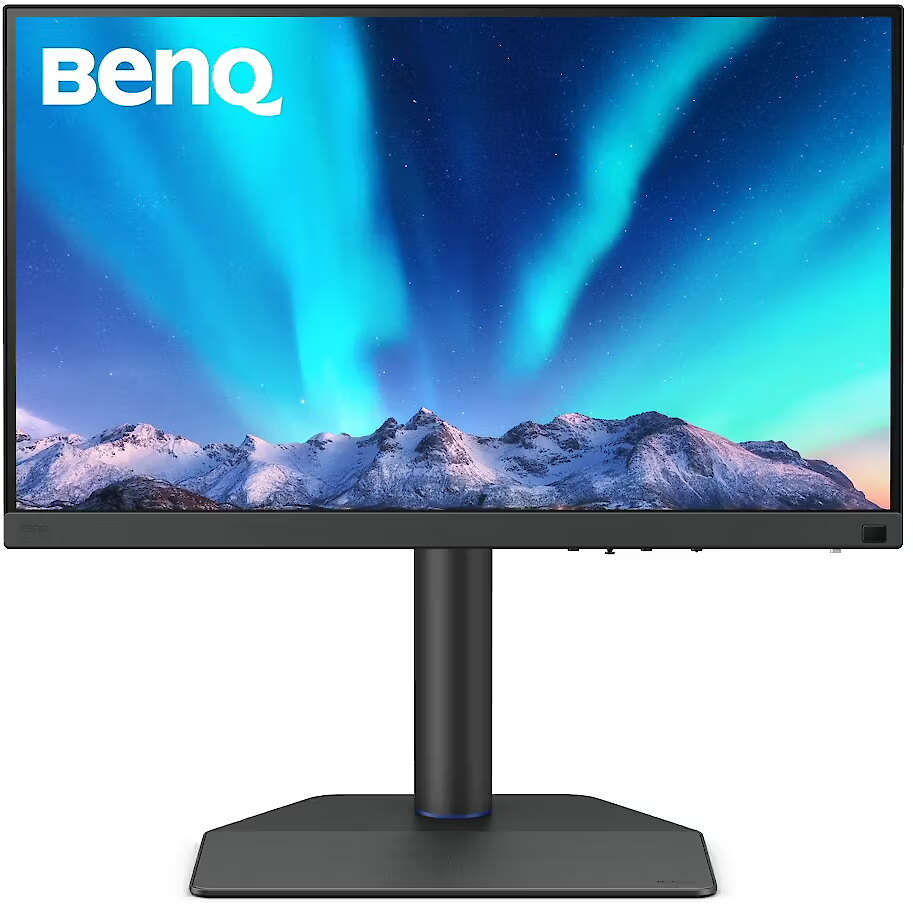
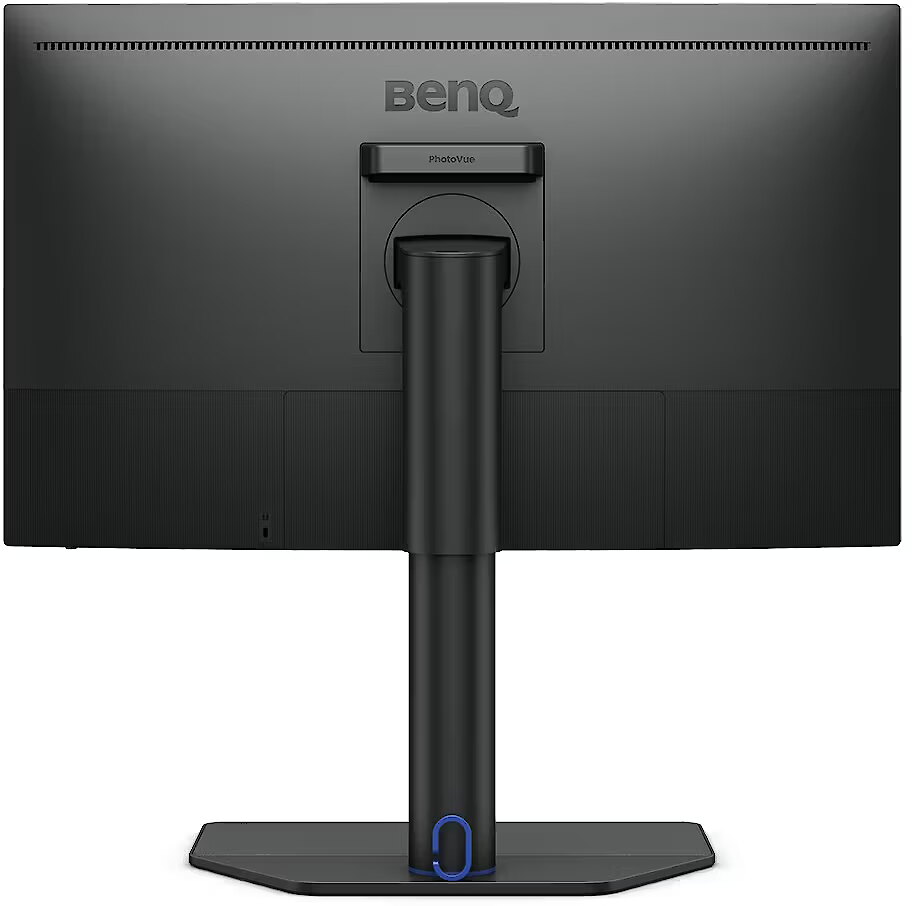
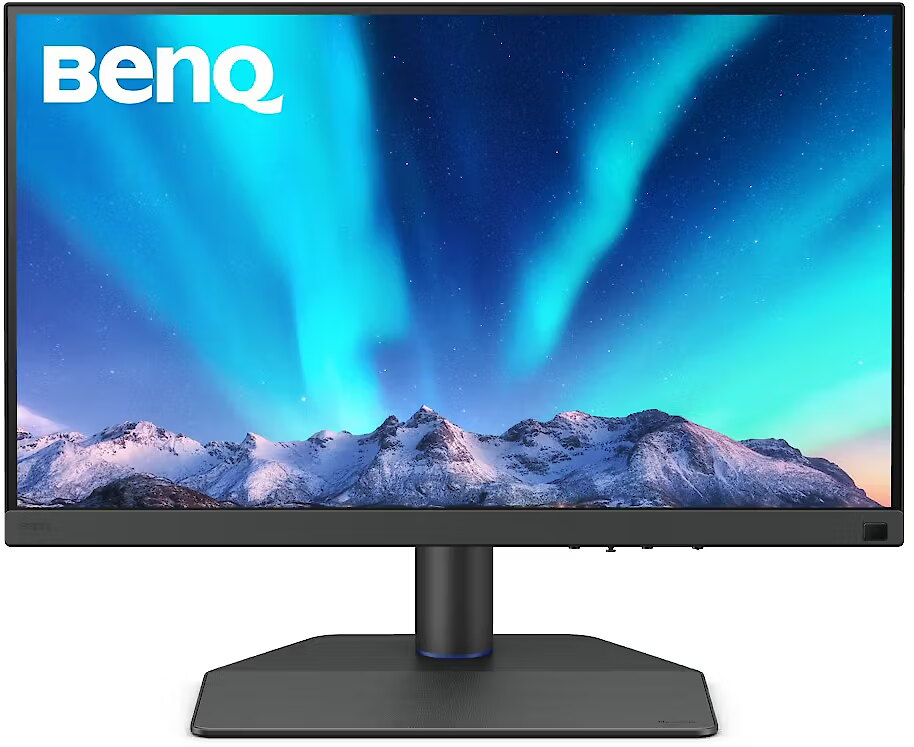
Description - SW272QN27" QHD Monitor for Photo & Video Editing
Capture the Moment, from Edit to Final Output
Exclusive Screen-to-Print Solution
Paired with Paper Color Sync, the SW272QN delivers industry-leading screen-to-print accuracy, making it the ultimate platform for precise photo editing and dependable soft proofing.
Paper Color Sync for Precise Soft-Proofing
Offering the finest creative experiences with color consistency to simulate paper texture on-screen, and Paper Color Sync for accurate printed output, BenQ has achieved unparalleled color performance beyond the industry standard.
Nano Matte Black for Reliable Contrast
SW272QN integrates Nano Matte Black panel to reduce highlight diffusion and maintain deeper black levels in controlled lighting conditions. With consistent, predictable contrast across the screen, it ensures precise retouching and dependable screen-to-print results.
Video Format Support
BenQ photographer monitor helps pros get the best video results with HDR10 support and multiple video formats.
SDI to HDMI Device Compatibility
Connect your SDI devices to the monitor for stable, uncompressed signal transmission and accurate video preview. *Black Magic Teranex Mini SDI to HDMI 12G, Black Magic Micro Converter SDI to HDMI, Black Magic DeckLink 4K Extreme 12G, AJA Hi5 12G, AJA KONA5.
HDR10 Support
HDR10 compatibility makes it ideal for previewing HDR effects accurately during the editing process, ensuring your content looks its best across platforms, from streaming to broadcast.
P3 Color Preview
P3 wider color coverage delivers truest colors to get accurate video project preview.
Chroma Sampling Support
Combined with the above video format compatibilities, BenQ supports 4:4:4, 4:2:2, and 4:2:0 sampling in determining monitor fidelity.
Color Precision, From Panel to Production
Led by color experts, BenQ AQCOLOR Technology is built on BenQs participation in ICC and ISO to help establish color-related standards and implementation guidelines. With Delta E 1.5 and BenQ ICCsync, it delivers reliable out-of-the-box color accuracy with minimal setup. A 16-bit 3D lookup table (LUT) further improves color blending for precise color reproduction. Uniformity Control - Full Screen Calibration via Micro-Zone Correction Color Tolerance Management - High-Precision Instrument Alignment Industry Standards Compliance - From Rec.709, DCI-P3 to Adobe RGB and Beyond Corner-to-Corner Uniformity
Uneven color and dim corners aren't just annoying, they distort your work. BenQ tackles what others overlook. Through full screen calibration, we ensure consistent brightness and color across the entire screen. So whether you're editing center frame or checking the edges, you can create with total confidence.
Hardware Calibration Simplified with Precision
Effortless calibration, no experience needed. Follow the visual menus and clear prompts for hardware calibration that meets international standards.
Third-Party Certified Accuracy
BenQ photographer monitors are Pantone Validated, Pantone SkinTone Validated, and Calman Verified, meeting rigorous standards for trusted color accuracy in both photo and video. For professionals who require deeper control, the SW272UN supports advanced 3D LUT (Lookup Table) calibration and is compatible with ColourSpace software, delivering consistent, high-fidelity color across the entire creative workflow.
Expand Your Efficiency
Quick to transfer various data and deliver power up to 90W. Your Thunderbolt 3/4 devices are compatible with USB-C on BenQ displays, ensuring consistent and seamless work efficiency.
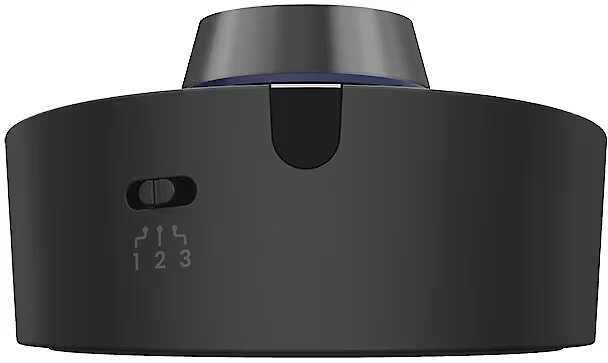
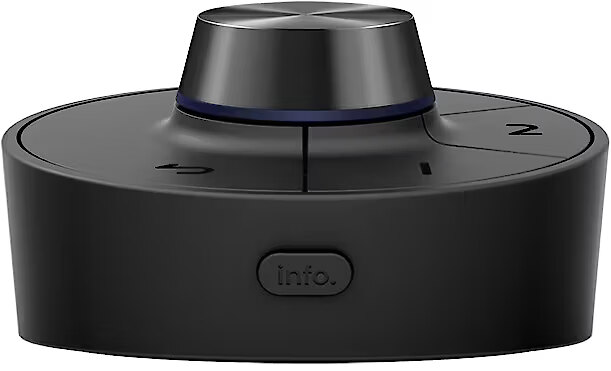
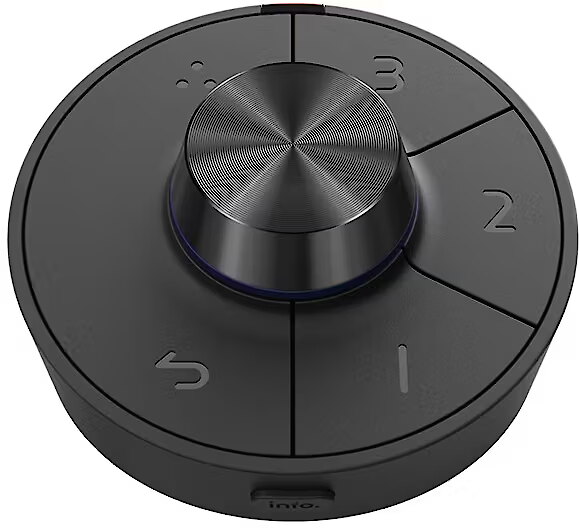
Wireless Hotkey Puck
BenQ Hotkey Puck simplifies monitor control with direct access to your favorite settings, no menu diving required. Designed for creatives, it keeps your workflow smooth and focused.
Unleash Creativity with Comfort
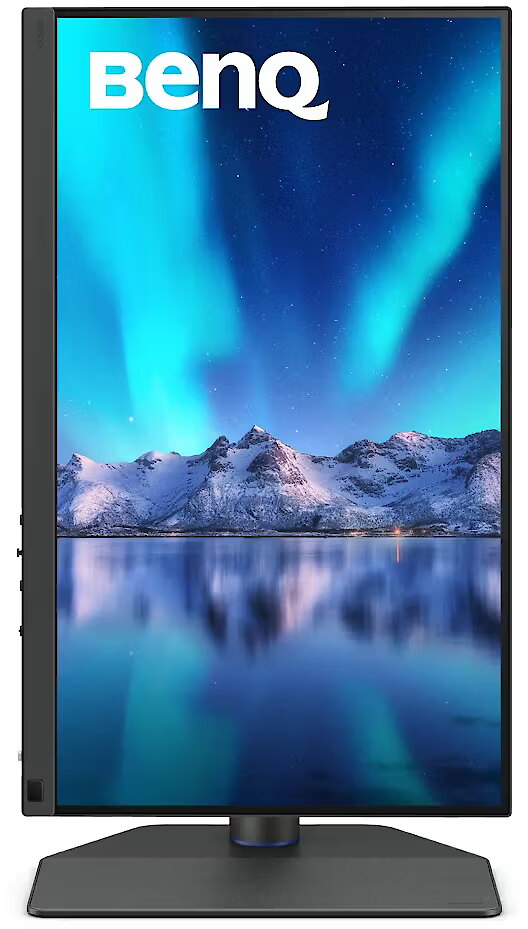
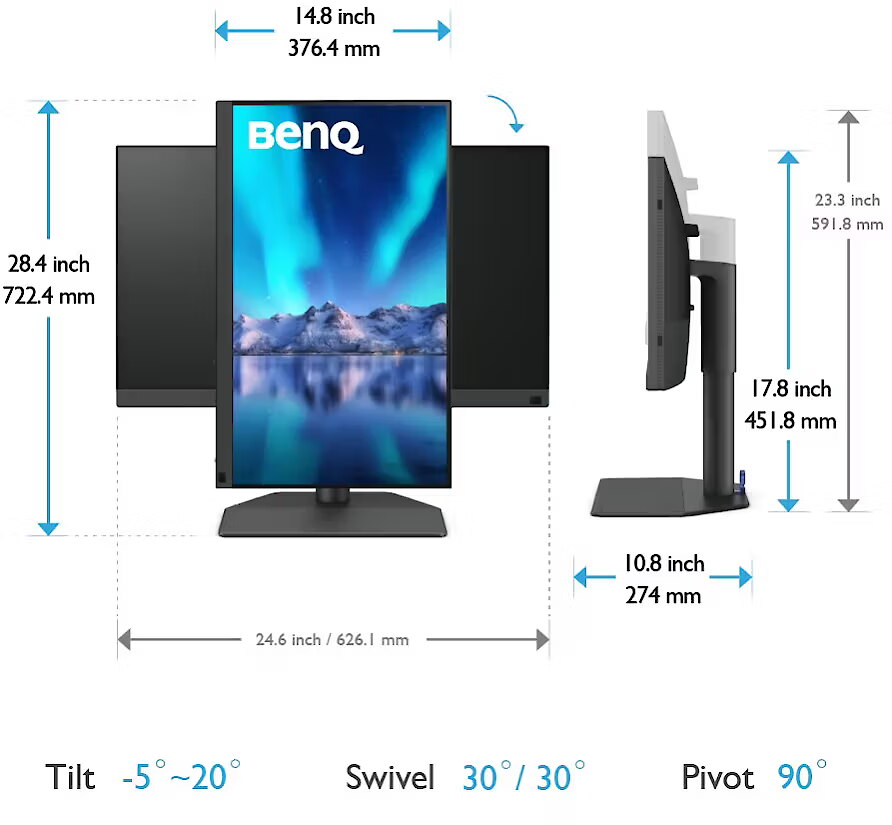
Position your monitor for optimal comfort. With a variety of tilt, swivel, and pivot control points, whether you're working on design or presenting your ideas to clients, there's always the right spot and the right angle to do it.
Effortless Access Design
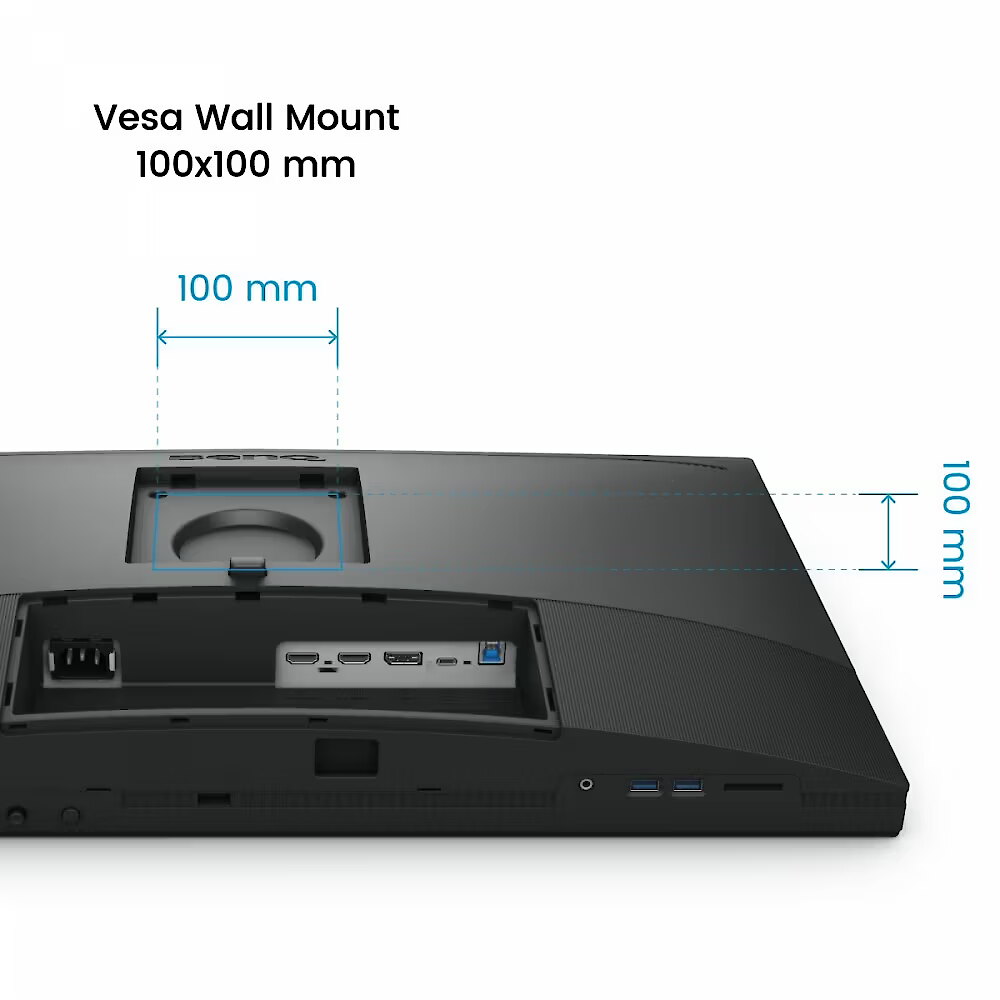
Designed with accessibility in mind, it's easy to connect devices through accessible I/O ports, transfer data with the built-in card reader, and streamline your work for maximum convenience.
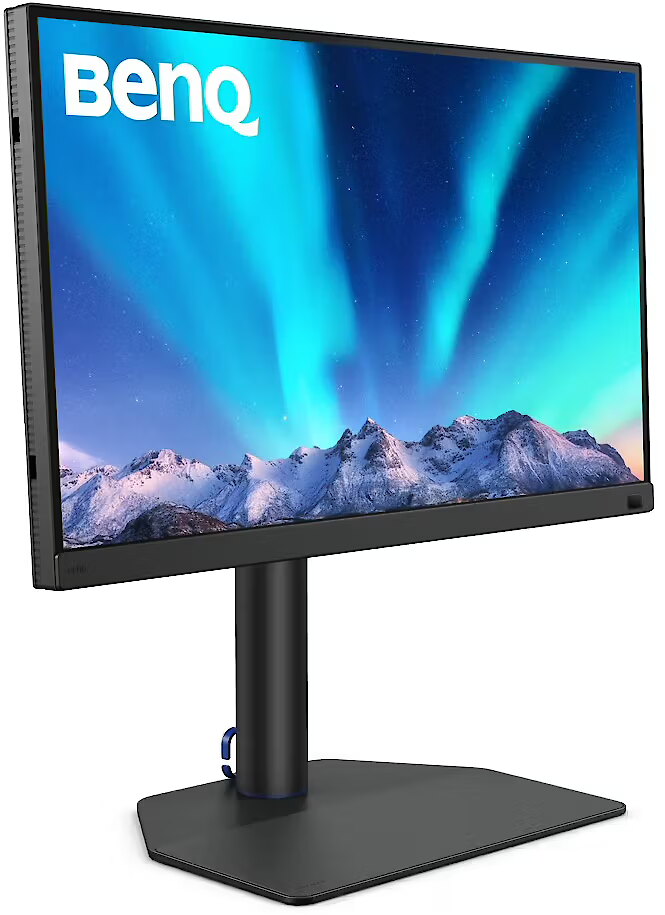
Elegance Leatherette Base
The leatherette base not only elevates your workspace with a touch of elegance but also saves space for what truly matters.
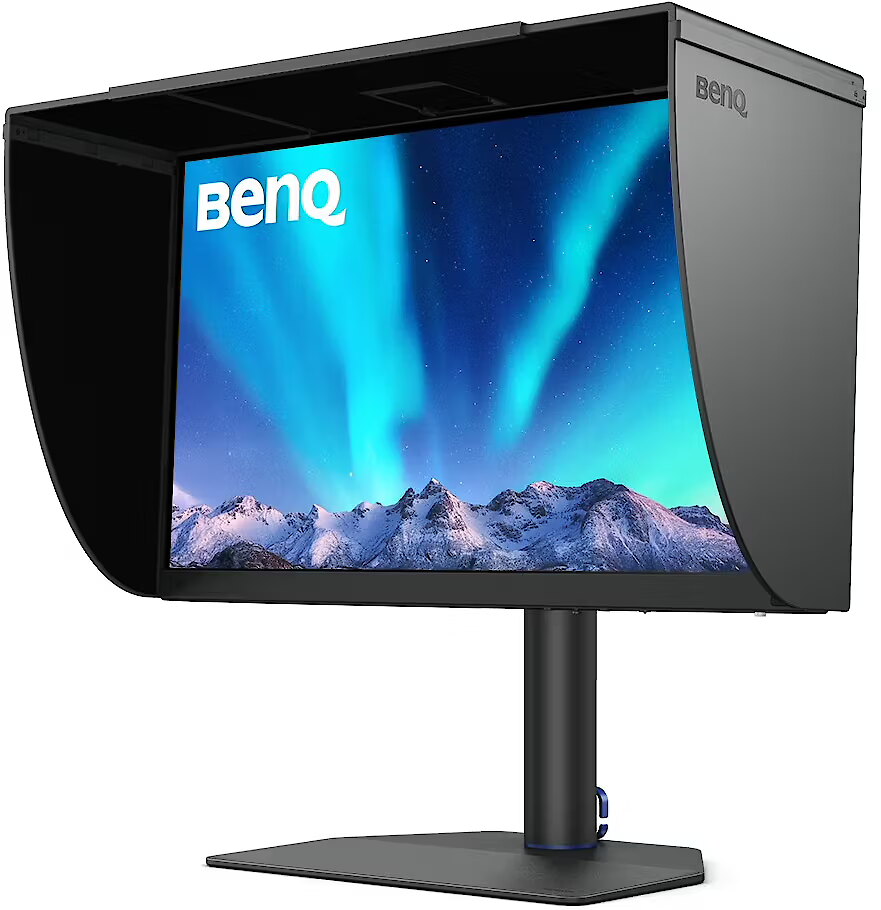
Optional Shading Hood Bridge
Enjoy the benefits of multi-monitor setups without sacrificing glare control. The HB27 connects two or more 27" BenQ photographer monitors with shading hoods, so you can retouch and edit seamlessly without reflections or distractions.
Pantone Connect Premium
Go digital with BenQ, the first brand to work with Pantone on a mobile app. As an existing owner or a new purchaser of BenQ professional monitors, you get one year of free Pantone Connect Premium for digitally mobile color consistency and accuracy.
Design - Market positioning - Photo editing
Design - Product colour - Black
Designation - CE+WEEE
dimension depth - 420 mm
dimension height - 730 mm
dimension weight - 18800 g
dimension width - 500 mm
Display - Anti-glare screen - Yes
Display - Colour gamut - 100%
Display - Colour gamut standard - Adobe RGB, DCI-P3, Rec. 709, sRGB
Display - Contrast ratio (typical) - 1000:1
Display - Display brightness (peak) - 300 cd/m²
Display - Display brightness (typical) - 300 cd/m²
Display - Display diagonal - 68.6 cm (27")
Display - Display number of colours - 1.07 billion colours
Display - Display resolution - 2560 x 1440 pixels
Display - Display technology - LED
Display - HD type - Wide Quad HD
Display - High Dynamic Range (HDR) supported - Yes
Display - High Dynamic Range (HDR) technology - High Dynamic Range 10 (HDR10)
Display - LED backlight - Yes
Display - Maximum refresh rate - 60 Hz
Display - Native aspect ratio - 16:9
Display - Panel type - IPS
Display - Pixel density - 109 ppi
Display - Response time - 5 ms
Display - Response time measurement type - GTG (Gray to Gray)
Display - Screen shape - Flat
Display - sRGB coverage (typical) - 100%
Display - Touchscreen - No
Display - Viewing angle, horizontal - 178°
Display - Viewing angle, vertical - 178°
Display surface - Matt
ean - 4718755097409
Energy class - F
Energy label - Pobierz
Ergonomics - Adjustable height (max) - 14 cm
Ergonomics - Height adjustment - Yes
Ergonomics - On Screen Display (OSD) - Yes
Ergonomics - On Screen Display (OSD) languages - Simplified Chinese, Traditional Chinese, Czech, German, English, French, Hungarian, Italian, Japanese, Korean, Dutch, Polish, Portuguese, Romanian, Russian, Spanish, Swedish
Ergonomics - Panel mounting interface - 100 x 100 mm
Ergonomics - Pivot - Yes
Ergonomics - Pivot angle - 0 - 90°
Ergonomics - Swivel angle range - 30 - 30°
Ergonomics - Swivelling - Yes
Ergonomics - Tilt adjustment - Yes
Ergonomics - Tilt angle range - -5 - 20°
Ergonomics - VESA mounting - Yes
Ergonomics - Wall mountable - Yes
GTIN - 4718755097409
guarantee - 24
guarantee_type - external
Height - 386.3 mm
Height (max) - 603.2 mm
Height adjustment - Yes
Height adjustment range - 140 mm
Height with stand - 451.8 mm
I/O connectors - 1 x 3,5 mm minijack
I/O connectors - 1 x DisplayPort
I/O connectors - 1 x SD card slot
I/O connectors - 1 x USB (Type B)
I/O connectors - 1 x USB (Type C)
I/O connectors - 2 x HDMI
I/O connectors - 2 x USB 3.1
Kensington Security Slot - Nie
LongDesc - Capture the Moment, from Edit to Final OutputExclusive Screen-to-Print SolutionPaired with Paper Color Sync, the SW272QN delivers industry-leading screen-to-print accuracy, making it the ultimate platform for precise photo editing and dependable soft proofing.Paper Color Sync for Precise Soft-ProofingOffering the finest creative experiences with color consistency to simulate paper texture on-screen, and Paper Color Sync for accurate printed output, BenQ has achieved unparalleled color performance beyond the industry standard.Nano Matte Black for Reliable ContrastSW272QN integrates Nano Matte Black panel to reduce highlight diffusion and maintain deeper black levels in controlled lighting conditions. With consistent, predictable contrast across the screen, it ensures precise retouching and dependable screen-to-print results.Video Format SupportBenQ photographer monitors help pros get the best video results, with HDR10 support and multiple video formats. Color Precision, From Panel to ProductionLed by color experts, BenQ AQCOLOR Technology is built on BenQ’s participation in ICC and ISO* to help establish color-related standards and implementation guidelines. With Delta E ≤ 1.5 and BenQ ICCsync, it delivers reliable out-of-the-box color accuracy with minimal setup. A 16-bit 3D lookup table (LUT) further improves color blending for precise color reproduction.*** International Color Consortium **International Organization of StandardizationCorner-to-Corner UniformityUneven color and dim corners aren’t just annoying, they distort your work. BenQ tackles what others overlook. Through full screen calibration, we ensure consistent brightness and color across the entire screen. So whether you're editing center frame or checking the edges, you can create with total confidence. Consistent Color, Every ShotPalette Master UltimateHardware Calibration Simplified with PrecisionEffortless calibration, no experience needed. Follow the visual menus and clear prompts for hardware calibration that meets international standards.*Calibrator Supported: X-rite i1Display Pro, X-rite i1Display Pro Plus, Datacolor Spyder X, Datacolor Spyder X2 (Pro/ Elite/ Ultra), MYIRO-1 ect.Third-Party Certified AccuracyBenQ photographer monitors are Pantone Validated, Pantone SkinTone Validated, and Calman Verified, meeting rigorous standards for trusted color accuracy in both photo and video. For professionals who require deeper control, the SW272QN supports advanced 3D LUT (Lookup Table) calibration and is compatible with ColourSpace software, delivering consistent, high-fidelity color across the entire creative workflow.Compatible with Mac DevicesExpand Your EfficiencyQuick to transfer various data and deliver power up to 90W. Your Thunderbolt 3/4 devices are compatible with USB-C on BenQ displays, ensuring consistent and seamless work efficiency.Wireless Hotkey PuckThe BenQ Hotkey Puck simplifies monitor control with direct access to your favorite settings, with no menu diving required. Designed for creatives, it keeps your workflow smooth and focused.Craftsmanship in DesignEffortless Access DesignDesigned with accessibility in mind, it’s easy to connect devices through accessible I/O ports, transfer data with the built-in card reader, and streamline your work for maximum convenience.Elegance Leatherette BaseThe leatherette base not only elevates your workspace with a touch of elegance but also saves space for what truly matters.Optional Shading Hood BridgeEnjoy the benefits of multi-monitor setups without sacrificing glare control. The HB27 connects two or more 27" BenQ photographer monitors with shading hoods, so you can retouch and edit seamlessly without reflections or distractions.*Compatible with BenQ 27" photographer monitors only.Pantone Connect PremiumGo digital with BenQ, the first brand to work with Pantone on a mobile app. As an existing owner or a new purchaser of BenQ professional monitors, you get one year of free Pantone Connect Premium for digitally mobile color consistency and accuracy.
LongProductName - SW272QN|27-inch 2K QHD Adobe RGB 90W USB Type-C Monitor for Photography & Video Editing
LongSummaryDescription - BenQ SW272QN. Display diagonal: 68.6 cm (27"), Display resolution: 2560 x 1440 pixels, HD type: Wide Quad HD, Display technology: LED, Response time: 5 ms, Native aspect ratio: 16:9, Viewing angle, horizontal: 178°, Viewing angle, vertical: 178°. Built-in USB hub. VESA mounting, Height adjustment. Product colour: Black
Matrix type - TFT IPS
Microphone - Nie
Model - SW272QN
name - Monitor 27 inches SW272QN IPS 2K/LED/60Hz/HDMI
Number of colors - 1,07 mld
Packaging content - Cables included - DisplayPort, HDMI, USB Type-C
Packaging content - Quick start guide - Yes
Ports & interfaces - Built-in USB hub - Yes
Ports & interfaces - DisplayPorts quantity - 1
Ports & interfaces - DisplayPort version - 1.4
Ports & interfaces - HDCP - Yes
Ports & interfaces - HDCP version - 2.2
Ports & interfaces - HDMI - Yes
Ports & interfaces - HDMI ports quantity - 2
Ports & interfaces - HDMI version - 2.0
Ports & interfaces - Headphone out - Yes
Ports & interfaces - Headphone outputs - 1
Ports & interfaces - USB Power Delivery (USB PD) - Yes
Ports & interfaces - USB Power Delivery up to - 90 W
Ports & interfaces - USB Type-C DisplayPort Alternate Mode - Yes
Ports & interfaces - USB Type-C downstream ports quantity - 1
Power - AC input voltage - 100 - 240 V
Power - Energy consumption (HDR) per 1000 hours - 33 kWh
Power - Energy consumption (SDR) per 1000 hours - 26 kWh
Power - Energy efficiency class (HDR) - G
Power - Energy efficiency class (SDR) - F
Power - Power consumption (max) - 160 W
Power - Power consumption (standby) - 0.5 W
Power - Power consumption (typical) - 25 W
Power - Power supply type - Internal
Power consumption - 160 W
producer - Benq
ProductName - SW272QN
Refresh rate - 60 Hz
Resolution - 2560 x 1440
Response time - 5 ms
Screen size (diag.) - 27"
ShortSummaryDescription - BenQ SW272QN, 68.6 cm (27"), 2560 x 1440 pixels, Wide Quad HD, LED, 5 ms, Black
Speakers built-in - No
Static contrast - 1 000:1
Swivel - Yes
Tilt - Yes
Title - BenQ SW272QN
Touch screen - No
Transreflective technology - LED
TV tuner built-in - No
URL - https://www.benq.eu/en-uk/monitor/creative-pro/sw272qn/buy.html
vendpn - 9H.Y0DLB.QBE
VESA - 100 x 100
Viewing angle, horizontal - 178 °
Viewing angle, vertical - 178 °
WarrantyInfo -
Web camera - None
Weight - 4.92 kg
Weight & dimensions - Depth (without stand) - 270.6 mm
Weight & dimensions - Depth (with stand) - 274 mm
Weight & dimensions - Height (without stand) - 626.1 mm
Weight & dimensions - Height (with stand) - 591.8 mm
Weight & dimensions - Weight (without stand) - 4.92 kg
Weight & dimensions - Weight (with stand) - 8.3 kg
Weight & dimensions - Width (without stand) - 626.1 mm
Weight & dimensions - Width (with stand) - 613.9 mm
Weight with stand - 8.3 kg
Width - 626.1 mm
WiFi - No



 DVI is a digital standard and ensures high image quality, however, thanks to the big size of the plug and the inability of the standard to develop further due to a few technical restrictions this type of connection is gradually losing its popularity to modern HDMI and DisplayPort standards.