AC input frequency Power - 50/60 Hz
AC input voltage Power - 100 - 240 V
AMD FreeSync Performance - No
Brand - ASUS
BrandPartCode - 90LM0CNV-B01N71
Built-in camera Multimedia - No
Built-in speaker(s) Multimedia - No
Built-in USB hub Ports & interfaces - Yes
Cable lock slot Ergonomics - Yes
Cable lock slot type Ergonomics - Kensington
Category - Computer Monitors
Category Code - LC3
Category_1 - Monitors and TV
Category_2 - LED Monitors up to 19 inches
Certification Other features - Energy Star
TÜV Flicker-free
TÜV Low Blue Light
FSC MIX
Colour gamut standard Display - DCI-P3
Contrast ratio (dynamic) Display - 100000000:1
Contrast ratio (typical) Display - 1000000:1
DCI-P3 coverage Display - 95%
Depth (with stand) Weight & dimensions - 9 mm
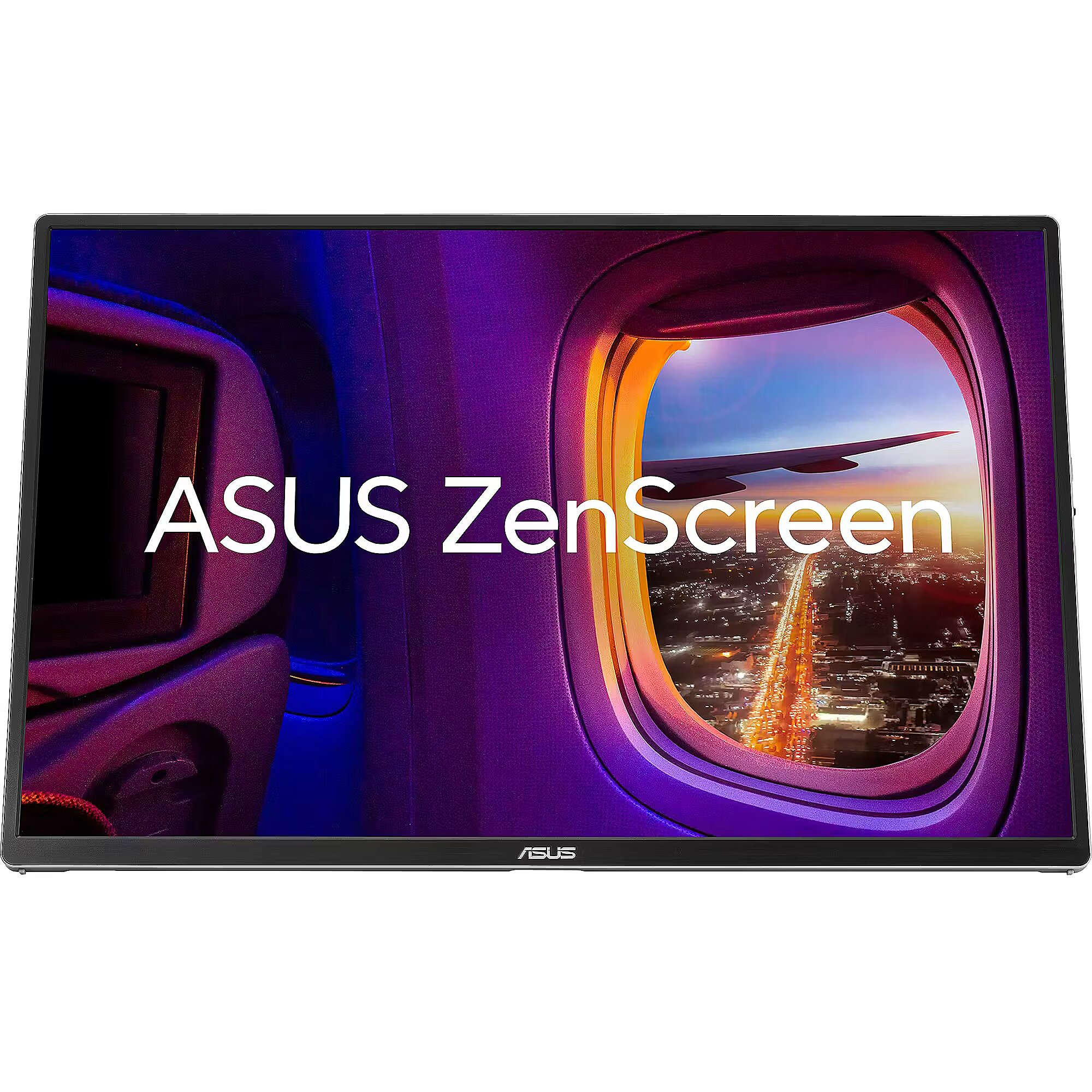
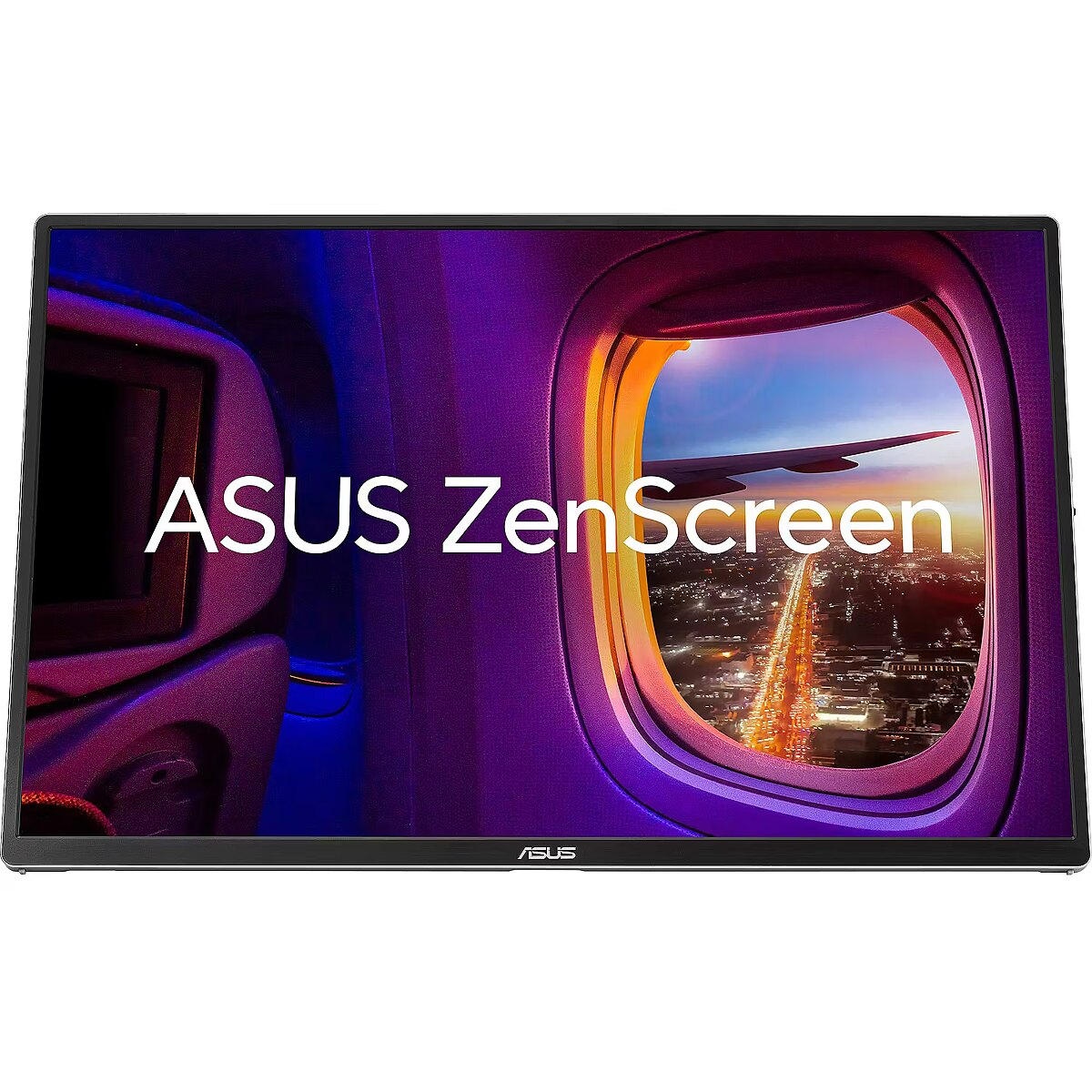
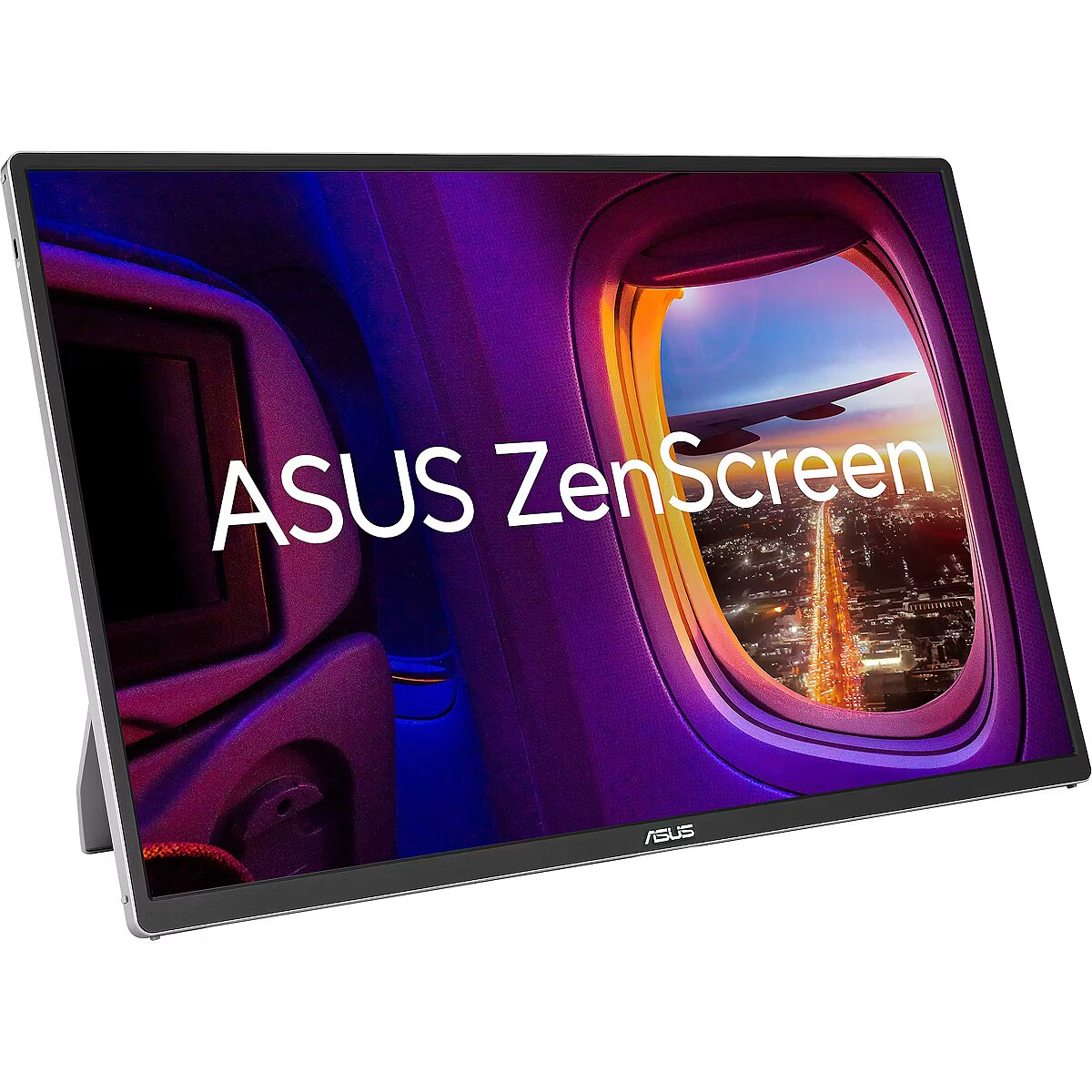
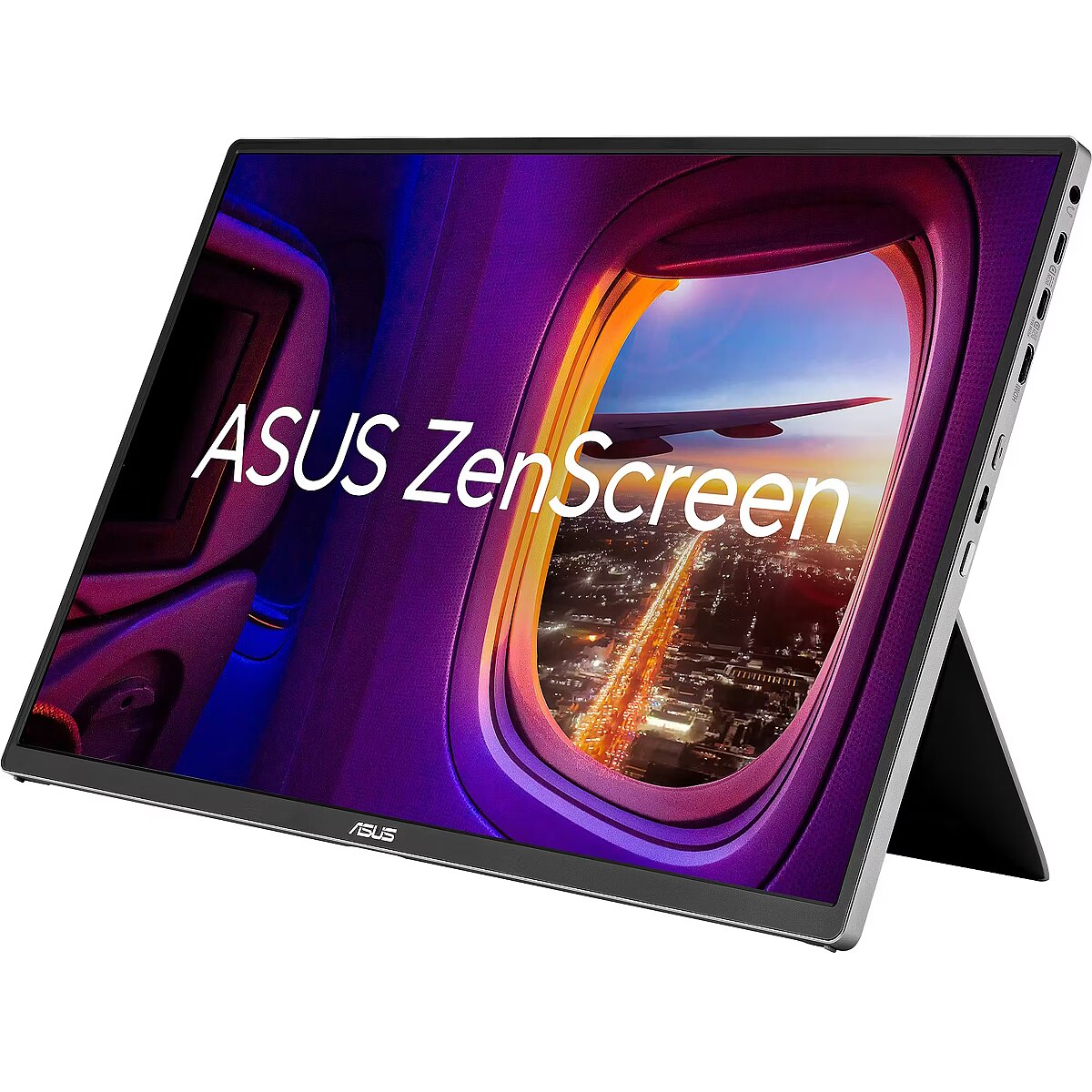
Description - OLED Astonishing true-to-life color ZenScreen OLED MQ16FC OLED panel boasts a 95% DCI-P3 wide color gamut, delivering accurate color reproduction for professional tasks., with its infinite contrast ratio ensures deep blacks and vibrant colors, creating immersive visuals for both creative endeavors and digital nomads. Extreme blacks and high perceptual brightness The OLED technology produces the deepest blacks and ensures vivid colors at any brightness level. It also delivers extremely crisp and clear details, even in the darkest scenes. Fast response time for smooth visuals With a rapid response time — as low as 1 ms — ZenScreen OLED displays smooth fast-paced action scenes and ensures low-latency gameplay. You’ll also enjoy subtle benefits such as blur-free text scrolling. More immersive Brings you a stunning 16:10 display that’s both wider and more vibrant, supporting up to 1920x1200 resolution and an impressive 89% screen-to-body ratio. Enjoy an expansive, vivid view all packed into a sleek, lightweight extended portable monitor. Power pass through There is the two-way power delivery function built in. The MQ16FC portable monitor can be powered by a laptop, or deliver power to a laptop via pass-through charging when plugged into a USB-C power bank or AC adapter and outlet*. One cable is all you need MQ16FC features rich connectivity with dual USB-C and mini-HDMI ports. A single USB-C cable* is all you need to duplicate or extend your laptop screen. USB-C handles both power and video signal transmission, so it’s simply a matter of plug-and-play when it’s time to level up your work efficiency. Note* Need to check whether the USB-C port of your laptop supports DP Alt mode prior to use. Or You can use HDMI connectivity along with USB-C (DC-IN) as power input instead if your laptop does not support USB-C (DP) Automatic screen orientation When connected to a Windows PC, the ASUS DisplayWidget Center tool* enables MQ16FC to sense its orientation and automatically switches the display between landscape and portrait modes. ASUS Eye Care ASUS Ultra-Low Blue Light technology reduces potentially harmful blue light emissions and includes additional features that are beneficial to those who spend long hours in front of a display. ASUS Blue Light Filter The ASUS Blue Light Filter protects viewers from harmful blue light. This feature offers a range of filter settings that are easy to access via the intuitive OSD menu. ZenScreen MQ16FC has passed stringent performance tests and is certified by TÜV Rheinland laboratories, a global provider of technical, safety, and certification services. ASUS Flicker Free TÜV Rheinland-certified ASUS Flicker Free technology eliminates flicker, ensuring comfortable viewing experiences. This technology helps minimize eyestrain and other ailments typically associated with extended hours of viewing. Sustaining an Incredible Future Environmental Certification ASUS ZenScreen MQ16FC is stringently tested to meet the requirements of world-leading sustainability certifications. These tests include a comprehensive database of up-to-date criteria, independent verification, and a structured system for continuous improvement. Eco-friendly packaging The sustainable packaging of ZenScreen MQ16FC is FSC® Mix-certified. The lightweight, eco-friendly cardboard box that it’s packed in is designed to keep overall volume to a minimum, for more efficient shipping. 16-inch 16:10 1920x1200 resolution and an impressive 89% screen-to-body ratio brings you expansive view OLED panel with 95% DCI-P3 color gamut features extreme blacks, high perceptual brightness and superfast 1 ms response time for astonishing color reproduction With Power Pass Through, the MQ16FC portable monitor can be powered by a laptop, or deliver power to a laptop via pass-through charging Automatically sense its orientation and switch the monitor between landscape and portrait modes via DisplayWidget Center software ASUS Eye Care monitors feature TÜV Rheinland-certified Flicker-free and Low Blue Light technologies to ensure a comfortable viewing experience Rich connectivity with two full-function USB-C ports plus a mini-HDMI port
Design - Market positioning - Home
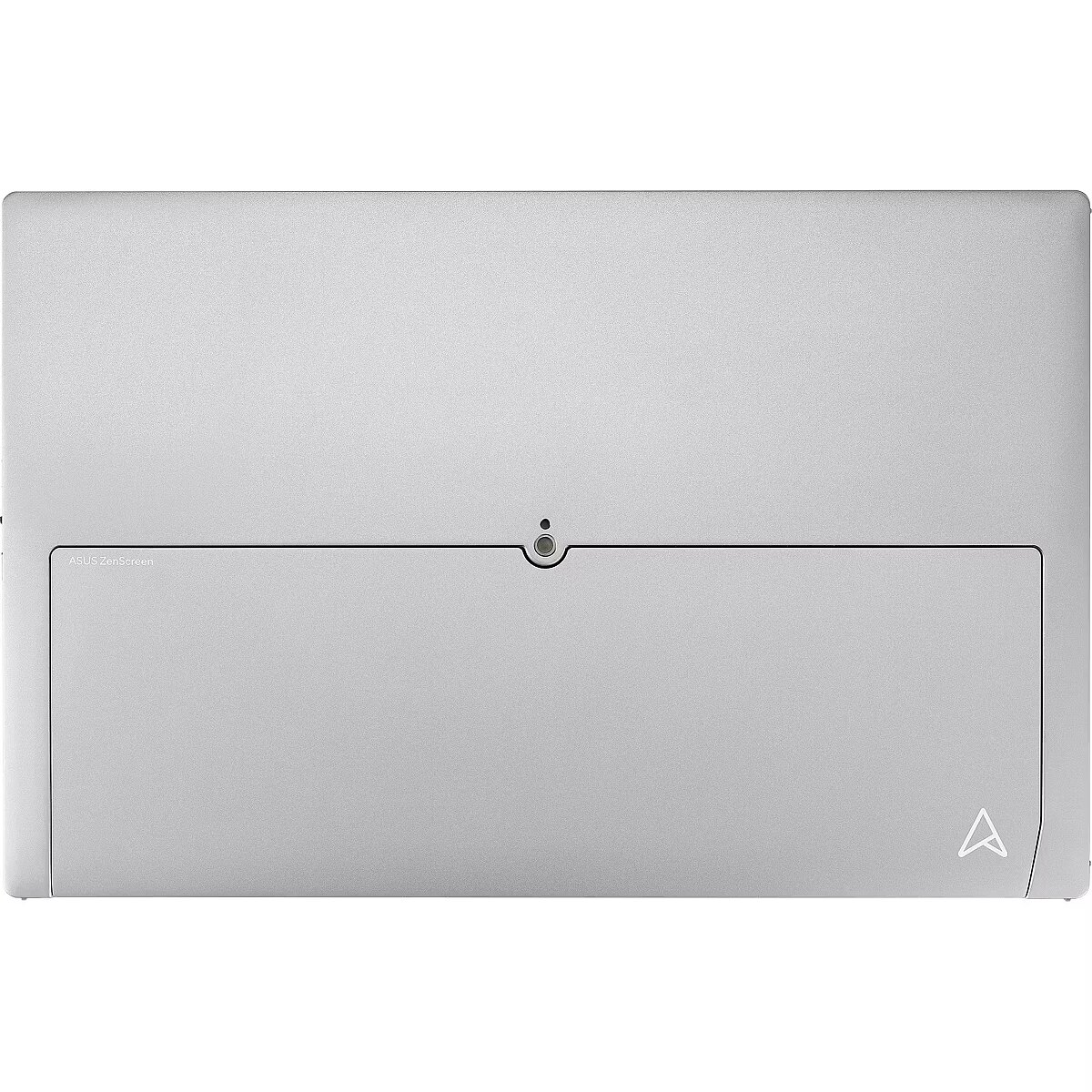
Design - Product colour - Silver
Display - Colour gamut standard - DCI-P3
Display - Contrast ratio (dynamic) - 100000000:1
Display - Contrast ratio (typical) - 1000000:1
Display - DCI-P3 coverage - 95%
Display - Display brightness (typical) - 300 cd/m²
Display - Display diagonal - 40.6 cm (16")
Display - Display number of colours - 16.7 million colours
Display - Display resolution - 1920 x 1200 pixels
Display - Display surface - Gloss
Display - Display technology - OLED
Display - HD type - WUXGA
Display - Maximum refresh rate - 60 Hz
Display - Native aspect ratio - 16:10
Display - Panel type - OLED
Display - Pixel pitch - 0.179 x 0.179 mm
Display - Response time - 1 ms
Display - Response time measurement type - GTG (Gray to Gray)
Display - Screen shape - Flat
Display - Touchscreen - No
Display - Viewable size, horizontal - 34.4 cm
Display - Viewable size, vertical - 21.5 cm
Display - Viewing angle, horizontal - 178°
Display - Viewing angle, vertical - 178°
Display brightness (typical) Display - 300 cd/m²
Display diagonal Display - 40.6 cm (16")
Display number of colours Display - 16.7 million colours
Display resolution Display - 1920 x 1200 pixels
Display surface Display - Gloss
Display technology Display - OLED
EAN_code - 4711636305044
Energy consumption (SDR) per 1000 hours Power - 8 kWh
Energy efficiency class (HDR) Power - Not available
Energy efficiency class (SDR) Power - C
Energy efficiency scale Power - A to G
Ergonomics - Cable lock slot - Yes
Ergonomics - Cable lock slot type - Kensington
Ergonomics - Height adjustment - No
Ergonomics - VESA mounting - No
Flicker-free technology Performance - Yes
GTIN - 4711636305044
HDCP Ports & interfaces - Yes
HDCP version Ports & interfaces - 1.4
HDMI Ports & interfaces - No
HD type Display - WUXGA
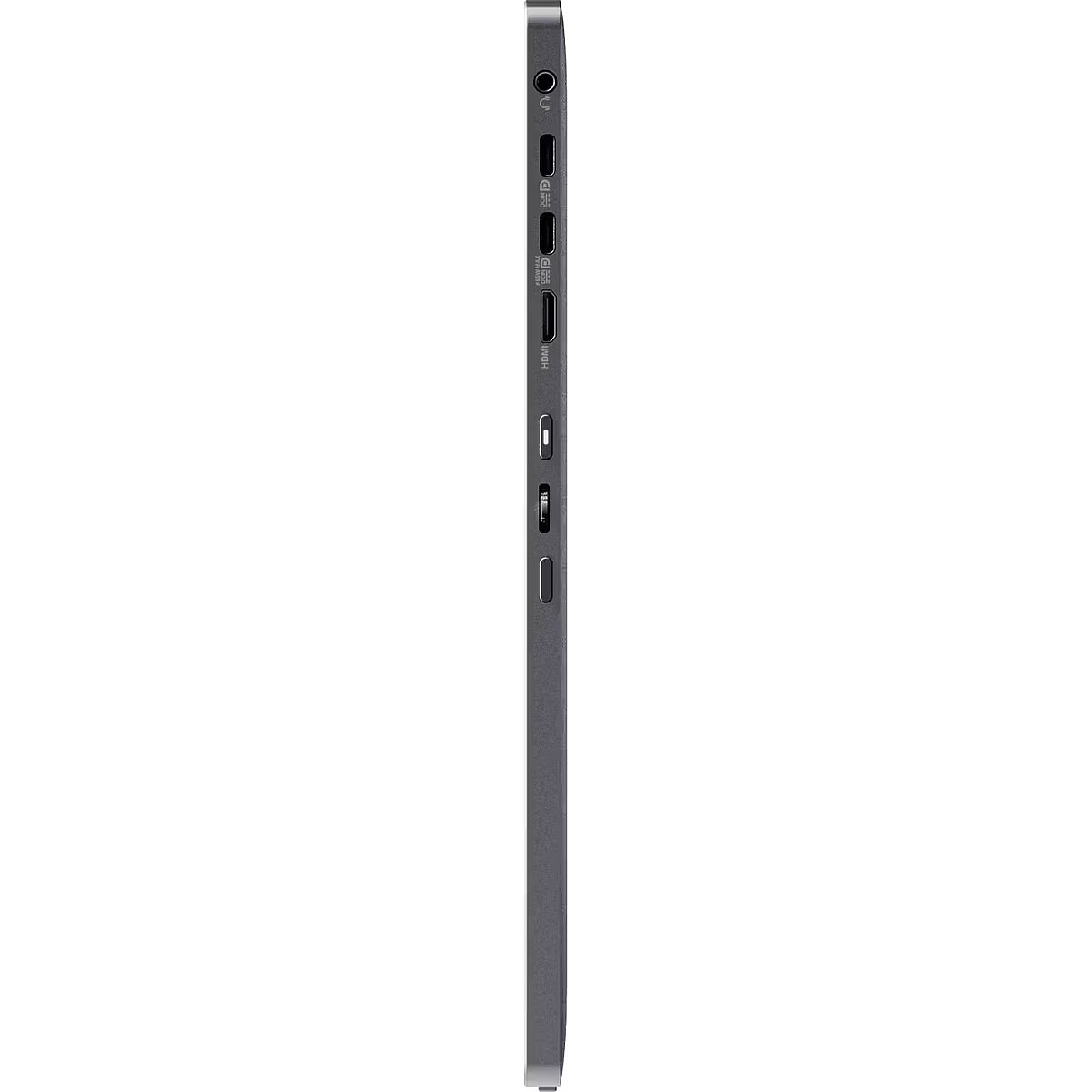
Headphone out Ports & interfaces - Yes
Headphone outputs Ports & interfaces - 1
Height (with stand) Weight & dimensions - 233 mm
Height adjustment Ergonomics - No
LongDesc - OLEDAstonishingtrue-to-life colorZenScreen OLED MQ16FC OLED panel boasts a 95% DCI-P3 wide color gamut, delivering accurate color reproduction for professional tasks., with its infinite contrast ratio ensures deep blacks and vibrant colors, creating immersive visuals for both creative endeavors and digital nomads.Extreme blacks and high perceptual brightnessThe OLED technology produces the deepest blacks and ensures vivid colors at any brightness level. It also delivers extremely crisp and clear details, even in the darkest scenes.Fast response time for smooth visualsWith a rapid response time — as low as 1 ms — ZenScreen OLED displays smooth fast-paced action scenes and ensures low-latency gameplay. You’ll also enjoy subtle benefits such as blur-free text scrolling.More immersiveBrings you a stunning 16:10 display that’s both wider and more vibrant, supporting up to 1920x1200 resolution and an impressive 89% screen-to-body ratio. Enjoy an expansive, vivid view all packed into a sleek, lightweight extended portable monitor.Power pass throughThere is the two-way power delivery function built in. The MQ16FC portable monitor can be powered by a laptop, or deliver power to a laptop via pass-through charging when plugged into a USB-C power bank or AC adapter and outlet*.One cable is all you needMQ16FC features rich connectivity with dual USB-C and mini-HDMI ports. A single USB-C cable* is all you need to duplicate or extend your laptop screen. USB-C handles both power and video signal transmission, so it’s simply a matter of plug-and-play when it’s time to level up your work efficiency.Note* Need to check whether the USB-C port of your laptop supports DP Alt mode prior to use. Or You can use HDMI connectivity along with USB-C (DC-IN) as power input instead if your laptop does not support USB-C (DP)Automatic screen orientationWhen connected to a Windows PC, the ASUS DisplayWidget Center tool* enables MQ16FC to sense its orientation and automatically switches the display between landscape and portrait modes.ASUS Eye CareASUS Ultra-Low Blue Light technology reduces potentially harmful blue light emissions and includes additional features that are beneficial to those who spend long hours in front of a display.ASUS Blue Light FilterThe ASUS Blue Light Filter protects viewers from harmful blue light. This feature offers a range of filter settings that are easy to access via the intuitive OSD menu.ZenScreen MQ16FC has passed stringent performance tests and is certified by TÜV Rheinland laboratories, a global provider of technical, safety, and certification services.ASUS Flicker FreeTÜV Rheinland-certified ASUS Flicker Free technology eliminates flicker, ensuring comfortable viewing experiences. This technology helps minimize eyestrain and other ailments typically associated with extended hours of viewing.Sustaining an Incredible FutureEnvironmental CertificationASUS ZenScreen MQ16FC is stringently tested to meet the requirements of world-leading sustainability certifications. These tests include a comprehensive database of up-to-date criteria, independent verification, and a structured system for continuous improvement.Eco-friendly packagingThe sustainable packaging of ZenScreen MQ16FC is FSC® Mix-certified. The lightweight, eco-friendly cardboard box that it’s packed in is designed to keep overall volume to a minimum, for more efficient shipping.
LongProductName - ZenScreen OLED MQ16FC Portable Monitor – 16-inch 16:10 WUXGA (1920 x 1200) OLED panel, Power Pass Through, Auto Rotate, tripod, USB Type-C®, mini-HDMI®, 95% DCI-P3, Flicker Free, Low Blue Light, FSC Mix-certified
LongSummaryDescription - ASUS ZenScreen OLED MQ16FC. Display diagonal: 40.6 cm (16"), Display resolution: 1920 x 1200 pixels, HD type: WUXGA, Display technology: OLED, Display surface: Gloss, Response time: 1 ms, Native aspect ratio: 16:10, Viewing angle, horizontal: 178°, Viewing angle, vertical: 178°. Built-in USB hub. Product colour: Silver
Low Blue Light technology Performance - Yes
Manufacturer - Asus
Manufacturer_code - 90LM0CNV-B01N71
Market positioning Design - Home
Maximum refresh rate Display - 60 Hz
Mini HDMI ports quantity Ports & interfaces - 1
Model name - MQ16FC
Multimedia - Built-in camera - No
Multimedia - Built-in speaker(s) - No
Name - Asus ZenScreen OLED MQ16FC (40 cm (16 inches), silver, WUXGA, mini-HDMI, USB-C)
Name - MONITOR OLED 16" MQ16FC/90LM0CNV-B01N71 ASUS
Native aspect ratio Display - 16:10
NVIDIA G-SYNC Performance - No
Other features - Certification - Energy Star
TÜV Flicker-free
TÜV Low Blue Light
FSC MIX
Package depth Packaging data - 298 mm
Package height Packaging data - 90 mm
Package type Packaging data - Box
Package weight Packaging data - 1.74 kg
Package width Packaging data - 443 mm
Packaging data - Package depth - 298 mm
Packaging data - Package height - 90 mm
Packaging data - Package type - Box
Packaging data - Package weight - 1.74 kg
Packaging data - Package width - 443 mm
Panel type Display - OLED
Performance - AMD FreeSync - No
Performance - Flicker-free technology - Yes
Performance - Low Blue Light technology - Yes
Performance - NVIDIA G-SYNC - No
Pixel pitch Display - 0.179 x 0.179 mm
Ports & interfaces - Built-in USB hub - Yes
Ports & interfaces - HDCP - Yes
Ports & interfaces - HDCP version - 1.4
Ports & interfaces - HDMI - No
Ports & interfaces - Headphone out - Yes
Ports & interfaces - Headphone outputs - 1
Ports & interfaces - Mini HDMI ports quantity - 1
Ports & interfaces - USB Type-C DisplayPort Alternate Mode - Yes
Ports & interfaces - USB Type-C downstream ports quantity - 2
Power - AC input frequency - 50/60 Hz
Power - AC input voltage - 100 - 240 V
Power - Energy consumption (SDR) per 1000 hours - 8 kWh
Power - Energy efficiency class (HDR) - Not available
Power - Energy efficiency class (SDR) - C
Power - Energy efficiency scale - A to G
Power - Power consumption (off) - 0.3 W
Power - Power consumption (PowerSave) - 0.5 W
Power - Power consumption (typical) - 4.7 W
Power consumption (off) Power - 0.3 W
Power consumption (PowerSave) Power - 0.5 W
Power consumption (typical) Power - 4.7 W
Product colour Design - Silver
ProductName - MQ16FC
Product Net Weight ELKO Logistics Data - 0.68 kg
Response time Display - 1 ms
Response time measurement type Display - GTG (Gray to Gray)
Screen shape Display - Flat
Shipping Box Depth ELKO Internal Logistics Data - 45 cm
Shipping Box Height ELKO Internal Logistics Data - 30 cm
Shipping Box Weight ELKO Internal Logistics Data - 1.86000001430511 kg
Shipping Box Width ELKO Internal Logistics Data - 9 cm
ShortSummaryDescription - ASUS ZenScreen OLED MQ16FC, 40.6 cm (16"), 1920 x 1200 pixels, WUXGA, OLED, 1 ms, Silver
Summary - ASUS ZenScreen OLED MQ16FC. Display diagonal: 40.6 cm (16"), Display resolution: 1920 x 1200 pixels, HD type: WUXGA, Display technology: OLED, Display surface: Gloss, Response time: 1 ms, Native aspect ratio: 16:10, Viewing angle, horizontal: 178°, Viewing angle, vertical: 178°. Built-in USB hub. Product colour: Silver
Title - ASUS ZenScreen OLED MQ16FC computer monitor 40.6 cm (16") 1920 x 1200 pixels WUXGA Silver
Touchscreen Display - No
Unit Box Height - 0.3
Unit Box Length - 0.45
Unit Box Width - 0.09
Unit Calculated Volume ELKO Internal Logistics Data - 0.01215 cubm
Unit Calculated Weight ELKO Logistics Data - 1.86 kg
Unit Depth ELKO Logistics Data - 45 cm
Unit Height ELKO Logistics Data - 30 cm
Units per Pallet ELKO Logistics Data - 0
Units per Shipping Box ELKO Logistics Data - 1
Unit Width ELKO Logistics Data - 9 cm
URL - https://www.asus.com/displays-desktops/monitors/zenscreen/zenscreen-oled-mq16fc/
USB Type-C DisplayPort Alternate Mode Ports & interfaces - Yes
USB Type-C downstream ports quantity Ports & interfaces - 2
Vendor Homepage - https://www.asus.com/displays-desktops/monitors/zenscreen/zenscreen-oled-mq16fc/
VESA mounting Ergonomics - No
Viewable size, horizontal Display - 34.4 cm
Viewable size, vertical Display - 21.5 cm
Viewing angle, horizontal Display - 178°
Viewing angle, vertical Display - 178°
Warranty - 36 months
WarrantyInfo -
Weight - 1,85
Weight & dimensions - Depth (with stand) - 9 mm
Weight & dimensions - Height (with stand) - 233 mm
Weight & dimensions - Weight (with stand) - 680 g
Weight & dimensions - Width (with stand) - 359 mm
Weight (with stand) Weight & dimensions - 680 g
Width (with stand) Weight & dimensions - 359 mm



 DVI is a digital standard and ensures high image quality, however, thanks to the big size of the plug and the inability of the standard to develop further due to a few technical restrictions this type of connection is gradually losing its popularity to modern HDMI and DisplayPort standards.