Accessories included - DisplayPort cable HDMI cable Power cord USB Type-B to A cable
Aspect ratio - 16:9
Auto Pivot - Yes
Bluetooth - No
Brand - ASUS
BrandPartCode - 90LM05L1-B01K71
Brightness - 350 cd/m²
Brightness HDR - 350 cd/m²
Category - Computer Monitors
Category - Root/Electronics/PC peripherals/Monitors
Category_1 - Monitors and TV
Category_2 - LED Monitors up to 27 inches
Certificates - Calman Verified
Certificates - Energy Star
Certificates - EPEAT
Certificates - FSC Mix
Certificates - TCO
Certificates - TUV
Code - 90LM05L1-B01K71
Color - Black
Color - Silver
Dane fizyczne: Głębokość - 190.4 mm
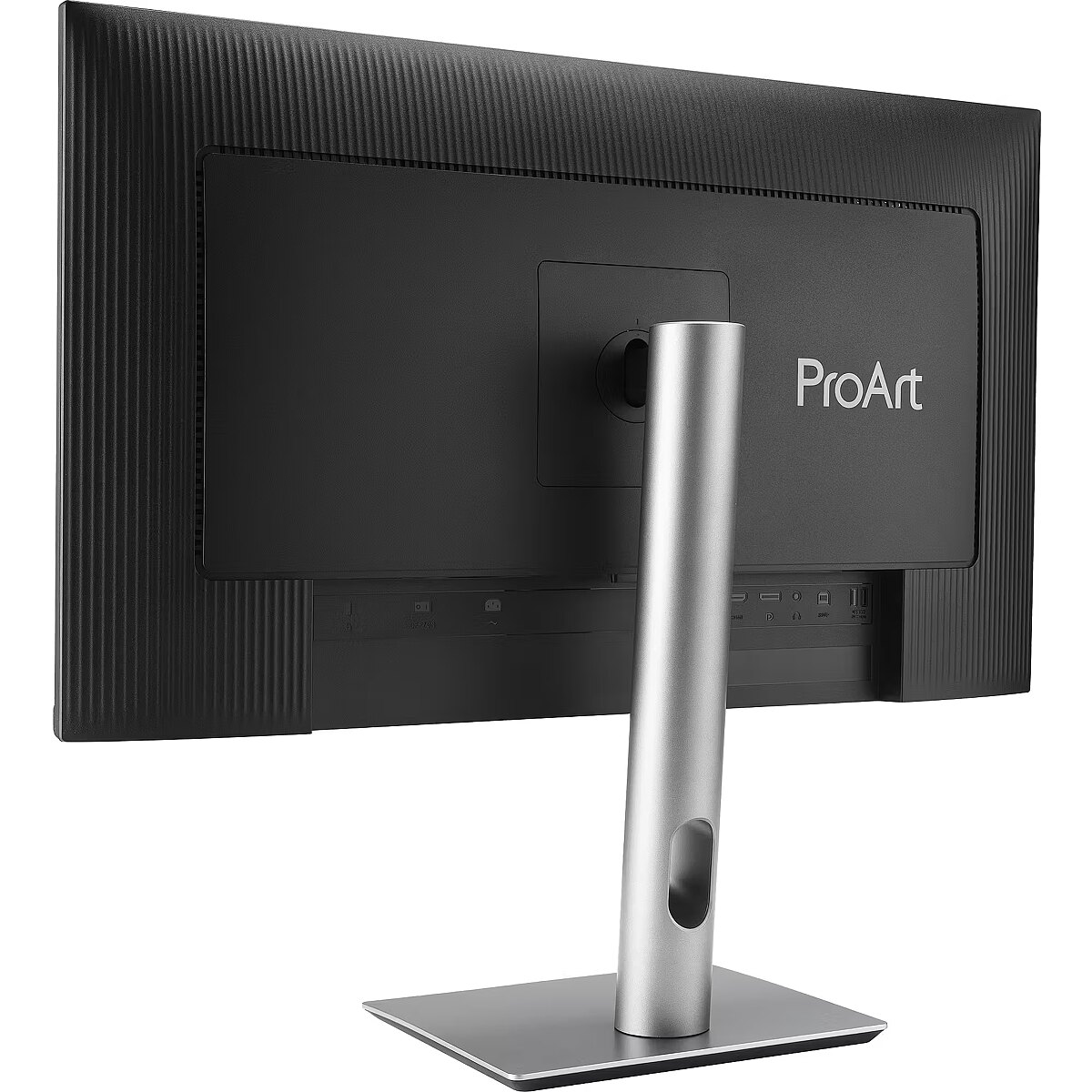
Dane fizyczne: Kolor obudowy - czarny
Dane fizyczne: Standard VESA - 100 x 100
Dane fizyczne: Szerokość - 612.2 mm
Dane fizyczne: Waga - 6.4 kg
Dane fizyczne: Wysokość - 536.1 mm
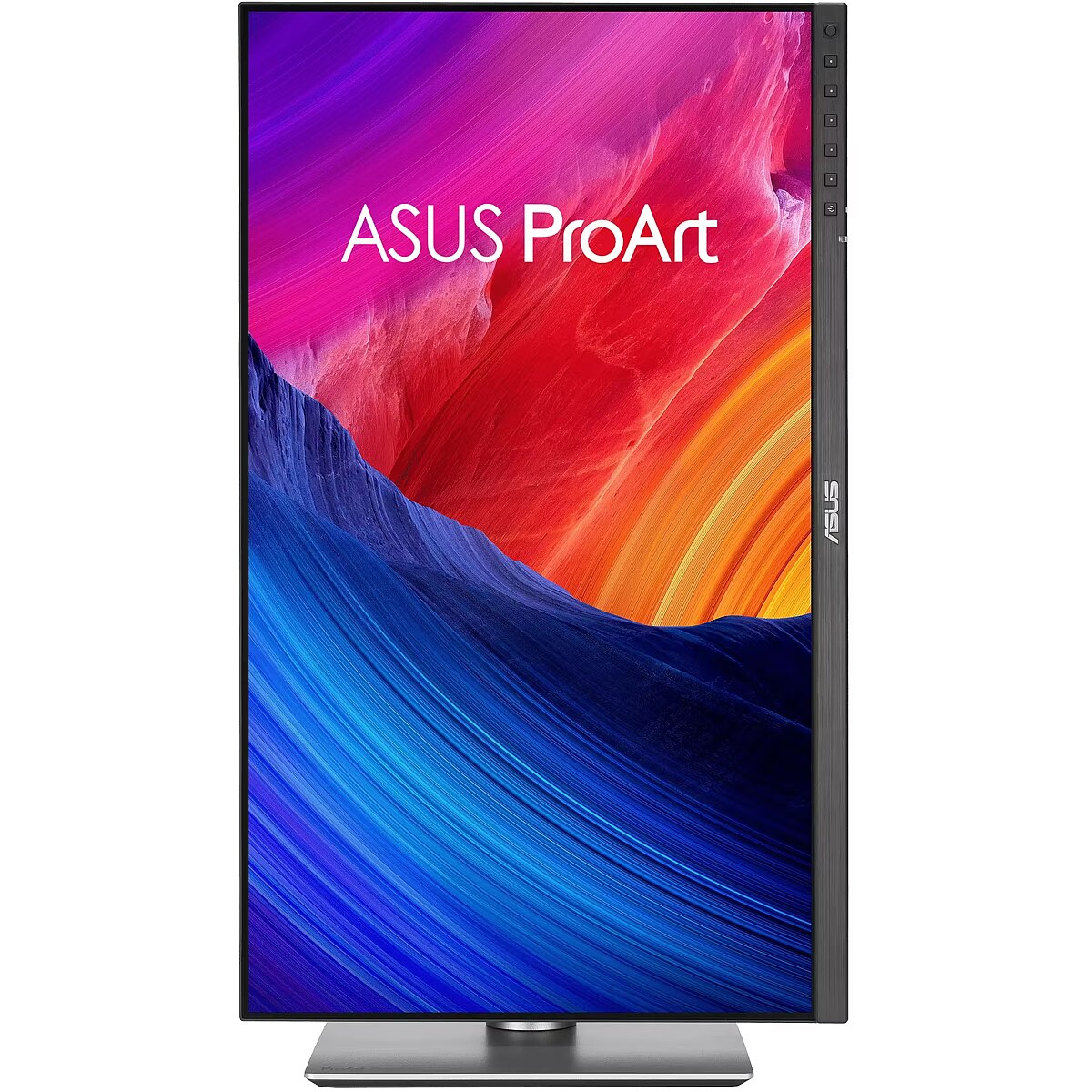
Dane fizyczne: Zakres obrotu (PIVOT) - 90 °
Dane fizyczne: Zakres regulacji obrotu (Swivel) - 60 °
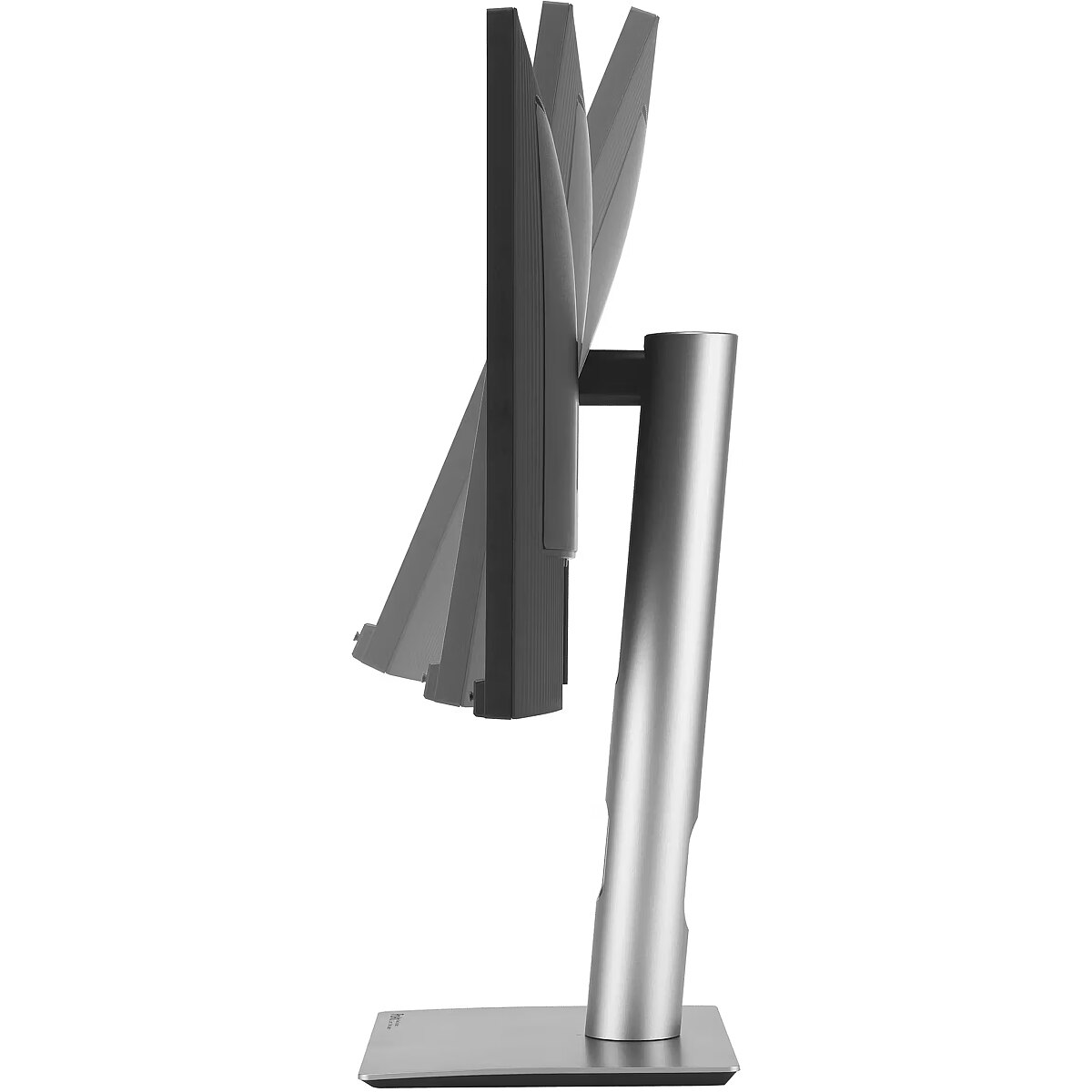
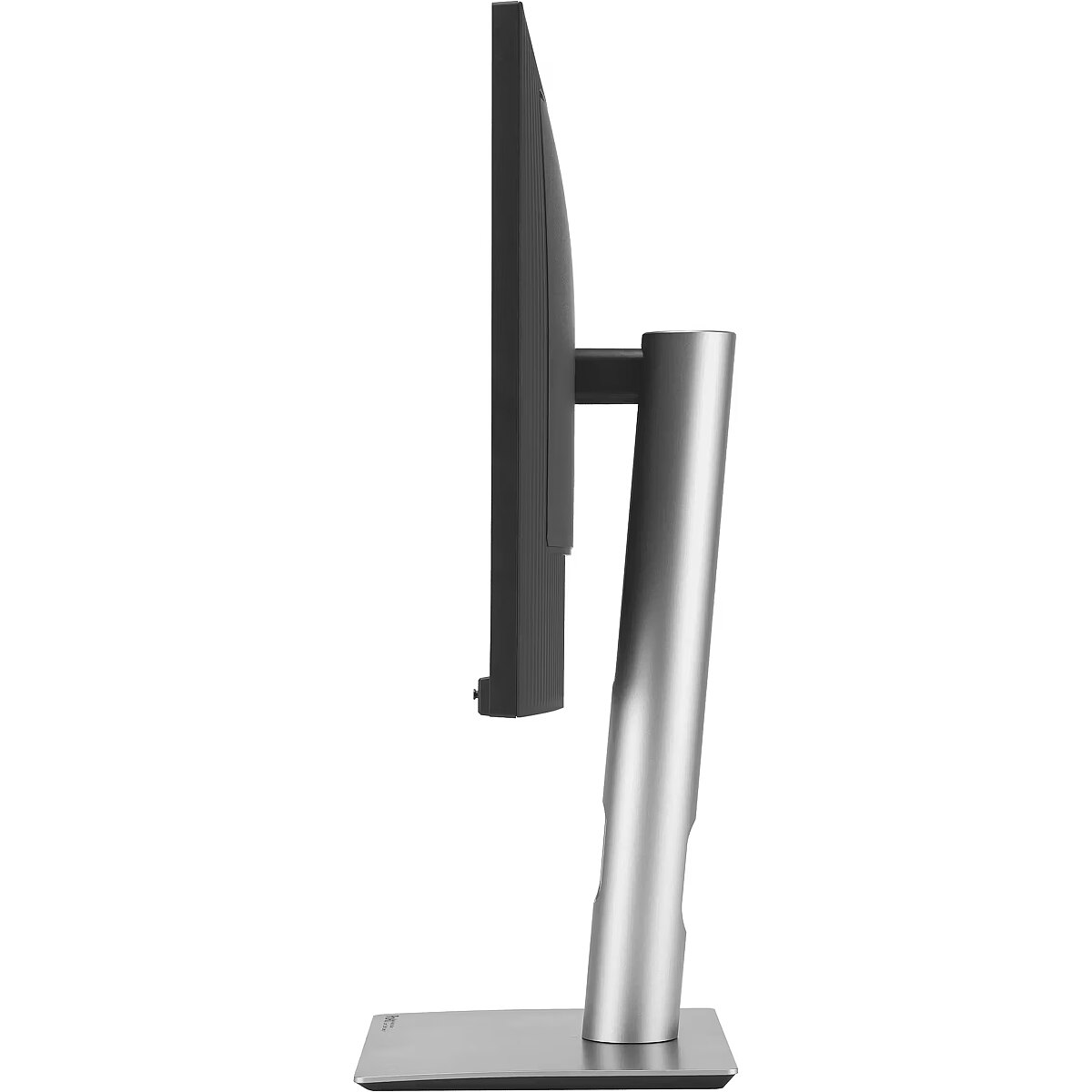
Dane fizyczne: Zakres regulacji pochylenia (Tilt) - 28 °
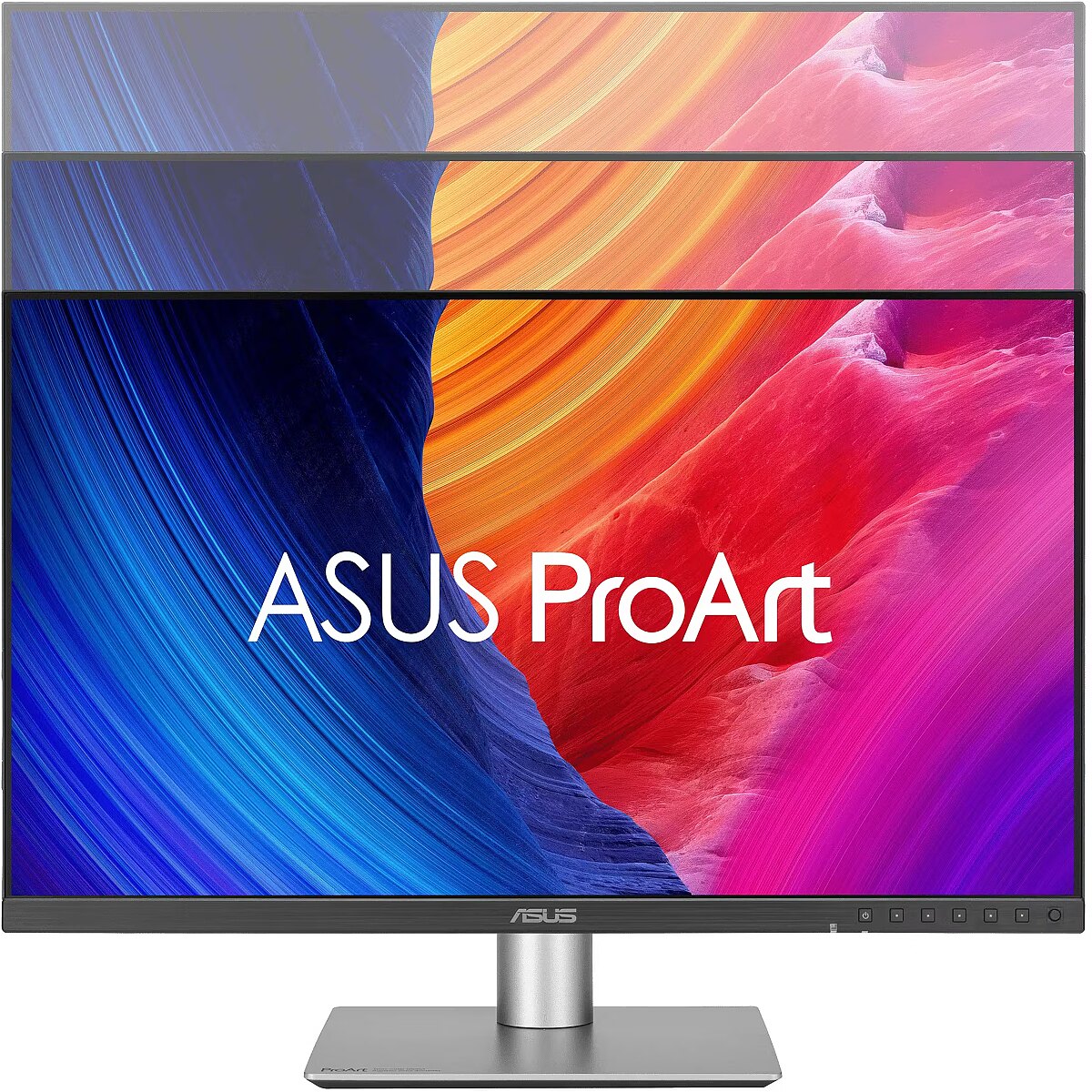
Dane fizyczne: Zakres regulacji wysokości (Height) - 130 mm
Dane techniczne: HDR - tak
Dane techniczne: Czas reakcji - 5 ms
Dane techniczne: Częstotliwość odświeżania - 120 Hz
Dane techniczne: Grupa produktowa - Monitory Asus
Dane techniczne: Gwarancja - 3 lata w serwisie zewnętrznym
Dane techniczne: Głośniki - tak
Dane techniczne: Jasność - 350 cd/m²
Dane techniczne: Możliwość regulacji - obrotowy ekran (pivot)
Dane techniczne: Możliwość regulacji - obrót na podstawie (swivel)
Dane techniczne: Możliwość regulacji - pochył
Dane techniczne: Możliwość regulacji - wysokość
Dane techniczne: Obszar aktywny - 597 x 336 mm
Dane techniczne: Powłoka matrycy - antyrefleksyjna
Dane techniczne: Producent - Asus
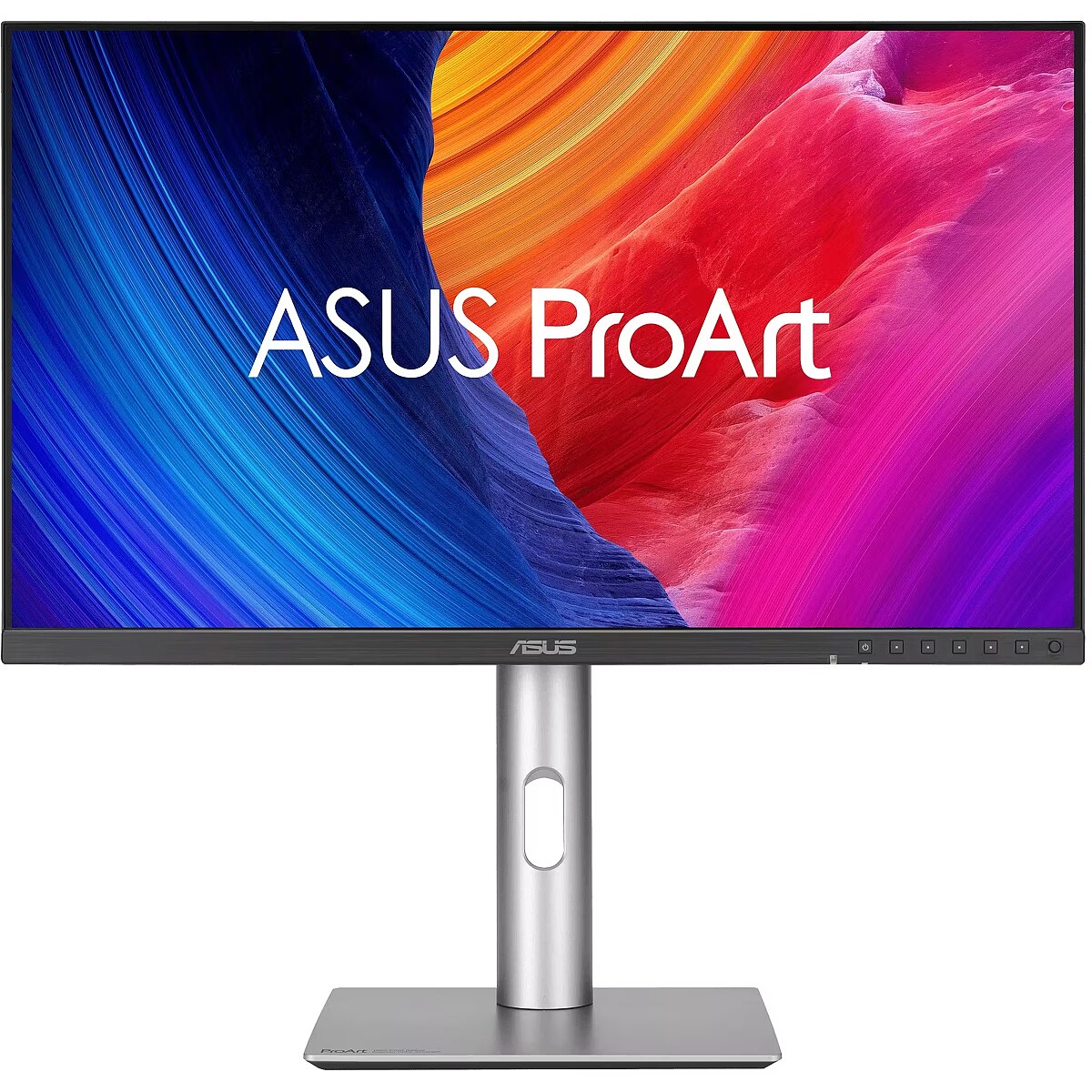
Dane techniczne: Przekątna - 27 cali
Dane techniczne: Rodzaj podświetlenia - LED
Dane techniczne: Rozdzielczość ekranu - 2560 x 1440 (QHD) piksele
Dane techniczne: Rozmiar plamki - 0.233 mm
Dane techniczne: Standard portów wideo - DisplayPort 1.4
Dane techniczne: Standard portów wideo - HDMI 2.1
Dane techniczne: Typ - do biura i domu
Dane techniczne: Typ ekranu - płaski
Dane techniczne: Typ matrycy - IPS
Data Act - Link
Depth - 46.9 mm
Depth with stand - 190.4 mm
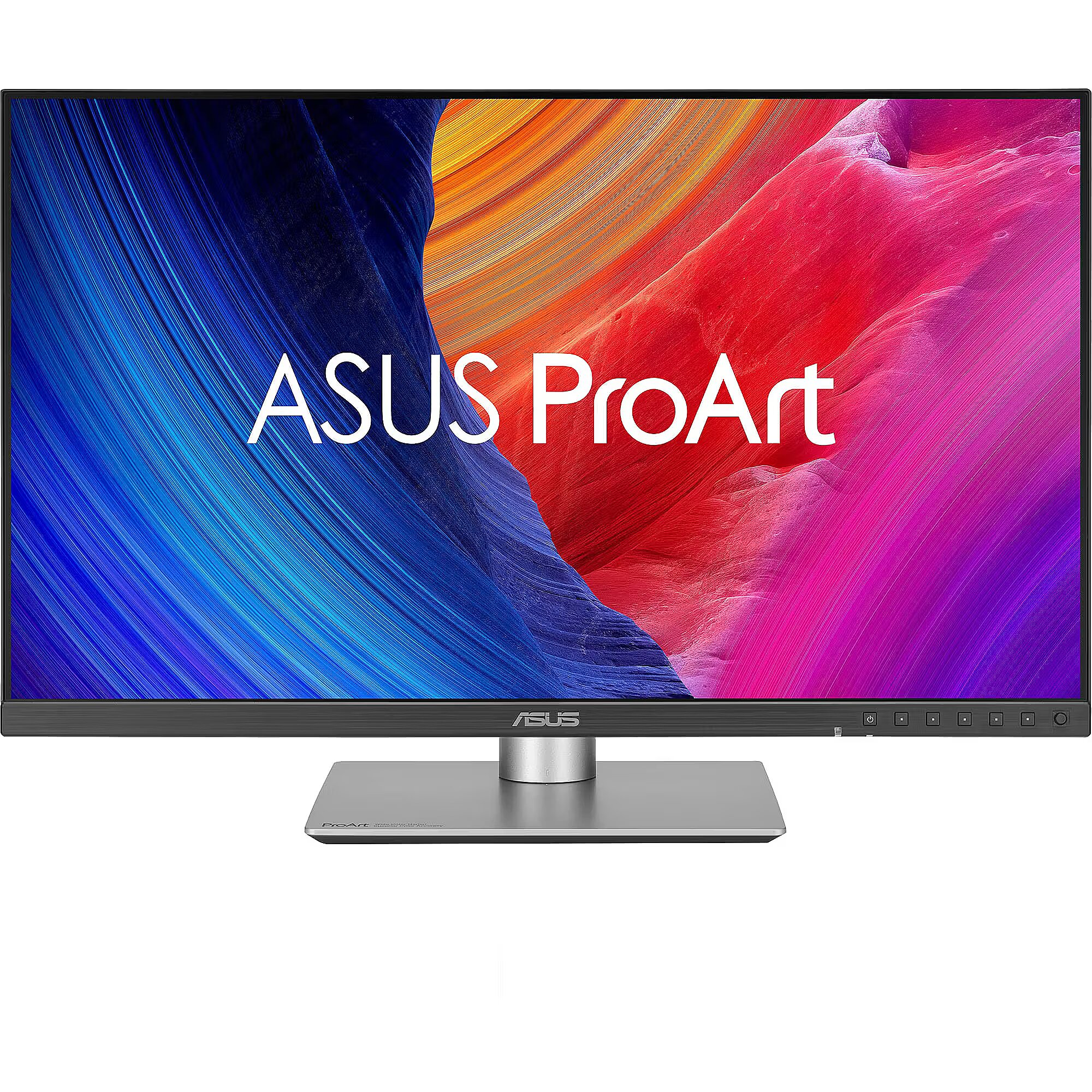
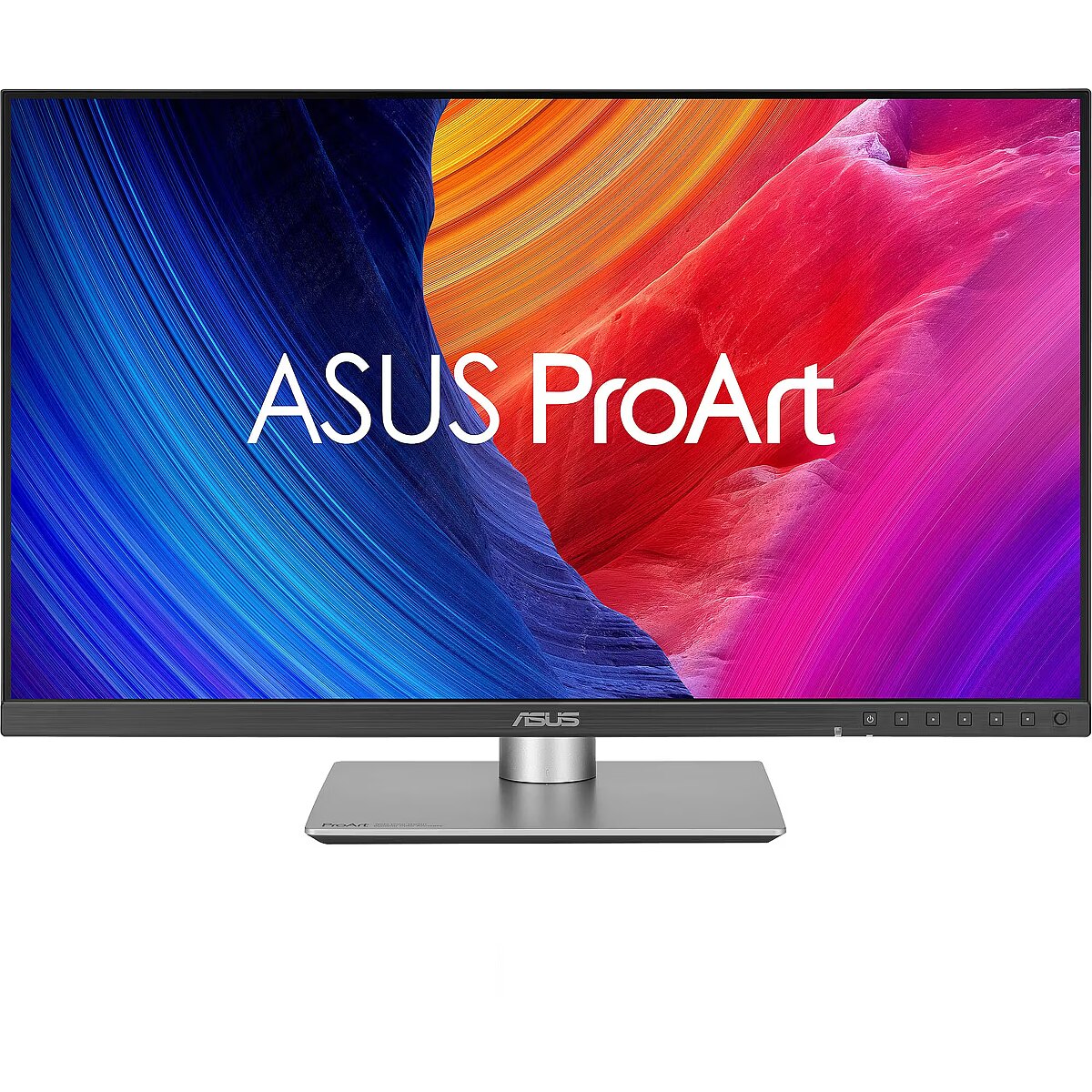
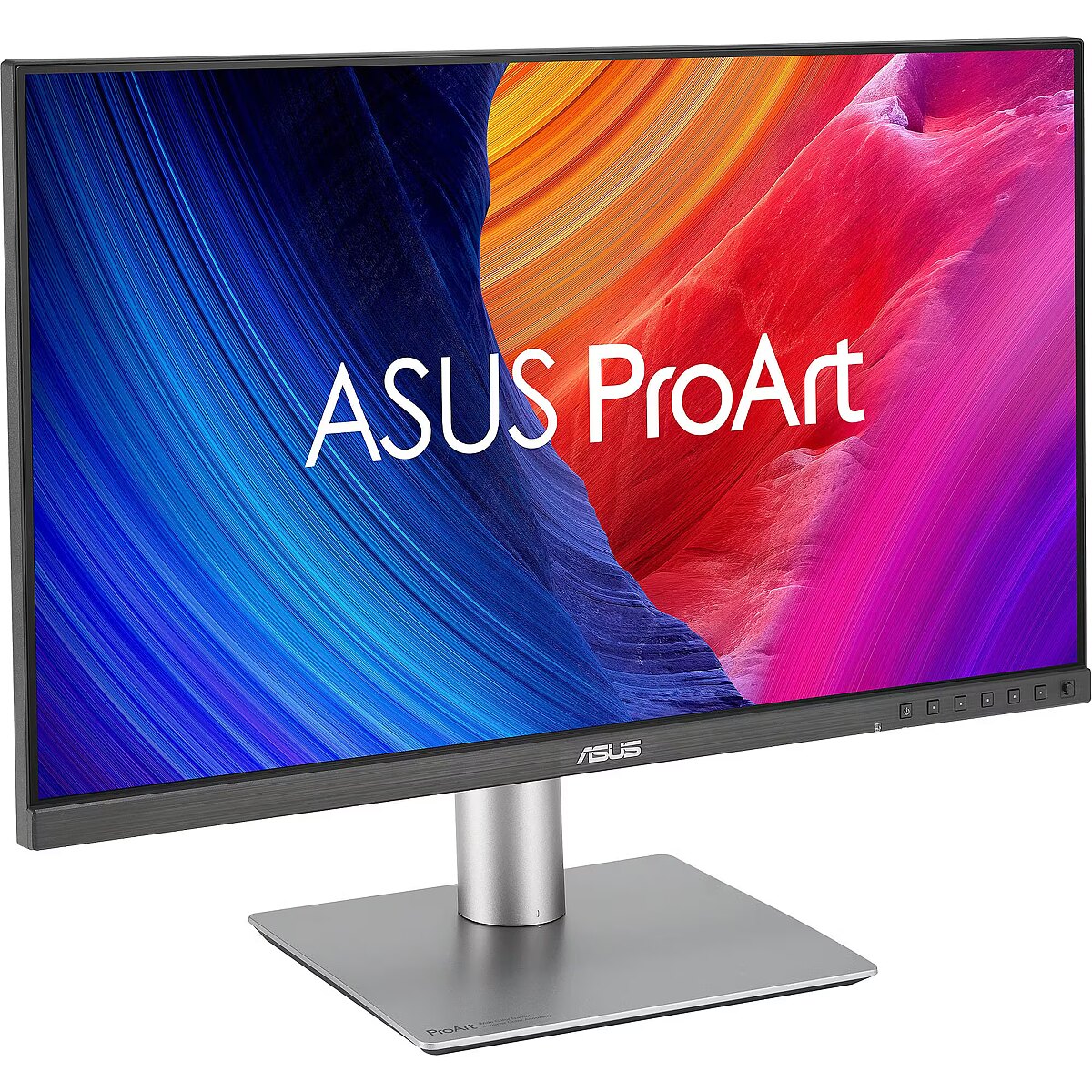
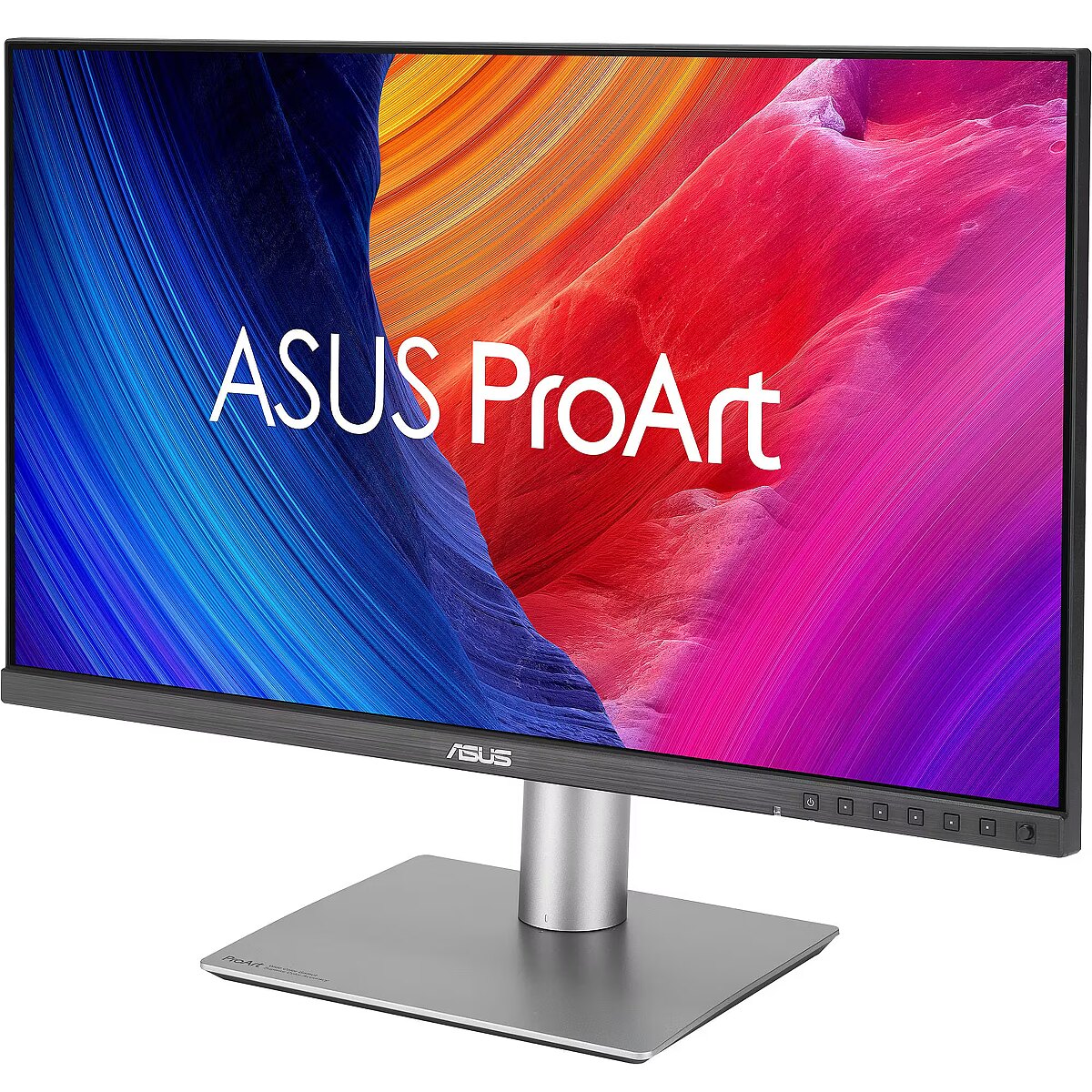
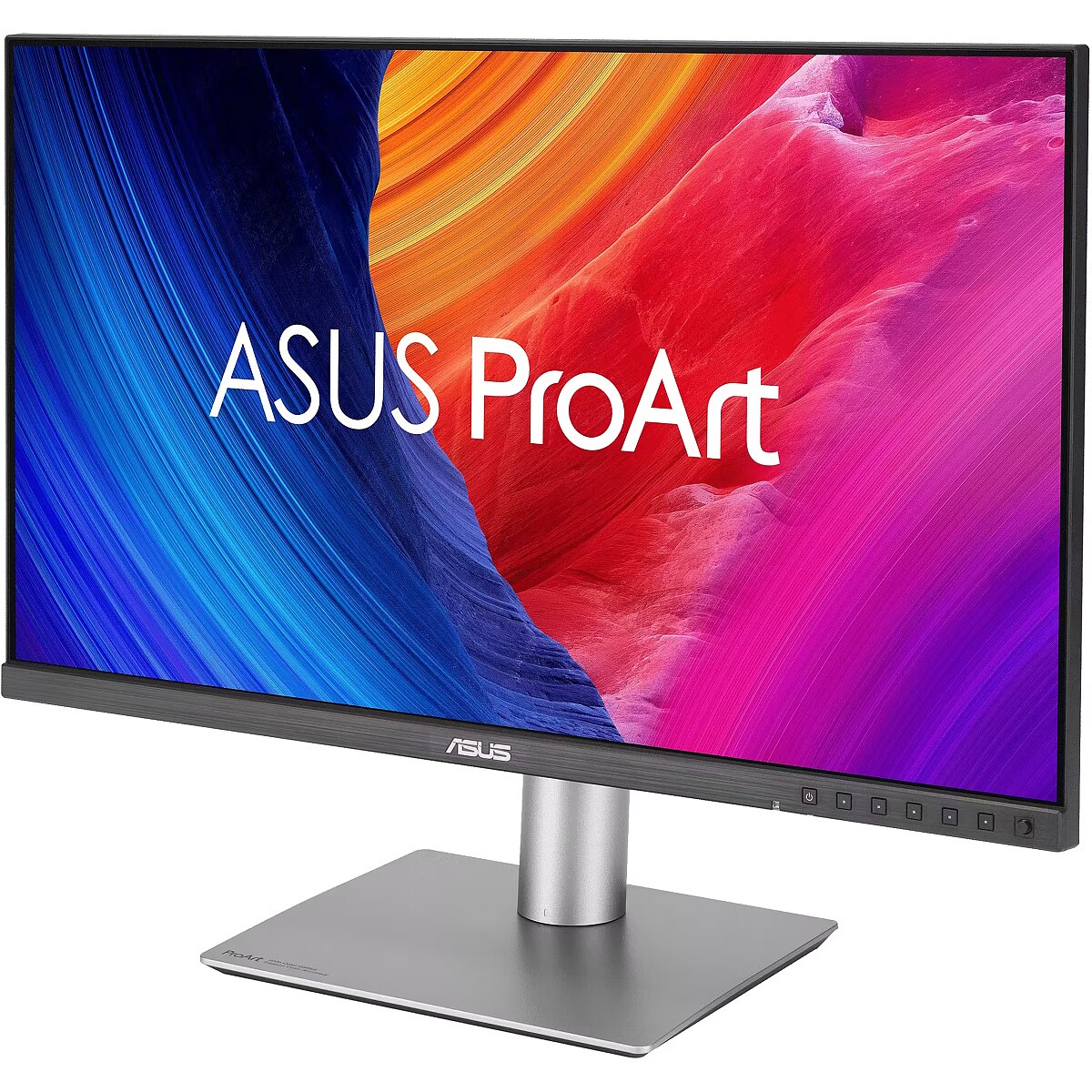
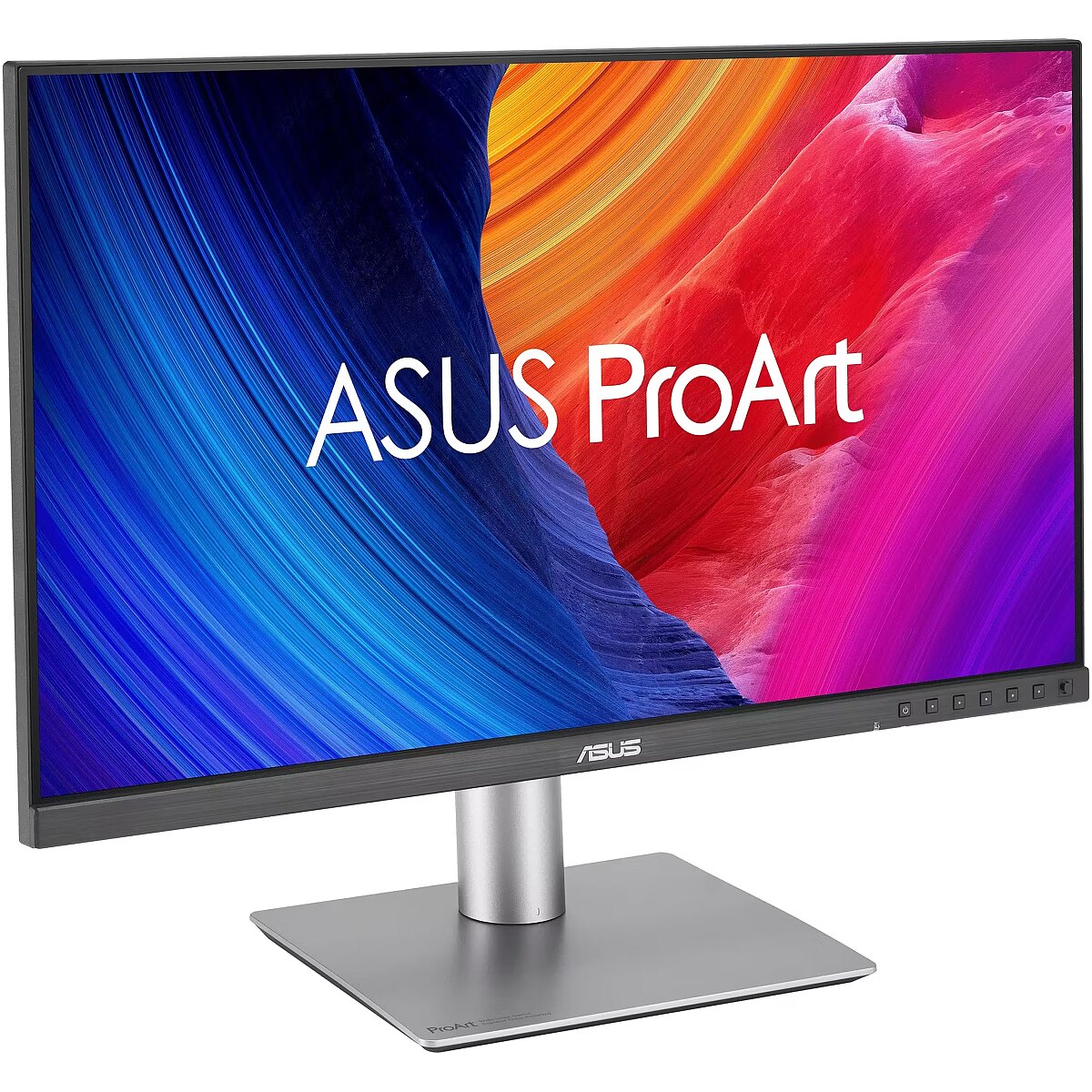
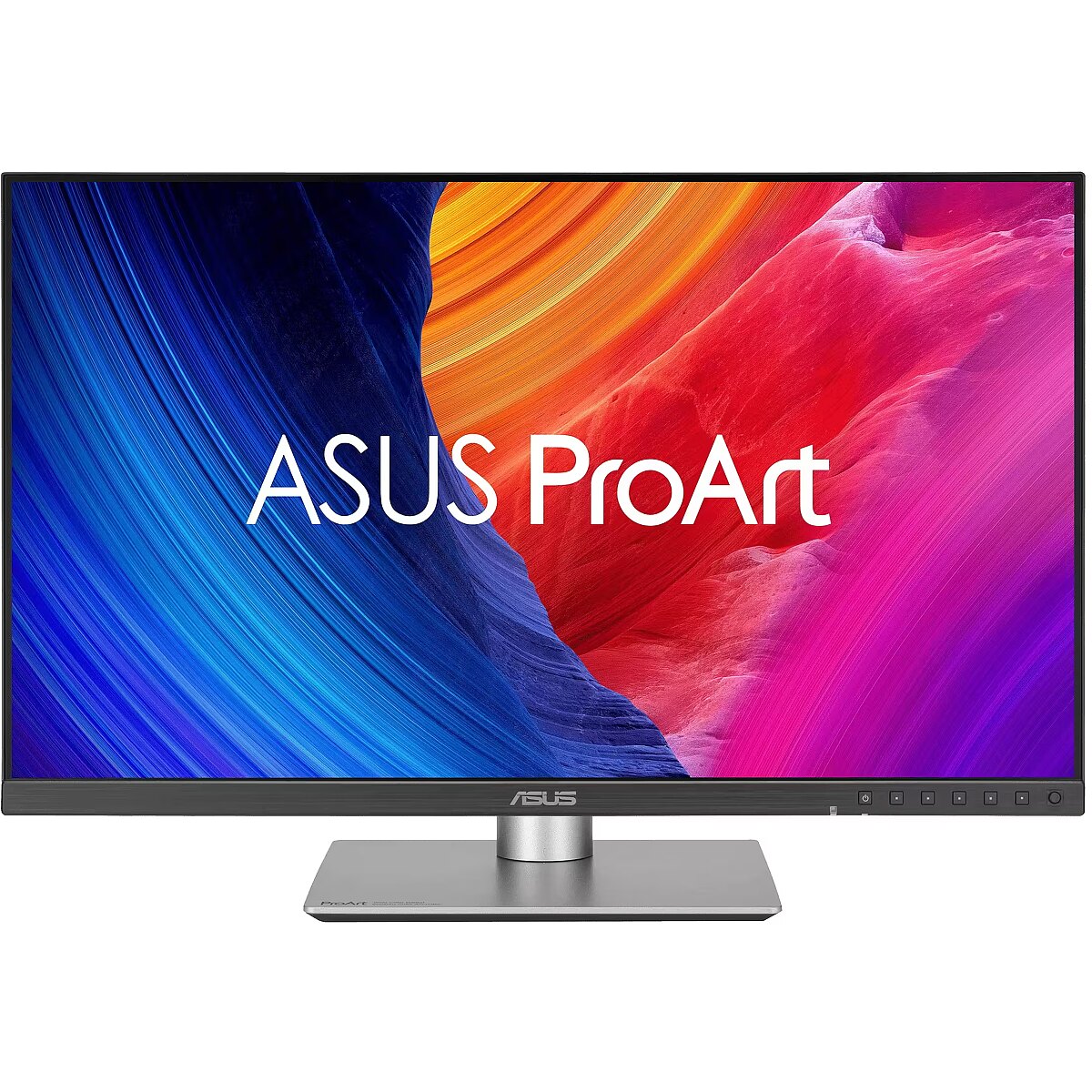
Description - PA278QGV ProArt Display PA278QGV is a 27-inch IPS QHD monitor tailored for creative professionals. As the second-generation model of the PA278QV, it offers enhanced performance with 95% DCI-P3 color gamut, factory calibration to Delta E < 2, and Calman Verified for superb color accuracy. It features a 120 Hz VRR for 2-times ultra-smooth visuals and introduces the new M Model color temperature for consistent P3 color on MacBooks. With DisplayPort, HDMI, and a built-in USB hub, it ensures seamless connectivity for all your creative needs.
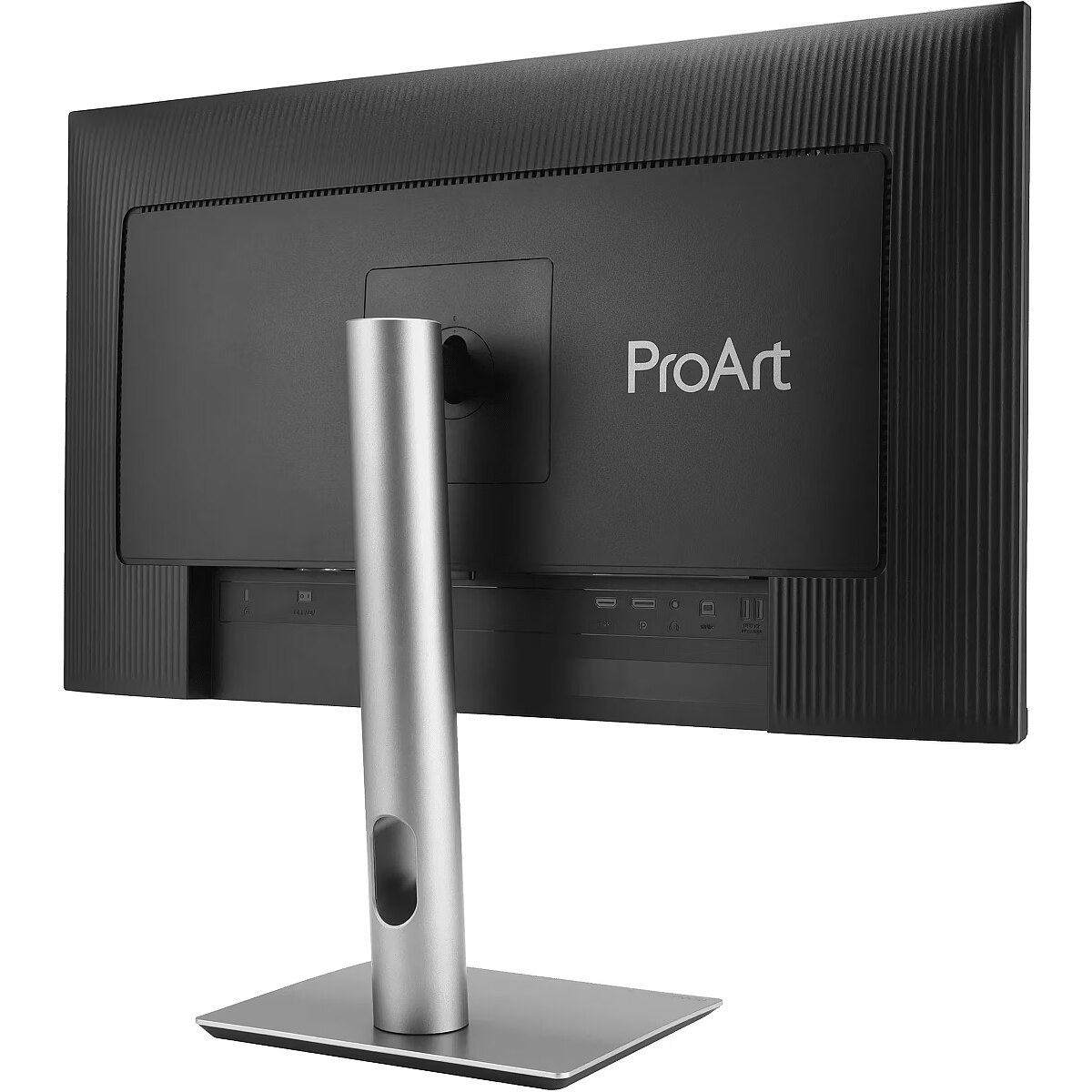
Design - Detachable stand - Yes
Design - Feet colour - Silver
Design - Market positioning - Graphics design
Design - Product colour - Black
Designation - CE+WEEE
dimension depth - 690 mm
dimension height - 430 mm
dimension weight - 9000 g
dimension width - 140 mm
Display - Anti-glare screen - Yes
Display - Colour depth - 10 bit
Display - Colour gamut standard - DCI-P3, sRGB
Display - Contrast ratio (dynamic) - 3000:1
Display - Contrast ratio (typical) - 1500:1
Display - DCI-P3 coverage - 95%
Display - Digital horizontal frequency - 30 - 185 kHz
Display - Digital vertical frequency - 48 - 120 Hz
Display - Display brightness (peak) - 350 cd/m²
Display - Display brightness (typical) - 350 cd/m²
Display - Display diagonal - 68.6 cm (27")
Display - Display number of colours - 1.073 billion colours
Display - Display resolution - 2560 x 1440 pixels
Display - Display technology - LCD
Display - HD type - Quad HD
Display - High Dynamic Range (HDR) supported - Yes
Display - High Dynamic Range (HDR) technology - High Dynamic Range 10 (HDR10)
Display - LED backlight - Yes
Display - Maximum refresh rate - 120 Hz
Display - Native aspect ratio - 16:9
Display - Panel type - IPS
Display - Pixel pitch - 0.233 x 0.233 mm
Display - Response time - 5 ms
Display - Response time measurement type - GTG (Gray to Gray)
Display - Screen shape - Flat
Display - sRGB coverage (typical) - 100%
Display - Touchscreen - No
Display - Viewable size, horizontal - 59.7 cm
Display - Viewable size, vertical - 33.6 cm
Display - Viewing angle, horizontal - 178°
Display - Viewing angle, vertical - 178°
Display > Aspect ratio - 16:9
Display > Backlight type - LED
Display > Display - 2560 x 1440 pixels
Display > Display brightness - 350 cd/m²
Display > Display diagonal - 27 "
Display > Display number of colours - 1073.7 M
Display > Display surface - Anti-Glare
Display > Maximum refresh rate - 120 Hz
Display > Panel type - IPS
Display > Response time - 5 ms
Display > Viewing angle, horizontal - 178 °
Display > Viewing angle, vertical - 178 °
Display surface - Matt
Dodatkowe informacje o matrycy: Format obrazu - 16:9
Dodatkowe informacje o matrycy: Kontrast - 1500:1
Dodatkowe informacje o matrycy: Kąt widzenia w pionie - 178 °
Dodatkowe informacje o matrycy: Kąt widzenia w poziomie - 178 °
Dodatkowe informacje o matrycy: Liczba wyświetlanych kolorów - 1073.7 mln
Dot pitch - 0.233 mm
EAN - 4711636032674
ean - 4711636032674
Eans - 4711636032674
EAN_code - 4711636032674
Efektywność energetyczna: Klasa energetyczna - D
Efektywność energetyczna: Klasa energetyczna w trybie HDR - G
Efektywność energetyczna: Zużycie energii - 16 kWh/1000h
Efektywność energetyczna: Zużycie energii w trybie HDR - 31 kWh/1000h
Energy class - D
Energy label - Pobierz
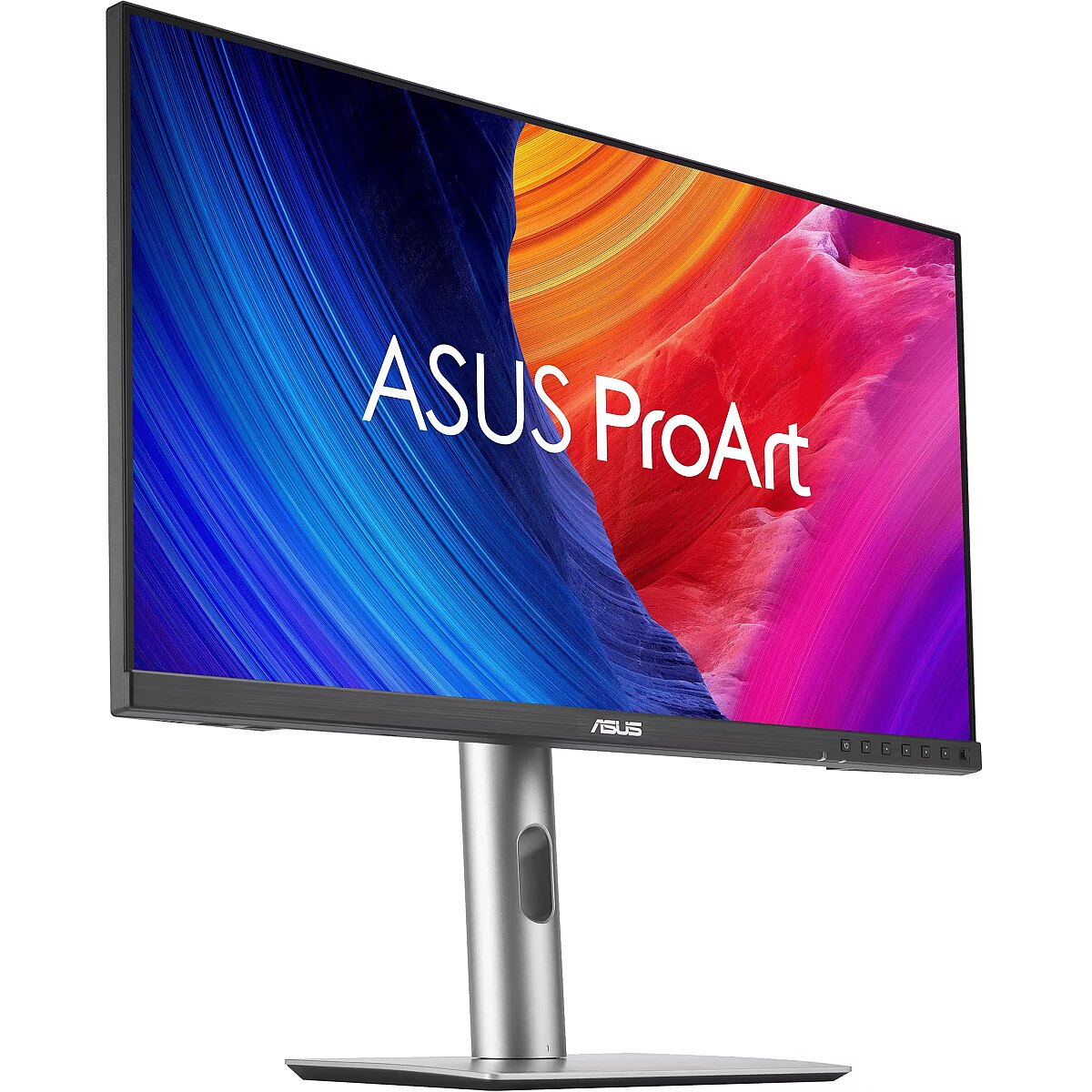
Ergonomics - Adjustable height (max) - 13 cm
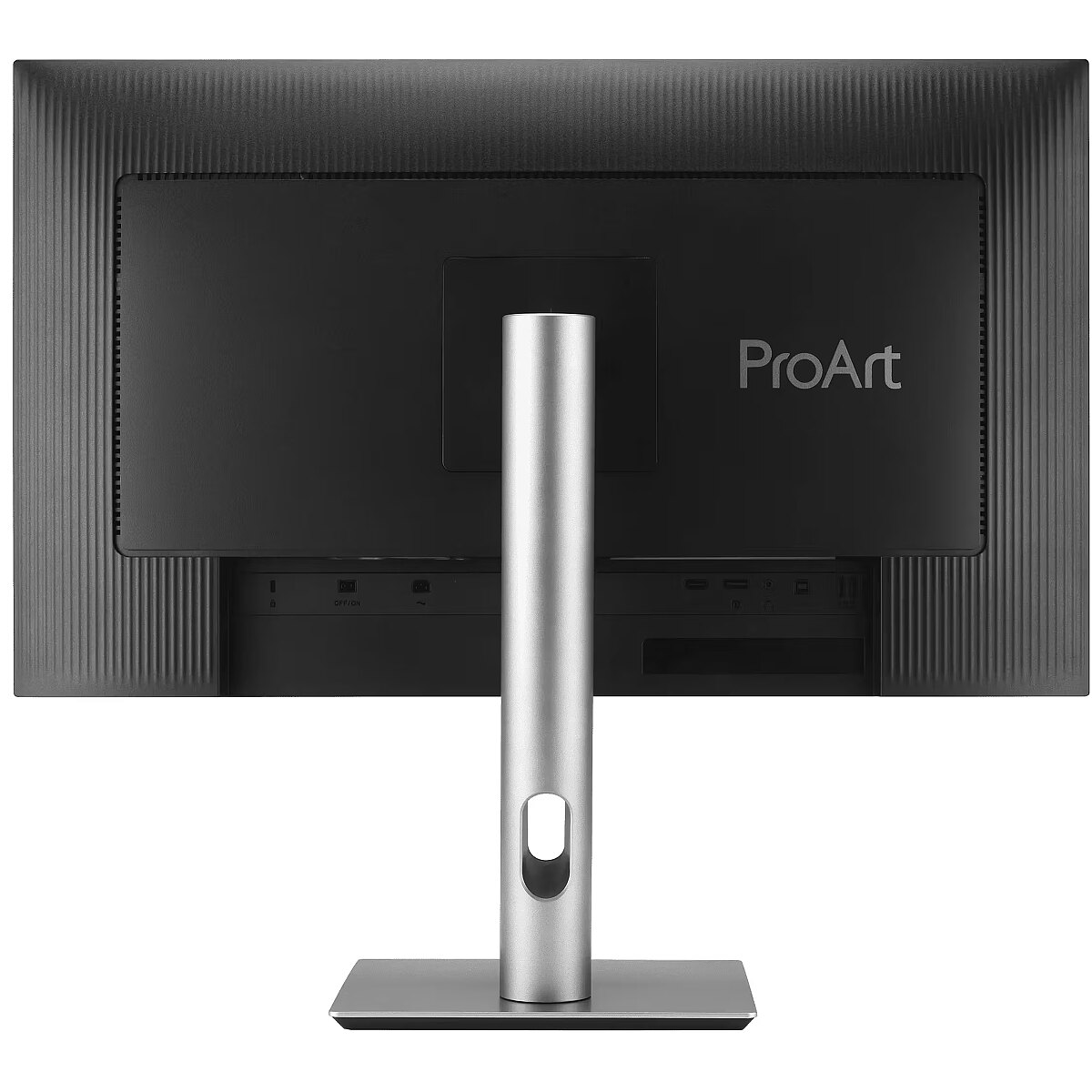
Ergonomics - Cable lock slot - Yes
Ergonomics - Cable lock slot type - Kensington
Ergonomics - Height adjustment - Yes
Ergonomics - Panel mounting interface - 100 x 100 mm
Ergonomics - Pivot - Yes
Ergonomics - Pivot angle - 90 - -90°
Ergonomics - Swivel angle range - 30 - -30°
Ergonomics - Swivelling - Yes
Ergonomics - Tilt adjustment - Yes
Ergonomics - Tilt angle range - 23 - -5°
Ergonomics - VESA mounting - Yes
Ergonomics - Wall mountable - Yes
Ergonomics > Height adjustment - Yes
Ergonomics > Pivot - Yes
Ergonomics > Swivelling - Yes
Ergonomics > VESA mounting - Yes
Ergonomics > VESA mounting interfaces - 100x100 mm
Frequency, horizontal max. - 185 kHz
Frequency, horizontal min. - 30 kHz
Frequency, vertical max. - 120 Hz
Frequency, vertical min. - 48 Hz
GTIN - 0199291032675
GTIN - 199291032675
GTIN - 4711636032674
GTIN - 5715328234130
guarantee - 36
guarantee_type - external
Height - 362.9 mm
Height adjustment - Yes
Height adjustment range - 130 mm
Height with stand - 536.1 mm
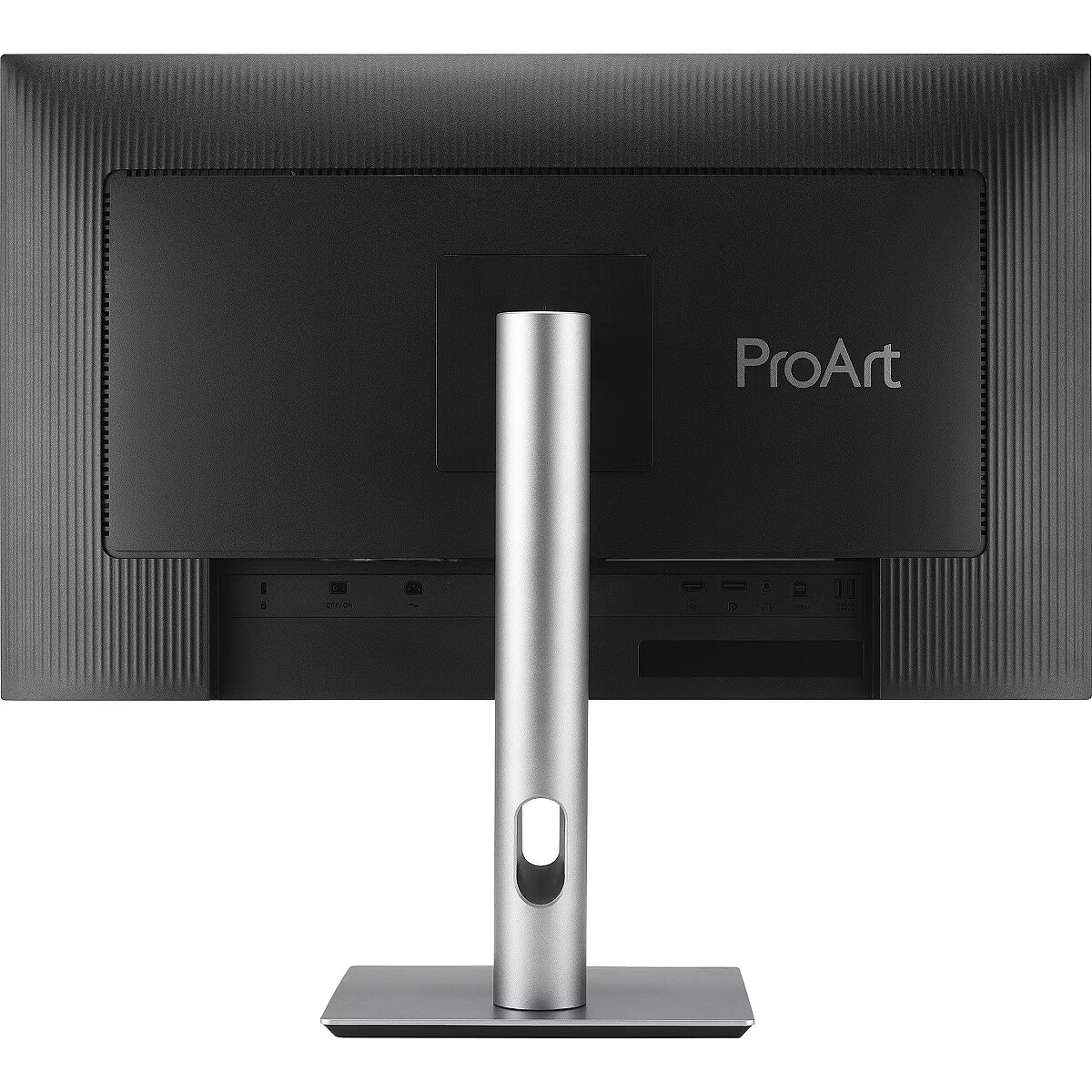
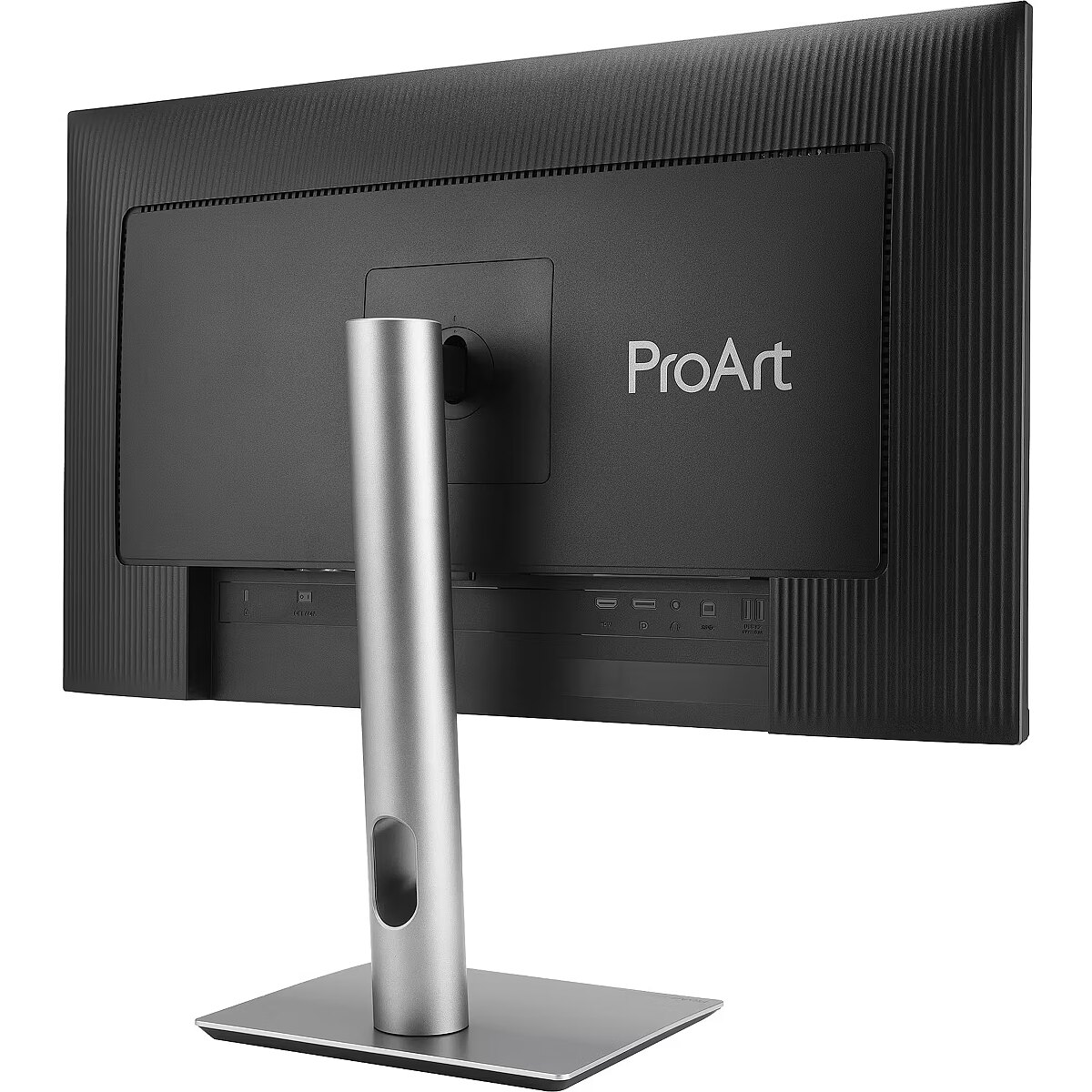
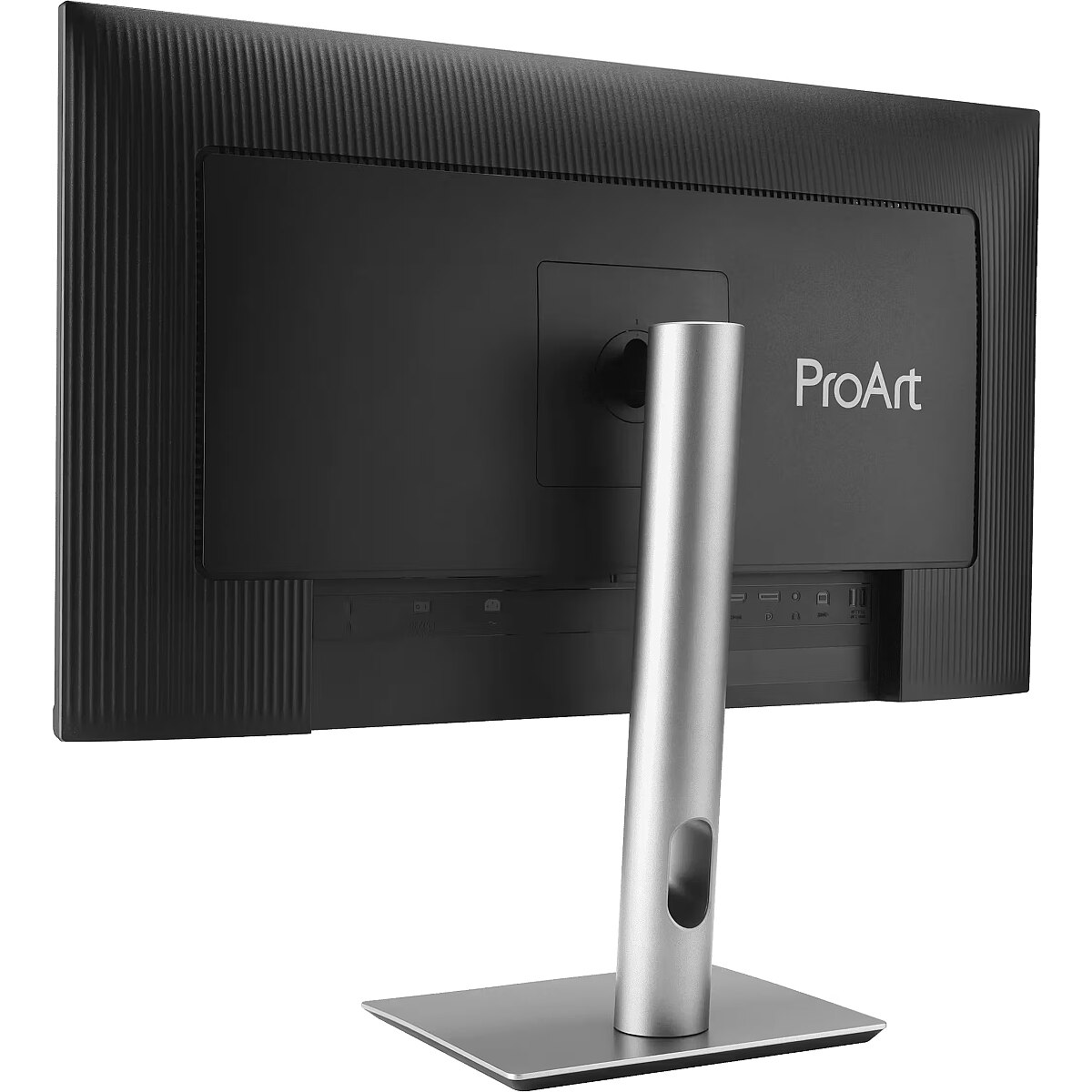
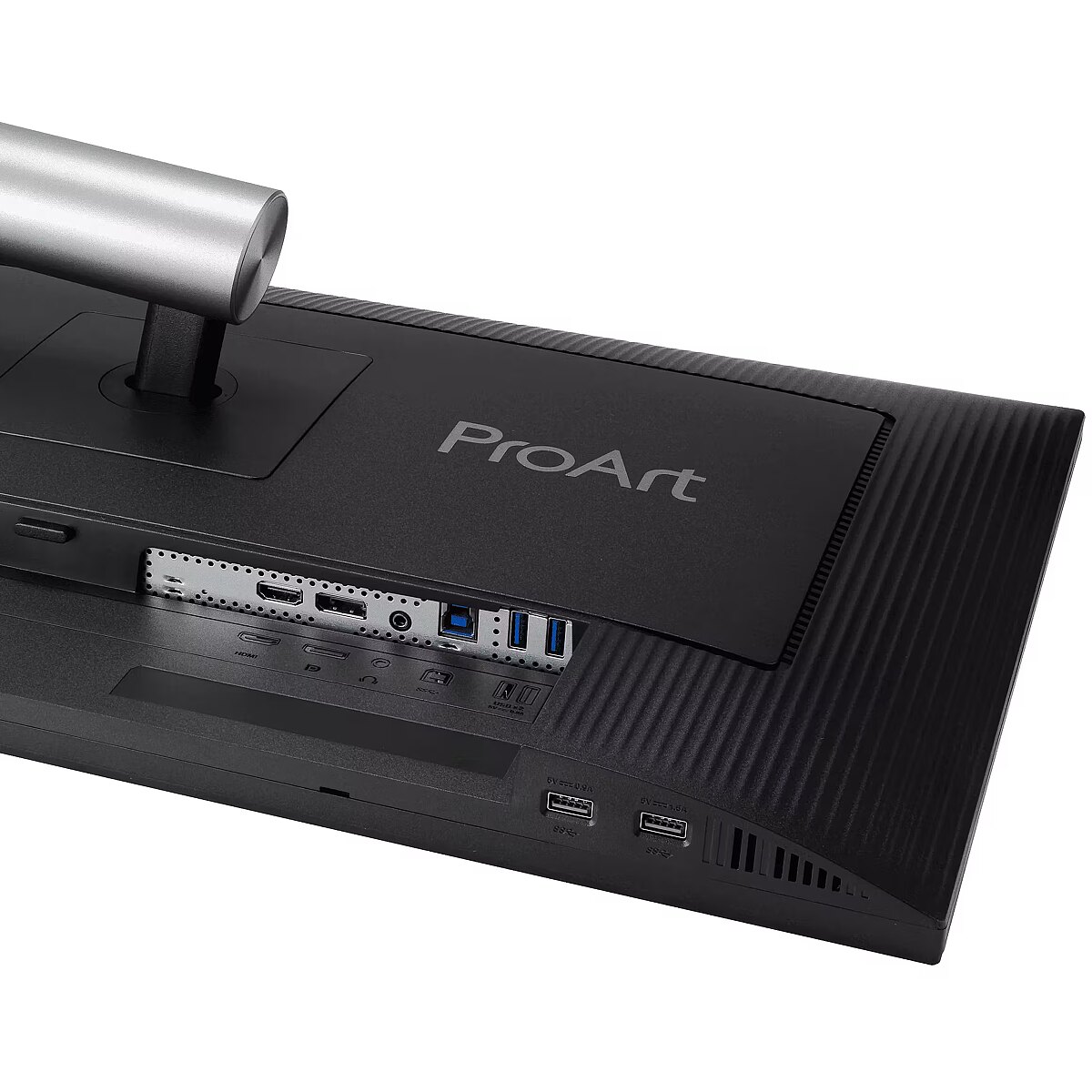
I/O connectors - 1 x 3,5 mm minijack
I/O connectors - 1 x DisplayPort
I/O connectors - 1 x HDMI
I/O connectors - 4 x USB 3.2 Type-A Gen 1
Informacje podstawowe: Moc głośników - 2 x 2W
Informacje podstawowe: Standard HDR - HDR10
Kensington Security Slot - Tak
Link - https://www.asus.com/displays-desktops/monitors/proart/proart-display-pa278qv-gen2-pa278qgv/
LongDesc - All the Essentials for ProsProArt Display PA278QGV is a 27-inch IPS QHD monitor tailored for creative professionals. As the second-generation model of the PA278QV, it offers enhanced performance with 95% DCI-P3 color gamut, factory calibration to Delta E < 2, and Calman Verified for superb color accuracy. It features a 120 Hz VRR for 2-times ultra-smooth visuals and introduces the new M Model color temperature for consistent P3 color on MacBooks. With DisplayPort, HDMI, and a built-in USB hub, it ensures seamless connectivity for all your creative needs.Empowering Content CreatorsThe Perfect Monitor When Working on MacBookProArt Display combines professional-grade performance with sleek design and Mac-tested compatibility. Offering vibrant colors and versatile connectivity, ProArt Display is ideal for Mac users seeking exceptional color accuracy and unmatched productivity.Consistent Color Across Multiple DevicesProArt Preset modes offer multiple color gamut options. The new M Model color temperature is specifically designed to match the color performance between macOS devices and ProArt Displays. This ensures seamless color consistency across screens, making the mode ideal for color-critical tasks like photo editing, video production, and graphic design.Seamless Monitor ManagementASUS DisplayWidget Center is software that provides an intuitive interface to adjust monitor settings, including brightness, contrast, and color temperature. Whether a monitor is used for everyday viewing or for professional creative work, users can effortlessly find the optimal display settings for enhanced viewing experiences.Unleash Creativity with AIGenerative AI features open creative possibilities and also enable creators to realize their artistic visions more efficiently. The wide color gamut, high resolution, and professional color accuracy of the ProArt Display make it the perfect complementary tool ― ideal for helping creators bring their ideas to life.Turn Text into Reality ― Fast (Photoshop)Discover the power of Gen AI with tools for Text to Image and Generative Fill. Simplify the creative process, effortlessly create, adjust, and enhance visuals.Edit in an Instant (Premiere Pro)Gen AI tools streamline complex tasks and boost editing speed. Use features like Object Add/Remove and Generative Extend for quick, precise adjustments.Turn 2D Images to 3D (Substance 3D Sampler & Stager)Image-to-Texture leverages Gen AI to allow artists to quickly create 3D materials and textures from real-world imagery. It enhances creativity while integrating smoothly into workflows.Enjoy True-to-Life ColorThe PA278QGV boasts 95% DCI-P3 and 100% sRGB color coverage, bringing out the finest details in photos.True Color―Right Out of the BoxColor professionals rely on color-accurate displays to ensure that their creations look exactly as intended. Each ProArt display is calibrated in the factory to meet Calman Verified standards and to achieve Delta ELongProductName - ProArt Display PA278QV Gen2 (PA278QGV) Professional Monitor – 27-inch, IPS, QHD (2560 x 1440), 95% DCI-P3, Color Accuracy ΔE < 2, Calman Verified, 120Hz, HDR-10, Light Sync, ergonomic stand, VESA MediaSync, Green Sustainability
LongSummaryDescription - ASUS ProArt PA278QGV. Display diagonal: 68.6 cm (27"), Display resolution: 2560 x 1440 pixels, HD type: Quad HD, Display technology: LCD, Response time: 5 ms, Native aspect ratio: 16:9, Viewing angle, horizontal: 178°, Viewing angle, vertical: 178°. Built-in speaker(s). Built-in USB hub, USB hub version: 3.2 Gen 1 (3.1 Gen 1). VESA mounting, Height adjustment. Product colour: Black
Manufacturer - Asus
Manufacturer_code - 90LM05L1-B01K71
Matrix type - TFT IPS
Microphone - Nie
Model - PA278QGV
Multimedia - Built-in camera - No
Multimedia - Built-in speaker(s) - Yes
Multimedia - Number of speakers - 2
Multimedia - RMS rated power - 4 W
Multimedia > Built-in speaker(s) - Yes
Multimedia > TV tuner integrated - No
Name - Asus ProArt Display PA278QGV (PA278QV Gen2) (68.6 cm (27 inches), black/silver, QHD, IPS, DP, HDMI, USB hub, HDR10, 120Hz panel)
Name - ASUS ProArt Display PA278QV Gen2 (PA278QGV)
Name - Asus | ProArt PA278QGV | 27 " | IPS | 16:9 | 120 Hz | 5 ms | 2560 x 1440 pixels | 350 cd/m² | HDMI ports quantity 1
name - Monitor 27 inches PA278QGV PrArt IPS QHD HDMI USB DP
Networking > Ethernet LAN (RJ-45) ports - No
Number of colors - 1,07 mld
Ochrona oczu: Filtr światła niebieskiego - tak
Ochrona oczu: Redukcja migotania - tak
Other features - Trace Free Technology ProArt Preset: Native ProArt Preset: sRGB ProArt Preset: Adobe RGB ProArt Preset: P3 ProArt Preset: DICOM ProArt Preset: Rec.709 ProArt Preset: HDR ProArt Preset: User mode1 ProArt Preset: User mode2 Color Temp. Selection: 9300K, 6500K, 5500K, 5000K, DCI-P3, M Model Color Adjustment: RGB Tuning (Gain / Offset) Gamma Adjustment: Yes (Support Gamma 1.8/2.0/2.2/2.4/2.6) Auto Rotation:supported by DisplayWidget Center ProArt Palette QuickFit Plus PIP / PBP Technology HDCP: 1.4 VRR Technology: Adaptive-Sync DisplayWidget: DisplayWidget Center Low Blue Light Multiple HDR Mode ASUS Power Sync
Package features > Embeeded battery - No
Package features > Gross depth (mm) - 140.00 mm
Package features > Gross height (mm) - 430.00 mm
Package features > Gross width (mm) - 700.00 mm
Package features > Packing quantity - 1.00 pc(s)
Package features > Palette Qty - 21 pc(s)
Package features > Paper/Pasteboard - 1600.00 g
Package features > Plastic (No PET) - 400.00 g
Package features > Tare weight (kg) - 2.00 kg
Package features > Volume (m3) - 0.04 m³
Package features > WEE classification - CL109:2:2017-04-01
Package features > WEEE tax - Yes
Packaging content - Stand included - Yes
Packaging data - Package depth - 140 mm
Packaging data - Package height - 427 mm
Packaging data - Package type - Box
Packaging data - Package weight - 9.3 kg
Packaging data - Package width - 691 mm
PDF - https://www.blobs.lt/products/7/3/0/7/0/6/83f9044af00bd2bbe9b6a0783fdef3f4/original.pdf
Performance - AMD FreeSync - No
Performance - Flicker-free technology - Yes
Performance - Low Blue Light technology - Yes
Performance - NVIDIA G-SYNC - No
Performance - VESA Adaptive Sync support - Yes
Ports & interfaces - Built-in USB hub - Yes
Ports & interfaces - DisplayPorts quantity - 1
Ports & interfaces - DisplayPort version - 1.4
Ports & interfaces - HDCP - Yes
Ports & interfaces - HDCP version - 1.4
Ports & interfaces - HDMI - Yes
Ports & interfaces - HDMI ports quantity - 1
Ports & interfaces - HDMI version - 2.1
Ports & interfaces - Headphone connectivity - 3.5 mm
Ports & interfaces - Headphone out - Yes
Ports & interfaces - Headphone outputs - 1
Ports & interfaces - USB hub version - 3.2 Gen 1 (3.1 Gen 1)
Ports & interfaces - USB Type-A downstream ports quantity - 4
Ports & interfaces > DisplayPorts quantity - 1
Ports & interfaces > HDMI ports quantity - 1
Ports & interfaces > USB ports quantity - 4
Power - AC input frequency - 50/60 Hz
Power - AC input voltage - 100 - 240 V
Power - Energy consumption (HDR) per 1000 hours - 31 kWh
Power - Energy consumption (SDR) per 1000 hours - 16 kWh
Power - Energy efficiency class (HDR) - G
Power - Energy efficiency class (SDR) - D
Power - Energy efficiency scale - A to G
Power - Power consumption (off) - 0 W
Power - Power consumption (PowerSave) - 0.5 W
Power - Power consumption (typical) - 16.94 W
Power consumption - 16 W
Pozostałe cechy: Akcesoria - kabel DisplayPort
Pozostałe cechy: Akcesoria - kabel HDMI
Pozostałe cechy: Akcesoria - kabel USB
Pozostałe cechy: Akcesoria - kabel zasilający
Pozostałe cechy: Seria - ASUS ProArt
Producent: Nazwa producenta / importera - Asus
ASUS COMPUTER GmBH
HARKORT STR. 21-23
40880 RATINGEN
producer - Asus
Producer - Asus
ProducerCode - PA278QGV
ProductName - PA278QGV
Refresh rate - 120 Hz
Resolution - 2560 x 1440
Response time - 5 ms
Screen size (diag.) - 27"
ShortDescription -
ShortSummaryDescription - ASUS ProArt PA278QGV, 68.6 cm (27"), 2560 x 1440 pixels, Quad HD, LCD, 5 ms, Black
Speakers built-in - Yes
Static contrast - 3 000:1
Swivel - Yes
TCO Certified - Yes
Technical details > Connectivity - HDMI, DisplayPort, USB
Technical details > Gross weight - 8.40 kg
Technical details > Net weight - 6.40 kg
Technical details > Producer - Asus
Technical details > Producer product name - ProArt PA278QGV
Technical details > USB-C - No
Technical details > USB-C power delivery - N/A
Tilt - Yes
Title - ASUS ProArt PA278QGV computer monitor 68.6 cm (27") 2560 x 1440 pixels Quad HD LCD Black
Touch screen - No
Transreflective technology - LED
TV tuner built-in - No
URL - https://www.asus.com/displays-desktops/monitors/proart/proart-display-pa278qv-gen2-pa278qgv/
vendpn - PA278QGV
VESA - 100 x 100
Viewing angle, horizontal - 178 °
Viewing angle, vertical - 178 °
Visible area, horizontal - 596.74 mm
Visible area, vertical - 335.67 mm
Warranty - 36
Warranty - 36 month(s)
WarrantyInfo -
Web camera - None
Weight - 4.7 kg
Weight - 9,15
Weight & dimensions - Depth (without stand) - 46.9 mm
Weight & dimensions - Depth (with stand) - 190.4 mm
Weight & dimensions - Height (without stand) - 362.9 mm
Weight & dimensions - Height (with stand) - 536.1 mm
Weight & dimensions - Weight (without stand) - 4.7 kg
Weight & dimensions - Weight (with stand) - 6.4 kg
Weight & dimensions - Width (without stand) - 612.2 mm
Weight & dimensions - Width (with stand) - 612.2 mm
Weight with stand - 6.4 kg
Width - 612.2 mm
WiFi - No
Złącza: Złącza - 1 x DisplayPort
Złącza: Złącza - 1 x HDMI 2.1
Złącza: Złącza - 1 x słuchawkowe
Złącza: Złącza - 4 x USB 3.2



 DVI is a digital standard and ensures high image quality, however, thanks to the big size of the plug and the inability of the standard to develop further due to a few technical restrictions this type of connection is gradually losing its popularity to modern HDMI and DisplayPort standards.







