Accessories included - Mini HDMI to HDMI cable Quick start guide USB-C cable Warranty Card ZenScreen sleeve
Aspect ratio - 16:10
Auto Pivot - No
Bluetooth - No
Brand - ASUS
BrandPartCode - 90LM0CD1-B01N71
Brightness - 400 cd/m²
Category - Computer Monitors
Category - Root/Electronics/PC peripherals/Monitors
Category_1 - Monitors and TV
Category_2 - LED Monitors up to 19 inches
Certificates - AMD FreeSync
Certificates - Energy Star
Certificates - FSC Mix
Certificates - TUV
Color - Black
Dane fizyczne: Głębokość - 11 mm
Dane fizyczne: Kolor obudowy - czarny
Dane fizyczne: Szerokość - 358 mm
Dane fizyczne: Waga - 0.9 kg
Dane fizyczne: Wysokość - 246 mm
Dane techniczne: HDR - tak
Dane techniczne: Czas reakcji - 5 ms
Dane techniczne: Częstotliwość odświeżania - 155 Hz
Dane techniczne: Grupa produktowa - Monitory Asus
Dane techniczne: Gwarancja - 3 lata w serwisie zewnętrznym
Dane techniczne: Jasność - 400 cd/m²
Dane techniczne: Powłoka matrycy - antyrefleksyjna
Dane techniczne: Producent - Asus
Dane techniczne: Przekątna - 16 cali
Dane techniczne: Rodzaj podświetlenia - LED
Dane techniczne: Rozdzielczość ekranu - 2560 x 1600 piksele
Dane techniczne: Rozmiar plamki - 0.135 mm
Dane techniczne: Standard portów wideo - miniHDMI
Dane techniczne: Standard portów wideo - USB-C
Dane techniczne: Typ - mobilny
Dane techniczne: Typ ekranu - płaski
Dane techniczne: Typ matrycy - IPS
Data Act - Link
Depth - 1.1 cm
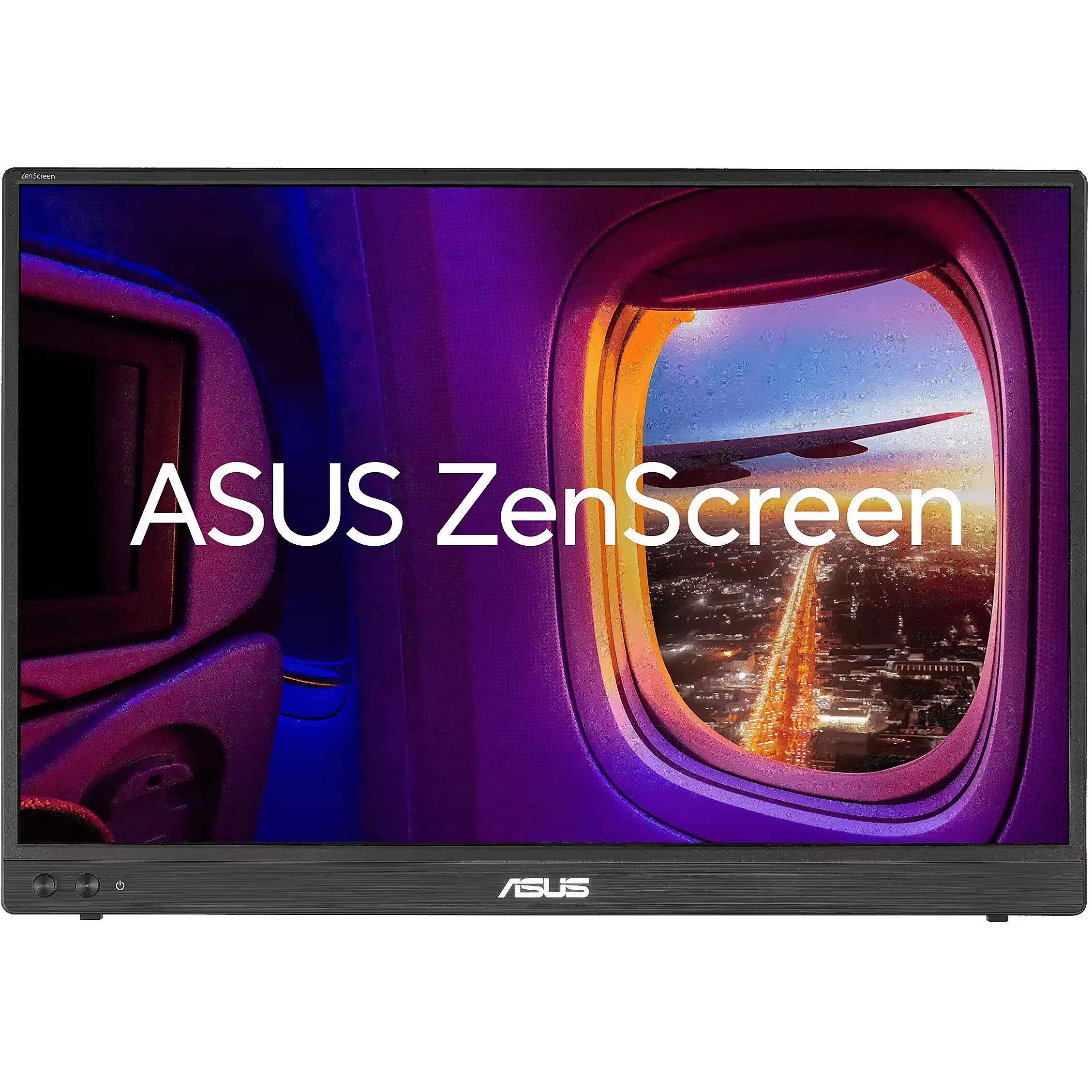
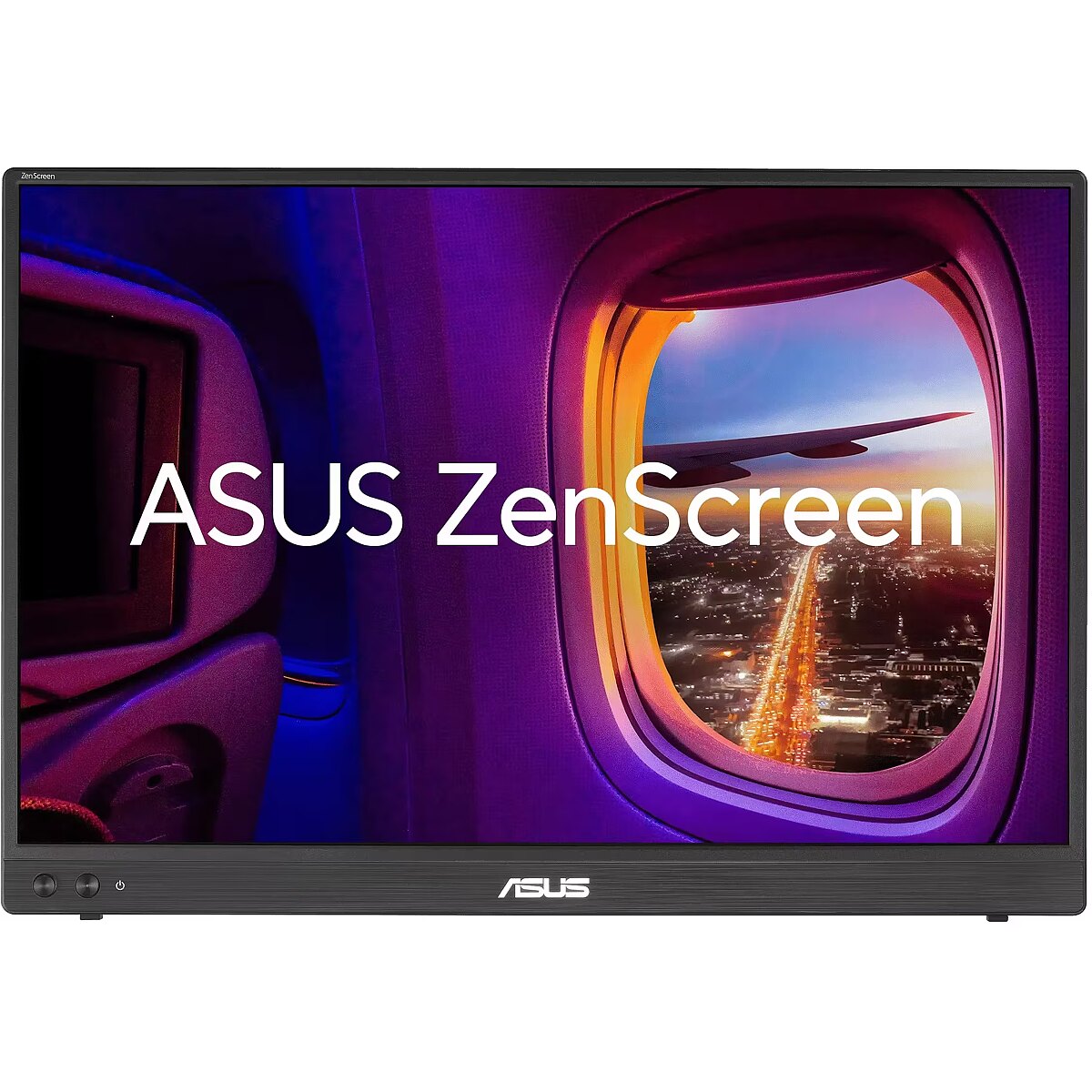
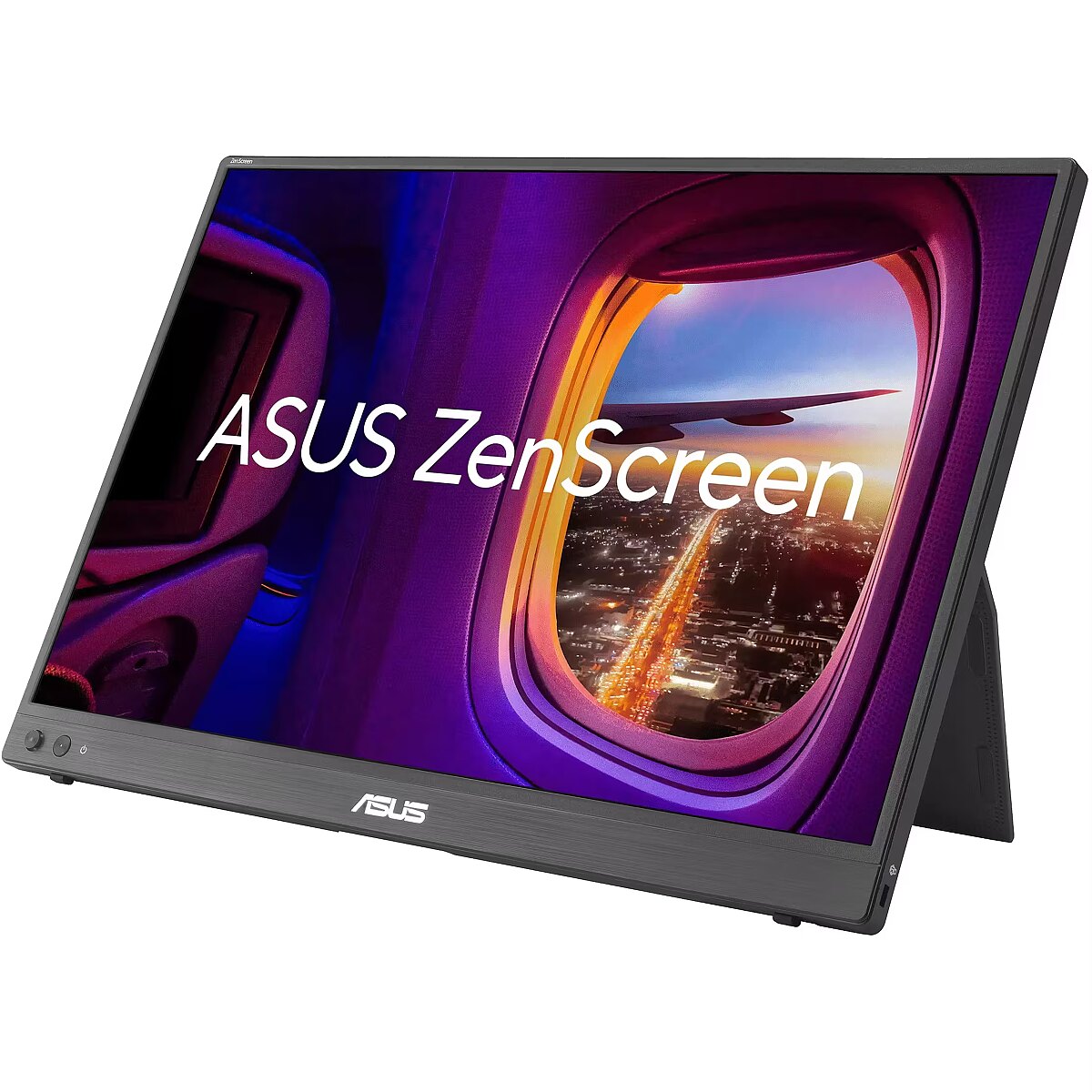
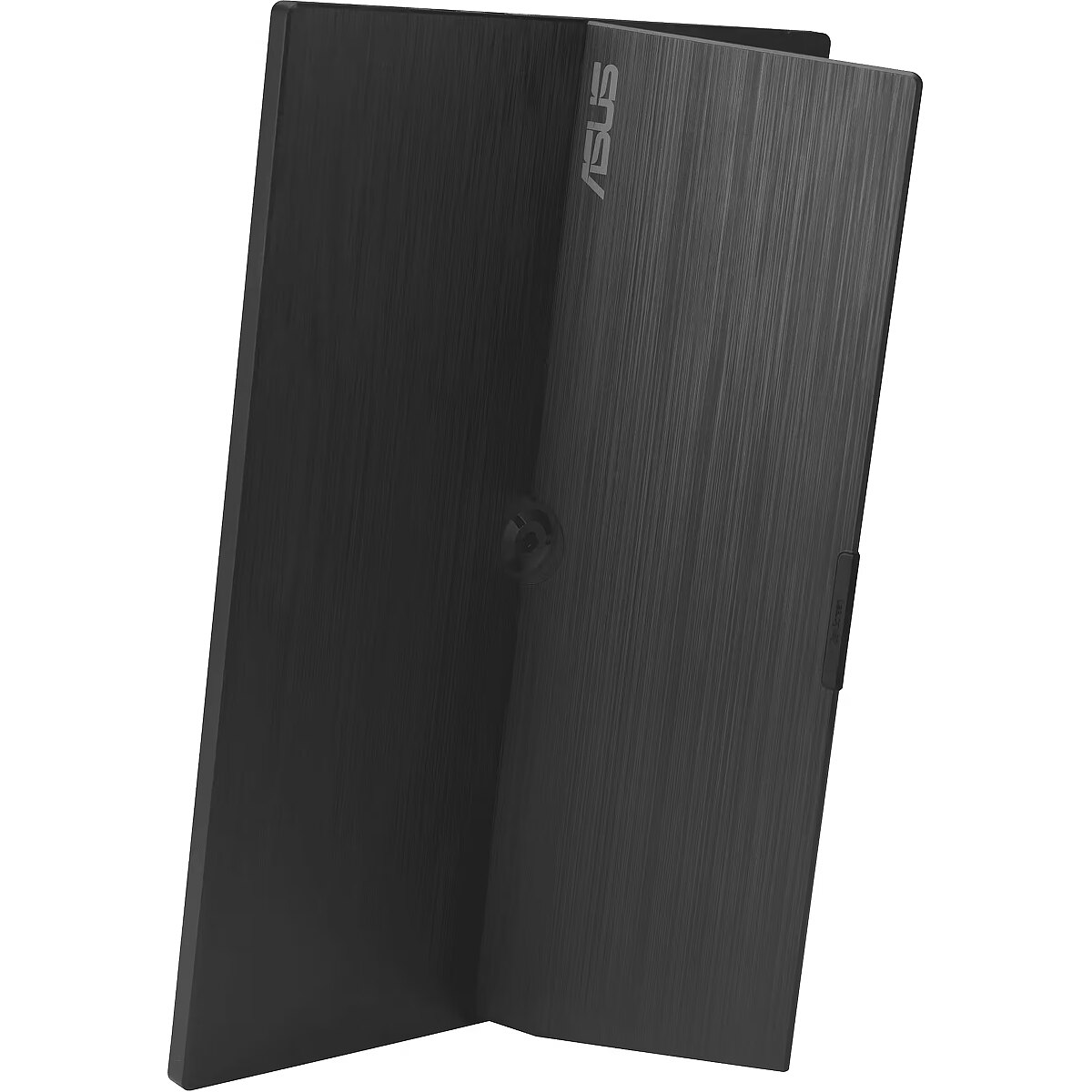
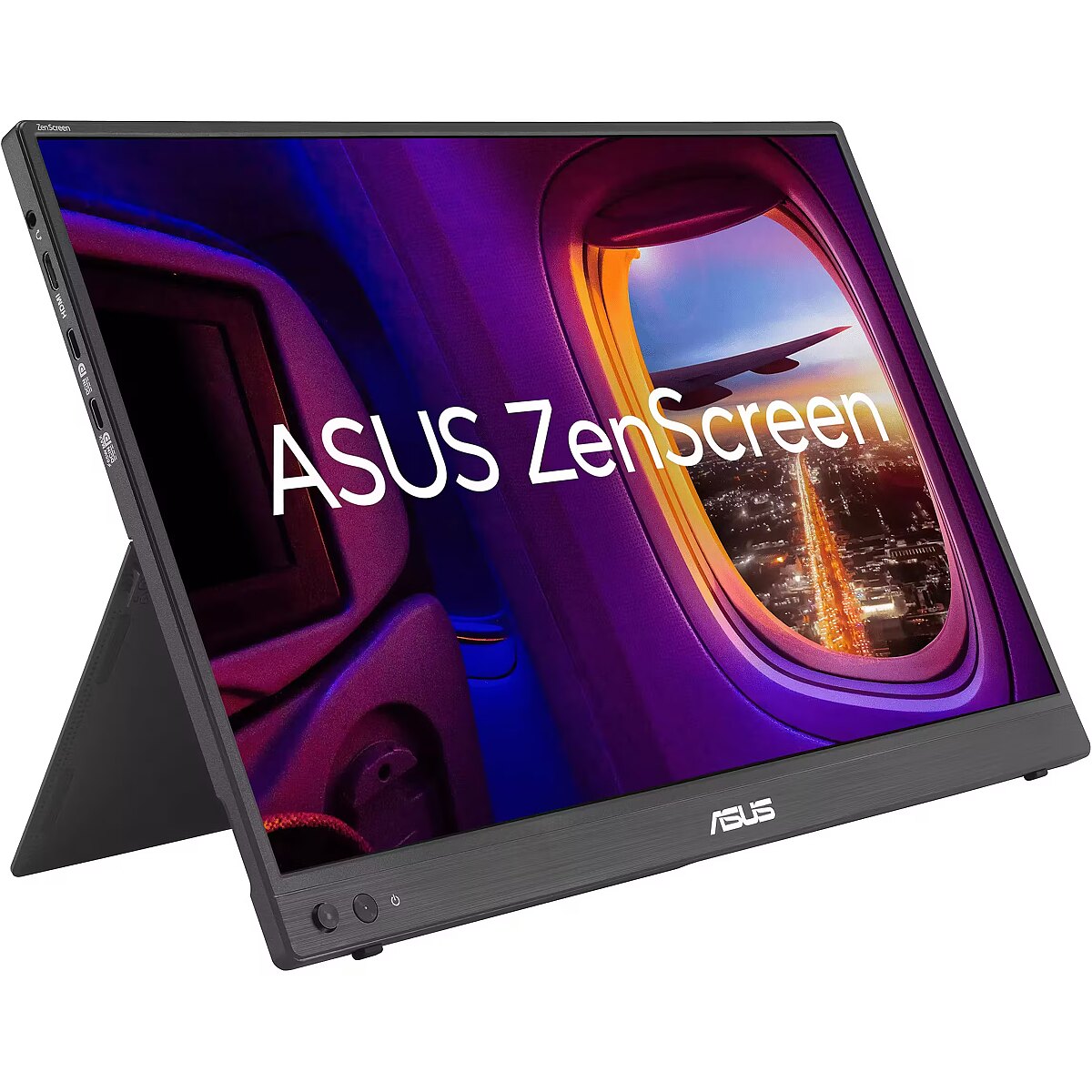
Description - Portable Monitor 16-inch 16:10 WQXGA (2560 x 1600) IPS panel, 155 Hz refresh rate (OC), Power Pass Through, 100% sRGB, Auto Rotate, tripod, USB Type-C, mini-HDMI, Flicker Free, Low Blue Light, FSC Mix-certified 16-inch 16:10 WQXGA panel featuring 155 Hz Smooth Motion experience for impressive visuals 2560x1600 resolution and an impressive 84% screen-to-body ratio brings you expansive and vivid view With Power Pass Through, the MB16NCG portable monitor can be powered by a laptop, or deliver power to a laptop via pass-through charging 100% sRGB color gamut ensures exceptional contrast and color performance Rich connectivity with two full-function USB-C ports plus a mini-HDMI port Automatically sense its orientation and switch the monitor between landscape and portrait modes via DisplayWidget Center software ASUS ZenScreen MB16NCG is a 16-inch portable IPS monitor featuring a WQXGA (2560 x 1600) 100% sRGB color gamut, with a 155 Hz (overclocking) SmoothMotion refresh rate. This 16:10 display provides more viewing area, making it the ideal secondary display to extend workspace for hybrid workers. With autorotation feature, giving ZenScreen the versatility to be used in either landscape or portrait orientation. Also, with power pass-through feature and USB-C ports, you can have two-way power delivery function that offers flexibility on the go. Impressive visuals
ASUS SmoothMotion technology enables a 155 Hz refresh rate (overclocked), so everything from scrolling through webpages to gaming on ZenScreen MB16NCG feels fluid and responsive. Its DCI-P3 gamut ensure exceptional contrast and color performance. More immersive
Brings you a stunning 16:10 display that's both wider and more vibrant, boasting up to 2560x1600resolution and an impressive 84% screen-to-body ratio. Enjoy an expansive, vivid view all packed into a sleek, lightweight extended portable monitor. Power pass through
There is the two-way power delivery function built in. The MB16NCG portable monitor can be powered by a laptop, or deliver power to a laptop via pass-through charging when plugged into a USB-C power bank or AC adapter and outlet. One cable is all you need
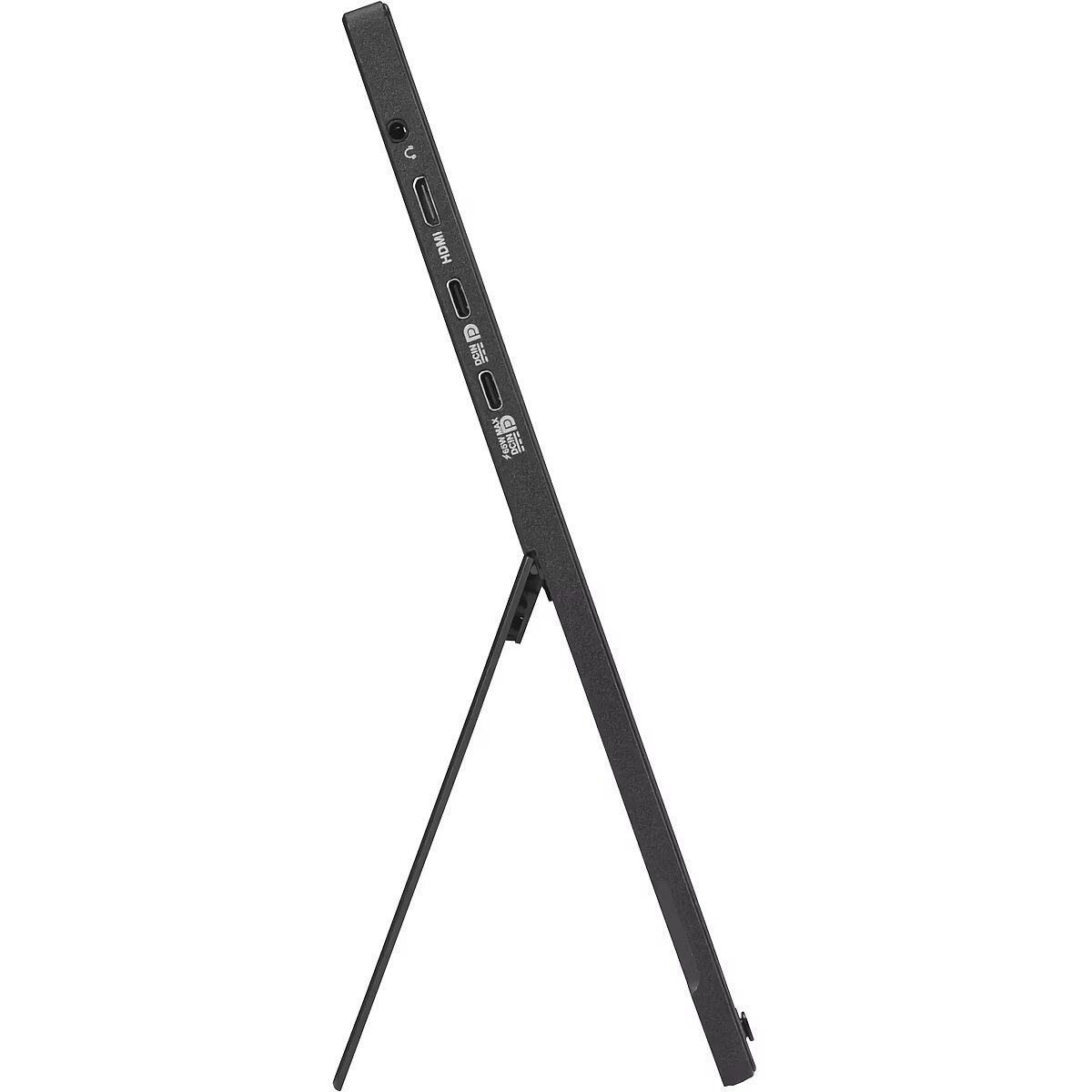
MB16NCG features rich connectivity with dual USB-C and mini-HDMI ports. A single USB-C cable is all you need to duplicate or extend your laptop screen. USB-C handles both power and video signal transmission, so its simply a matter of plug-and-play when it's time to level up your work efficiency. Automatic screen orientation
When connected to a Windows PC, the ASUS DisplayWidget Center tool enables MB16NCG to sense its orientation and automatically switches the display between landscape and portrait modes. ASUS Eye Care
ASUS Ultra-Low Blue Light technology reduces potentially harmful blue light emissions and includes additional features that are beneficial to those who spend long hours in front of a display. ASUS Blue Light Filter
The ASUS Blue Light Filter protects viewers from harmful blue light. This feature offers a range of filter settings that are easy to access via the intuitive OSD menu. ZenScreen MB16NCG has passed stringent performance tests and is certified by TÜV Rheinland laboratories, a global provider of technical, safety, and certification services. ASUS Flicker Free
TÜV Rheinland-certified ASUS Flicker Free technology eliminates flicker, ensuring comfortable viewing experiences. This technology helps minimize eyestrain and other ailments typically associated with extended hours of viewing.
Design - Market positioning - Home
Design - Product colour - Black
Designation - CE+WEEE
dimension depth - 440 mm
dimension height - 315 mm
dimension weight - 2000 g
dimension width - 90 mm
Display - Anti-glare screen - Yes
Display - Colour gamut standard - sRGB
Display - Contrast ratio (typical) - 1500:1
Display - Digital horizontal frequency - 30 - 250 kHz
Display - Digital vertical frequency - 48 - 155 Hz
Display - Display brightness (typical) - 400 cd/m²
Display - Display diagonal - 40.6 cm (16")
Display - Display diagonal (metric) - 40 cm
Display - Display number of colours - 16.7 million colours
Display - Display resolution - 2560 x 1600 pixels
Display - Display technology - LCD
Display - HD type - WQXGA
Display - High Dynamic Range (HDR) supported - Yes
Display - High Dynamic Range (HDR) technology - High Dynamic Range 10 (HDR10)
Display - LED backlight - Yes
Display - Maximum refresh rate - 155 Hz
Display - Native aspect ratio - 16:10
Display - Panel type - IPS
Display - Pixel pitch - 0.135 x 0.135 mm
Display - Response time - 5 ms
Display - Response time measurement type - GTG (Gray to Gray)
Display - Screen shape - Flat
Display - sRGB coverage (typical) - 100%
Display - Touchscreen - No
Display - Viewable size, horizontal - 34.5 cm
Display - Viewable size, vertical - 21.5 cm
Display - Viewing angle, horizontal - 178°
Display - Viewing angle, vertical - 178°
Display surface - Matt
Dodatkowe informacje o matrycy: Format obrazu - 16:10
Dodatkowe informacje o matrycy: Kontrast - 1500:1
Dodatkowe informacje o matrycy: Kąt widzenia w pionie - 178 °
Dodatkowe informacje o matrycy: Kąt widzenia w poziomie - 178 °
Dodatkowe informacje o matrycy: Liczba wyświetlanych kolorów - 16.7 mln
Dot pitch - 0.135 mm
ean - 4711636223256
Eans - 4711636223256
EAN_code - 4711636223256
Efektywność energetyczna: Klasa energetyczna - C
Efektywność energetyczna: Zużycie energii - 7 kWh/1000h
Energy class - C
Energy label - Pobierz
Ergonomics - Cable lock slot - Yes
Ergonomics - Cable lock slot type - Kensington
Ergonomics - Height adjustment - No
Ergonomics - VESA mounting - No
Frequency, horizontal max. - 250 kHz
Frequency, horizontal min. - 30 kHz
Frequency, vertical max. - 155 Hz
Frequency, vertical min. - 48 Hz
Funkcje Gamingowe: Obsługa FreeSync - tak
Funkcje Gamingowe: Rodzaj FreeSync - FreeSync
GTIN - 4711636223256
guarantee - 36
guarantee_type - external
Height - 24.6 cm
Height adjustment - No
I/O connectors - 1 x 3,5 mm minijack
I/O connectors - 1 x mini HDMI
I/O connectors - 2 x USB (Type C)
Informacje podstawowe: Standard HDR - HDR10
Kensington Security Slot - Tak
LongDesc - ASUS ZenScreen MB16NCG Portable Monitor – 16-inch 16:10 WQXGA (2560 x 1600) IPS panel, 155 Hz refresh rate (OC), Power Pass Through, 100% sRGB, Auto Rotate, tripod, USB Type-C®, mini-HDMI®, Flicker Free, Low Blue Light, FSC Mix-certifiedASUS ZenScreen MB16NCG is a 16-inch portable IPS monitor featuring a WQXGA (2560 x 1600) 100% sRGB color gamut, with a 155 Hz (overclocking) SmoothMotion refresh rate. This 16:10 display provides more viewing area, making it the ideal secondary display to extend workspace for hybrid workers. With autorotation feature, giving ZenScreen the versatility to be used in either landscape or portrait orientation. Also, with power pass-through feature and USB-C ports, you can have two-way power delivery function that offers flexibility on the go.
LongProductName - 16" 2560 x 1600 IPS LED, 16.7M, 5ms, 155Hz, USB-C, 6.79W, 100-240V, 50/60Hz 900 g
LongSummaryDescription - ASUS ZenScreen MB16NCG. Display diagonal: 40.6 cm (16"), Display resolution: 2560 x 1600 pixels, HD type: WQXGA, Display technology: LCD, Response time: 5 ms, Native aspect ratio: 16:10, Viewing angle, horizontal: 178°, Viewing angle, vertical: 178°. Product colour: Black
Manufacturer - Asus
Manufacturer_code - 90LM0CD1-B01N71
Matrix type - TFT IPS
Microphone - Nie
Model - ZenScreen MB16NCG
Multimedia - Built-in camera - No
Multimedia - Built-in speaker(s) - No
Name - Asus ZenScreen MB16NCG (40 cm (16 inches), black, WQXGA, IPS, mini-HDMI, USB-C, 155Hz panel)
Name - ASUS ZenScreen MB16NCG - 155Hz | 2560 x 1600 | IPS | 16"
name - Monitor 16 inch MB16NCG IPS WQXGA USBC mHDMI
Number of colors - 16,7 mln
Ochrona oczu: Filtr światła niebieskiego - tak
Ochrona oczu: Redukcja migotania - tak
Packaging data - Package depth - 90 mm
Packaging data - Package height - 318 mm
Packaging data - Package type - Box
Packaging data - Package weight - 2 kg
Packaging data - Package width - 443 mm
Performance - AMD FreeSync - Yes
Performance - Flicker-free technology - Yes
Performance - Low Blue Light technology - Yes
Performance - NVIDIA G-SYNC - No
Performance - VESA Adaptive Sync support - Yes
Ports & interfaces - Built-in USB hub - No
Ports & interfaces - HDMI - Yes
Ports & interfaces - Headphone connectivity - 3.5 mm
Ports & interfaces - Headphone out - Yes
Ports & interfaces - Headphone outputs - 1
Ports & interfaces - Mini HDMI ports quantity - 1
Ports & interfaces - USB Type-C DisplayPort Alternate Mode - Yes
Ports & interfaces - USB Type-C downstream ports quantity - 2
Power - AC input frequency - 50/60 Hz
Power - AC input voltage - 100 - 240 V
Power - Energy consumption (HDR) per 1000 hours - 7 kWh
Power - Energy consumption (SDR) per 1000 hours - 7 kWh
Power - Energy efficiency class (HDR) - C
Power - Energy efficiency class (SDR) - C
Power - Energy efficiency scale - A to G
Power - Power consumption (off) - 0.3 W
Power - Power consumption (PowerSave) - 0.5 W
Power - Power consumption (typical) - 6.79 W
Power consumption - 6.79 W
Pozostałe cechy: Akcesoria - kabel mini HDMI - HDMI
Pozostałe cechy: Akcesoria - kabel USB-C
Pozostałe cechy: Akcesoria - power adapter
Pozostałe cechy: Seria - ASUS ZenScreen
producer - Asus
Producer - Asus
ProducerCode - MB16NCG
ProductName - MB16NCG
Refresh rate - 155 Hz
Resolution - 2560 x 1600 (WQXGA)
Response time - 5 ms
Screen size (diag.) - 16"
ShortDescription -
ShortSummaryDescription - ASUS ZenScreen MB16NCG, 40.6 cm (16"), 2560 x 1600 pixels, WQXGA, LCD, 5 ms, Black
Speakers built-in - No
Static contrast - 1 500:1
Sustainability - Sustainability certificates - Forest Stewardship Council (FSC) Mix
Swivel - No
Tilt - No
Title - ASUS ZenScreen MB16NCG computer monitor 40.6 cm (16") 2560 x 1600 pixels WQXGA LCD Black
Touch screen - No
Transreflective technology - LED
TV tuner built-in - No
URL - https://www.asus.com/displays-desktops/monitors/zenscreen/zenscreen-mb16ncg/
vendpn - MB16NCG
Viewing angle, horizontal - 178 °
Viewing angle, vertical - 178 °
Visible area, horizontal - 344.68 mm
Visible area, vertical - 215.42 mm
WarrantyInfo -
Web camera - None
Weight - 0.9 kg
Weight - 2,10
Weight & dimensions - Depth (with stand) - 11 mm
Weight & dimensions - Height (with stand) - 246 mm
Weight & dimensions - Weight (without stand) - 1.9 kg
Weight & dimensions - Weight (with stand) - 900 g
Weight & dimensions - Width (with stand) - 358 mm
Width - 35.8 cm
WiFi - No
Złącza: Złącza - 1 x miniHDMI
Złącza: Złącza - 1 x słuchawkowe
Złącza: Złącza - 2 x USB Type-C



 DVI is a digital standard and ensures high image quality, however, thanks to the big size of the plug and the inability of the standard to develop further due to a few technical restrictions this type of connection is gradually losing its popularity to modern HDMI and DisplayPort standards.







