Accessories included - HDMI cable
Aspect ratio - 16:9
Auto Pivot - No
Bluetooth - No
Brand - BenQ
BrandPartCode - 9H.LP2LA.TBE
Brightness - 250 cd/m²
Brightness HDR - 1000 cd/m²
Category - Computer Monitors
Certificates - TUV
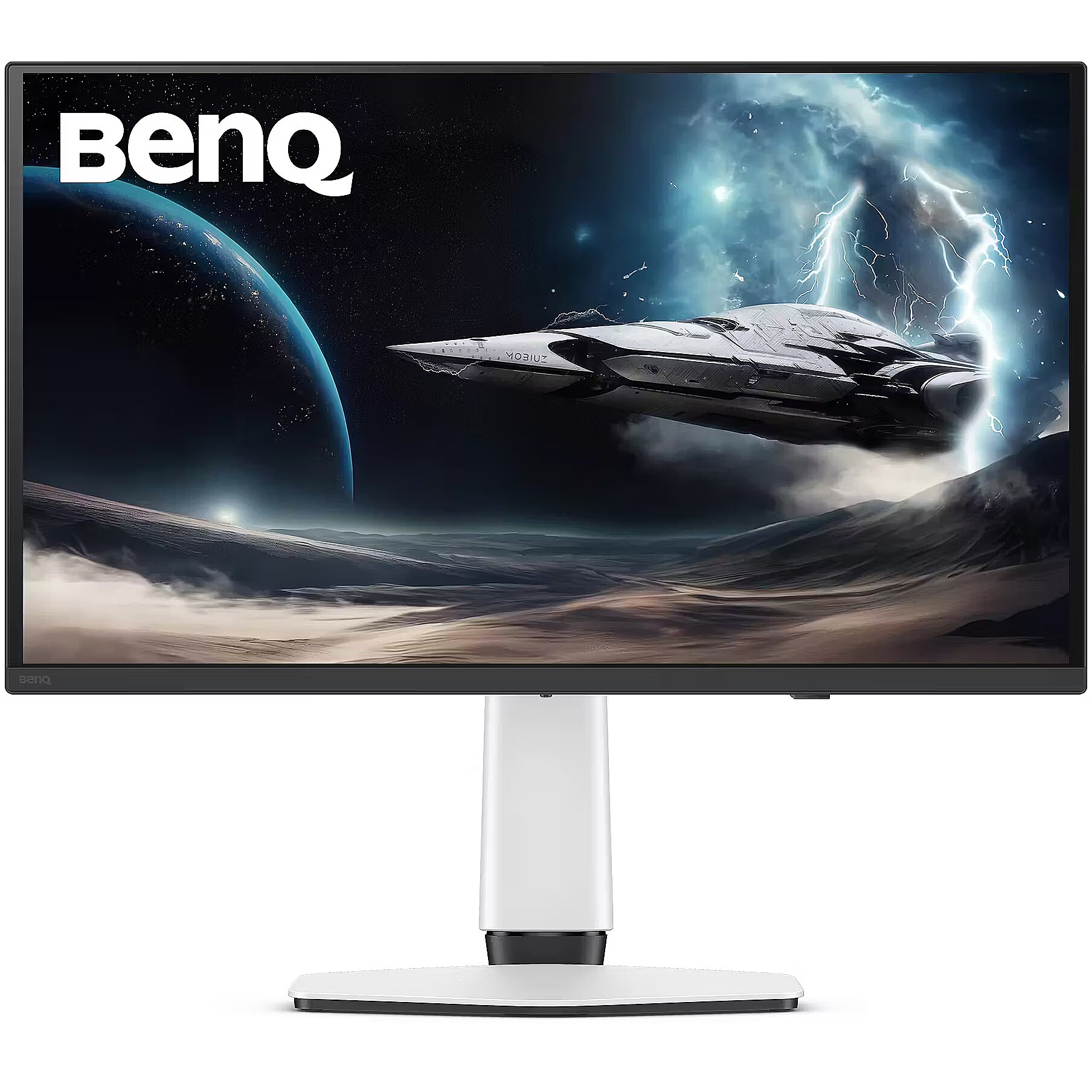
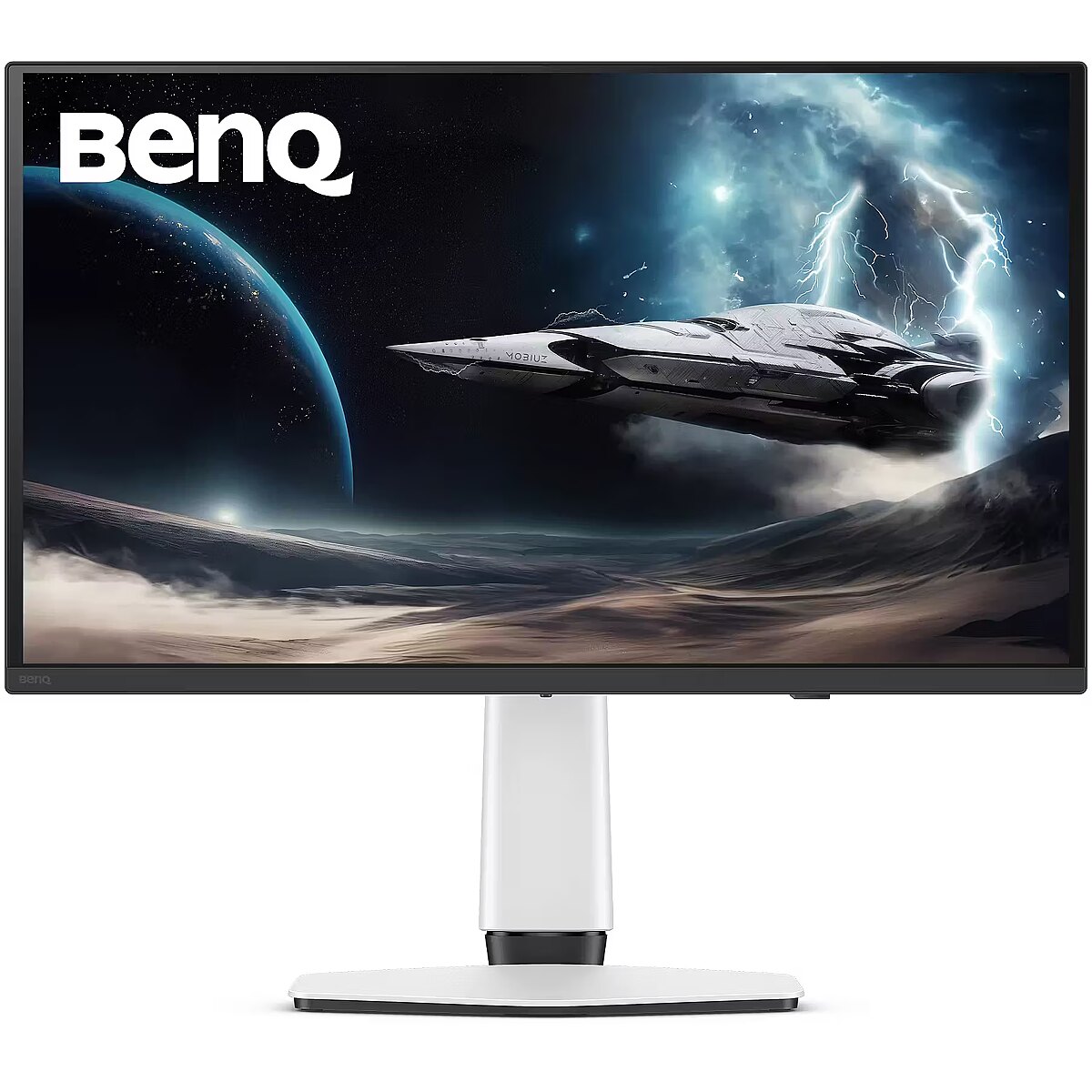
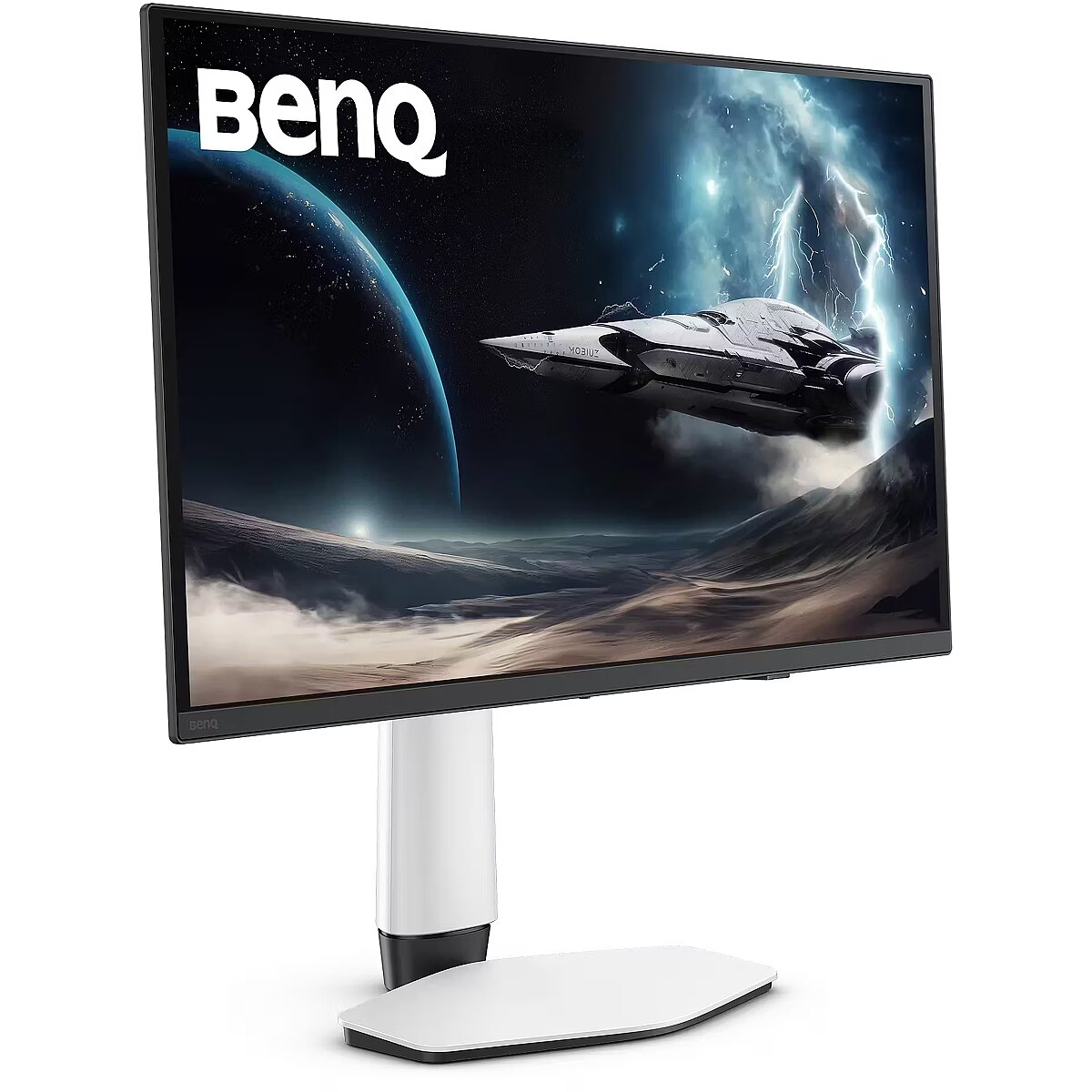
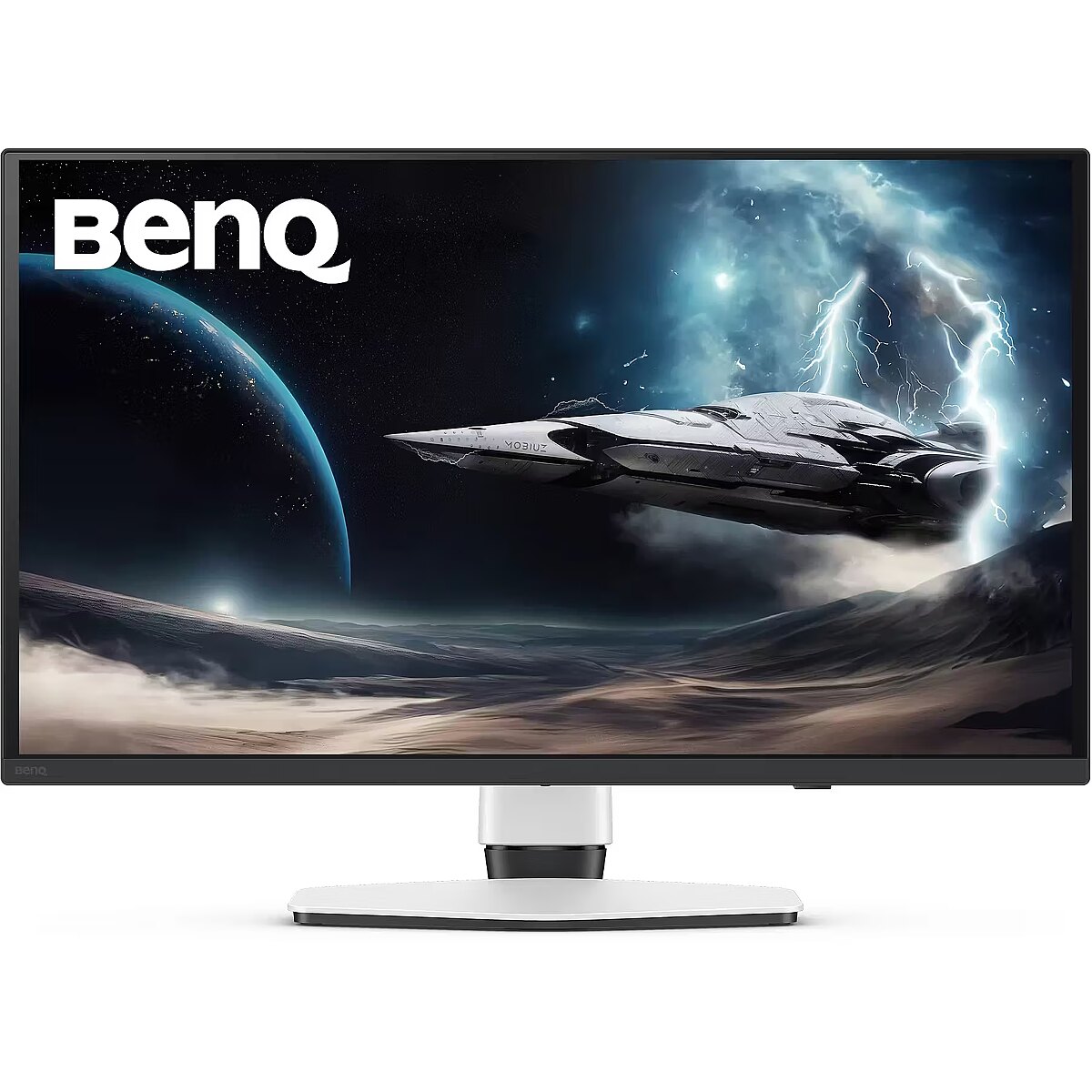
Color - Black
Color - White
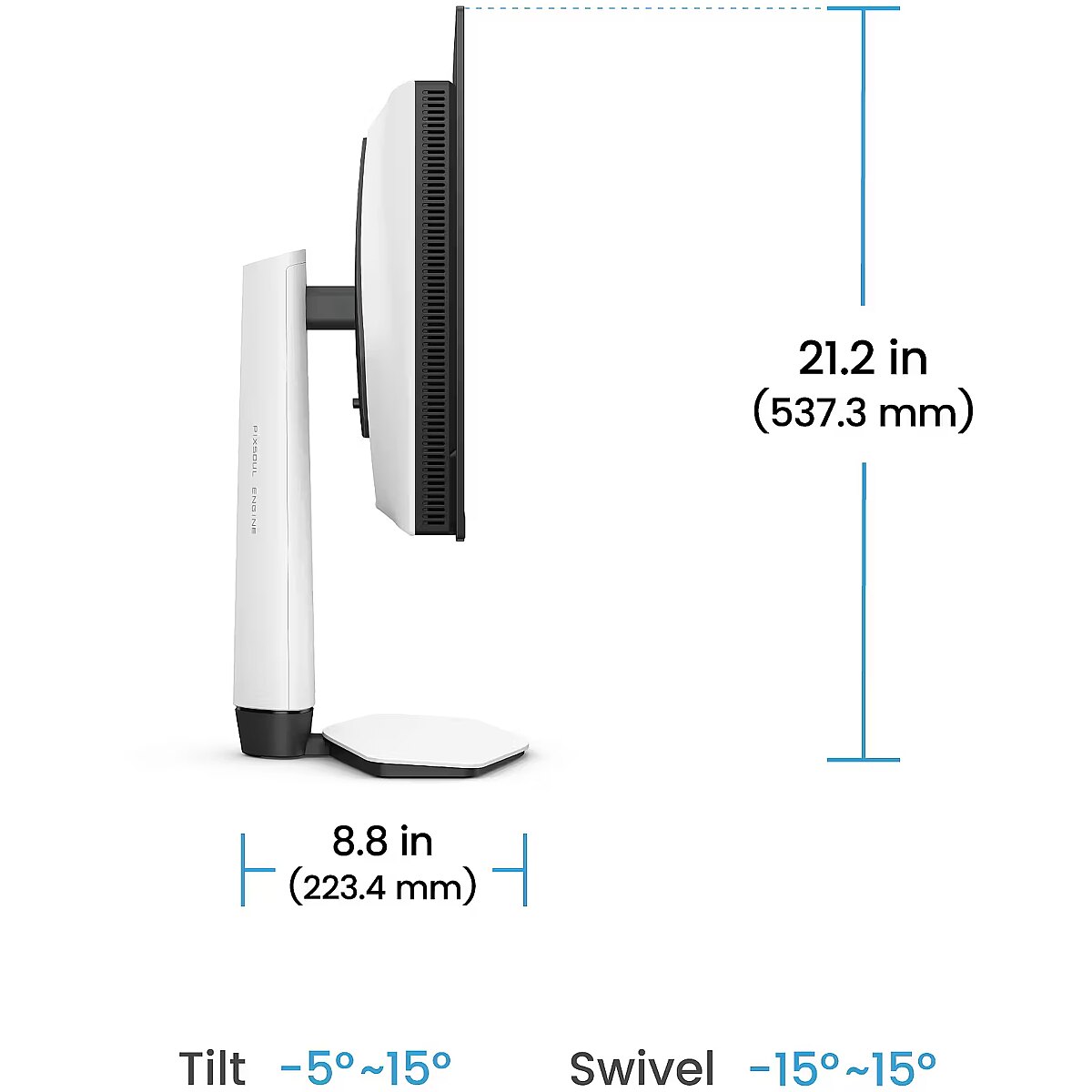
Depth - 82.93 mm
Depth with stand - 223.48 mm
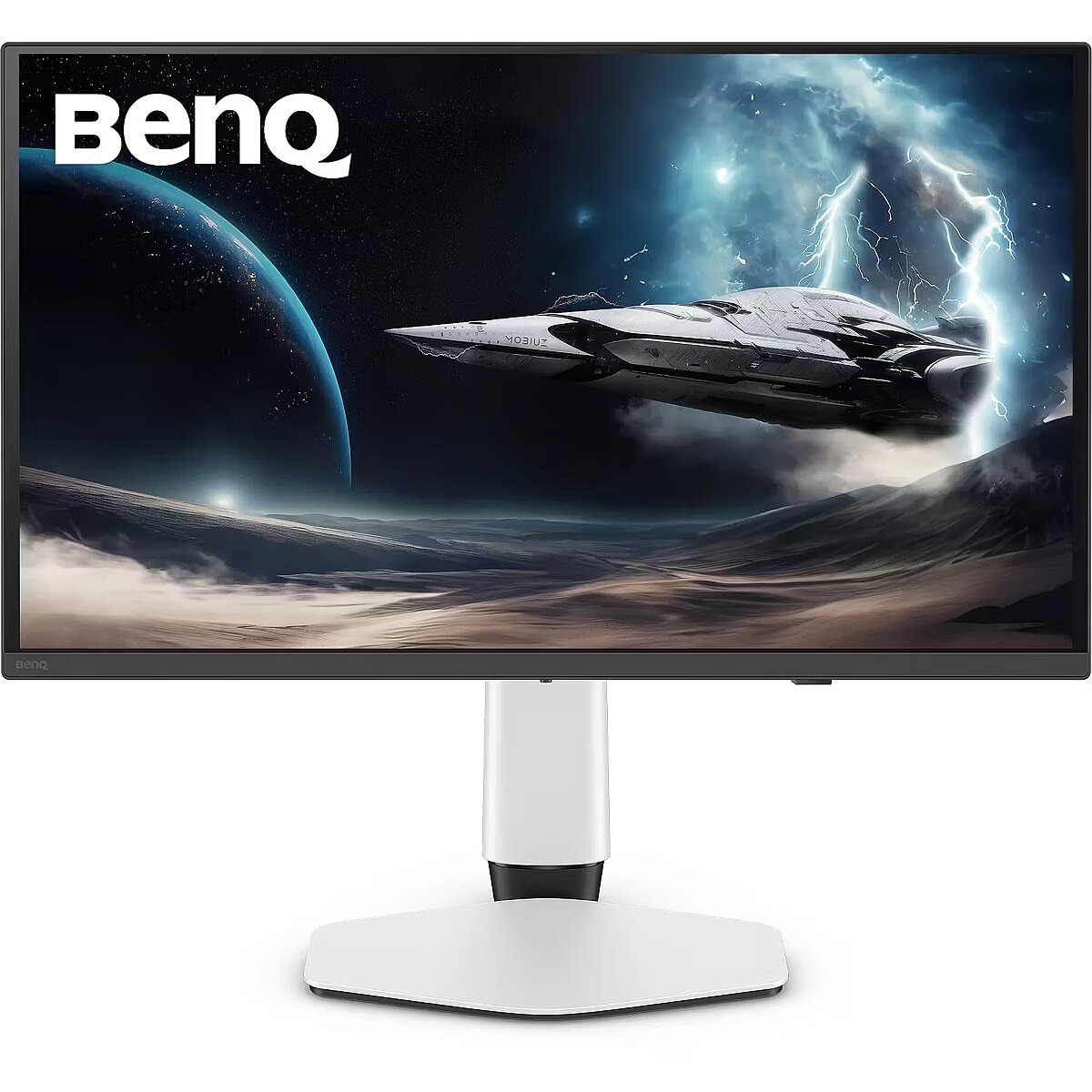
Description - EX271UZ
MOBIUZ for Game Art: Your Game, Your Masterpiece
Browse the artbooks of Elden Ring, Horizon Forbidden West, or Tears of the Kingdom-every picturesque landscape and ancient ruin reflects the soul of Game Art. BenQ Color Lab preserves this vision through proprietary color fine-tuning, ensuring vivid, immersive visuals that stay true to the artists intentboth on screen and in print. Enhanced with studio-grade spectral colors, realistic Pixel Contrast, and over 120 dedicated color profiles from the Color Shuttle Game Art database-everything is tailored to your favorite games.
When MOBIUZ Game Art Meets QD-OLED. A New Era Begins.
Powered by 4th-generation QD-OLED, with breathtaking quantum-dot colors and perfect OLED blacks, this display delivers incredible contrast and lifelike imagery. Together, theyre ready to take your open-world adventures to the next level. EX271UZ features a graphene film to protect the OLED panel, offering near-perfect gaming experiences with increased durability.
Exclusive Spectral Colors: Discover Every Shade of Studio-Quality Imagery
BenQ Color Lab is an industry authority in color calibration, and the MOBIUZ gaming monitor goes even further-offering a full spectrum of spectral colors where every nuance is visible. In your favorite games, every scene, character, and piece of gear shines with natural colors-exactly as the creator intended.
Exceptional High Pixel Contrast: Capture Every Point of Light and Shadow
Thanks to expert calibration by BenQ Color Lab, MOBIUZ enhances contrast and refines every pixel in your game. Whether its blazing sunlight or the darkest tunnel, every detail remains crisp. During exploration and missions, enjoy every moment and truly feel part of the game world.
The Power of Color Shuttle: A Fortress of Game Art Masterpieces
BenQ Color Shuttle is a breakthrough in the world of Game Art. The Color Shuttle database includes over 120 color profiles for top AAA titles, with more on the way. Gamers can upload, download, and use Smart Game Art that dynamically adapts to gameplay-making every game more than just a game. Its like flipping through an artbook you always want to return to.
Game ArtInspired Color Modes: See the World You Truly Belong In
We dont classify color modes by game genre-because Game Art style matters most. Created through extensive testing and player feedback, MOBIUZ offers Game Art Style-Based Color Modes that faithfully reproduce three iconic worlds: Fantasy, Sci-Fi, and Realistic. From fire to stone, from metal to strands of hair-the world on screen is exactly where you want to be.
4K 240Hz: Top-Tier Gaming-Weve Got You Covered
4K 240Hz delivers stunning ultra-high resolution with exceptionally smooth motion. The high refresh rate reduces motion blur and input lag, giving gamers a competitive edge and total immersion. Sharp details and fluid action make it the perfect upgrade for demanding players.
Console-Ready, Ready for Every Game
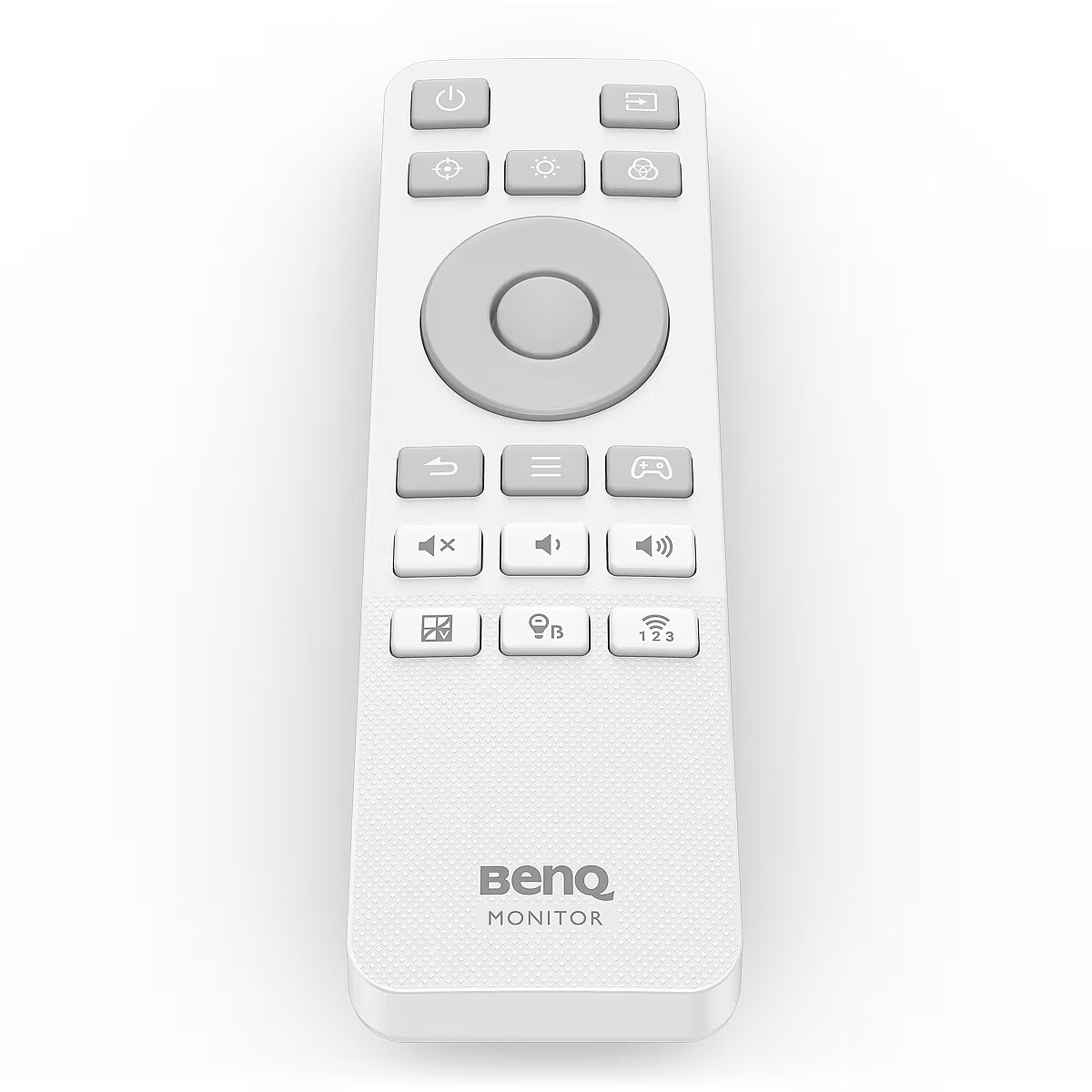
MOBIUZ monitors come equipped with a remote control, Auto Low Latency Mode, Variable Refresh Rate, Consumer Electronics Control (CEC), and Enhanced Audio Return Channel (eARC), providing console-level support for smoother, better gameplay.
Experience Exceptional Audio with eARC
With eARC support and a universal soundbar mount, EX271UZ monitors deliver immersive sound that elevates gameplay to a new level of realism and depth.
Everything You Need for FPS Perfection
MOBIUZ monitors offer an on-screen crosshair, FPS counter, and motion blur reduction-giving you an edge in FPS games with greater precision and improved performance in fast-paced action.
Design - Market positioning - Gaming
Design - Product colour - Black, White
Designation - CE+WEEE
dimension depth - 210 mm
dimension height - 470 mm
dimension weight - 11000 g
dimension width - 860 mm
Display - Colour gamut standard - DCI-P3
Display - Contrast ratio (typical) - 1500000:1
Display - DCI-P3 coverage - 99%
Display - Display brightness (peak) - 1000 cd/m²
Display - Display brightness (typical) - 250 cd/m²
Display - Display diagonal - 67.3 cm (26.5")
Display - Display number of colours - 1.07 billion colours
Display - Display resolution - 3840 x 2160 pixels
Display - Display surface - Gloss
Display - Display technology - OLED
Display - HD type - 4K Ultra HD
Display - High Dynamic Range (HDR) supported - Yes
Display - High Dynamic Range (HDR) technology - DisplayHDR 600, High Dynamic Range 10 (HDR10)
Display - Maximum refresh rate - 240 Hz
Display - Native aspect ratio - 16:9
Display - Panel type - IPS
Display - Pixel density - 166 ppi
Display - Response time - 0.03 ms
Display - Response time measurement type - GTG (Gray to Gray)
Display - Screen shape - Flat
Display - Touchscreen - No
Display - Viewing angle, horizontal - 178°
Display - Viewing angle, vertical - 178°
Display surface - Glare
ean - 4718755097362
Energy class - G
Energy label - Pobierz
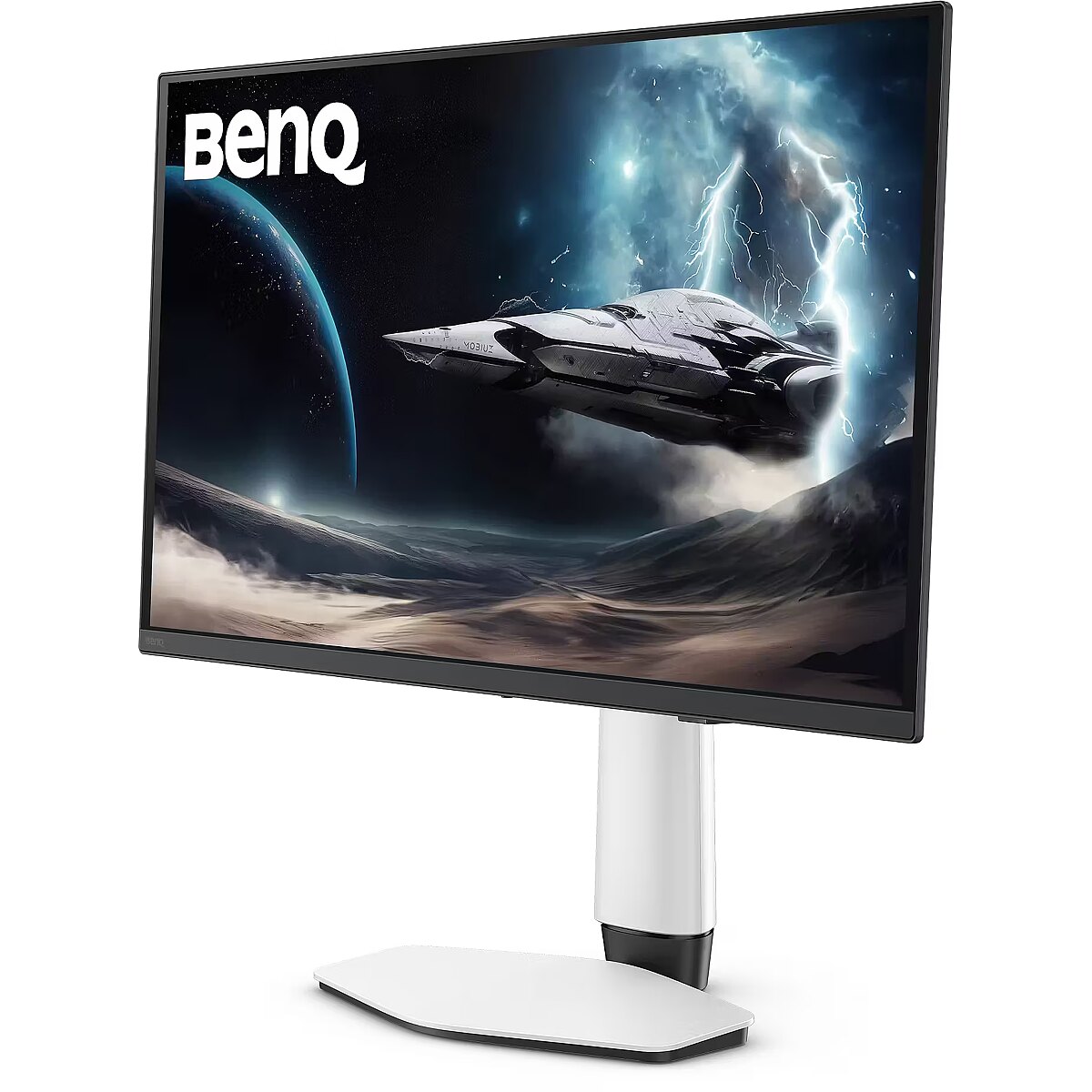
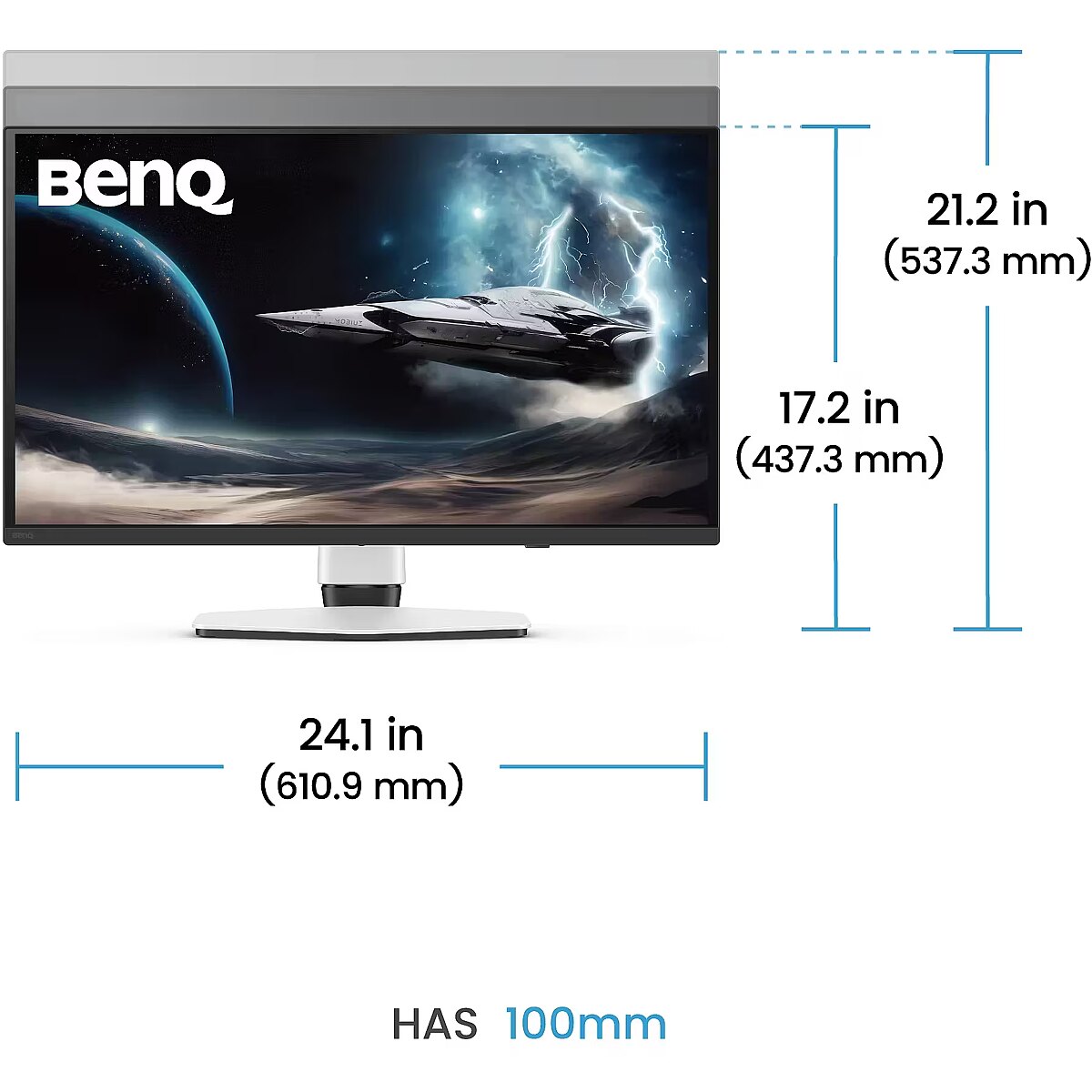
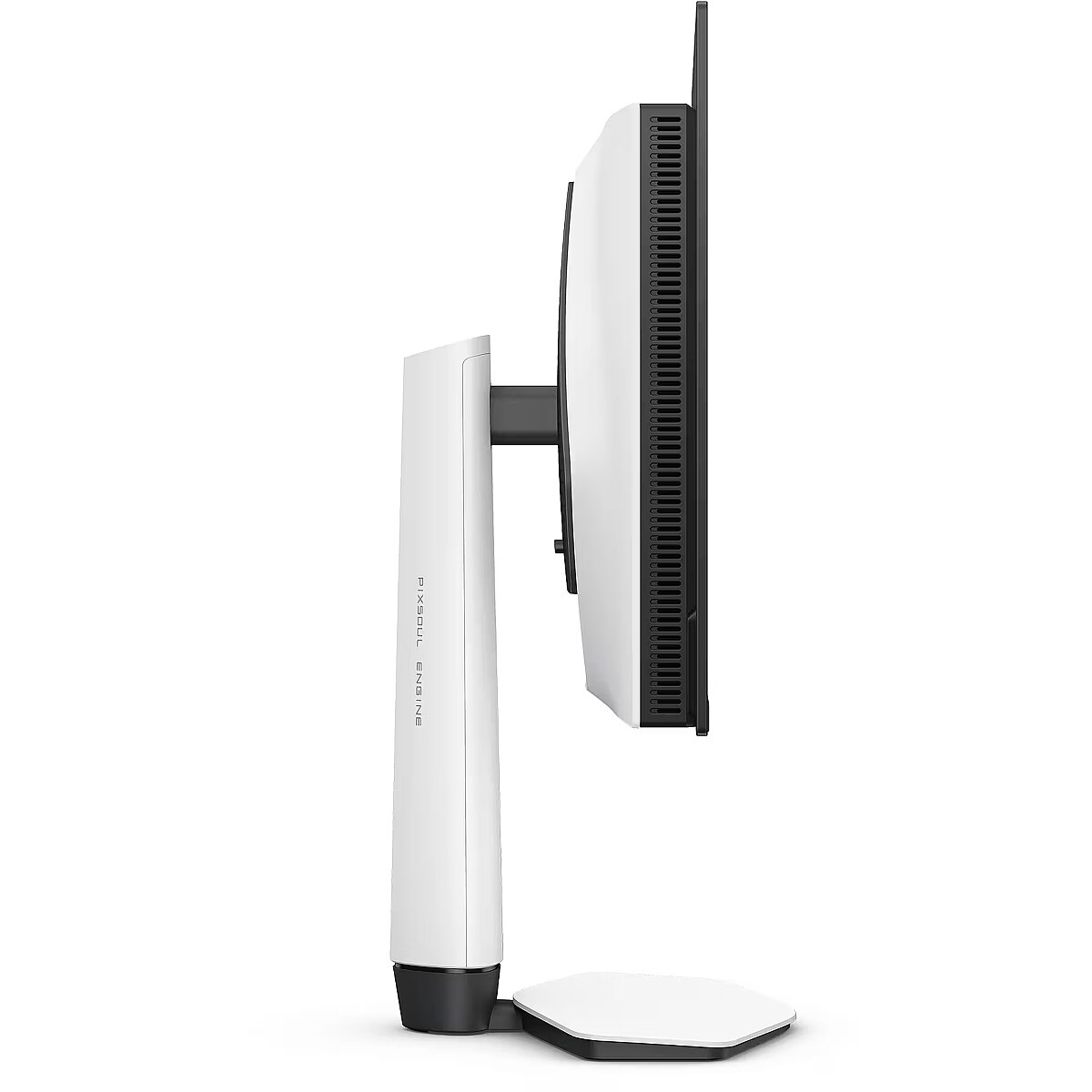
Ergonomics - Adjustable height (max) - 10 cm
Ergonomics - Height adjustment - Yes
Ergonomics - On Screen Display (OSD) - Yes
Ergonomics - On Screen Display (OSD) languages - Arabic, Simplified Chinese, Traditional Chinese, Czech, German, Dutch, English, Spanish, French, Hungarian, Italian, Japanese, Korean, Polish, Portuguese, Romanian, Russian, Swedish
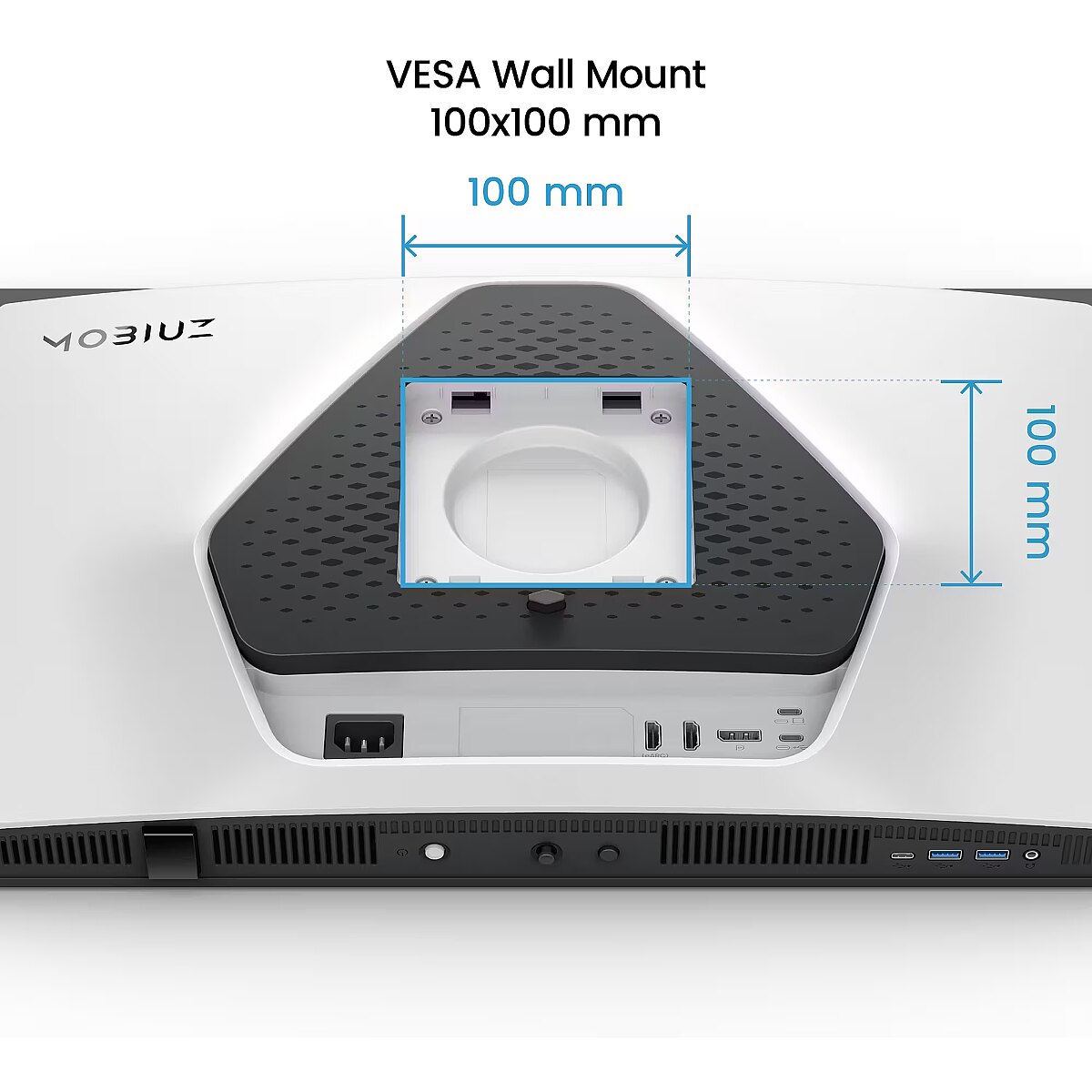
Ergonomics - Panel mounting interface - 100 x 100 mm
Ergonomics - Swivel angle range - 15 - 15°
Ergonomics - Swivelling - Yes
Ergonomics - Tilt adjustment - Yes
Ergonomics - Tilt angle range - -5 - 15°
Ergonomics - VESA mounting - Yes
Ergonomics - Wall mountable - Yes
GTIN - 4718755097362
guarantee - 36
guarantee_type - external
Height - 357.25 mm
Height adjustment - Yes
Height adjustment range - 100 mm
Height with stand - 537.26 mm
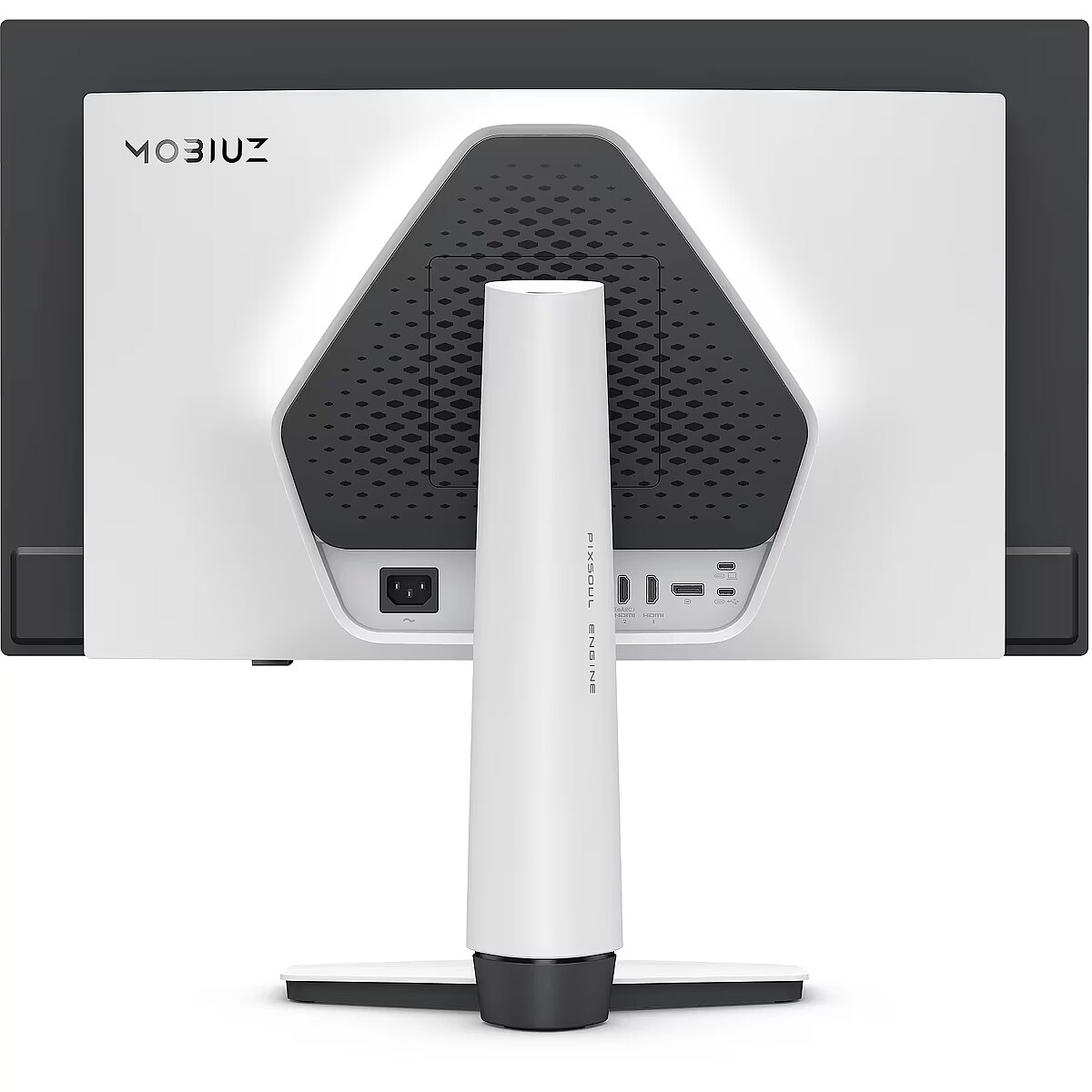
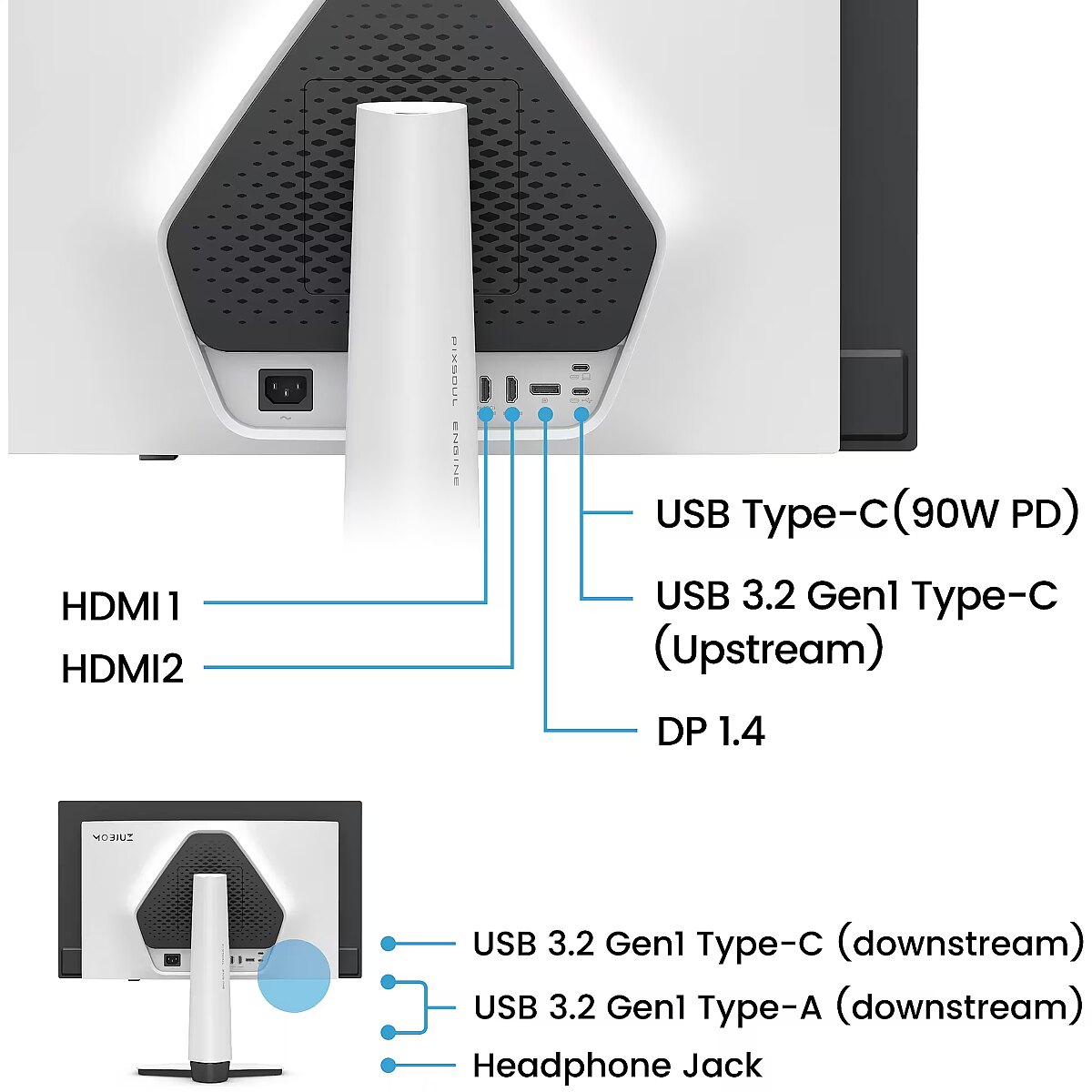
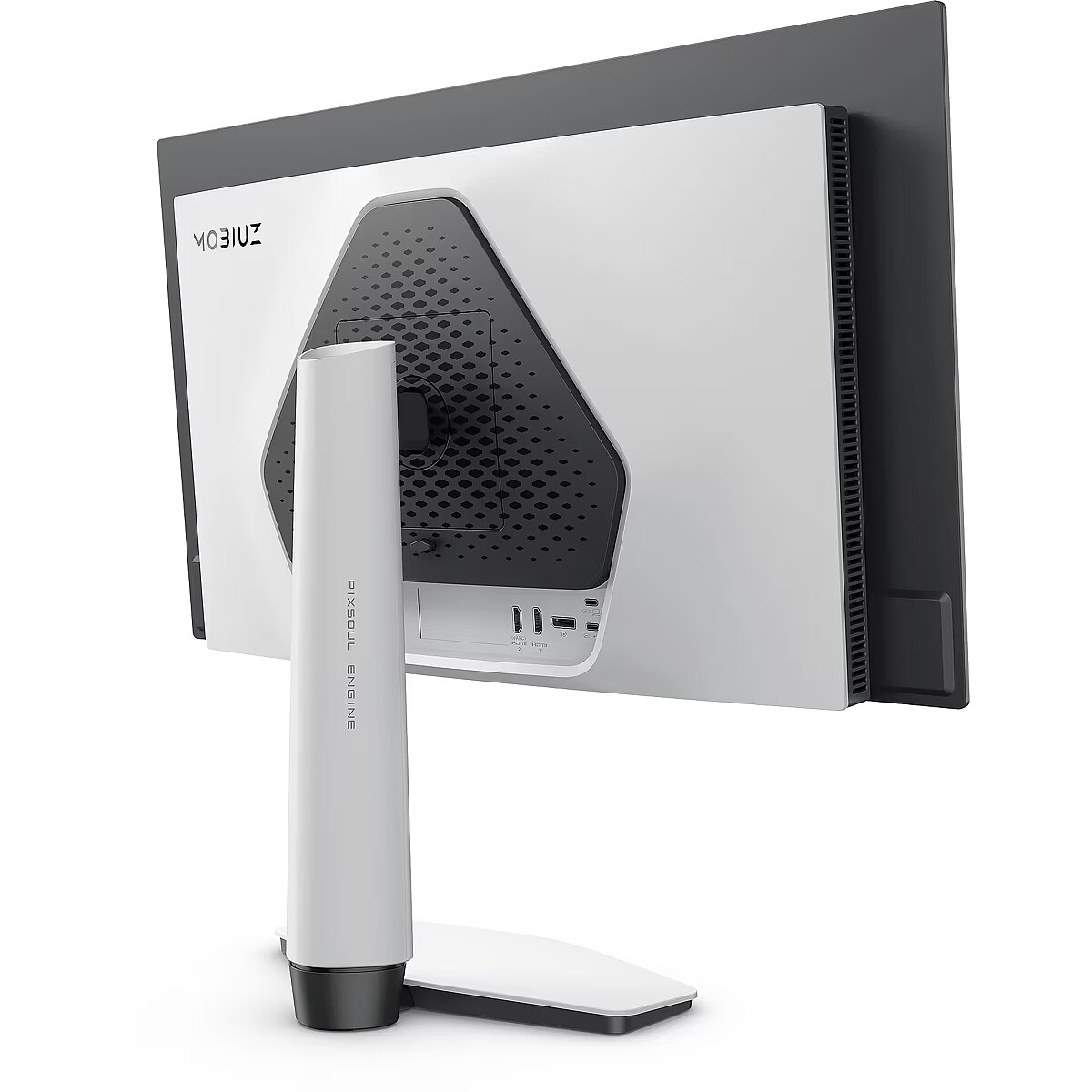
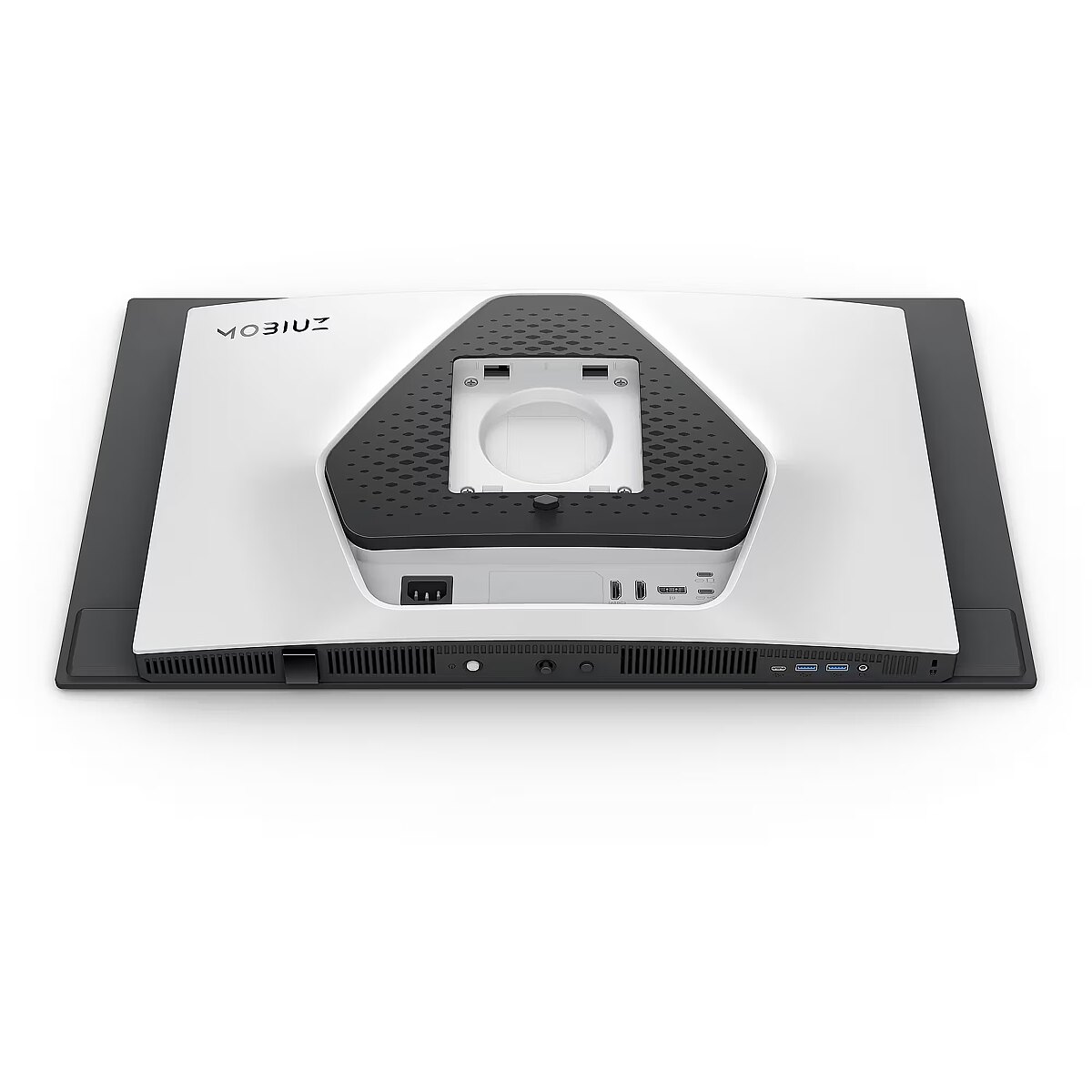
I/O connectors - 1 x 3,5 mm minijack
I/O connectors - 1 x DisplayPort
I/O connectors - 2 x HDMI
I/O connectors - 2 x USB 3.2 Type-A Gen 1
I/O connectors - 3 x USB 3.2 Type-C Gen 1
Kensington Security Slot - Tak
LongDesc - MOBIUZ for Game Art : Your Game, a Masterpiece.Flip through an artbook from Elden Ring, Horizon Forbidden West, or Tears of the Kingdom — every stunning landscape and ruin reflects the soul of game art. BenQ Color Lab preserves this vision with exclusive color tuning, keeping visuals vivid, immersive, and true to the artist’s intent—on screen and in print.MOBIUZ knows Game Art. Loaded with studio-grade Spectral Color and true-to-life Pixel Contrast, plus 120+ custom color profiles from the Color Shuttle Game Art Database — all tuned for your favorite games.When MOBIUZ Game Art Meets QD-OLED. A New Era Begins.Powered by 4th Gen QD-OLED, with jaw-dropping quantum dot colors and perfect OLED blacks, this display delivers insane contrast and lifelike visuals. Together, they’re ready to level up your open-world adventures.EX271UZ with Graphene Film for OLED Display Protection, delivering a nearly perfect in-game experience with extended durability!Exclusive Spectral Colors: Made to Reveal Every Hue of the Studio-Grade VisualsBenQ Color Lab stands as the market’s leading authority in color calibration, while the MOBIUZ Gaming Monitor takes it further—delivering full-spectrum spectral color with every nuance vividly visible. In your favourite games, every scene, character, and gear bursts with seamless color—just the way they were meant to be seen.Exclusive High Pixel Contrast: Made to Capture Every Point of Light and DarkWith BenQ Color Lab’s expert calibration, MOBIUZ High Pixel Contrast locally enhances every single pixel in your game scenes. Whether it’s the blazing sun or the darkest sewer, every detail remains crystal clear. Questing or exploring, enjoy every moment and feel truly part of the world of your game.Empowered by Color Shuttle: The Stronghold of Game Art MasterpiecesBenQ Color Shuttle leads the way in empowering Game Art. The Color Shuttle Database features 120+ color profiles for top AAA titles, with more on the way. Players can upload, download, and enjoy Smart Game Art that adapts in real time—turning every game into more than just a game. It’s like flipping through an art book that leaves you wanting more.Color Modes Based on Game Art Styles: Redefine How You See Your True WorldWe don’t classify color modes by game genre—we know what truly matters is the Game Art Style. Developed through extensive testing and direct feedback from gamers, MOBIUZ has crafted Color Modes Based on Game Art Styles that faithfully represent the three most iconic game worlds: Fantasy, Sci-Fi, and Realistic. From flames to stone, metal to strands of hair—the world you see is exactly where your heart belongs.4K 240Hz Standard: Top-Tier Gaming, We've Got You Covered4K 240Hz delivers stunning ultra-high-definition visuals with incredibly smooth motion. The high refresh rate reduces motion blur and input lag, providing gamers with a competitive edge and immersive experience. Combined with sharp detail and fluid gameplay, it’s the ultimate upgrade for serious players.Ready for Console, Ready for Every GameplayMOBIUZ monitors are equipped with a remote control, Auto Low Latency Mode, Variable Refresh Rate, Consumer Electronics Control, and Enhanced Audio Return Channel, delivering a console-oriented boost for an enhanced and seamless gaming experience.Experience Superior Audio with eARCEquipped with eARC support and a versatile ID stand for soundbars, EX271UZ monitors deliver immersive audio that elevates your gaming experience to new levels of realism and depth.All You Need for FPS ExcellenceMOBIUZ monitors feature Crosshair, FPS Counter, and Blur Reduction, providing an FPS-oriented boost for enhanced accuracy and performance in fast-paced gaming.
LongProductName - EX271UZ|27” 4K 166 PPI 240Hz BenQ MOBIUZ OLED Gaming Monitor
LongSummaryDescription - BenQ EX271UZ. Display diagonal: 67.3 cm (26.5"), Display resolution: 3840 x 2160 pixels, HD type: 4K Ultra HD, Display technology: OLED, Display surface: Gloss, Response time: 0.03 ms, Native aspect ratio: 16:9, Viewing angle, horizontal: 178°, Viewing angle, vertical: 178°. Built-in USB hub, USB hub version: 3.2 Gen 1 (3.1 Gen 1). VESA mounting, Height adjustment. Product colour: Black, White
Matrix type - OLED
Microphone - Nie
Model - EX271UZ
Multimedia - Built-in camera - No
Multimedia - Built-in speaker(s) - No
name - Monitor 26.5 inches EX271UZ 4K 240Hz/UHD/OLED
Number of colors - 1,07 mld
Other features - Certification - TUV
Other features - Motion blur reduction - Yes
Performance - AMD FreeSync - Yes
Performance - AMD FreeSync type - FreeSync Premium Pro
Performance - Flicker-free technology - Yes
Performance - Low Blue Light technology - Yes
Performance - Smart modes - ePaper
Ports & interfaces - Built-in KVM switch - Yes
Ports & interfaces - Built-in USB hub - Yes
Ports & interfaces - DisplayPorts quantity - 1
Ports & interfaces - DisplayPort version - 1.4
Ports & interfaces - HDCP - Yes
Ports & interfaces - HDCP version - 2.3
Ports & interfaces - HDMI - Yes
Ports & interfaces - HDMI ports quantity - 2
Ports & interfaces - HDMI version - 2.1
Ports & interfaces - Headphone connectivity - 3.5 mm
Ports & interfaces - Headphone out - Yes
Ports & interfaces - Headphone outputs - 1
Ports & interfaces - Number of downstream ports - 3
Ports & interfaces - Number of upstream ports - 1
Ports & interfaces - USB hub version - 3.2 Gen 1 (3.1 Gen 1)
Ports & interfaces - USB Power Delivery (USB PD) - Yes
Ports & interfaces - USB Power Delivery up to - 90 W
Ports & interfaces - USB upstream port type - USB Type-C
Power - AC input voltage - 100 - 240 V
Power - Energy consumption (HDR) per 1000 hours - 31 kWh
Power - Energy consumption (SDR) per 1000 hours - 30 kWh
Power - Energy efficiency class (HDR) - G
Power - Energy efficiency class (SDR) - G
Power - Energy efficiency scale - A to G
Power - Power consumption (max) - 230 W
Power - Power consumption (standby) - 0.5 W
Power - Power consumption (typical) - 37 W
Power consumption - 33 W
producer - Benq
ProductName - EX271UZ
Refresh rate - 240 Hz
Resolution - 3840 x 2160
Response time - 0.03 ms
Screen size (diag.) - 26.5''
ShortSummaryDescription - BenQ EX271UZ, 67.3 cm (26.5"), 3840 x 2160 pixels, 4K Ultra HD, OLED, 0.03 ms, Black, White
Speakers built-in - No
Static contrast - 1 500 000:1
Swivel - Yes
Tilt - Yes
Title - BenQ EX271UZ computer monitor 67.3 cm (26.5") 3840 x 2160 pixels 4K Ultra HD OLED Black, White
Touch screen - No
Transreflective technology - LED
TV tuner built-in - No
URL - https://www.benq.eu/en-eu/monitor/gaming/ex271uz.html
vendpn - 9H.LP2LA.TBE
VESA - 100 x 100
Viewing angle, horizontal - 178 °
Viewing angle, vertical - 178 °
WarrantyInfo -
Web camera - None
Weight - 5.14 kg
Weight & dimensions - Depth (without stand) - 80.9 mm
Weight & dimensions - Depth (with stand) - 223.4 mm
Weight & dimensions - Height (without stand) - 357.2 mm
Weight & dimensions - Height (with stand) - 537.3 mm
Weight & dimensions - Weight (without stand) - 5.14 kg
Weight & dimensions - Weight (with stand) - 7.43 kg
Weight & dimensions - Width (without stand) - 610.9 mm
Weight & dimensions - Width (with stand) - 610.9 mm
Weight with stand - 7.43 kg
Width - 610.91 mm
WiFi - No




 DVI is a digital standard and ensures high image quality, however, thanks to the big size of the plug and the inability of the standard to develop further due to a few technical restrictions this type of connection is gradually losing its popularity to modern HDMI and DisplayPort standards.







