Accessories included - Kabel HDMI: 1,8 m Kabel Displayport: 1,8 m
Aspect ratio - 16:9
Auto Pivot - No
Bluetooth - No
Brand - AOC
BrandPartCode - Q27G41ZDF
Brightness - 400 cd/m²
Category - Computer Monitors
Certificates - CB
Certificates - CE
Certificates - CEC
Certificates - EAC
Certificates - FCC
Certificates - ISO 9241-307
Certificates - REACH
Certificates - RoHS
Certificates - TUV
Certificates - UKCA
Certificates - WEEE
Color - Black
Depth - 57.03 mm
Depth with stand - 190.5 mm
Description - Q27G41ZDF TYLKO DLA ODWAŻNYCH
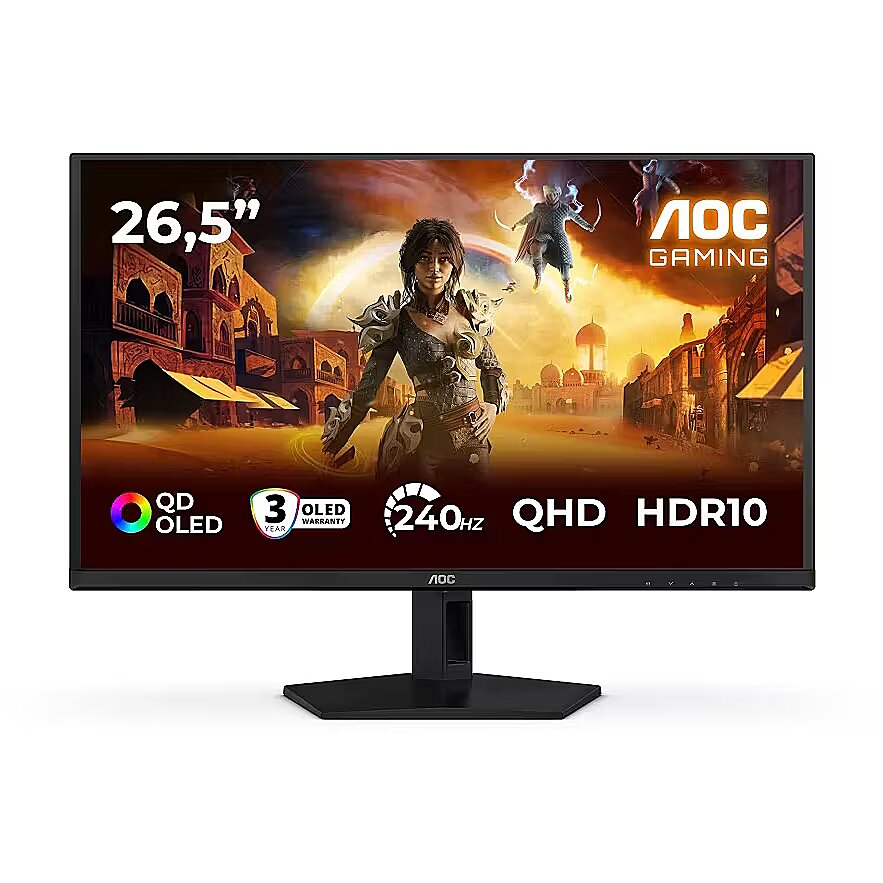
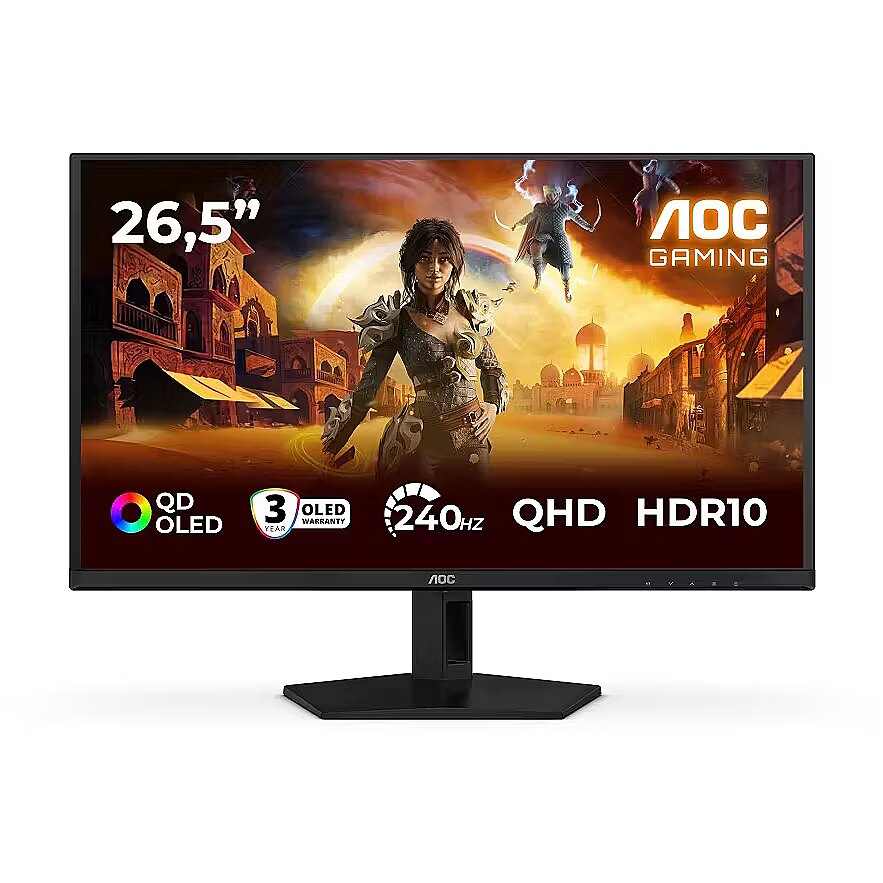
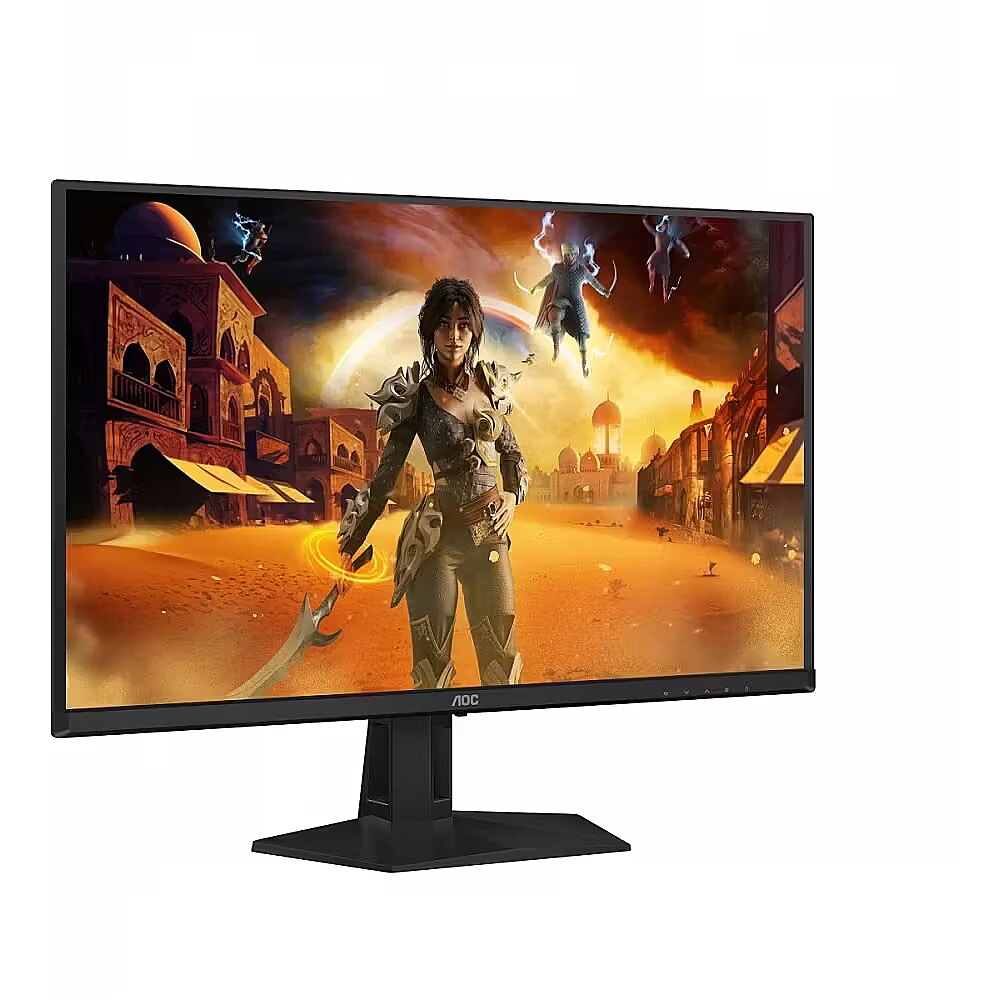
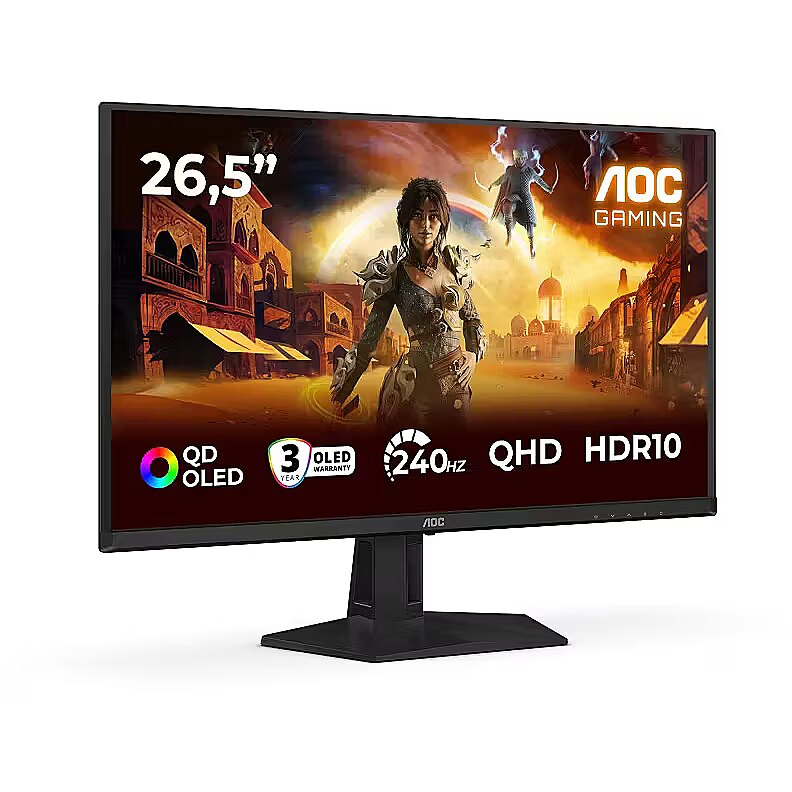
Zdominuj swoje sesje gamingowe dzięki monitorowi Q27G41ZDF QD-OLED, oferującemu oszałamiającą klarowność QHD i ultrawydajność 240Hz.
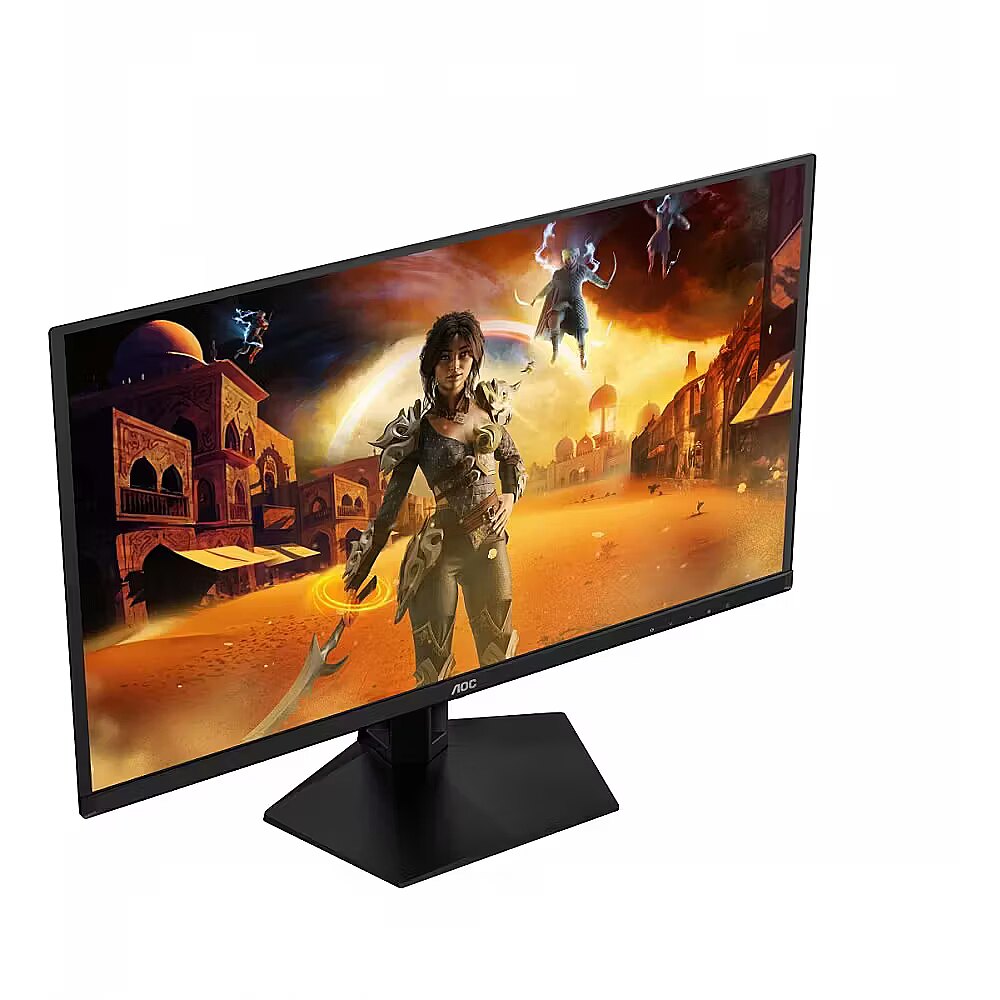
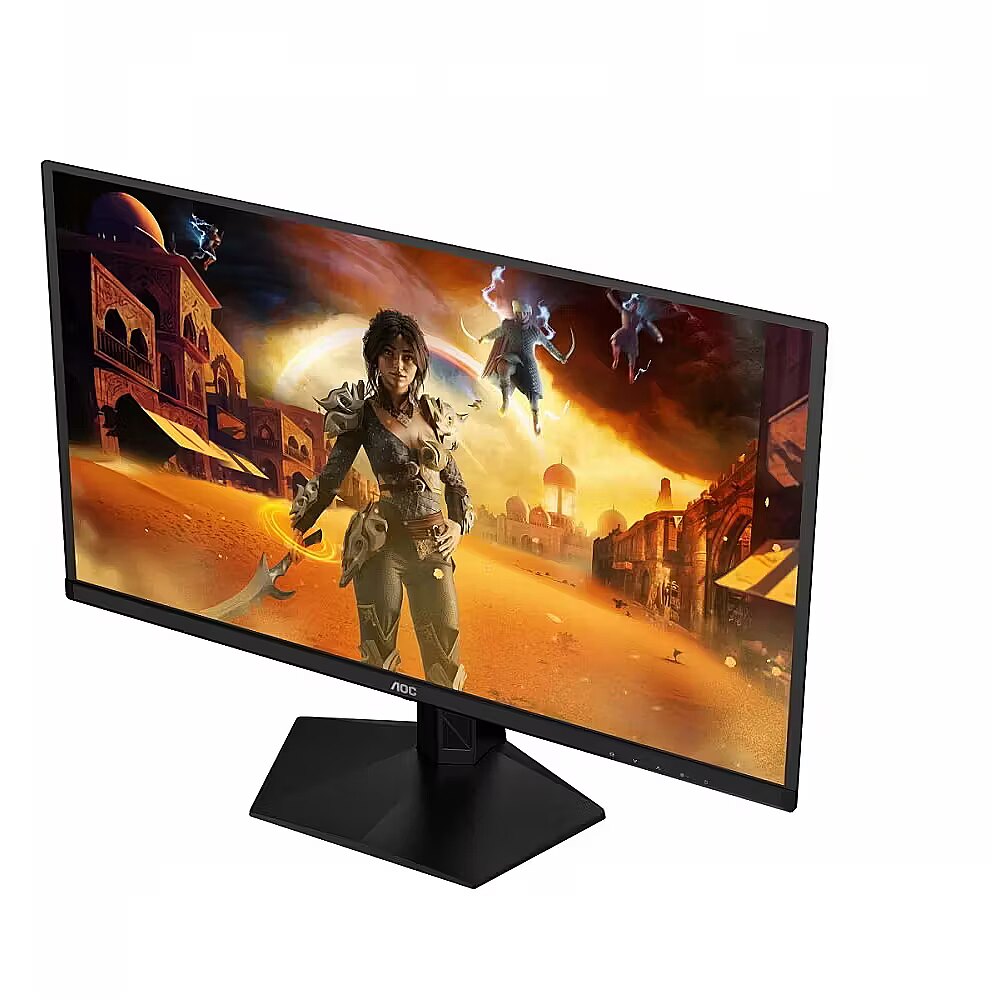
Poznaj monitor Q27G41ZDF Gaming, oparty na technologii QD-OLED, zapewniającej wyjątkową dokładność kolorów, głęboki kontrast i realistyczne obrazy. Dzięki rozdzielczości QHD przy 240 Hz, G-Sync Compatible i niskiemu input lag rozgrywka pozostaje płynna i responsywna w każdej chwili. Obsługa HDR10 poprawia jasność i szczegółowość, zapewniając immersyjne sceny w różnych gatunkach. Dzięki 3-letniej gwarancji, personalizacji w G-Menu i niezawodności nastawionej na graczy, Q27G41ZDF został zaprojektowany, aby zapewniać zarówno wydajność, jak i pewność na dłuższą metę.
Trzy lata gwarancji OLED
Gwarancja wliczona: 3 lata gwarancji (obejmującej ochronę przed wypaleniem OLED*) Więcej informacji znajduje się na stronie z informacjami o gwarancji.
240Hz Częstotliwość Odświeżania
240 Hz całkowicie uwalnia moc najlepszych kart graficznych, gwarantując bezprecedensową płynność obrazu na ekranie. Gdy każdy detal jest ostry i każdy ruch wyświetlony wyraźnie, Twoje reakcje mogą zjednoczyć się z akcją i przenieść rozgrywkę na nowy poziom.
Rozdzielczość QHD
Dzięki rozdzielczości 2560 x 1440 pikseli Quad HD (QHD) zapewnia najwyższą jakość i ostrość obrazu oraz wysoki poziom jego szczegółowości. Szerokoekranowe proporcje obrazu 16:9 zapewniają wystarczającą ilość miejsca zarówno na aplikacje biurowe, jak i rozrywkę w postaci gier i filmów.
Przeżyj grę w pełni z HDR10
HDR10 jest tutaj, aby dalej podnieść jakość obrazu, poprawiając synchronizację Twojej karty graficznej lub konsoli z monitorem. To tworzy bardziej realistyczne, wciągające i płynne doświadczenie z grą: Poczujesz się jak wchodząc do gry, klatka po klatce.
G-Sync Compatible
Umożliwia bezbłędną jakość obrazu poprzez synchronizację nowych generacji kart graficznych NVIDIA* z tym monitorem G-SYNC Compatible.
Niskie opóźnienie sygnału wejściowego
Uwolnij swój refleks, przełączając się na Tryb niskiego opóźnienia AOC. Zapomnij o bajerach graficznych: ten tryb przełącza monitor na ustawienia stawiające czysty czas reakcji na pierwszym miejscu, zapewniając decydującą przewagę w wyrównanych starciach, gdy decydują ułamki sekund.
GMENU
Menu G AOC to bezpłatne narzędzie, które można zainstalować na komputerze i cieszyć się pełną personalizacją w połączeniu z maksymalną wygodą.
Design - Detachable stand - Yes
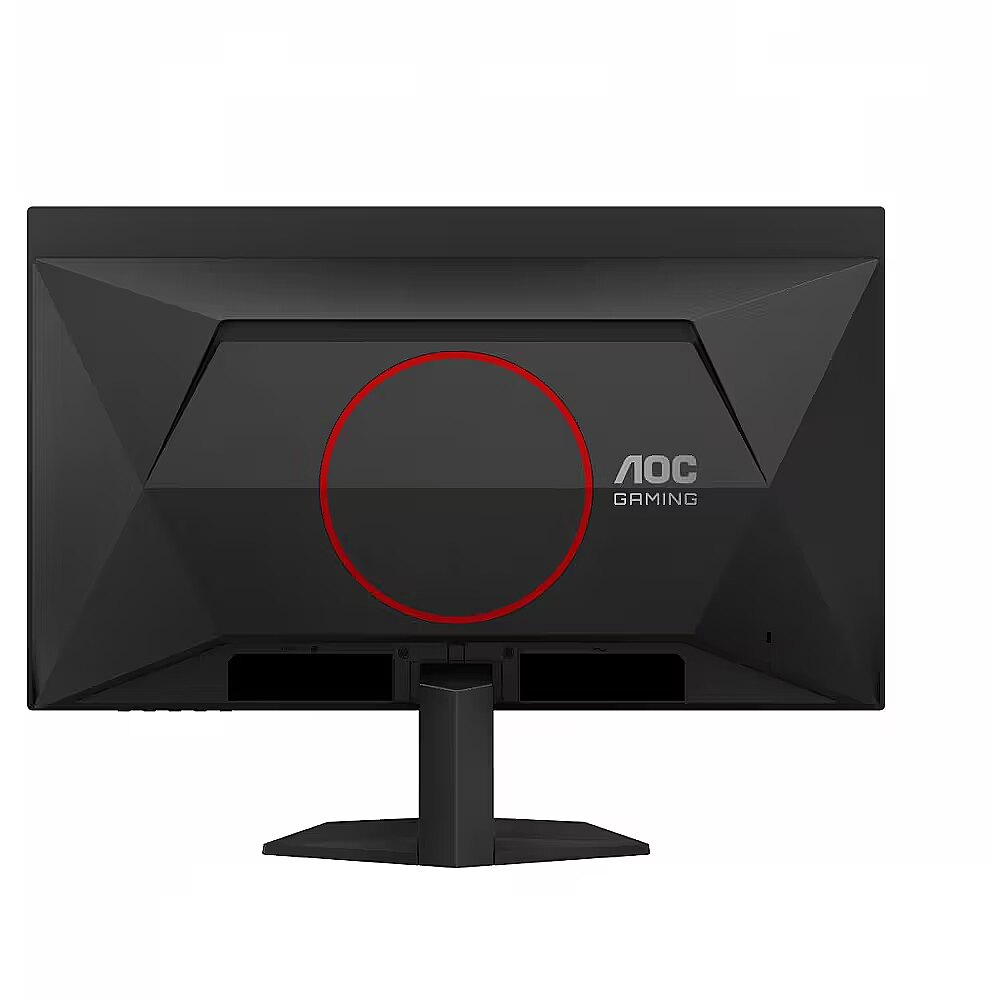
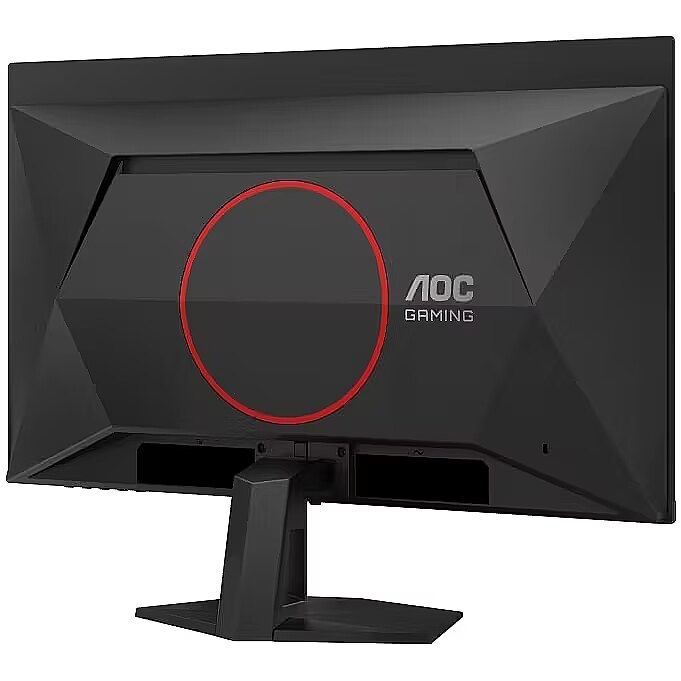
Design - Frameless design - Yes
Design - Front bezel colour - Black
Design - Market positioning - Gaming
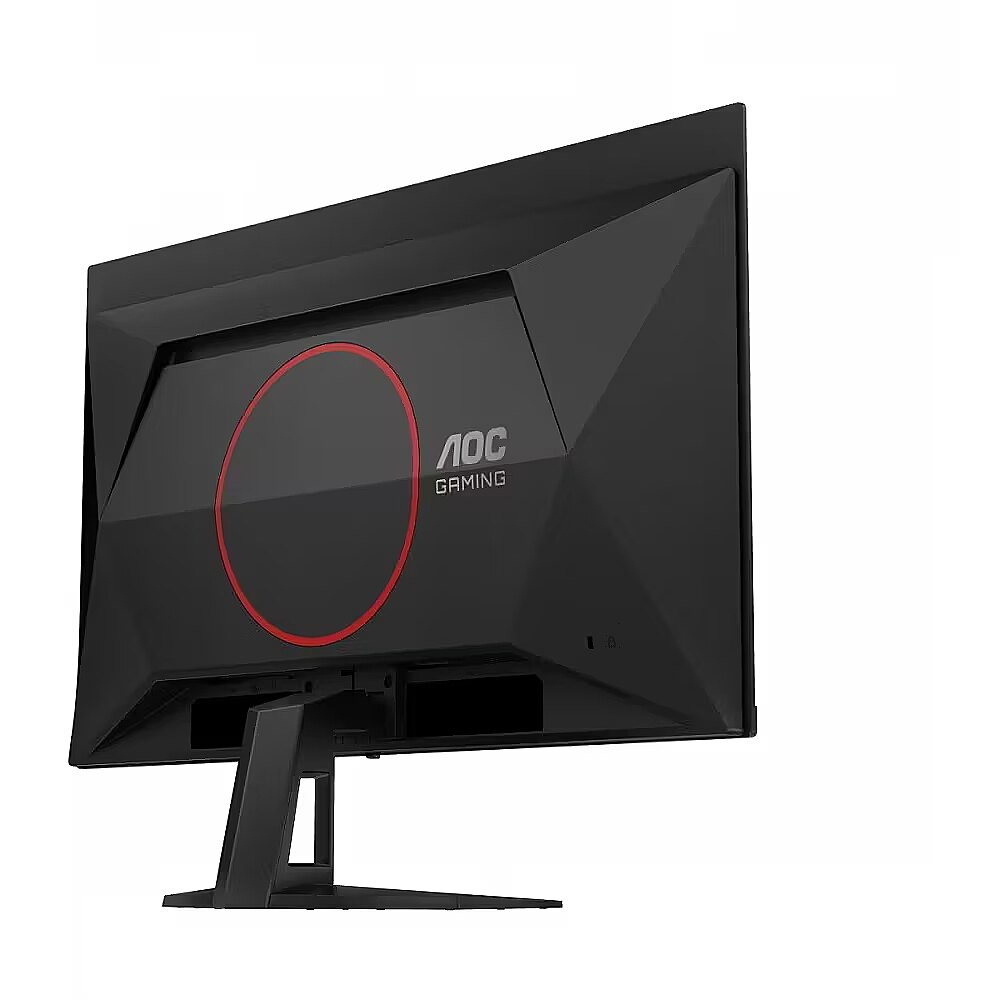
Design - Product colour - Black, Red
Designation - CE+WEEE
dimension depth - 790 mm
dimension height - 460 mm
dimension weight - 8180 g
dimension width - 140 mm
Display - Adobe RGB coverage - 98%
Display - Anti-glare screen - Yes
Display - Colour gamut standard - Adobe RGB, DCI-P3, sRGB
Display - Contrast ratio (dynamic) - 80000000:1
Display - Contrast ratio (typical) - 150000:1
Display - DCI-P3 coverage - 99.1%
Display - Display diagonal - 67.3 cm (26.5")
Display - Display diagonal (metric) - 67.3 cm
Display - Display number of colours - 1.07 billion colours
Display - Display resolution - 2560 x 1440 pixels
Display - Display technology - QD-OLED
Display - HD type - Quad HD
Display - High Dynamic Range (HDR) supported - Yes
Display - High Dynamic Range (HDR) technology - High Dynamic Range 10 (HDR10)
Display - Maximum refresh rate - 240 Hz
Display - Native aspect ratio - 16:9
Display - Panel type - OLED
Display - Pixel density - 110.84 ppi
Display - Pixel pitch - 0.2292 x 0.2292 mm
Display - Response time - 0.03 ms
Display - Response time measurement type - GTG (Gray to Gray)
Display - Screen shape - Flat
Display - sRGB coverage (typical) - 147.6%
Display - Surface hardness - 2H
Display - Touchscreen - No
Display - Viewing angle, horizontal - 178°
Display - Viewing angle, vertical - 178°
Display surface - Matt
Dot pitch - 0.2292 mm
Dynamic contrast - 80 000 000:1
ean - 4038986183147
Energy class - E
Energy label - Pobierz
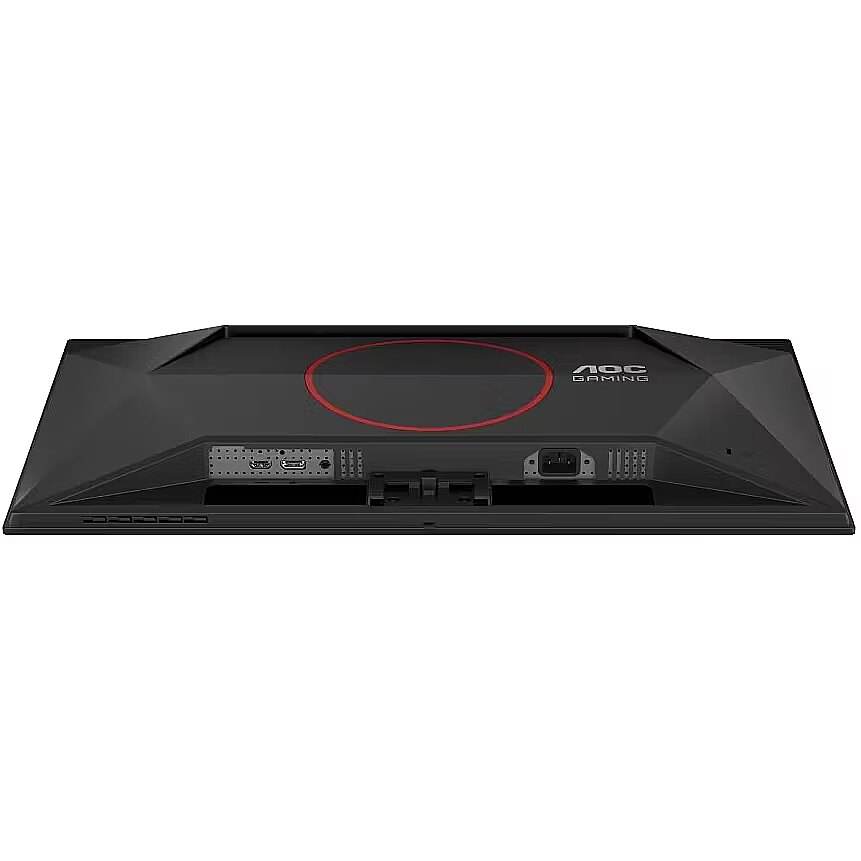
Ergonomics - Cable lock slot - Yes
Ergonomics - Height adjustment - No
Ergonomics - Panel mounting interface - 100 x 100 mm
Ergonomics - Picture-in-Picture - Yes
Ergonomics - Tilt adjustment - Yes
Ergonomics - Tilt angle range - -3 - 21.5°
Ergonomics - VESA mounting - Yes
Frequency, vertical max. - 240 Hz
Frequency, vertical min. - 48 Hz
GTIN - 4038986183147
guarantee - 36
guarantee_type - external
Height - 355.3 mm
Height adjustment - No
Height with stand - 454.3 mm
I/O connectors - 1 x 3,5 mm minijack
I/O connectors - 1 x DisplayPort
I/O connectors - 2 x HDMI
Kensington Security Slot - Tak
LongDesc - Dominate your gaming sessions with the Q27G41ZDF QD-OLED monitor, delivering stunning QHD clarity and ultra-smooth 240Hz performanceMeet the Q27G41ZDF Gaming Monitor, powered by QD-OLED technology for exceptional colour accuracy, deep contrast, and lifelike visuals. With QHD resolution at 240Hz, G-Sync Compatible, and low input lag, gameplay stays fluid and responsive in every moment. HDR10 support enhances brightness and detail, ensuring immersive scenes across genres. Backed by a 3-year warranty, customizable with G-Menu, and built with gamer-focused reliability, the Q27G41ZDF is designed to deliver both performance and confidence for the long run.
LongProductName - Screen size (inch) 26.5, Panel resolution 2560x1440, Max Refresh rate 240 Hz, Panel type QD - OLED, HDMI HDMI 2.0 x 1, DisplayPort DisplayPort 1.4 x 1, Sync technology (VRR) Adaptive Sync
LongSummaryDescription - AOC G4 Q27G41ZDF. Display diagonal: 67.3 cm (26.5"), Display resolution: 2560 x 1440 pixels, HD type: Quad HD, Display technology: QD-OLED, Response time: 0.03 ms, Native aspect ratio: 16:9, Viewing angle, horizontal: 178°, Viewing angle, vertical: 178°. Built-in USB hub. VESA mounting. Product colour: Black, Red
Matrix type - QD OLED
Microphone - Nie
Model - Q27G41ZDF
name - Monitor 26.5 inches Q27G41ZDF QD-OLED 240Hz HDMIx2 DP
Other features - HDR 10 TUV Low Blue Light (hardware) PiP+PbP
Other features - Bezel thickness type - Frameless
Other features - Brand specific technologies - Crosshair
Other features - Compliance certificates - CE
Other features - Dial point - Yes
Other features - FPS counter - Yes
Other features - Low input lag - Yes
Other features - Shadow control - Yes
Other features - Warranty period - 3 year(s)
Packaging content - Cables included - HDMI, DisplayPort
Packaging content - DisplayPort cable length - 1.8 m
Packaging content - HDMI cable length - 1.8 m
Packaging data - Package depth - 139 mm
Packaging data - Package height - 455 mm
Packaging data - Package weight - 8 kg
Packaging data - Package width - 780 mm
Performance - Low Blue Light technology - Yes
Ports & interfaces - Built-in USB hub - Yes
Ports & interfaces - DisplayPorts quantity - 1
Ports & interfaces - DisplayPort version - 1.4
Ports & interfaces - HDMI - Yes
Ports & interfaces - HDMI ports quantity - 1
Ports & interfaces - HDMI version - 2.0
Ports & interfaces - Headphone out - Yes
Ports & interfaces - Headphone outputs - 1
Power - Energy consumption (HDR) per 1000 hours - 21 kWh
Power - Energy consumption (SDR) per 1000 hours - 21 kWh
Power - Energy efficiency class (HDR) - E
Power - Energy efficiency class (SDR) - E
Power - Energy efficiency scale - A to G
Power - Power consumption (off) - 0.3 W
Power - Power consumption (standby) - 0.3 W
Power - Power consumption (typical) - 63 W
Power - Power supply type - Internal
Power consumption - 21 W
producer - AOC
ProductName - Q27G41ZDF
Refresh rate - 240 Hz
Resolution - 2560 x 1440
Response time - 0.03 ms
Screen size (diag.) - 26.5''
ShortSummaryDescription - AOC G4 Q27G41ZDF, 67.3 cm (26.5"), 2560 x 1440 pixels, Quad HD, QD-OLED, 0.03 ms, Black, Red
Speakers built-in - No
Static contrast - 1 500 000:1
Title - AOC G4 Q27G41ZDF computer monitor 67.3 cm (26.5") 2560 x 1440 pixels Quad HD QD-OLED Black, Red
Touch screen - No
Transreflective technology - LED
TV tuner built-in - No
URL - https://eu.aoc.com/
vendpn - Q27G41ZDF
VESA - 100 x 100
Viewing angle, horizontal - 178 °
Viewing angle, vertical - 178 °
WarrantyInfo - 3 years
Web camera - None
Weight - 4.11 kg
Weight & dimensions - Depth (without stand) - 57 mm
Weight & dimensions - Depth (with stand) - 190.5 mm
Weight & dimensions - Height (without stand) - 355.3 mm
Weight & dimensions - Height (with stand) - 454.3 mm
Weight & dimensions - Weight (without stand) - 4.11 kg
Weight & dimensions - Weight (with stand) - 4.95 kg
Weight & dimensions - Width (without stand) - 609.3 mm
Weight & dimensions - Width (with stand) - 609.3 mm
Weight with stand - 4.95 kg
Width - 609.3 mm
WiFi - No



 DVI is a digital standard and ensures high image quality, however, thanks to the big size of the plug and the inability of the standard to develop further due to a few technical restrictions this type of connection is gradually losing its popularity to modern HDMI and DisplayPort standards.







