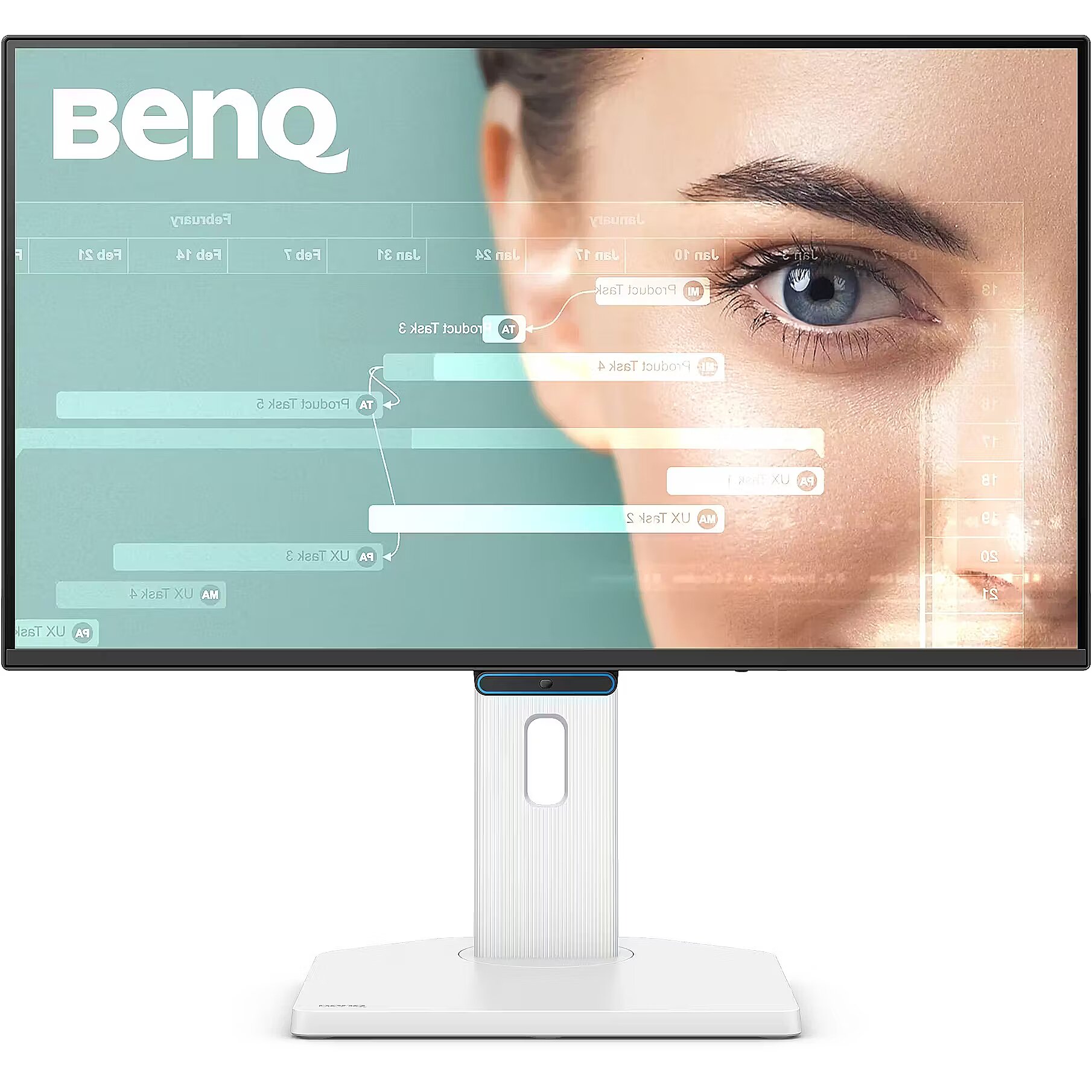
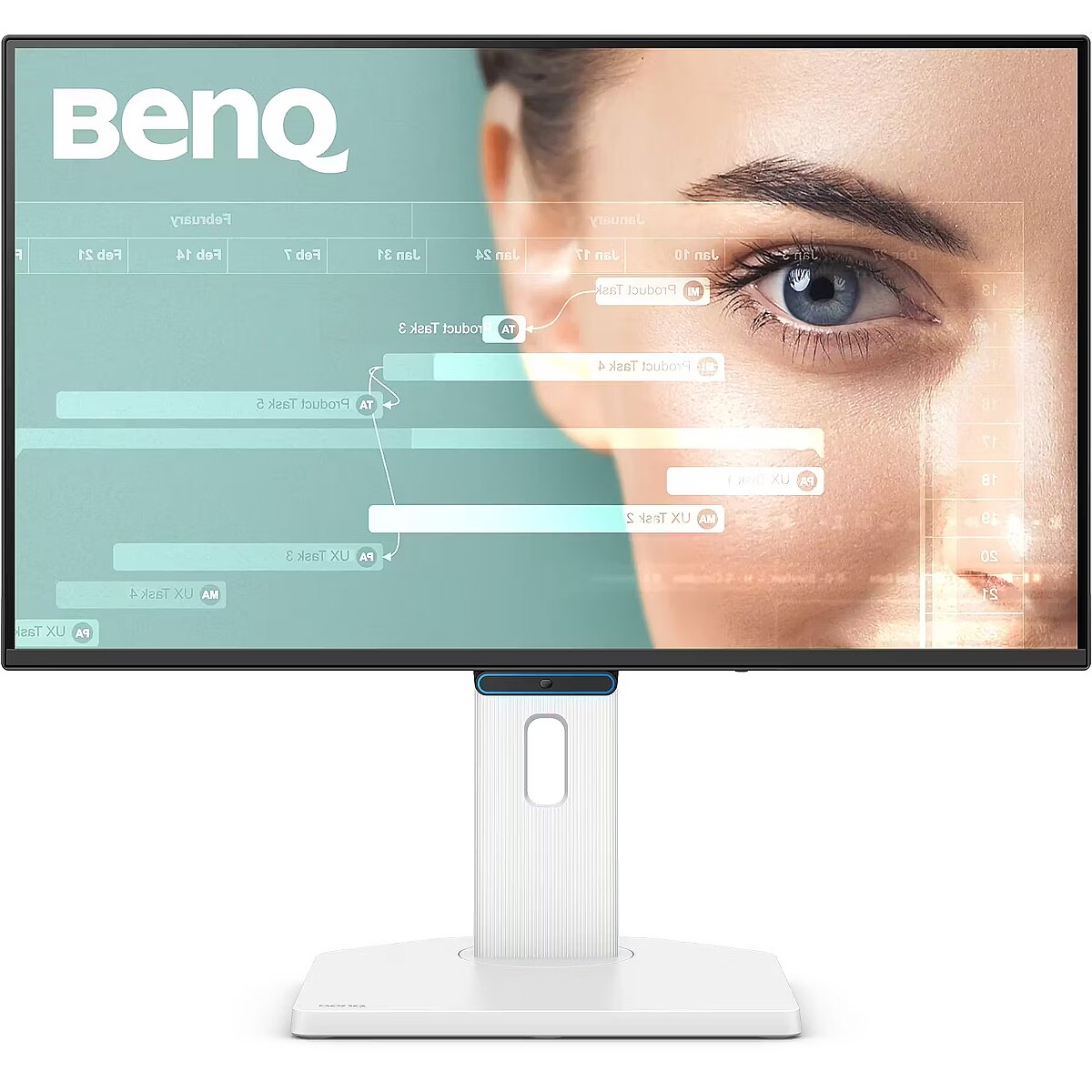
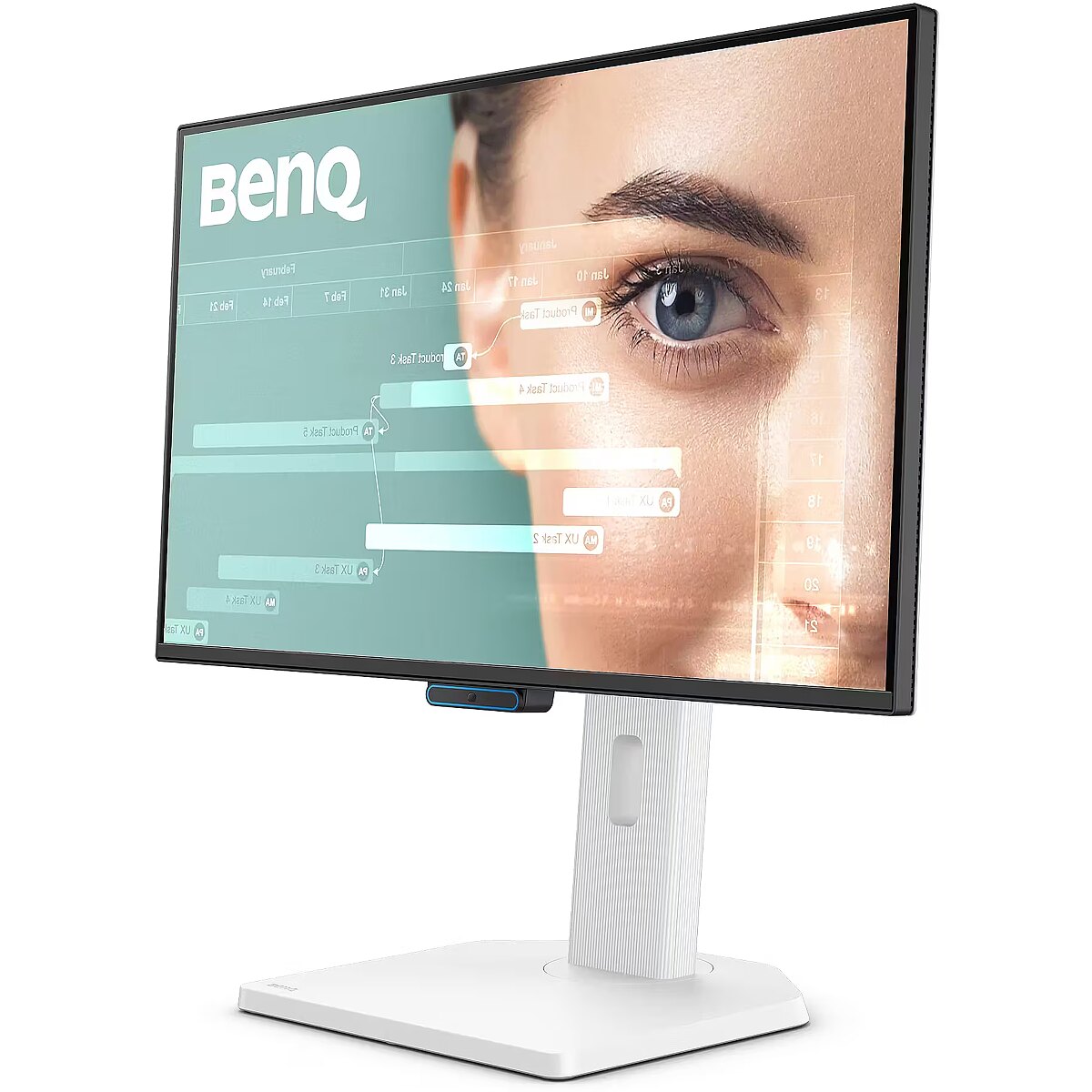
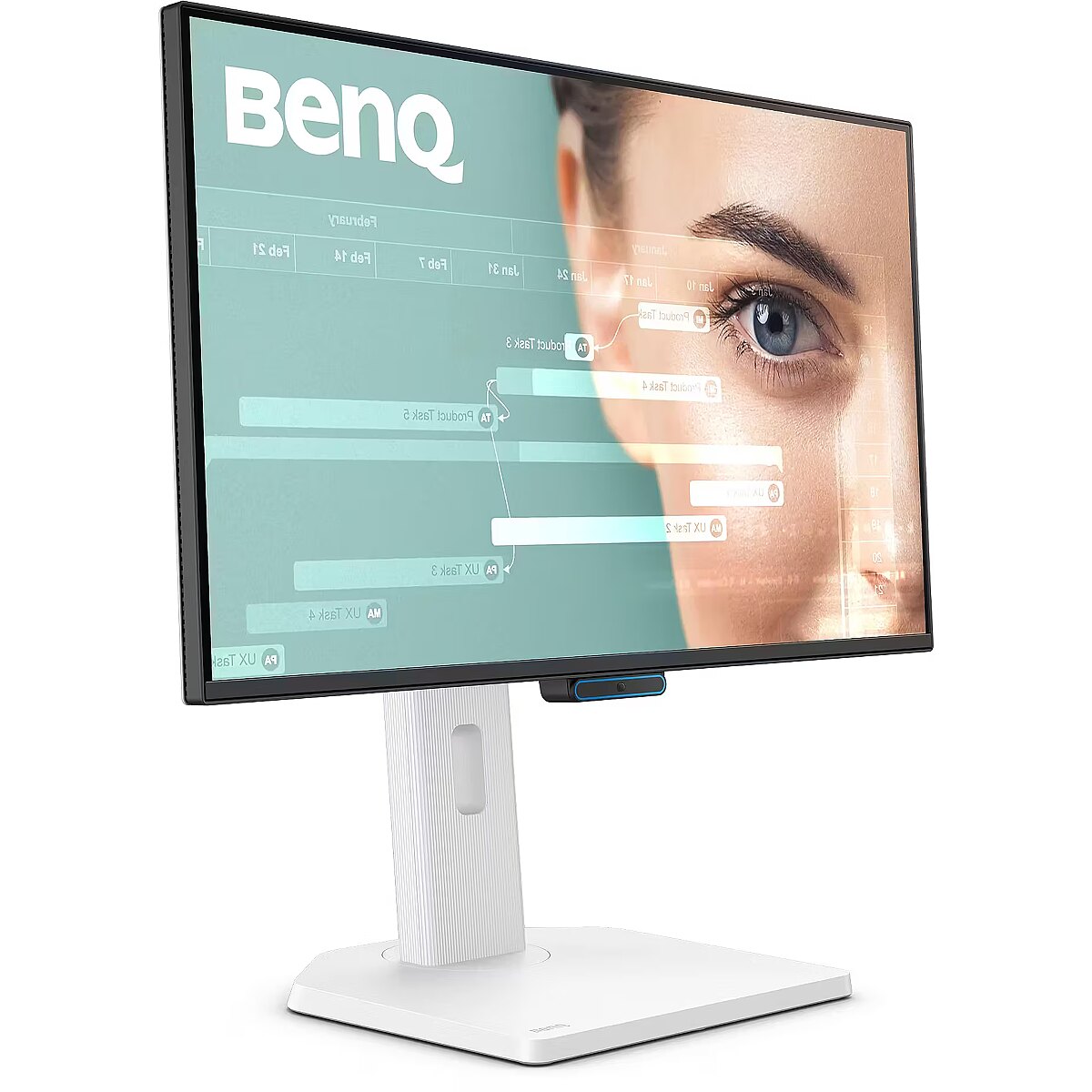
This Benq GW2490TC, 24" monitor with FHD 1920x1080 resolution ensures comfortable conditions for prolonged work and online activities. It offers a clear image, extensive usage possibilities and fits perfectly in a home or office working environment.
The reaction time of 5ms means that pixels change state faster, reducing artifacts in motion picture depiction. This ensures a more accurate representation of fast transitions and reduces visual disturbances. The monitor provides a clear image in dynamic situations and improves the readability of moving objects.
IPS technology ensures more accurate color representation and stable image when viewed from the side. Compared to TN and VA, it changes brightness and contrast less with viewing angle, making the displayed data visually more reliable and technically more accurate.
AMD FreeSync provides adaptive monitor refresh rate with variable frequency range. It helps to prevent image tearing that occurs due to unsynchronized frame output. The technology improves motion uniformity and stability, especially in situations with variable frame frequency.
The 144 Hz refresh rate ensures a high frame refresh density, which improves the sharpness of fast movements and reduces the blur effect. It reduces reaction lag and increases image stability in dynamic scenes. It is suitable for games, interactive programs, and tasks with high visual speed requirements.
The Flicker-Free technology reduces or completely eliminates flickering in lighting, ensuring a stable and uniform image. The reduced visual vibration lessens eye strain and improves comfort during prolonged use, especially when using the monitor at a lower brightness level.
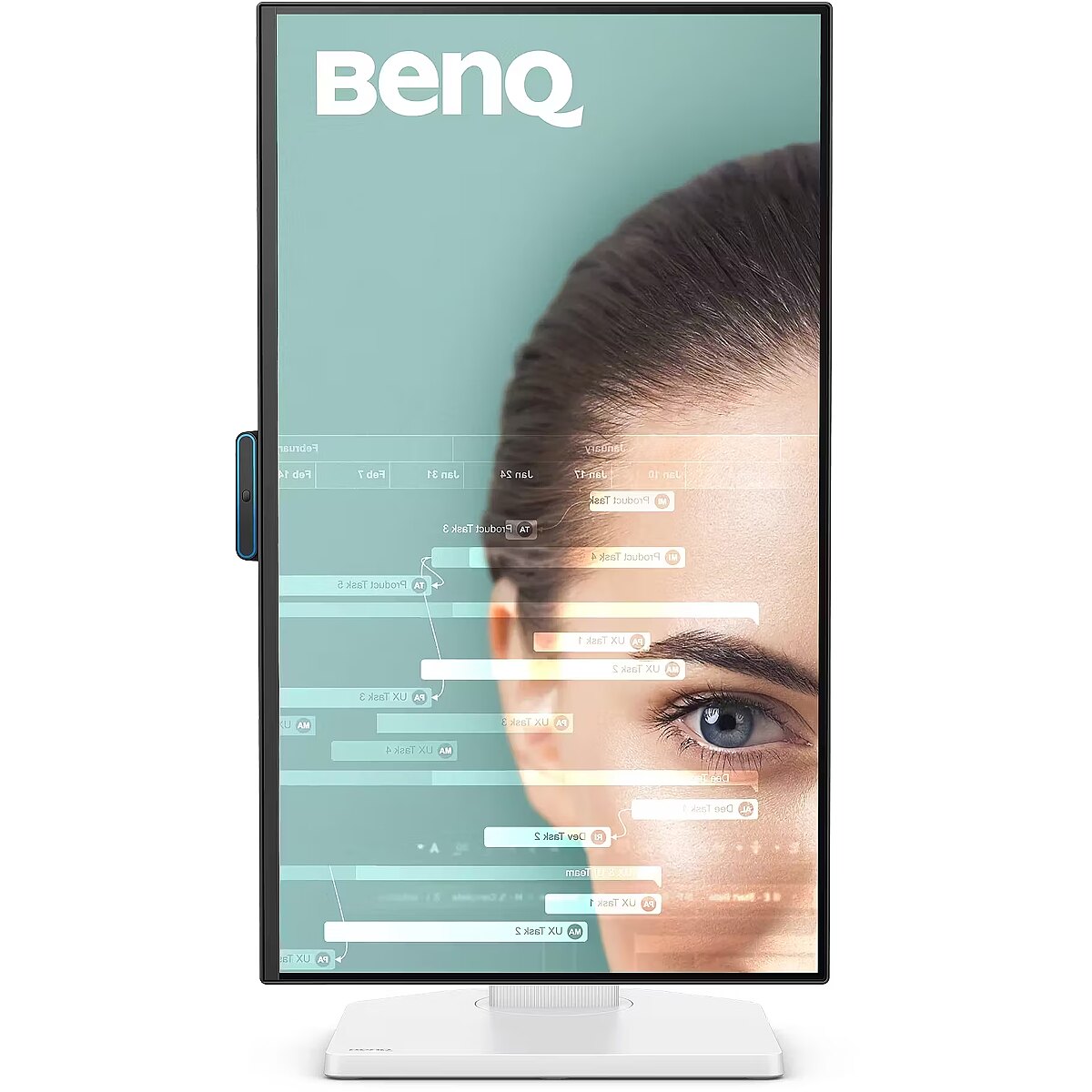
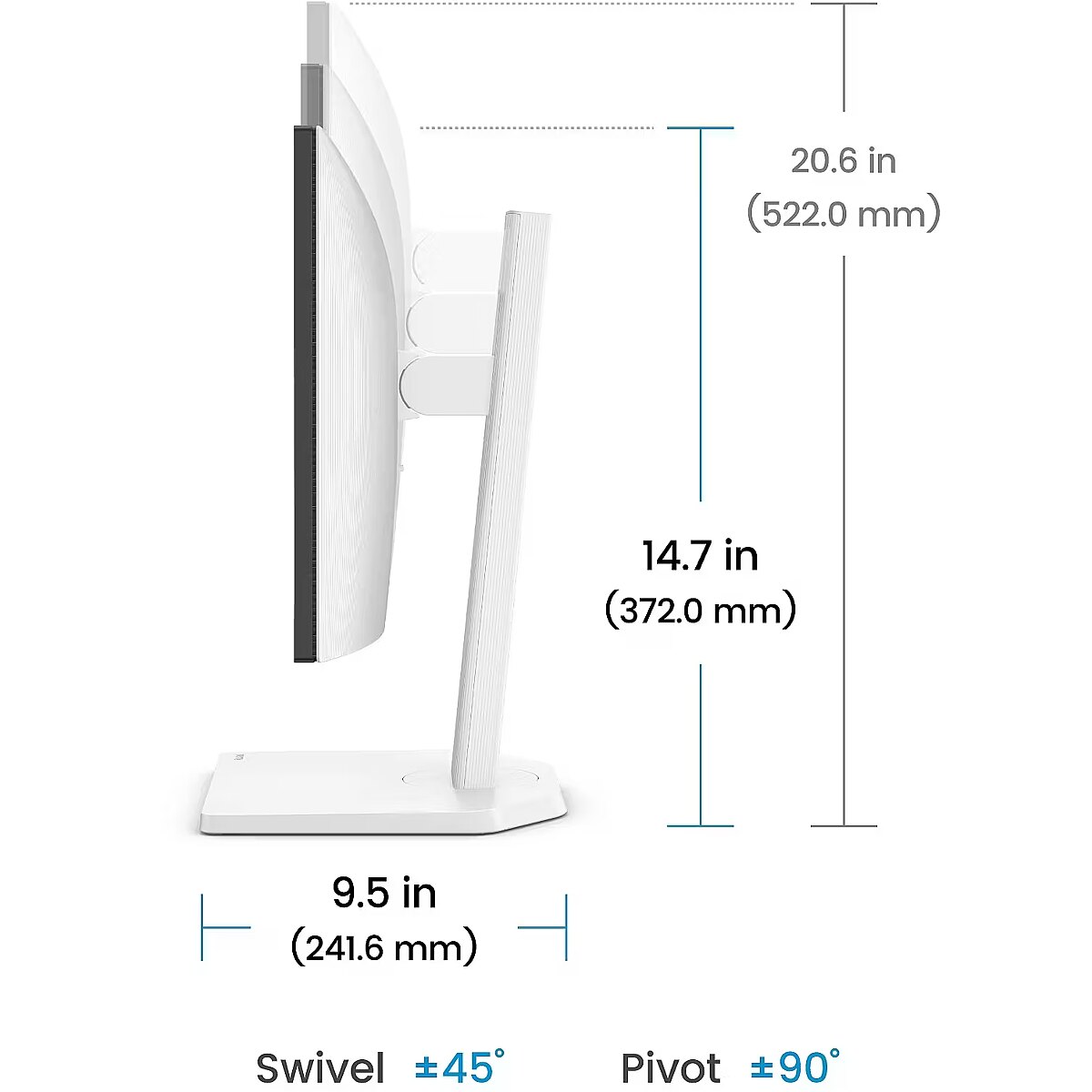
The Pivot technology allows the screen to be rotated into vertical orientation, ensuring more efficient use of workspace when working with text, documents, or long lists. This design improves readability, reduces the need for scrolling, and enhances convenience.
The Swivel mechanism allows for changing the horizontal angle of the screen without moving the entire structure. This facilitates workspace adjustment, improves visibility from different points and helps adjust the monitor for various usage scenarios, including configurations for multiple users or multiple monitors.
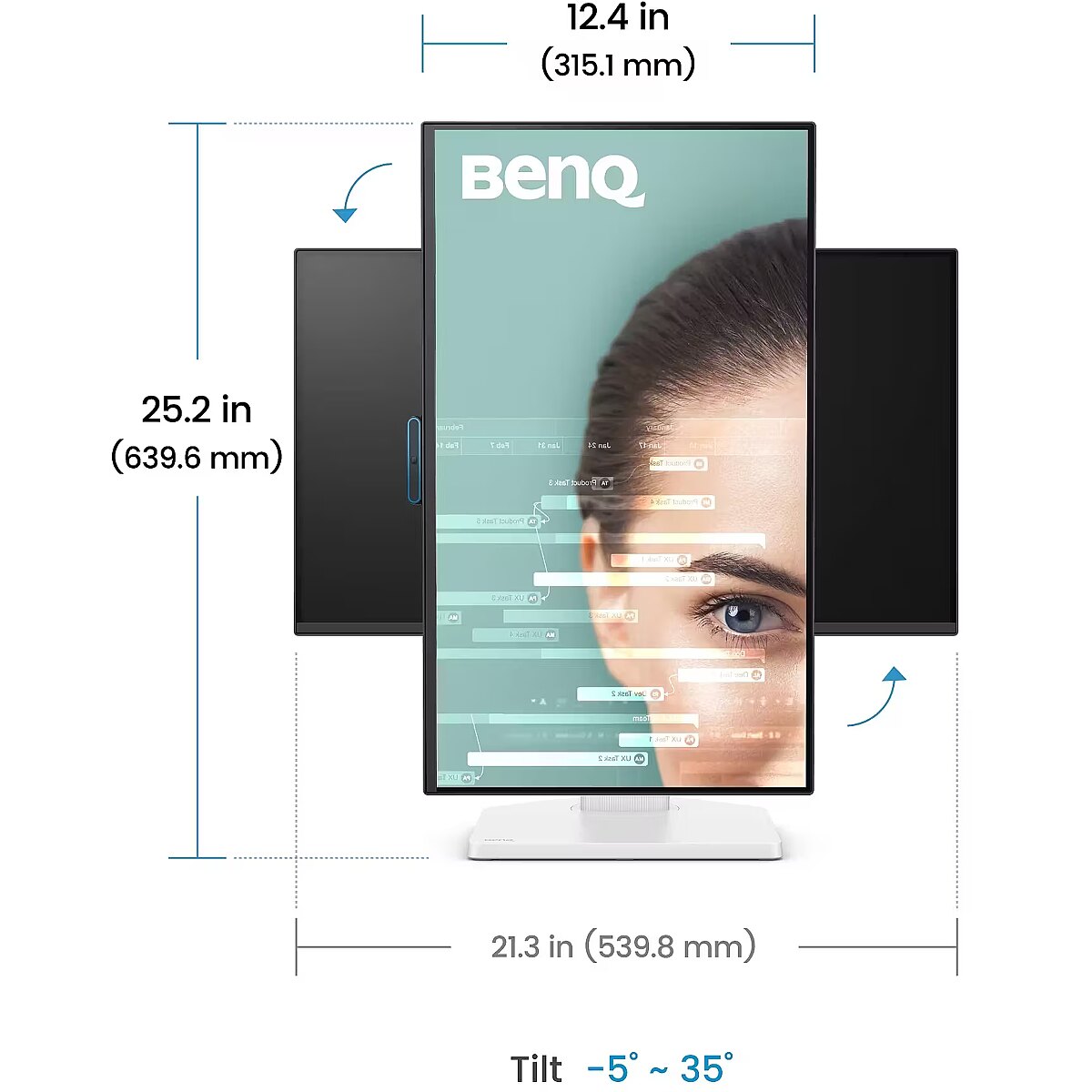
Tilt technology allows for adjusting the screen's slope angle back and forth, ensuring the correct image placement in relation to the user's line of sight. This kind of adjustment helps reduce neck and eye strain, improves image perception, and makes long-term work at the monitor more comfortable.
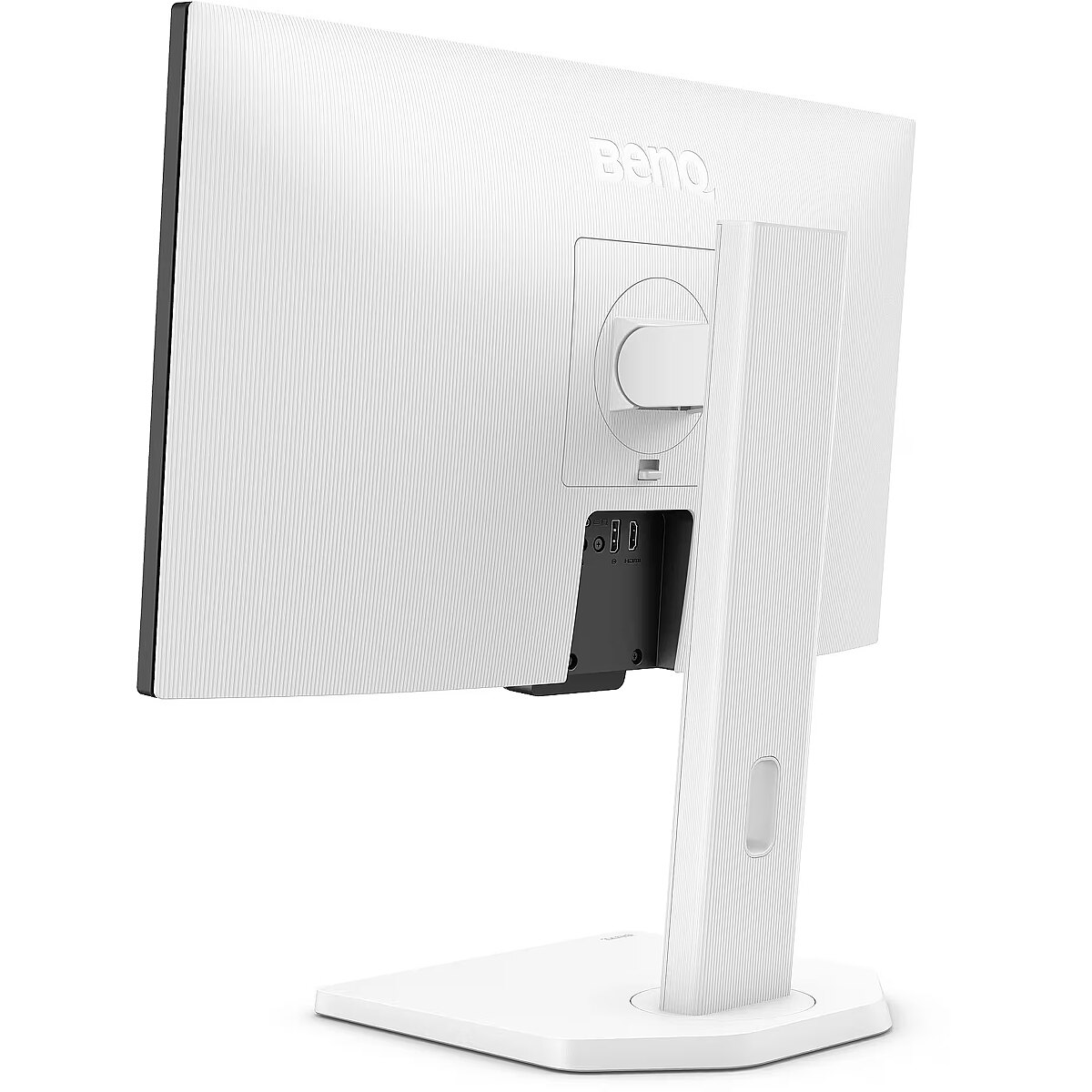
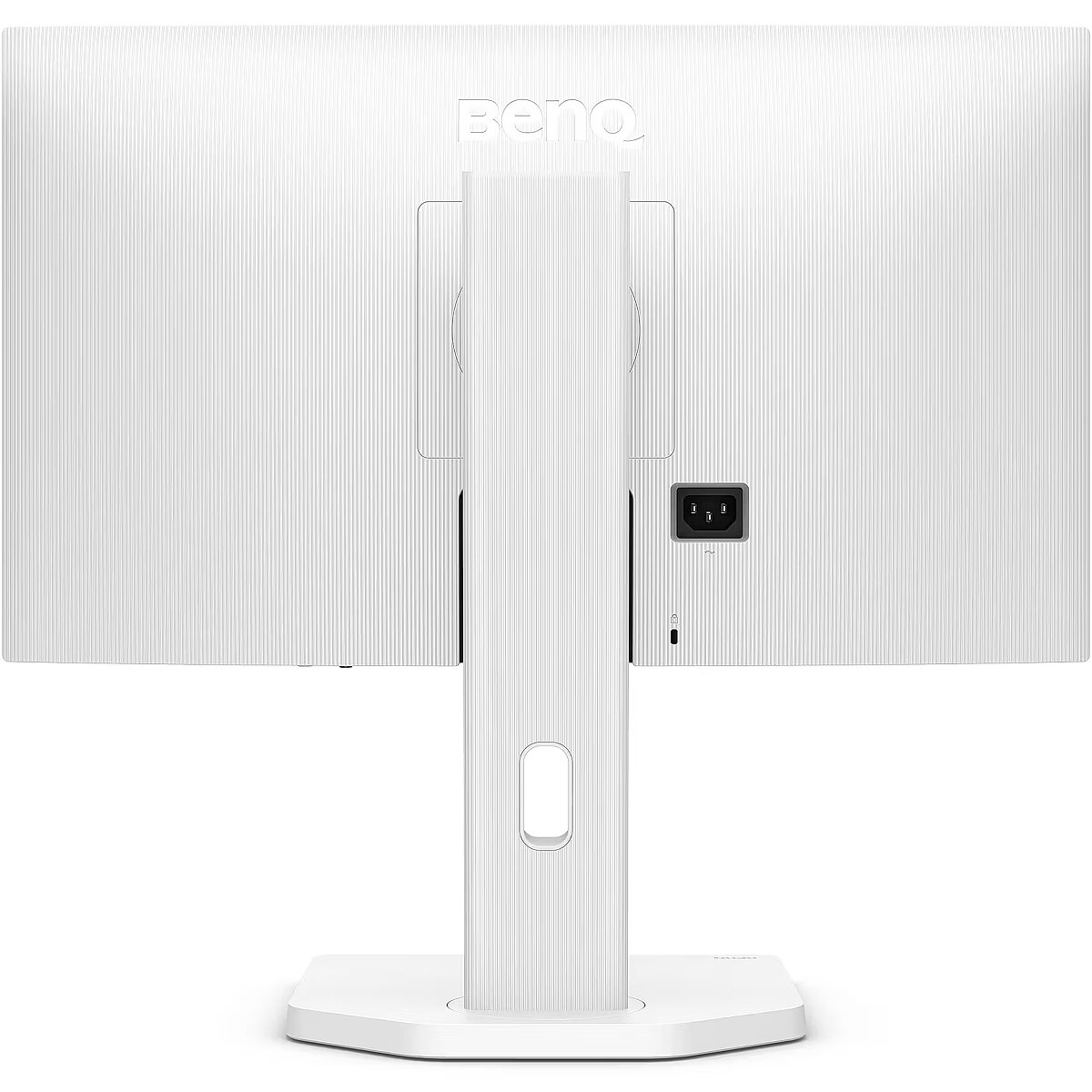
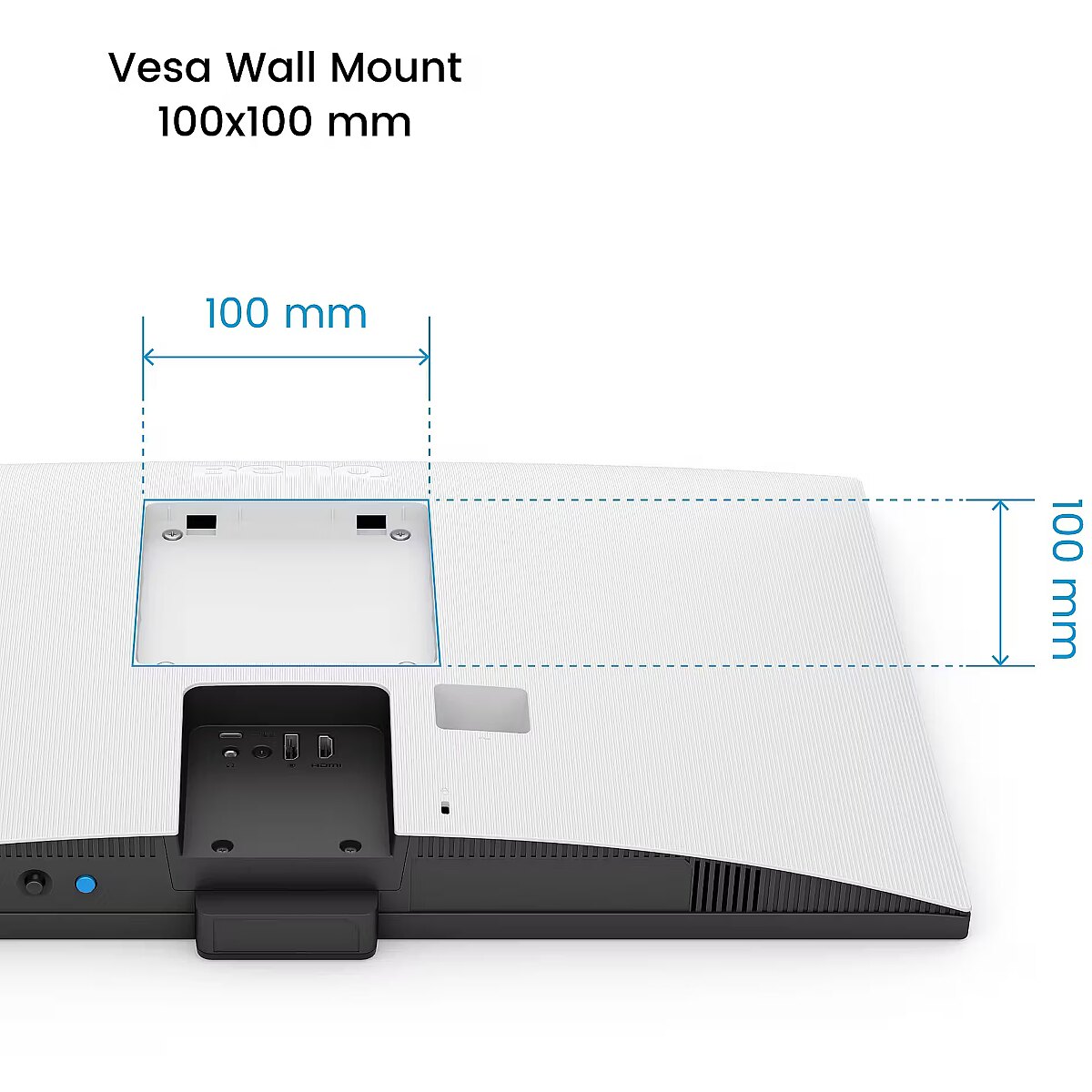
VESA wall mount allows you to install a monitor on the wall, adhering to a uniform industrial standard. It facilitates the choice of mount, increases the flexibility of workspace organization, and allows you to adjust the height and angle of placement, regardless of the desk or tripod.
The built-in speakers provide direct sound playback, eliminating the need for external audio devices. This simplifies the setup of the work system and saves space. The speakers are suitable for everyday needs, including online meetings, training, and video viewing, providing adequate sound level.
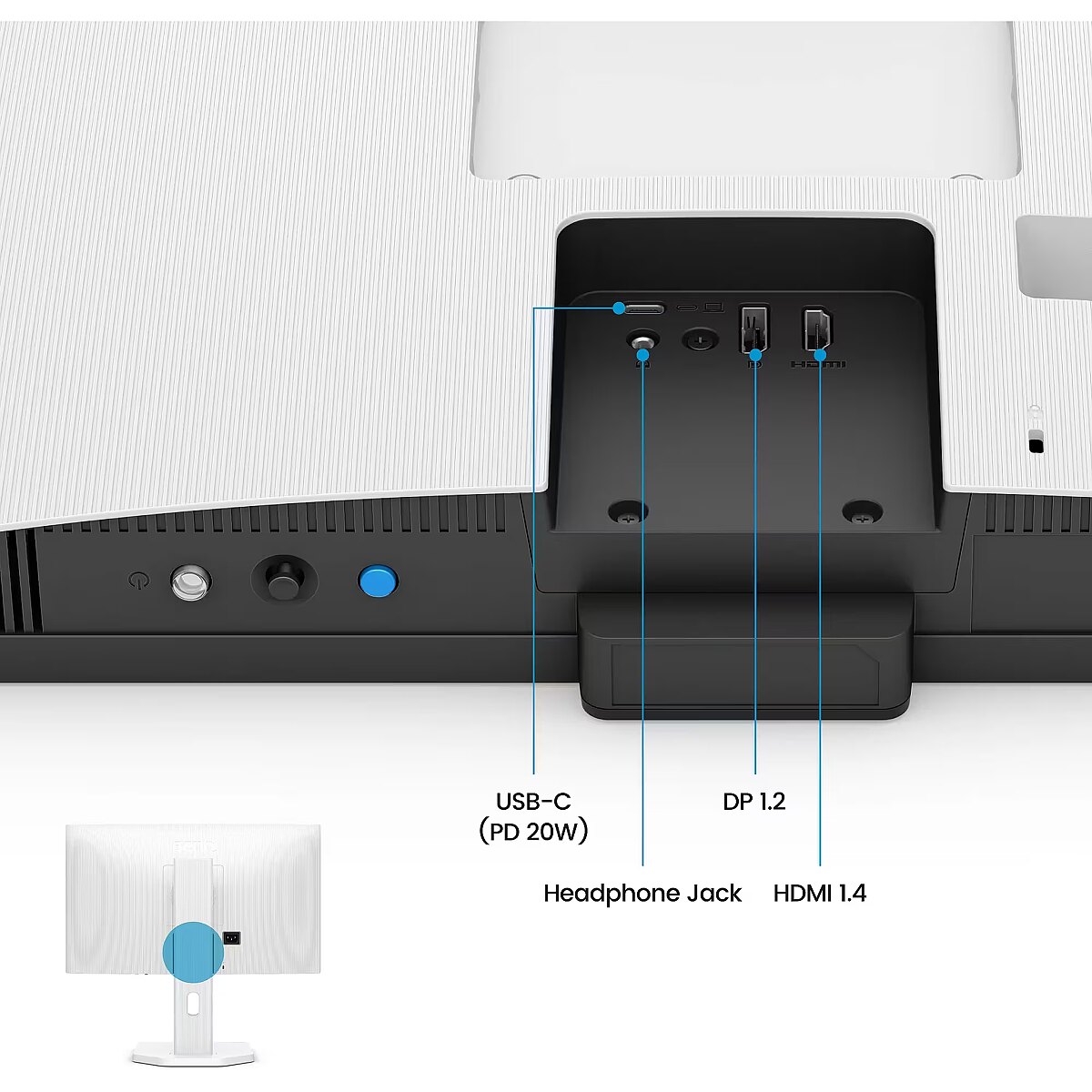
HDMI provides video and audio transmission with a single cable, which enhances connection stability and reduces the risk of interference. The interface reduces the number of connections and maintains the integrity of the digital signal. HDMI supports modern formats and ensures reliable operation with a wide range of devices.
DisplayPort is the latest monitor interface standard that ensures stable image transmission with high resolution and refresh intensity. It supports HDR, frame synchronization and multiple monitor systems, maintaining detail accuracy and image quality for professional and gaming work.
The presence of USB-C allows for the transmission of image, sound, and power through a single universal port, simplifying the working environment. The connection ensures high data transfer speed and compatibility with modern laptops, reducing the number of cables needed for daily work or mobile use.
Multiple USB-C ports expand monitor functions when using modern digital devices. Each port provides power, signal, and data transmission through a single cable, reducing the complexity of the connection. This allows for simultaneous use of various devices and optimal cable placement.
USB Power Delivery is capable of powering connected devices through a single cable, eliminating the need for additional chargers. This feature simplifies connection and maintains a more organized workspace. The technology ensures stable power supply and data transmission.
The presence of a USB-C video input allows the monitor to receive audio and video signals through a single universal cable, reducing the need for separate interfaces. Support for modern standards ensures quality data transmission and wide compatibility, making the connection more convenient and technically justified.
Warranty
Benq provides this model with a 2 year warranty at all certified service centres.



 DVI is a digital standard and ensures high image quality, however, thanks to the big size of the plug and the inability of the standard to develop further due to a few technical restrictions this type of connection is gradually losing its popularity to modern HDMI and DisplayPort standards.







