Brand - Philips
BrandPartCode - 24B2N3200D/00
Category - Computer Monitors
Category - Root/Electronics/PC peripherals/Monitors
category_en - Computers & Components > Monitors and accessories > LCD monitors
category_lv - Datortehnika > Monitori un aksesuāri > LCD monitori
category_ru - Datortehnika > Monitori un aksesuāri > LCD monitori
Dane fizyczne: Głębokość - 227 mm
Dane fizyczne: Kolor obudowy - czarny
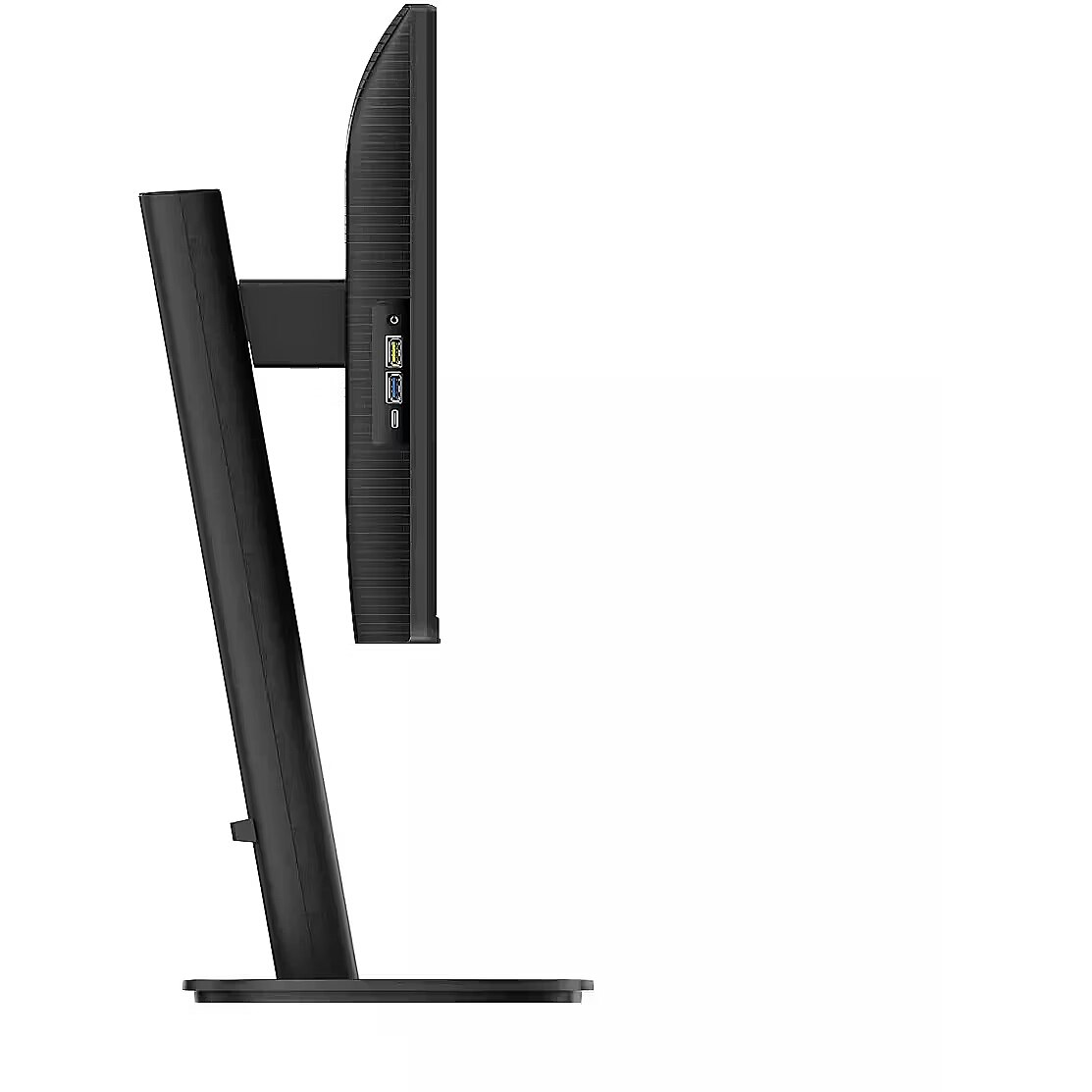
Dane fizyczne: Standard VESA - 100 x 100
Dane fizyczne: Szerokość - 535 mm
Dane fizyczne: Waga - 4.25 kg
Dane fizyczne: Wysokość - 531 mm
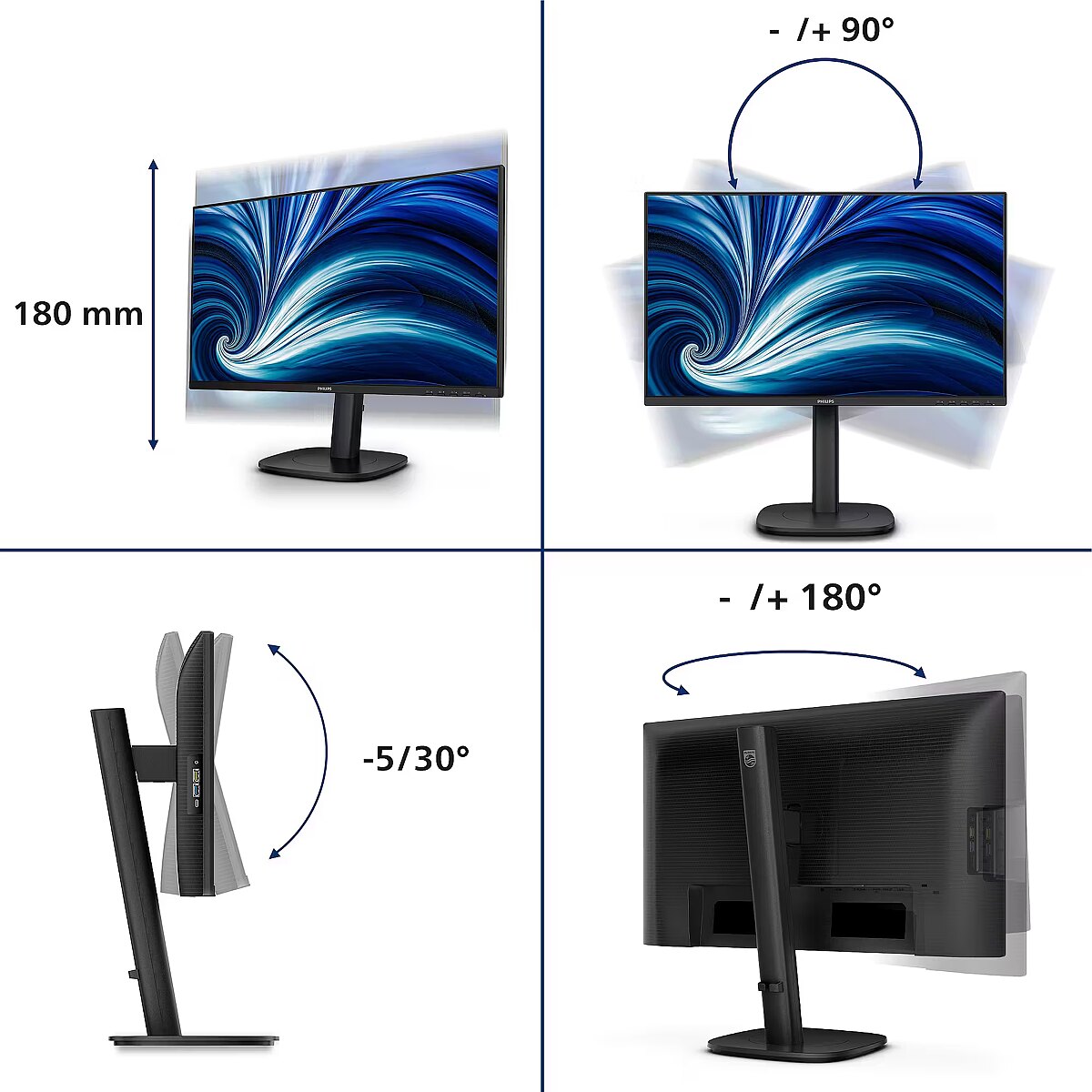
Dane fizyczne: Zakres obrotu (PIVOT) - 90 °
Dane fizyczne: Zakres regulacji obrotu (Swivel) - 180 °
Dane fizyczne: Zakres regulacji pochylenia (Tilt) - 35 °
Dane fizyczne: Zakres regulacji wysokości (Height) - 150 mm
Dane techniczne: Czas reakcji - 4 ms
Dane techniczne: Częstotliwość odświeżania - 100 Hz
Dane techniczne: Grupa produktowa - Monitory Philips
Dane techniczne: Gwarancja - 5 lat w serwisie zewnętrznym
Dane techniczne: Głośniki - tak
Dane techniczne: Jasność - 300 cd/m²
Dane techniczne: Możliwość regulacji - obrotowy ekran (pivot)
Dane techniczne: Możliwość regulacji - obrót na podstawie (swivel)
Dane techniczne: Możliwość regulacji - pochył
Dane techniczne: Możliwość regulacji - wysokość
Dane techniczne: Powłoka matrycy - matowa
Dane techniczne: Producent - Philips
Dane techniczne: Przekątna - 24.1 cali
Dane techniczne: Rodzaj podświetlenia - LED
Dane techniczne: Rozdzielczość ekranu - 1920 x 1200 piksele
Dane techniczne: Rozmiar plamki - 0.27 mm
Dane techniczne: Standard portów wideo - DisplayPort
Dane techniczne: Standard portów wideo - HDMI
Dane techniczne: Typ - do biura i domu
Dane techniczne: Typ ekranu - płaski
Dane techniczne: Typ matrycy - IPS
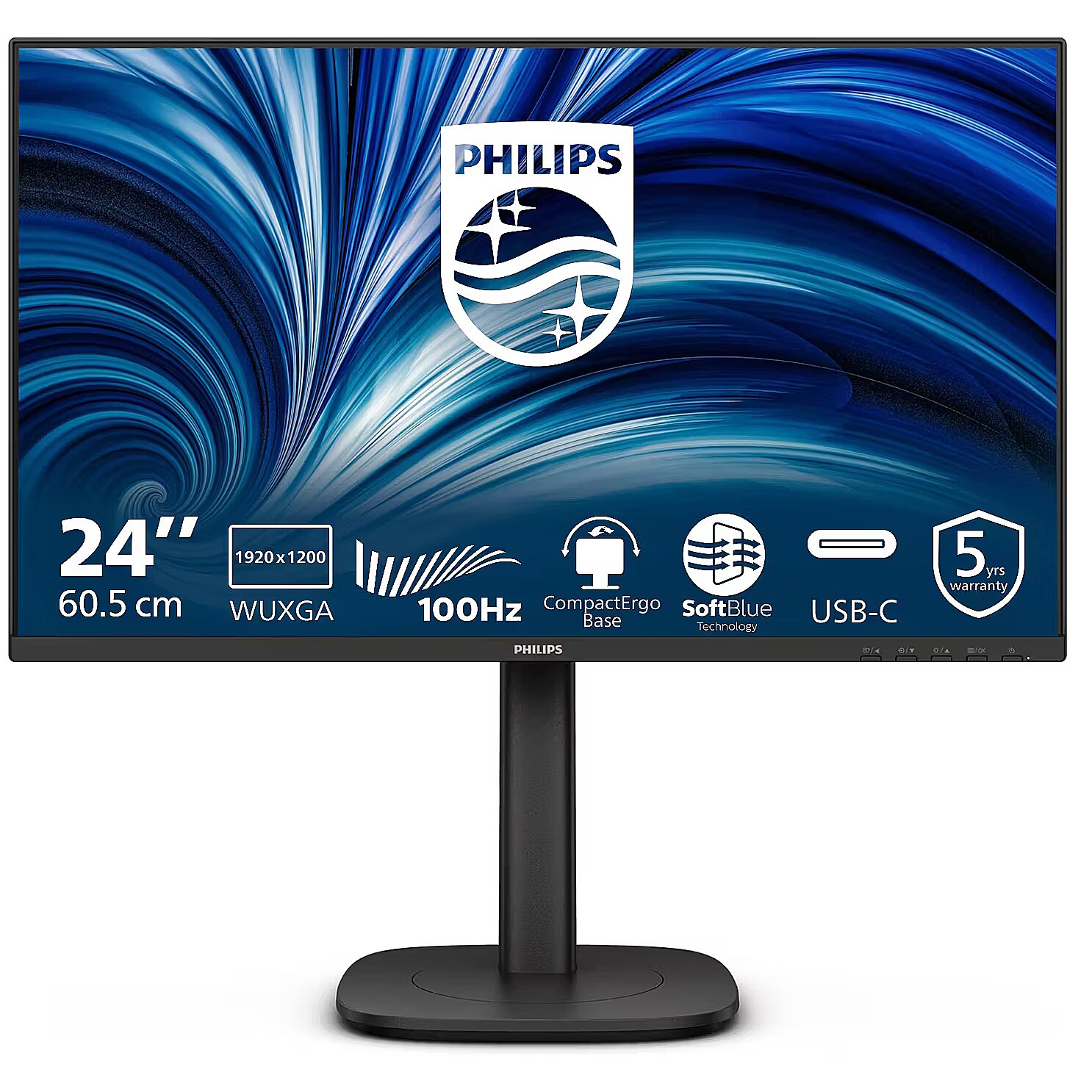
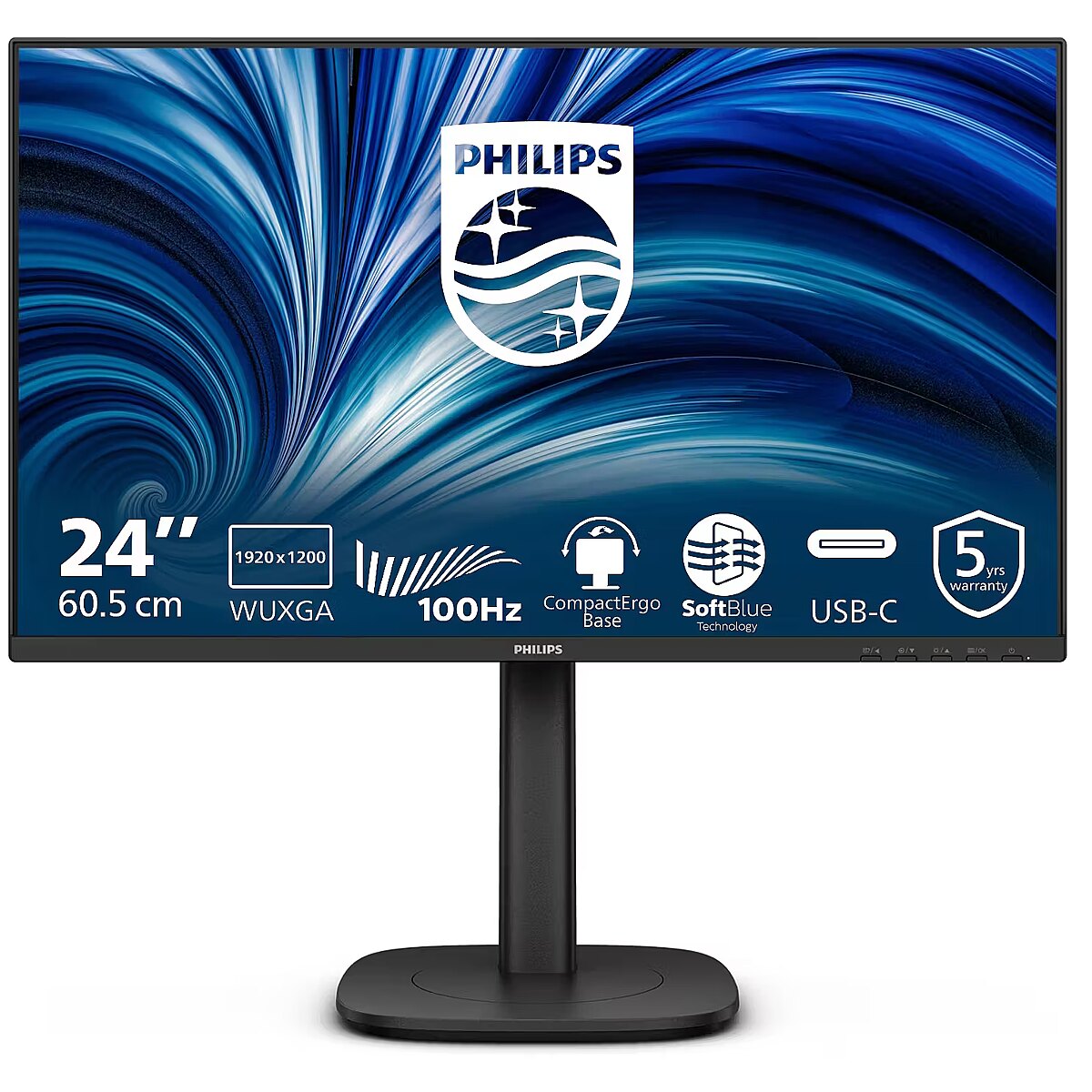
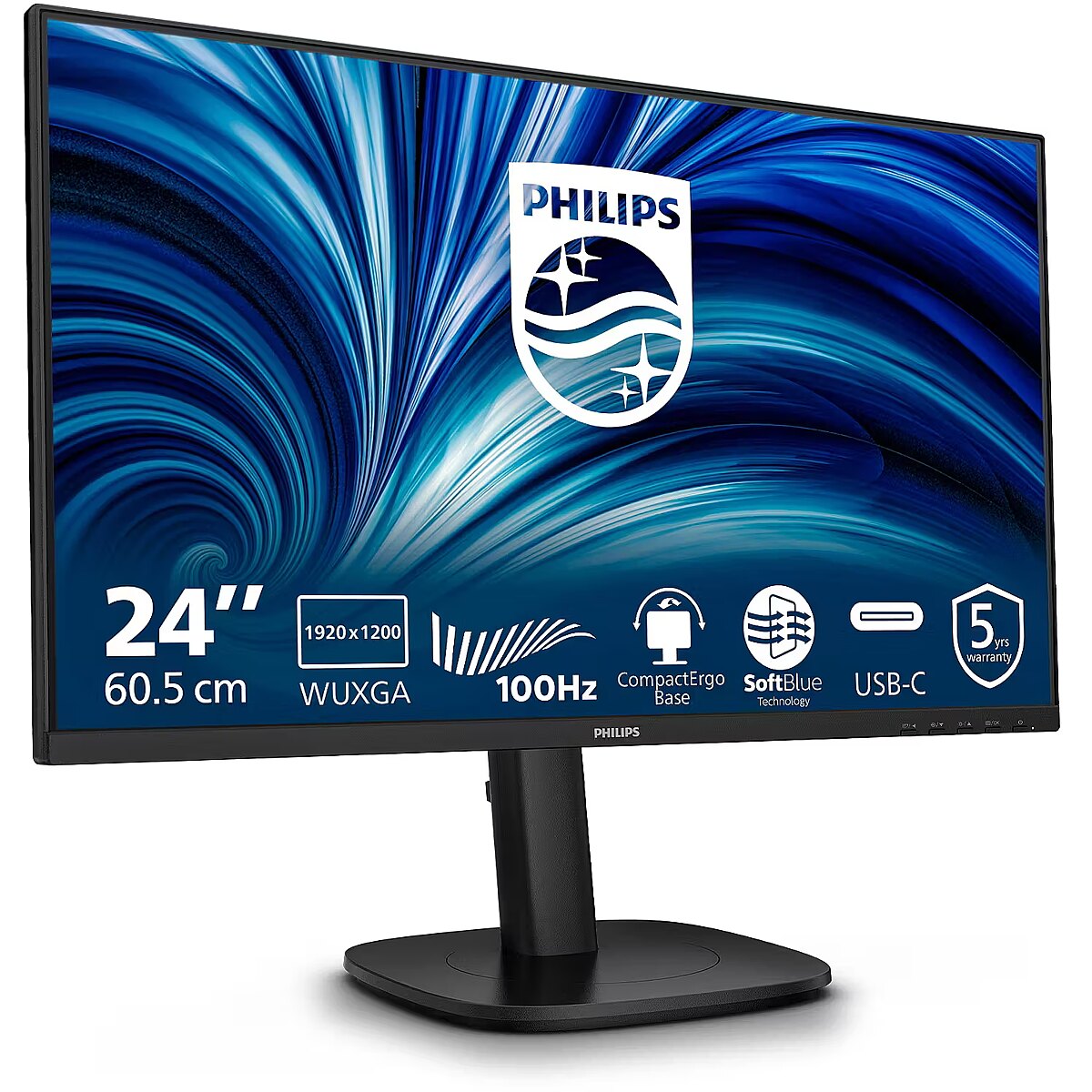
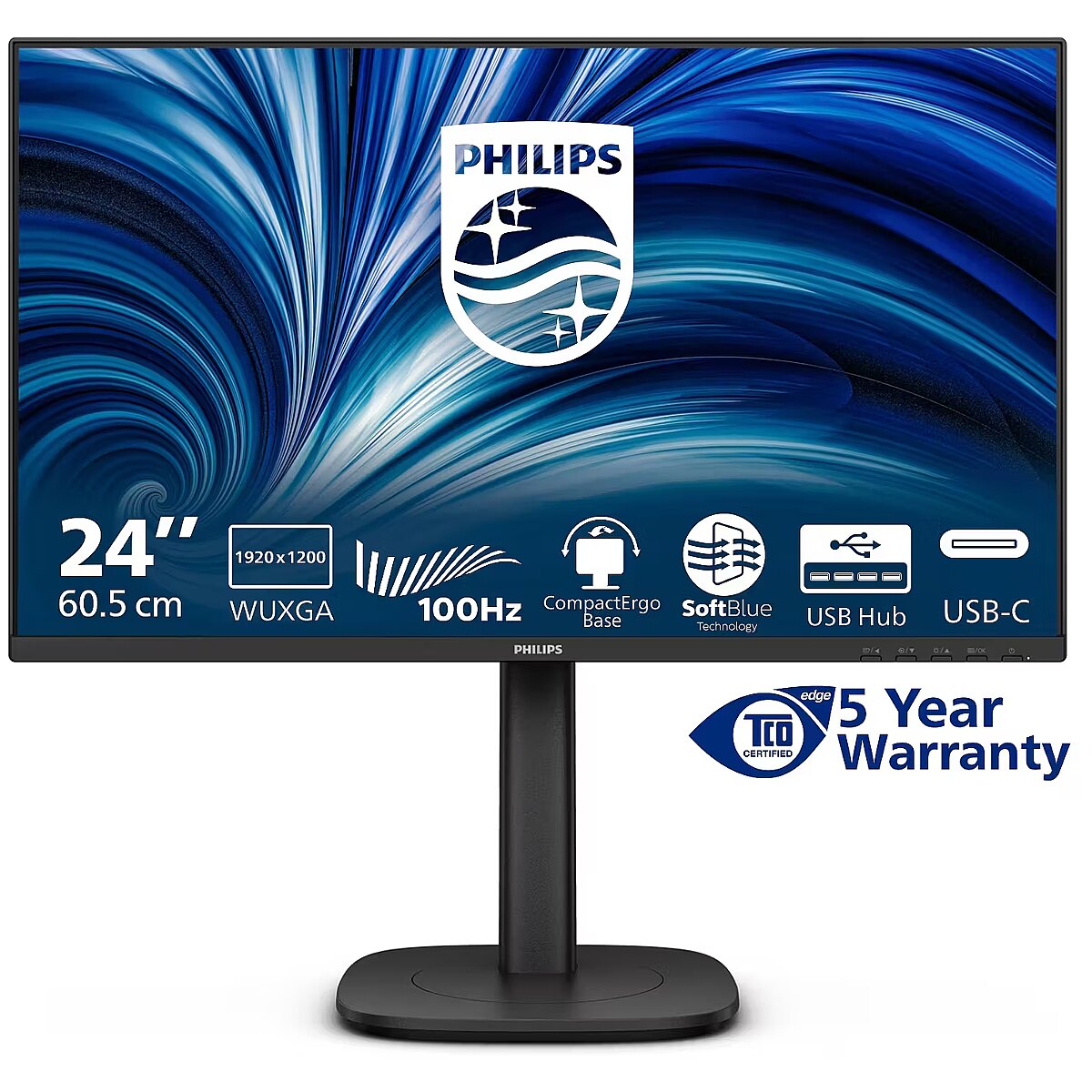
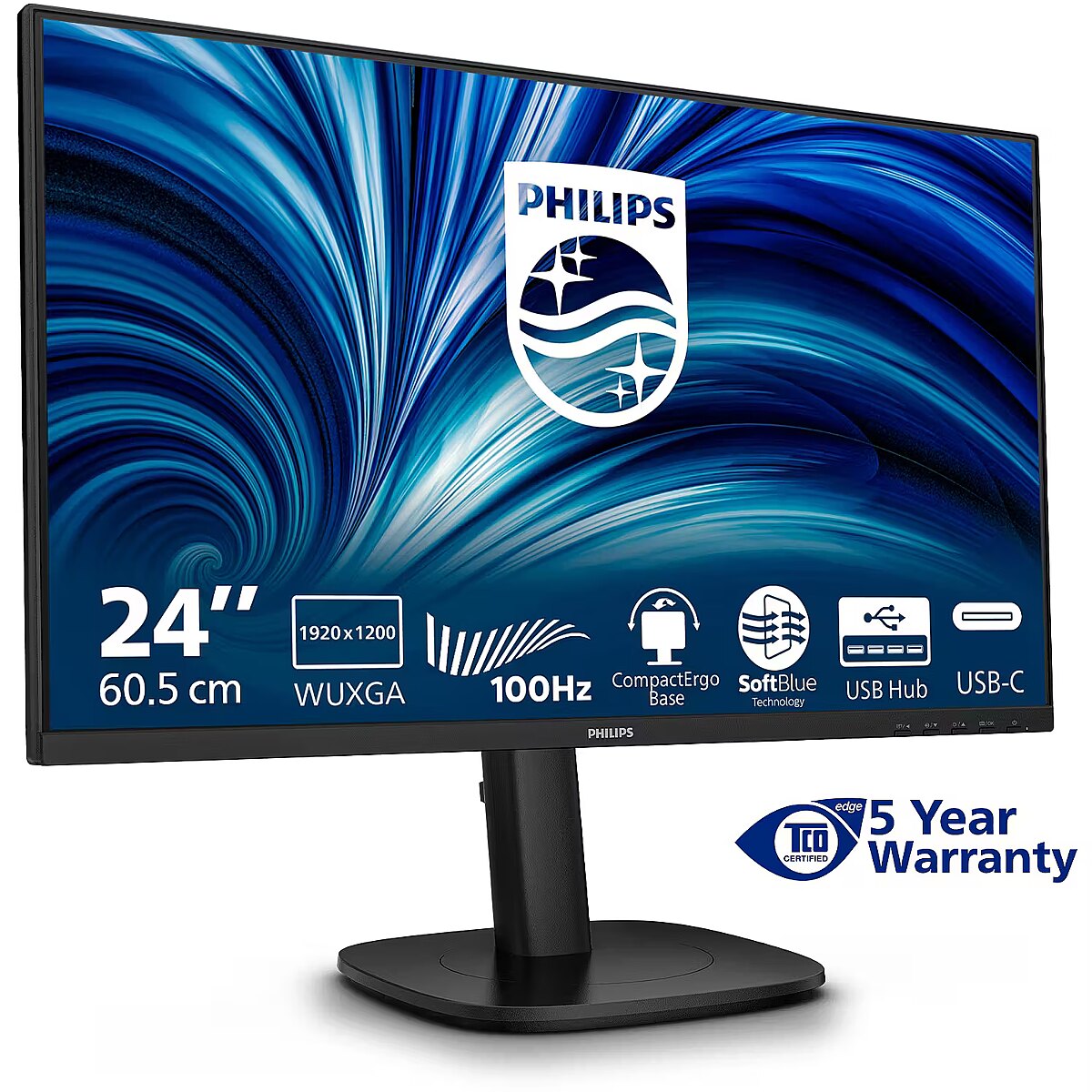
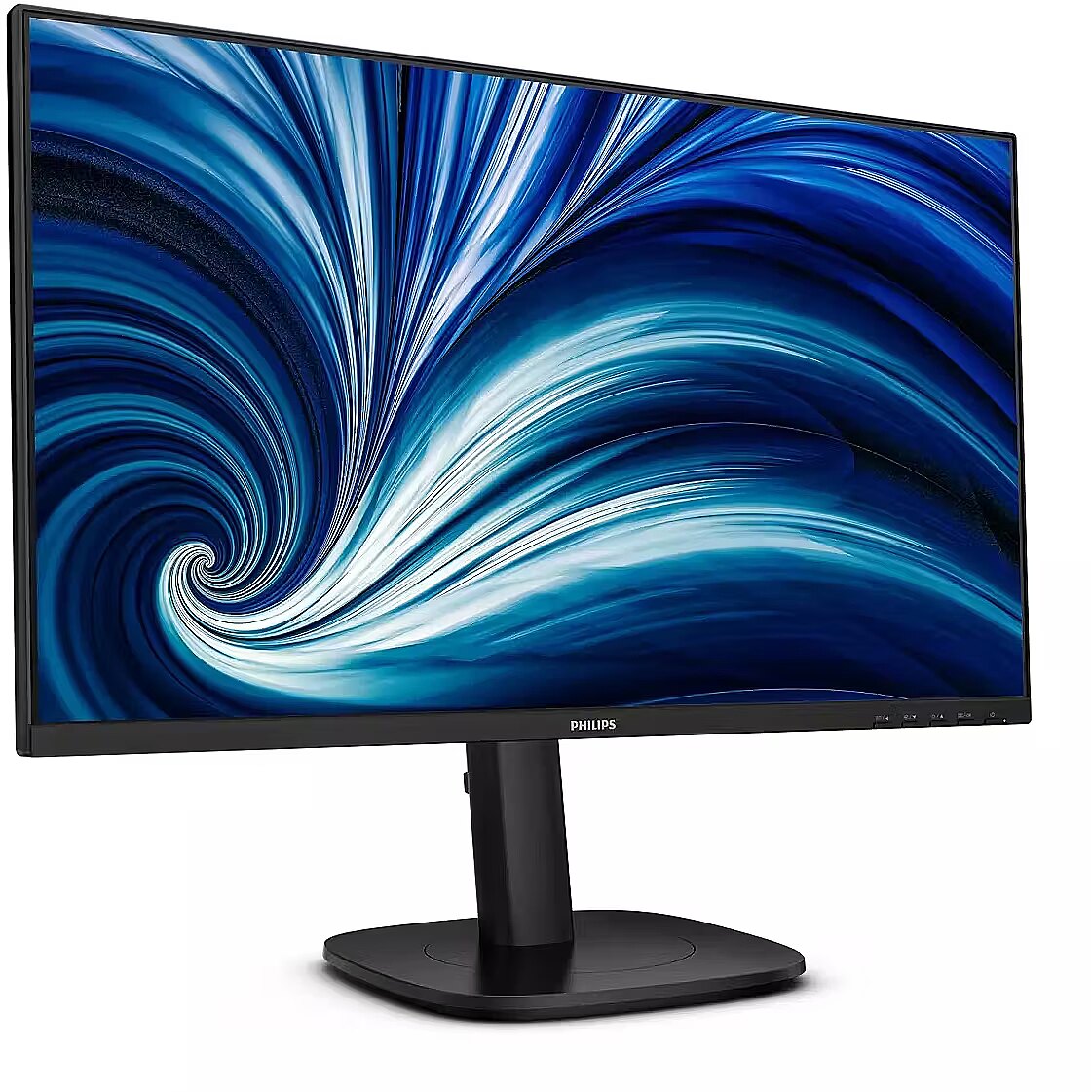
description_en - Philips B-Line 24B2N3200D/00 is a 24.1-inch WUXGA IPS monitor with a 16:10 format, designed for everyday office and professional use. It offers extra vertical space for documents, spreadsheets, and multitasking, along with ergonomic adjustments and comfort-focused features. Technical Specifications:
- Brand: Philips
- Product type: Monitor
- Model: 24B2N3200D/00
- Color: Black
- Screen size: 24.1" / 61.2 cm
- Resolution: 1920 × 1200 pixels
- Resolution type: WUXGA
- Aspect ratio: 16:10
- Panel type: IPS
- Backlight type: W-LED
- Brightness: 300 cd/m²
- Contrast ratio (typical): 1500:1
- Dynamic contrast ratio: 50000000:1
- Refresh rate: 100 Hz
- Response time: 4 ms GTG
- Viewing angles: 178° horizontal / 178° vertical
- Color depth: 8-bit
- Display colors: 16.7 million
- Anti-glare screen: Yes
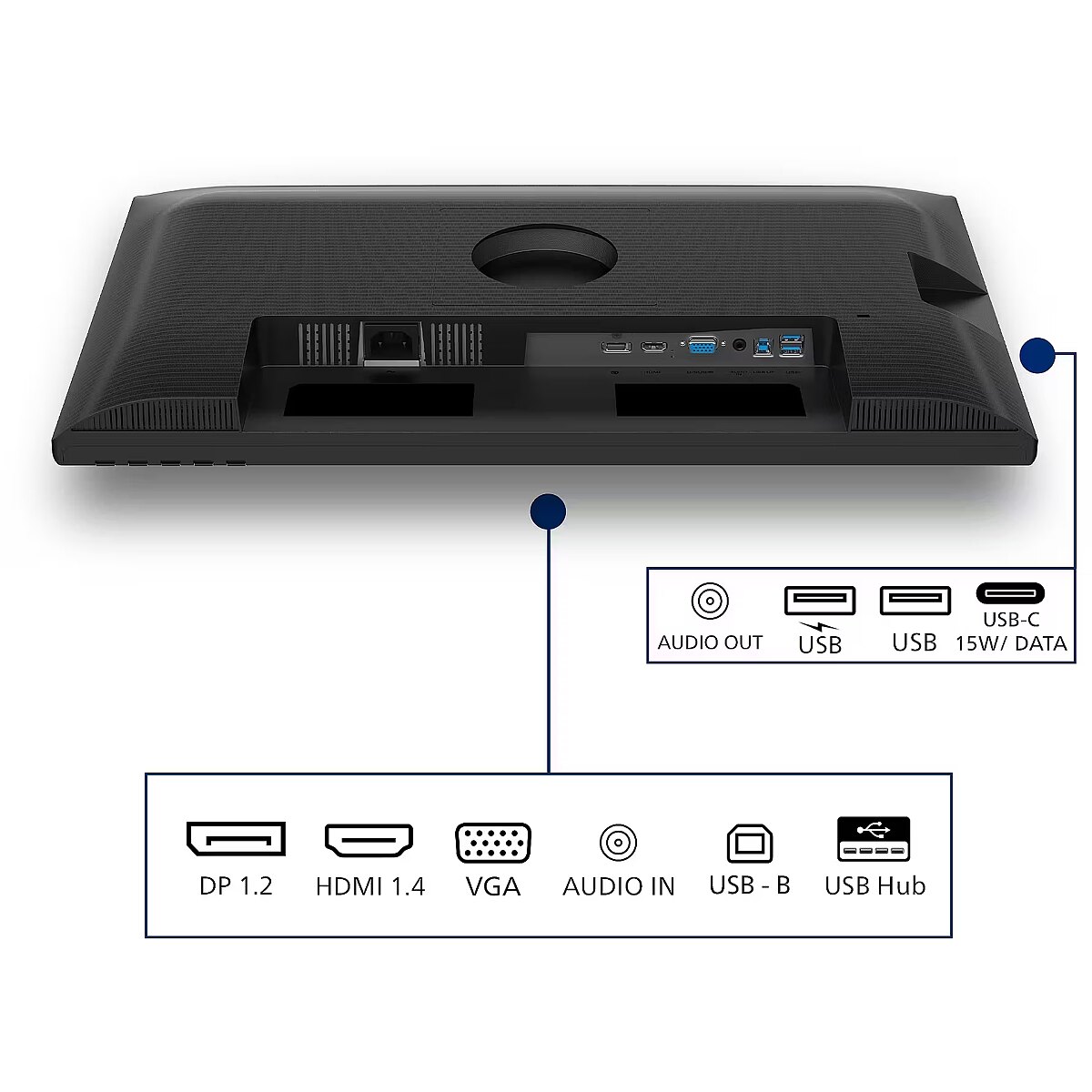
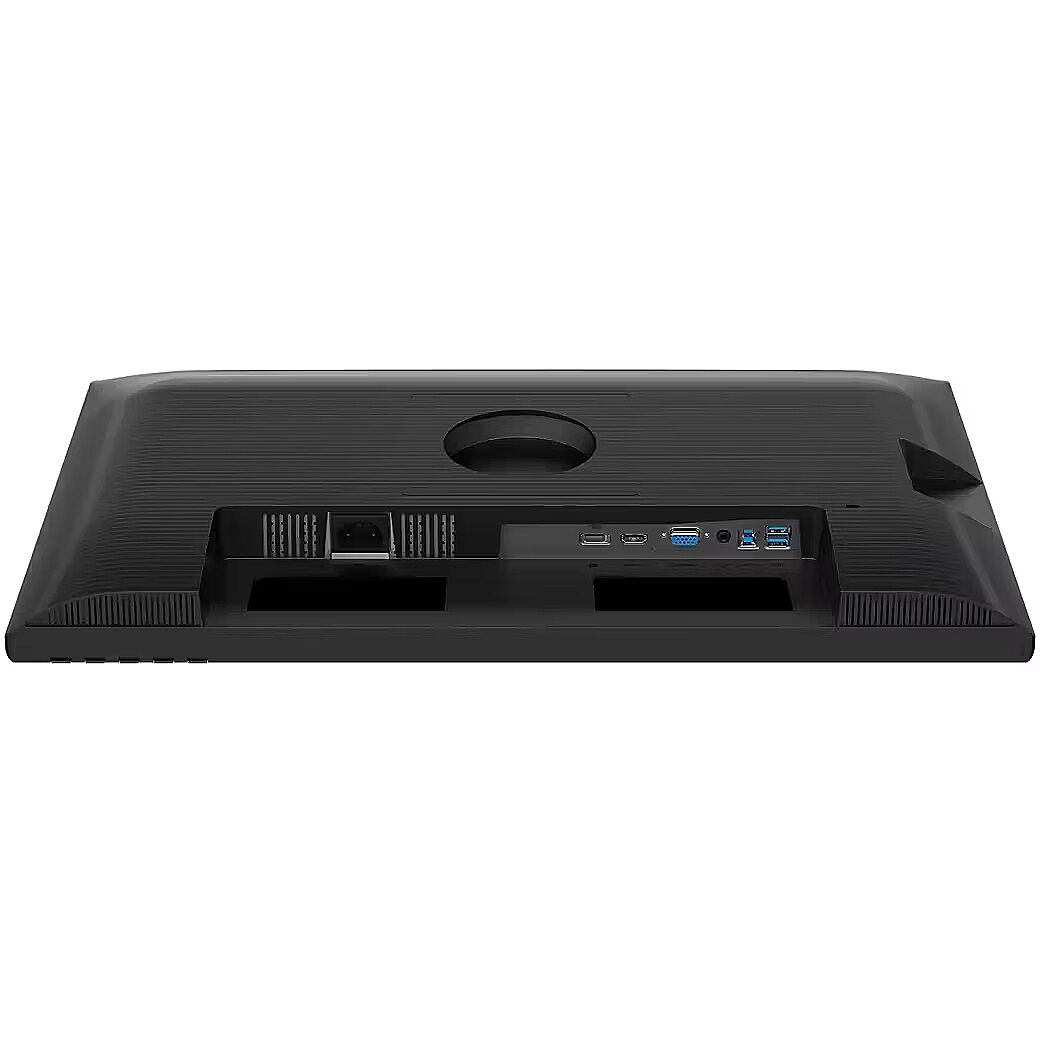
- HDMI: 1 × HDMI 1.4
- DisplayPort: 1 × DisplayPort 1.2
- VGA: 1 × VGA (D-Sub)
- USB hub: USB 3.2 Gen 1
- Upstream port: 1 × USB Type-B
- Downstream ports: 4 × USB Type-A
- Audio input: Yes
- Audio output: Yes
- Built-in speakers: Yes
- Number of speakers: 2
- RMS power: 4 W
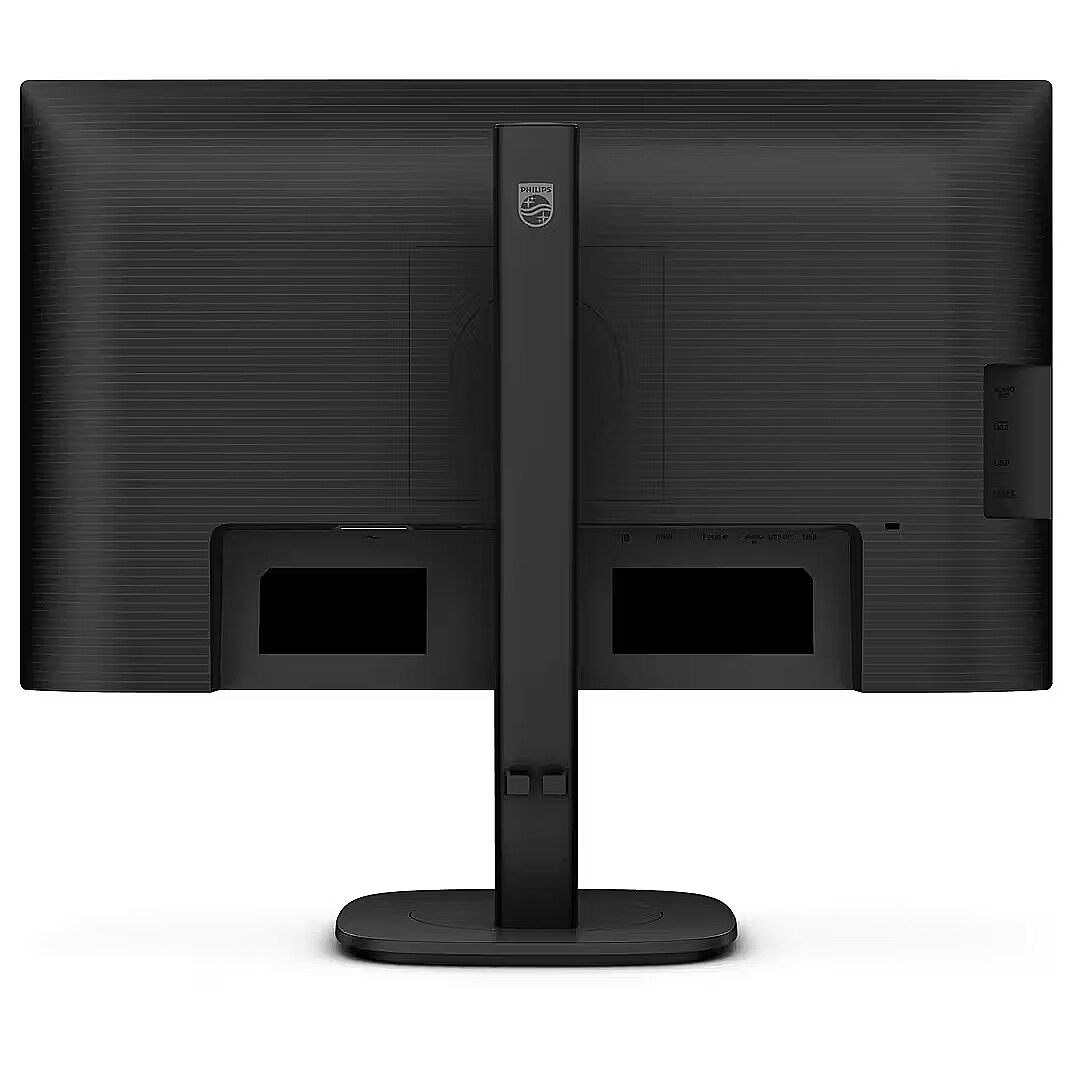
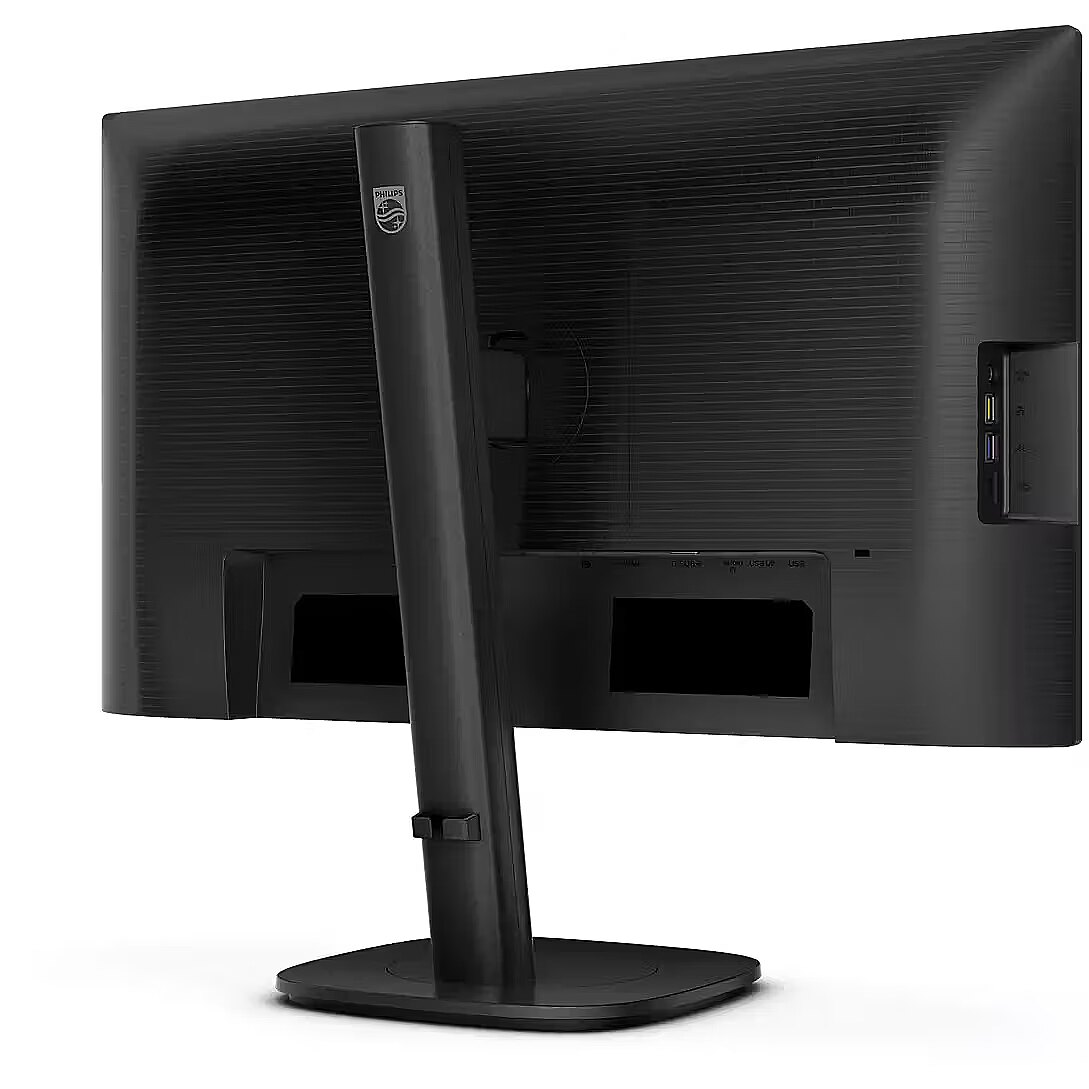
- Ergonomic adjustments: Height, tilt, swivel, pivot
- VESA mounting: 100 × 100 mm
- Cable lock slot: Kensington
- Power supply: Internal
- Typical power consumption: 12.69 W
- Standby power consumption: 0.3 W
- Off power consumption: 0.3 W
- AC input: 100–240 V, 50/60 Hz
- Dimensions with stand (W × D × H): 535 × 227 × 531 mm
- Dimensions without stand (W × D × H): 535 × 46 × 348 mm
- Weight with stand: 5.76 kg
- Weight without stand: 4.25 kg
- Compatible operating systems: Windows 11/10, Mac OS Features:
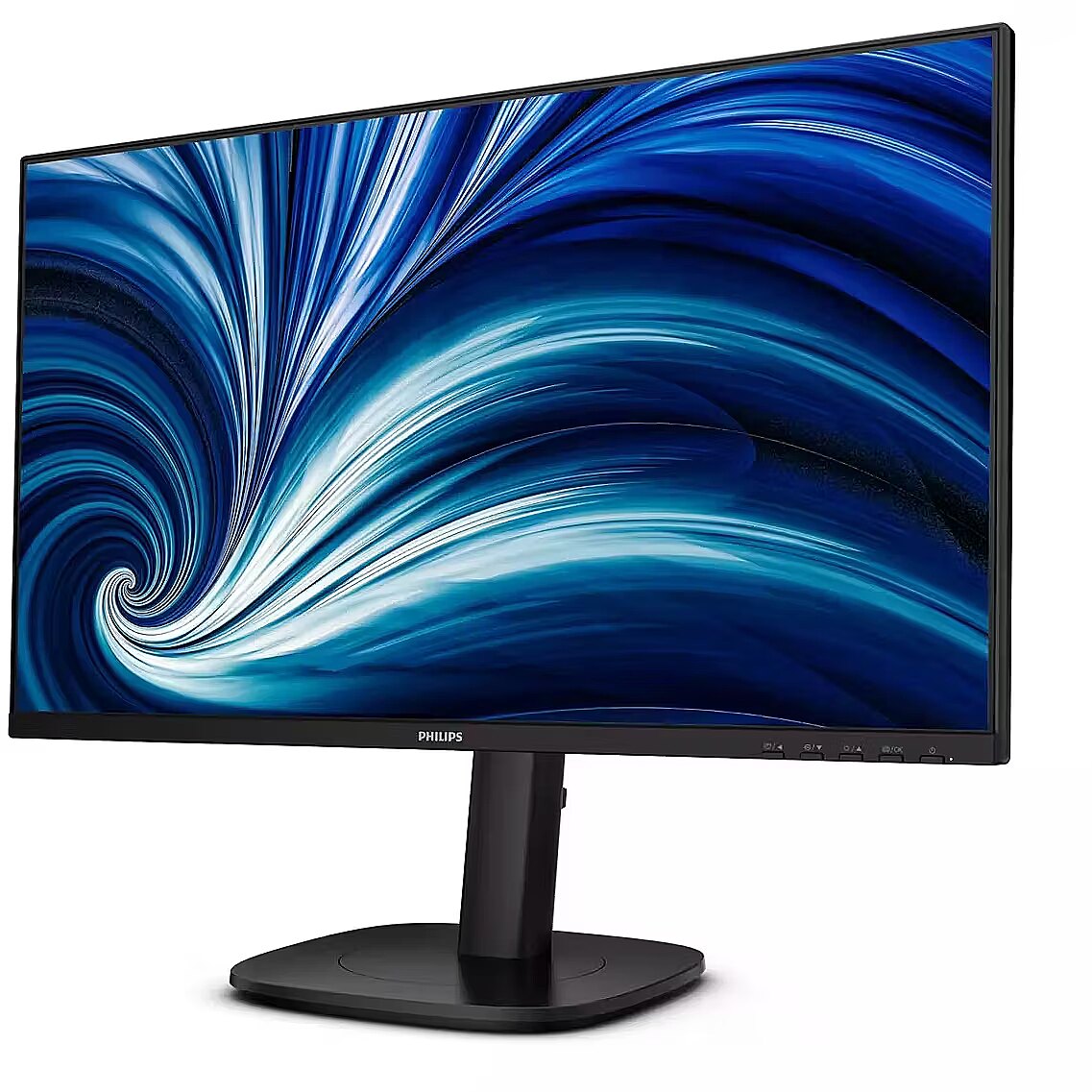
- 24.1-inch WUXGA IPS display with 1920 × 1200 resolution
- 16:10 aspect ratio provides more working space for productivity tasks
- 100 Hz refresh rate and 4 ms GTG response time for smoother visuals
- Full ergonomic stand with height, tilt, swivel, and pivot adjustment
- Flicker-Free and Low Blue Light technologies for more comfortable viewing
- Built-in USB hub, speakers, HDMI, DisplayPort, and VGA connections
description_lv - Philips B-Line 24B2N3200D/00 ir 24,1 collu WUXGA IPS monitors ar 16:10 formātu, kas paredzēts ikdienas biroja un profesionālai lietošanai. Tas piedāvā papildu vertikālu vietu dokumentiem, izklājlapām un vairākuzdevumu veikšanai, kā arī ergonomiskus pielāgojumus un funkcijas, kas vērstas uz komfortu. Tehniskās specifikācijas:
- Zīmols: Philips
- Produkta veids: Monitors
- Modelis: 24B2N3200D/00
- Krāsa: melna
- Ekrāna izmērs: 24,1" / 61,2 cm
- Izšķirtspēja: 1920 × 1200 pikseļi
- Izšķirtspējas veids: WUXGA
- Malu attiecība: 16:10
- Paneļa tips: IPS
- Fona apgaismojuma veids: W-LED
- Spilgtums: 300 cd/m²
- Kontrasta attiecība (parasti): 1500:1
- Dinamiskā kontrasta attiecība: 50000000:1
- Atsvaidzes intensitāte: 100 Hz
- Reakcijas laiks: 4 ms GTG
- Skata leņķi: 178° horizontāli / 178° vertikāli
- Krāsu dziļums: 8 biti
- Displeja krāsas: 16,7 miljoni
- Pretspīduma ekrāns: Jā
- HDMI: 1 × HDMI 1.4
- DisplayPort: 1 × DisplayPort 1.2
- VGA: 1 × VGA (D-Sub)
- USB centrmezgls: USB 3.2 Gen 1
- Augšējā pieslēgvieta: 1 × B tipa USB
- Pakārtotie porti: 4 × A tipa USB
- Audio ieeja: jā
- Audio izeja: Jā
- Iebūvētie skaļruņi: jā
- Skaļruņu skaits: 2
- RMS jauda: 4 W
- Ergonomiski regulējumi: augstums, slīpums, pagriešana, pagrieziena punkts
- VESA stiprinājums: 100 × 100 mm
- Kabeļa bloķēšanas slots: Kensington
- Barošanas avots: iekšējais
- Tipiskais enerģijas patēriņš: 12,69 W
- Jaudas patēriņš gaidstāves režīmā: 0,3 W
- Izslēgšanas strāvas patēriņš: 0,3 W
- Maiņstrāvas ieeja: 100–240 V, 50/60 Hz
- Izmēri ar statīvu (P × D × A): 535 × 227 × 531 mm
- Izmēri bez statīva (P × D × A): 535 × 46 × 348 mm
- Svars ar statīvu: 5,76 kg
- Svars bez statīva: 4,25 kg
- Saderīgas operētājsistēmas: Windows 11/10, Mac OS Funkcijas:
- 24,1 collu WUXGA IPS displejs ar 1920 × 1200 izšķirtspēju
- 16:10 malu attiecība nodrošina vairāk darba vietas produktivitātes uzdevumiem
- 100 Hz atsvaidzes intensitāte un 4 ms GTG reakcijas laiks vienmērīgākam vizuālajam attēlam
- Pilnībā ergonomisks statīvs ar augstuma, slīpuma, grozāmības un pagrieziena regulēšanu
- Bez mirgošanas un zemas zilās gaismas tehnoloģijas ērtākai skatīšanai
- Iebūvēts USB centrmezgls, skaļruņi, HDMI, DisplayPort un VGA savienojumi
description_ru - Philips B-Line 24B2N3200D/00 — это 24,1-дюймовый монитор WUXGA IPS формата 16:10, предназначенный для повседневного офисного и профессионального использования. Он предлагает дополнительное вертикальное пространство для документов, электронных таблиц и многозадачности, а также эргономичные настройки и функции, ориентированные на комфорт. Технические характеристики:
- Бренд: Филипс
- Тип товара: Монитор
- Модель: 24Б2Н3200Д/00
- Цвет: Черный
- Размер экрана: 24,1 дюйма / 61,2 см.
- Разрешение: 1920×1200 пикселей
- Тип разрешения: WUXGA
- Соотношение сторон: 16:10
- Тип панели: IPS
- Тип подсветки: W-LED
- Яркость: 300 кд/м²
- Коэффициент контрастности (типовой): 1500:1
- Динамический коэффициент контрастности: 50000000:1
- Частота обновления: 100 Гц
- Время отклика: 4 мс GTG
- Углы обзора: 178° по горизонтали/178° по вертикали
- Глубина цвета: 8 бит
- Цвета дисплея: 16,7 миллионов
- Антибликовый экран: Да
- HDMI: 1 × HDMI 1.4
- DisplayPort: 1 × DisplayPort 1.2
- VGA: 1 × VGA (D-Sub)
- USB-концентратор: USB 3.2 Gen 1
- Восходящий порт: 1 × USB Type-B
- Выходные порты: 4 × USB Type-A
- Аудиовход: Да
- Аудиовыход: Да
- Встроенные динамики: Да
- Количество динамиков: 2
- Среднеквадратическая мощность: 4 Вт
- Эргономичные регулировки: высота, наклон, поворот, поворот.
- Крепление VESA: 100×100 мм
- Разъем для замка троса: Kensington
- Источник питания: Внутренний
- Типичное энергопотребление: 12,69 Вт.
- Потребляемая мощность в режиме ожидания: 0,3 Вт
- Потребляемая мощность в выключенном состоянии: 0,3 Вт.
- Вход переменного тока: 100–240 В, 50/60 Гц
- Размеры с подставкой (Ш×Д×В): 535×227×531 мм
- Размеры без подставки (Ш×Д×В): 535×46×348 мм
- Вес с подставкой: 5,76 кг.
- Вес без подставки: 4,25 кг.
- Совместимые операционные системы: Windows 11/10, Mac OS. Особенности:
- 24,1-дюймовый IPS-дисплей WUXGA с разрешением 1920×1200
- Соотношение сторон 16:10 обеспечивает больше рабочего пространства для производительных задач.
- Частота обновления 100 Гц и время отклика GTG 4 мс для более плавного изображения.
- Полностью эргономичная подставка с регулировкой высоты, наклона, поворота и поворота.
- Технологии Flicker-Free и Low Blue Light для более комфортного просмотра
- Встроенный USB-концентратор, динамики, разъемы HDMI, DisplayPort и VGA.
Design - Feet colour - Black
Design - Front bezel colour - Black
Design - Market positioning - Business
Design - Product colour - Black
Display - Anti-glare screen - Yes
Display - Backlight type - W-LED
Display - Colour depth - 8 bit
Display - Colour gamut standard - sRGB, NTSC
Display - Contrast ratio (dynamic) - 50000000:1
Display - Contrast ratio (typical) - 1500:1
Display - DDC/CI - Yes
Display - Display brightness (typical) - 300 cd/m²
Display - Display diagonal - 61.2 cm (24.1")
Display - Display diagonal (metric) - 61.13 cm
Display - Display number of colours - 16.7 million colours
Display - Display panel size - 24.1 inch/61.13 cm
Display - Display resolution - 1920 x 1200 pixels
Display - Display sRGB - Yes
Display - Display technology - LCD
Display - Dynamic contrast ratio marketing name - SmartContrast
Display - Haze rate - 25%
Display - HD type - WUXGA
Display - Horizontal scan range - 30 - 135 kHz
Display - LED backlight - Yes
Display - Maximum refresh rate - 100 Hz
Display - Native aspect ratio - 16:10
Display - NTSC coverage (typical) - 100%
Display - Panel type - IPS
Display - Pixel density - 94.07 ppi
Display - Pixel pitch - 0.27 x 0.27 mm
Display - Response time - 4 ms
Display - Response time measurement type - GTG (Gray to Gray)
Display - Screen shape - Flat
Display - sRGB coverage (typical) - 115%
Display - Surface hardness - 3H
Display - Sync-on-green (SOG) - Yes
Display - Touchscreen - No
Display - Vertical scan range - 48 - 100 Hz
Display - Viewable size, horizontal - 52.8 cm
Display - Viewable size, vertical - 33.9 cm
Display - Viewing angle, horizontal - 178°
Display - Viewing angle, vertical - 178°
Dodatkowe informacje o matrycy: Format obrazu - 16:10
Dodatkowe informacje o matrycy: Kontrast - 1500:1
Dodatkowe informacje o matrycy: Kontrast dynamiczny - 50 000 000:1
Dodatkowe informacje o matrycy: Kąt widzenia w pionie - 178 °
Dodatkowe informacje o matrycy: Kąt widzenia w poziomie - 178 °
Dodatkowe informacje o matrycy: Liczba wyświetlanych kolorów - 16.7 mln
EAN - 8721038004427
Eans - 8721038004427
Efektywność energetyczna: Klasa energetyczna - B
Efektywność energetyczna: Zużycie energii - 9 kWh/1000h
Ergonomics - Adjustable height (max) - 15 cm
Ergonomics - Cable lock slot - Yes
Ergonomics - Cable lock slot type - Kensington
Ergonomics - Height adjustment - Yes
Ergonomics - LED indicators - Operation, Stand-by
Ergonomics - Number of OSD languages - 21
Ergonomics - On Screen Display (OSD) - Yes
Ergonomics - On Screen Display (OSD) languages - Portuguese, Czech, Dutch, English, Finnish, French, German, Greek, Hungarian, Italian, Japanese, Korean, Polish, Russian, Simplified Chinese, Spanish, Swedish, Traditional Chinese, Turkish, Ukrainian
Ergonomics - Panel mounting interface - 100 x 100 mm
Ergonomics - Pivot - Yes
Ergonomics - Pivot angle - -90 - 90°
Ergonomics - Plug and Play - Yes
Ergonomics - Swivel angle range - -180 - 180°
Ergonomics - Swivelling - Yes
Ergonomics - Tilt adjustment - Yes
Ergonomics - Tilt angle range - -5 - 30°
Ergonomics - VESA mounting - Yes
Funkcje Gamingowe: Pozostale technologie - Adaptive Sync
gross_weight - 5 kg
GTIN - 8721038004427
Informacje podstawowe: Moc głośników - 2 x 2W
LongDesc - This Philips WUXGA (1920 x 1200) 16:10 monitor is equipped with an IPS panel for wide viewing angles. The 100 Hz refresh rate ensures smooth performance. It features SoftBlue technologies to reduce eye strain and support all-day productivity.
LongProductName - Business Monitor 24B2N3200D WUXGA LCD monitor
LongSummaryDescription - Philips 3000 series 24B2N3200D/00. Display diagonal: 61.2 cm (24.1"), Display resolution: 1920 x 1200 pixels, HD type: WUXGA, Display technology: LCD, Response time: 4 ms, Native aspect ratio: 16:10, Viewing angle, horizontal: 178°, Viewing angle, vertical: 178°. Built-in speaker(s). Built-in USB hub, USB hub version: 3.2 Gen 1 (3.1 Gen 1). VESA mounting, Height adjustment. Product colour: Black
Model -
Multimedia - Built-in camera - No
Multimedia - Built-in speaker(s) - Yes
Multimedia - Number of speakers - 2
Multimedia - RMS rated power - 4 W
Name - Philips 24B2N3200D/00 - 100Hz | 1920 x 1200 | IPS | 24,1" | 4ms
Ochrona oczu: Filtr światła niebieskiego - tak
Ochrona oczu: Redukcja migotania - tak
Operational conditions - Non-operating altitude - 0 - 12192 m
Operational conditions - Operating altitude - 0 - 3658 m
Operational conditions - Operating relative humidity (H-H) - 20 - 80%
Operational conditions - Operating temperature (T-T) - 0 - 40 °C
Operational conditions - Storage temperature (T-T) - -20 - 60 °C
Other features - Adaptive synchronisation - Yes
Other features - Compatible operating systems - Mac OS; Windows 11/10
Other features - Compliance certificates - RoHS
Other features - EasyRead mode - Yes
Other features - Exterior finish type - Textured
Other features - Mean time between failures (MTBF) - 70000 h
Other features - Monitor sync input signal - Separate Sync; Sync on Green
Other features - Picture enhancement - SmartImage
Other features - Regulatory Approvals - CB; CE Mark; ETL; CEC; TUV/GS; TUV Ergo; TCO Certified; TCO Certified Edge; EAC; EAC ROHS; UKCA; EMF; FCC; ICES-003; TÜV Rheinland Low Blue Light (Hardware Solution); eyesafe® CERTIFIED 2.0
Other features - SoftBlue - Yes
Other features - User controls - SmartImage; Input; Brightness; Menu; Power On/Off
Packaging content - Bundled software - SmartControl*
Packaging content - Cables included - Audio, DisplayPort, HDMI, Power, USB Type-A to USB Type-B, USB Type-A to USB Type-C, USB Type-C to USB Type-C, VGA
Packaging content - Manual - Yes
Packaging content - Stand included - Yes
Packaging data - Package depth - 139 mm
Packaging data - Package height - 420 mm
Packaging data - Package weight - 7.89 kg
Packaging data - Package width - 615 mm
Performance - AMD FreeSync - No
Performance - Component video sync - Separate Sync, Sync-on-green (SOG)
Performance - Flicker-free technology - Yes
Performance - NVIDIA G-SYNC - No
Performance - VESA Adaptive Sync support - Yes
Ports & interfaces - Audio input - Yes
Ports & interfaces - Audio output - Yes
Ports & interfaces - Built-in USB hub - Yes
Ports & interfaces - DisplayPorts quantity - 1
Ports & interfaces - DisplayPort version - 1.2
Ports & interfaces - HDCP - Yes
Ports & interfaces - HDCP version - 1.4
Ports & interfaces - HDMI - Yes
Ports & interfaces - HDMI ports quantity - 1
Ports & interfaces - HDMI version - 1.4
Ports & interfaces - Number of USB Type-B upstream ports quantity - 1
Ports & interfaces - USB hub version - 3.2 Gen 1 (3.1 Gen 1)
Ports & interfaces - USB Type-A downstream ports quantity - 4
Ports & interfaces - USB upstream port type - USB Type-B
Ports & interfaces - VGA (D-Sub) ports quantity - 1
Power - AC input frequency - 50/60 Hz
Power - AC input voltage - 100 - 240 V
Power - Energy consumption (SDR) per 1000 hours - 12 kWh
Power - Energy efficiency class (HDR) - Not available
Power - Energy efficiency class (SDR) - C
Power - Energy efficiency scale - A to G
Power - Power consumption (off) - 0.3 W
Power - Power consumption (PowerSave) - 9.8 W
Power - Power consumption (standby) - 0.3 W
Power - Power consumption (typical) - 12.69 W
Power - Power supply type - Internal
Pozostałe cechy: Akcesoria - kabel DisplayPort
Pozostałe cechy: Akcesoria - kabel HDMI
Pozostałe cechy: Akcesoria - kabel zasilający
Producer - Philips
ProducerCode - 24B2N3200D/00
ProductName - 24B2N3200D/00
Recycling data - Packaging recyclability rate - 100%
Recycling data - Product post-consumer recycled plastic - 85%
ShortDescription -
ShortSummaryDescription - Philips 3000 series 24B2N3200D/00, 61.2 cm (24.1"), 1920 x 1200 pixels, WUXGA, LCD, 4 ms, Black
Sustainability - Doesn't contain - PVC/BFR
Sustainability - Sustainability certificates - ENERGY STAR, EPEAT
Title - Philips 3000 series 24B2N3200D/00 computer monitor 61.2 cm (24.1") 1920 x 1200 pixels WUXGA LCD Black
title_en - Philips B-Line 24B2N3200D/00 Monitor 24"
title_lv - Philips B-Line 24B2N3200D/00 Monitors 24"
title_ru - Philips B-Line 24B2N3200D/00 Монитор 24"
URL - https://mmdmonitors.com/
WarrantyInfo -
weight - 3.7 kg
Weight & dimensions - Depth (without stand) - 46 mm
Weight & dimensions - Depth (with stand) - 227 mm
Weight & dimensions - Height (without stand) - 348 mm
Weight & dimensions - Height (with stand) - 531 mm
Weight & dimensions - Weight (without stand) - 4.25 kg
Weight & dimensions - Weight (with stand) - 5.76 kg
Weight & dimensions - Width (without stand) - 535 mm
Weight & dimensions - Width (with stand) - 535 mm
Złącza: Złącza - 1 x DisplayPort
Złącza: Złącza - 1 x HDMI
Złącza: Złącza - 1 x USB 3.2 Gen 1 Type B
Złącza: Złącza - 1 x USB 3.2 gen 1 Type C
Złącza: Złącza - 1 x VGA
Złącza: Złącza - 1 x wyjście audio
Złącza: Złącza - 4 x USB 3.2



 DVI is a digital standard and ensures high image quality, however, thanks to the big size of the plug and the inability of the standard to develop further due to a few technical restrictions this type of connection is gradually losing its popularity to modern HDMI and DisplayPort standards.







