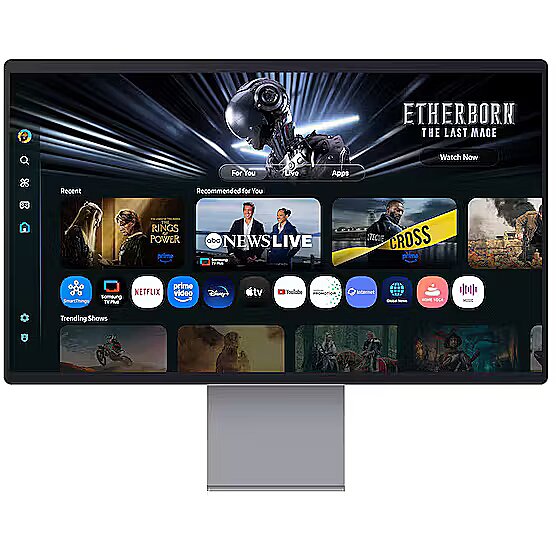
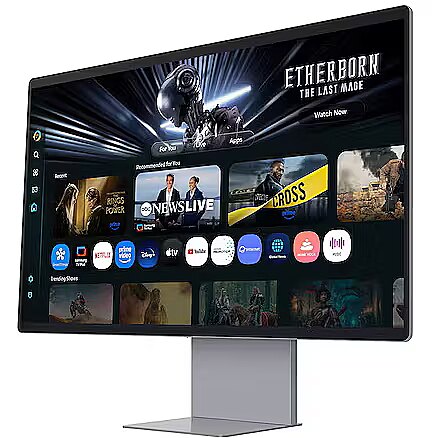
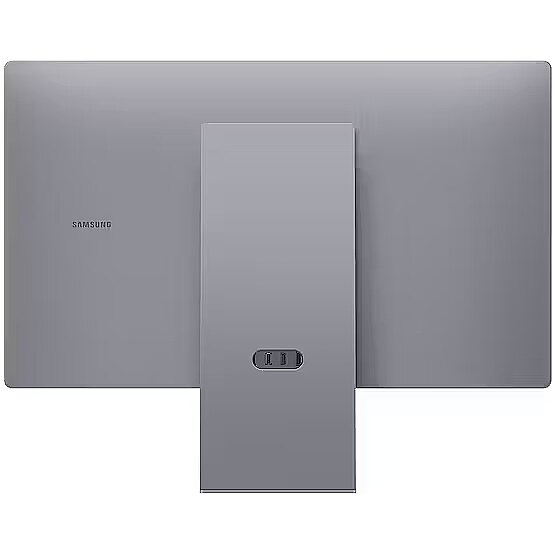
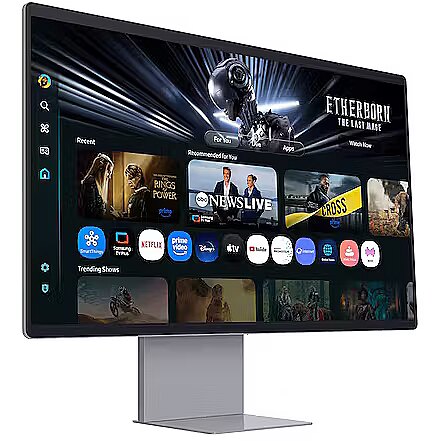
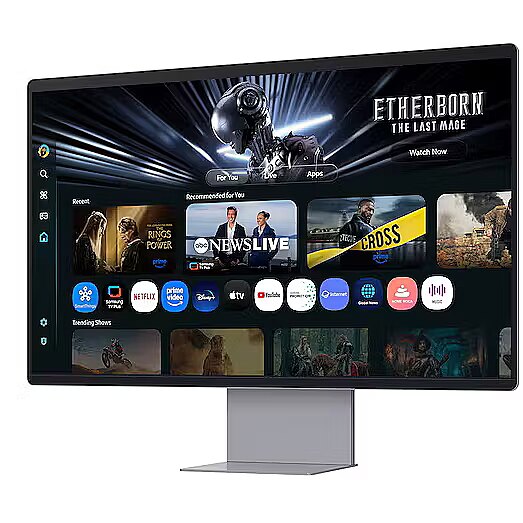
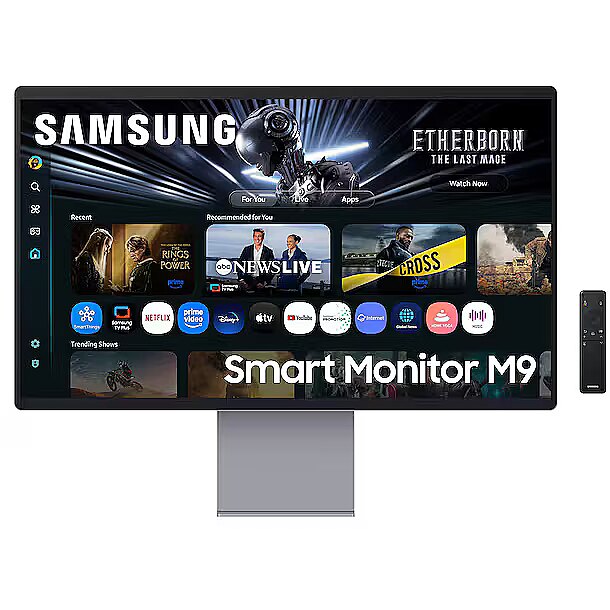
This Samsung LS32FM902SUXDU, 32" gaming monitor with 4K UHD 3840x2160 resolution is designed for those who want to fully immerse themselves in the dynamic gaming process and obtain an exceptionally clear image. It provides impressive detail accuracy, wide screen space and excellent visual comfort in any game.
The response time of 0.03ms ensures a fast pixel transition between tones, reducing the possibility of motion trails and blurring. Such speed improves the sharpness of dynamic scenes and reduces visual artifacts at high frame rate changes, which is essential for interactive applications and precise motion representation.
The OLED display uses organic light diodes that shine individually, without background illumination. This ensures perfect black color, high contrast, and fast pixel response, as well as uniform brightness, wide viewing angles, and minimal lag in dynamic scenes.
AMD FreeSync is a technology that synchronizes the refresh rate of a monitor with the frame rate of a video card, reducing image tearing and brightness fluctuations. It automatically adjusts screen operation to workload, ensuring a smoother and more stable dynamic scene display without additional delay.
This monitor is compatible with NVIDIA G-SYNC (G-SYNC Compatible). NVIDIA G-SYNC uses a hardware module to precisely synchronize the monitor's refresh rate with the video card's frame rate. This approach reduces image tearing, stabilizes the representation of moving objects, and minimizes brightness fluctuations. The technology ensures smooth dynamic scene rendering with minimal artifacts.
The 165 Hz frequency enhances the clarity of fast-moving objects and reduces blurring at high speeds. The screen refreshes quickly enough to accurately display fine motion details, which is crucial in shooters and competitive games. It ensures high visual stability without sudden changes.
Flicker-Free ensures a stable light flow without sudden intensity fluctuations, which may not be visible, but cause discomfort during prolonged usage. The technology improves visual perception, helps to reduce eye strain, and increases comfort when working with texts and static images.
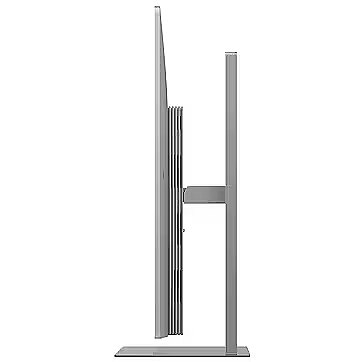
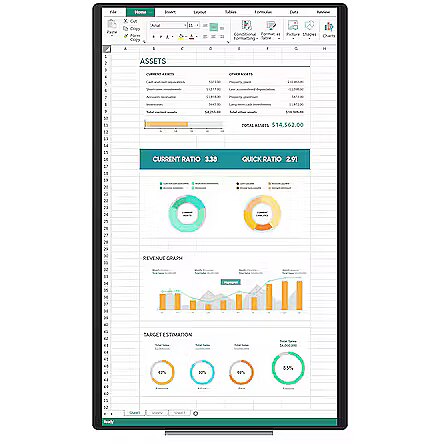
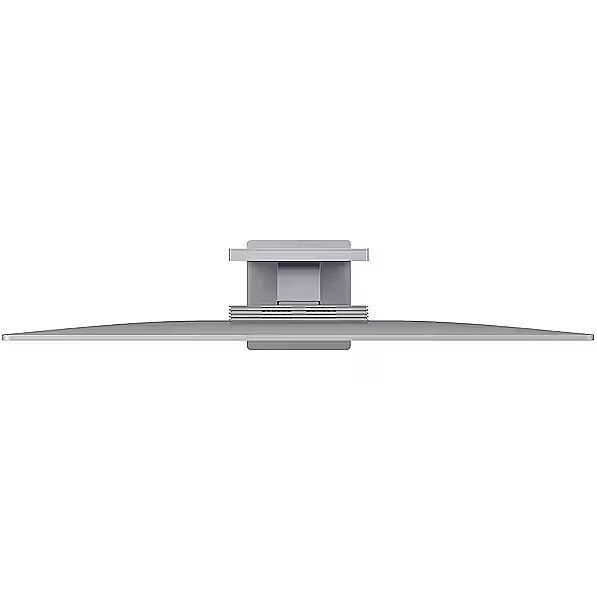
Pivot mode allows physically rotating the monitor by 90°, expanding the functionality of the working environment. The vertical format facilitates document comparison, working with tables, and viewing web pages, ensuring more effective information layout and more accurate visual perception.
The Swivel feature ensures smooth horizontal rotation of the monitor, allowing quick adjustment of screen orientation to the user's position changes. This is particularly useful in work at a shared desk, project discussions or use of multiple devices where flexible viewing direction adjustment is required.
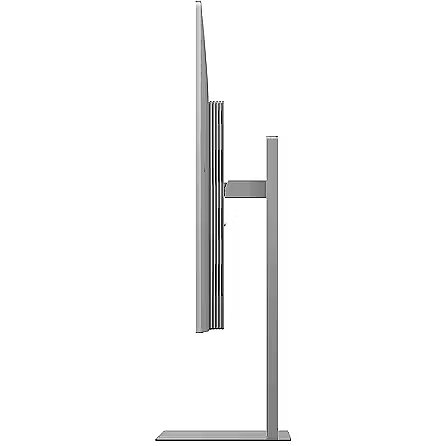
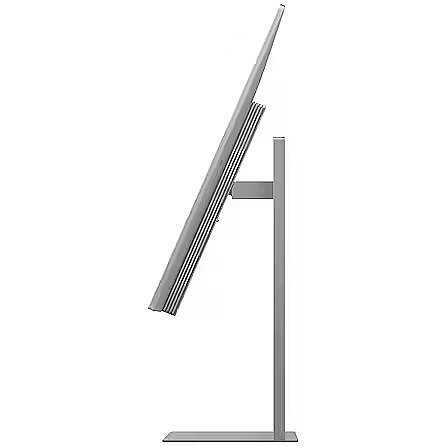
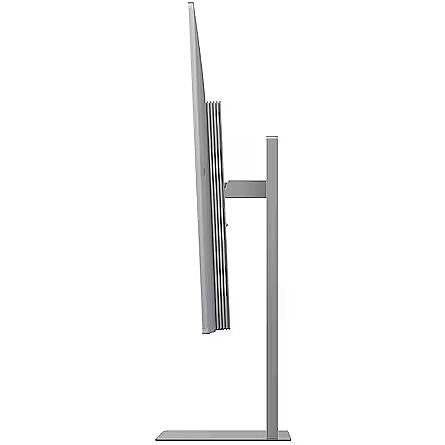
Tilt mechanism allows to change the screen's vertical angle without moving the whole construction. Such adjustment improves workplace ergonomics, ensures stable image quality and helps to adapt the monitor to the user's individual preferences or specific tasks.
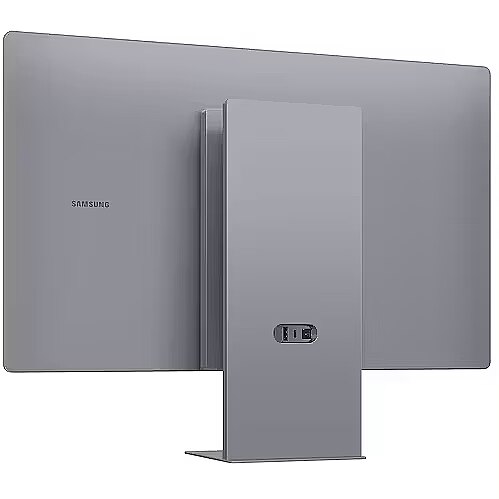
VESA wall mount allows you to install a monitor on the wall, adhering to a uniform industrial standard. It facilitates the choice of mount, increases the flexibility of workspace organization, and allows you to adjust the height and angle of placement, regardless of the desk or tripod.
The built-in speakers provide direct sound playback, eliminating the need for external audio devices. This simplifies the setup of the work system and saves space. The speakers are suitable for everyday needs, including online meetings, training, and video viewing, providing adequate sound level.
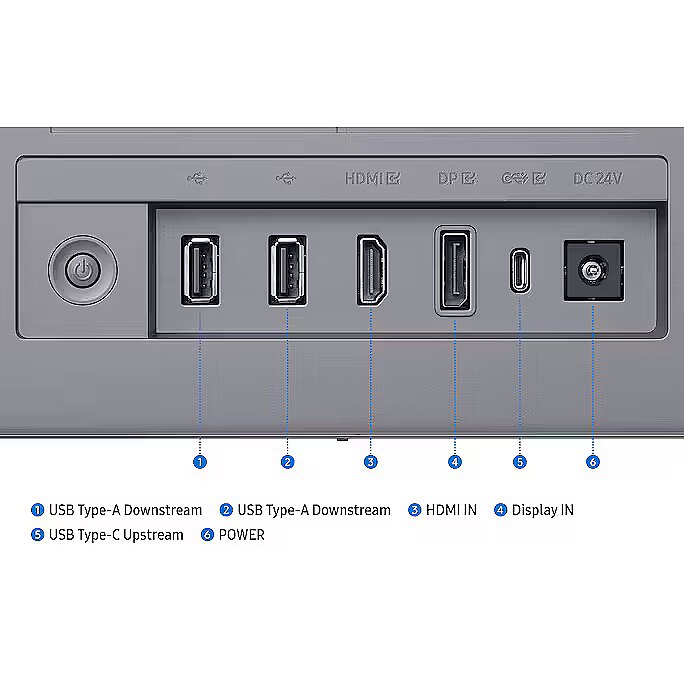
HDMI provides video and audio transmission with a single cable, which enhances connection stability and reduces the risk of interference. The interface reduces the number of connections and maintains the integrity of the digital signal. HDMI supports modern formats and ensures reliable operation with a wide range of devices.
DisplayPort is a modern interface that allows stable image transmission with high resolution and refresh intensity. The interface is compatible with professional and gaming monitors, supports multiple monitor configurations and HDR, ensuring accurate detail transmission and minimal graphics distortion.
The USB-C connection provides video, audio, and power transmission through a single cable, reducing the number of wires and facilitating the connection. It offers fast data transmission and a stable picture, making the monitor convenient for use with modern laptops and mobile devices without multiple separate connections.
Several USB-C ports ensure flexible modern device connection. The ports support image, data, and power transmission over a single cable, simplifying workplace organization. Simultaneous connection of multiple devices increases convenience and speeds up switching between them.
USB Power Delivery provides device charging directly from the monitor, reducing the need for separate power blocks. It simplifies device placement and reduces the number of wires. Parallel charging and signal transmission makes the connection more functional and versatile.
The presence of a USB-C video input allows the monitor to receive audio and video signals through a single universal cable, reducing the need for separate interfaces. Support for modern standards ensures quality data transmission and wide compatibility, making the connection more convenient and technically justified.
Warranty
Samsung provides this model with a 2 year warranty at all certified service centres.



 DVI is a digital standard and ensures high image quality, however, thanks to the big size of the plug and the inability of the standard to develop further due to a few technical restrictions this type of connection is gradually losing its popularity to modern HDMI and DisplayPort standards.







