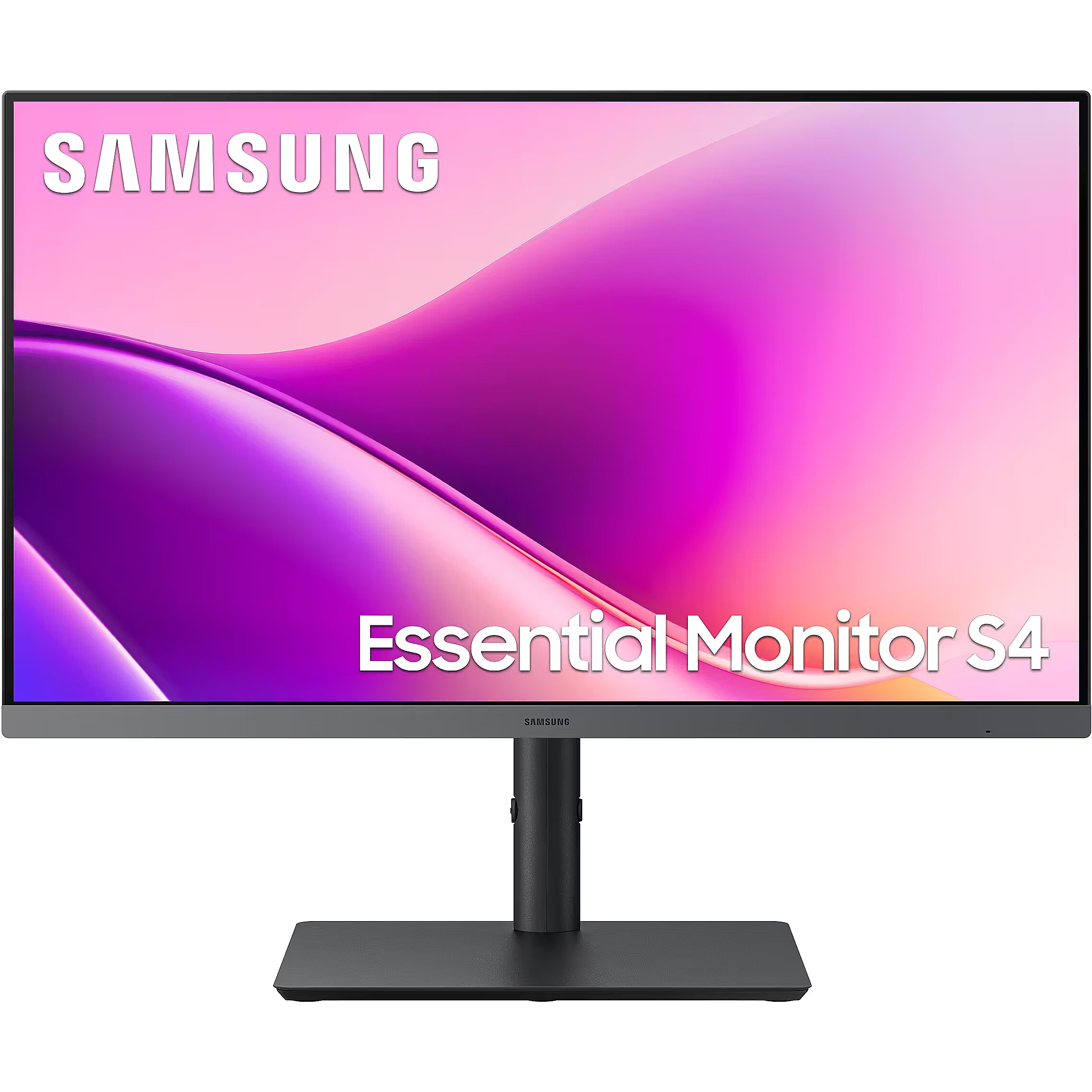
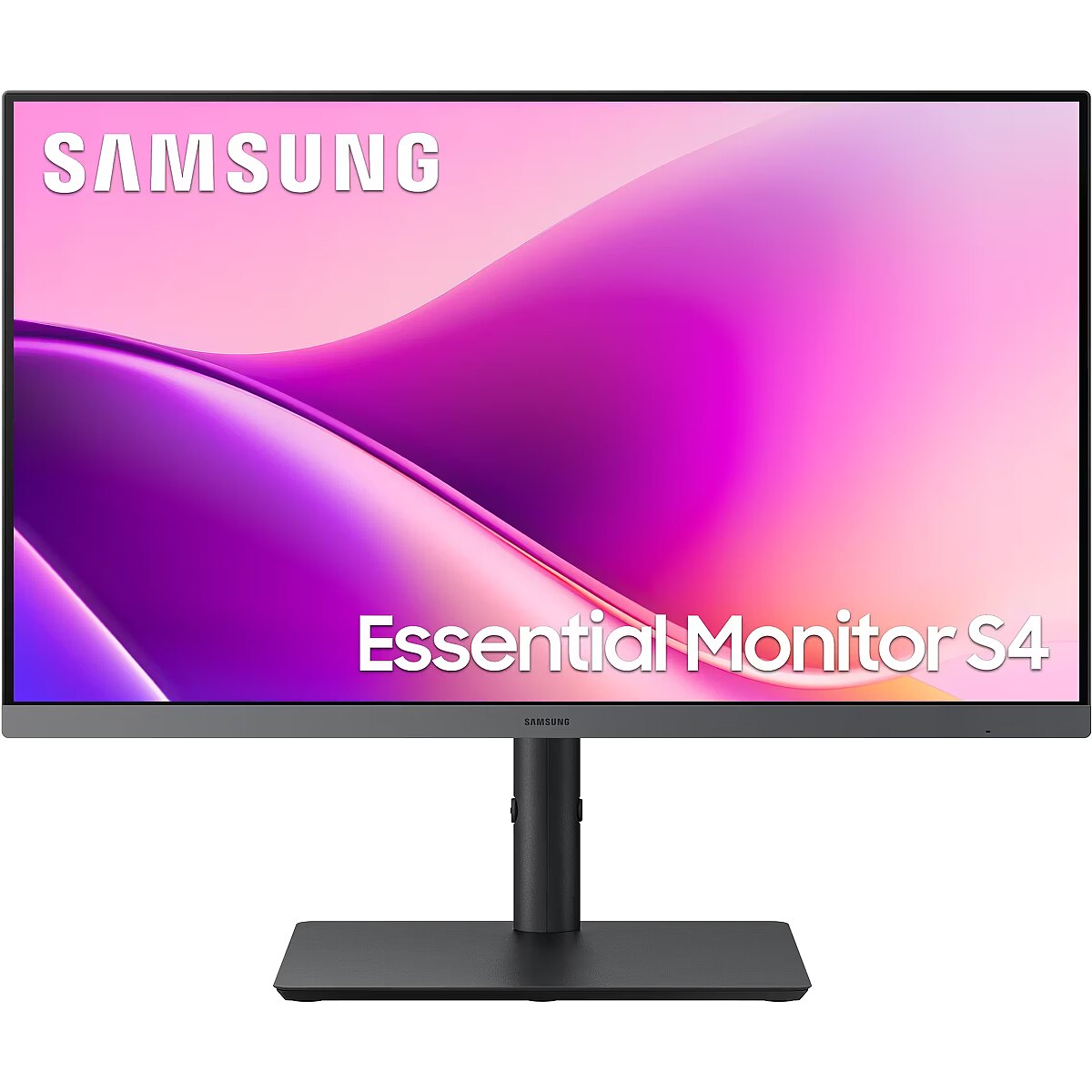
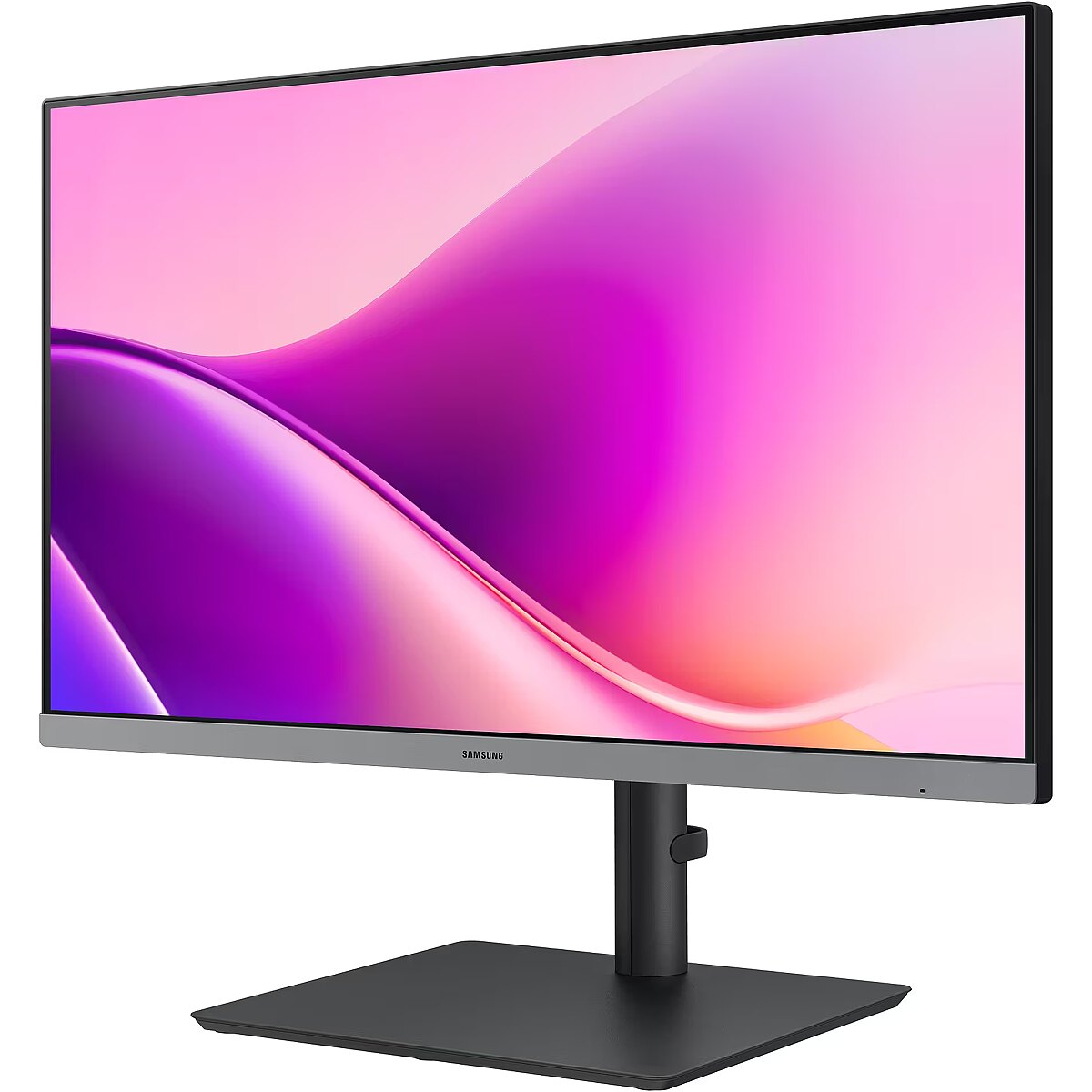
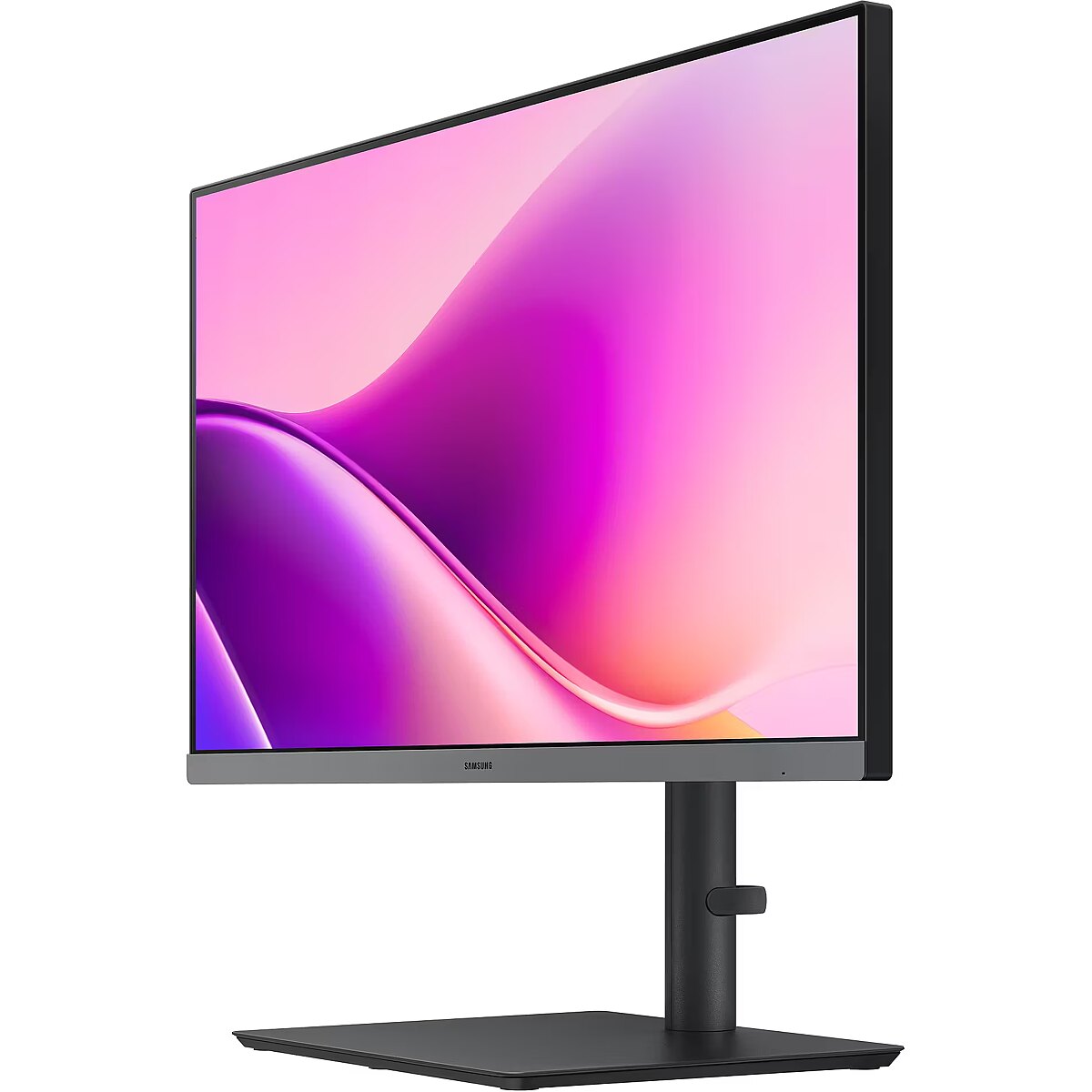
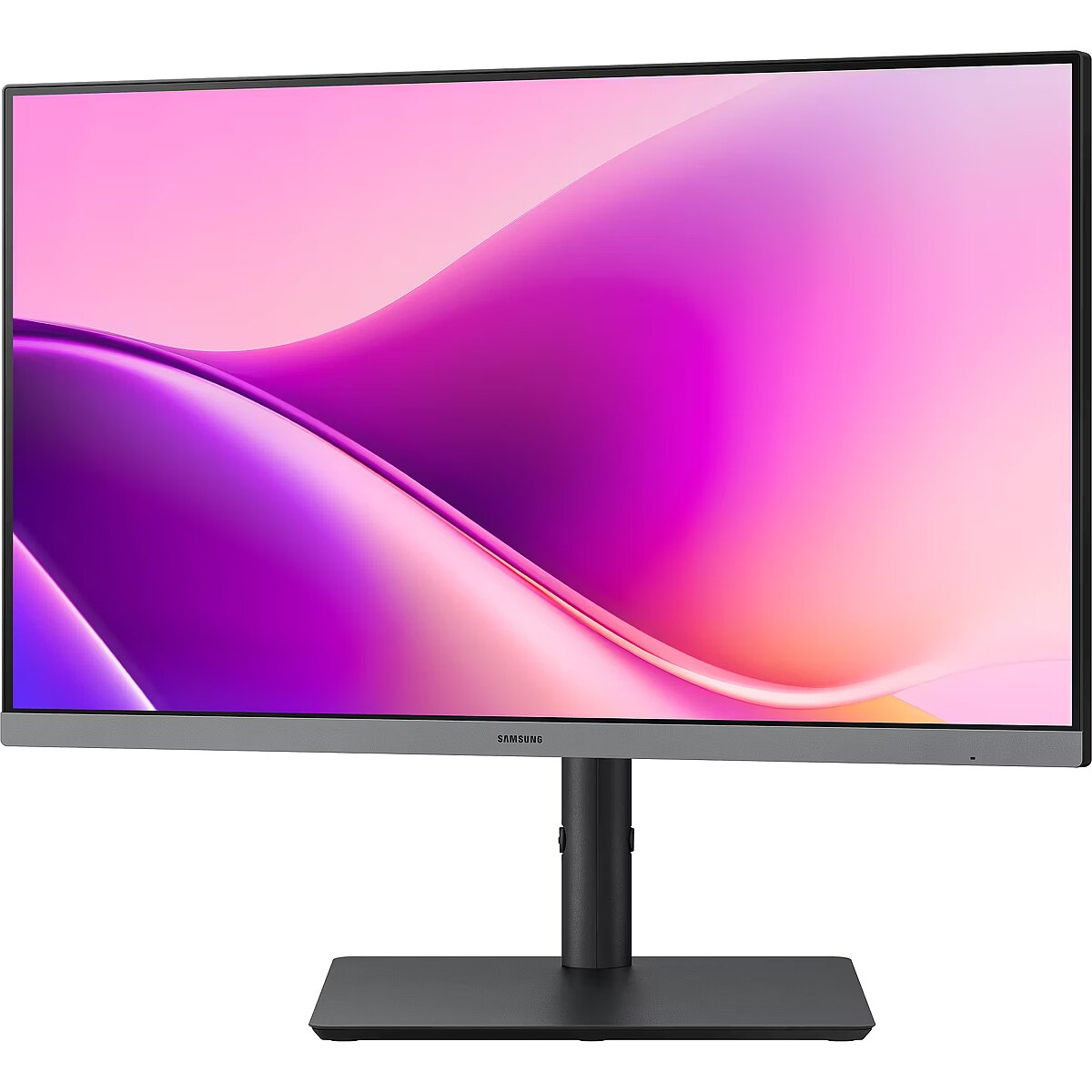
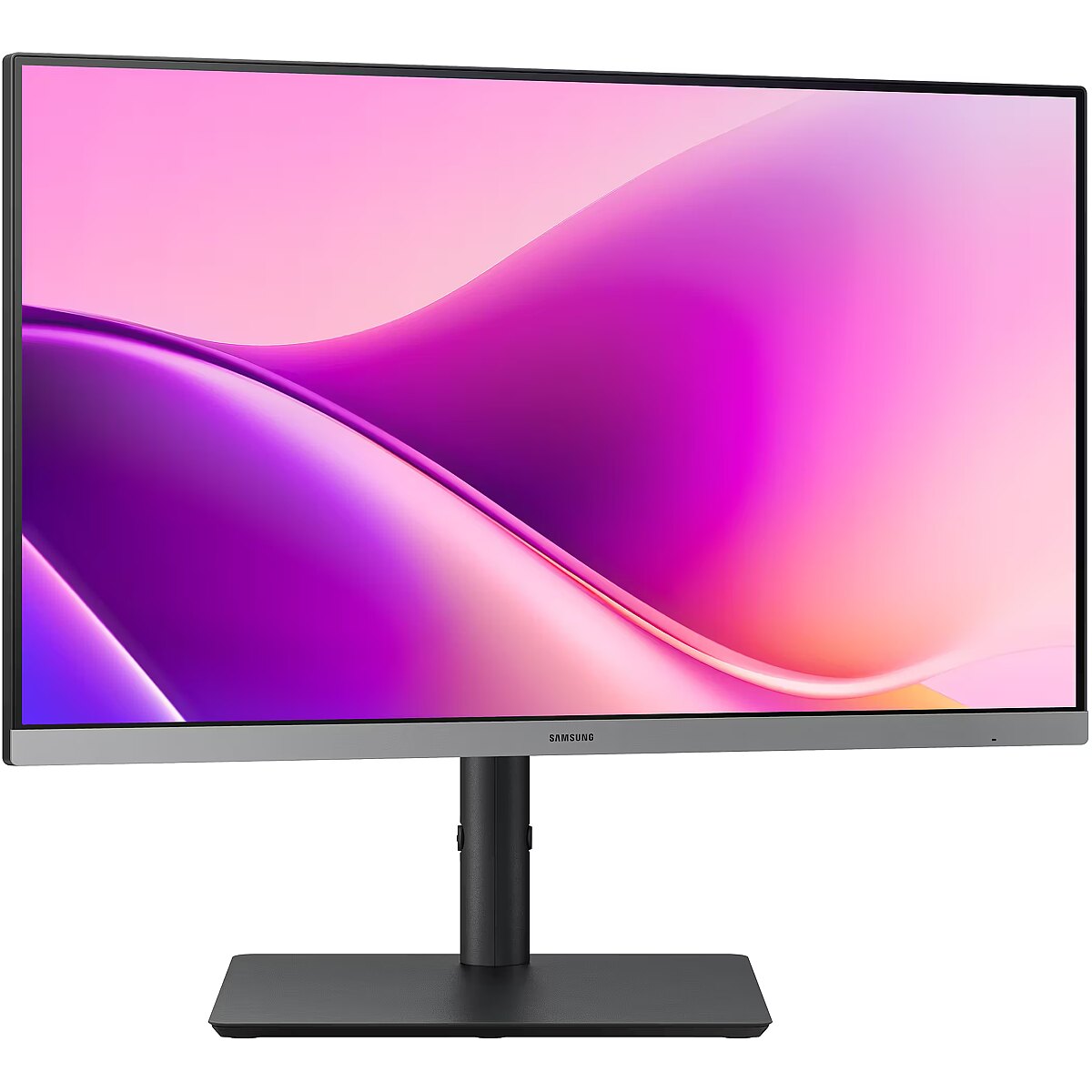
This Samsung LS24F430UAUXEN, 24" monitor with FHD 1920x1080 resolution is suitable for comfortable work with documents, web content, and multimedia. It provides natural image reproduction, comfortable viewing, and stable performance, satisfying user needs for a universal work screen.
The response time 5ms reduces pixel transition delay, thereby minimizing blur and afterimage formation in moving images. Such an indicator is especially useful for dynamic content, ensuring clearer and more stable frame representation. The monitor responds faster to image changes, improving visual accuracy.
The IPS technology provides a stable image, thanks to wide viewing angles and consistent color reproduction across the entire screen area. Unlike TN and VA panels, IPS maintains accurate colors even when the viewing position is changed, reducing distortions and increasing reliability for precise visual work.
The 100 Hz refresh rate ensures enhanced motion smoothness and more accurate dynamic object depiction, reduces noticeable blur during scrolling, and improves image response. It is suitable for users who require more stable visual perception in games, multimedia, and professional work.
Flicker-Free reduces the frequency flickering common to some brightness adjustment methods. This reduces visual stress and ensures a smooth, pleasant image for the eyes. The technology is particularly useful for working in darker rooms and during prolonged viewing sessions.
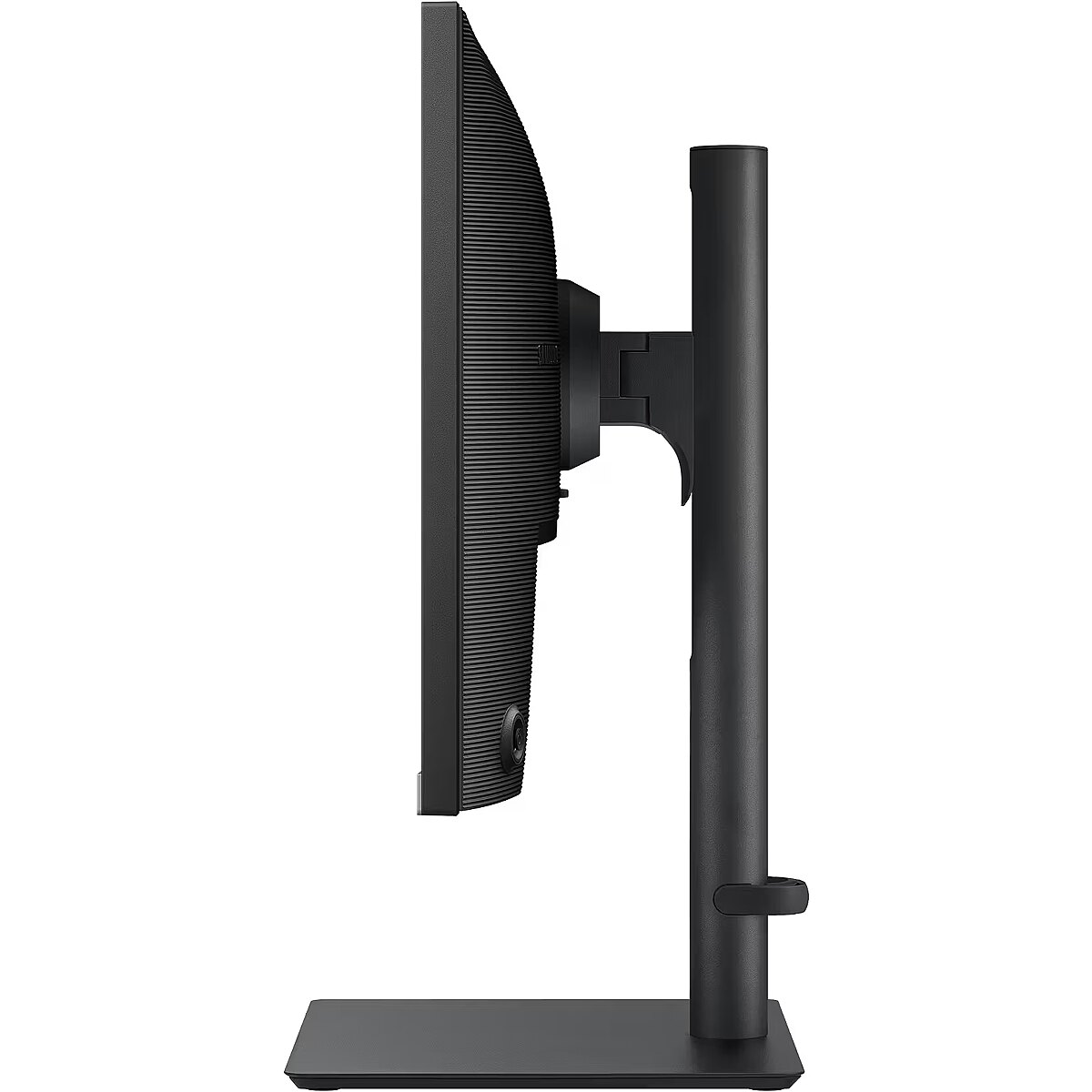
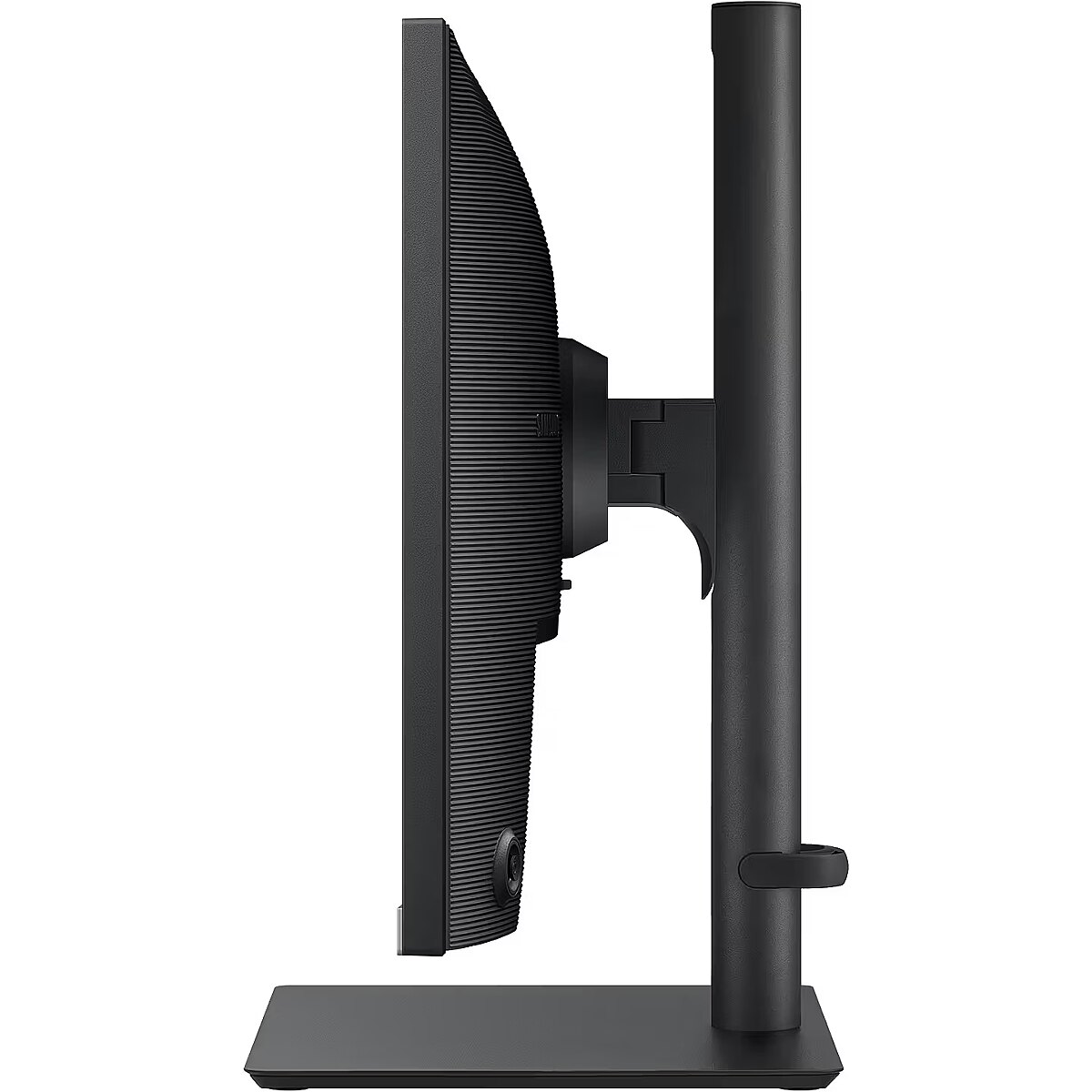
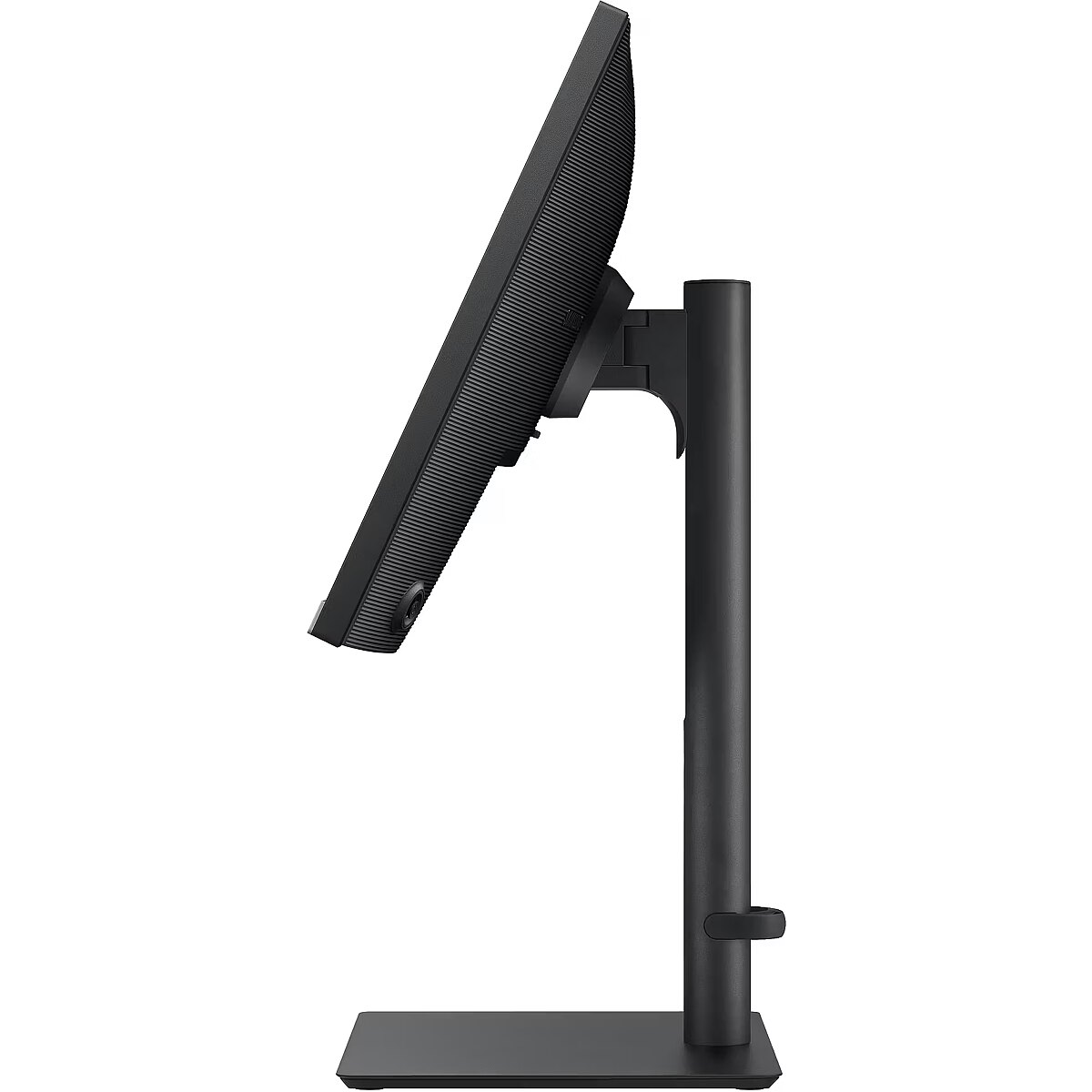
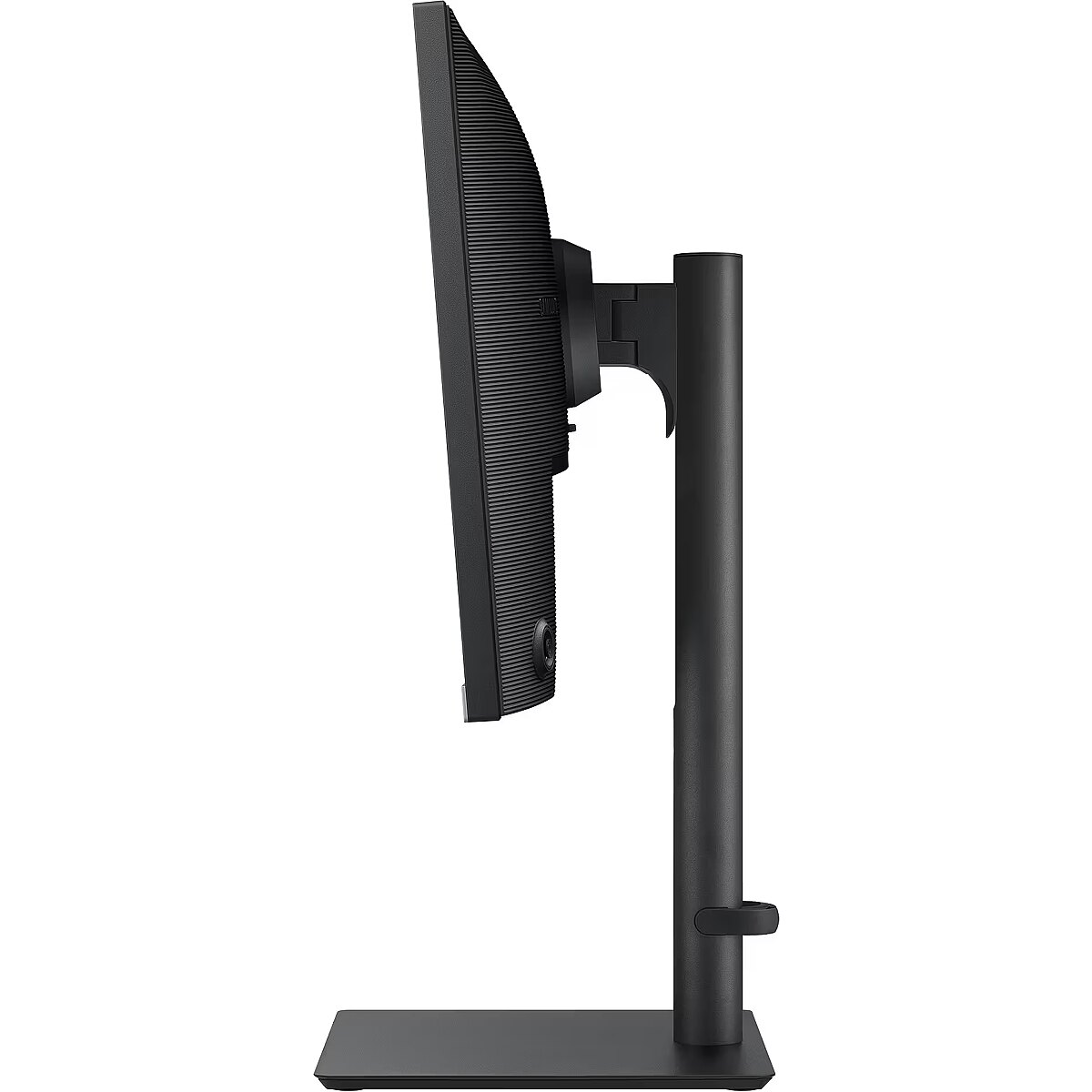
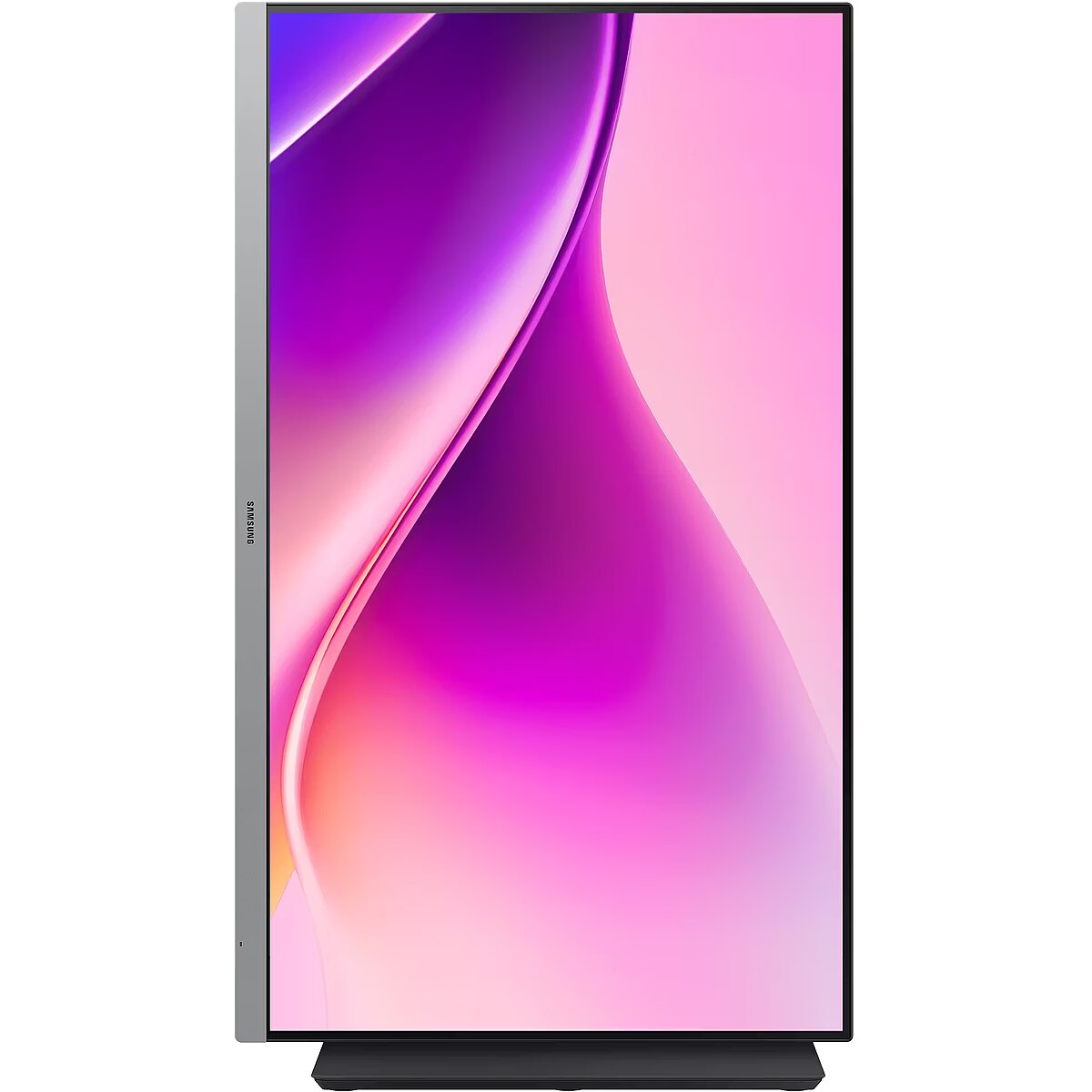
The Pivot function allows the user to quickly switch between horizontal and vertical orientation, adapting the screen to the task at hand. Vertical positioning enhances the display of long structured data, technical information, and graphics, helping to work with large volumes of material without loss of convenience.
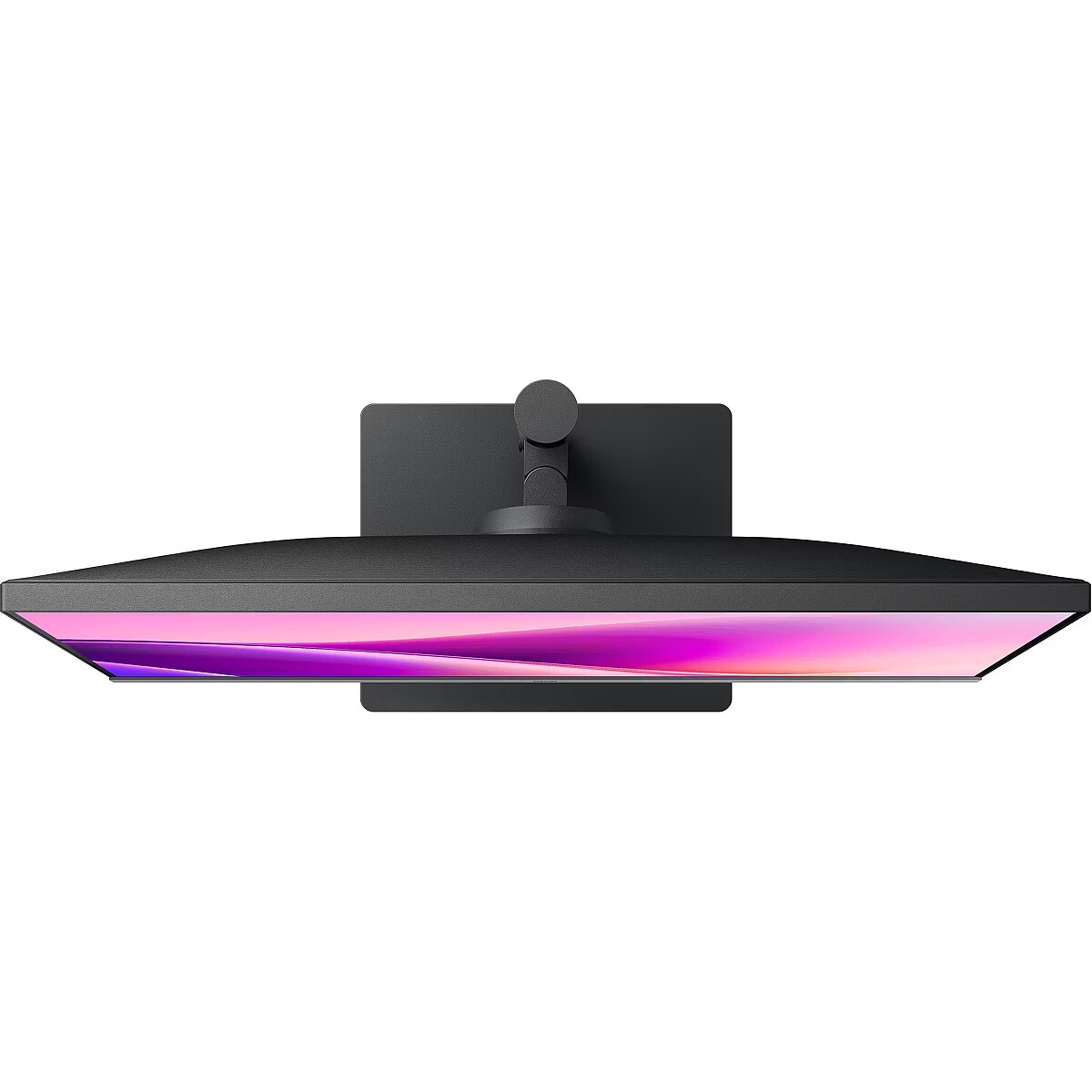
The Swivel technology allows the monitor to be rotated left and right around the vertical axis, ensuring precise screen positioning in relation to the user. Such a design improves the viewing angle, reduces neck strain, and makes the workspace more comfortable for collaboration or material demonstration.
Tilt mechanism allows to change the screen's vertical angle without moving the whole construction. Such adjustment improves workplace ergonomics, ensures stable image quality and helps to adapt the monitor to the user's individual preferences or specific tasks.
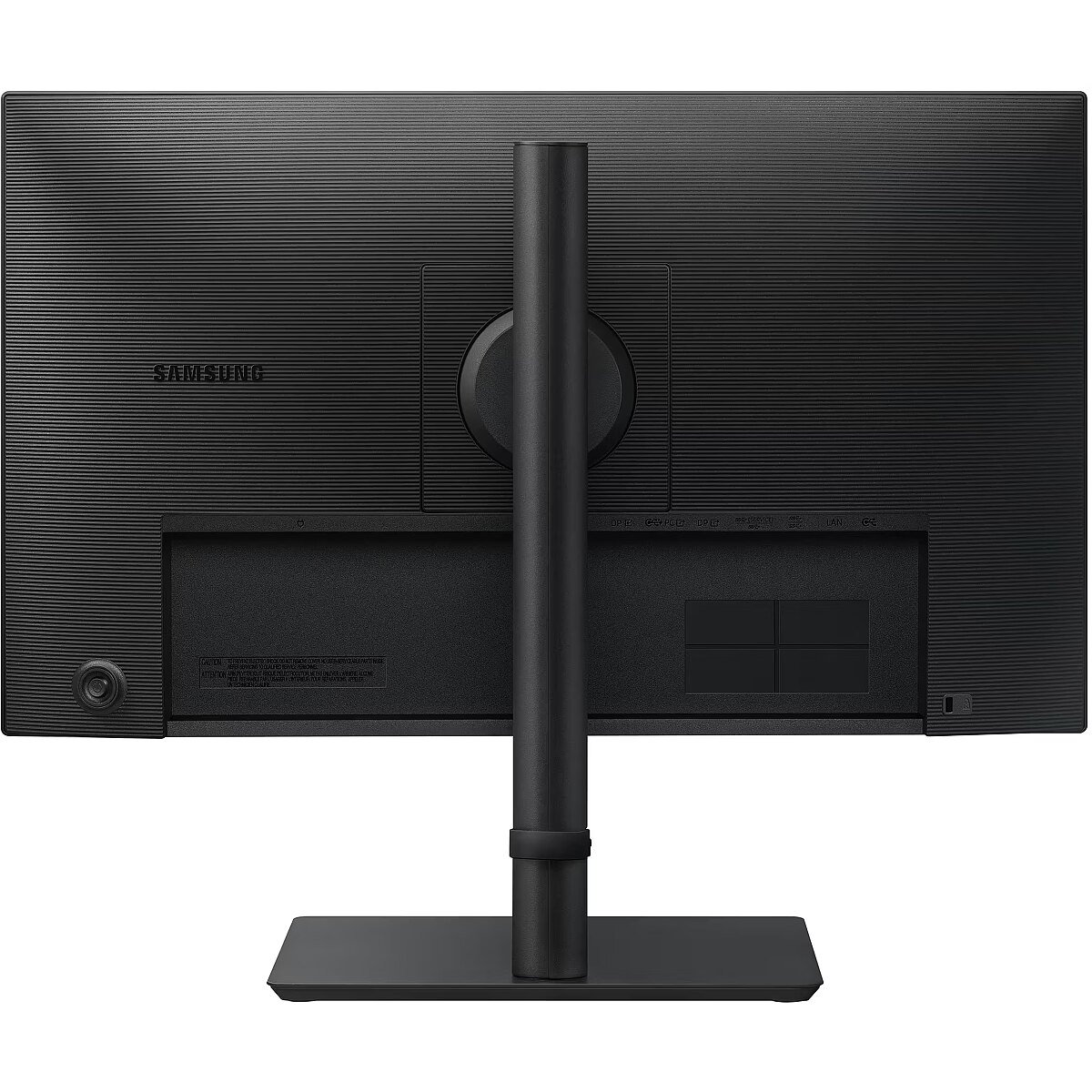
Compatibility with VESA wall mount makes the monitor universal for installation: it can be attached to the wall, used with a movable bracket or integrated into an ergonomic stand. The standard facilitates assembly, improves cable organization and frees up additional space.
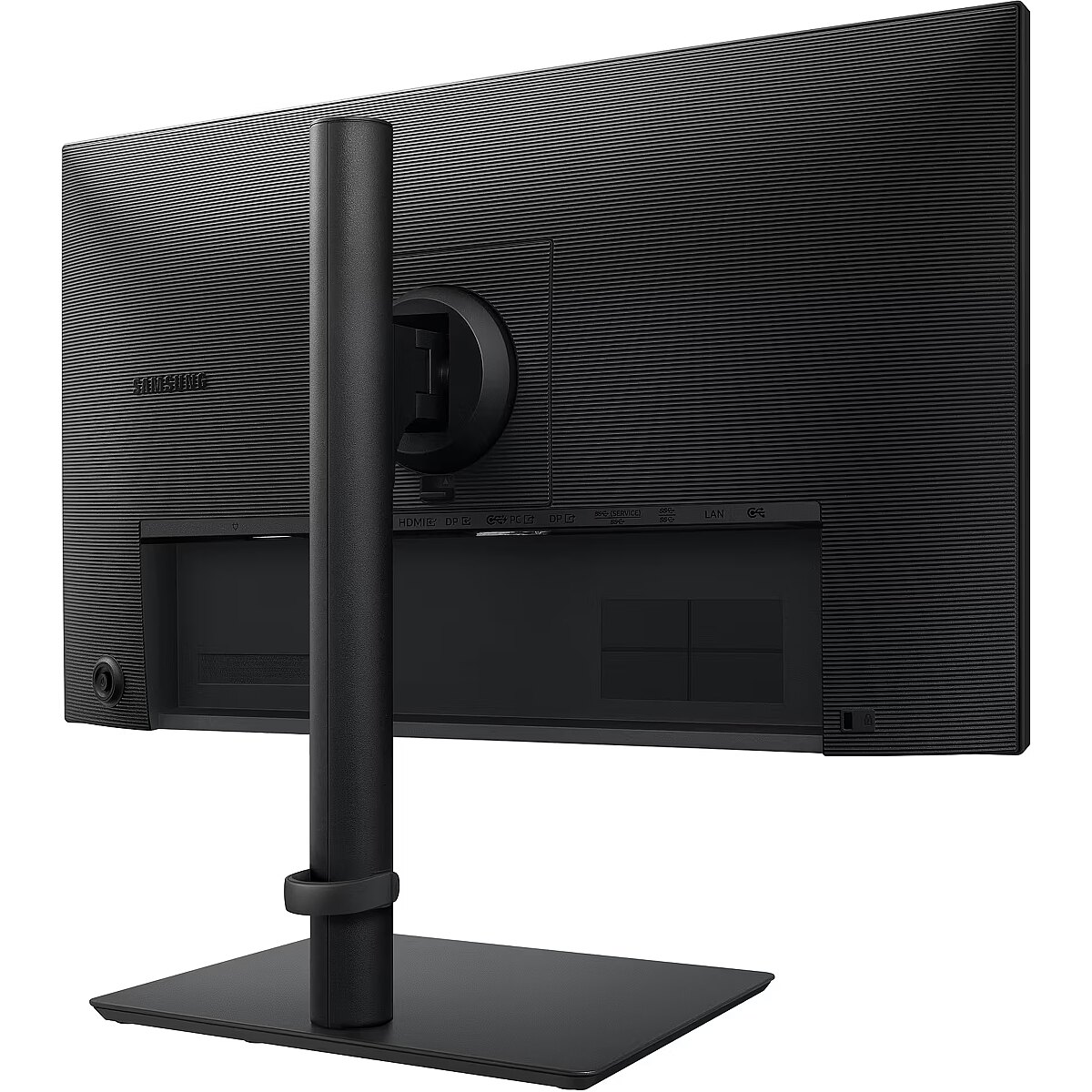
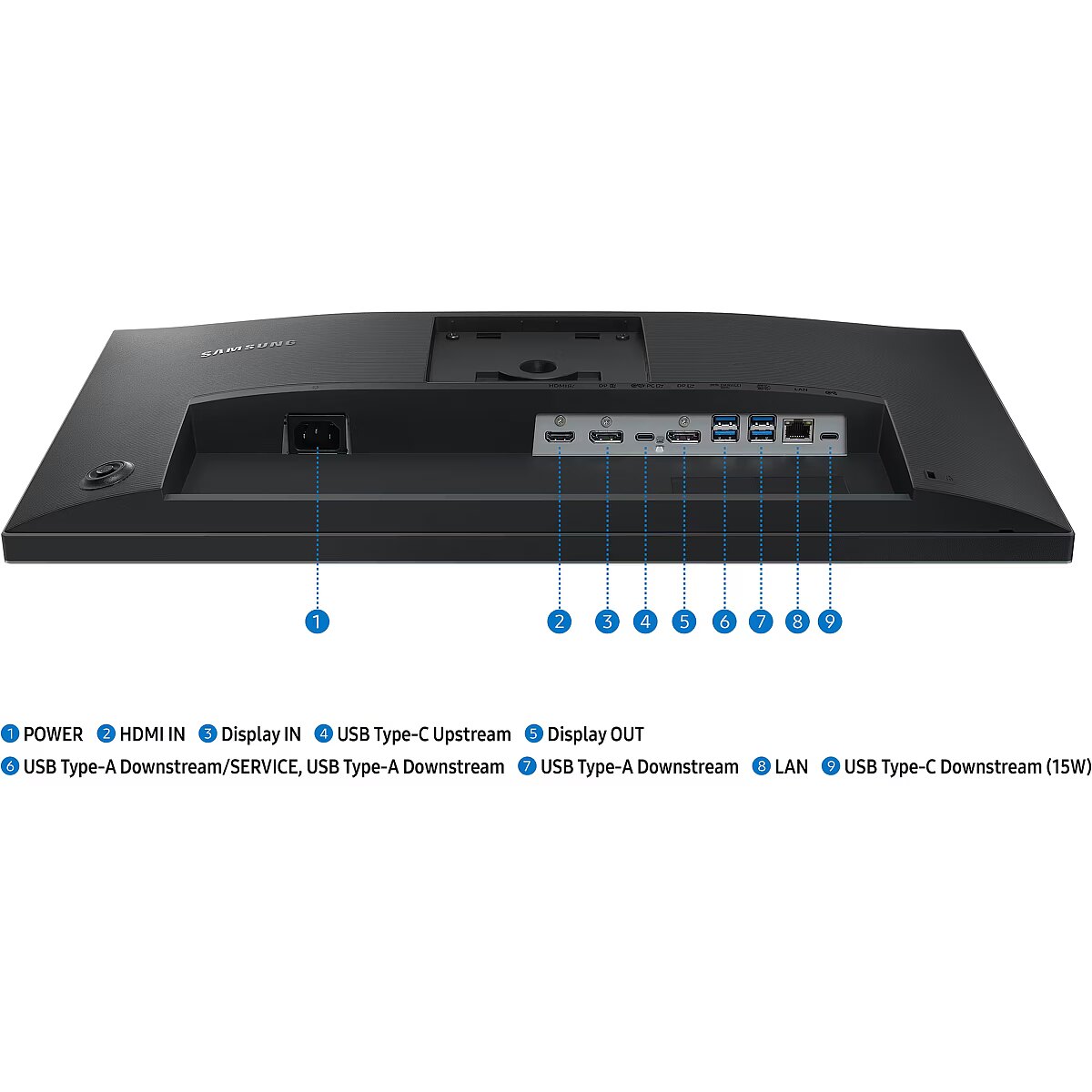
HDMI provides video and audio transmission with a single cable, which enhances connection stability and reduces the risk of interference. The interface reduces the number of connections and maintains the integrity of the digital signal. HDMI supports modern formats and ensures reliable operation with a wide range of devices.
DisplayPort is a modern interface that allows stable image transmission with high resolution and refresh intensity. The interface is compatible with professional and gaming monitors, supports multiple monitor configurations and HDR, ensuring accurate detail transmission and minimal graphics distortion.
The USB-C connection combines image, sound, data and power transmission into one cable, reducing workplace load and speeding up device connectivity. It is compatible with many modern laptops and provides a stable signal, making monitor usage more convenient and technically effective.
Several USB-C ports ensure flexible modern device connection. The ports support image, data, and power transmission over a single cable, simplifying workplace organization. Simultaneous connection of multiple devices increases convenience and speeds up switching between them.
USB Power Delivery provides device charging directly from the monitor, reducing the need for separate power blocks. It simplifies device placement and reduces the number of wires. Parallel charging and signal transmission makes the connection more functional and versatile.
The presence of a USB-C video input allows the monitor to receive audio and video signals through a single universal cable, reducing the need for separate interfaces. Support for modern standards ensures quality data transmission and wide compatibility, making the connection more convenient and technically justified.
Warranty
Samsung provides this model with a 2 year warranty at all certified service centres.
*When purchasing a monitor on the legal entity's details - manufacturer's warranty 1 year.



 DVI is a digital standard and ensures high image quality, however, thanks to the big size of the plug and the inability of the standard to develop further due to a few technical restrictions this type of connection is gradually losing its popularity to modern HDMI and DisplayPort standards.







