ARTIKEL1 - XCB3497WQSNPH-B1 34 IN UQHD UW
ARTIKEL2 - 350CD/QM 0.4MS USB-C DOCK (LAN
Brand - iiyama
BrandPartCode - XCB3497WQSNPH-B1
Breite - 0.5
Category - Computer Monitors
Category 1 - Displays
Category 2 - Monitore
Category_1 - Monitors and TV
Category_2 - LED Monitors 31 inches and up
Design - Market positioning - Business
Design - Product colour - Black
Display - Colour depth - 8 bit
Display - Contrast ratio (typical) - 3000:1
Display - Display brightness (typical) - 350 cd/m²
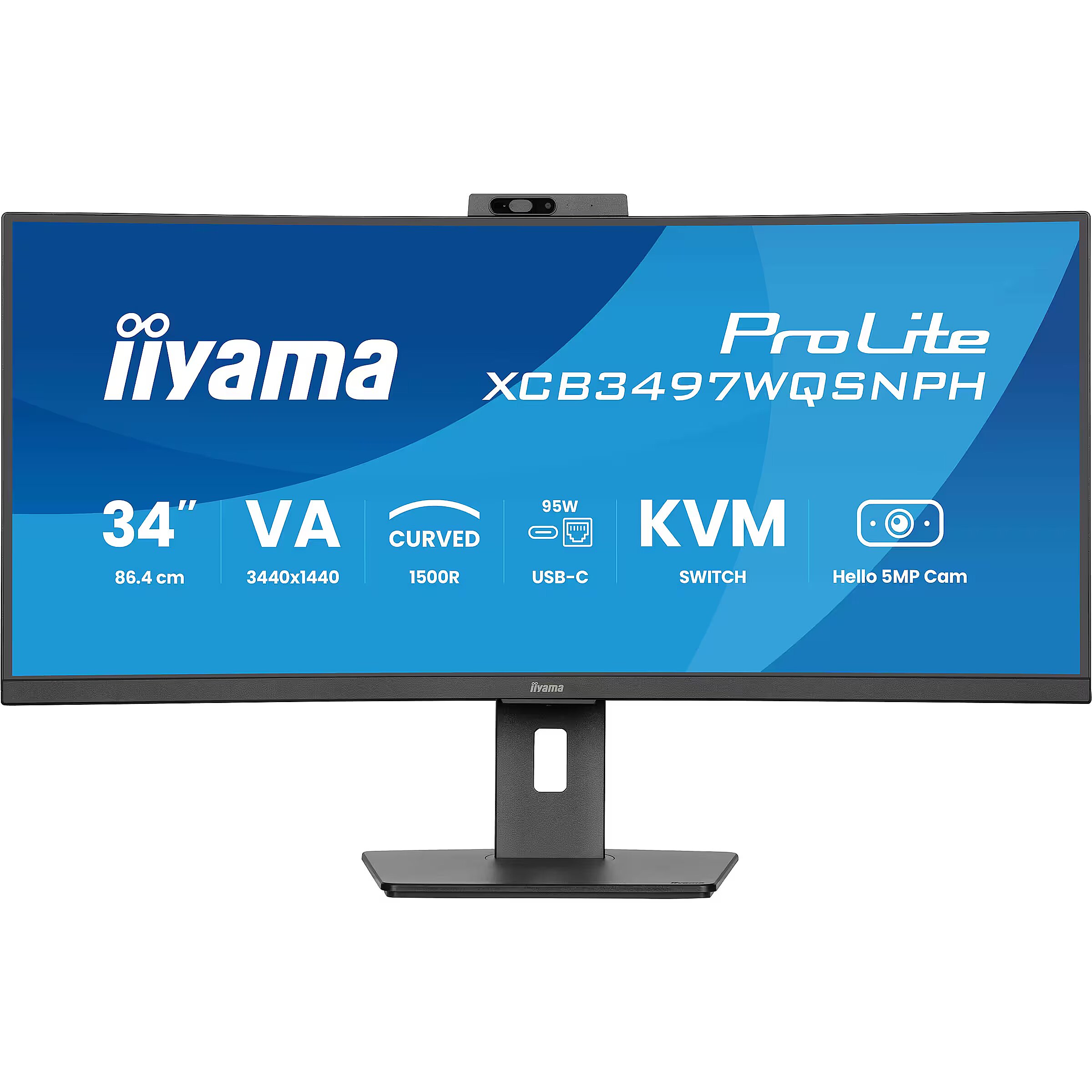
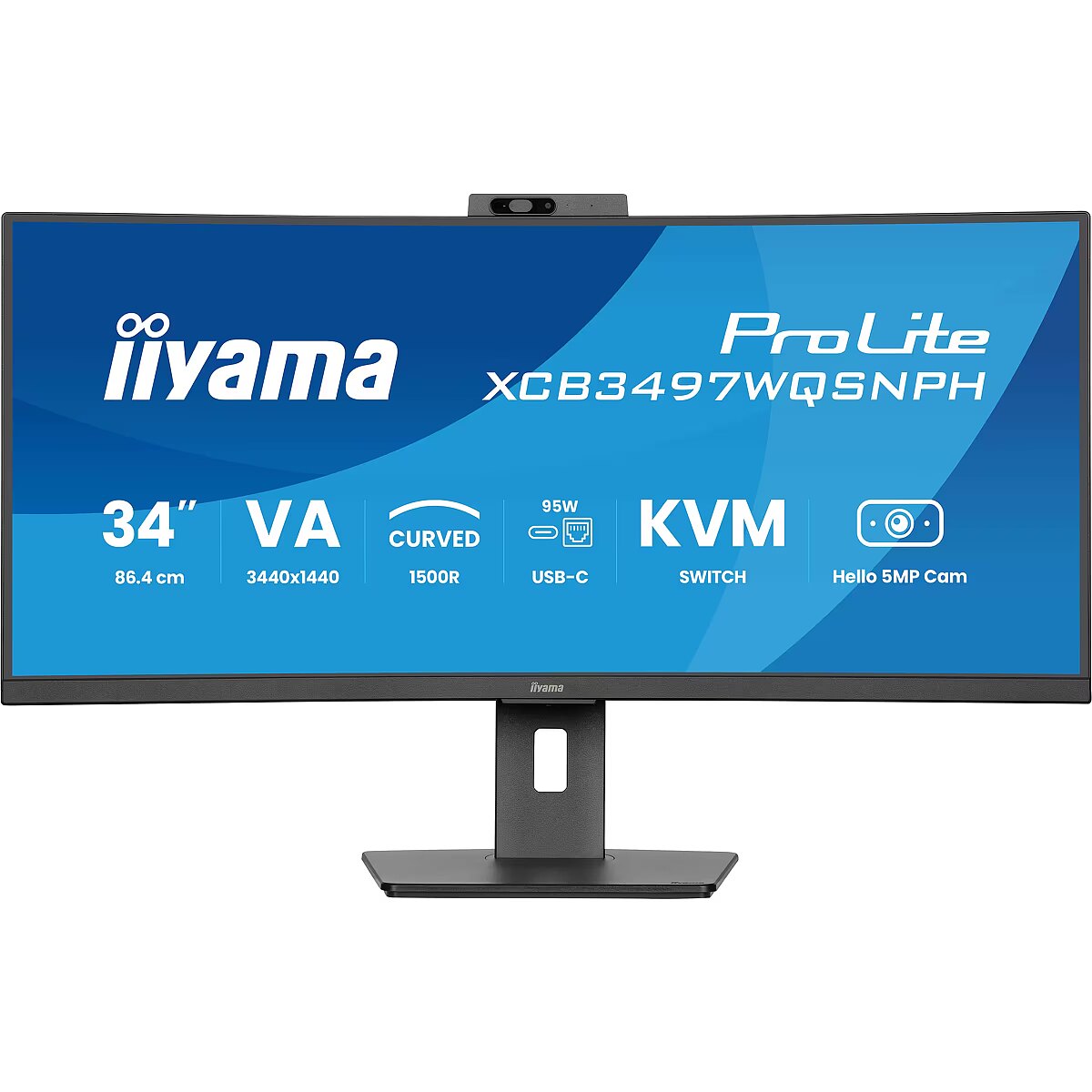
Display - Display diagonal - 86.4 cm (34")
Display - Display diagonal (metric) - 86.7 cm
Display - Display number of colours - 16.7 million colours
Display - Display resolution - 3440 x 1440 pixels
Display - Display surface - Matt
Display - Display technology - LED
Display - HD type - UltraWide Quad HD
Display - Horizontal scan range - 30 - 180 kHz
Display - Maximum refresh rate - 120 Hz
Display - Native aspect ratio - 16:9
Display - NTSC coverage (typical) - 72%
Display - Panel type - VA
Display - Pixel pitch - 0.232 x 0.232 mm
Display - Response time - 0.4 ms
Display - Response time (MPRT) - 0.4 ms
Display - Screen curvature rating - 1500R
Display - Screen shape - Curved
Display - sRGB coverage (typical) - 99%
Display - Touchscreen - No
Display - Viewable size, horizontal - 79.7 cm
Display - Viewable size, vertical - 33.4 cm
Display - Viewing angle, horizontal - 178°
Display - Viewing angle, vertical - 178°
EAN - 4948570125296
EANCode - 4948570125296
EAN_code - 4948570125296
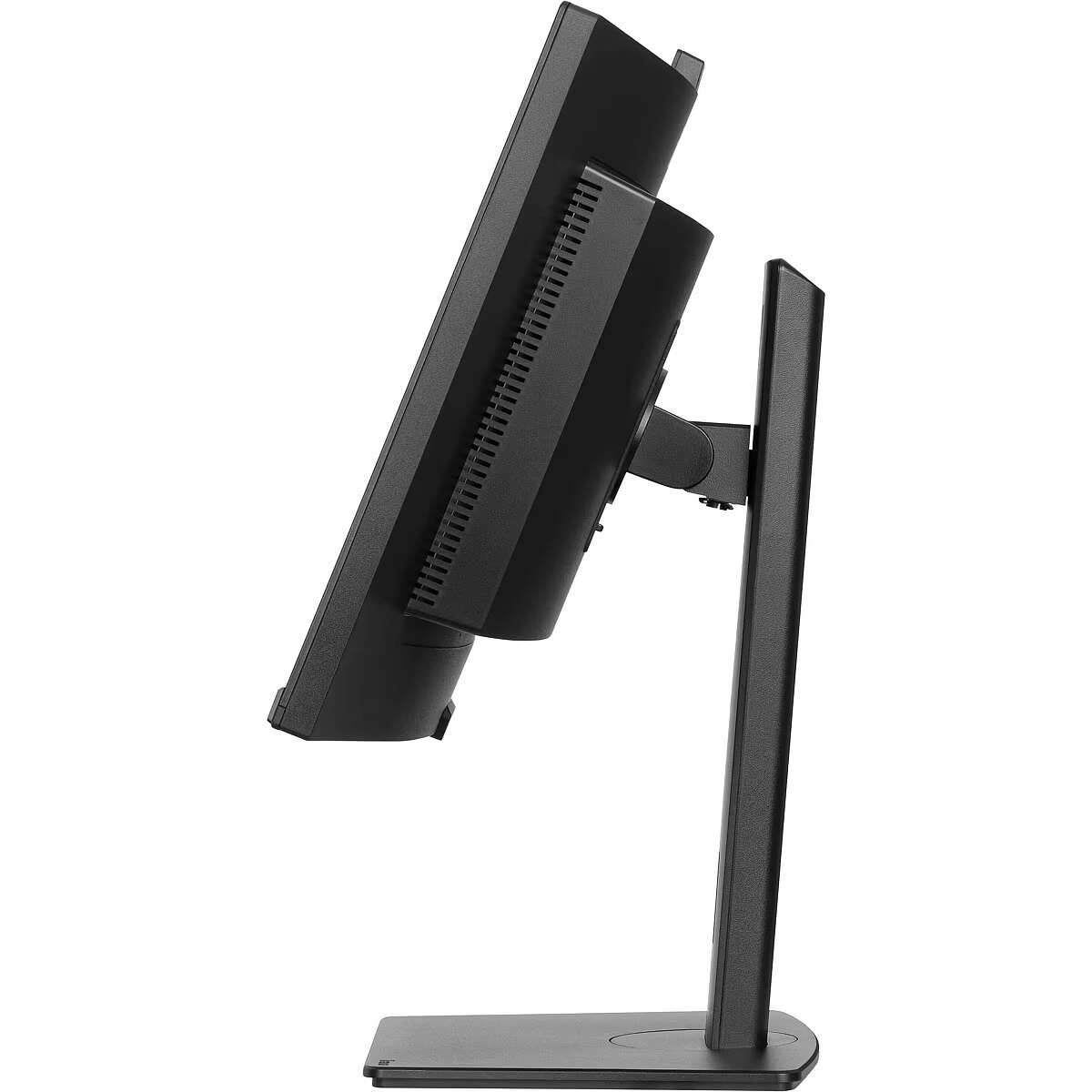
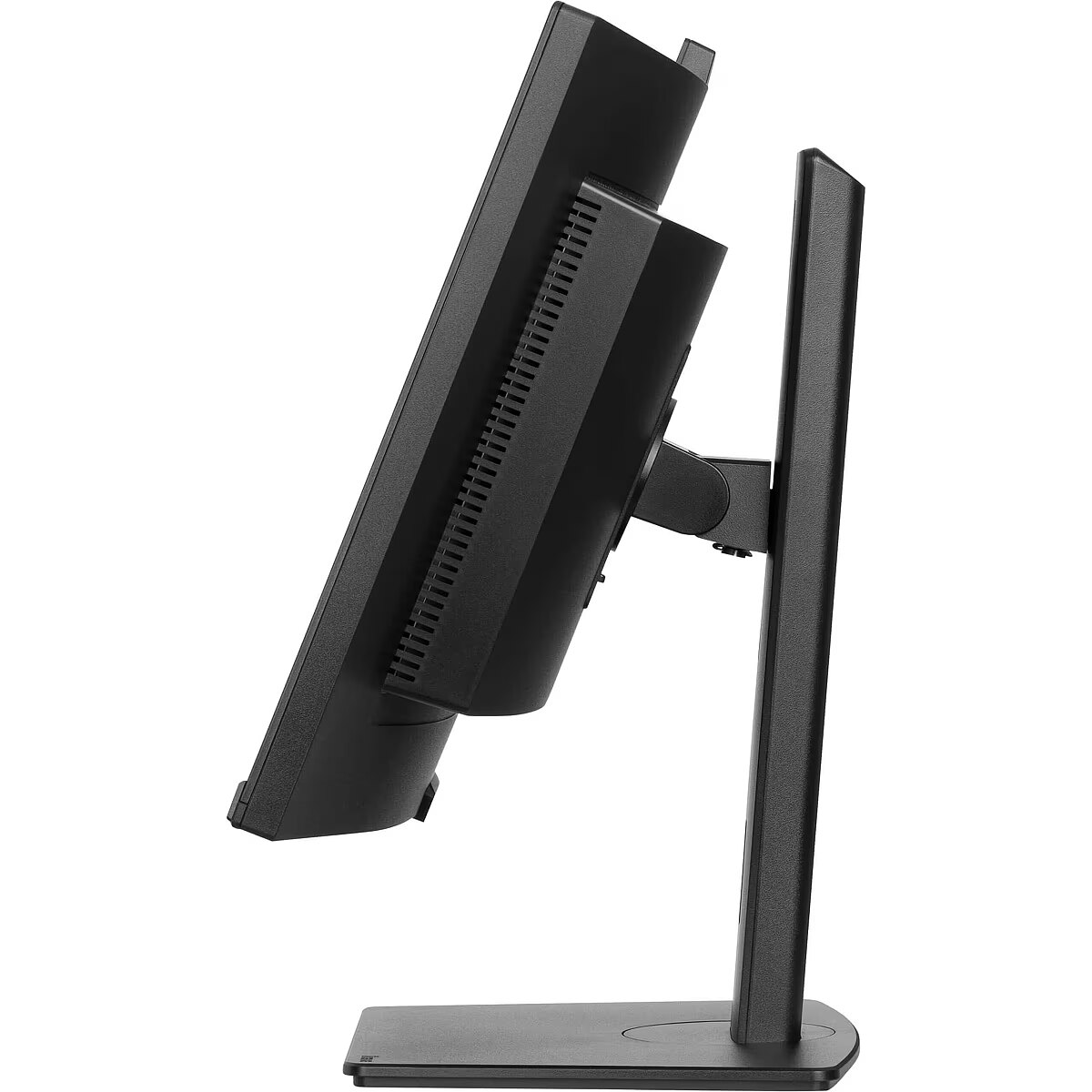
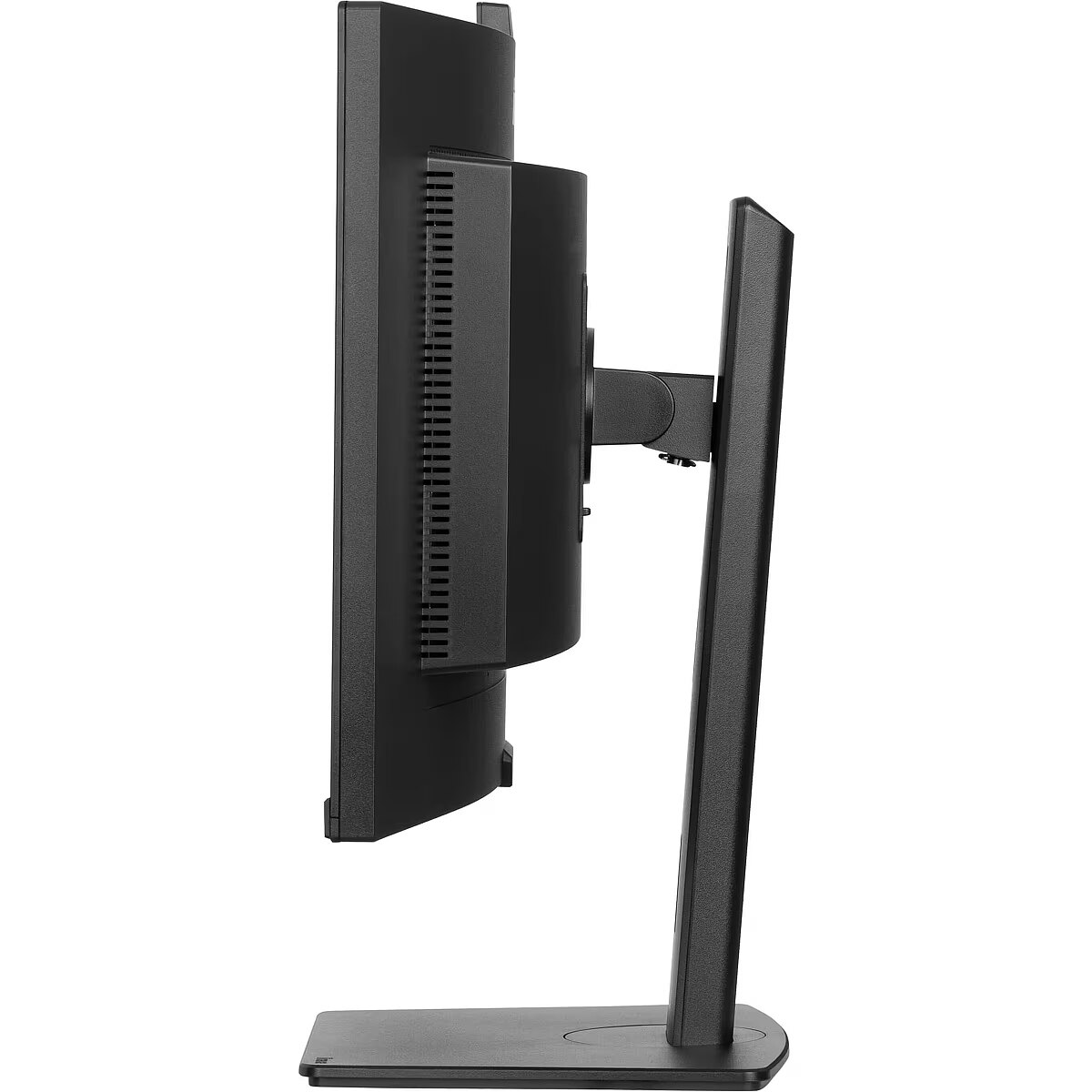
Ergonomics - Adjustable height (max) - 15 cm
Ergonomics - Cable lock slot - Yes
Ergonomics - Cable lock slot type - Kensington
Ergonomics - Cable management - Yes
Ergonomics - Height adjustment - Yes
Ergonomics - Number of OSD languages - 10
Ergonomics - On Screen Display (OSD) languages - Czech, German, English, Spanish, French, Italian, Japanese, Dutch, Polish, Russian
Ergonomics - Panel mounting interface - 100 x 100 mm
Ergonomics - Swivel angle range - -45 - 45°
Ergonomics - Swivelling - Yes
Ergonomics - Tilt adjustment - Yes
Ergonomics - Tilt angle range - 23 - 5°
Ergonomics - VESA mounting - Yes
Ergonomics - Wall mountable - Yes
Gewicht - 14.1
GRUPPE1 - Displays
GRUPPE2 - Lcd Monitor
GTIN - 4948570125296
HERSTELLER - IIYAMA CONSIGNMENT
Hoehe - 0.2
HSTNUMMER - XCB3497WQSNPH-B1
Laenge - 0.94
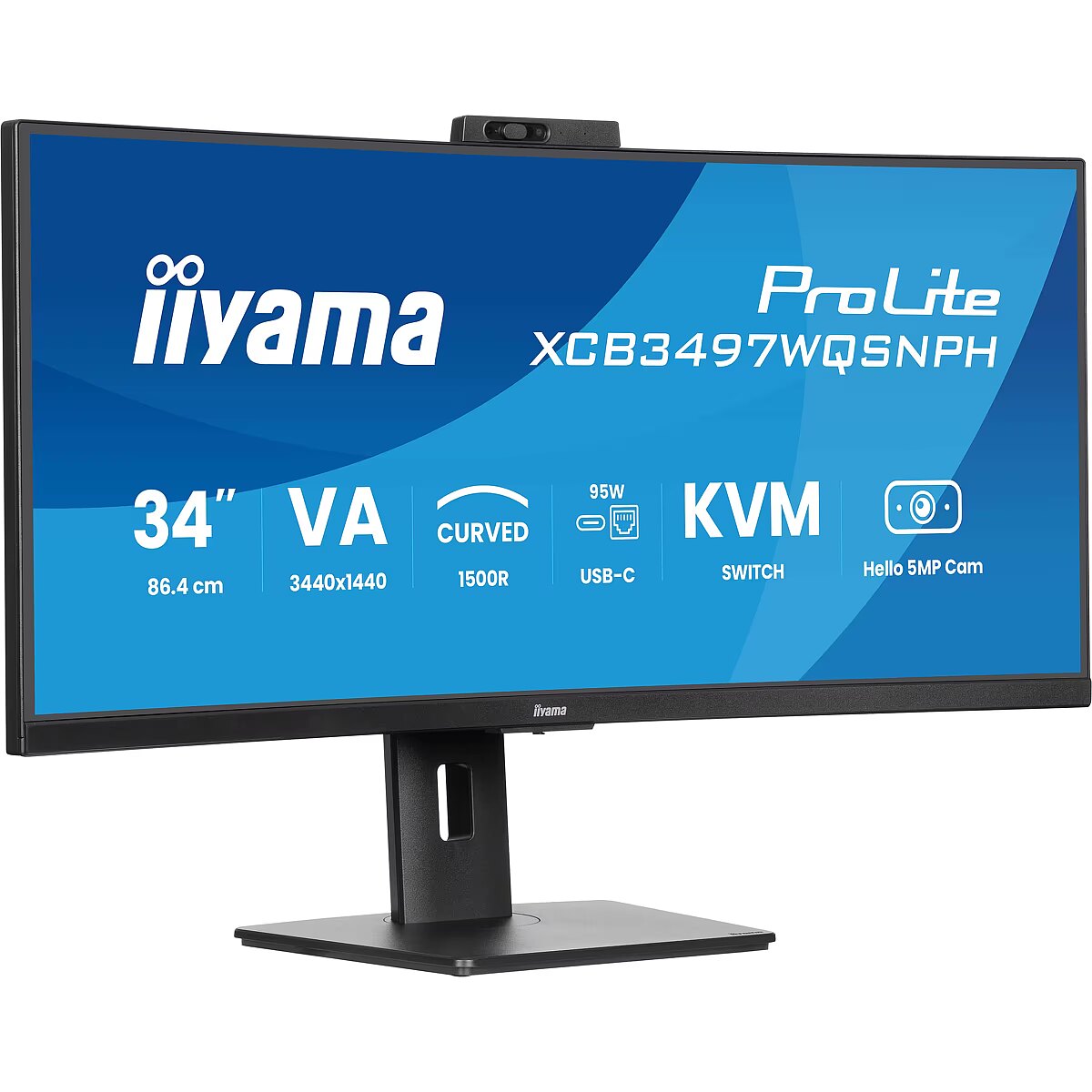
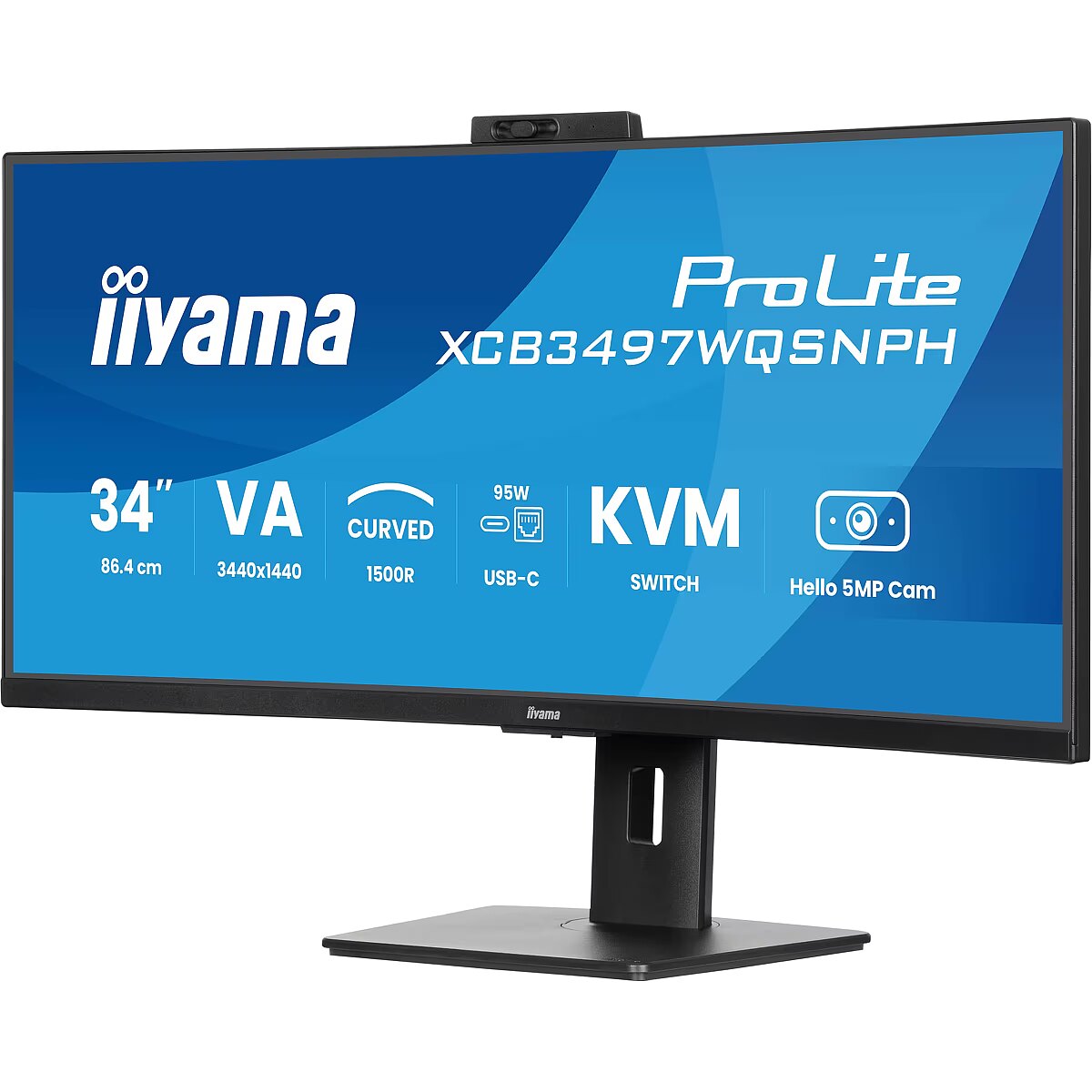
LongDesc - Meet the XCB3497WQSNPH — a 34" curved all-in-one monitor designed for effortless efficiency. With a built-in KVM switch and USB-C dock, you can seamlessly control multiple devices and connect your laptop with a single cable. The vibrant VA panel delivers stunning colors, deep contrast, and wide viewing angles for an immersive experience. Plus, smart features like a 5MP autofocus webcam with Windows Hello, a height-adjustable ergonomic stand, and eye-care technologies keep you comfortable and productive all day.
LongProductName - 34’’ VA UWQHD curved monitor with a built-in Windows Hello camera and microphone, USB-C Dock, LAN, KVM-Switch and 15cm height adjustable stand
LongSummaryDescription - iiyama ProLite XCB3497WQSNPH-B1. Display diagonal: 86.4 cm (34"), Display resolution: 3440 x 1440 pixels, HD type: UltraWide Quad HD, Display technology: LED, Display surface: Matt, Response time: 0.4 ms, Native aspect ratio: 16:9, Viewing angle, horizontal: 178°, Viewing angle, vertical: 178°. Built-in speaker(s). Built-in USB hub, USB hub version: 3.2 Gen 1 (3.1 Gen 1). VESA mounting, Height adjustment. Product colour: Black
Manufacturer - Iiyama
Manufacturer - iiyama
Manufacturer_code - XCB3497WQSNPH-B1
MPN - XCB3497WQSNPH-B1
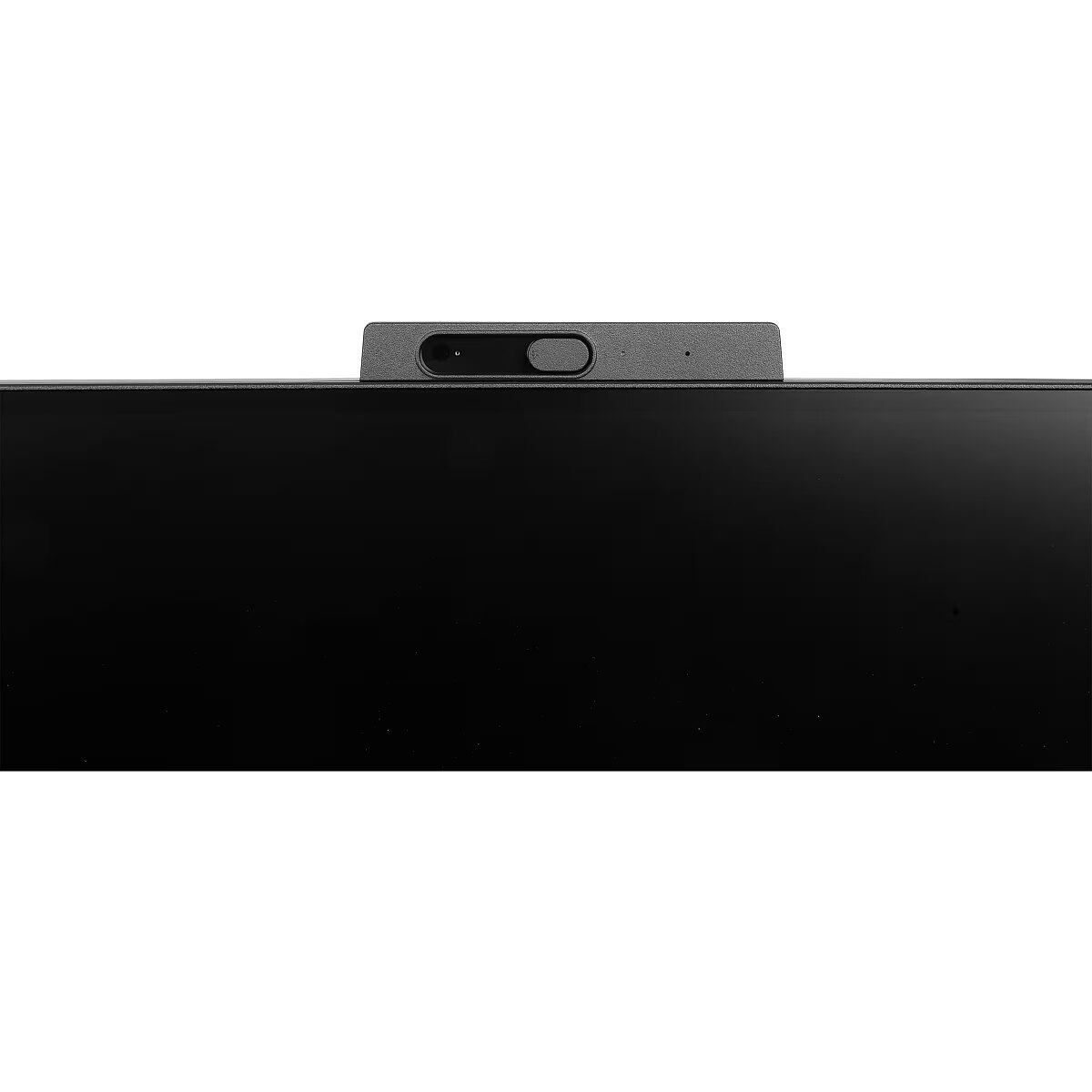
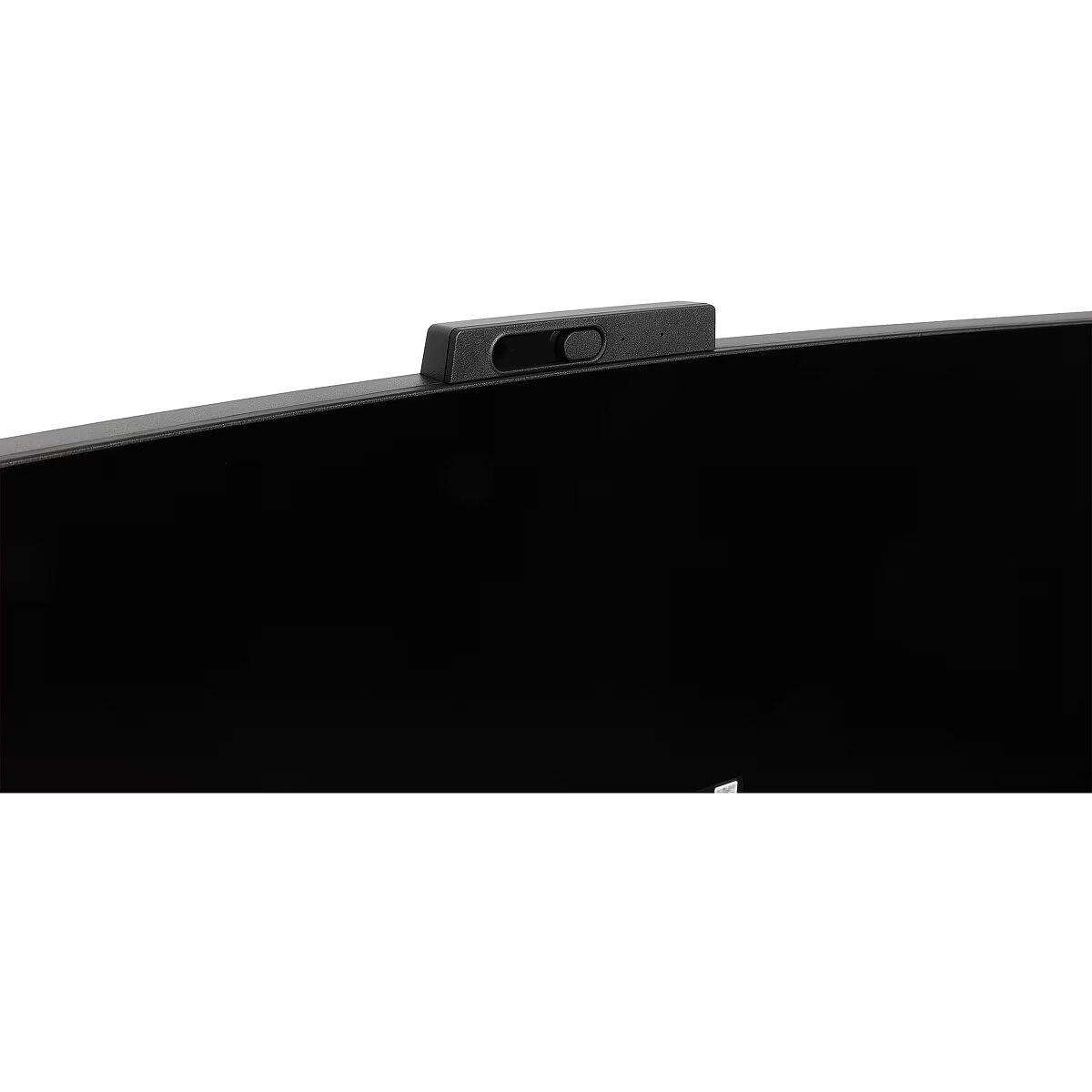
Multimedia - Built-in camera - Yes
Multimedia - Built-in microphone - Yes
Multimedia - Built-in speaker(s) - Yes
Multimedia - Megapixel (approx.) - 5 MP
Multimedia - Number of speakers - 2
Multimedia - RMS rated power - 10 W
Name - iiyama ProLite XCB3497WQSNPH-B1, LED monitor - 34 - black (matt), UWQHD, VA, curved, KVM, USB hub, USB-C, webcam, 120Hz panel
Name - TFT 34.0/86.4cm Iiyama ProLite XCB3497WQSNPH 21:9 curved
Network - Ethernet LAN - Yes
Other features - Certification - TCO Certified, CE, TÜV-GS, EAC, PSE, RoHS support, ErP, WEEE, VCCI, REACH, UKCA
Other features - Compliance certificates - CE, EAC, PSE, REACH, RoHS, TÜV mark, UKCA, VCCI, WEEE
Other features - Control panel - Joystick: Power/ Menu (Centre), Forward/ Signal Select, Backward, Left/ i-Style colour/ ECO/ BlueLight Reducer, Right/ Volume
Other features - Depth - 239.5 mm
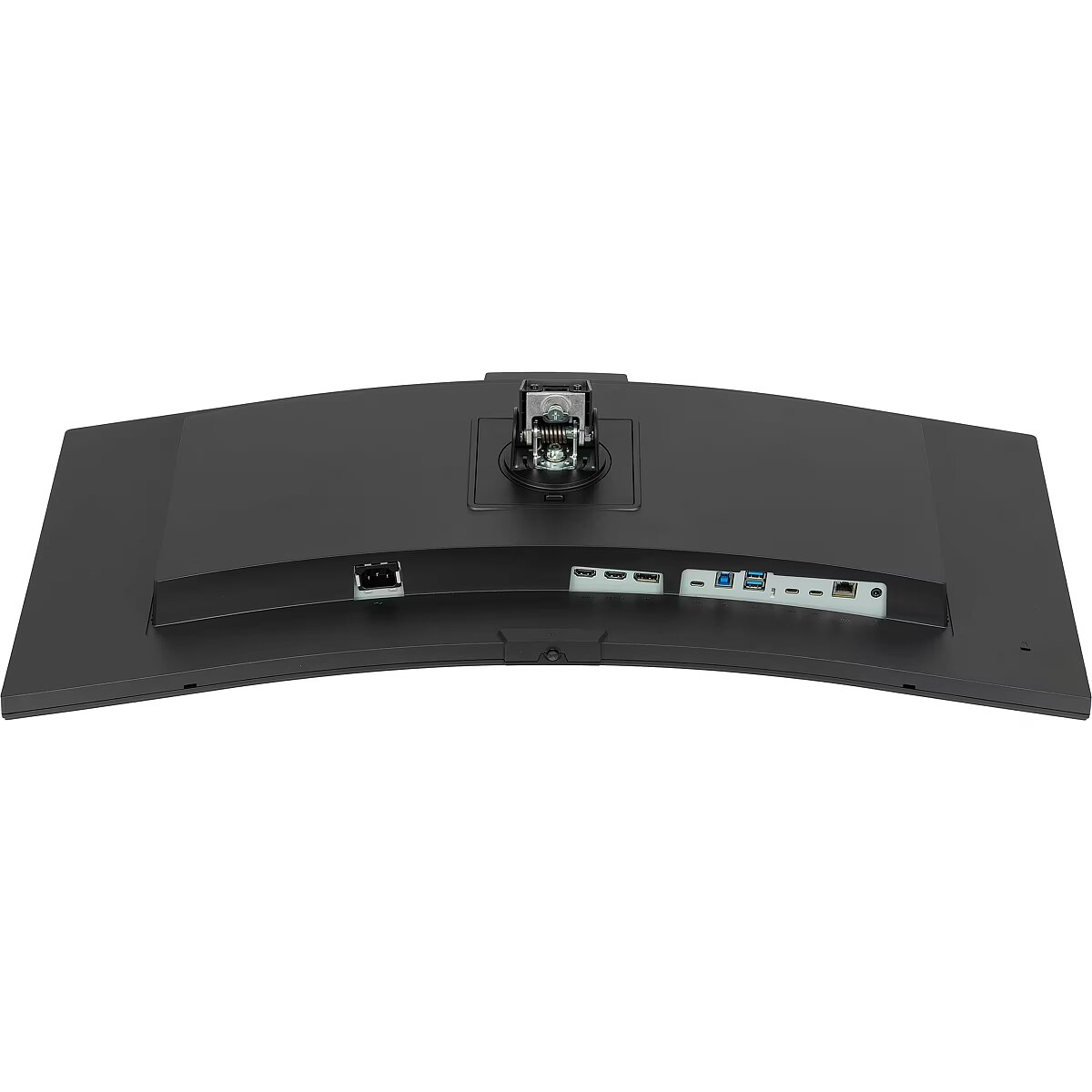
Other features - Ethernet LAN (RJ-45) ports - 1
Other features - Packaging content - quick start guide, safety guide
Other features - User controls - picture adjust (brightness, contrast, Eco, ACR, OD, AdaptiveSync, motion blur reduction, X-Res technology, black tuner), colour settings (6-axis, i-Style colour, blue light reducer, gamma, RGB range, colour temp.,), OSD (OSD H. position, OSD V. position, OSD time, OSD background, DDC/CI control, display information), language, miscellaneous (sharpness, video mode adjust, opening logo, power LED, Mac address, USB charge, USB C speed), KVM (HDMI1, HDMI2, DisplayPort, USB C), input select, audio settings (volume, mute audio), webcam, recall
Other features - Weight - 9.7 kg
Other features - Width - 807 mm
Packaging content - Cables included - AC, USB, HDMI, DisplayPort, USB Type-C
Packaging content - Quick start guide - Yes
Packaging content - Stand included - Yes
Packaging data - Package depth - 198 mm
Packaging data - Package height - 500 mm
Packaging data - Package type - Box
Packaging data - Package weight - 14.2 kg
Packaging data - Package width - 940 mm
Performance - AMD FreeSync - Yes
Performance - AMD FreeSync type - FreeSync Premium
Performance - Flicker-free technology - Yes
Performance - Low Blue Light technology - Yes
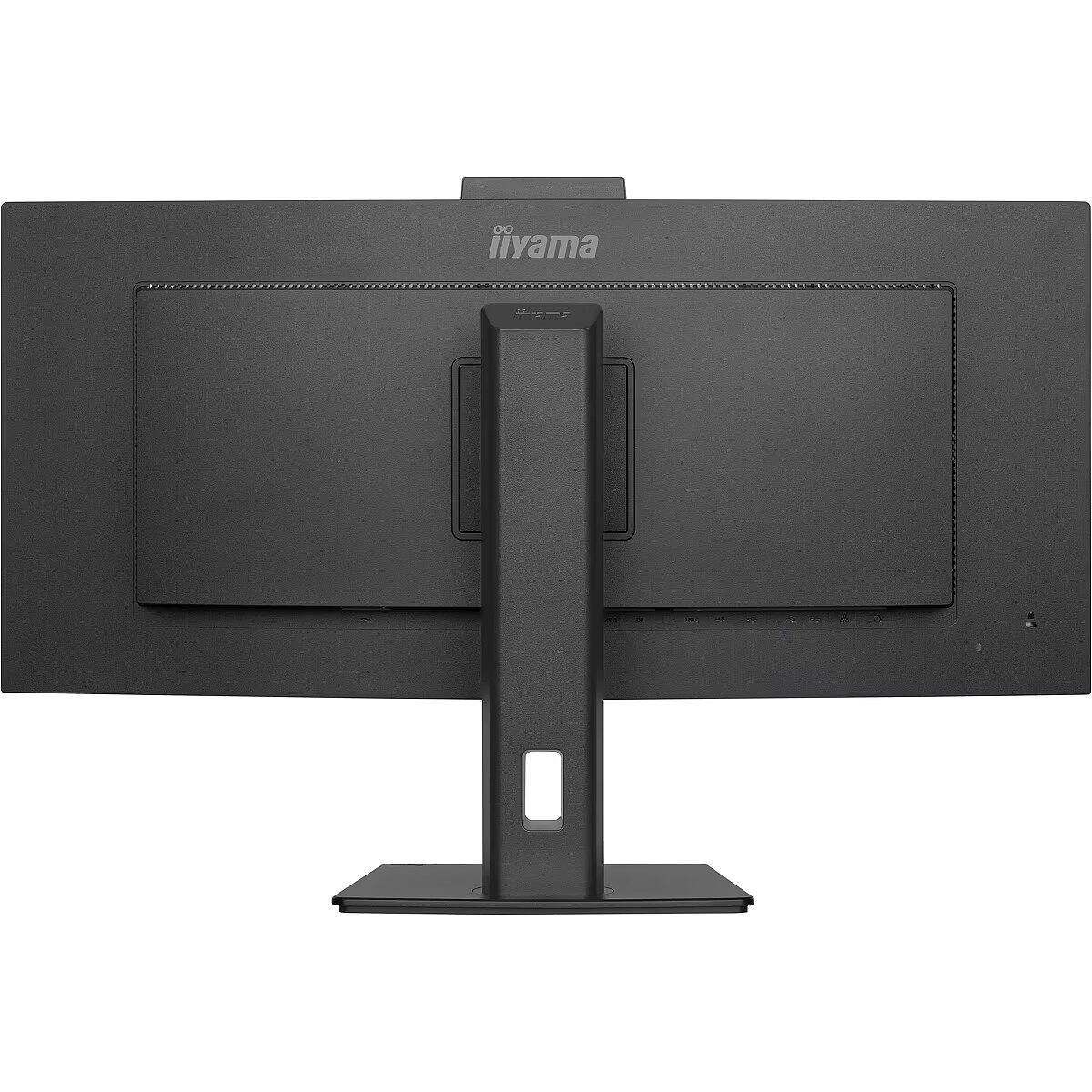
Ports & interfaces - Built-in KVM switch - Yes
Ports & interfaces - Built-in USB hub - Yes
Ports & interfaces - DisplayPorts quantity - 1
Ports & interfaces - HDCP - Yes
Ports & interfaces - HDMI - Yes
Ports & interfaces - HDMI ports quantity - 2
Ports & interfaces - Headphone out - Yes
Ports & interfaces - Number of downstream ports - 4
Ports & interfaces - Number of upstream ports - 4
Ports & interfaces - Number of USB Type-C upstream ports quantity - 1
Ports & interfaces - USB hub version - 3.2 Gen 1 (3.1 Gen 1)
Ports & interfaces - USB Power Delivery (USB PD) - Yes
Ports & interfaces - USB Power Delivery up to - 95 W
Ports & interfaces - USB Type-A downstream ports quantity - 2
Ports & interfaces - USB Type-C downstream ports quantity - 2
Ports & interfaces - USB upstream port type - USB Type-C
Power - AC input frequency - 50 Hz
Power - AC input voltage - 100 - 240 V
Power - Energy consumption (SDR) per 1000 hours - 31.7 kWh
Power - Energy efficiency class (HDR) - Not available
Power - Energy efficiency class (SDR) - F
Power - Energy efficiency scale - A to G
Power - Power consumption (off) - 0.3 W
Power - Power consumption (standby) - 0.4 W
Power - Power consumption (typical) - 32 W
Power - Power supply type - Internal
ProductName - XCB3497WQSNPH-B1
ShortSummaryDescription - iiyama ProLite XCB3497WQSNPH-B1, 86.4 cm (34"), 3440 x 1440 pixels, UltraWide Quad HD, LED, 0.4 ms, Black
Stck_Kart - 1
Stck_Pal - 18
Storno - Y
Sustainability - Sustainability certificates - ErP, TCO
Title - iiyama ProLite XCB3497WQSNPH-B1 computer monitor 86.4 cm (34") 3440 x 1440 pixels UltraWide Quad HD LED Black
URL - https://iiyama.com/
WarrantyInfo -
Weight - 1.4
Weight - 14,05
Weight & dimensions - Depth (without stand) - 239.5 mm
Weight & dimensions - Depth (with stand) - 239.5 mm
Weight & dimensions - Height (without stand) - 443 mm
Weight & dimensions - Height (with stand) - 592.5 mm
Weight & dimensions - Weight (with stand) - 9.7 kg
Weight & dimensions - Width (without stand) - 807 mm
Weight & dimensions - Width (with stand) - 807 mm



 DVI is a digital standard and ensures high image quality, however, thanks to the big size of the plug and the inability of the standard to develop further due to a few technical restrictions this type of connection is gradually losing its popularity to modern HDMI and DisplayPort standards.







