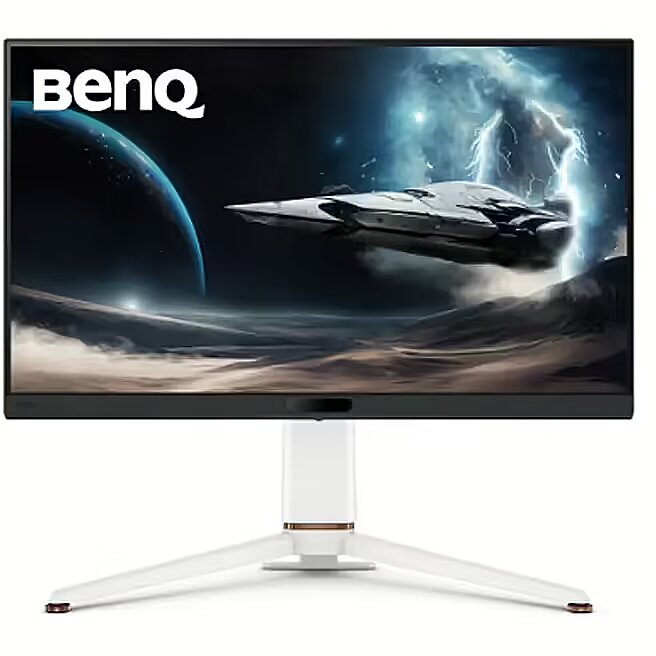
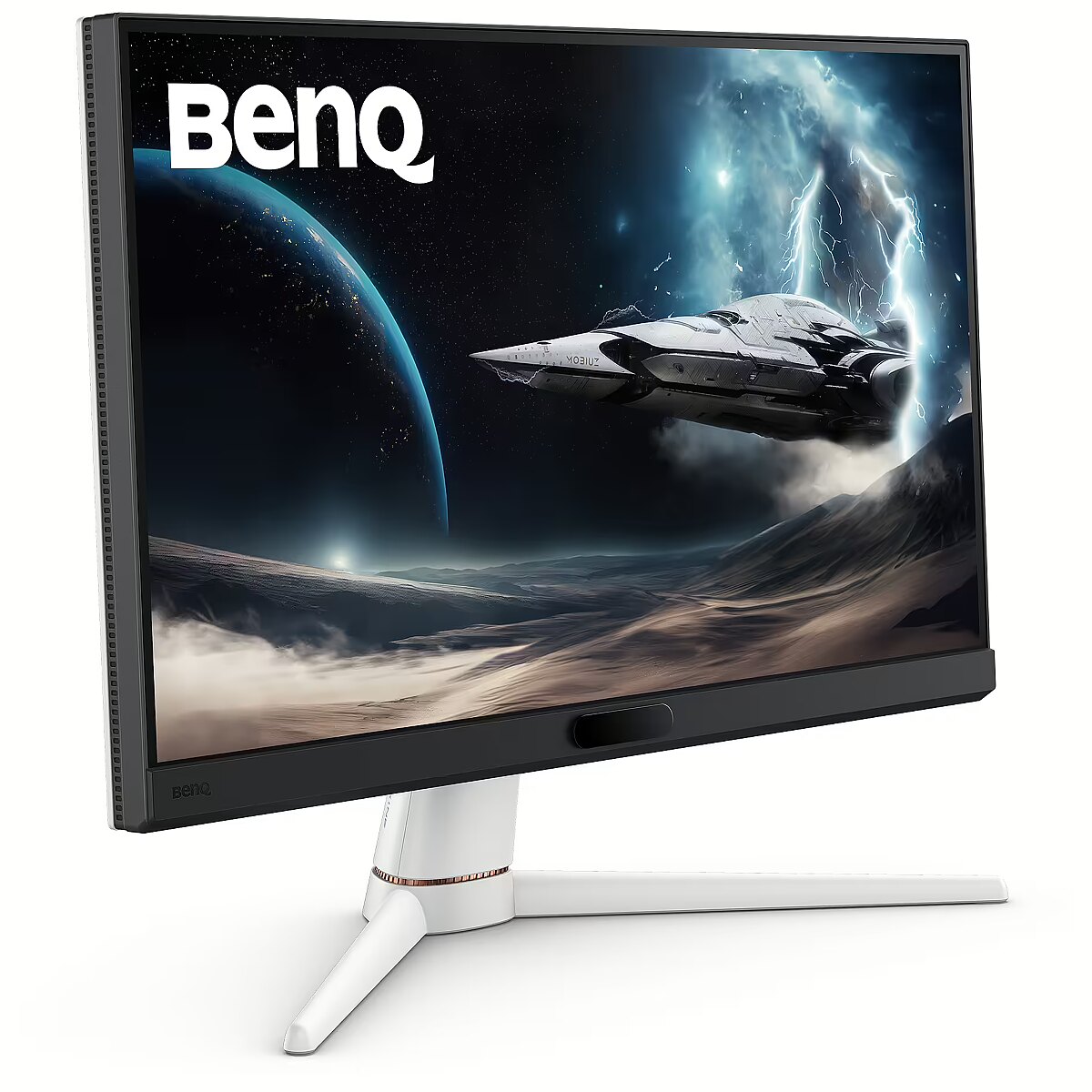
This Benq EX271Q, 27" gaming monitor with a WQHD 2560x1440 resolution delivers incredible detail precision and brightness, making each game scene truly vivid. Such a format is perfectly suited for expansive game worlds and provides advantages due to its wide field of view.
The response time of 1ms ensures a fast pixel transition between tones, reducing the possibility of motion trails and blurring. Such speed improves the sharpness of dynamic scenes and reduces visual artifacts at high frame rate changes, which is essential for interactive applications and precise motion representation.
IPS technology ensures a more uniform liquid crystal structure, allowing pixels to maintain stable properties regardless of the viewing direction. This reduces color shifts and visual artifacts, making IPS technically a more balanced solution in comparison to other panel technologies.
AMD FreeSync provides adaptive monitor refresh rate with variable frequency range. It helps to prevent image tearing that occurs due to unsynchronized frame output. The technology improves motion uniformity and stability, especially in situations with variable frame frequency.
The frequency of 180 Hz allows the panel to refresh frames as quickly as possible, reducing tearing and artifacts. This makes dynamic scenes more predictable and comfortable for reactive control, which is especially important for professional gamers and e-sports athletes, where every fraction of a second is critical.
Flicker-Free reduces the frequency flickering common to some brightness adjustment methods. This reduces visual stress and ensures a smooth, pleasant image for the eyes. The technology is particularly useful for working in darker rooms and during prolonged viewing sessions.
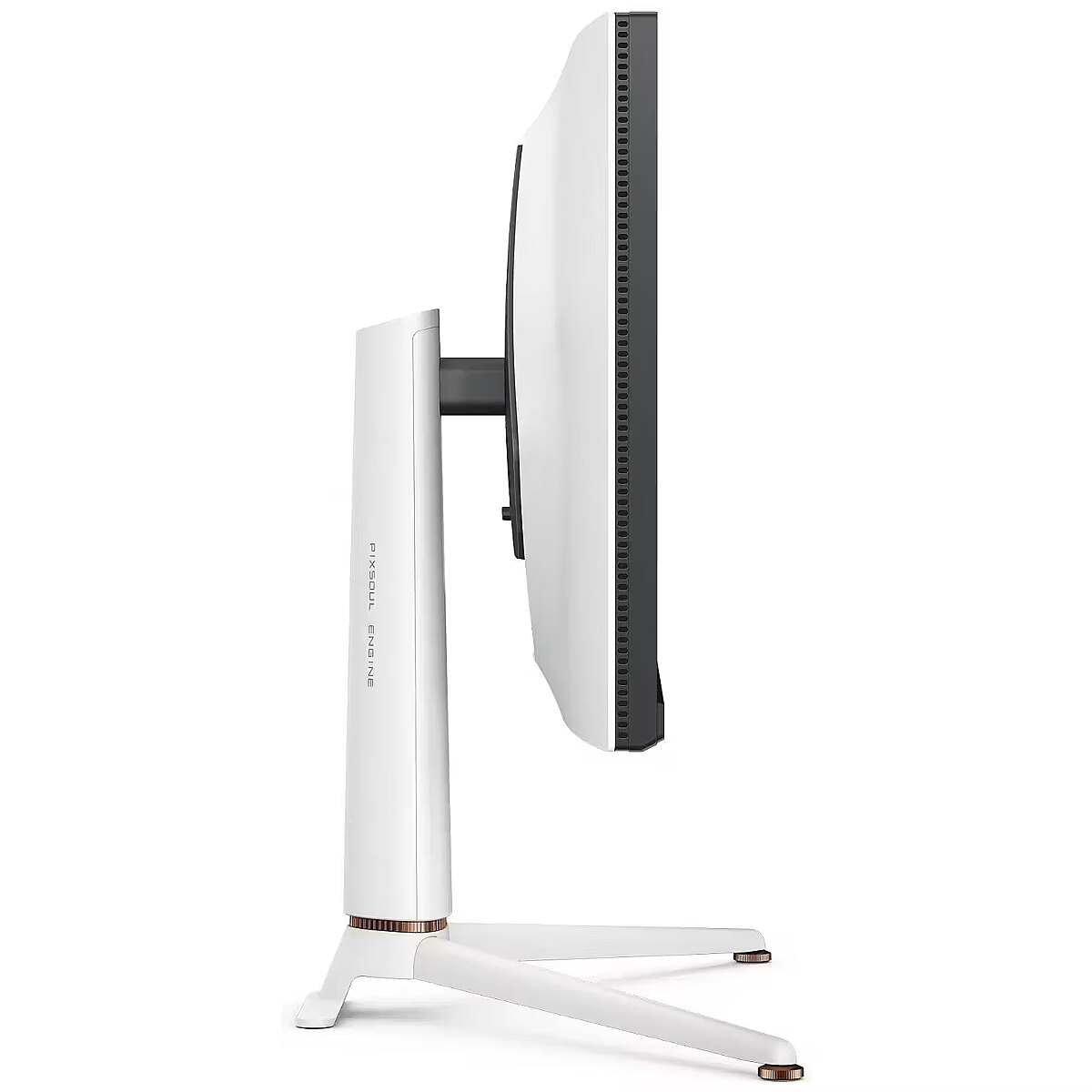
The Pivot technology allows the screen to be rotated into vertical orientation, ensuring more efficient use of workspace when working with text, documents, or long lists. This design improves readability, reduces the need for scrolling, and enhances convenience.
The Swivel feature ensures smooth horizontal rotation of the monitor, allowing quick adjustment of screen orientation to the user's position changes. This is particularly useful in work at a shared desk, project discussions or use of multiple devices where flexible viewing direction adjustment is required.
The Tilt function ensures flexible adjustment of the panel's vertical tilt, allowing for precise adaptation of the screen to the working position. This reduces the risk of discomfort during prolonged use, maintains an optimal viewing angle, and helps avoid image distortion in various lighting conditions.
VESA wall mount allows you to install a monitor on the wall, adhering to a uniform industrial standard. It facilitates the choice of mount, increases the flexibility of workspace organization, and allows you to adjust the height and angle of placement, regardless of the desk or tripod.
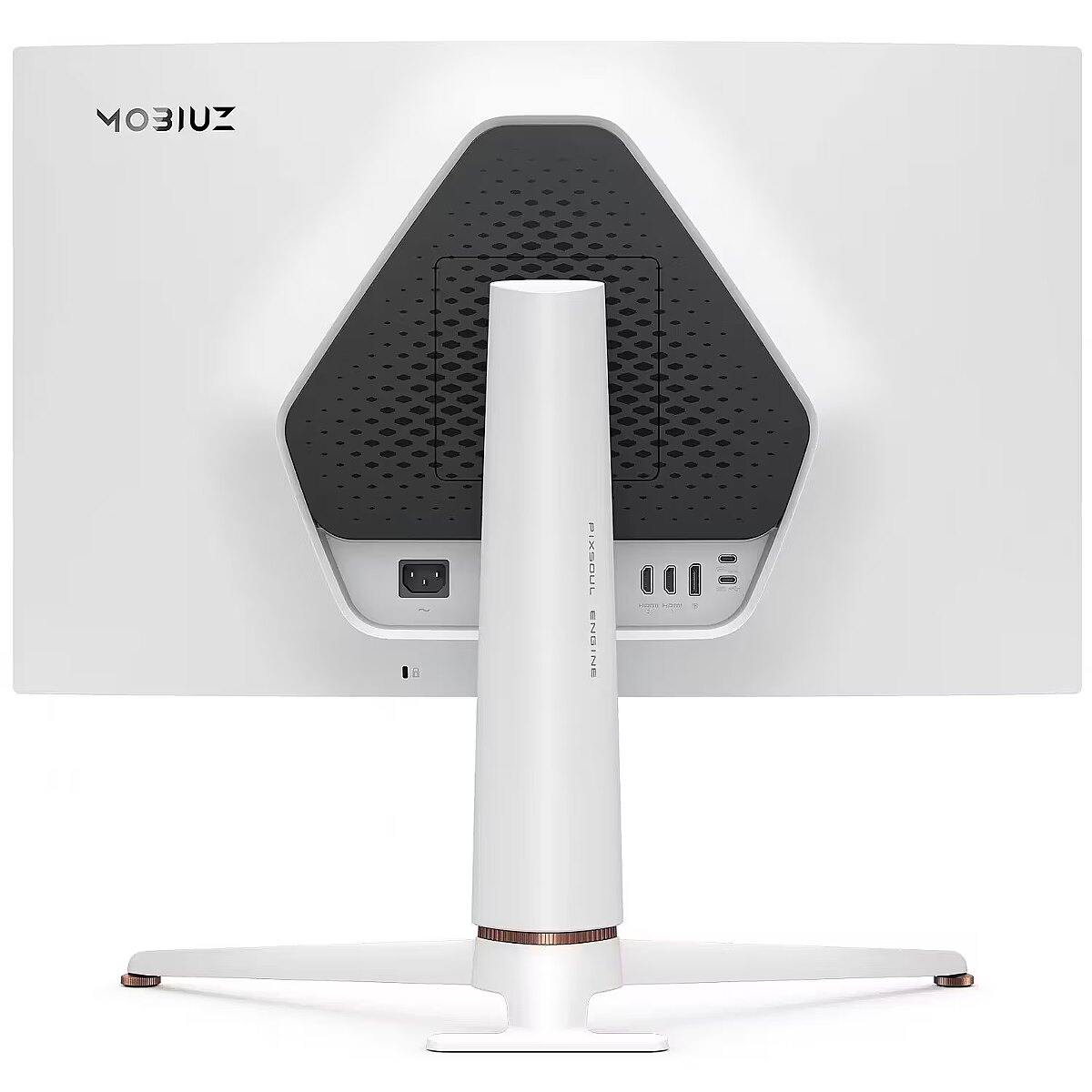
HDMI is a digital interface designed for stable video and audio transmission with a single cable. This approach reduces the number of connections and prevents unnecessary signal conversion. HDMI ensures a reliable connection, high throughput, and precise operation with modern devices without loss of quality.
DisplayPort is a modern interface that allows stable image transmission with high resolution and refresh intensity. The interface is compatible with professional and gaming monitors, supports multiple monitor configurations and HDR, ensuring accurate detail transmission and minimal graphics distortion.
The USB-C connection provides video, audio, and power transmission through a single cable, reducing the number of wires and facilitating the connection. It offers fast data transmission and a stable picture, making the monitor convenient for use with modern laptops and mobile devices without multiple separate connections.
Several USB-C ports ensure flexible modern device connection. The ports support image, data, and power transmission over a single cable, simplifying workplace organization. Simultaneous connection of multiple devices increases convenience and speeds up switching between them.
USB Power Delivery support allows the monitor to power connected devices directly without separate adapters. This reduces the amount of cables and simplifies the working environment. Data transmission and simultaneous charging makes the use of peripheral devices more comfortable and efficient.
The USB-C video input allows for the transmission of image and sound through a single cable, reducing connection complexity and simplifying workspace organization. The interface provides high data transmission speed and stable operation, maintaining compatibility with most modern digital devices.
Warranty
Benq provides this model with a 2 year warranty at all certified service centres.



 DVI is a digital standard and ensures high image quality, however, thanks to the big size of the plug and the inability of the standard to develop further due to a few technical restrictions this type of connection is gradually losing its popularity to modern HDMI and DisplayPort standards.







