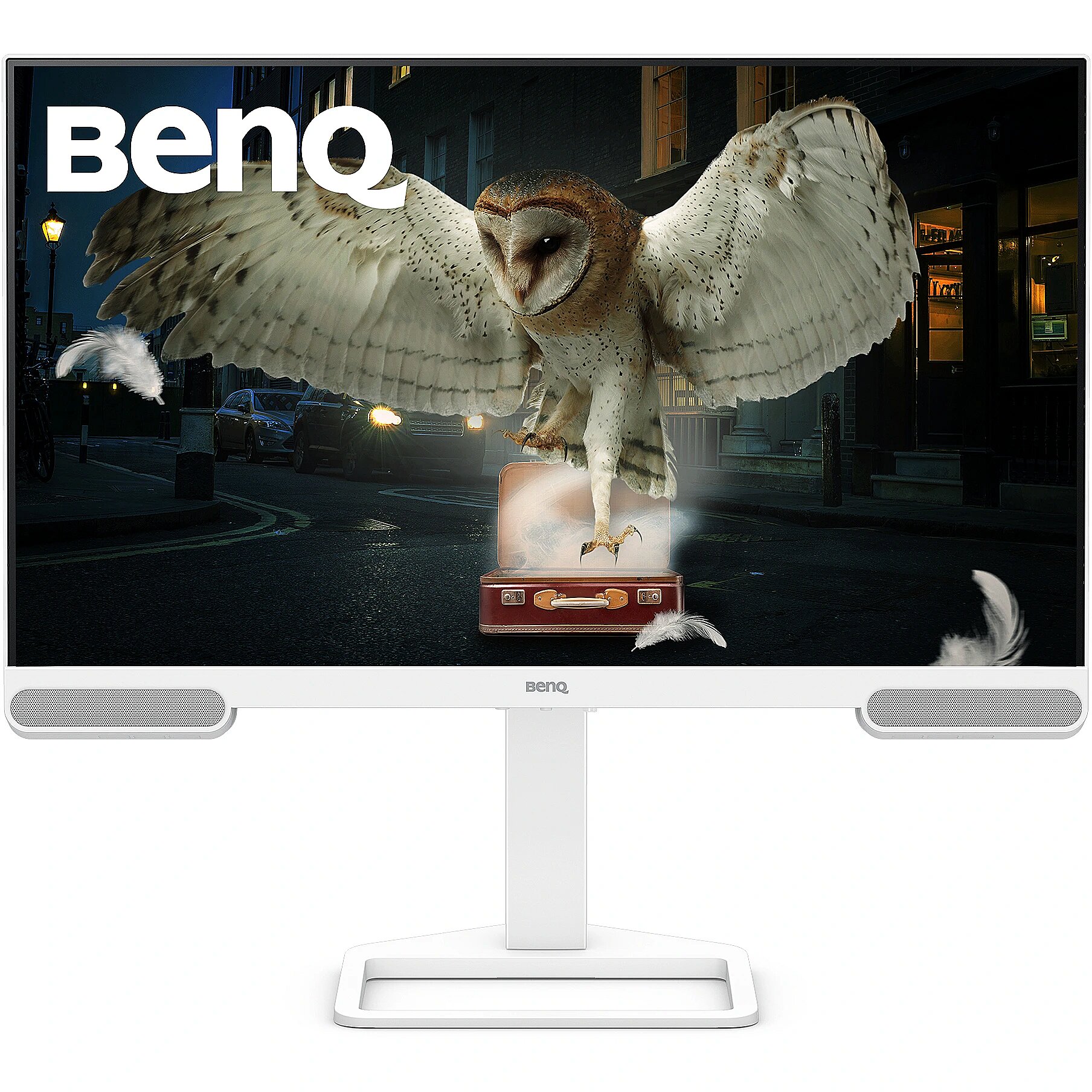
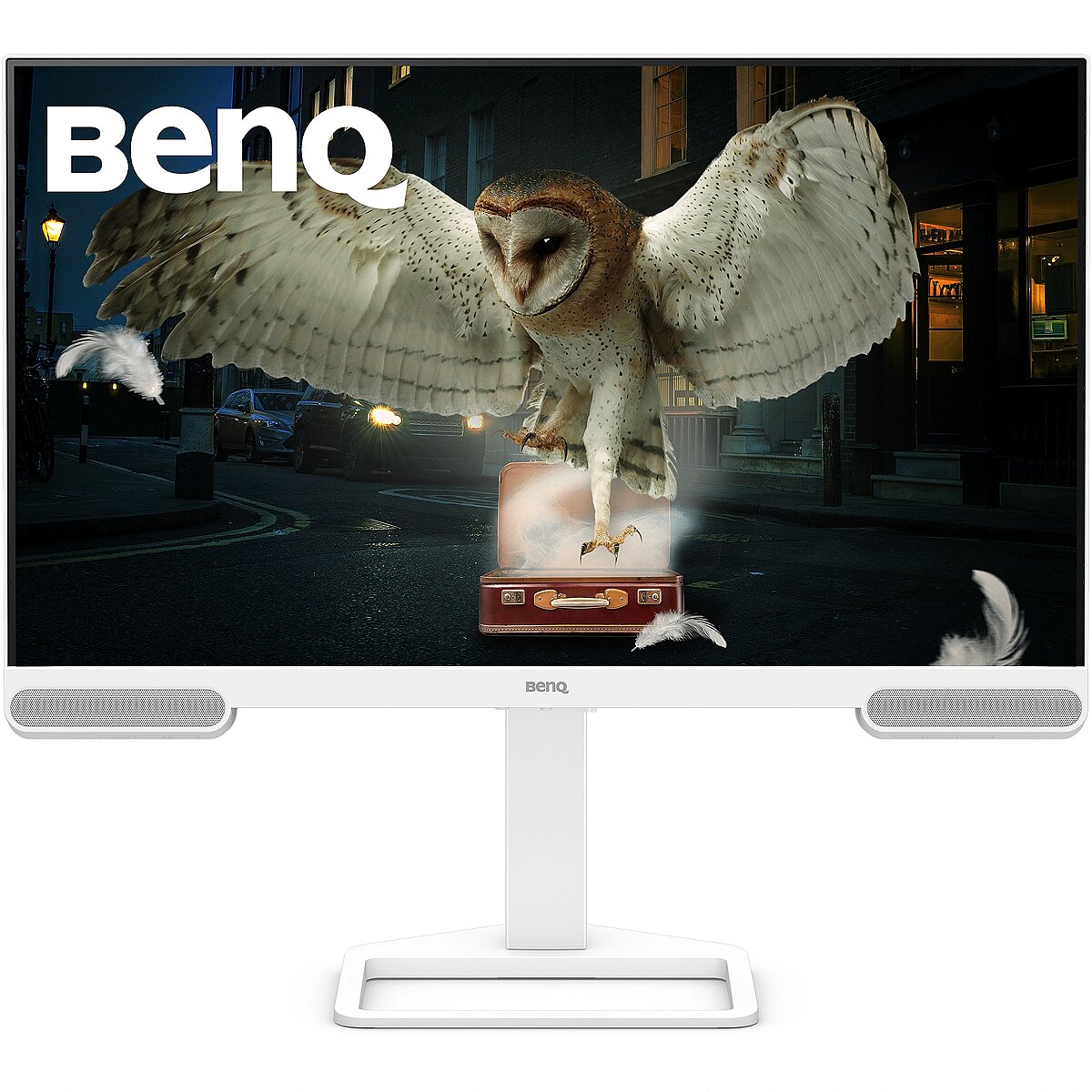
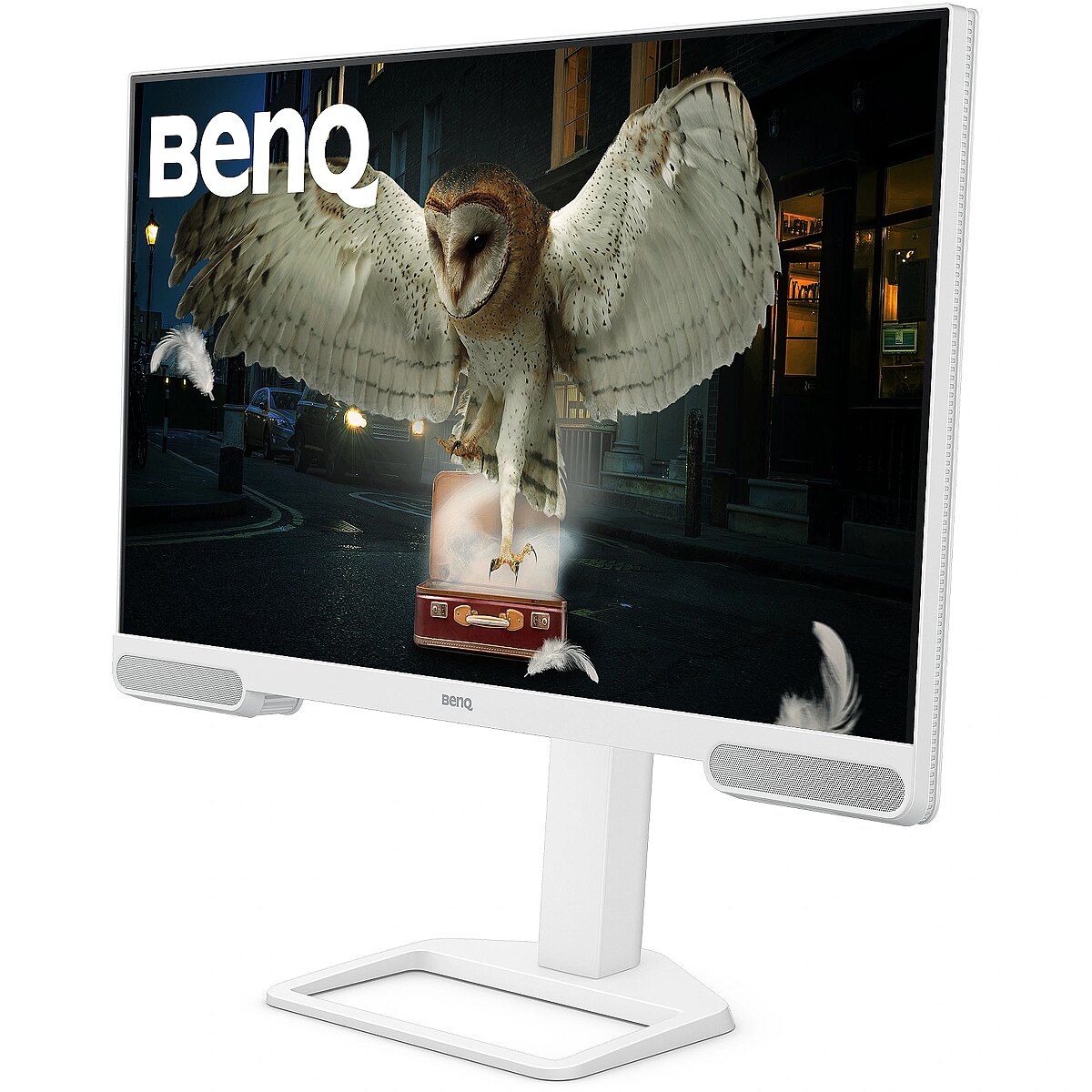
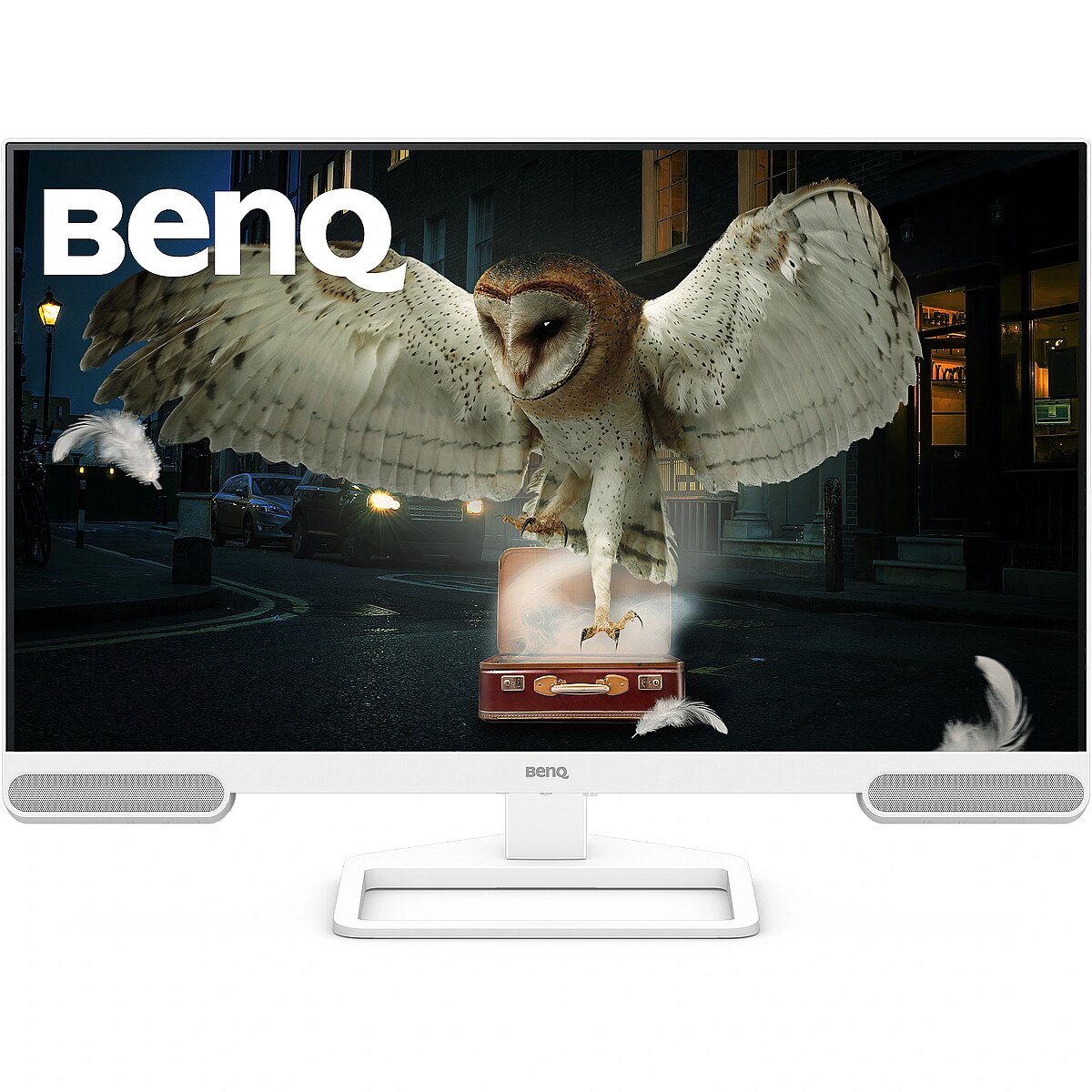
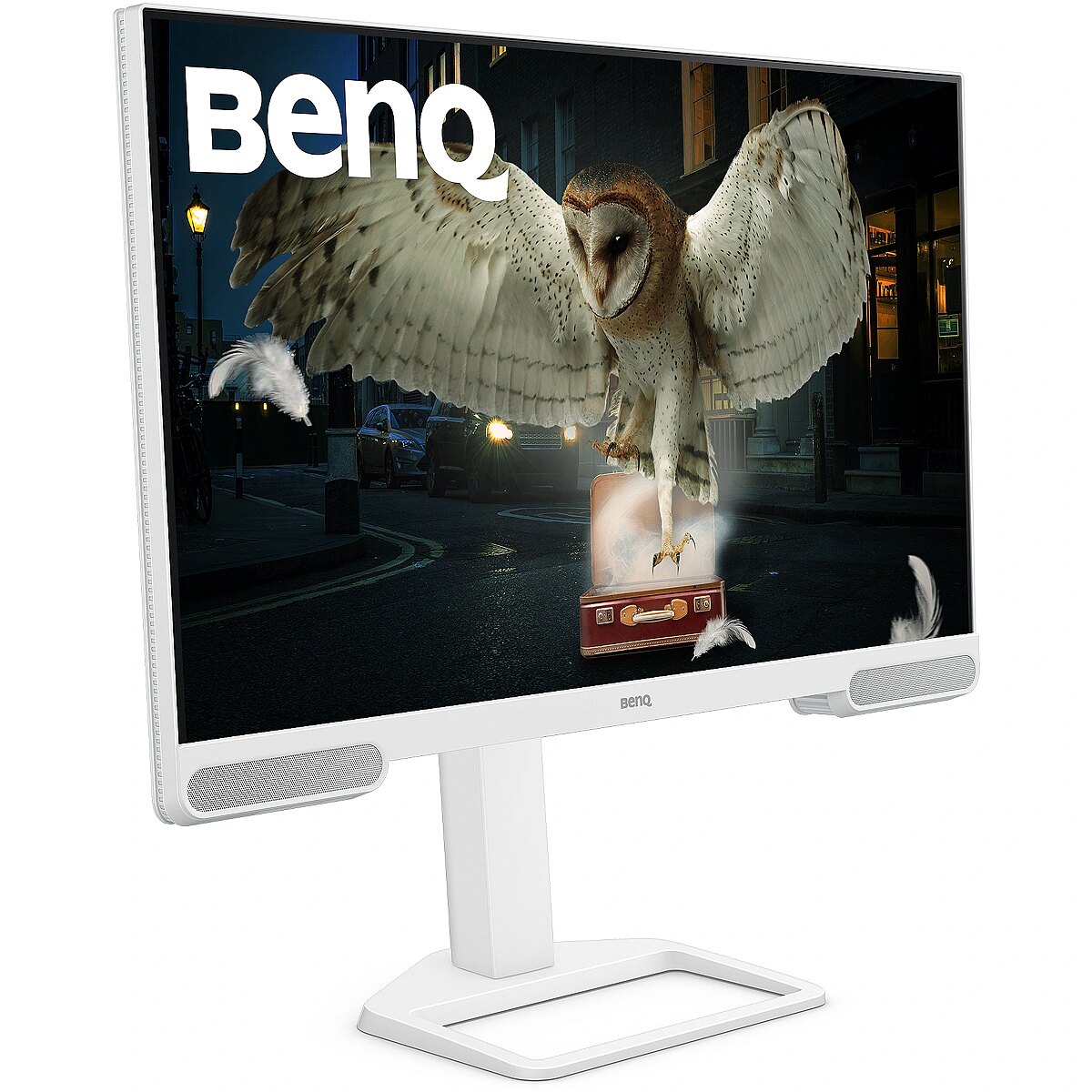
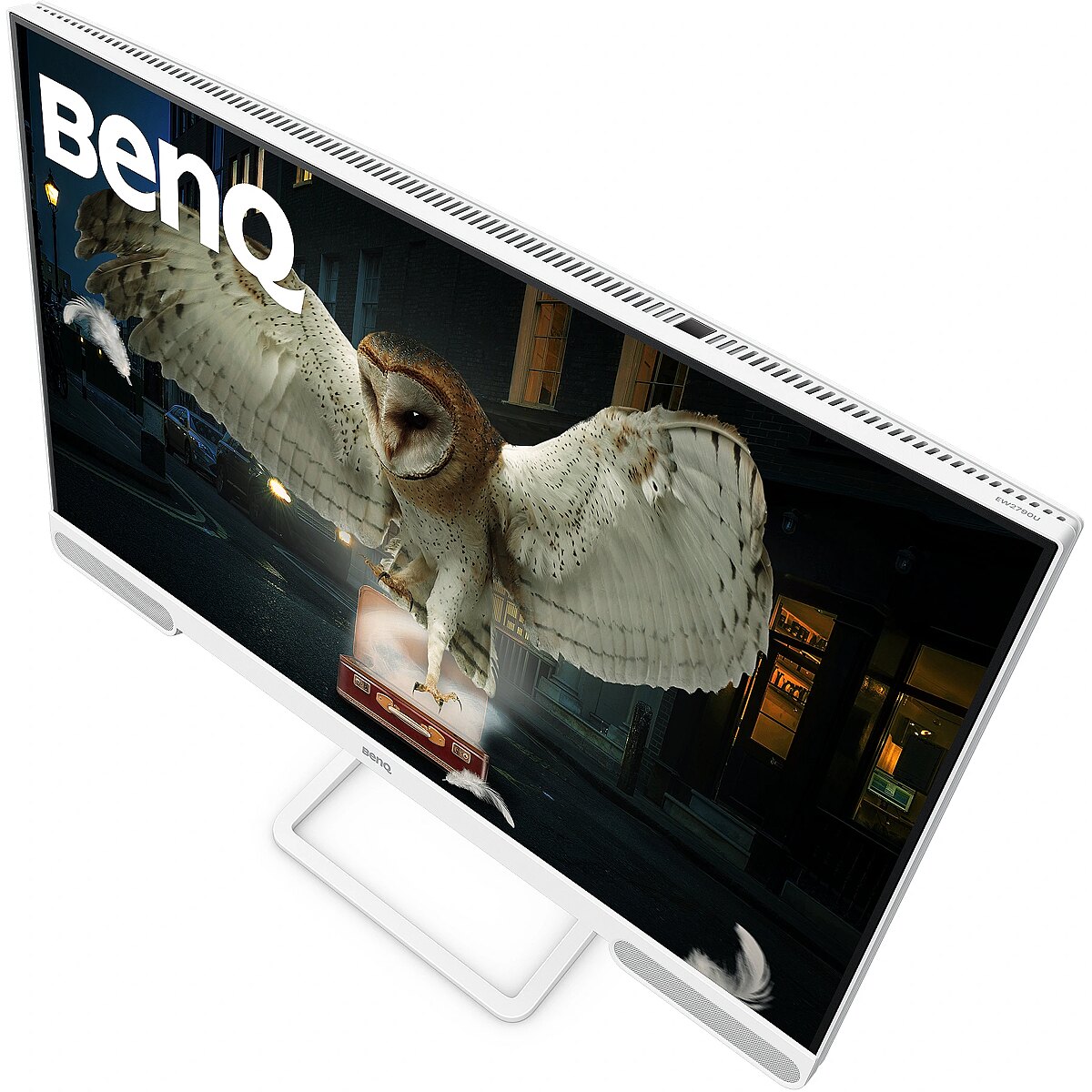
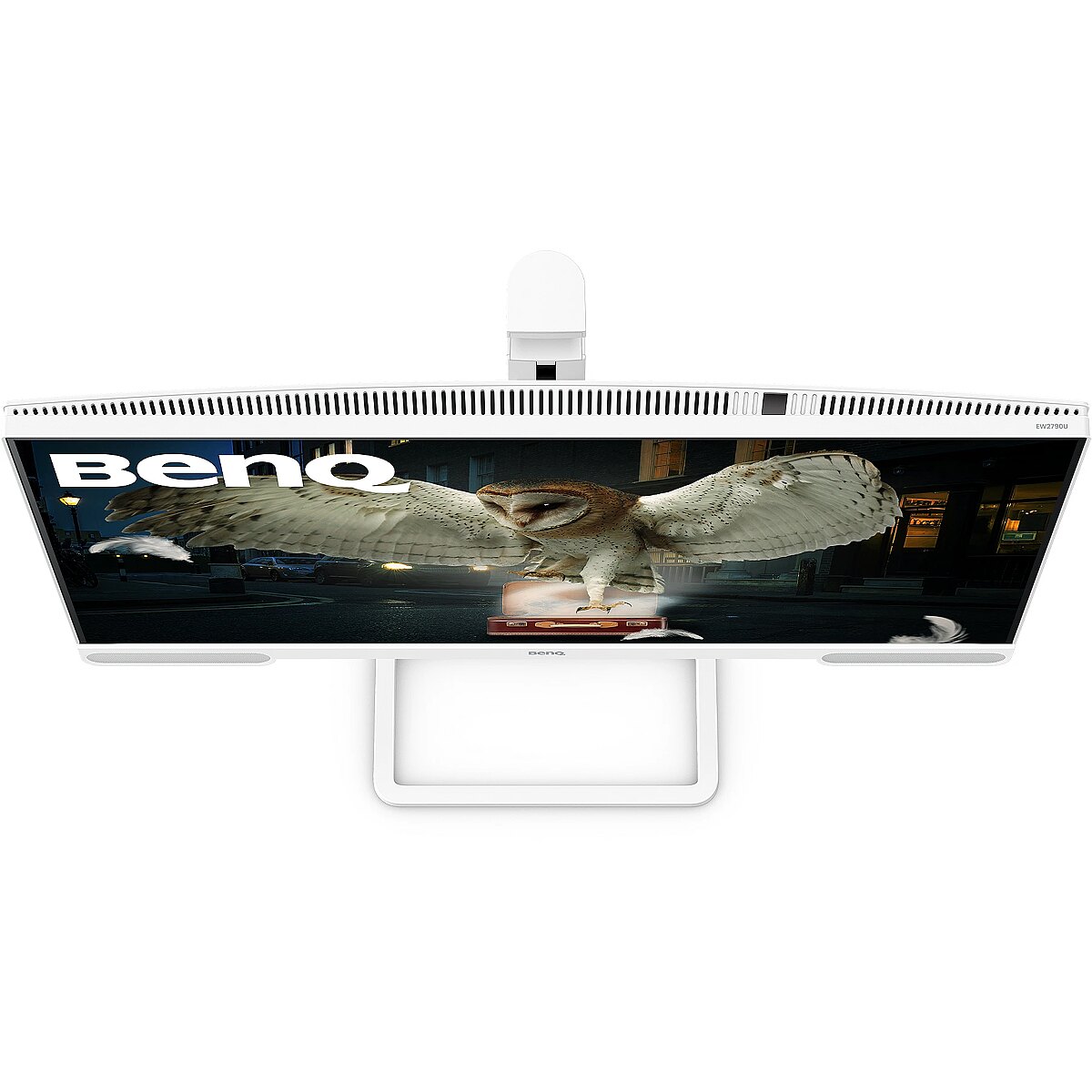
This Benq EW2790U, 27" monitor with 4K UHD 3840x2160 resolution is suitable for comfortable work with documents, web content, and multimedia. It provides natural image reproduction, comfortable viewing, and stable performance, satisfying user needs for a universal work screen.
The reaction time of 5ms means that pixels change state faster, reducing artifacts in motion picture depiction. This ensures a more accurate representation of fast transitions and reduces visual disturbances. The monitor provides a clear image in dynamic situations and improves the readability of moving objects.
IPS technology ensures more accurate color representation and stable image when viewed from the side. Compared to TN and VA, it changes brightness and contrast less with viewing angle, making the displayed data visually more reliable and technically more accurate.
This monitor with a 60 Hz refresh rate ensures predictable pixel operation and sufficient motion smoothness for standard tasks. It is suitable for document work, image processing and video viewing, guaranteeing stable frame updates without unnecessary system or user load.
The Flicker-Free technology reduces or completely eliminates flickering in lighting, ensuring a stable and uniform image. The reduced visual vibration lessens eye strain and improves comfort during prolonged use, especially when using the monitor at a lower brightness level.
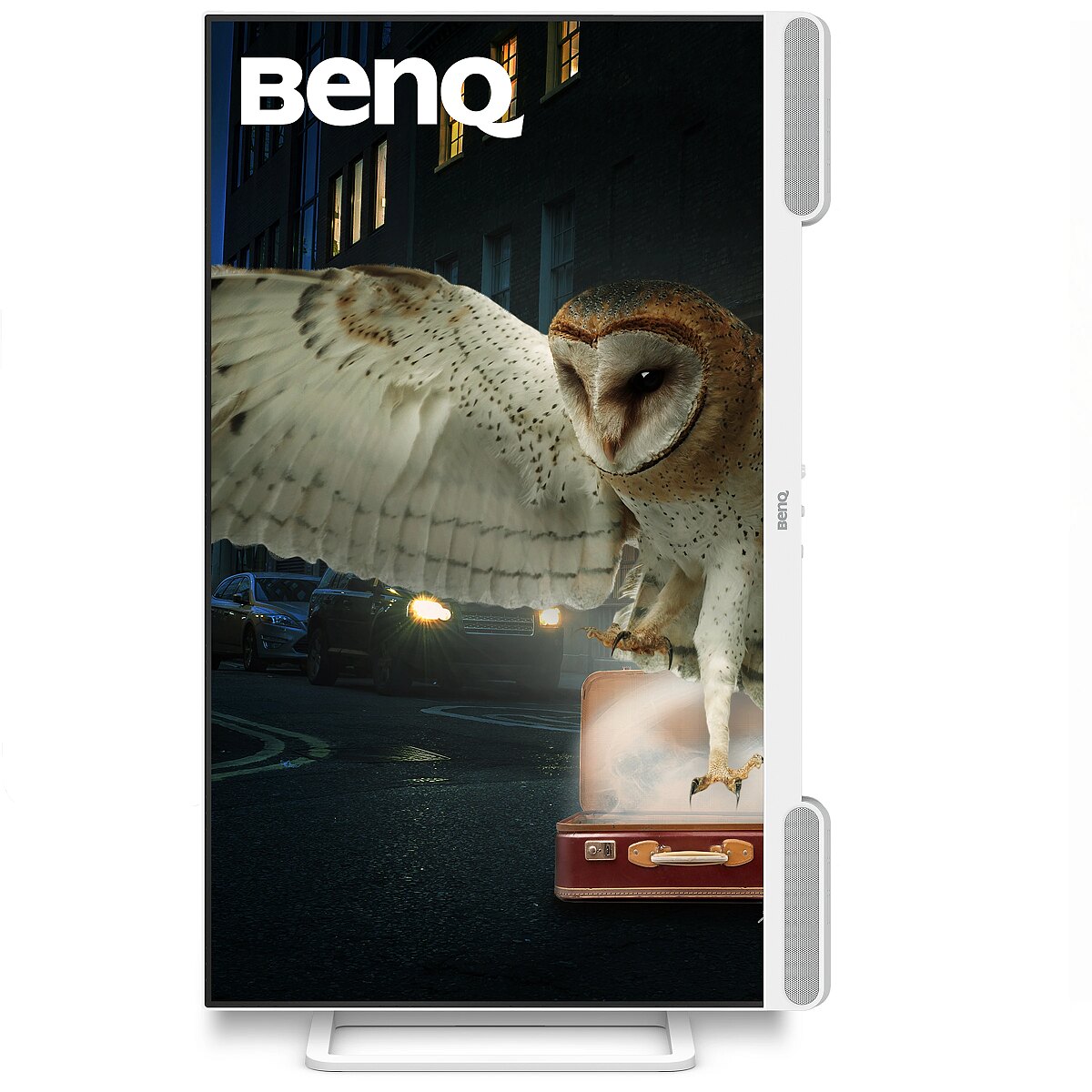
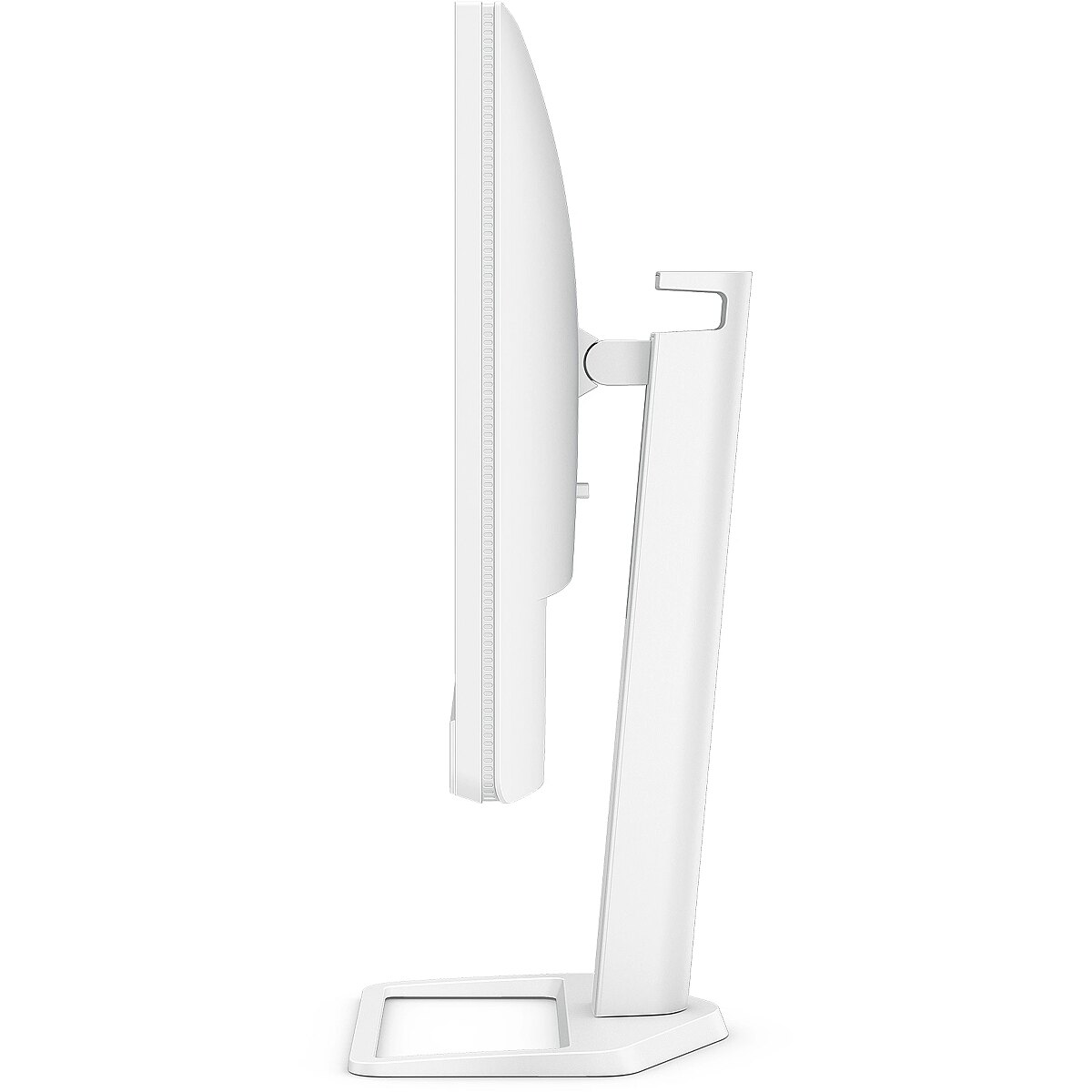
Pivot mode allows physically rotating the monitor by 90°, expanding the functionality of the working environment. The vertical format facilitates document comparison, working with tables, and viewing web pages, ensuring more effective information layout and more accurate visual perception.
The Swivel technology allows the monitor to be rotated left and right around the vertical axis, ensuring precise screen positioning in relation to the user. Such a design improves the viewing angle, reduces neck strain, and makes the workspace more comfortable for collaboration or material demonstration.
Tilt technology allows for adjusting the screen's slope angle back and forth, ensuring the correct image placement in relation to the user's line of sight. This kind of adjustment helps reduce neck and eye strain, improves image perception, and makes long-term work at the monitor more comfortable.
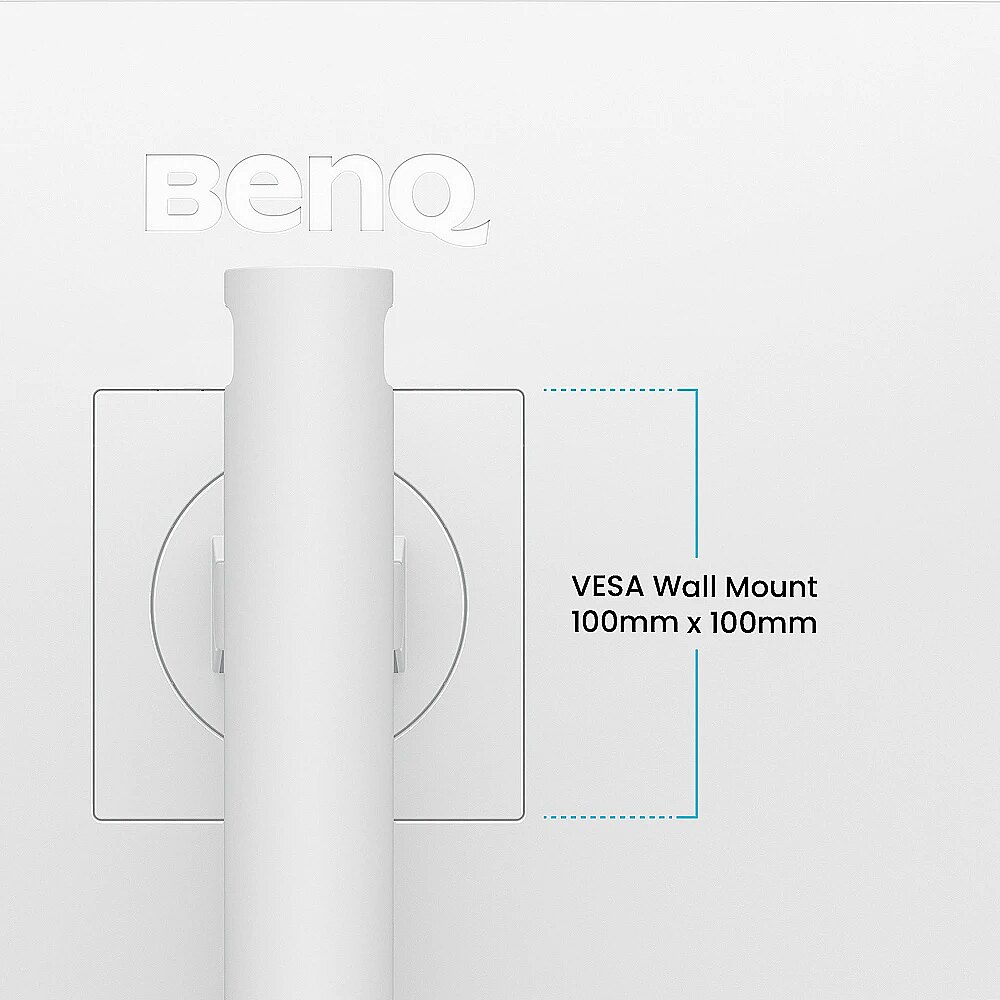
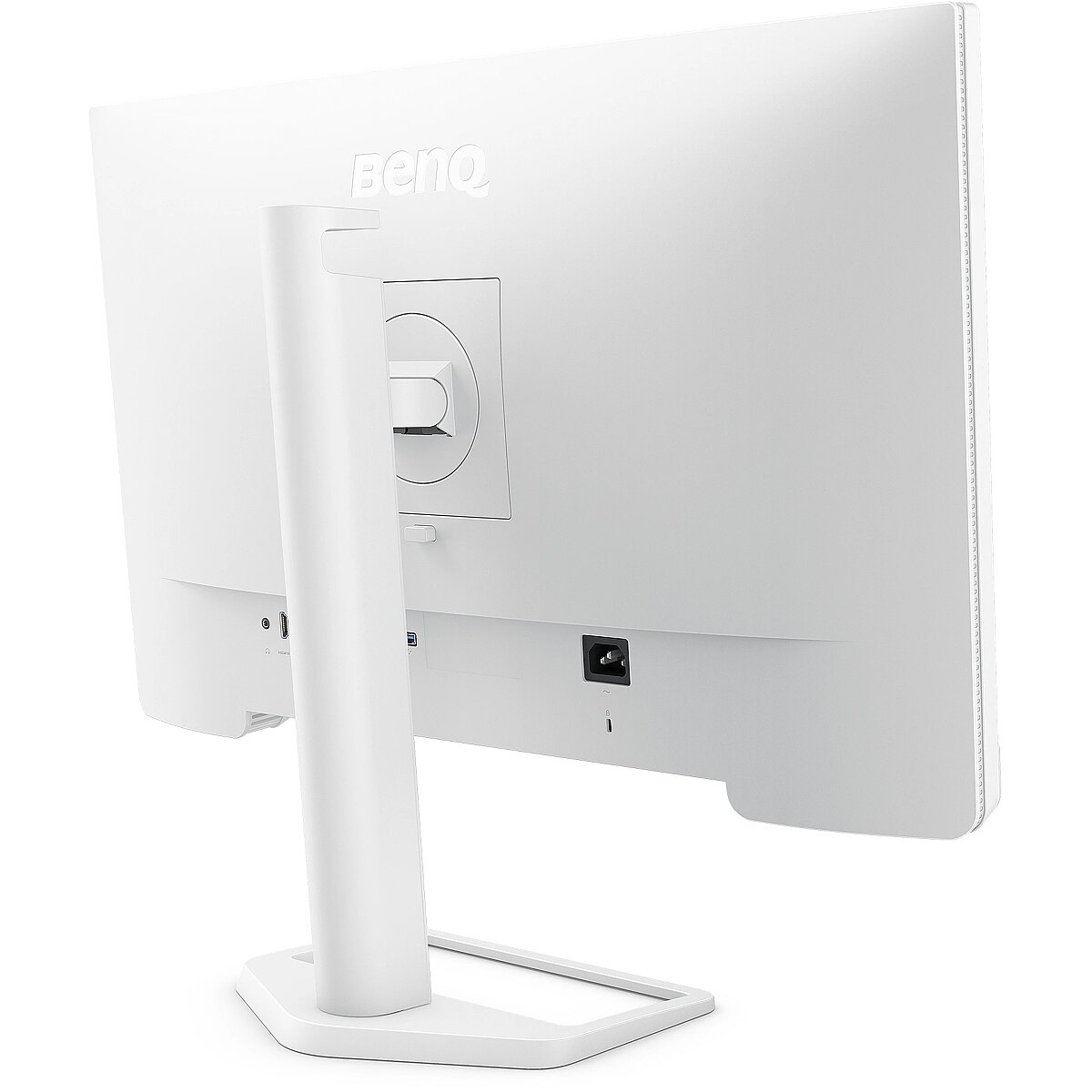
VESA wall mount allows you to install a monitor on the wall, adhering to a uniform industrial standard. It facilitates the choice of mount, increases the flexibility of workspace organization, and allows you to adjust the height and angle of placement, regardless of the desk or tripod.
The built-in speakers provide direct sound playback, eliminating the need for external audio devices. This simplifies the setup of the work system and saves space. The speakers are suitable for everyday needs, including online meetings, training, and video viewing, providing adequate sound level.
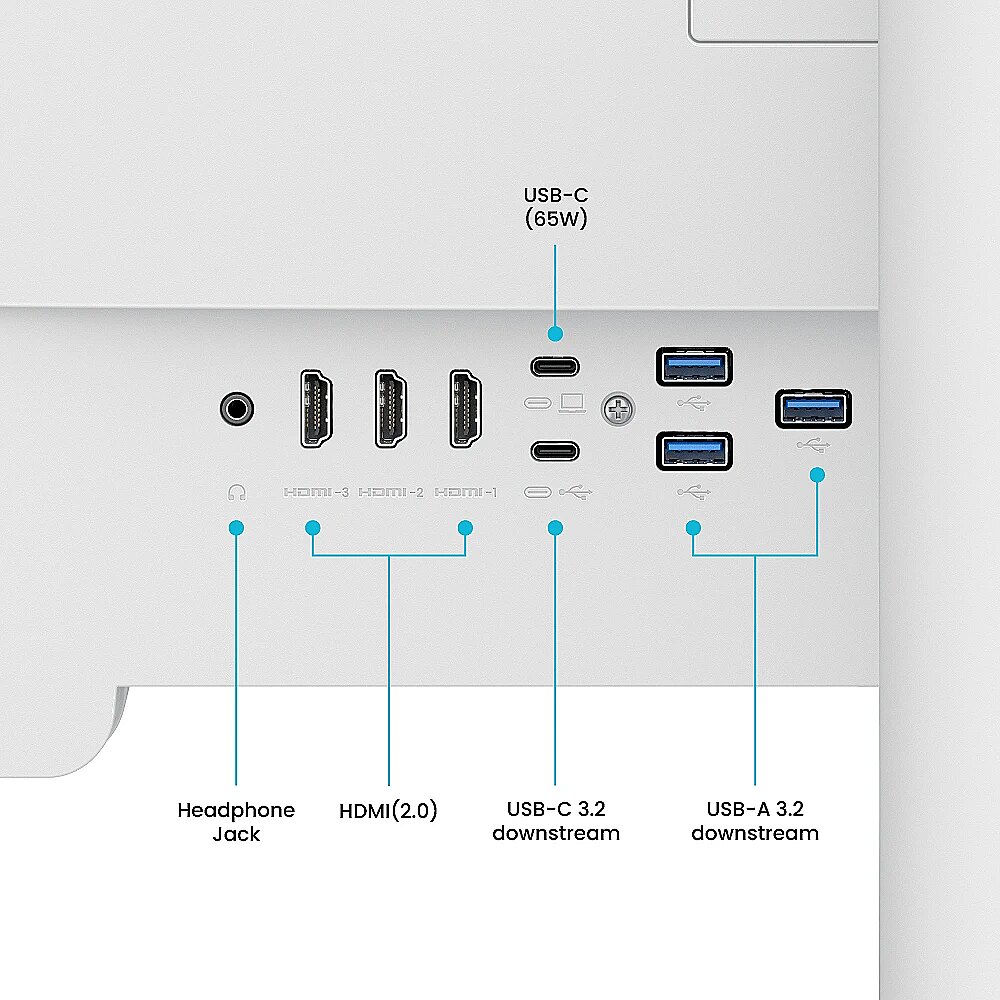
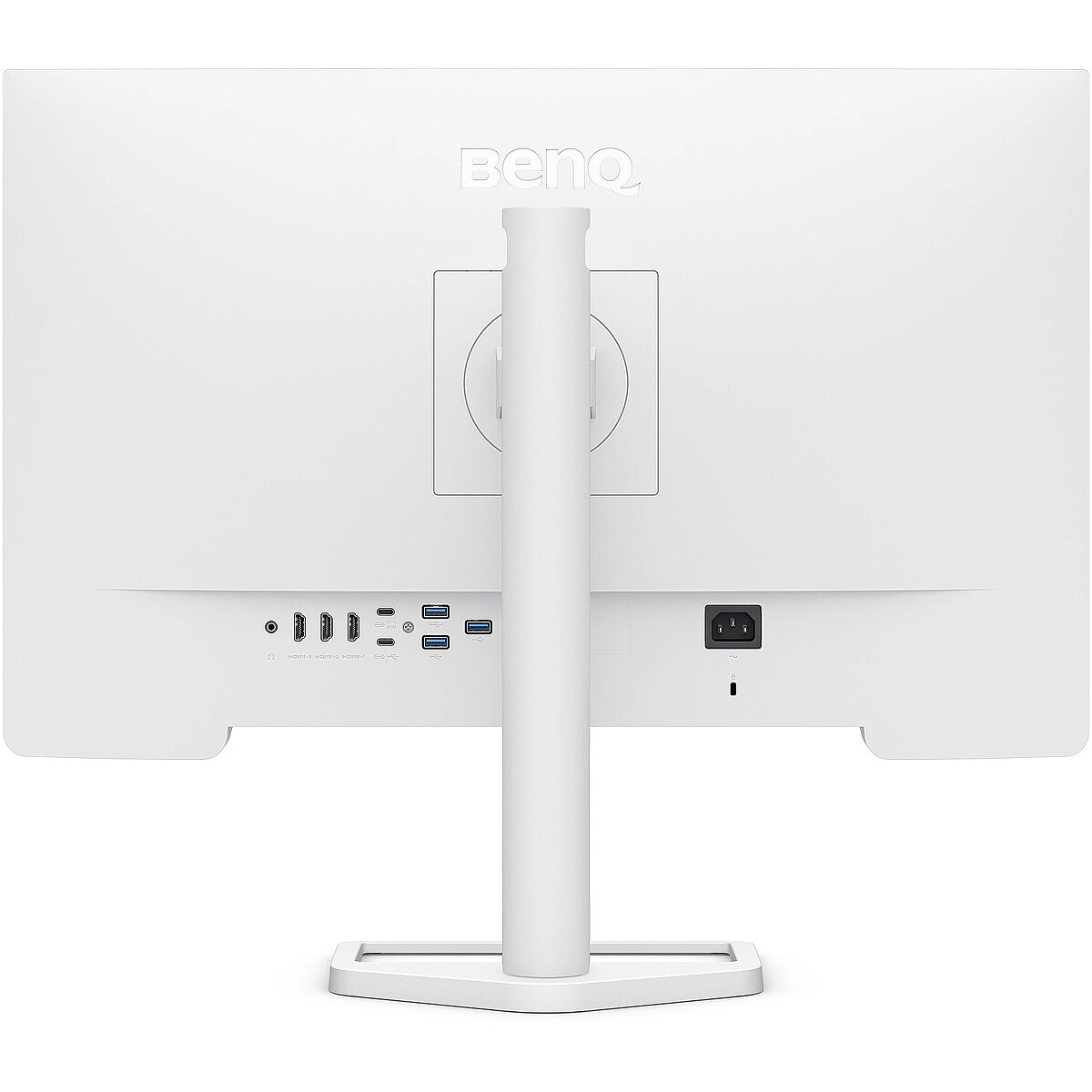
HDMI provides video and audio transmission with a single cable, which enhances connection stability and reduces the risk of interference. The interface reduces the number of connections and maintains the integrity of the digital signal. HDMI supports modern formats and ensures reliable operation with a wide range of devices.
The USB-C connection combines image, sound, data and power transmission into one cable, reducing workplace load and speeding up device connectivity. It is compatible with many modern laptops and provides a stable signal, making monitor usage more convenient and technically effective.
Several USB-C ports make the monitor more versatile for modern devices. Each port can simultaneously transmit video, audio, data and power through a single cable, reducing the number of wires. This allows to connect multiple peripheral devices or signal sources without additional adapters.
USB Power Delivery support allows the monitor to power connected devices directly without separate adapters. This reduces the amount of cables and simplifies the working environment. Data transmission and simultaneous charging makes the use of peripheral devices more comfortable and efficient.
The presence of a USB-C video input allows the monitor to receive audio and video signals through a single universal cable, reducing the need for separate interfaces. Support for modern standards ensures quality data transmission and wide compatibility, making the connection more convenient and technically justified.
Warranty
Benq provides this model with a 2 year warranty at all certified service centres.
*When purchasing a monitor on the legal entity's details - manufacturer's warranty 1 year.



 DVI is a digital standard and ensures high image quality, however, thanks to the big size of the plug and the inability of the standard to develop further due to a few technical restrictions this type of connection is gradually losing its popularity to modern HDMI and DisplayPort standards.







