ARTIKEL1 - GCB3280QSU-B2 32 IN FHD CURVED
ARTIKEL2 - 2560X1440 300CD 0.2MS HDM
Brand - iiyama
BrandPartCode - GCB3280QSU-B2
Category - Computer Monitors
Category 1 - Displays
Category 2 - Monitore
Category_1 - Monitors and TV
Category_2 - LED Monitors 31 inches and up
Design - Market positioning - Gaming
Design - Product colour - Black
dimensionalWeight - 18418
Display - Colour gamut standard - NTSC
Display - Colour gamut standard - NTSC, sRGB
Display - Colour gamut standard - sRGB
Display - Contrast ratio (dynamic) - 80000000:1
Display - Contrast ratio (typical) - 3000:1
Display - Display brightness (typical) - 350 cd/m²
Display - Display diagonal - 80 cm (31.5")
Display - Display diagonal (metric) - 80 cm
Display - Display number of colours - 16.7 million colours
Display - Display resolution - 2560 x 1440 pixels
Display - Display surface - Matt
Display - Display technology - LED
Display - HD type - Dual QHD
Display - High Dynamic Range (HDR) supported - Yes
Display - Horizontal scan range - 30 - 225 kHz
Display - Maximum refresh rate - 180 Hz
Display - Native aspect ratio - 16:9
Display - NTSC coverage (typical) - 72%
Display - Panel type - VA
Display - Pixel pitch - 0.272 x 0.272 mm
Display - Response time - 0.2 ms
Display - Response time (MPRT) - 0.2 ms
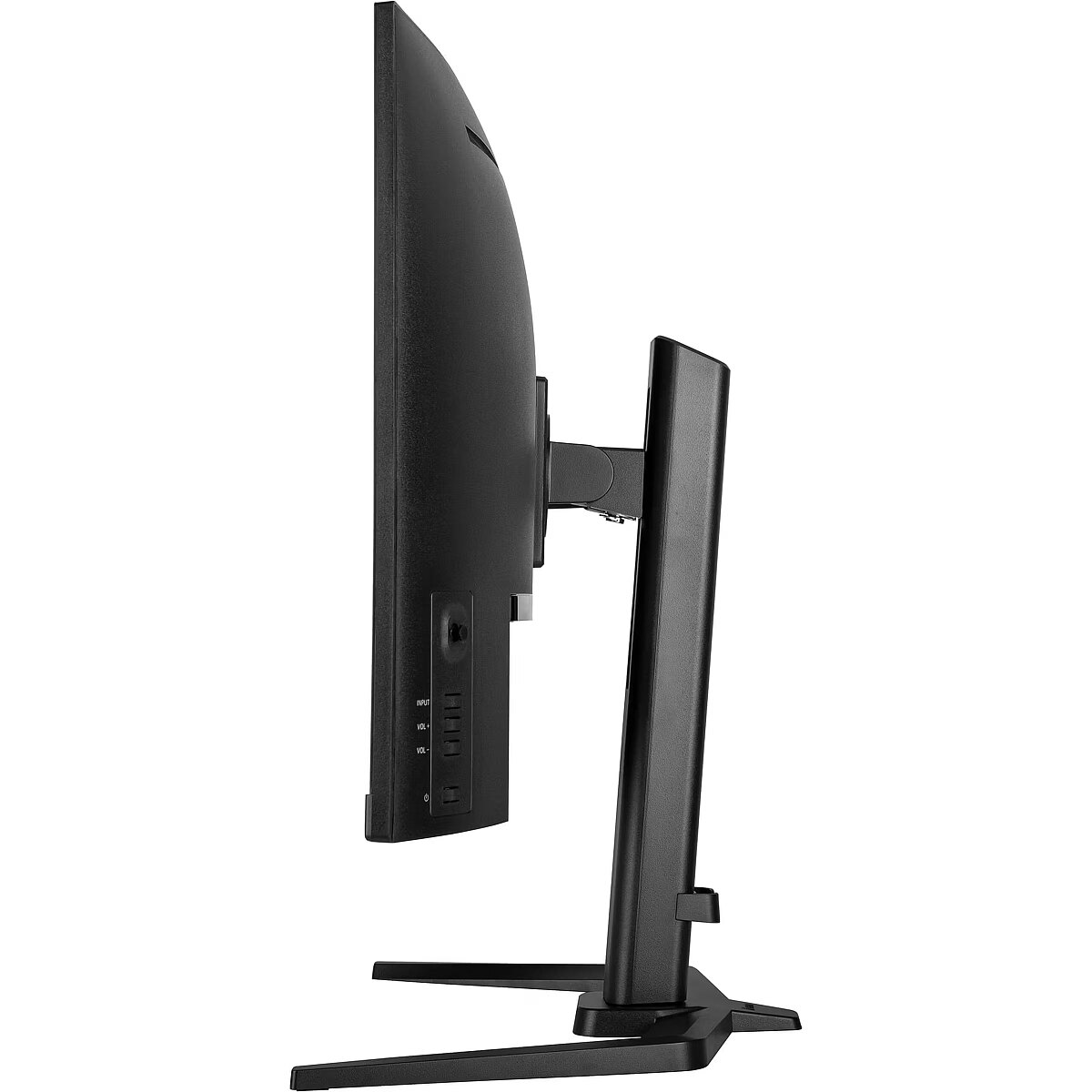
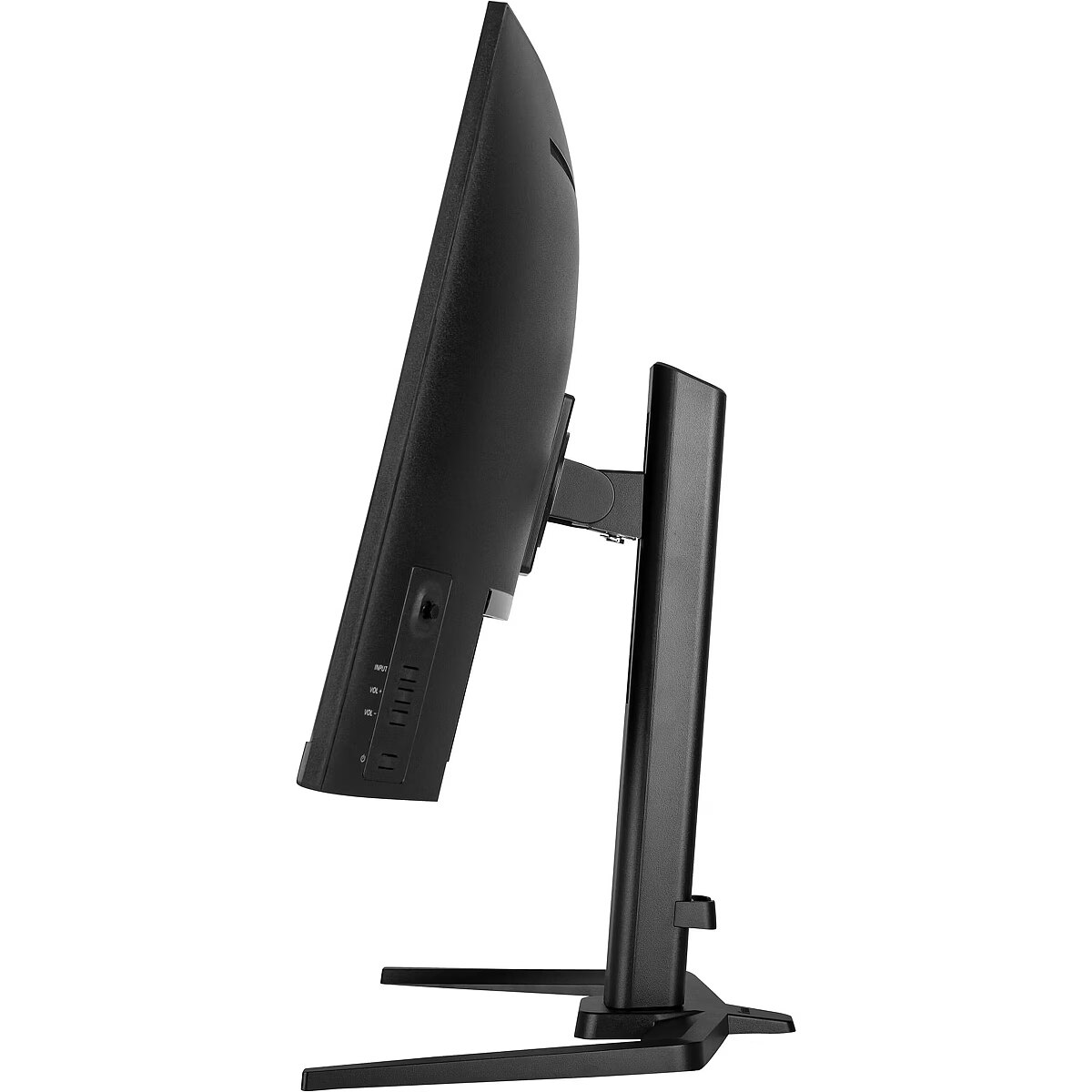
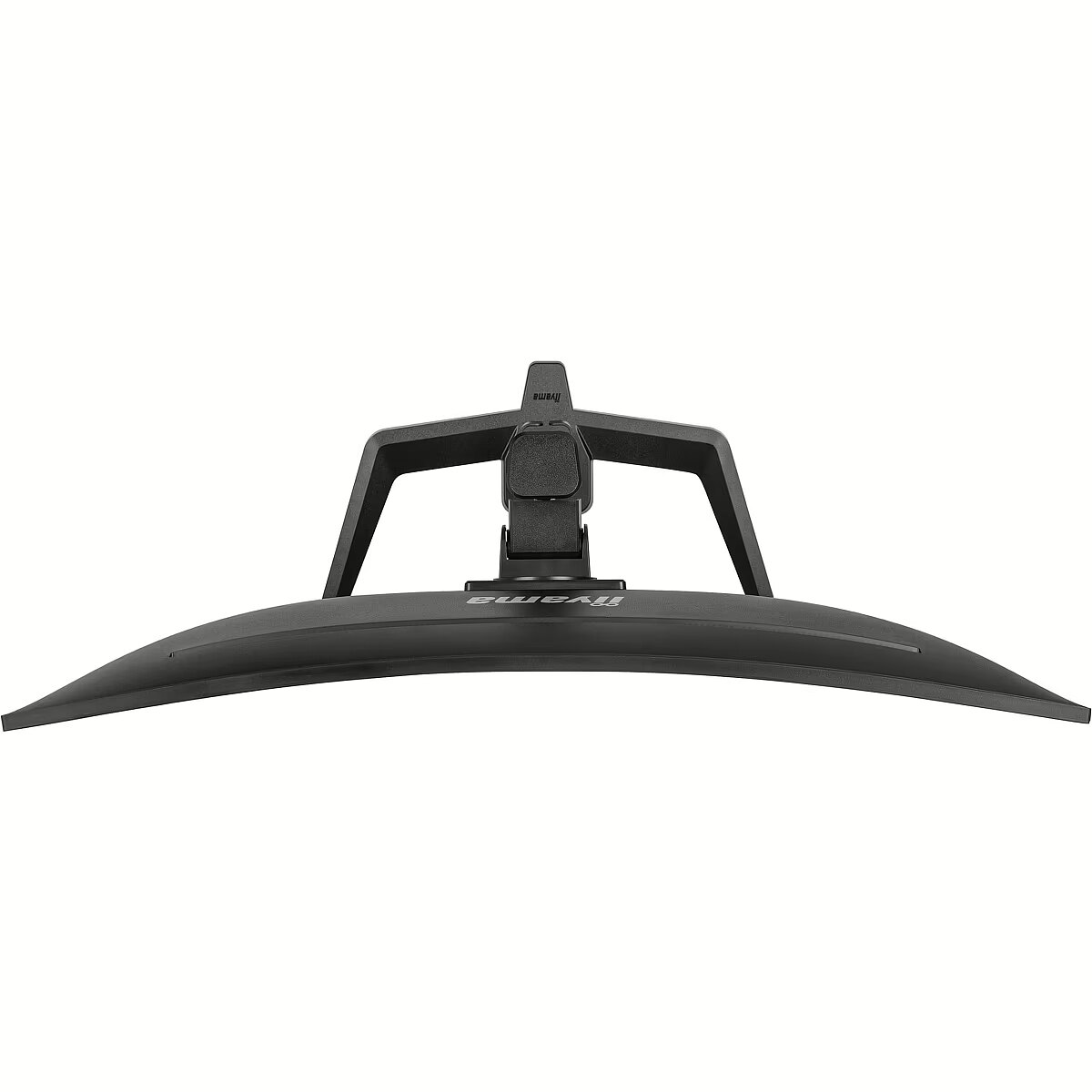
Display - Screen curvature rating - 1500R
Display - Screen shape - Curved
Display - sRGB coverage (typical) - 96%
Display - Touchscreen - No
Display - Viewable size, horizontal - 39.2 cm
Display - Viewable size, horizontal - 69.7 cm
Display - Viewable size, vertical - 39.2 cm
Display - Viewable size, vertical - 69.7 cm
Display - Viewing angle, horizontal - 178°
Display - Viewing angle, vertical - 178°
EAN - 4948570125388
EANCode - 4948570125388
EAN_code - 4948570125388
Ergonomics - Adjustable height (max) - 15 cm
Ergonomics - Cable lock slot - Yes
Ergonomics - Cable lock slot type - Kensington
Ergonomics - Cable management - Yes
Ergonomics - Height adjustment - Yes
Ergonomics - On Screen Display (OSD) - Yes
Ergonomics - On Screen Display (OSD) languages - Czech
Ergonomics - On Screen Display (OSD) languages - Czech, German, English, Spanish, French, Italian, Japanese, Dutch, Polish, Portuguese, Russian
Ergonomics - On Screen Display (OSD) languages - Dutch
Ergonomics - On Screen Display (OSD) languages - English
Ergonomics - On Screen Display (OSD) languages - French
Ergonomics - On Screen Display (OSD) languages - German
Ergonomics - On Screen Display (OSD) languages - Italian
Ergonomics - On Screen Display (OSD) languages - Japanese
Ergonomics - On Screen Display (OSD) languages - Polish
Ergonomics - On Screen Display (OSD) languages - Portuguese
Ergonomics - On Screen Display (OSD) languages - Russian
Ergonomics - On Screen Display (OSD) languages - Spanish
Ergonomics - Panel mounting interface - 100 x 100 mm
Ergonomics - Swivel angle range - -45 - 45°
Ergonomics - Swivel angle range - 90 - 45°
Ergonomics - Swivelling - Yes
Ergonomics - Tilt adjustment - Yes
Ergonomics - Tilt angle range - 23 - 5°
Ergonomics - VESA mounting - Yes
Ergonomics - Wall mountable - Yes
GRUPPE1 - Displays
GRUPPE2 - Lcd Monitor
GTIN - 4948570125388
HERSTELLER - IIYAMA CONSIGNMENT
HSTNUMMER - GCB3280QSU-B2
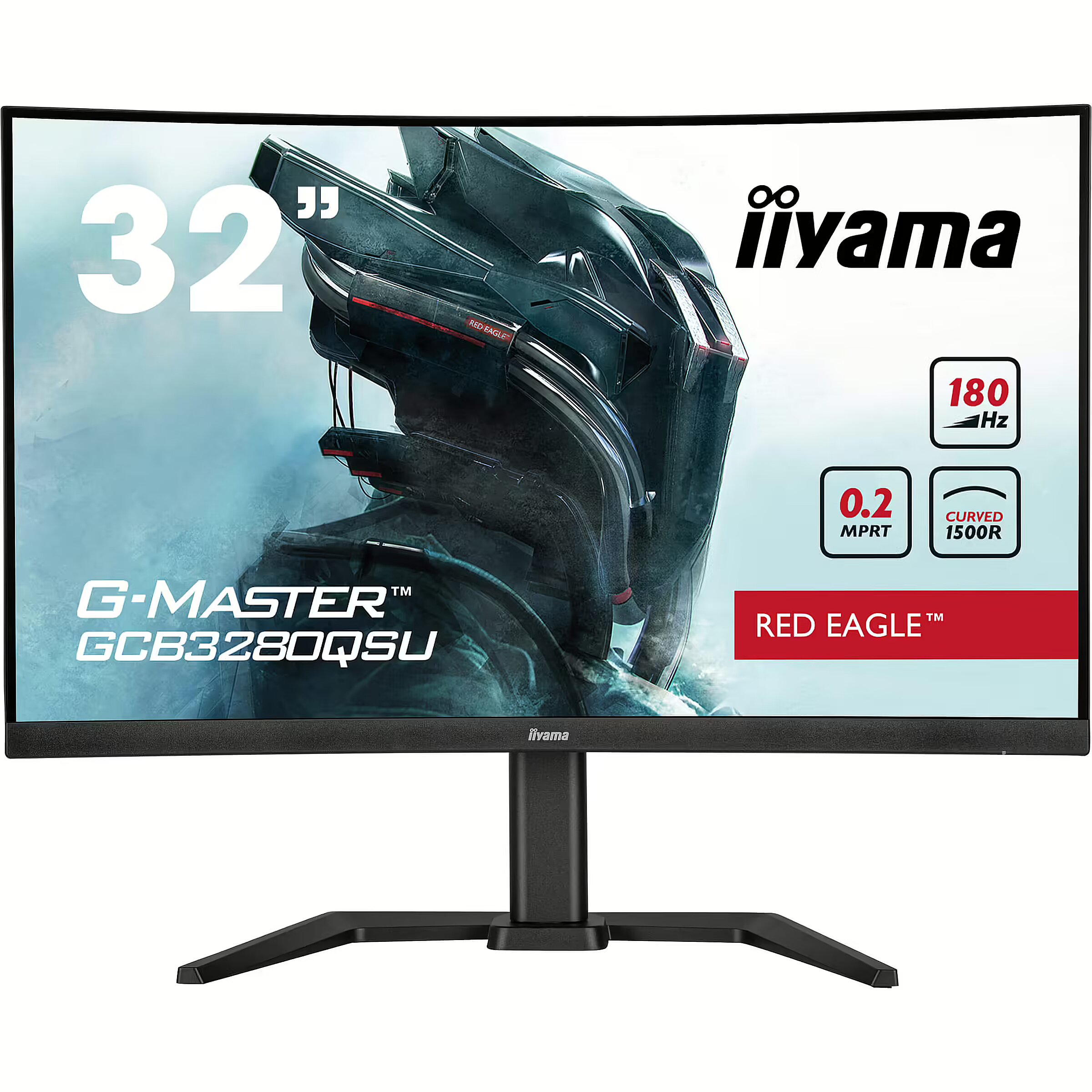
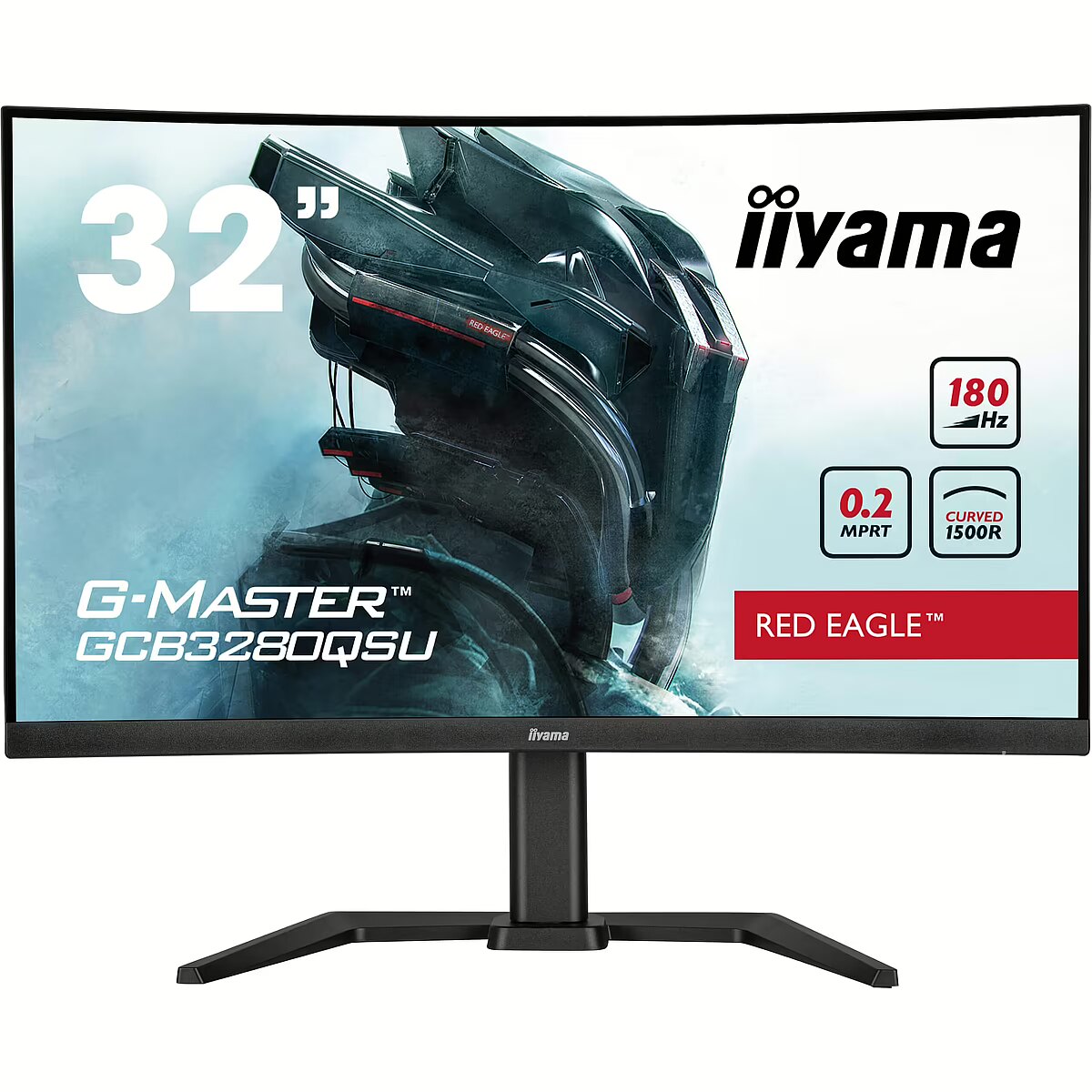
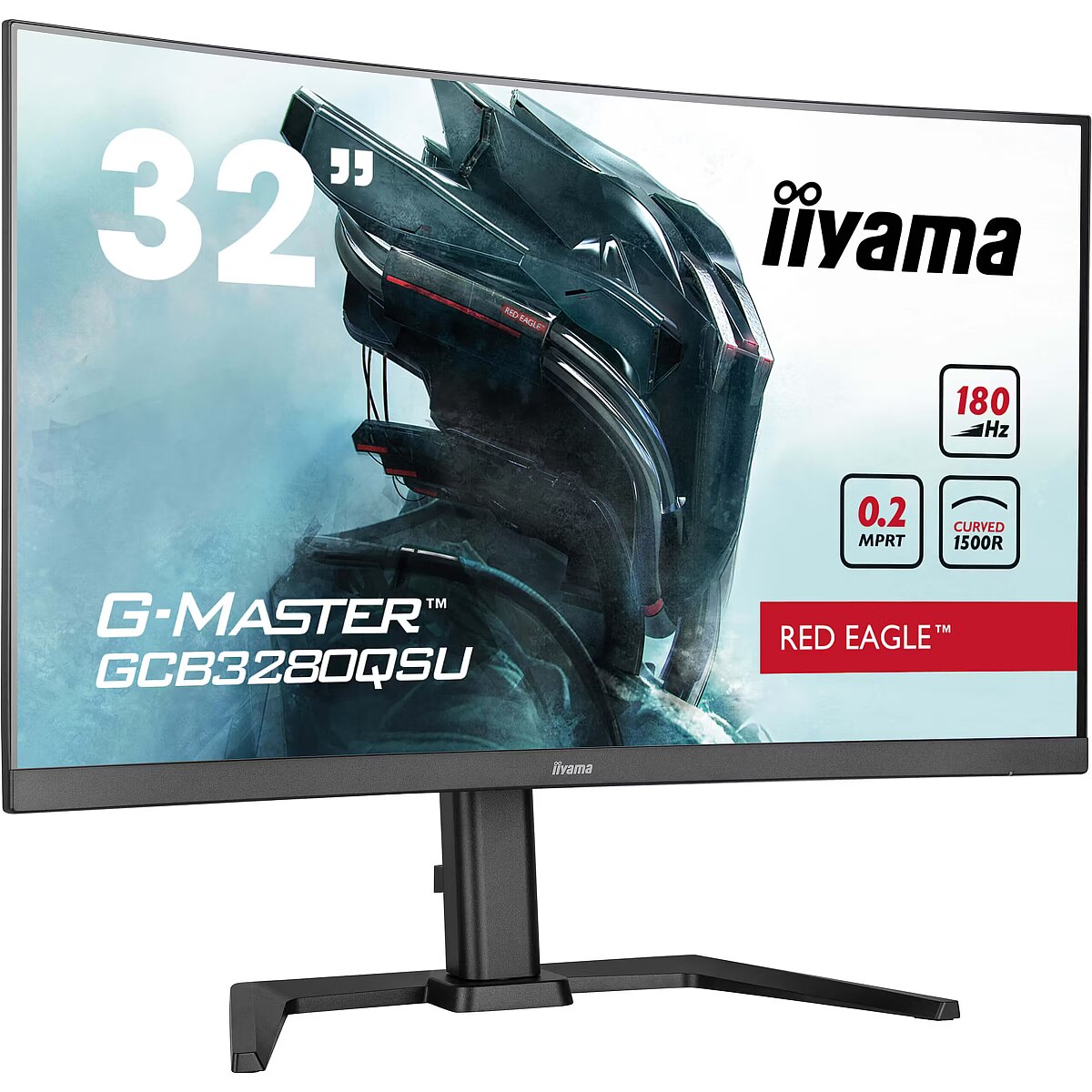
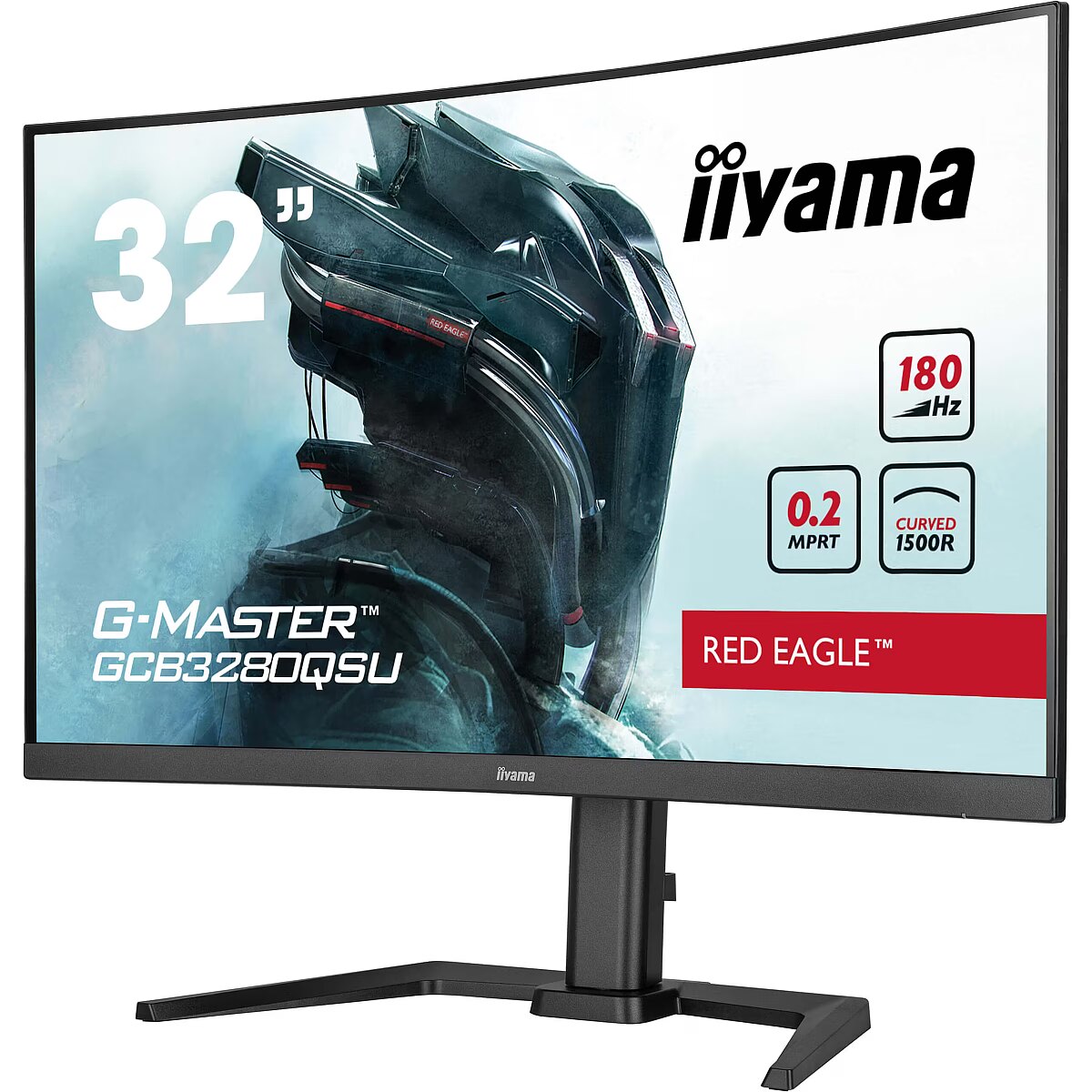
LongDesc - The 1500R curved VA panel with 180Hz refresh rate, 0.2ms MPRT and the 2560x1440 resolution gives you an immersive viewing experience and guarantees superb image quality. The height adjustable stand ensures you can easily adjust the screen position and easily customizable screen settings using the predefined and custom gaming modes along with the Black Tuner function gives you control over the dark scenes to make sure details are always clearly visible.
LongProductName - Immerse yourself in the game with the curved GCB3280QSU Red Eagle with 180Hz refresh rate
LongSummaryDescription - iiyama G-MASTER GCB3280QSU-B2. Display diagonal: 80 cm (31.5"), Display resolution: 2560 x 1440 pixels, HD type: Dual QHD, Display technology: LED, Display surface: Matt, Response time: 0.2 ms, Native aspect ratio: 16:9, Viewing angle, horizontal: 178°, Viewing angle, vertical: 178°. Built-in speaker(s). Built-in USB hub, USB hub version: 3.2 Gen 1 (3.1 Gen 1). VESA mounting, Height adjustment. Product colour: Black
Manufacturer - Iiyama
Manufacturer - iiyama Deutschland GmbH
Manufacturer_code - GCB3280QSU-B2
MPN - GCB3280QSU-B2
Multimedia - Built-in camera - No
Multimedia - Built-in speaker(s) - Yes
Multimedia - Number of speakers - 2
Multimedia - RMS rated power - 2 W
Multimedia - RMS rated power - 4 W
Name - IIYAMA 80.0cm (31.5") GCB3280QSU-B2 16:9 2xHDMI+DP Curv.Lift
Name - Iiyama G-Master GCB3280QSU-B2 (80 cm (31.5 inches), black (matt), QHD, VA, curved, adaptive sync, 180 Hz panel)
Other features - Compliance certificates - CE, PSE, REACH, RoHS, TÜV mark, UKCA, VCCI, WEEE
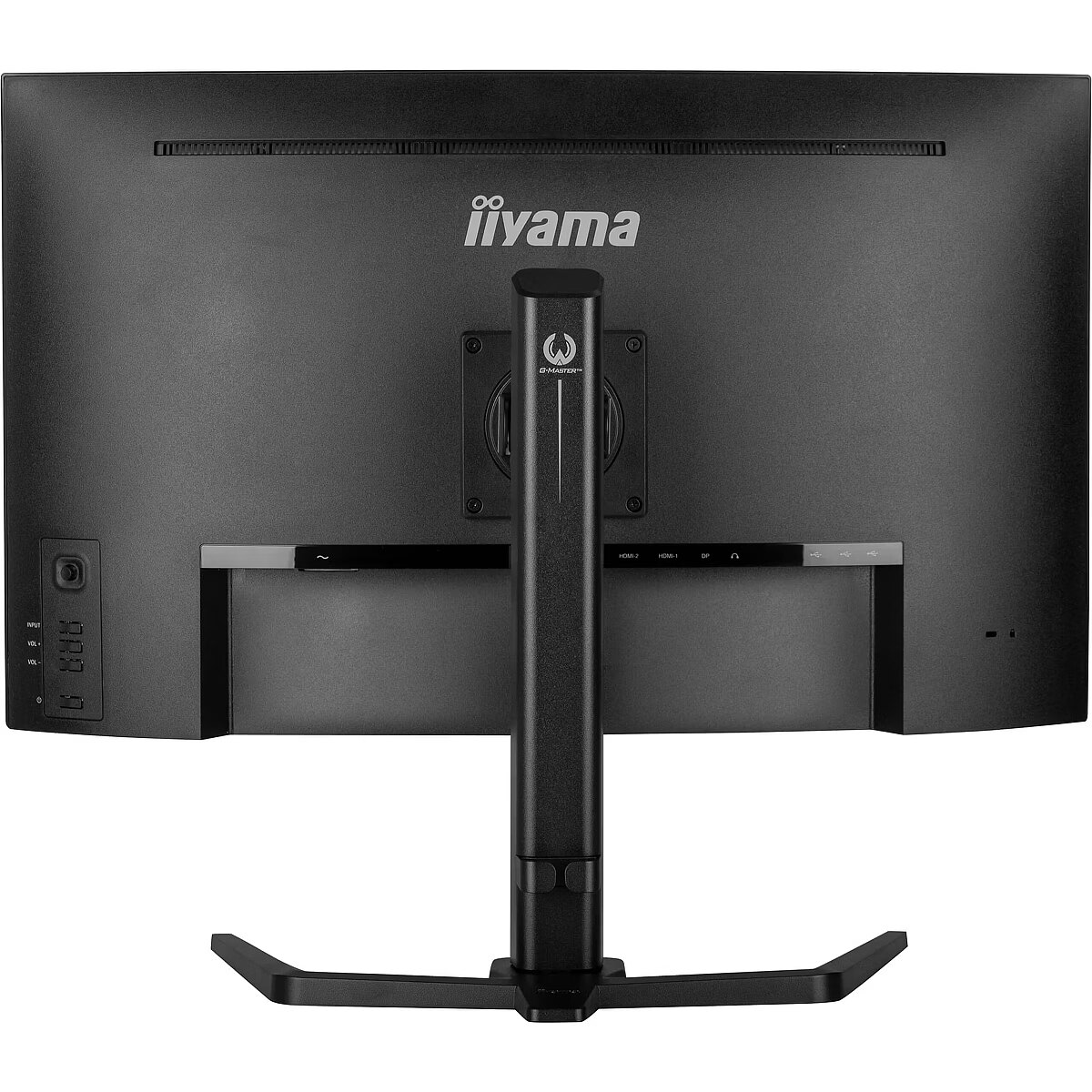
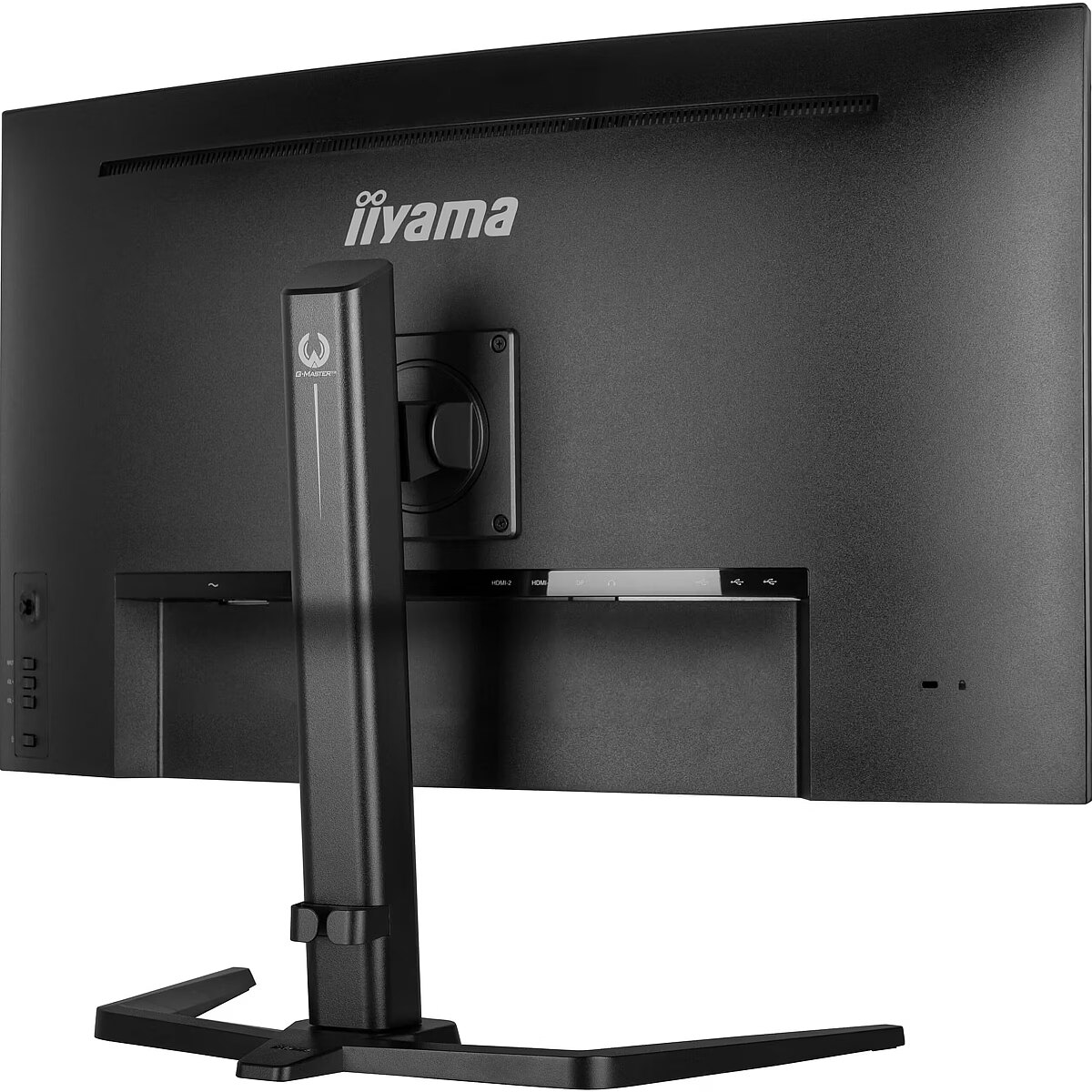
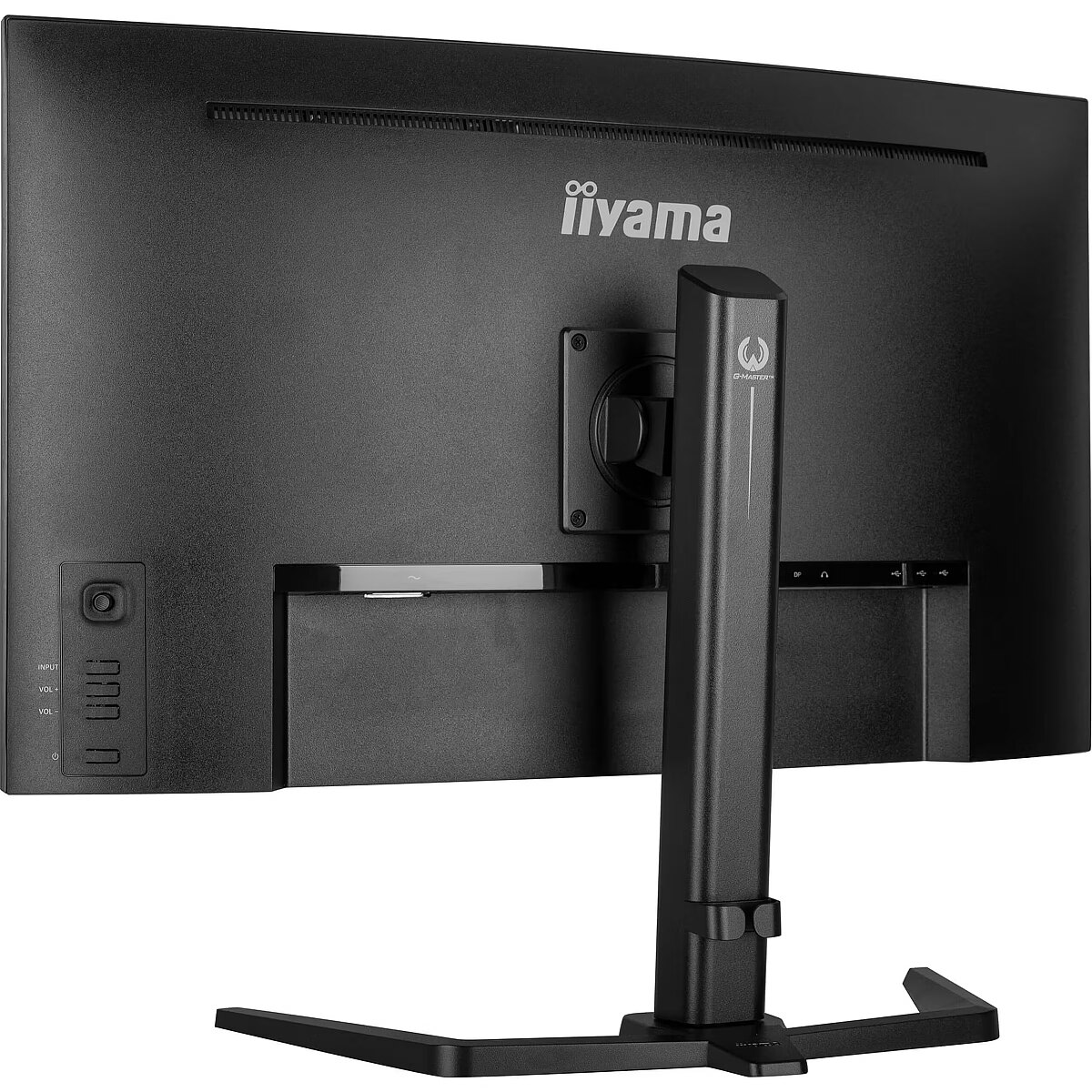
Other features - Control panel - joystick controller: Menu, Up, Down, Left/ i-Style Colour, Right/ Night Mode & buttons: Input Select, Volume +, Volume -, Power
Other features - Depth - 290 mm
Other features - Packaging content - quick start guide, safety guide
Other features - User controls - picture adjust (contrast, brightness, OD, ACR, ECO, night mode, blue light reducer, black tuner, MBR, gamma), input select (input source), audio adjust (volume, mute), store user settings (user modes), colour settings (colour temp., 6-Axis, user preset), image adjust (i-Style colour, X-Res Technology, sharpness, HDMI range, direct drive mode), image adjust (video mode adjust), language, setup menu (OSD H. position, OSD V. position, OSD time, opening logo, HDR, FreeSync, Power LED, DDC/CI, USB charge), display information, reset
Other features - Weight - 9 kg
Other features - Width - 709.5 mm
Packaging content - Cables included - AC, USB, HDMI, DisplayPort
Packaging content - DisplayPort cable length - 1.8 m
Packaging content - HDMI cable length - 1.8 m
Packaging content - Power cable length - 1.8 m
Packaging content - Quick start guide - Yes
Packaging data - Package depth - 224 mm
Packaging data - Package height - 518 mm
Packaging data - Package type - Box
Packaging data - Package weight - 11.9 kg
Packaging data - Package width - 810 mm
Packaging data - USB cable length - 1.8 m
Performance - AMD FreeSync - Yes
Performance - Flicker-free technology - Yes
Performance - Low Blue Light technology - Yes
Performance - VESA Adaptive Sync support - Yes
Ports & interfaces - Built-in USB hub - Yes
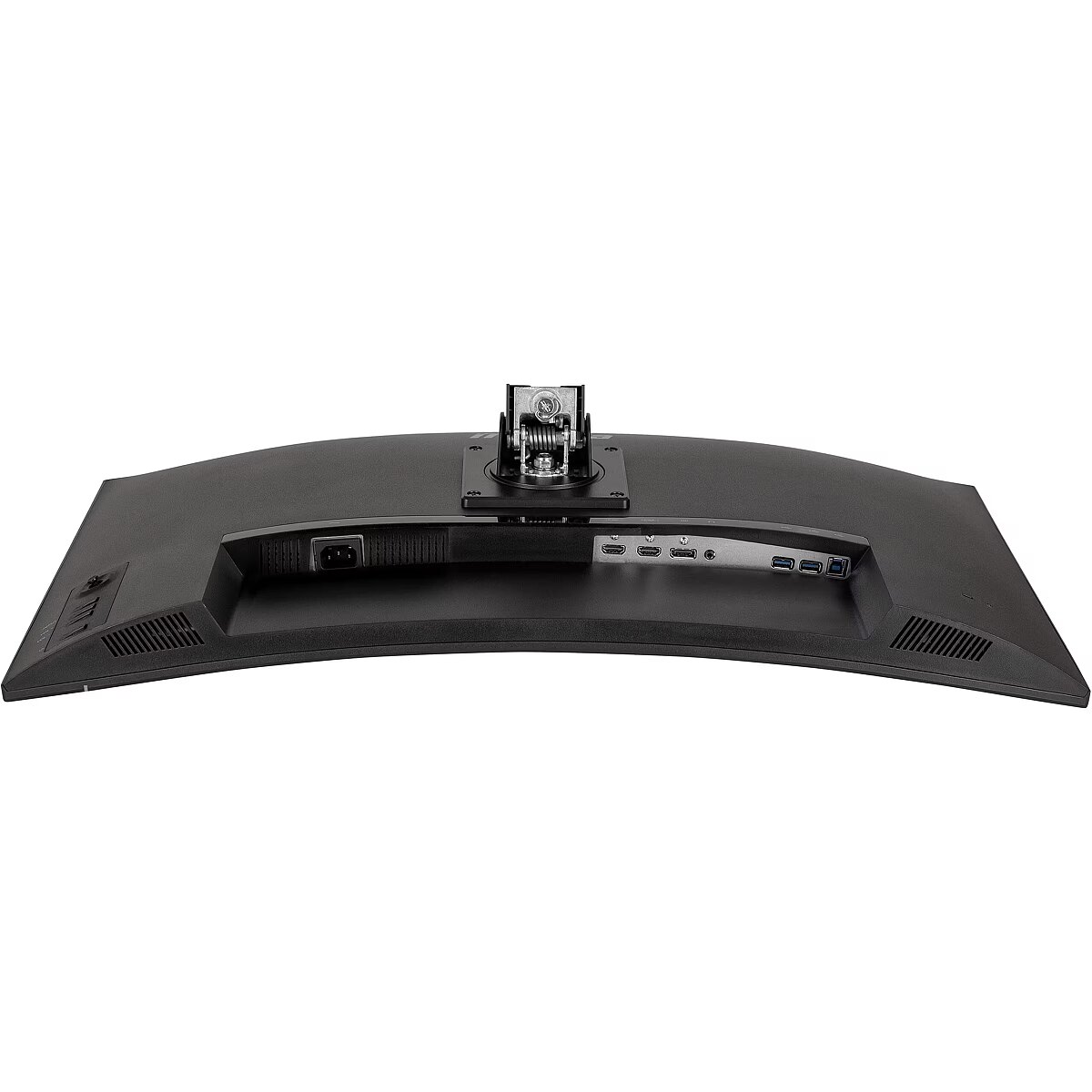
Ports & interfaces - DisplayPorts quantity - 1
Ports & interfaces - DisplayPort version - 1.2
Ports & interfaces - HDCP - Yes
Ports & interfaces - HDMI - Yes
Ports & interfaces - HDMI ports quantity - 2
Ports & interfaces - HDMI version - 2.0
Ports & interfaces - Headphone out - Yes
Ports & interfaces - Number of downstream ports - 4
Ports & interfaces - USB hub version - 3.2 Gen 1 (3.1 Gen 1)
Power - AC input frequency - 50/60 Hz
Power - AC input voltage - 100 - 240 V
Power - Energy consumption (HDR) per 1000 hours - 49.9 kWh
Power - Energy consumption (HDR) per 1000 hours - 50 kWh
Power - Energy consumption (SDR) per 1000 hours - 28 kWh
Power - Energy consumption (SDR) per 1000 hours - 28.4 kWh
Power - Energy efficiency class (HDR) - G
Power - Energy efficiency class (SDR) - F
Power - Energy efficiency scale - A to G
Power - Power consumption (off) - 0.3 W
Power - Power consumption (standby) - 0.5 W
Power - Power consumption (typical) - 44 W
Power - Power supply type - Internal
producerCode - GCB3280QSU-B2
ProductName - GCB3280QSU-B2
productName - iiyama G-MASTER GCB3280QSU-B2 computer monitor 80 cm (31.5") 2560 x 1440 pixels Dual QHD LED Black
productSize - Normal
Safety warning - Warnings - Avoid direct contact with liquids.
Safety warning - Warnings - Do not expose to water or excessive moisture.
Safety warning - Warnings - The monitor contains materials that may be harmful to the environment; follow local regulations for the disposal of electronic devices.
ShortSummaryDescription - iiyama G-MASTER GCB3280QSU-B2, 80 cm (31.5"), 2560 x 1440 pixels, Dual QHD, LED, 0.2 ms, Black
sizeX - 220
sizeY - 805
sizeZ - 520
Stck_Kart - 1
Stck_Pal - 15
Storno - Y
Sustainability - European Product Registry for Energy Labelling (EPREL) code - 2069237
Sustainability - Sustainability certificates - ErP
Title - iiyama G-MASTER GCB3280QSU-B2 computer monitor 80 cm (31.5") 2560 x 1440 pixels Dual QHD LED Black
URL - https://iiyama.com/
WarrantyInfo -
warrantyLength - 24
warrantyType - F
Weight - 12
Weight - 12,00
weight - 11500
Weight & dimensions - Depth (without stand) - 290 mm
Weight & dimensions - Depth (with stand) - 290 mm
Weight & dimensions - Height (without stand) - 473 mm
Weight & dimensions - Height (with stand) - 623 mm
Weight & dimensions - Weight (without stand) - 6.3 kg
Weight & dimensions - Weight (with stand) - 9 kg
Weight & dimensions - Width (without stand) - 709.5 mm
Weight & dimensions - Width (with stand) - 709.5 mm



 DVI is a digital standard and ensures high image quality, however, thanks to the big size of the plug and the inability of the standard to develop further due to a few technical restrictions this type of connection is gradually losing its popularity to modern HDMI and DisplayPort standards.







