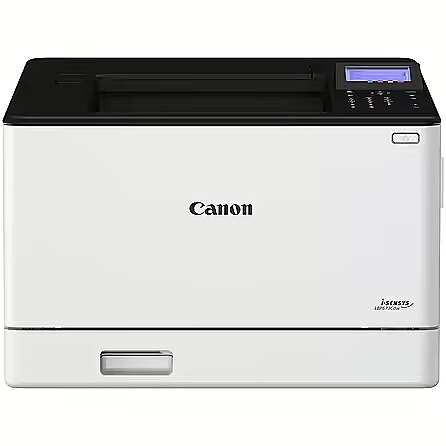
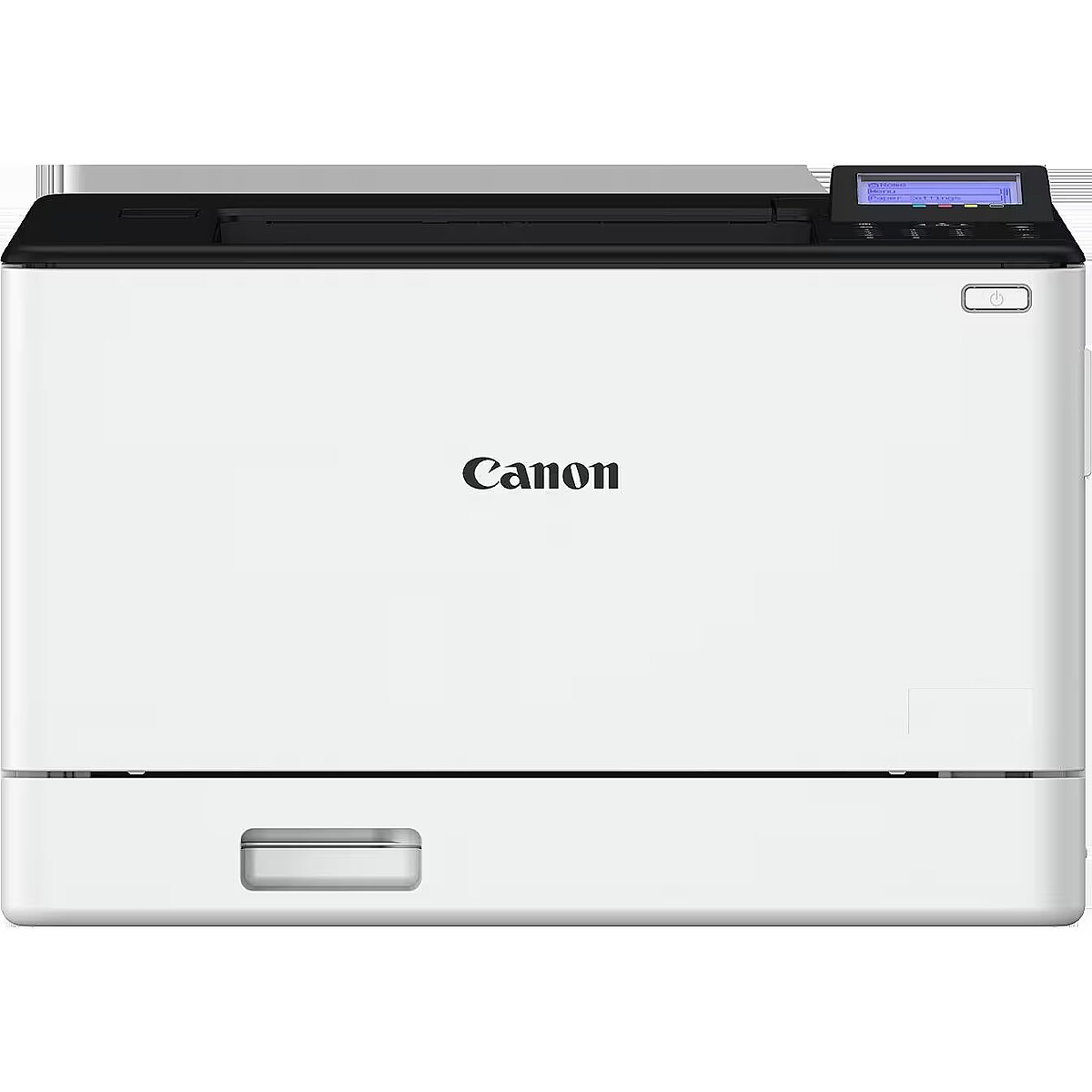
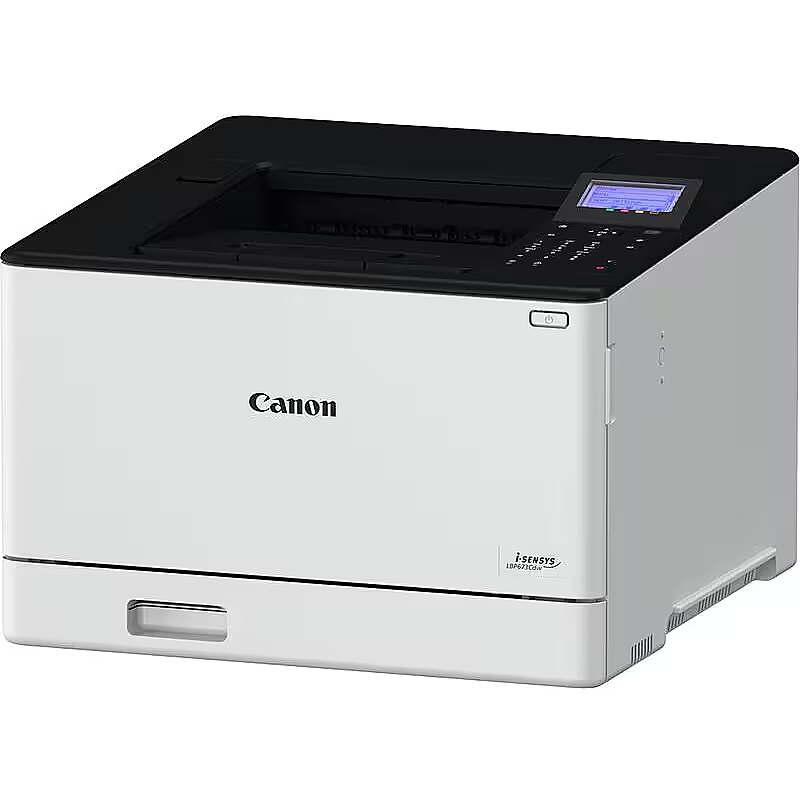
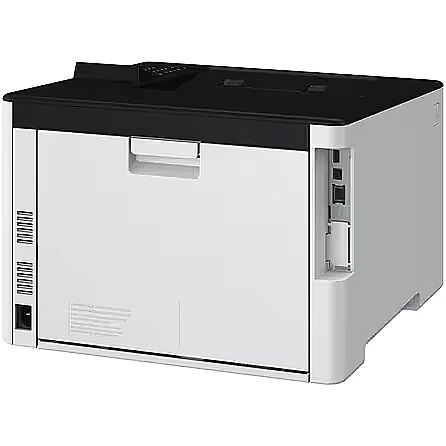
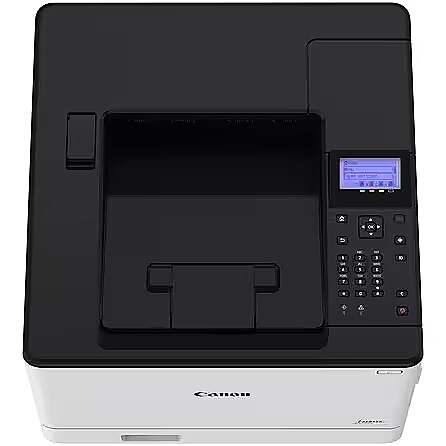
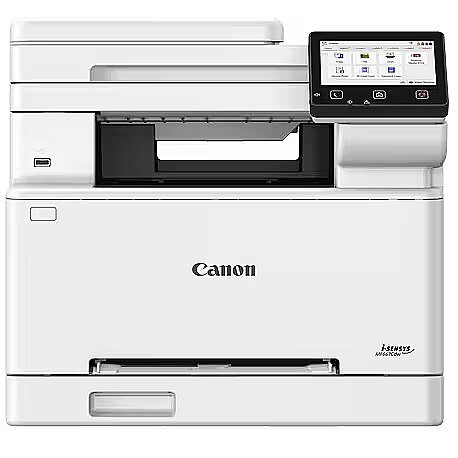
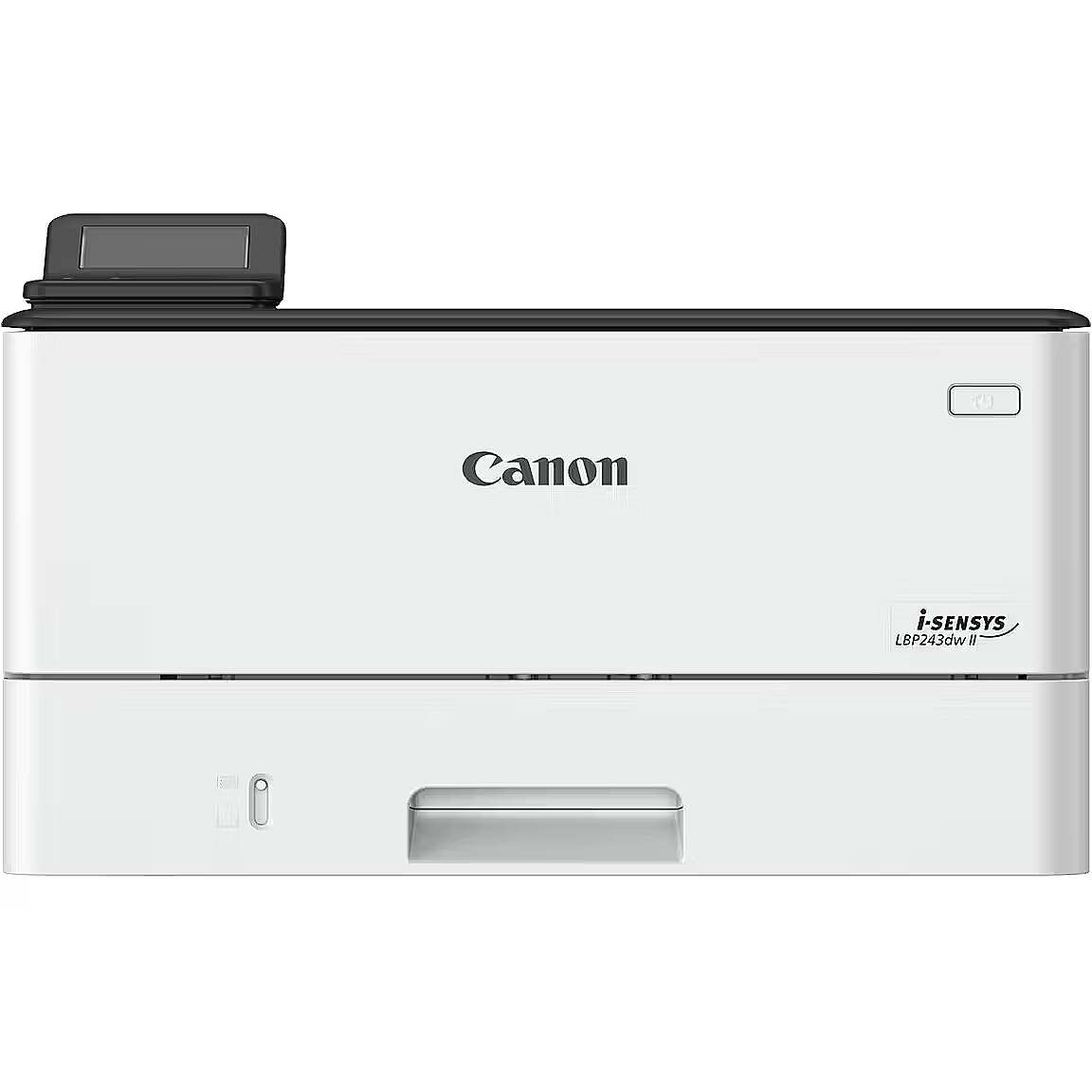
Canon i-SENSYS LBP673Cdw

Picture may differ from actual product, there can be accessories and parts not supplied with the actual product.
ID: 879167 Product code: 5456C007
Goods are not available at the moment We do not accept orders for the delivery of this product. We do not have information as to when this product will be available. Our suppliers currently do not provide information about possible delivery times of the product and the possible price when it is on sale again.

TopPC.fi website provides information about this product for information only, so that customers can see the product and compare it to the products available for sale now.

Warranty: 2 years (Warranty for business entities 1 year)

Main product parameters All parameters
  • Max. print size: A4
  • Native resolution: 1200 x 1200 dpi
  • Print speed (monochrome): 33 lpp/min
  • Type: Laser Colour Printer
  • Cartridges: 4
Similar Products
This product Canon i-SENSYS LBP673Cdw
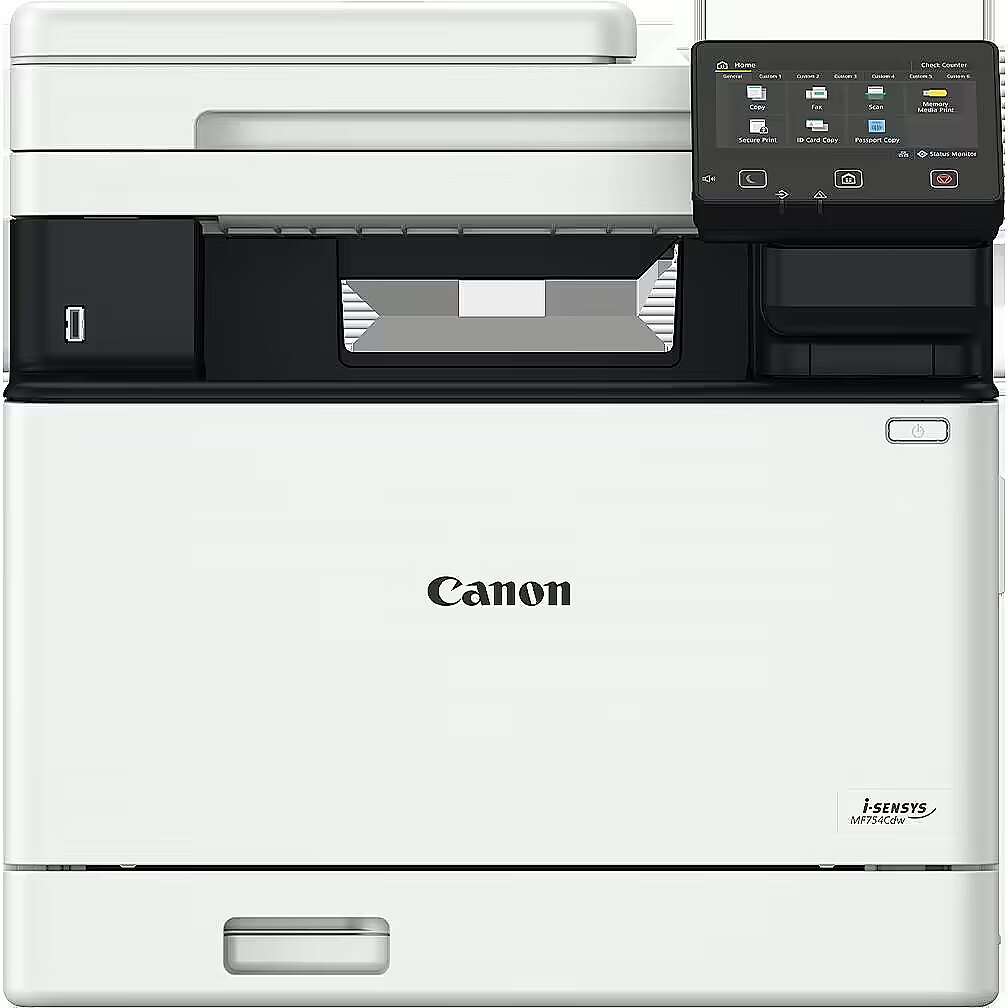
Canon I-SENSYS MF754CDW
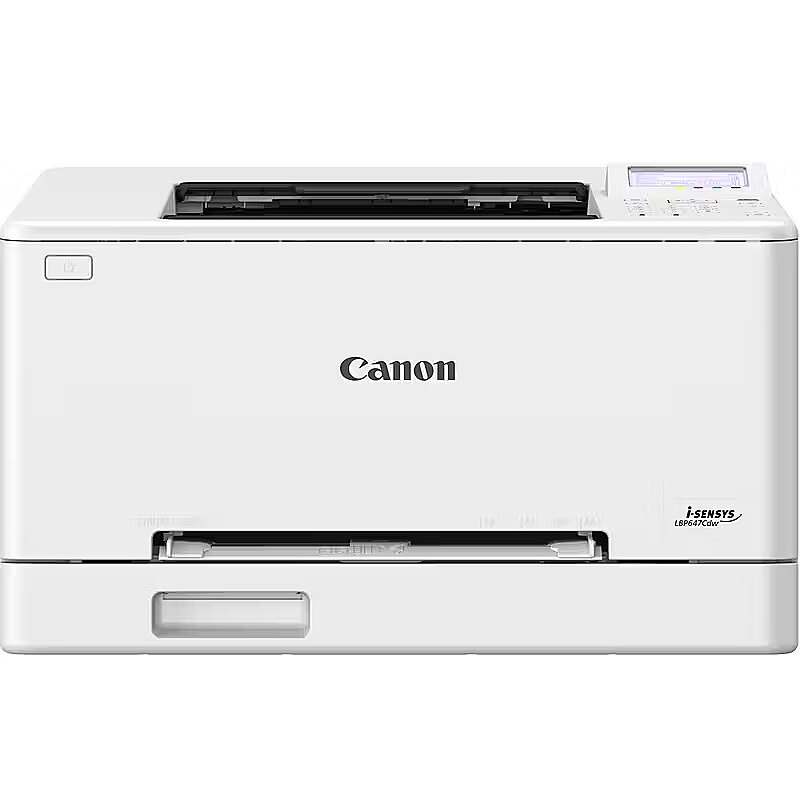
Canon I-SENSYS LBP647CDW LASERPRINTER COLOR 25 PPM
Canon MFP MF664Cdw 6928C008
Canon Laser printer i-SENSYS LBP246dw II 7187C006
Show similar specs. Hide similar specs.
384.23 €
503.10 €
247.06 €
352.10 €
247.97 €
Model i-SENSYS MF754Cdw i-SENSYS LBP647Cdw i-SENSYS MF664Cdw i-SENSYS LBP246dw II
Basic information
Max. print size A4 A4 A4 A4 A4
Native resolution 1200 x 1200 dpi 1200 x 1200 dpi 1200 x 1200 dpi 1200 x 1200 dpi 1200 x 1200 dpi
Print speed (monochrome) 33 lpp/min 33 lpp/min 25 lpp/min 25 lpp/min 40 lpp/min
Type Laser Colour Printer Laser Colour Printer Laser Colour Printer Laser Colour Printer Mono laser
Functionality
ADF (automatic document feeder) None Is None Is None
Auto Duplex function Is Is Is Is Is
Cartridges 4 4 4 4 1
Copier None Is None Is None
Fax None Is None None None
Scanner None Is None Is None
Ports and equipment
LAN interface Is Is Is Is Is
LPT interface None None None None None
USB 2.0 interface Is Is Is Is Is
Wireless connections
Bluetooth None None None None None
WiFi Is Is Is Is Is
Basic information
Max. print size A4

The size of paper that can be placed in the printer feeder and printed in the particular printer. If this index of the printer is, for example, A4 it means that this particular printer can print for sure also smaller size paper, for example, A5. This possibility has certain restrictions that can be found in the detailed specification of the printing size and type of paper supported.

Native resolution 1200 x 1200 dpi

The resolution of the printer determines the number of dots that the printer printing head can print horizontally and vertically. By applying various additional methods a printer can print a higher resolution result. This parameter indicates the natural resolution of the printer without using compression. A higher resolution means a higher image quality and detail.

Print speed (monochrome) 33 lpp/min

The average index of the number of black and white pages with 5% average coverage that can be printed by this printer per minute.

Type Laser Colour Printer

The type of printing is the main criterion for selecting the princter because it determines the printer application.

Ink - this technology will be suitable for the users who want to print colour photos at high quality. The costs per print-out are quite high, also ink cartridges dry out when the printer is on stand-by for a long time.

Black and white laser - the best type of printing from the economic point of view, produces good quality print-outs of black and white documents at the lowest cost per print-out. The best buy for the home and office needs. Printers of more expensive models have considerably bigger toner cartridges which will certainly pay back if more than ten pages per day are printed.

Colour laser - this technology allows to print black and white laser print-outs at the same costs per page as with the black and white laser printer and to produce colour print-outs at comparatively low costs per print-out.

The quality of the colour printing by this technology is much lower than with the ink printing, therefore this device is worth buying only if tens of colour graphics, models, product samples photos and colour logos have to be printed every day. This technology currently is not suitable for printing photos.

The size of paper that can be placed in the printer feeder and printed in the particular printer. If this index of the printer is, for example, A4 it means that this particular printer can print for sure also smaller size paper, for example, A5. This possibility has certain restrictions that can be found in the detailed specification of the printing size and type of paper supported.

Functionality
ADF (automatic document feeder) None

ADF means automatic document feeding. This is implemented by means of a special scanner cover where it is possible to place several pages at once, for example, a pack of copied or scanned documents.

Auto Duplex function Is

Double-sided printing that is quite often implemented as a semi-automated function which means that the printer prints one side of the page and then the user has to put all the pack of print-outs in the feeder manually.

There can also be Duplex printers that are able to turn the page during the printing process. Prior to buying the printer you should read the detailed specification about how the Duplex function is implemented.

Cartridges 4

The number of toners or cartridges that the particular printer has. In case of ink printing a higher number of cartridges means better printing quality and more economical replacement of cartridges.

Copier None

An option to place a printed document in the feeder and copy it.

Fax None

A possibility to connect the device to the phone line and phone for sending and receiving fax messages.

Scanner None

A possibility to place a printed paper in the feeder and to receive a scanned document in the computer as a file.

Ports and equipment
LAN interface Is

A very useful function if the printer is used from various computers connected in a network. If there is LAN connection it is possible to place the printer at any place where the network and power connection is available and to produce print-outs from any computer without the necessity to connect the printer to any particular computer and to maintain this computer switched on.

LPT interface None

This is an obsolete standard and required only in few cases when a company uses DOS software that cannot print from any other ports except LPT. This type of connection is very slow, therefore in most cases a printer with LPT has also the much faster USB or LAN connection.

USB 2.0 interface Is

The most stable, convenient and fastest connection of the printer if the printer is located close to the computer and is used for printing from one computer. The USB connection slot is available with almost all portable computers and desktop computers.

Wireless connections
Bluetooth None

A possibility to connect this printer to the computer via the Bluetooth wireless connection. Usually this type of connection is available for portable computers of average or expensive category. Desktop computers usually do not have the Bluetooth, therefore it will be necessary to buy a low priced USB Bluetooth transmitter for being able to use this functionality.

WiFi Is

An excellent way of connecting a computer within a wireless network if you use exclusively wireless network connection at home or at office or if the printer is placed at a location where it is not possible to connect a LAN cable.

More detailed specification
-
-
-
-
-
-
-
-
-
-
-
-
-
-
-
-
-
-
-
-
-
-
-
-
- 0.13245680
- 1
-
-
-
-
- Canon
-
- Canon i-SENSYS LBP673Cdw - Color Laser Printer
- Canon i-SENSYS LBP673Cdw - Krāsu lāzerprinteris
- Canon i-SENSYS LBP673Cdw - Värvi-laserprinter
- Canon I-SENSYS LBP673Cdw A4 Colour Laser Printer
-
-
-
-
-
-
- LASERPRINTER COLOR
-
-
-
-
-
- Rakendage pilvevõimekust ja suurendage töövoo tõhusust
Pilveühenduvus ja kiire printimiskiirus toetavad erinevate prindimaterjalidega sujuvat printimiskogemust, aidates kaasa teie väikekontori tootlikkuse tõusule. Kiire printimine
Suurendage oma ettevõtte tootlikkust printimiskiirusega kuni 33 lk/min (A4 värviline) ja väiksemate prindimaterjalidega, nagu tšekid ja kviitungid. Ühenduvus pilveteenustega
Printige dokumente otse pilveteenusest, nagu Google Drive, DropBox ja OneDrive, ning hallake printimist tsentraalselt Microsoft Universal Printi tarkvaraga. Lihtne kasutada
Praktiline kasutuskogemus hõlmab otseteenuppe, mida saab kasutada otse printeri ekraanilt, et säästa aega sagedamini tehtavate töölõikude pealt. Jõuline turvalisus
Kaitske oma seadet ja tundlikke dokumente turvalise PIN-koodi funktsiooni abil, mis piirab kasutajate ligipääsu, ja süsteemipoolse kinnitusega käivitamisel, mis aitab viiruseid tuvastada.
-
-
-
- Yes
- Yes
- Yes
- Yes
-
-
-
-
-
-
-
-
-
-
-
-
Color -
Color -
- Yes
- Yes
-
- 1 x USB
-
-
Dane techniczne: Automat. druk dwustronny (dupleks) -
Dane techniczne: Funkcje -
Dane techniczne: Grupa produktowa -
Dane techniczne: Gwarancja -
Dane techniczne: Interfejs -
Dane techniczne: Pojemność odbiornika papieru -
Dane techniczne: Pojemność podajnika papieru -
Dane techniczne: Producent - Canon
Dane techniczne: Rodzaj -
Dane techniczne: Rodzaj produktu -
Dane techniczne: Rozmiar nośnika -
Dane techniczne: Technologia druku -
Data Act -
-
Description -
Description -
- Yes
-
- LCD
-
-
- Black, White
Designation - CE+WEEE
-
-
-
Dimensions -
-
-
-
-
-
-
Drukowanie: Czas do pierwszego druku kolorowego -
Drukowanie: Czas do pierwszego druku monochromatycznego -
Drukowanie: Maks. szybkość druku kolor -
Drukowanie: Maks. szybkość druku mono -
Drukowanie: Maksymalne obciążenie -
Drukowanie: Minimalne zalecane obciążenie -
Drukowanie: Rozdzielczość druku w czerni -
Drukowanie: Rozdzielczość druku w kolorze -
Drukowanie: Szybkość druku dwustronnego - 29.5 obr./min.
-
-
-
-
-
EANCode -
-
-
Eksploatacja: Symbol tonera - Canon 069
Eksploatacja: Symbol tonera - Canon 069H
-
- Yes
-
-
-
-
- 4
-
-
-
-
-
-
-
- Black, Cyan, Magenta, Yellow
-
-
-
-
- Yes
-
-
-
- Canon
-
GrossWeight -
-
-
-
-
-
-
- Yes
-
-
- 1
-
-
Interfaces -
-
-
-
Komunikacja: Praca w sieci [serwer druku] -
Komunikacja: Wyświetlacz -
-
- Yes
-
- Fast printing
Increase your business productivity with print speeds of up to 33ppm (A4 colour) and smaller print materials such as checks and receipts. Connectivity to cloud services
Print documents directly from cloud services such as Google Drive, DropBox and OneDrive and manage printing centrally with Microsoft Universal Print software. Easy to use
The hands-on experience includes shortcut keys that can be used directly from the printer screen to save time on the most frequently performed sections of the job. Powerful security
Protect your device and sensitive documents with a secure PIN feature that restricts user access and system-based confirmation on startup that helps detect viruses.
- Ātra drukāšana
Paātriniet biznesa dokumentu iegūšanu ar A4 formāta krāsu drukāšanas ātrumu līdz 33 lpp./min un maza lieluma materiālu apstrādes iespējām, kas ietver čekus un rēķinus. Mākoņpakalpojumu savienojamība
Drukājiet dokumentus tieši no mākoņkrātuves pakalpojumiem, piemēram, Google Drive, DropBox un OneDrive, izmantojot Microsoft Universal Print atbalstu centralizētai drukāšanas pārvaldībai. Vienkārša lietošana
Lietotāju pieredzi uzlabo īsceļu pogas, ko var iestatīt tieši printera ekrānā, lai taupītu laiku, kad jāizpilda bieži veicami darbi. Liela drošība
Aizsargājiet savu ierīci un konfidenciālos dokumentus ar drošā PIN koda funkciju, kas ierobežo lietotāju piekļuvi, un sistēmas verificēšanu darba uzsākšanas laikā, lai noteiktu vīrusu apdraudējumu.
-
-
- Canon
-
-
- Cloud connectivity and fast printing speed support a smooth printing experience with different print materials, helping to increase the productivity of your small office.
- Kompaktne võrguühendusega ühefunktsiooniline värviline laserprinter väikekontorite töö tõhustamiseks.
- Izmantojiet mākoņa jaudīgās iespējas, lai maksimāli palielinātu darbplūsmu efektivitāti
Savienojums ar mākoni un lielais drukāšanas ātrums atvieglo ērtu drukāšanu, izmantojot dažāda lieluma materiālus, lai jūsu mazajam uzņēmumam būtu liels darba ražības palielinājums.
Memory (RAM) - 1GB
-
-
-
-
- 18.6000
-
-
-
-
- Yes
-
-
-
-
-
-
- Yes
-
-
-
-
- Yes
- Yes
-
-
-
-
-
-
-
-
-
-
-
-
-
-
-
-
- Yes
-
-
-
-
-
-
-
-
-
-
-
-
-
-
-
-
-
-
-
-
-
-
-
-
-
-
-
-
-
-
-
-
-
-
-
-
- Yes
-
- Colour
-
-
-
-
- 1
-
-
-
-
-
-
-
Pozostałe cechy: Przewód do połączenia z komputerem w zestawie -
Pozostałe cechy: Prędkość procesora - 1200 MHz (2 rdzenie)
Pozostałe cechy: Seria - Canon i-SENSYS
Pozostałe cechy: Zainstalowana pamięć -
Pozostałe cechy: Zasilanie -
- 60 - 176
-
- 33
-
- 33
-
-
-
-
-
-
-
- MacOS 10.15
- Windows 8
- Windows 10
-
-
-
-
-
-
-
- Yes
- Yes
-
-
-
-
-
-
-
-
- 33
-
Producent: Nazwa producenta / importera - Canon
Canon EUROPA N.V.
Bovenkerkerweg 59
1185XB Amstelveen

- Canon
- Canon
-
-
-
-
-
-
productName -
-
Product Net Weight -
-
-
-
-
-
-
-
-
-
- 4
-
-
-
- Windows 10
-
-
-
-
-
- Yes
-
-
-
-
-
-
-
-
-
-
-
-
-
-
-
-
-
-
-
-
-
-
- Windows 10
-
-
-
-
- Canon
-
-
-
Unit Calculated Volume -
Unit Calculated Weight -
-
- 1
Units per Shipping Box - 1
URL -
Vendor Homepage -
Warranty -
Warranty -
Warranty -
Warranty -
-
-
-
-
-
-
-
-
-
-
-
-
-
- Yes
- Yes
- Yes
-
Wymiary: Głębokość -
Wymiary: Szerokość -
Wymiary: Waga -
Wymiary: Wysokość -
384.23 €
Canon i-SENSYS LBP673Cdw
Intel technology provider Platinum 2020
All categories