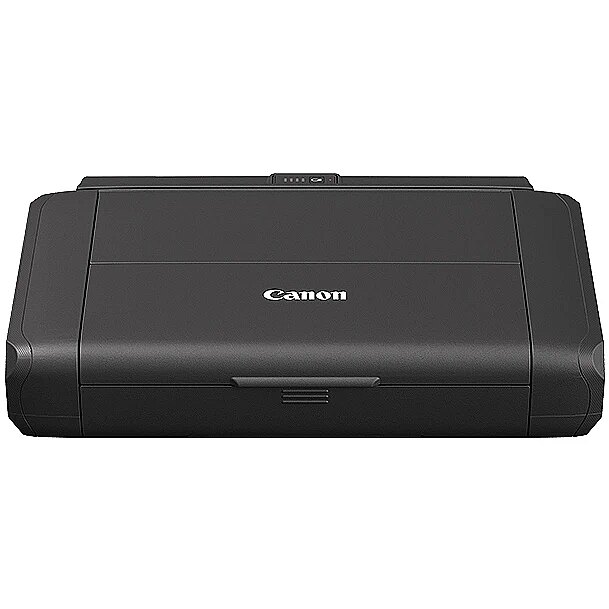
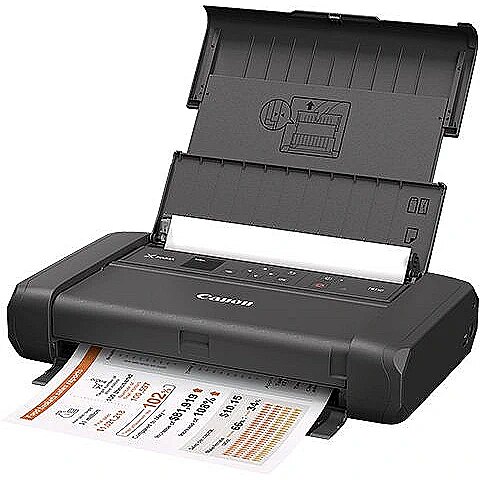
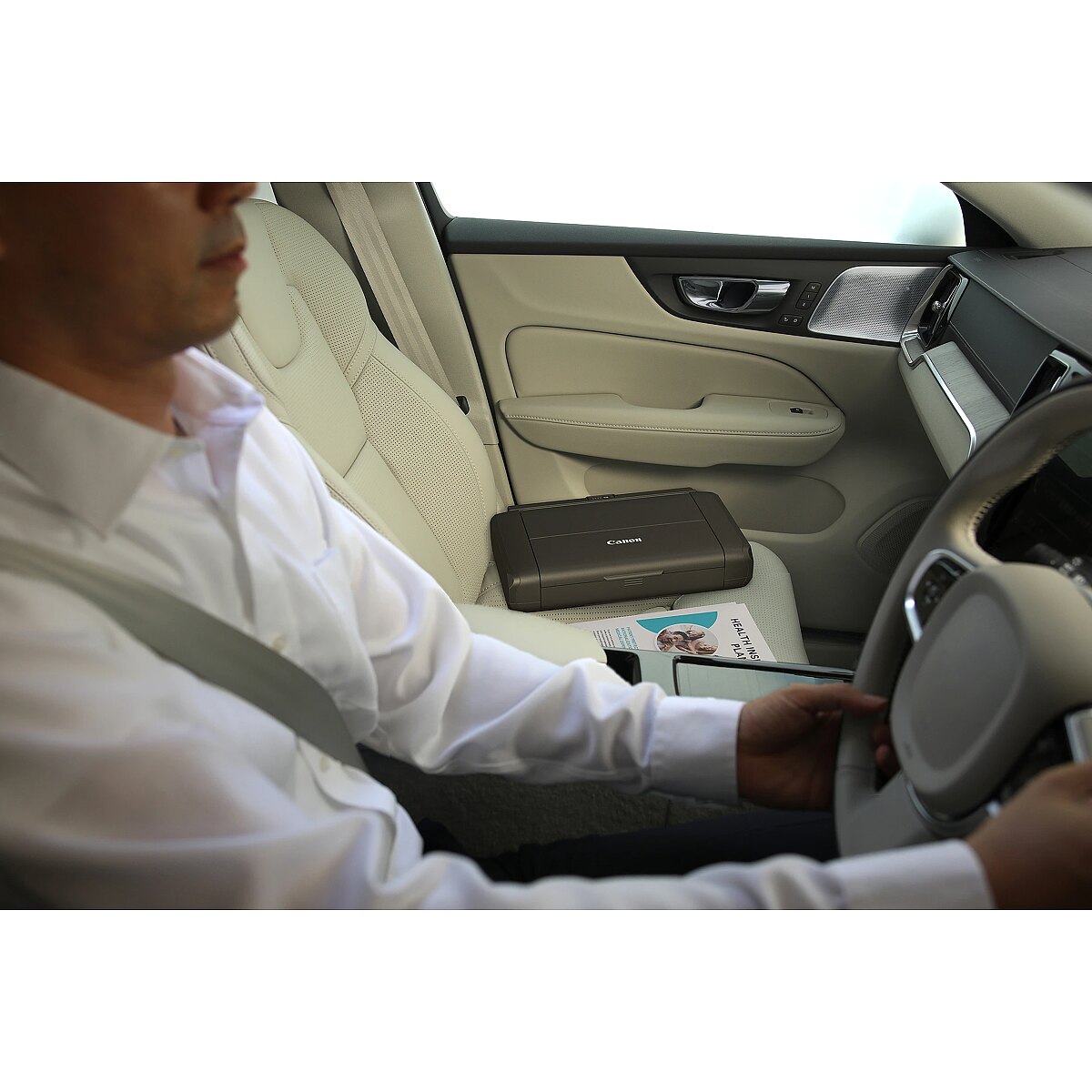
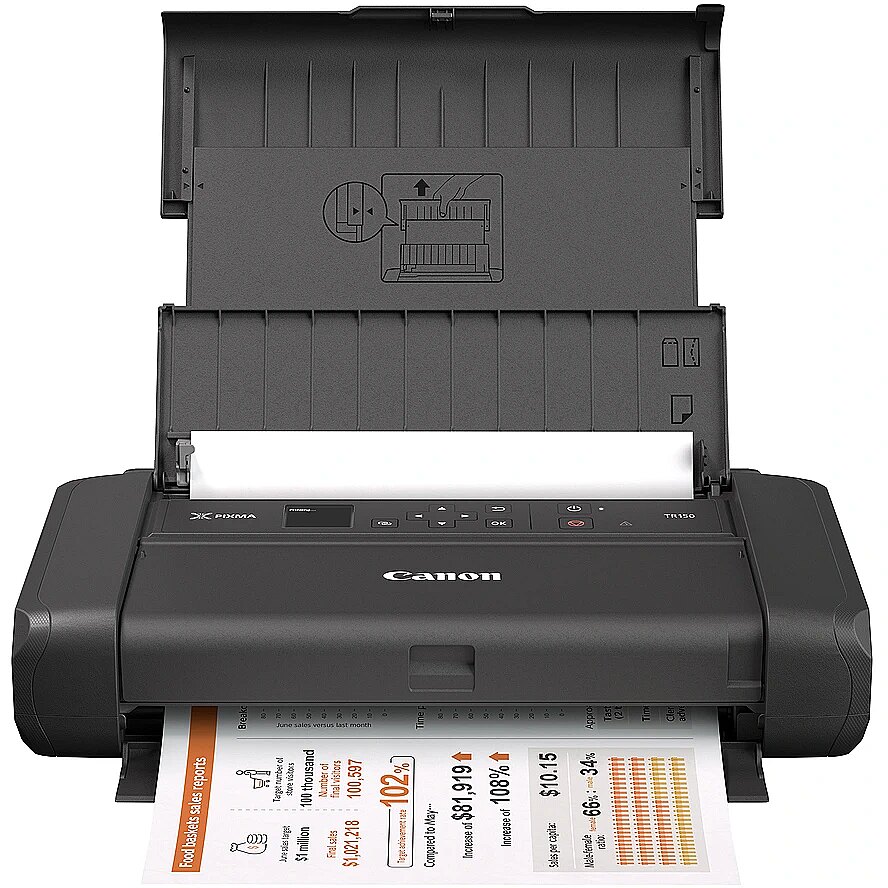
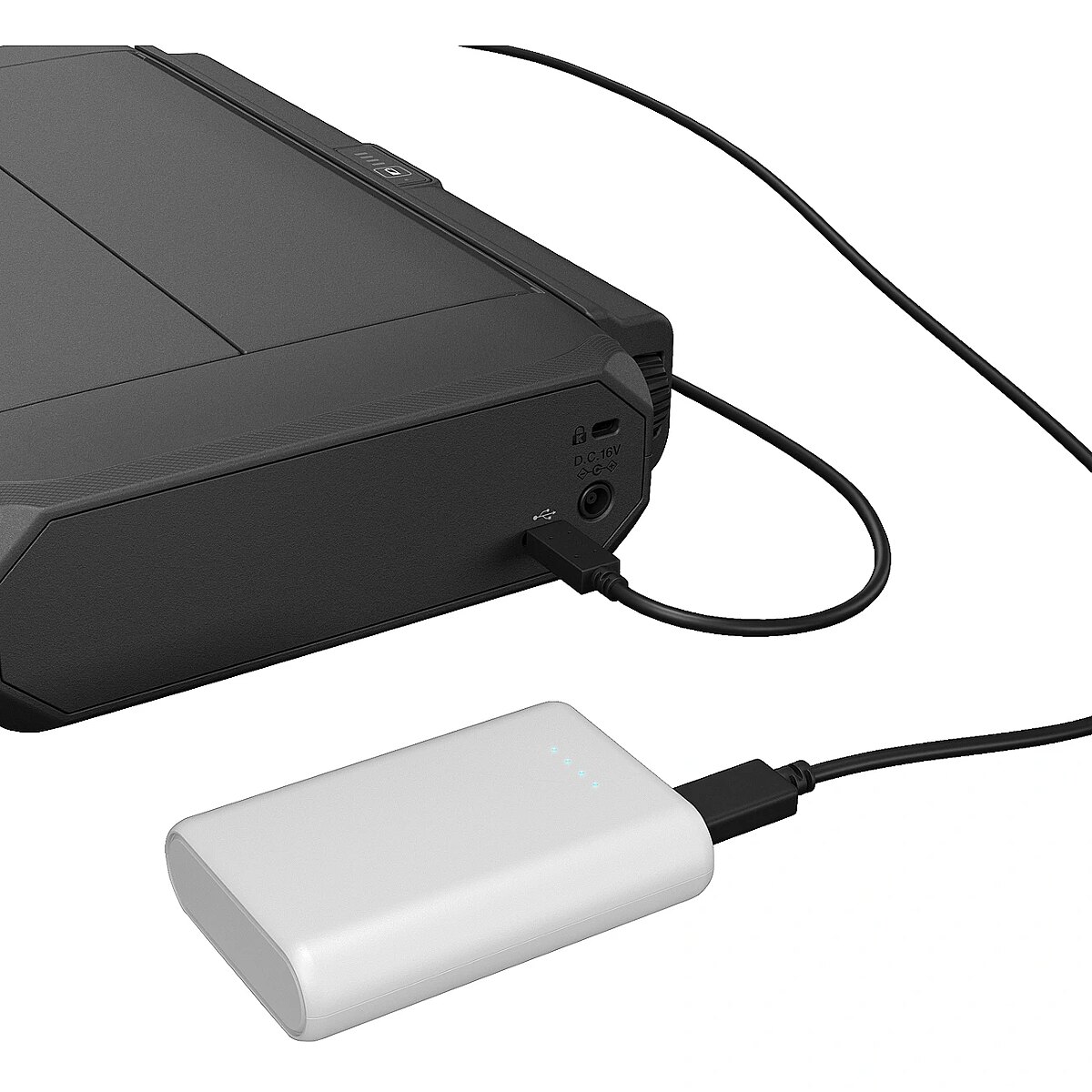
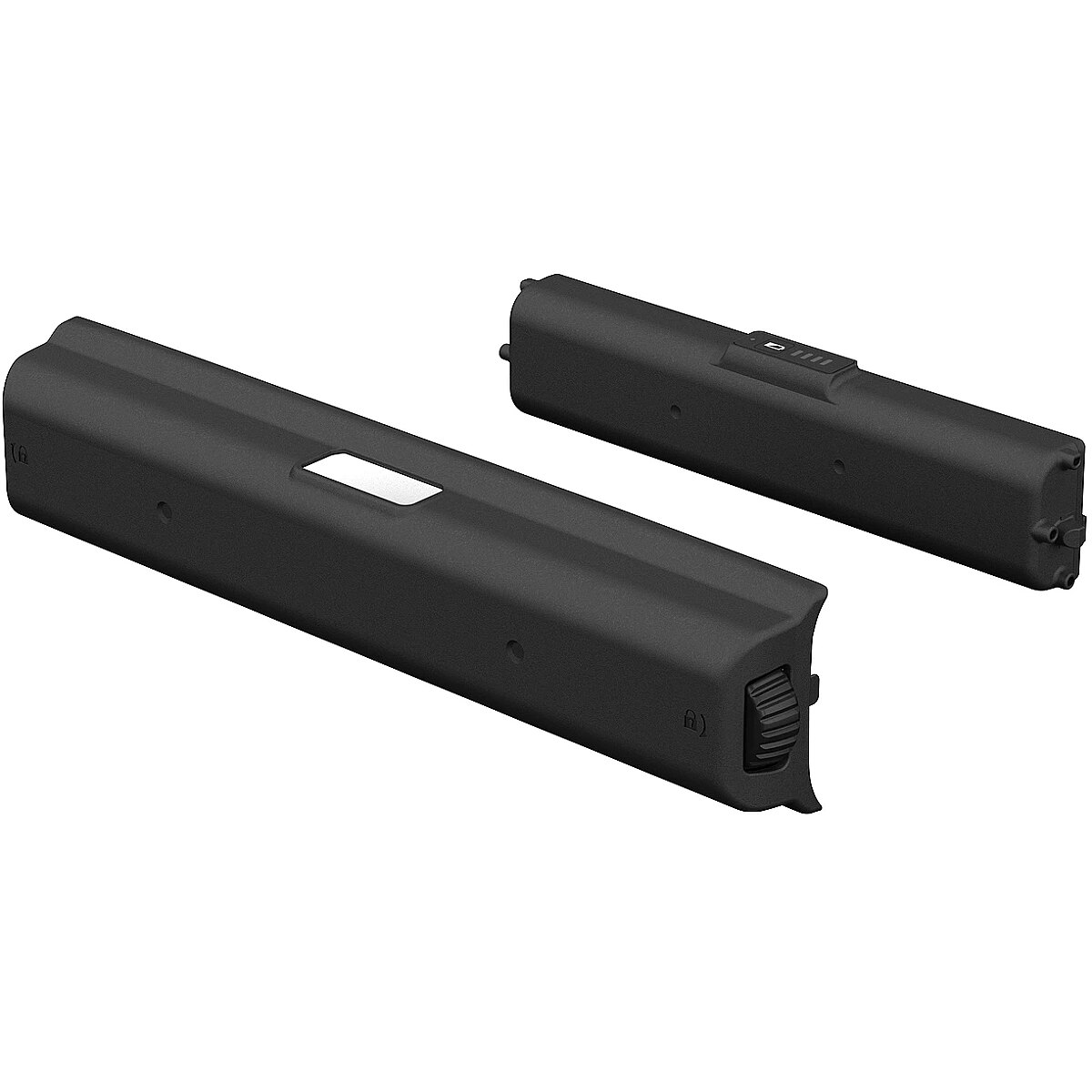
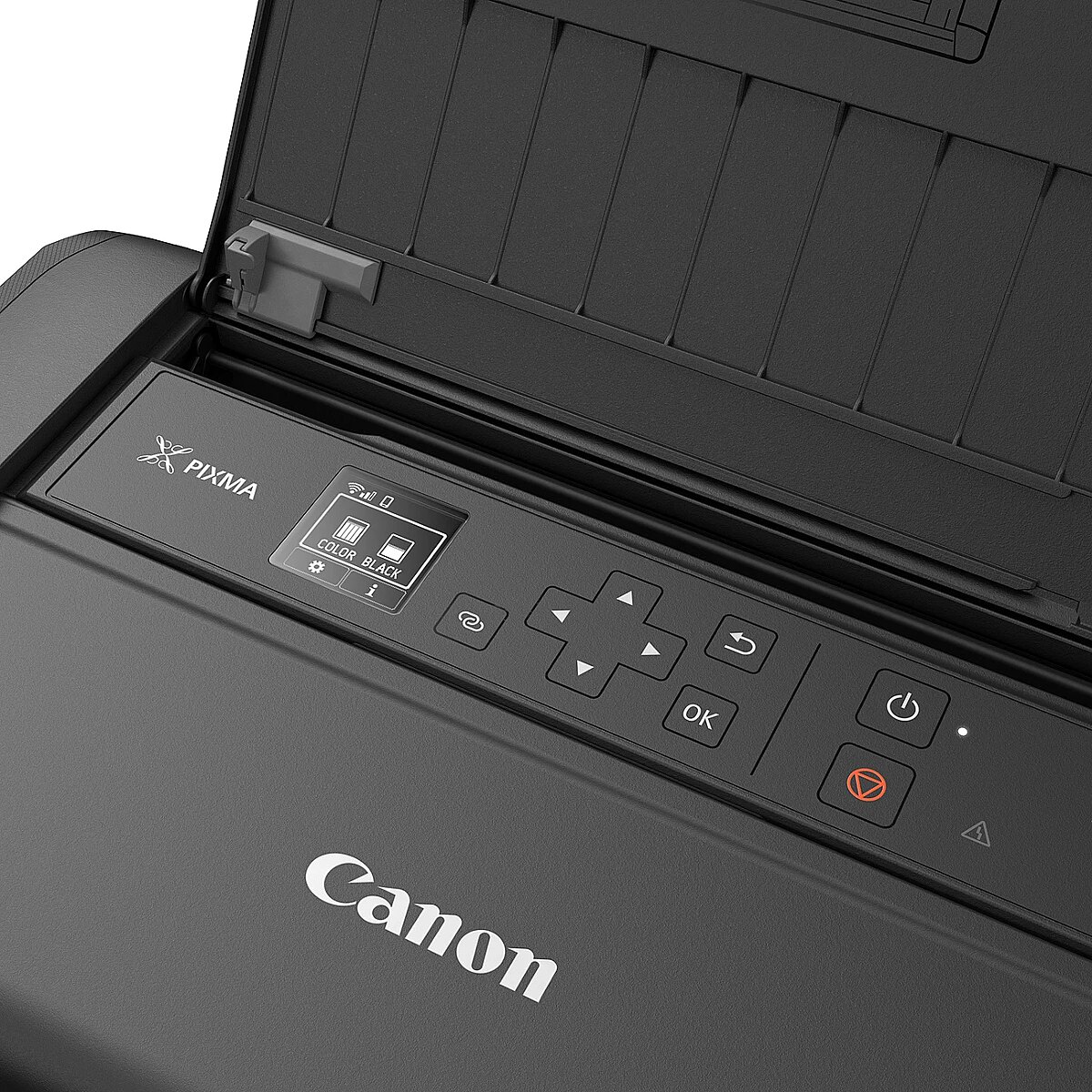
Canon PIXMA TR150, WITH BATTERY

Picture may differ from actual product, there can be accessories and parts not supplied with the actual product.
ID: 526166 Product code: 4167C026
Goods are not available at the moment We do not accept orders for the delivery of this product. We do not have information as to when this product will be available. Our suppliers currently do not provide information about possible delivery times of the product and the possible price when it is on sale again.

TopPC.fi website provides information about this product for information only, so that customers can see the product and compare it to the products available for sale now.

Warranty: 2 years
Main product parameters All parameters
  • Max. print size: A4
  • Native resolution: 4800 x 1200 dpi
  • Print speed (monochrome): 9 lpp/min
  • Type: Inkjet
  • Cartridges: 2
Similar Products
This product Canon PIXMA TR150, WITH BATTERY
Canon PIXMA TS3750I EUR BK 3IN1 MFP
Canon CANON PIXMA TS4151i Inkjet Multifunction Printer Color 14ppm black 9ppm color A4 GY EUR
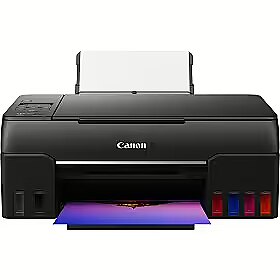
Canon PIXMA G650
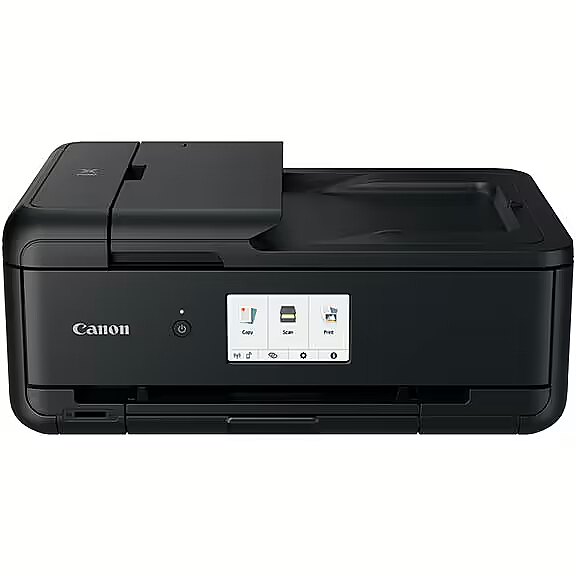
Canon PIXMA TS9550a
Show similar specs. Hide similar specs.
312.94 €
60.44 €
77.31 €
300.04 €
269.65 €
Model PIXMA TR150 PIXMA TS3750i PIXMA TS4151i PIXMA G650 PIXMA TS9550a
Basic information
Max. print size A4 A4 A4 A4 A3
Native resolution 4800 x 1200 dpi 4800 x 1200 dpi 1200 x 1200 dpi 4800 x 1200 dpi 4800 x 1200 dpi
Print speed (monochrome) 9 lpp/min 7 lpp/min 14 lpp/min 5 lpp/min 15 lpp/min
Type Inkjet Inkjet Inkjet Inkjet Inkjet
Functionality
ADF (automatic document feeder) None None None None Is
Auto Duplex function None None Is None Is
Cartridges 2 2 2 6 4
Copier None Is Is Is Is
Fax None None None None None
Scanner None Is Is Is Is
Ports and equipment
LAN interface None None None None Is
LPT interface None None None None None
USB 2.0 interface Is Is Is Is Is
Wireless connections
Bluetooth None None None None None
WiFi Is Is Is Is Is
All parameters
Model : PIXMA TR150
Basic information
Max. print size A4

The size of paper that can be placed in the printer feeder and printed in the particular printer. If this index of the printer is, for example, A4 it means that this particular printer can print for sure also smaller size paper, for example, A5. This possibility has certain restrictions that can be found in the detailed specification of the printing size and type of paper supported.

Native resolution 4800 x 1200 dpi

The resolution of the printer determines the number of dots that the printer printing head can print horizontally and vertically. By applying various additional methods a printer can print a higher resolution result. This parameter indicates the natural resolution of the printer without using compression. A higher resolution means a higher image quality and detail.

Print speed (monochrome) 9 lpp/min

The average index of the number of black and white pages with 5% average coverage that can be printed by this printer per minute.

Type Inkjet

The type of printing is the main criterion for selecting the princter because it determines the printer application.

Ink - this technology will be suitable for the users who want to print colour photos at high quality. The costs per print-out are quite high, also ink cartridges dry out when the printer is on stand-by for a long time.

Black and white laser - the best type of printing from the economic point of view, produces good quality print-outs of black and white documents at the lowest cost per print-out. The best buy for the home and office needs. Printers of more expensive models have considerably bigger toner cartridges which will certainly pay back if more than ten pages per day are printed.

Colour laser - this technology allows to print black and white laser print-outs at the same costs per page as with the black and white laser printer and to produce colour print-outs at comparatively low costs per print-out.

The quality of the colour printing by this technology is much lower than with the ink printing, therefore this device is worth buying only if tens of colour graphics, models, product samples photos and colour logos have to be printed every day. This technology currently is not suitable for printing photos.

The size of paper that can be placed in the printer feeder and printed in the particular printer. If this index of the printer is, for example, A4 it means that this particular printer can print for sure also smaller size paper, for example, A5. This possibility has certain restrictions that can be found in the detailed specification of the printing size and type of paper supported.

Functionality
ADF (automatic document feeder) None

ADF means automatic document feeding. This is implemented by means of a special scanner cover where it is possible to place several pages at once, for example, a pack of copied or scanned documents.

Auto Duplex function None

Double-sided printing that is quite often implemented as a semi-automated function which means that the printer prints one side of the page and then the user has to put all the pack of print-outs in the feeder manually.

There can also be Duplex printers that are able to turn the page during the printing process. Prior to buying the printer you should read the detailed specification about how the Duplex function is implemented.

Cartridges 2

The number of toners or cartridges that the particular printer has. In case of ink printing a higher number of cartridges means better printing quality and more economical replacement of cartridges.

Copier None

An option to place a printed document in the feeder and copy it.

Fax None

A possibility to connect the device to the phone line and phone for sending and receiving fax messages.

Scanner None

A possibility to place a printed paper in the feeder and to receive a scanned document in the computer as a file.

Ports and equipment
LAN interface None

A very useful function if the printer is used from various computers connected in a network. If there is LAN connection it is possible to place the printer at any place where the network and power connection is available and to produce print-outs from any computer without the necessity to connect the printer to any particular computer and to maintain this computer switched on.

LPT interface None

This is an obsolete standard and required only in few cases when a company uses DOS software that cannot print from any other ports except LPT. This type of connection is very slow, therefore in most cases a printer with LPT has also the much faster USB or LAN connection.

USB 2.0 interface Is

The most stable, convenient and fastest connection of the printer if the printer is located close to the computer and is used for printing from one computer. The USB connection slot is available with almost all portable computers and desktop computers.

Wireless connections
Bluetooth None

A possibility to connect this printer to the computer via the Bluetooth wireless connection. Usually this type of connection is available for portable computers of average or expensive category. Desktop computers usually do not have the Bluetooth, therefore it will be necessary to buy a low priced USB Bluetooth transmitter for being able to use this functionality.

WiFi Is

An excellent way of connecting a computer within a wireless network if you use exclusively wireless network connection at home or at office or if the printer is placed at a location where it is not possible to connect a LAN cable.

More detailed specification
Brand - Canon
BrandPartCode - 4167C026
Category - Photo Printers
Category_1 - Printing
Category_2 - Ink-Jet Printers - Multifuncional
EAN_code - 4549292161823
Features - Built-in display - Yes
Features - Display diagonal - 3.66 cm (1.44")
Features - Market positioning - Business
Features - Number of print cartridges - 2
Features - Printing colours - Black, Cyan, Magenta, Pigment black, Yellow
Features - Product colour - Black
GTIN - 4549292161823
Input & output capacity - Maximum input capacity - 50 sheets
Input & output capacity - Total input capacity - 50 sheets
Logistics data - Harmonized System (HS) code - 84433210
LongDesc - PIXMA TR150Take your business on the road. Light and portable with versatile wireless connectivity and smartphone control, get effortless and professional results wherever your work takes you.Print on the go, wherever you arePortable and tough for printing on the move. Take control with wireless printing from a PC, laptop or smart device and print text or borderless photos up to A4. For quick-fire results, save up to 5 templates and print at the push of a button.Travel light with a portable printerSleek, light and robust, it's ideal for a business on the move. Tight on space? All cables and connections are fixed to one side for space-saving efficiency.Couple up with easy connectivityPrint wirelessly with the Canon PRINT app, AirPrint (iOS), Mopria (Android) or Windows 10 Mobile. No internet router? Tap into Wireless Direct.Look sharp with superb qualityGet crisp prints with superb quality in darker areas. Hybrid ink with a dedicated pigment black ink creates sharp text while dye-based colours give vivid prints with up to 100 years of album life1.
LongProductName - 4800 x 1200 dpi, 9.0 ipm/ 5.5 ipm, 10x15cm, 64 - 275 g/m², 1.44"/3.6cm OLED, IEEE802.11 b/g/n/a, Lithium-ion
LongSummaryDescription - Canon PIXMA TR150. Print technology: Inkjet, Maximum resolution: 4800 x 1200 DPI. Maximum print size: 8" x 10" (20x25 cm). Borderless printing. Wi-Fi. Direct printing. Product colour: Black
Manufacturer - Canon
Manufacturer_code - 4167C026
Name - Canon Pixma TR150 incl. A4 battery
Network - Bluetooth - No
Network - Ethernet LAN - No
Network - Mobile printing technologies - Apple AirPrint, Canon Easy-PhotoPrint, Google Cloud Print, Mopria Print Service, PIXMA Cloud Link
Network - Wi-Fi - Yes
Operational conditions - Operating relative humidity (H-H) - 10 - 90%
Operational conditions - Operating temperature (T-T) - 5 - 35 °C
Packaging data - Battery included - Yes
Paper handling - Borderless printing media sizes - 4x6, 5x7, 10x15, A4
Paper handling - Envelopes sizes - Com-10, DL
Paper handling - ISO A-series sizes (A0...A9) - A4, A5
Paper handling - ISO B-series sizes (B0...B9) - B5
Paper handling - Maximum ISO A-series paper size - A4
Paper handling - Maximum print size - 8" x 10" (20x25 cm)
Paper handling - Non-ISO print media sizes - Legal, Letter
Paper handling - Paper tray media types - Envelopes, Glossy paper, Matte paper, Photo paper, Plain paper, T-shirt Transfer
Paper handling - Photo paper sizes (imperial) - 4x6,5x7,8x10
Paper handling - Photo stickers - Yes
Performance - Sound power level (printing) - 40.5 dB
Ports & interfaces - Direct printing - Yes
Ports & interfaces - PictBridge - Yes
Ports & interfaces - USB port - Yes
Power - AC input frequency - 50 - 60 Hz
Power - AC input voltage - 100 - 240 V
Power - Battery capacity - 2170 mAh
Power - Battery technology - Lithium-Ion (Li-Ion)
Power - Charging time - 5 h
Power - Power consumption (off) - 0.3 W
Power - Power consumption (printing) - 8 W
Power - Power consumption (standby) - 1.7 W
Power - Power source - AC/Battery
Printing - Borderless printing - Yes
Printing - Maximum resolution - 4800 x 1200 DPI
Printing - Print speed (10x15 cm) - 53 s
Printing - Print technology - Inkjet
ProductName - TR150
ShortSummaryDescription - Canon PIXMA TR150, Inkjet, 4800 x 1200 DPI, 8" x 10" (20x25 cm), Borderless printing, Wi-Fi, Direct printing
System requirements - Mac operating systems supported - Mac OS X 10.11 El Capitan, Mac OS X 10.12 Sierra, Mac OS X 10.13 High Sierra, Mac OS X 10.14 Mojave, Mac OS X 10.15 Catalina
System requirements - Other operating systems supported - Android, iOS
System requirements - Windows operating systems supported - Windows 10 Education, Windows 7, Windows 8.1
Title - Canon PIXMA TR150 photo printer Inkjet 4800 x 1200 DPI 8" x 10" (20x25 cm) Wi-Fi
URL - https://www.canon-europe.com/printers/pixma-tr150/
WarrantyInfo - 2 years
Weight - 3,70
Weight & dimensions - Depth - 210 mm
Weight & dimensions - Height - 66 mm
Weight & dimensions - Weight - 2.3 kg
Weight & dimensions - Width - 322 mm
312.94 €
Canon PIXMA TR150, WITH BATTERY
Intel technology provider Platinum 2020
All categories