Brand - KYOCERA
BrandPartCode - 110C1D3NL0
Category - Multifunction Printers
Category_1 - Printing
Category_2 - Ink-Jet Printers - Multifuncional
Copying - Copier resize - 25 - 400%
Copying - Copying - Mono copying
Copying - Copy programming function - Yes
Copying - Duplex copying - Yes
Copying - Duplex copying mode - Auto
Copying - ID-card copy function - Yes
Copying - Maximum copy resolution - 600 x 600 DPI
Copying - Maximum copy size - A4
Copying - Maximum number of copies - 999 copies
Copying - N-in-1 copy function - Yes
Copying - N-in-1 copy function (N=) - 2, 4
Copying - Time to first copy (black, normal) - 7.4 s
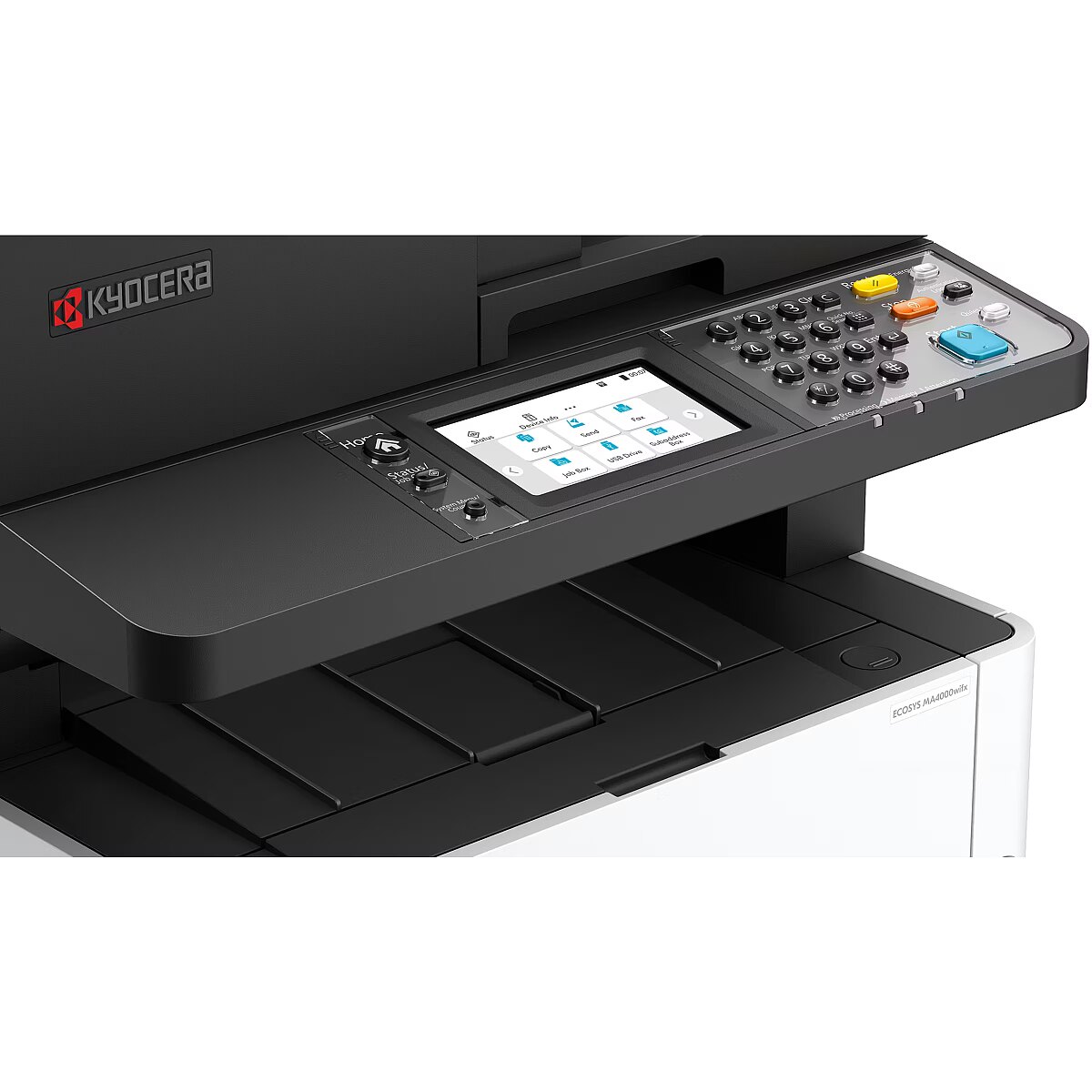
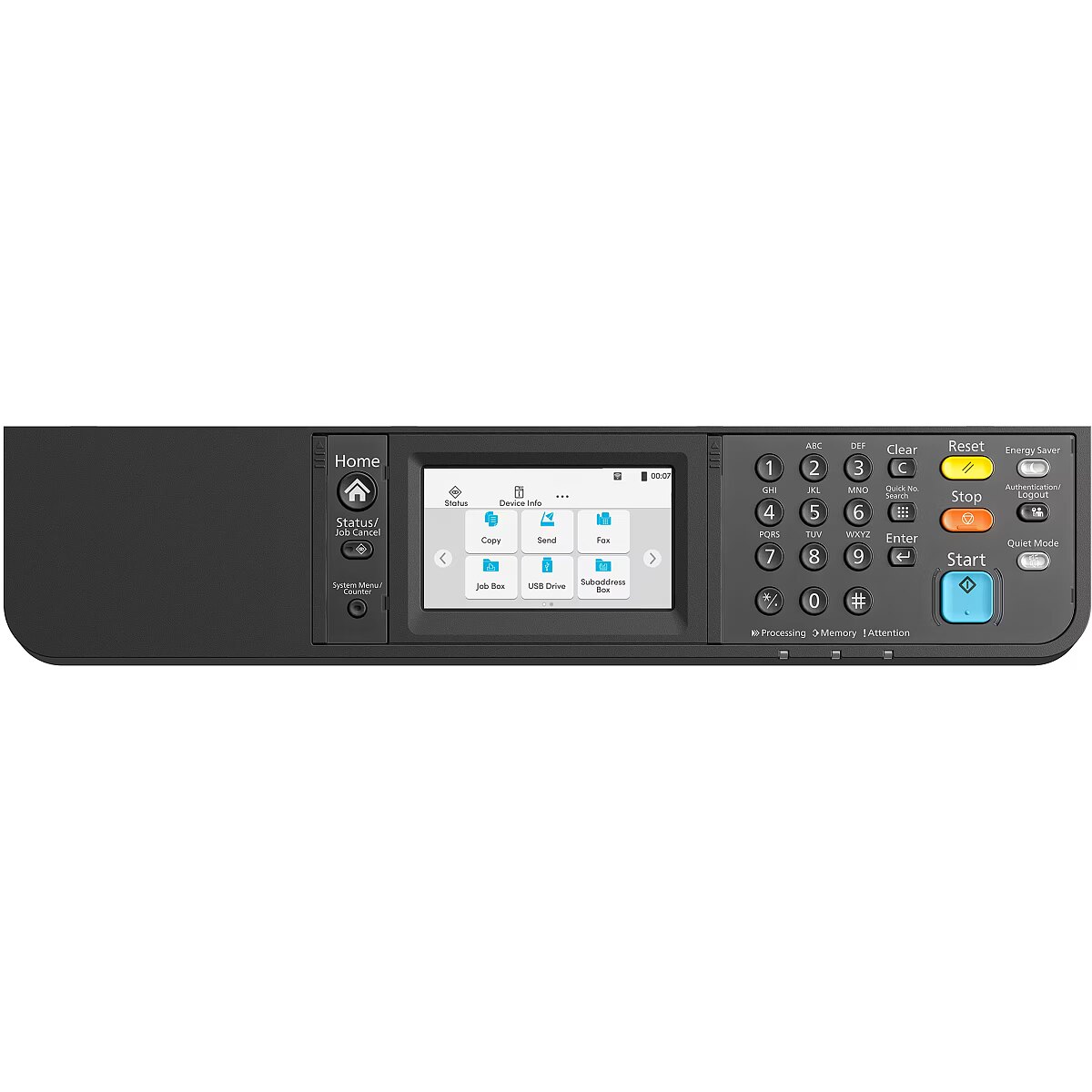
Design - Built-in display - Yes
Design - Colour display - Yes
Design - Control type - Touch
Design - Display - LCD
Design - Market positioning - Business
Design - Product colour - Black, White
EAN_code - 0632983084847
Fax - Duplex faxing - Yes
Fax - Fax forwarding - Yes
Fax - Faxing - Mono faxing
Fax - Fax memory - 256 pages
Fax - Fax resolution (black) - 400 x 400 DPI
Fax - Fax transmission speed - 2 sec/page
Fax - Modem speed - 33.6 Kbit/s
Features - All-In-One-multitasking - Yes
Features - Digital sender - Yes
Features - Duplex functions - Copy, Fax, Print, Scan
Features - Maximum duty cycle - 80000 pages per month
Features - Number of print cartridges - 1
Features - Page description languages - Epson LQ, IBM ProPrinter, PCL 5e, PCL 6, PCL XL, PDF, PDF 1.7, PostScript 3, TIFF, XPS
Features - Printing colours - Black
Features - Recommended duty cycle - 1500 - 3000 pages per month
Features - Replacement cartridges - TK-1270 (10k)
GTIN - 0632983084847
GTIN - 632983084847
Input & output capacity - Auto document feeder (ADF) - Yes
Input & output capacity - Auto document feeder (ADF) input capacity - 50 sheets
Input & output capacity - Maximum input capacity - 850 sheets
Input & output capacity - Maximum number of input trays - 4
Input & output capacity - Maximum output capacity - 150 sheets
Input & output capacity - Multi-Purpose tray - Yes
Input & output capacity - Multi-Purpose tray input capacity - 100 sheets
Input & output capacity - Paper tray 1 input capacity - 250 sheets
Input & output capacity - Total input capacity - 350 sheets
Input & output capacity - Total number of input trays - 2
Input & output capacity - Total output capacity - 150 sheets
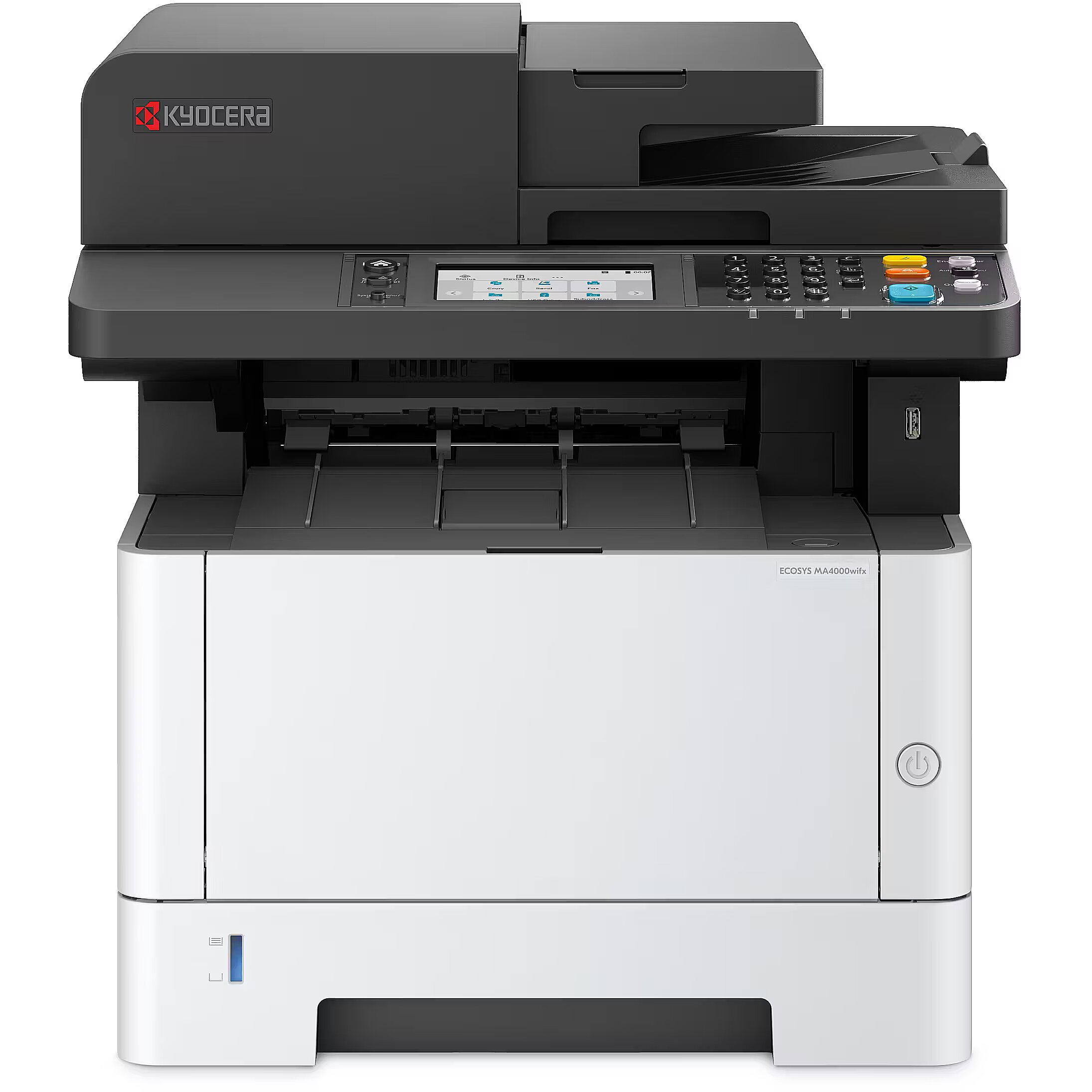
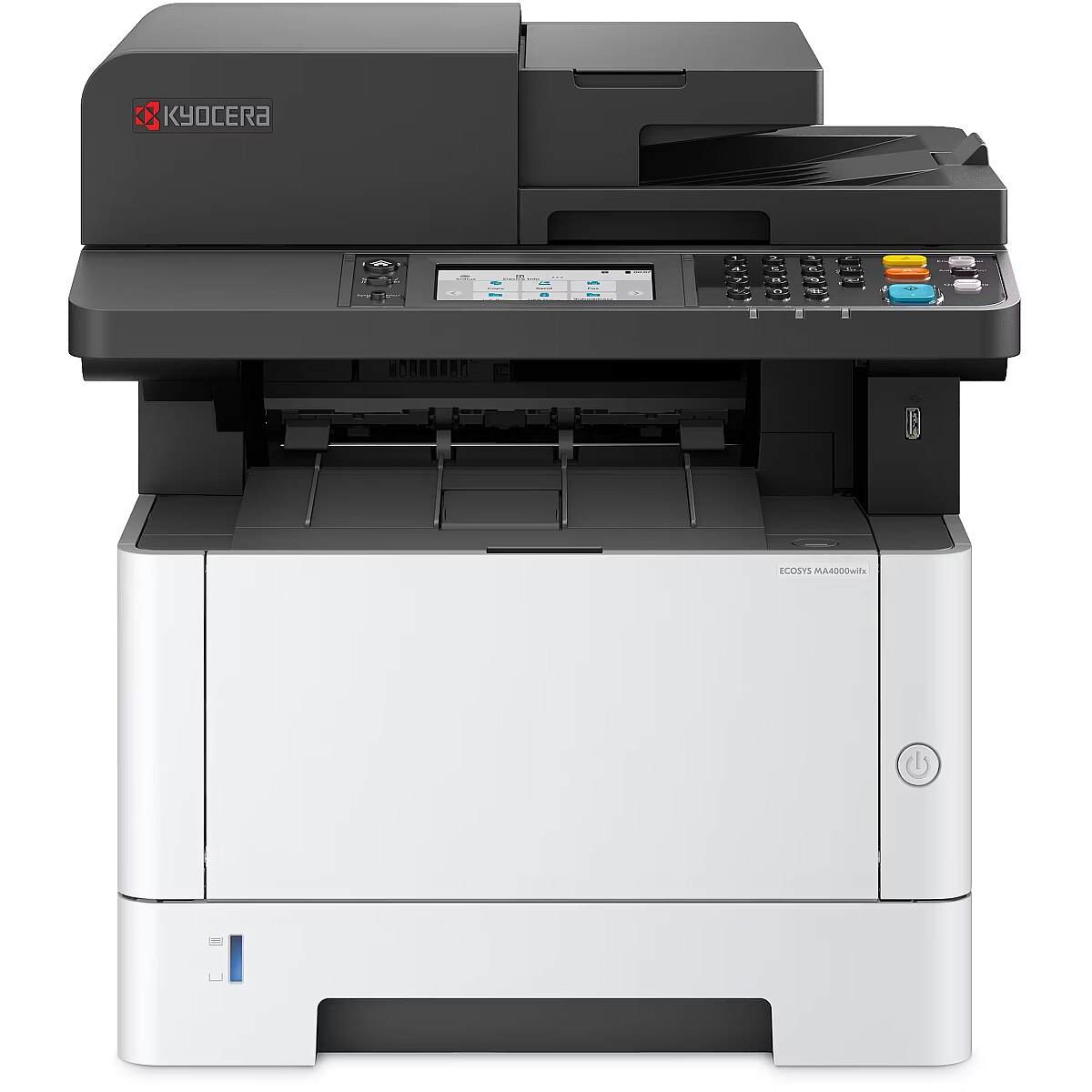
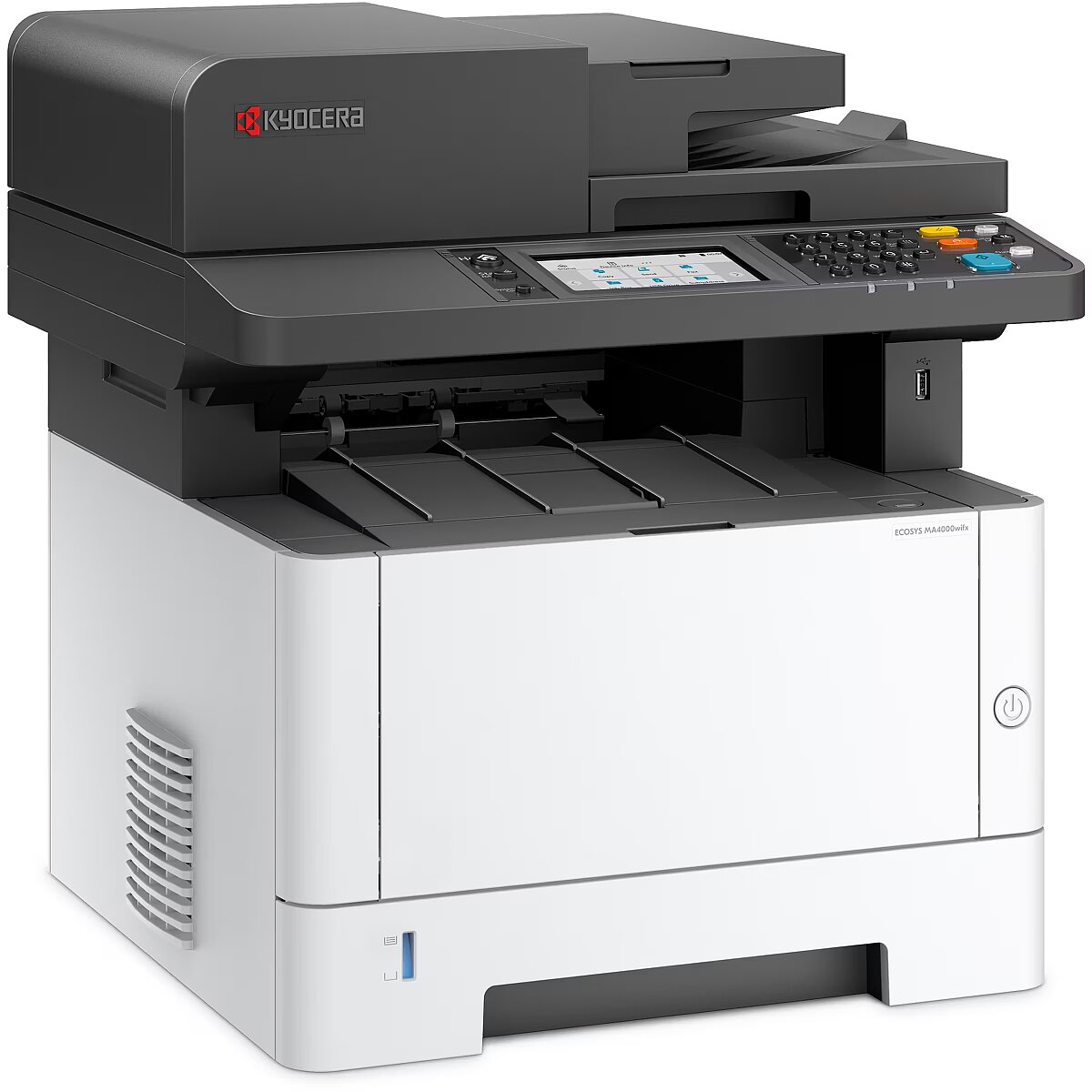
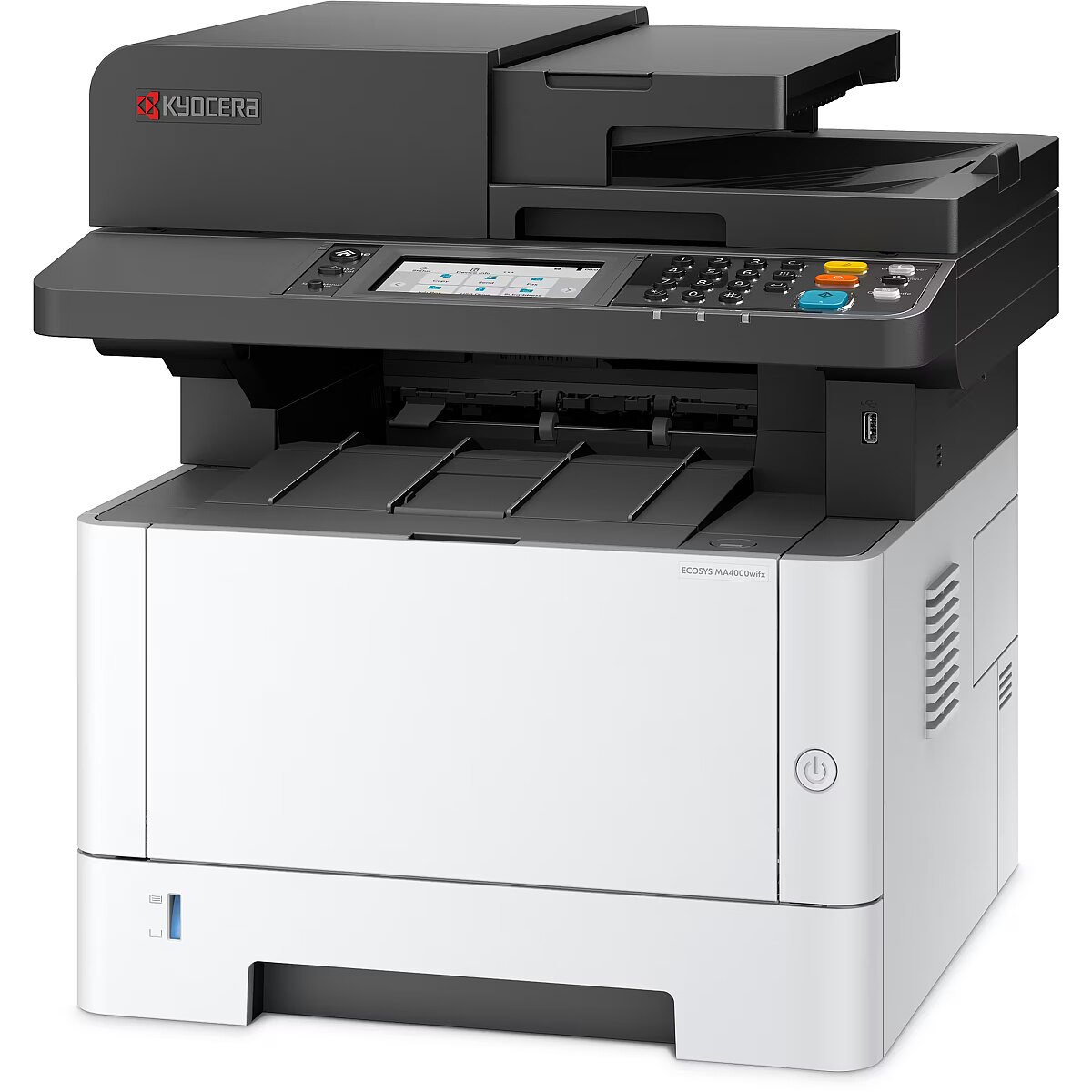
LongDesc - A versatile solution for diverse business needsOffering super-fast printing speeds and excellent output quality, the ECOSYS MA4000wifx enhances productivity while keeping printing costs remarkably low. This all-rounder is designed to keep up with the demands of large organisations, supporting W-Fi- Direct for optimal flexibility.
LongProductName - ECOSYS MA4000wifx
LongSummaryDescription - KYOCERA ECOSYS MA4000wifx. Print technology: Laser, Printing: Mono printing, Maximum resolution: 1200 x 1200 DPI. Copying: Mono copying, Maximum copy resolution: 600 x 600 DPI. Scanning: Colour scanning, Optical scanning resolution: 600 x 600 DPI. Faxing: Mono faxing. Duplex functions: Copy, Fax, Print, Scan. Maximum ISO A-series paper size: A4. Wi-Fi. Direct printing. Product colour: Black, White
Manufacturer - Kyocera
Manufacturer_code - 110C1D3NL0
Name - Kyocera ECOSYS MA4000wifx (grey/black, USB, LAN, WLAN, scan, copy, fax)
Network - Bluetooth - No
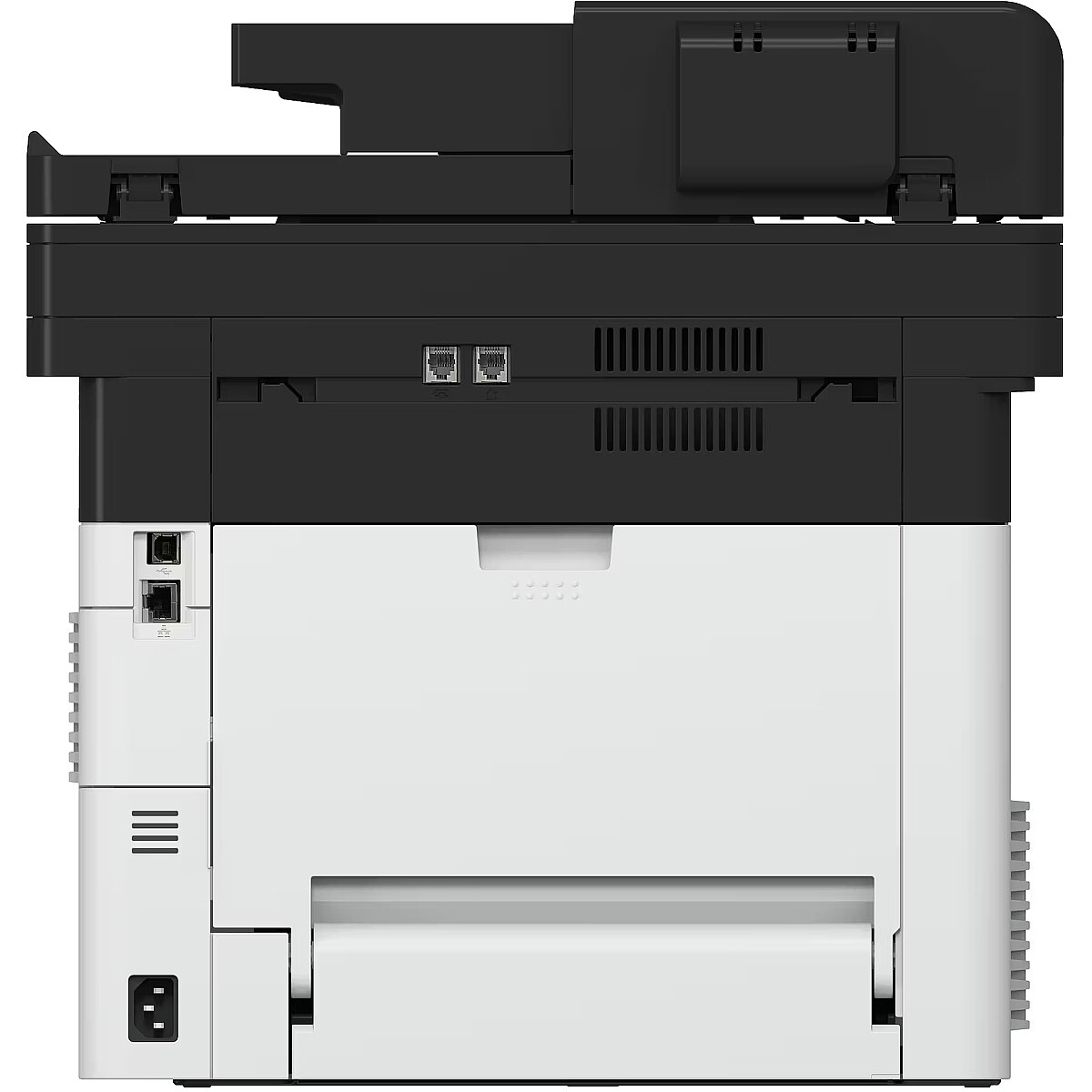
Network - Cabling technology - 10/100/1000Base-T(X)
Network - Ethernet LAN - Yes
Network - Ethernet LAN data rates - 10,100,1000 Mbit/s
Network - Mobile printing technologies - Apple AirPrint, Kyocera Mobile Print, Mopria Print Service
Network - Near Field Communication (NFC) - No
Network - Security algorithms - SNMPv3, TLS
Network - Wi-Fi - Yes
Network - Wi-Fi Direct - Yes
Network - Wi-Fi standards - 802.11a, 802.11b, 802.11g, Wi-Fi 4 (802.11n), Wi-Fi 5 (802.11ac)
Packaging content - Cables included - AC
Packaging content - Cartridge(s) included - Yes
Packaging content - Imaging unit included - Yes
Packaging content - Included cartridge capacity (black) - 3600 pages
Packaging data - Package depth - 541 mm
Packaging data - Package height - 572 mm
Packaging data - Package weight - 24 kg
Packaging data - Package width - 555 mm
Paper handling - ISO A-series sizes (A0...A9) - A4, A5, A6
Paper handling - ISO B-series sizes (B0...B9) - B5, B6
Paper handling - Maximum ISO A-series paper size - A4
Paper handling - Multi-Purpose Tray media weight - 60 - 220 g/m²
Paper handling - Non-ISO print media sizes - Folio, Legal, Letter
Paper handling - Paper tray media types - Banner, Labels, Plain paper, Pre-printed
Paper handling - Paper tray media weight - 60 - 220 g/m²
Performance - Built-in processor - Yes
Performance - Internal memory - 2000 MB
Performance - Introduction year - 2024
Performance - Maximum internal memory - 2000 MB
Performance - Memory slots - 1
Performance - Processor family - ARM Cortex
Performance - Processor frequency - 1000 MHz
Performance - Sound pressure level (copying) - 52 dB
Performance - Sound pressure level (printing) - 52 dB
Performance - Sound pressure level (quiet mode) - 48 dB
Performance - Sound pressure level (standby) - 29 dB
Ports & interfaces - Direct printing - Yes
Ports & interfaces - USB port - Yes
Power - AC input frequency - 50/60 Hz
Power - AC input voltage - 220 - 240 V
Power - Energy Star Typical Electricity Consumption (TEC) - 0.35 kWh/week
Power - Power consumption (copying) - 574.4 W
Power - Power consumption (max) - 1124 W
Power - Power consumption (printing) - 574.4 W
Power - Power consumption (sleep) - 0.4 W
Power - Power consumption (standby) - 10.8 W
Printing - Duplex printing - Yes
Printing - Duplex printing mode - Auto
Printing - Duplex print speed (black, normal quality, A4/US Letter) - 20 ppm
Printing - Maximum resolution - 1200 x 1200 DPI
Printing - N-in-1 print function - Yes
Printing - N-up printing - 2, 4
Printing - Poster printing function - Yes
Printing - Printing - Mono printing
Printing - Print resolution black - 1200 x 1200 DPI
Printing - Print speed (black, normal quality, A4/US Letter) - 40 ppm
Printing - Print technology - Laser
Printing - Secure printing - Yes
Printing - Time to first page (black, normal) - 6.4 s
Printing - Warm-up time - 19 s
Printing - Watermark printing - Yes
ProductName - MA4000wifx
Scanning - Document formats supported - PDF, XPS
Scanning - Duplex scanning - Yes
Scanning - Duplex scanning mode - Auto
Scanning - Duplex scan speed (black) - 80 ppm
Scanning - Duplex scan speed (colour) - 46 ppm
Scanning - Greyscale levels - 256
Scanning - Image formats supported - JPEG, TIFF
Scanning - Maximum scan resolution - 600 x 600 DPI
Scanning - Optical scanning resolution - 600 x 600 DPI
Scanning - Scan drivers - TWAIN, WIA
Scanning - Scanner type - Flatbed & ADF scanner
Scanning - Scanning - Colour scanning
Scanning - Scan speed (black) - 40 ppm
Scanning - Scan speed (colour) - 23 ppm
Scanning - Scan to - E-mail, FTP, File, Print, SMB, TWAIN, USB, WIA
ShortSummaryDescription - KYOCERA ECOSYS MA4000wifx, Laser, Mono printing, 1200 x 1200 DPI, A4, Direct printing, Black, White
Sustainability - Sustainability certificates - EPEAT Gold
Sustainability - Sustainability compliance - Yes
System requirements - Linux operating systems supported - Yes
System requirements - Mac operating systems supported - Mac OS X 10.0 Cheetah, Mac OS X 10.1 Puma, Mac OS X 10.10 Yosemite, Mac OS X 10.11 El Capitan, Mac OS X 10.12 Sierra, Mac OS X 10.13 High Sierra, Mac OS X 10.14 Mojave, Mac OS X 10.15 Catalina, Mac OS X 10.15.3 Catalina, Mac OS X 10.2 Jaguar, Mac OS X 10.3 Panther, Mac OS X 10.4 Tiger, Mac OS X 10.5 Leopard, Mac OS X 10.6 Snow Leopard, Mac OS X 10.9 Mavericks, Mac OS X 11.0 Big Sur, Mac OS X 12.0 Monterey, Mac OS X 13.0 Ventura
System requirements - Other operating systems supported - ChromeOS
System requirements - Windows operating systems supported - Yes
Technical details - Compliance certificates - CE, GS mark, cTUVus
Title - KYOCERA ECOSYS MA4000wifx Laser A4 1200 x 1200 DPI 40 ppm Wi-Fi
URL - https://www.kyoceradocumentsolutions.eu/en/products/mfp/ECOSYSMA4000WIFX.html
WarrantyInfo - 1 year
Weight - 24,40
Weight & dimensions - Depth - 412 mm
Weight & dimensions - Height - 437 mm
Weight & dimensions - Weight - 19 kg
Weight & dimensions - Width - 417 mm