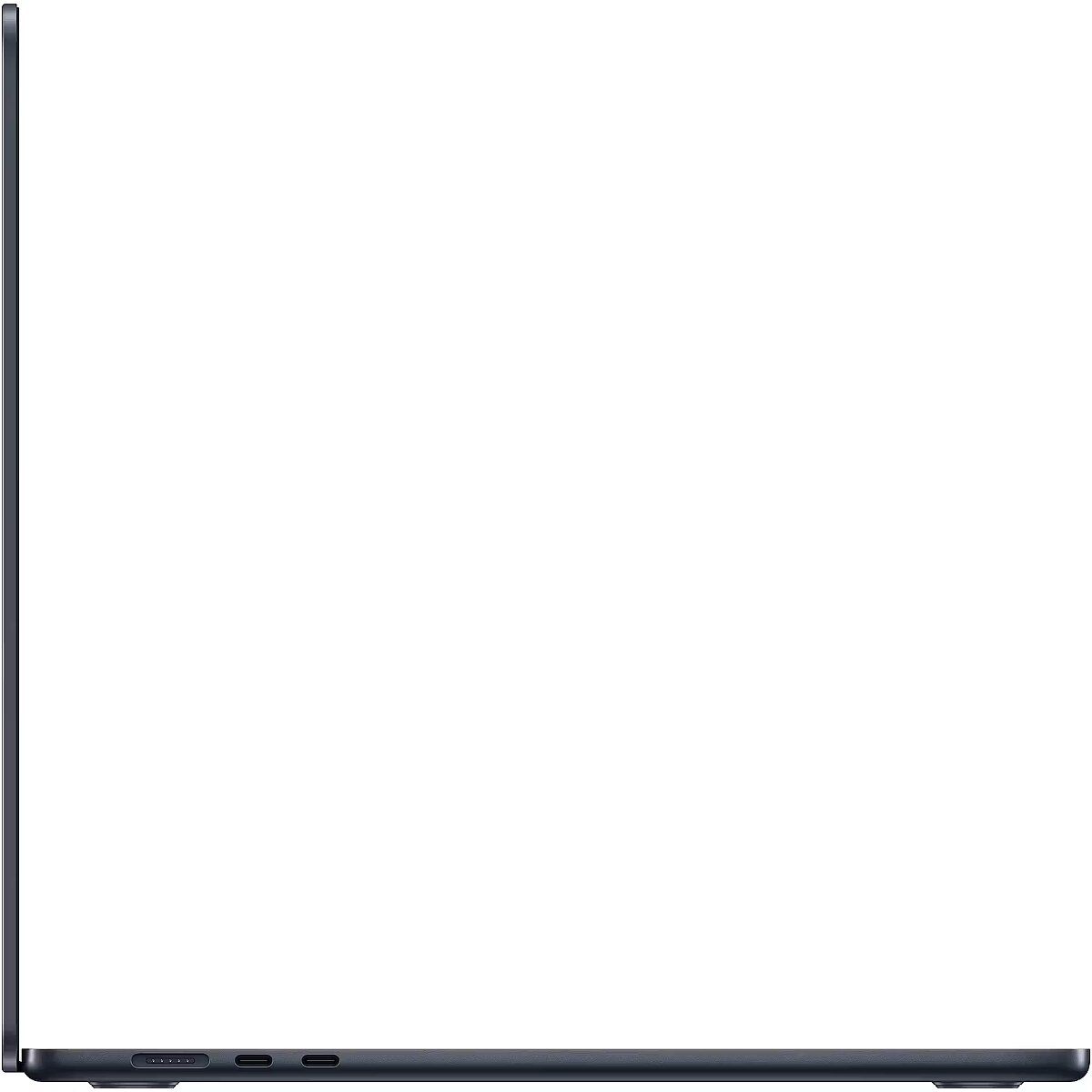
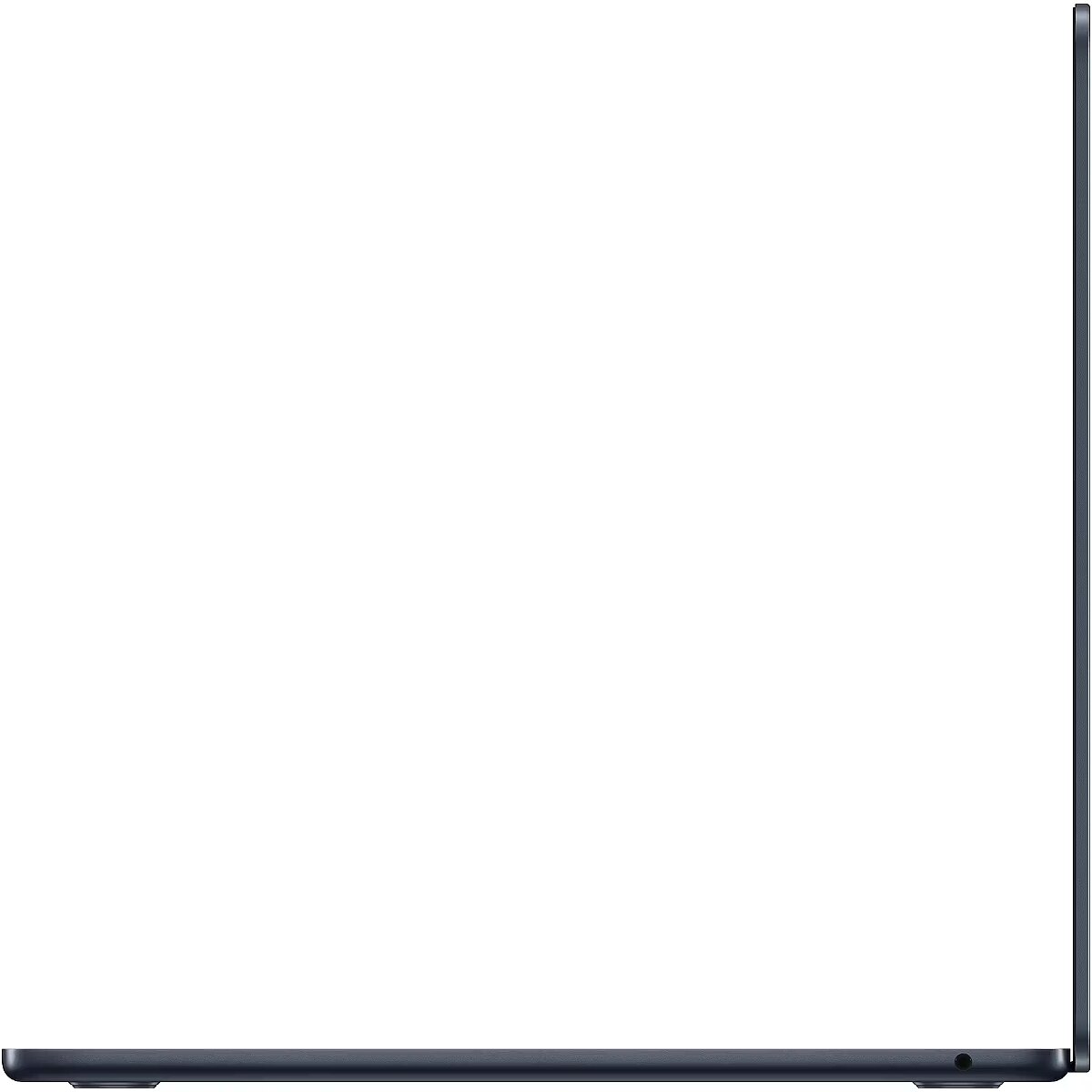
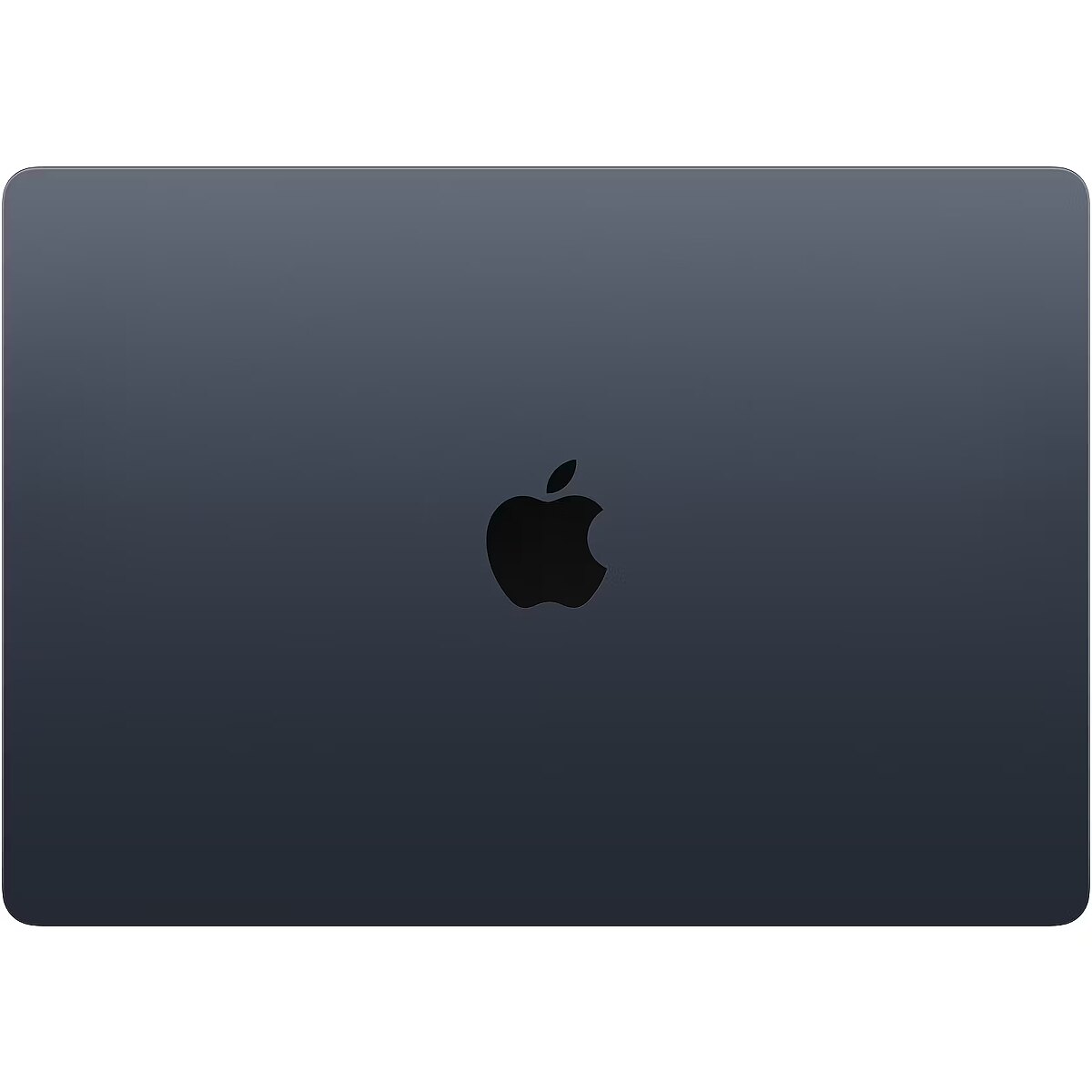
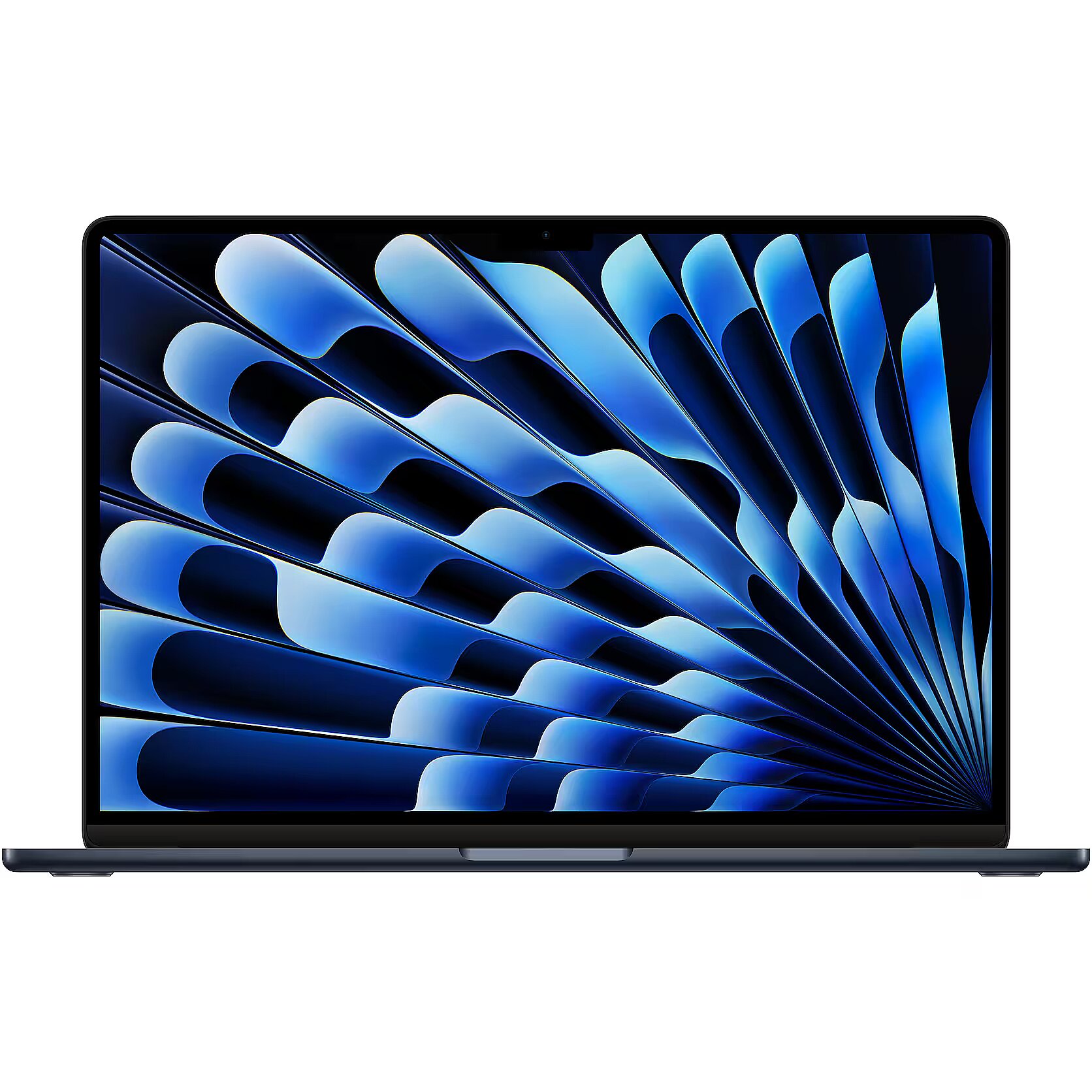
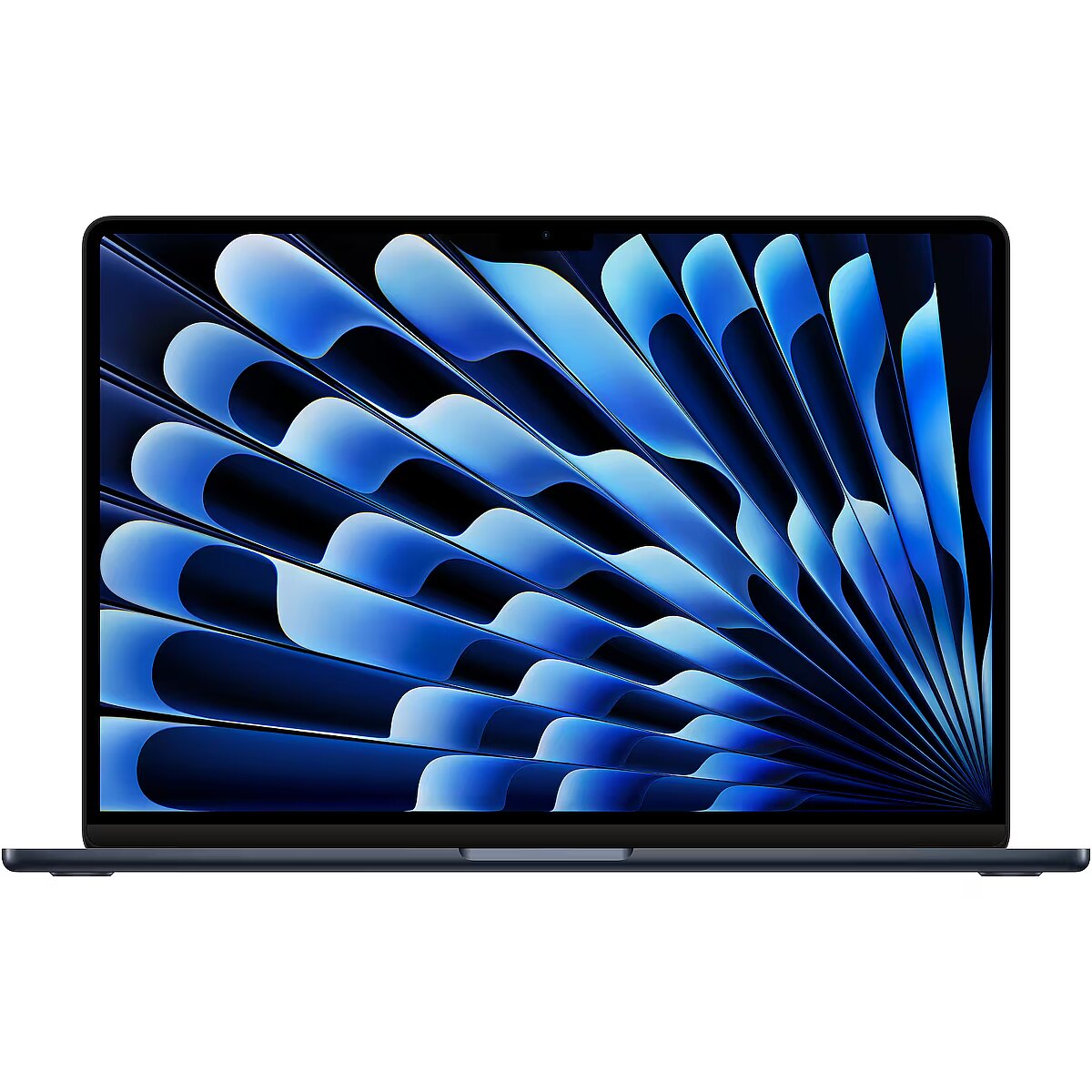
Apple MacBook Air 15” Apple M3 8C CPU, 10C GPU/16GB/256GB SSD/Midnight/INT

Picture may differ from actual product, there can be accessories and parts not supplied with the actual product.
ID: 1157626 Product code: MC9G4ZE/A
Goods are not available at the moment We do not accept orders for the delivery of this product. We do not have information as to when this product will be available. Our suppliers currently do not provide information about possible delivery times of the product and the possible price when it is on sale again.

TopPC.fi website provides information about this product for information only, so that customers can see the product and compare it to the products available for sale now.

Warranty: 2 years (Warranty for business entities 1 year)
Main product parameters All parameters
  • Weight: 1.51 kg
  • RAM: 16 GB
  • SSD: 256 GB
  • Keyboard language: ENG
  • Keyboard lighting: Ir (Single colour)
Similar Products
This product Apple MacBook Air 15” Apple M3 8C CPU, 10C GPU/16GB/256GB SSD/Midnight/INT
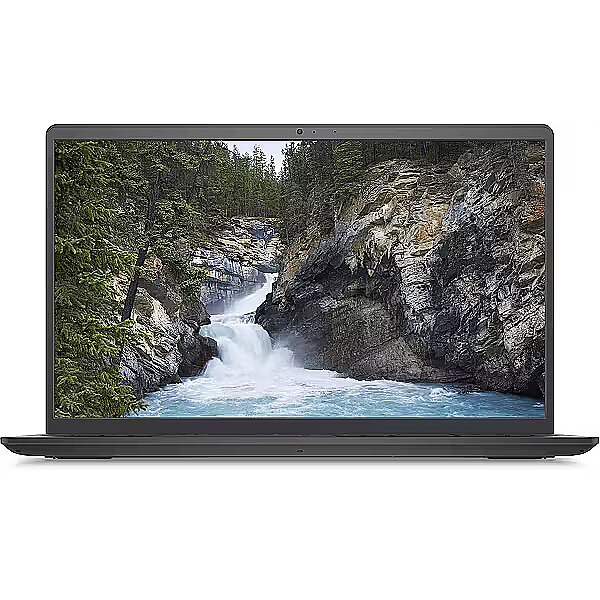
Dell Vostro 15 (3530) Carbon Black, 15.6" FHD IPS 120Hz, Core i7-1355U, 32GB, 512GB SSD, Ubuntu, Openbox
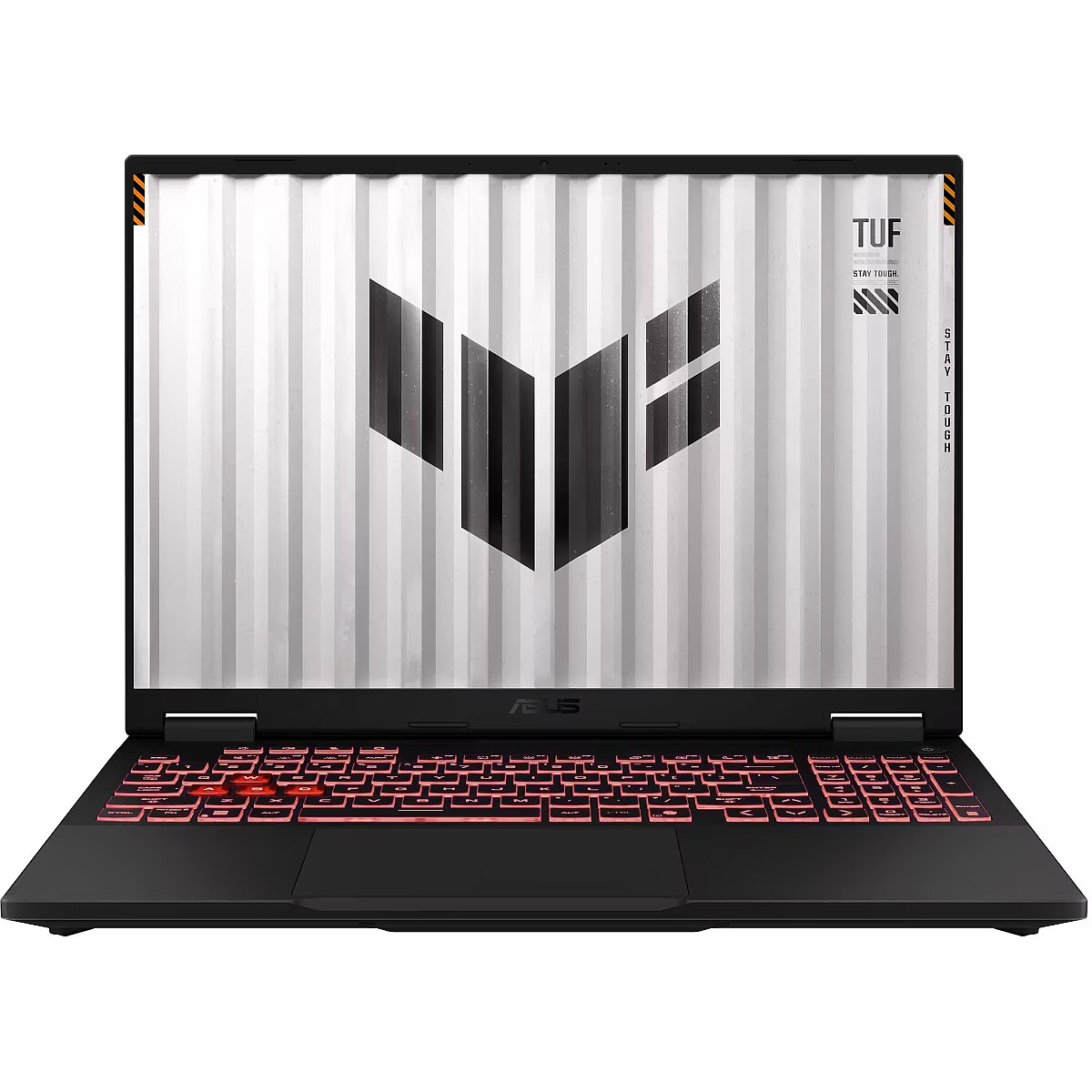
Recommended Asus TUF Gaming A16 (2025) FA608UP-QT016W Grey, 16" WQXGA IPS 165Hz, Ryzen 7 260, 32GB, 1TB SSD, GeForce RTX 5070 8GB (DLSS 4), Windows 11 Home
+
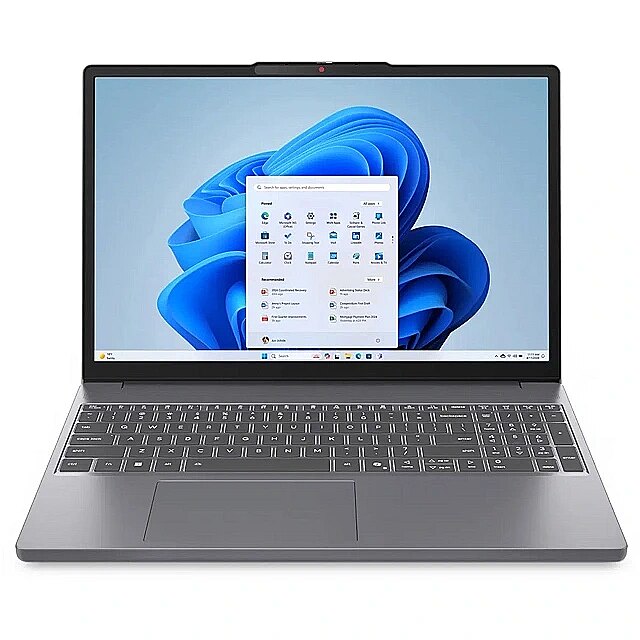
Recommended Lenovo IdeaPad Slim 3 16ARP10 Luna Grey, 16" WUXGA IPS, Ryzen 5 7535HS, 16GB, 512GB SSD, Windows 11 Home
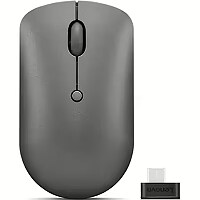
+ As a gift, Lenovo 540 USB-C wireless mouse
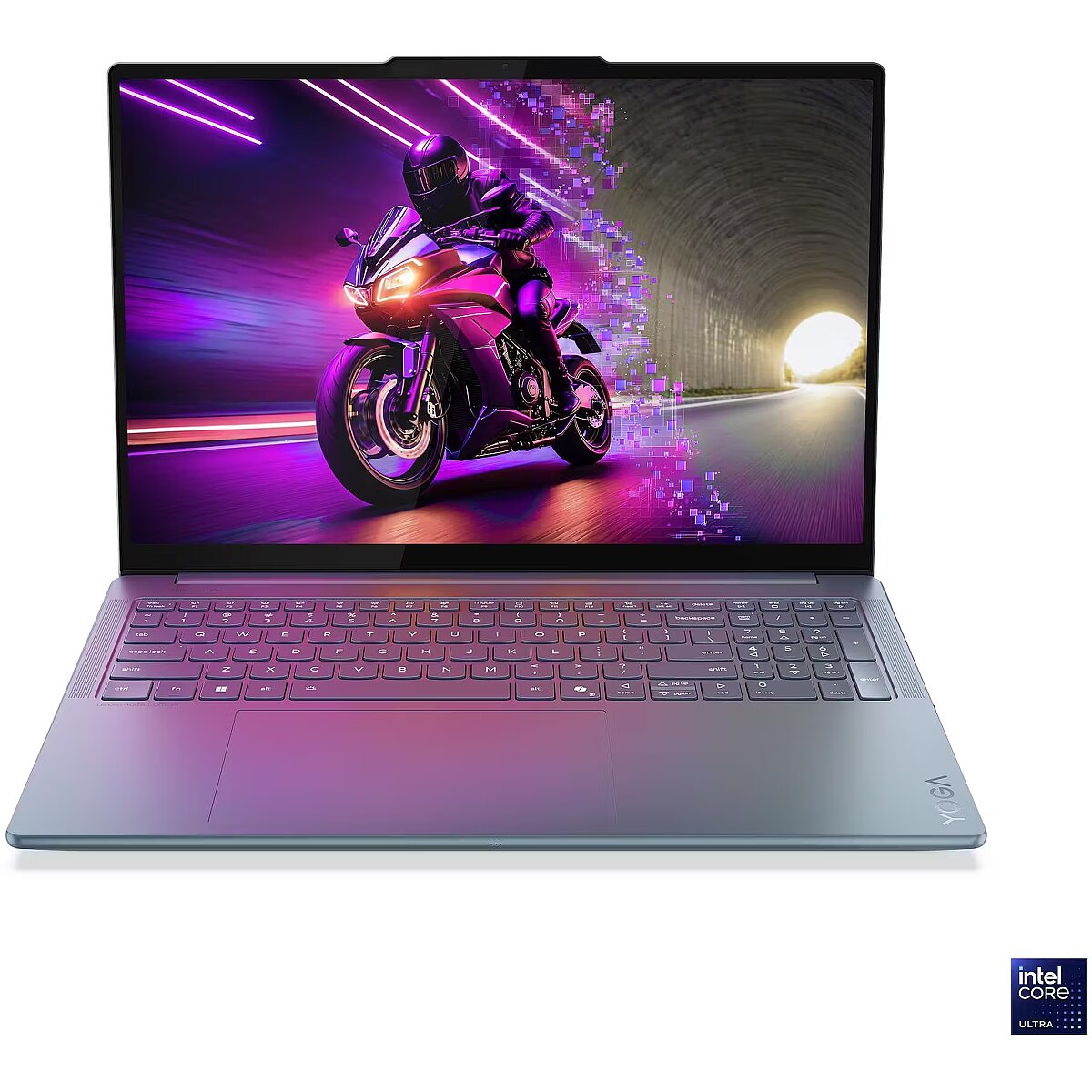
Lenovo Yoga Pro 9 16IAH10 Tidal Teal, 16" 3.2K OLED 120Hz, Core Ultra 9 285H, 64GB, 1TB+1TB, NVIDIA GeForce RTX 5070 8GB (DLSS 4), Windows 11 Pro, Openbox
Show similar specs. Hide similar specs.
1,318.24 €
756.11 €
2,052.60 €
600.53 €
2,322.27 €
Display characteristics
Refresh rate 120Hz 165Hz 60Hz 120Hz
Screen size 15.6" 16" 16" 16"
Screen resolution 1920x1080 (Full HD) 2560x1600 (QHD+) 1920x1200 (Full HD+) 3200x2000 (3.2K)
Display type LED Glare LED AntiGlare LED AntiGlare LED AntiGlare OLED Glossy
Display panel type IPS IPS IPS OLED
Touchscreen Nav Nav Nav Nav Nav
Basic information
Color Melna Grey Melna Grey Green
Model Dell Vostro 15 (3530) ASUS TUF Gaming A16 (2025) FA608UP Lenovo IdeaPad Slim 3 16ARP10 Lenovo Yoga Pro 9 16IAH10
Series Apple MacBook Air Dell Vostro 3000 ASUS TUF Gaming A16 Lenovo IdeaPad 3 Series Lenovo Yoga
Use Business Gaming Home/Business Gaming
Weight 1.51 kg 1.66 kg 2.20 kg 1.73 kg 1.92 kg
Processor parameters
CPU model Intel Core i7-1355U AMD Ryzen 7 260 AMD Ryzen 5 7535HS Intel Core Ultra 9 285H
CPU cores Eight Core 12 Eight Core 6 16
CPU core clock 1.20 GHz 3.80 GHz 3.30 GHz 2.90 GHz
CPU TurboBoost frequency 5.00 GHz 5.10 GHz 4.55 GHz 5.40 GHz
Processor Threads 12 Threads 16 Threads 12 Threads 16 Threads
CPU cache 12 MB 16 MB 16 MB 24 MB
Random-access memory (RAM)
RAM 16 GB 32 GB 32 GB 16 GB 64 GB
RAM type DDR4 DDR5 DDR5 LPDDR5X
RAM type 2666 MHz 5600 MHz 4800 MHz 8400 MHz
Free ram slots Nav Nav Nav Nav Nav
Maximum RAM upgrade option 64 GB 64 GB 24 GB 64 GB
Hard drive
SSD 256 GB 512 GB 1 TB 512 GB 1TB + 1TB
HDD 0 GB 0 GB 0 GB 0 GB
Graphics card
Video card manufacturer Intel NVIDIA AMD NVIDIA
Video card Performance Dynamic (uses RAM) Dynamic (uses RAM) 8 GB Dynamic (uses RAM) 8 GB
Graphics card model Intel Iris Xe Graphics NVIDIA GeForce RTX 5070 AMD Radeon 660M NVIDIA GeForce RTX 5070
Operating system
Operating system Ubuntu Linux Windows 11 Home Windows 11 Home Windows 11 Pro
Ports and equipment
Headphone Jack Yes Yes Yes Yes Yes
Microphone in Combo Combo Combo Combo Combo
Pieslēgvietas USB Type-A 2.0 1 1 0 0
Pieslēgvietas USB Type-A 3.0 1 2 2 2
Port LAN (RJ-45) Is Is Not Not
D-SUB Nav Nav Nav Nav
USB Type-C ports 1 2 1 2
Ports Mini DisplayPort Nav Nav Nav Nav
HDMI Ir Ir Ir Ir
Cardreader Nav SD Nav SD SD
WebCam Ir Ir Ir Ir Ir
Wireless connections
WWAN Nav Nav Nav Nav
Bluetooth Ir Ir Ir Ir Ir
Wi-Fi Wi-Fi 5 (802.11ac) Wi-Fi 6E (802.11ax) Wi-Fi 6 (802.11ax) Wi-Fi 7 (802.11be)
Keyboard
Keyboard language ENG ENG ENG ENG ENG
Numpad Nav Ir Ir Ir Ir
Keyboard lighting Ir (Single colour) Ir (Single colour) Ir (Single colour) Ir (Single colour) Ir (Single colour)
Battery
Battery 41 Wh 90 Wh 60 Wh 84 Wh
Display characteristics
Display type LED Glare

The screens of portable computers are divided into Glare, or flossy and AntiGlare, or mat. The advantage of the flossy screen is better contrast, colours and sharpness, therefore this type of monitor is preferred by home users. The disadvantage of this screen is the glare which disturbs seeing the image in bright lighting.

AntiGlare, or mat screens to some extent prevent the glare problem by "scattering". This type of screen is usually used in business class computers intended for working with documents and accounting systems.

Touchscreen Nav
Unused
Basic information
Series : Apple MacBook Air
Weight 1.51 kg
The weight determines the mobility class of a portable computer. In the category of standard portable computers the weight ranges from 2 to 3 kg. If you wish to have a computer that can be carried around as easily as possible you should choose a computer of the mobile (1.2 - 2.0 kg.) or ultra mobile (1.2 kg or less) category.
Processor parameters
CPU cores Eight Core

This index determines the number of cores in the computer CPU. Each core is like a separate CPU that is capable of operating various applications separately. Thus, if there are several cores the operating system of the computer can distribute the load evenly between cores, so that the computer user can, for example, listen to music, browse the Internet and download files at the same time.

Random-access memory (RAM)
RAM 16 GB

RAM is a short-term data storage. This component determining the operation speed:

  • allows the CPU of your computer to have fast access to the information that needs to be processed used by the computer application which you have opened;
  • at the moment of opening an application stores it in its microchips, thus the memory capacity determines how many applications can be run by your computer simultaneously and also with how big data volume (pictures, texts, webpages) you can operate at once.

Thanks to the dense placement of chipsets the RAM of a portable computer has the same characteristics as the RAM of desktop computers. TopPC.fi recommends to use 3Gb or higher capacity RAM for general use.

Free ram slots Nav
Free memory slots indicate the upgrading possibilities of a portable computer determining how many additional memory modules can be added to this portable computer. The possibilities of upgrading the RAM also depend on the type of the RAM as well as on the amount of Mb included in the basic setting of the computer.
Hard drive
SSD 256 GB

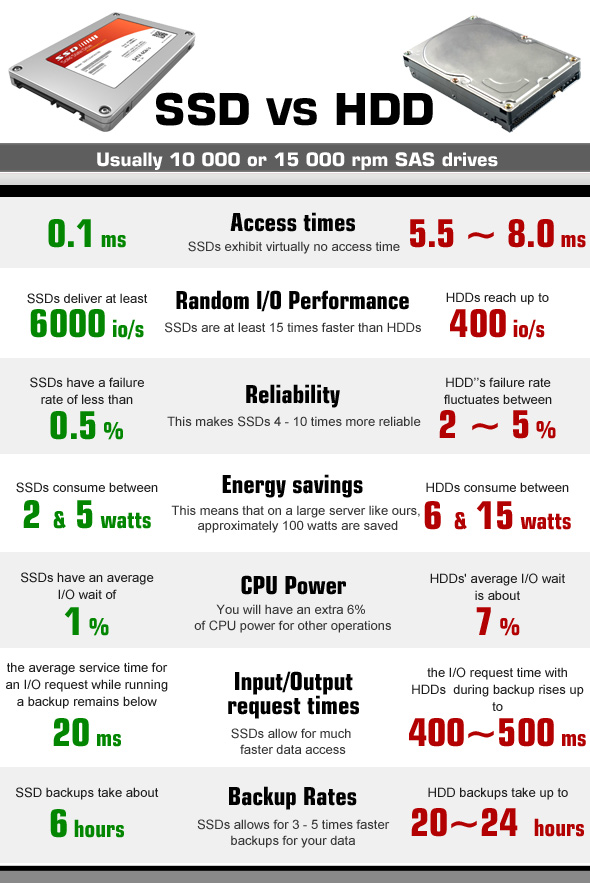
AnSSD, or Solid State Drive, is a modern storage device that, unlike hard disk drives (HDDs), has no moving parts and stores all information on NAND memory chips. This is why SSDs are much more reliable, as they can withstand shock, vibrations and temperature changes much better. The main advantage is the high data transfer speeds as well as the lowaccess time. Currently, SSDs equipped with a SATA 3 port deliver data transfer speeds of 500 MB/s on average. However, some drives using M.2 or PCI-Express ports have data throughputs

of up to

2000 MB/s.

Graphics card
Video card Performance : Dynamic (uses RAM)
Ports and equipment
Headphone Jack Yes

If you want to connect portable headphones or stand-alone, more powerful speakers to your computer you should certainly look for a computer with the connection slot for headphones.

If you don't make your choice at once later it will be necessary to buy an external sound card which is an additional expense and quite often not a very convenient solution.

Microphone in Combo

This index determines whether the portable computer has the 1.8" mini-jack stero connector for connecting the classic headphones or computer speakers.

If this connection is not available it will be necessary to buy the USB sound card for connecting these devices and this is an additional expense and inconvenience.

Cardreader Nav

This device allows to copy photos from the memory cards of digital cameras without connecting the camera. All you have to do is to insert the relevant card in the reader and all its content is available in the computer at the very same moment.

There are different types of cards (SD, MMC, xD, MS Pro, etc.), therefore you should verify whether the selected card reader supports the required type of the card.

WebCam Ir
By means of the transmission of the video image the webcam allows to communicate via skype, to participate in video conferences as well as to use vast possibilities offered by the Internet world.
Wireless connections
Bluetooth Ir

Bluetooth connection provides secure wireless data transmission among various devices (at the distance of up to 150 m). This is a possibility for your portable computer to connect with your mobile phone, another portable computer, palmtop and other bluetooth devices without using any wires for exchanging Mp3 music, photos and documents. You can use bluetooth for connecting wireless headphones with a microphone, mouse, keyboard, printer and other devices supporting bluetooth connection.

Examples of use of the Bluetooth technology:

• transfer of files between computers or between a computer and another device;

• printing using Bluetooth enabled wireless printer;

• use of a Bluetooth equipped keyboard or mouse, listening to music via wireless headphones;

• synchronisation of the personal digital assistant (PDA) with a computer or another device;

• wireless connection to the Internet via the mobile phone or the modem server;

• connection to the Bluetooth personal network (PAN - this is the technology that allows to establish the Ethernet network with wireless links between portable computers, mobile phones and hand devices).

*For establishing a connection with a portable computer with bluetooth; all the devices to be connected need the bluetooth support.
Keyboard
Keyboard language ENG

Which keyboard should be chosen - English or English/Russia - this choice depends on your needs and the language you use on daily basis. The arrangement of the keys of the keyboard should be as close as possible to the version of the keyboard of desktop computers.

currently almost all the portable computers are equipped with the full-size keyboard (with a separate number pad). Function keys have to be located in a rational way, so that it is not necessary to get used to them by searching for them in unusual corners of the keyboard.

Trackpoint is a small-size cursor-lever placed directly in the middle of the keyboard keys. It can be very handy because it is not necessary to take your hands off the keyboard as it is in case of a touch pad. This function is characteristics of many Lenovo ThinkPad series portable computers.

Numpad Nav

This parameter determines whether the keyboard of the portable computer has a separate number pad. If you have to work with numbers and figures a lot you should certainly verify whether the selected computer has the numpad.

Keyboard lighting : Ir (Single colour)